
You're all set!
Few steps to get you started.
Your download has started automatically. If it didn't, click here to download manually.
Installing Voibe
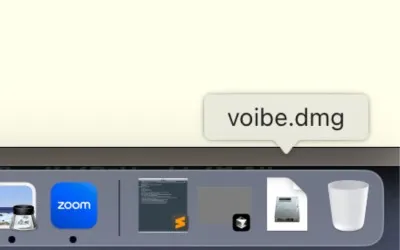
Open Voibe.dmg from your Downloads folder.
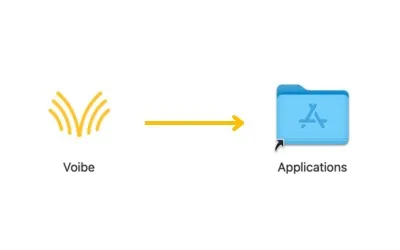
Drag the Voibe icon into your Applications folder.
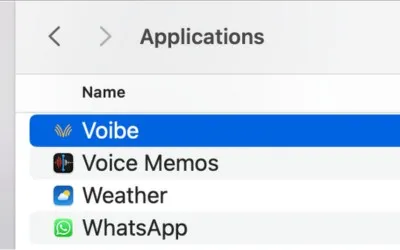
Open the Voibe app. It should detect your license immediately.
Using Voibe
Voibe runs in the background, waiting for your command.
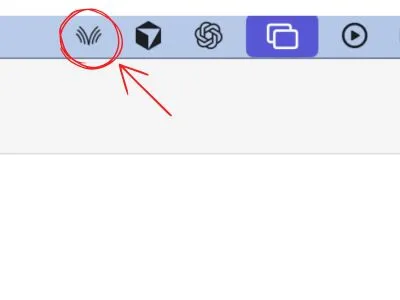
Check the status bar. The Voibe icon means you are ready to talk.
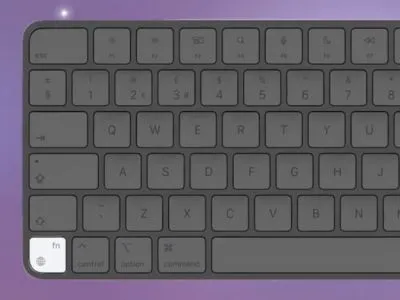
Click into any text field (Cursor, Notes, Slack) and hold the Fn key (or your chosen hotkey).
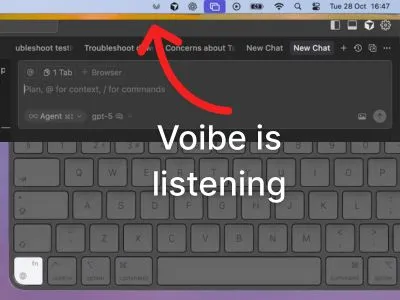
Speak naturally. Release the Fn key when you are done.
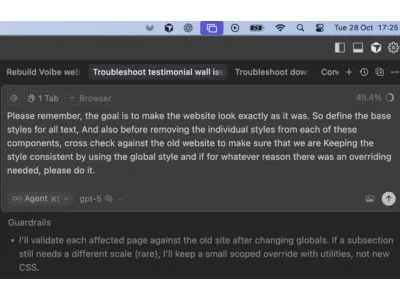
Your words appear instantly. No copy-pasting required.
Installing Voibe
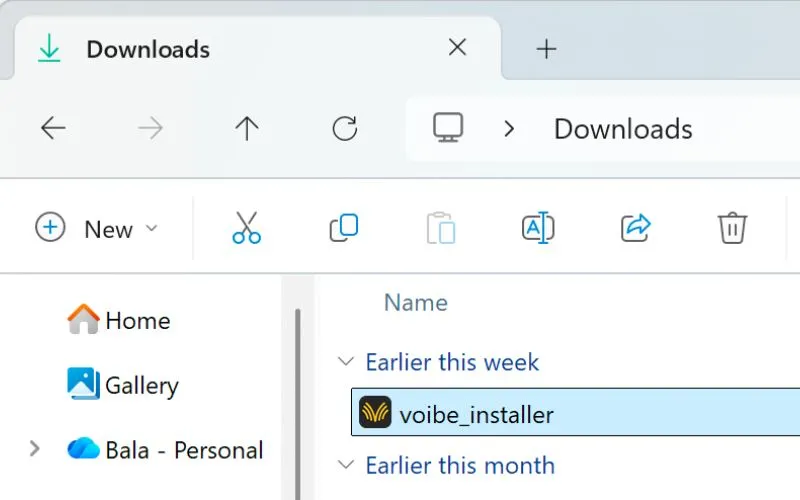
Open voibe_installer.exe from your Downloads folder. If SmartScreen appears, click More info, then Run anyway.
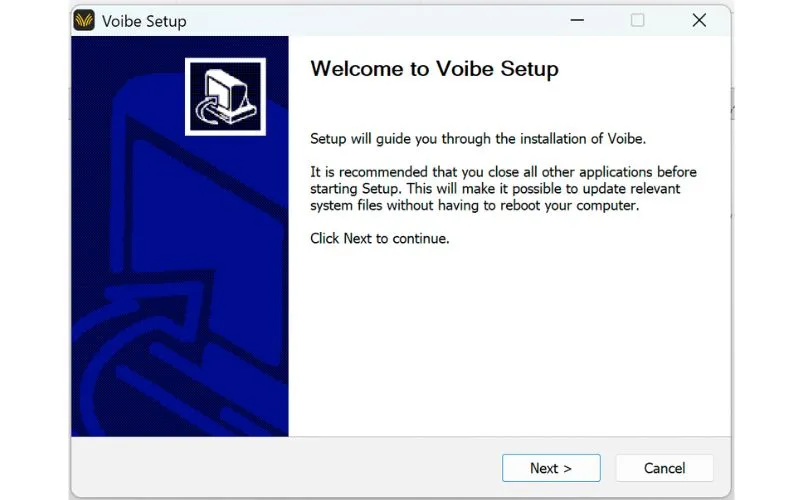
Follow the Voibe Setup wizard. Click Next and complete the installation.
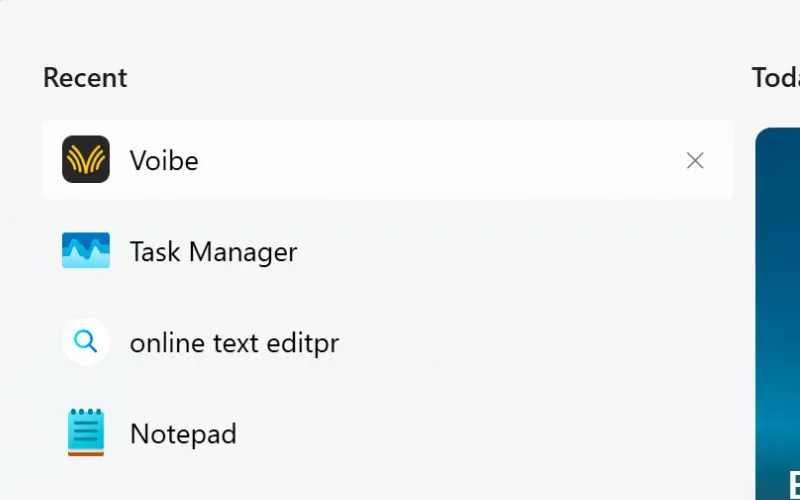
Open Voibe from the Start menu.
Using Voibe
Voibe runs in the background, waiting for you to speak.
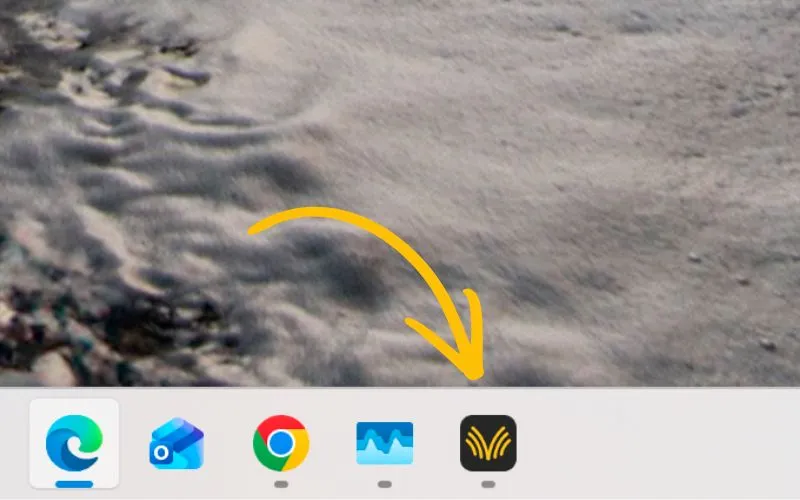
Check the system tray. The Voibe icon means you are ready to talk.
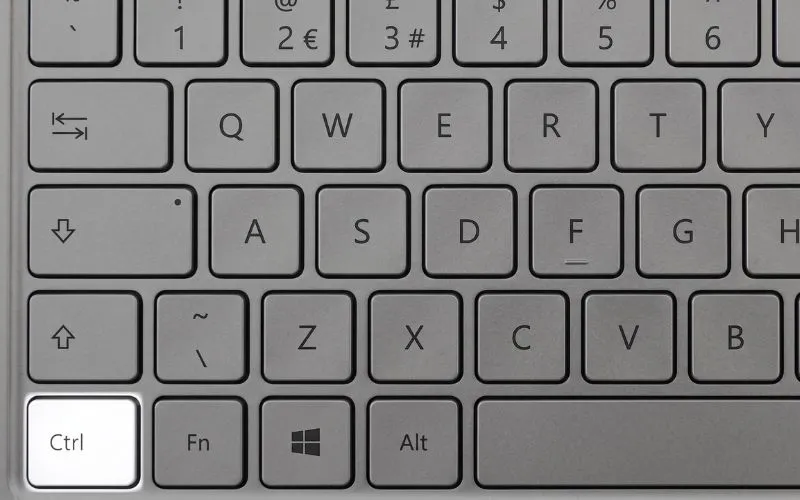
Click into any text field (Cursor, Gmail, Slack) and hold the Ctrl key (or your chosen hotkey).
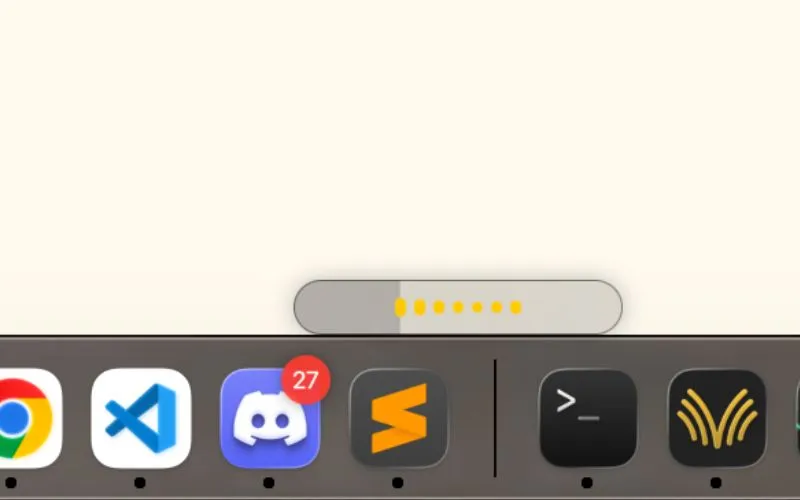
Speak naturally. Release the Ctrl key when you are done.
Your words appear instantly. No copy-pasting required.