
12 Best Dragon Dictation Alternatives in 2026 (Reviewed)
TL;DR
Dragon costs $500-700, requires training, doesn't work on Mac, and struggles with Windows 11. This guide covers 12 better alternatives including privacy-first dictation (Voibe), free options (Apple Dictation), and cloud solutions (Wispr Flow).
Dragon Professional raised its price from $299 to $699. That's a 133% price hike. And Mac users can't even buy it anymore since the Mac version was discontinued.
Even if you're on Windows, you're dealing with lag that stretches into minutes, crashes requiring daily relaunches, and compatibility breaking after every system update. Users report spending hours training Dragon, only to watch it make "all sorts of funny mistakes" anyway.
Whether you're a Mac user forced to find alternatives, a Windows user fed up with the performance issues, or a professional needing affordable dictation for confidential work, modern alternatives solve these problems. Some cost $5/month. Others are completely free. Several work offline with better privacy than Dragon ever offered.
After researching dozens of Dragon alternatives, we found 12 tools that deliver better value, cross-platform support, and modern features. From privacy-first offline options to AI-powered cloud platforms, here's what actually works. For more context on modern dictation tools, see our comprehensive guide to the best dictation apps in 2026.
Key Takeaways
| Tool | Best For | Key Strength |
|---|---|---|
| Voibe | Professionals on Mac and Windows | On-device or zero-retention cloud, sub-300ms speed, $149 lifetime |
| Otter.ai | Meeting transcription | AI summaries, speaker ID, calendar integration |
| Apple Dictation | Budget Mac users | Free, built-in, on-device processing (M1+) |
| Google Docs Voice Typing | Web-based writing | Free, 100+ languages, no installation |
| Wispr Flow | Cross-platform teams | Universal app support, AI formatting |
- Voibe at $149 lifetime offers significant savings vs Dragon's $700 (one-time payment, no recurring costs)
- Free options like Apple Dictation and Google Docs deliver 90-95% accuracy for casual use
- Modern AI tools achieve 95-99% accuracy out of the box without Dragon's training requirements
- Offline alternatives (Voibe, Speakmac, Superwhisper) protect confidential content better than cloud tools
- Cross-platform options (Wispr Flow, Otter.ai) work on Mac, Windows, and mobile unlike Dragon's Windows-only limitation
Get started with Voibe for private dictation with sub-300ms speed, your choice of on-device or open-source cloud, and lifetime pricing that saves you hundreds compared to Dragon.
Dragon vs Modern Dictation: What's the Difference?
Dragon represents old-school speech recognition built on statistical models requiring extensive training. Modern dictation apps use AI models like OpenAI's Whisper, trained on 680,000 hours of multilingual audio, delivering high accuracy without user training.
The fundamental difference: Dragon forces you to adapt to the software through training sessions. Modern tools adapt to you instantly.
| Feature | Dragon | Modern Alternatives |
|---|---|---|
| Pricing | $699 one-time | Free to $249 lifetime |
| Platform | Windows only | Mac, Windows, mobile, web |
| Training | 15-60 minutes required | Zero training needed |
| Accuracy | 99% after training | 95-99% out of the box |
| Setup time | Hours | Minutes |
The Real Problems with Dragon Dictation
Dragon Dictation (formerly Dragon NaturallySpeaking, now Dragon Professional Individual) faces six major limitations that drive users to seek alternatives:
High Cost Makes It Prohibitive
Dragon Professional Individual jumped from $299 to $699. That's a massive barrier for individual professionals, freelancers, and small practices. One user on Capterra called it "certainly not a customer-centric company" after the price hike.
Modern alternatives like Voibe cost $149 for lifetime access. That's a significant saving. Free options like Apple Dictation and Google Docs Voice Typing deliver solid accuracy without any cost.
Windows-Only Platform Excludes Mac Users
Dragon discontinued Mac support years ago. Dragon Speak Naturally for Mac no longer works with current macOS versions. If you use a Mac, Dragon isn't even an option.
Modern alternatives like Voibe, Speakmac, and Superwhisper fill this gap. Voibe runs on Mac and Windows; its fully on-device mode requires an Apple Silicon Mac (M1 or later).
Performance Lag Disrupts Professional Workflows
Users report Dragon 16 causing "significant lag" and freezing on documents over 200 pages. Some experience two-minute delays before text appears. Others have to crash and relaunch Outlook daily just to unfreeze Dragon.
Modern tools like Voibe target sub-300ms latency. Words appear as you speak. No waiting. No freezing. In on-device mode, processing stays local and eliminates network lag entirely.
App Compatibility Breaks Constantly
Dragon stops working in specific applications after Windows updates. Users report it breaking in OneNote, Chrome URL bars, Windows Explorer, and many web services. The workaround requires using Dragon's "Dictation Box" which adds friction to every workflow.
Modern alternatives work system-wide. Voibe's push-to-talk hotkey works in desktop apps and browsers on Mac and Windows. No app-specific configuration is needed.
Accuracy Requires Extensive Training
Dragon demands 15-60 minutes of training passages before acceptable accuracy. Even after training, users report it "makes a LOT of errors" and "commits mistakes randomly." Technical terms require manual vocabulary additions.
AI-based tools deliver 95%+ accuracy immediately. Voibe's custom dictionary handles specialized terms (medical, legal, technical) without training. You add the term once and it's recognized forever.
Poor Customer Support Adds Frustration
Users describe Dragon's customer service as "a drag" with slow response times, "bad attitudes," and "UTTERLY RUBBISH support." There's no phone number to call. The knowledge base isn't helpful. The company is "unreachable" even on social media.
Modern alternatives offer responsive support through Discord communities, email, and priority channels.
What to Look for in a Dragon Alternative
Accuracy: 95%+ Without Training
Modern standard: 95-99% out of the box (vs Dragon's 99% after 15-60 min training). OpenAI's Whisper model changed everything: Trained on 680,000 hours of multilingual audio, it handles accents, background noise, and technical jargon immediately.
Whisper-based tools (Voibe, Superwhisper, Speakmac) claim 97-99.7% accuracy. Free options like Apple Dictation (93-95%) and Google Docs (90-95%) work for casual use but struggle with professional demands. Custom dictionary support handles specialized vocabulary (medical, legal, technical) instantly: add the term once and it's recognized forever.
Platform Support: Mac, Windows, Mobile, Web
Dragon is Windows-only; the Mac version was discontinued. Modern tools work everywhere.
Mac and Windows: Voibe. Mac-focused: Speakmac, Superwhisper, Apple Dictation. Desktop and mobile: Wispr Flow, Otter.ai. Web/browser: Voice In, Google Docs. Windows-only: Braina Pro.
Privacy: On-Device vs Cloud Processing
Critical for medical, legal, and business confidential work. Professionals handling sensitive information need to know where their audio goes.
On-device (audio stays local): Voibe's on-device mode (Apple Silicon M1+), Speakmac, Superwhisper, Apple Dictation (M1+ Macs). Cloud processing (audio uploaded): Otter.ai, Wispr Flow, Google Docs, Sonix, Rev, Descript, Voice In.
Voibe puts you in control of your audio. Choose fully on-device mode (Apple Silicon M1+), where nothing leaves your Mac, or a zero-retention cloud mode with open-source models where audio is deleted the instant transcription completes and is never stored, sold, or used to train any AI model. Either way your audio and text stay yours, making Voibe well suited to medical notes, legal briefs, and proprietary business documents.
Speed: Sub-300ms Eliminates Lag
Dragon 16 causes multi-minute delays and freezing. Local processing eliminates network latency entirely.
Voibe targets sub-300ms round-trip time so words appear as you speak with no visible lag; in on-device mode it runs entirely on your Mac with no network round-trip at all. Cloud tools like Otter.ai and Wispr Flow vary based on network speed and server load. On-device tools deliver consistent, predictable performance regardless of internet connection.
Pricing: $0–$149 vs Dragon's $699
Free: Apple Dictation, Google Docs Voice Typing. Paid: $7.50/month (Voibe) to $60/year (Voice In Plus). Lifetime: Speakmac $19, Voibe $149, Superwhisper $249.
Consider the total cost over 3-5 years. Subscriptions add up: $20/month becomes $1,200 over five years. Voibe's $149 lifetime plan costs significantly less than Dragon's $700: no recurring fees, all features included, future updates free.
Ease of Setup: Zero Training Required
Dragon demands 15-60 minutes of reading training passages aloud. Modern AI tools work immediately with no setup.
Push-to-talk activation is simplest. Hold Fn key (Voibe), speak, release. No wake words. No accidental activation. Precise control.
Universal App Compatibility
Dragon breaks in specific apps after Windows updates. Modern tools work in any text field without app-specific configuration.
Voibe's hotkey (e.g. Fn) activates in any Mac app: Mail, Slack, browsers, code editors, AI tools like Cursor and Windsurf. Voice In works on all websites through a Chrome extension. Wispr Flow integrates universally across Mac and Windows applications.
Best Dragon Dictation Alternatives (Ranked)
1. Voibe: Best Privacy-First Dragon Alternative
Voibe is system-wide dictation for Mac and Windows. You choose how it processes your voice: fully on-device on an Apple Silicon Mac, or through zero-retention cloud mode on Mac and Windows. In cloud mode, open-source models transcribe the audio and delete it the moment transcription completes. In either mode, audio is never stored, sold, or used to train AI.
Key Features
- Push-to-talk and hands-free on Mac and Windows, plus Live Dictation on Mac
- Privacy by design: choose fully on-device mode (Apple Silicon M1+, nothing leaves your Mac) or zero-retention cloud with open-source models; audio is never stored, sold, or used to train AI
- Low-latency transcription designed for everyday messages, documents, and prompts
- Custom dictionary for specialized terminology (medical, legal, technical, creative, business)
- Developer Mode resolves file and folder names in Cursor, VS Code, and Windsurf workspaces
- Memory expands spoken shortcuts into saved text, URLs, signatures, and prompts
- Spoken punctuation and smart formatting reduce manual cleanup
- A separate Transcription API and MCP server transcribes audio files directly from Claude, ChatGPT, Codex, Cursor, or code, returning speaker labels, timestamps, and a summary
Pros
- $149 lifetime offers significant savings vs Dragon Professional's $700 (one-time payment, no recurring costs)
- Zero-retention design (audio never stored, sold, or trained on) plus a fully on-device mode for medical, legal, and business confidential content
- Sub-300ms real-time speed eliminates lag frustration common with Dragon 16
- Runs on Mac and Windows; on-device mode requires Apple Silicon, while Intel Macs and Windows use zero-retention cloud mode
- Simple push-to-talk activation using hotkey (Fn key) provides precise control without accidental triggering
- Works system-wide across desktop apps and browsers on Mac and Windows
- Custom dictionary handles specialized vocabulary instantly without Dragon's extensive training requirements
- Developer Mode optimized for coding workflows in Cursor and Windsurf
Cons
- No Linux, mobile, or web support (Mac and Windows only)
- Developer Mode only resolves file and folder names (doesn't parse code syntax)
Pricing
- Lifetime: $149 (one-time, all features, future updates included)
- Annual: $75/year
- Monthly: $7.50/month
- All Plans Include: Unlimited words, Developer Mode, on-device and zero-retention cloud modes, priority support, 7-day free trial, 30-day money-back guarantee
User Reviews
Voibe has a 4.8/5 stars rating on Product Hunt with users praising its speed, lightweight workflow, privacy choices, and reduced typing fatigue.
Why Voibe is the Best Dragon Alternative
Voibe offers a modern alternative to Dragon's high upfront cost, training-heavy setup, and legacy workflow.
At $149 lifetime, Voibe costs significantly less than Dragon's $700 and eliminates recurring subscription fees entirely. It runs on both Mac and Windows, so mixed-platform teams can use the same push-to-talk and hands-free workflow. Privacy-conscious professionals handling confidential content benefit from a zero-retention design (audio never stored, sold, or trained on) and a fully on-device mode that keeps everything on the machine.
The combination of that privacy model with sub-300ms real-time speed makes Voibe ideal for medical professionals dictating patient notes, legal professionals handling client information, and business professionals protecting proprietary data. Custom dictionary support handles specialized terminology (clinical terms, legal references, technical jargon) without the extensive training Dragon requires.
Voibe also adds newer workflow features such as Memory, spoken punctuation, a custom dictionary, and Developer Mode. See detailed comparisons: Voibe vs Apple Dictation, Voibe vs Superwhisper, and Voibe vs Wispr Flow.
Developer Mode adds unique value for developers using AI coding tools like Cursor and Windsurf, automatically resolving file and folder references during dictation.
Try Voibe and switch from Dragon's $700 legacy solution to modern private dictation on Mac or Windows at $149 lifetime. Protect your confidential content with your choice of on-device or zero-retention cloud with open-source models while getting the real-time speed Dragon never delivered on Mac.
Best For
Privacy-conscious professionals (medical, legal, business, government) needing confidential content protection with real-time dictation speed, plus Mac and Windows users seeking a simpler Dragon alternative. It also fits writers who need specialized vocabulary and developers using Cursor, VS Code, or Windsurf.
2. Otter.ai: Best for Meeting Transcription
Otter.ai is a cloud-based meeting transcription platform with AI-powered summarization and action item extraction. Auto-joins calendar meetings and generates shareable notes automatically.
Key Features
- AI meeting transcription with automatic speaker identification
- AI-powered summaries and action item extraction from meeting content
- Calendar integration auto-joins Zoom, Google Meet, and Microsoft Teams meetings
- AI chat interface for querying meeting content and past conversations
- Shared slides capture during presentations for context
- Keyword search across all transcribed notes and meetings
- Team collaboration features with shared workspaces
Pros
- Excellent meeting transcription accuracy in clear audio conditions
- Fast AI summaries save hours of manual note-taking after meetings
- Calendar integration removes friction by auto-joining scheduled meetings
- Easy-to-use interface with intuitive navigation and search
- Strong search functionality finds specific topics across all meetings
- Real-time transcription during live conversations
Cons
- Accuracy struggles with heavy accents, background noise, and technical jargon
- Speaker recognition often fails, labeling everyone as "Speaker 1, Speaker 2" without differentiation
- Privacy concerns: bot joins meetings uninvited, auto-emails transcripts without consent, audio uploaded to cloud
- Minute limitations on free plan very restrictive (300 minutes/month)
- Users report service quality decline over time with fewer features for same price
- Cloud processing creates privacy risks for confidential business conversations
Pricing
- Free: 300 minutes/month, 30-minute max per conversation, 3 lifetime file uploads
- Pro: $20/month (1,200 minutes/month, advanced features)
- Higher tiers: Team and enterprise options with custom pricing
User Reviews
Otter.ai has a 4.4/5 stars rating on G2 and 4.4/5 on Capterra. Users praise its auto-joining capability and meeting summary generation, calling it essential for meeting notes.
Best For
Meeting transcription and note-taking for teams. Interviews and podcasts with clear audio. Users comfortable with cloud processing and not handling confidential content.
3. Apple Dictation: Best Free Option for Mac Users
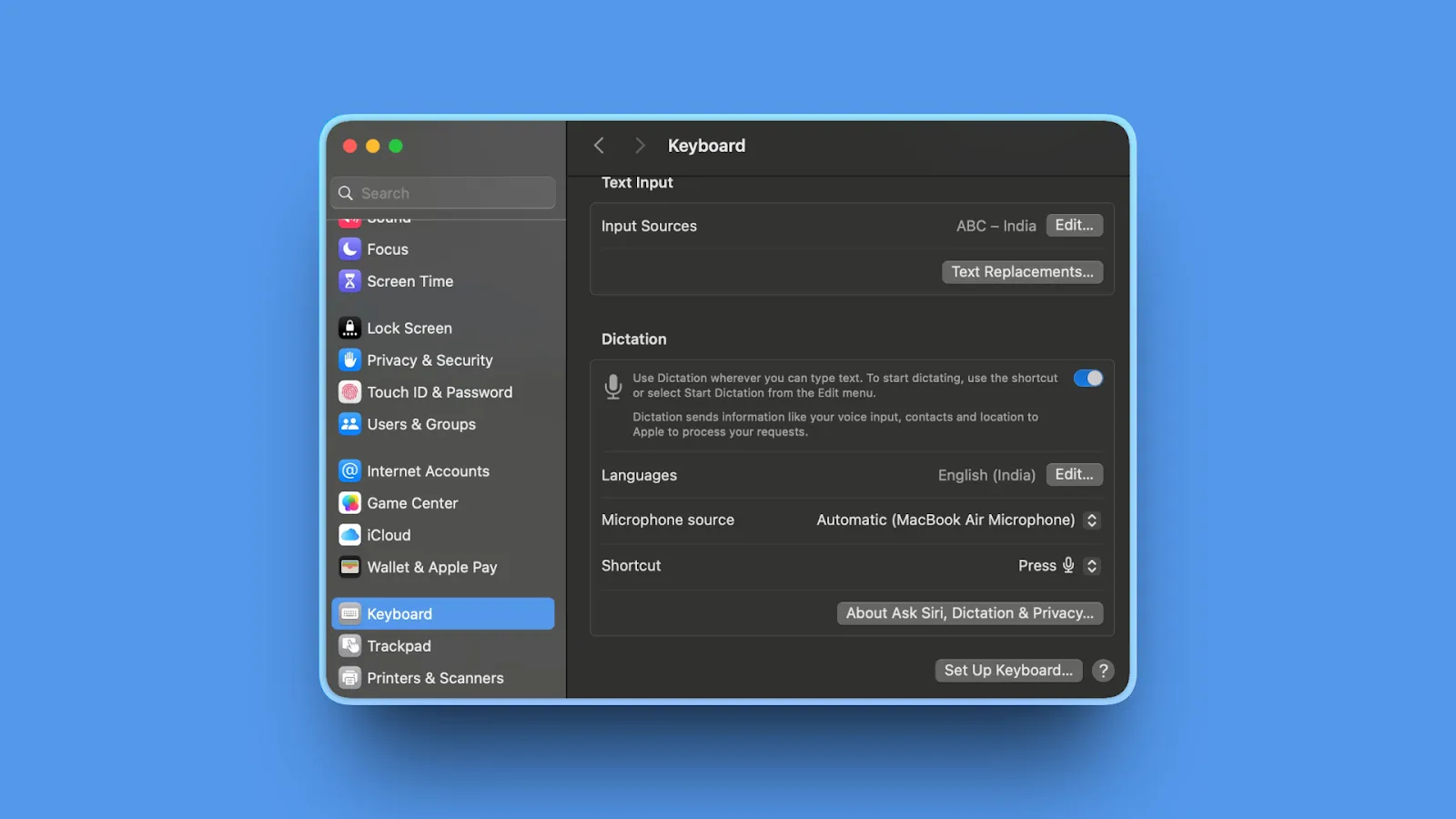
Apple Dictation is macOS's built-in speech-to-text system. Free on all Mac and iOS devices with on-device processing on M1+ Macs for privacy.
Key Features
- Native integration across all Apple apps and most Mac applications
- On-device processing on M1+ Macs and newer iPhones (privacy-focused)
- Works in any text field system-wide without app-specific configuration
- Voice commands for basic formatting (punctuation, capitalization, new paragraph)
- Completely free with no account setup or installation required
Pros
- Completely free with zero cost for unlimited use
- Built into macOS with no installation or setup friction
- On-device privacy on M1+ Macs keeps audio local (not uploaded)
- Works in all native Mac apps and most third-party applications
Cons
- Lower accuracy than paid alternatives (93-95% in ideal conditions, often worse)
- No custom dictionary or vocabulary learning from corrections
- 30-second automatic timeout limit interrupts longer dictation sessions
- Struggles significantly with specialized vocabulary (medical, legal, technical terms)
- Inconsistent performance with frequent unexplained errors
- No technical support or troubleshooting resources
- Users report accuracy regression over recent macOS updates
Pricing
Free (built into macOS and iOS)
User Reviews
As a built-in macOS feature, Apple Dictation has no dedicated review platform. Users appreciate the convenience and zero cost. Accuracy in quiet environments is acceptable for casual use.
Best For
Casual users with basic dictation need under 10,000 words monthly. Budget-conscious users wanting zero-cost solution. Short bursts of dictation under 30 seconds. General-purpose typing without specialized vocabulary.
4. Google Docs Voice Typing: Best Free Web-Based Option
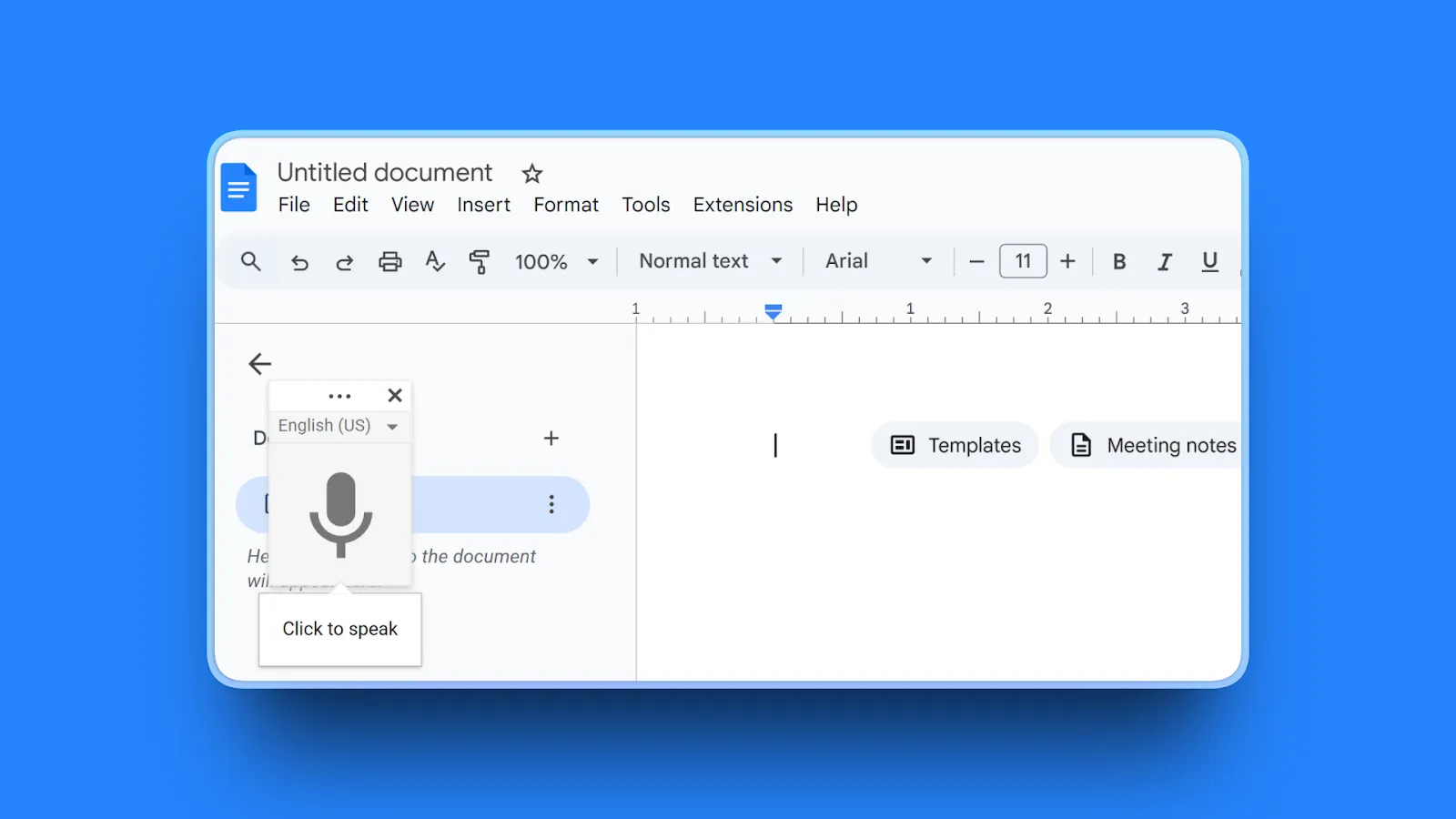
Google Docs Voice Typing is Google's built-in dictation feature for Google Docs. Free and accessible from any browser with 100+ language support.
Key Features
- Voice typing in 100+ languages with broad international support
- Voice commands for formatting in English (punctuation, new paragraph, bold text)
- Automatic punctuation in supported languages
- Real-time transcription as you speak with instant text appearance
- Right-click for alternative word suggestions when transcription is unclear
Pros
- Completely free with unlimited use (no account or payment required)
- No installation required (runs in browser)
- 100+ language support enables multilingual dictation
- Works in Google Docs natively with simple activation
- Voice commands enable hands-free formatting and editing
- Easy activation (Tools > Voice typing or Ctrl+Shift+S)
Cons
- Google Docs only (doesn't work in other applications or websites)
- Requires internet connection (no offline mode available)
- Accuracy inconsistent with words merged together and spacing issues
- Voice commands English-only even when dictating other languages
- Must slow down speech for better accuracy (disrupts natural flow)
- Limited to single speaker in controlled environment
Pricing
Free (included with Google Docs)
User Reviews
Google Docs Voice Typing has no dedicated review platform as a built-in Google feature. Users find it serviceable for casual writing, noting it "isn't bad". Zero cost and broad language support make it a practical choice for basic dictation.
Best For
Google Docs users writing documents in Google's ecosystem. Casual writing and drafting without professional accuracy demands. Users already working in Google Workspace. Budget-conscious writers comfortable with cloud processing.
5. Wispr Flow: Best for Cross-Platform Teams
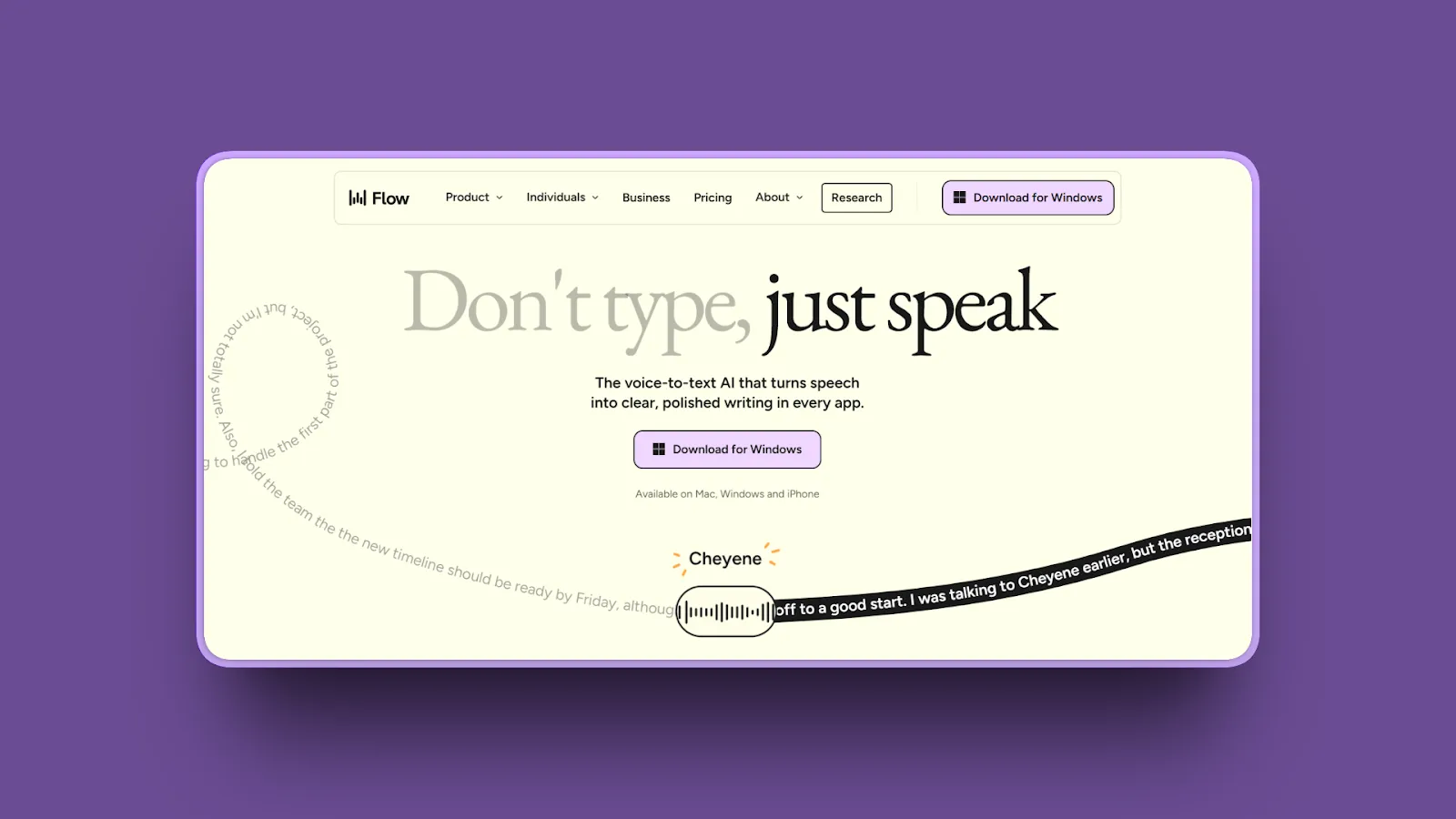
Wispr Flow is a cross-platform dictation app with AI-powered formatting and universal app compatibility. Works on Mac, Windows, and iOS with cloud-based processing.
Key Features
- Universal app compatibility works in any text field across operating systems
- AI writing assistant removes filler words and adds punctuation automatically
- Context-aware formatting adapts to different writing contexts (emails, code, documents)
- 100+ languages with instant language switching during dictation
- Personal dictionary for company jargon, acronyms, and specialized terms
- Whisper Mode enables quiet dictation in shared spaces or quiet environments
- Voice editing commands on Pro plan for hands-free text manipulation
Pros
- Cross-platform support (Mac, Windows, iOS) enables consistent workflow across devices
- Works in any application universally without app-specific configuration
- Strong AI-powered formatting improves dictation quality automatically
- 100+ language support with seamless switching between languages
- Personal dictionary handles company-specific terminology and industry jargon
- Well-funded company (raised $81M) with active development and feature additions
Cons
- Major privacy concern: captures screenshots of active window every few seconds, sends to cloud servers for context
- No local processing option available (requires internet, everything cloud-based)
- Resource intensive with approximately 800MB RAM and 8% CPU usage in background
- Not offline-capable by design (cloud processing mandatory)
- Privacy risk from screenshot capture unacceptable for confidential work (medical, legal, proprietary)
Pricing
- Free: 2,000 words/week, 100+ languages
- Pro: $15/month (unlimited words, command mode, personalized style)
- Enterprise: $24/user/month (team context, SSO/SAML, VIP support)
- Annual billing offers approximately 20% discount
User Reviews
Wispr Flow has a 4.7/5 stars rating on Product Hunt with users calling it "an everyday, must-have app" that has "accelerated my efficiency more than any other AI tool." Reviewers consistently praise the cross-platform consistency and multilingual accuracy, noting it "beats the multilingual support of all the big-shot voice dictation offerings."
Best For
Cross-platform teams needing consistent dictation across Mac, Windows, and iOS. Users wanting advanced AI formatting features. Non-confidential work where screenshot capture isn't a privacy concern. Users comfortable with cloud processing.
6. Sonix: Best for Audio File Transcription
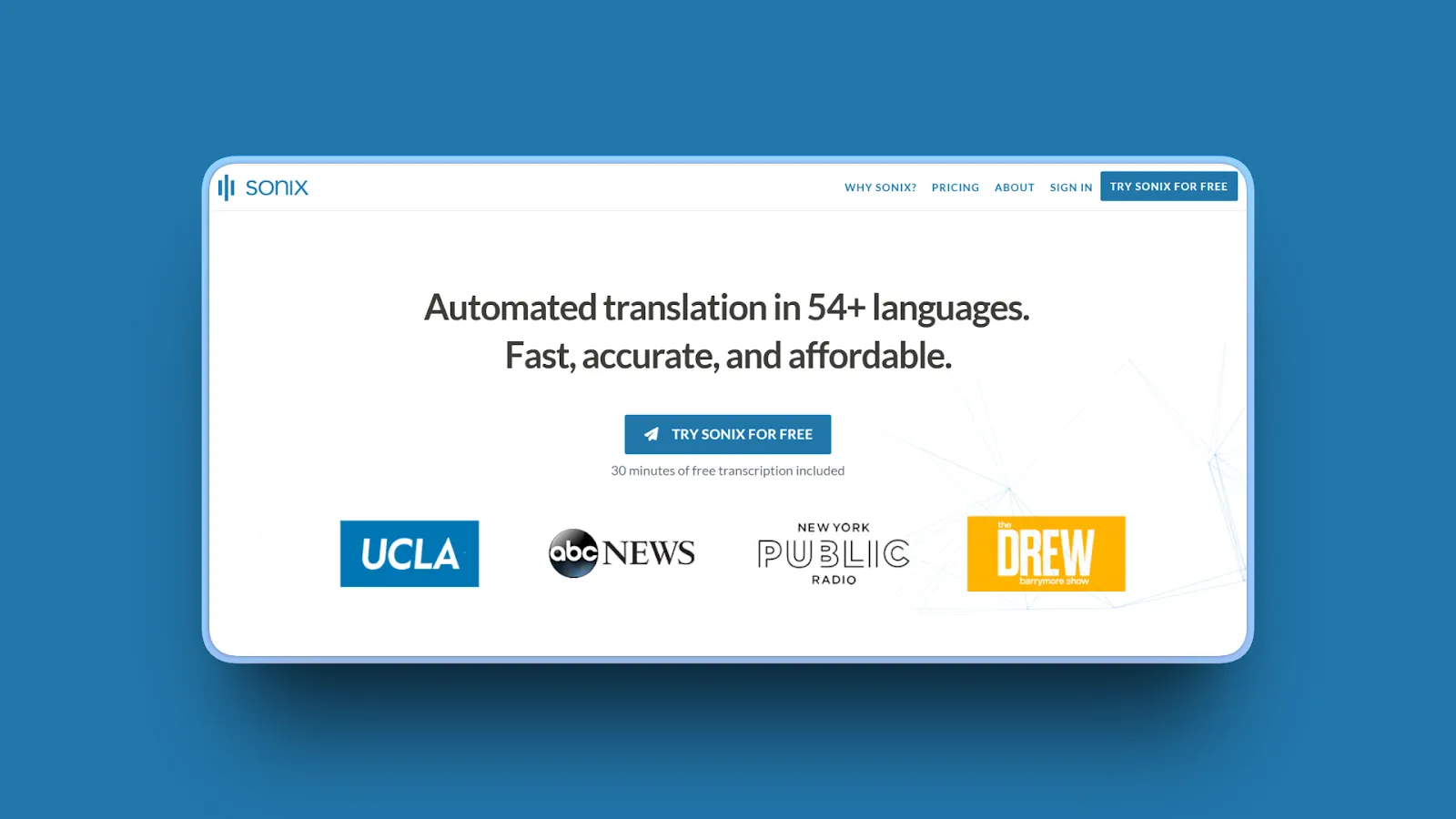
Sonix is a cloud-based transcription platform for audio and video files. Features in-browser editing, speaker identification, and automated translation.
Key Features
- AI transcription, translation, and summarization for uploaded audio/video files
- In-browser editor with timestamps for precise editing and navigation
- Speaker labeling and identification for multi-speaker recordings
- Note-taking and commenting directly on transcripts
- 38+ language support with automated translation between languages
- Zoom integration for automatic meeting recording transcription
Pros
- Highly effective editing functionality with intuitive in-browser interface
- 99% accuracy claims in ideal audio conditions with clear speech
- Competitive pricing for larger transcription volumes compared to competitors
- Good speaker recognition in multi-speaker recordings with clear audio
- Industry terms and brand names recognized well without extensive training
- Easy post-transcription editing with timestamp-synced text
Cons
- Pricing structure confusing with multiple tiers and add-on fees
- Additional fees for translation, alignment, and subtitle burn-in features
- Speaker recognition struggles with poor-quality audio or overlapping speech
- Grammatical errors and misunderstood words require manual correction time
- Expensive compared to free alternatives like OpenAI Whisper API
- Cloud-based only with no offline processing option
Pricing
- Standard (Pay-as-you-go): $10/hour transcription
- Premium: $5/hour + $22/user/month subscription
- Enterprise: Custom pricing for large teams
Extra fees apply for translation, alignment, and subtitle features.
User Reviews
Sonix has a 4.7/5 stars rating on G2. Users praise the high accuracy and excellent post-transcription editing tools, highlighting the intuitive in-browser editor as a standout feature.
Best For
Transcription of recorded audio and video files (not live dictation). Multi-speaker recordings like interviews, podcasts, and meetings. Teams needing translation features. Users wanting an in-browser editing workflow.
7. Rev: Best for Human Transcription Accuracy
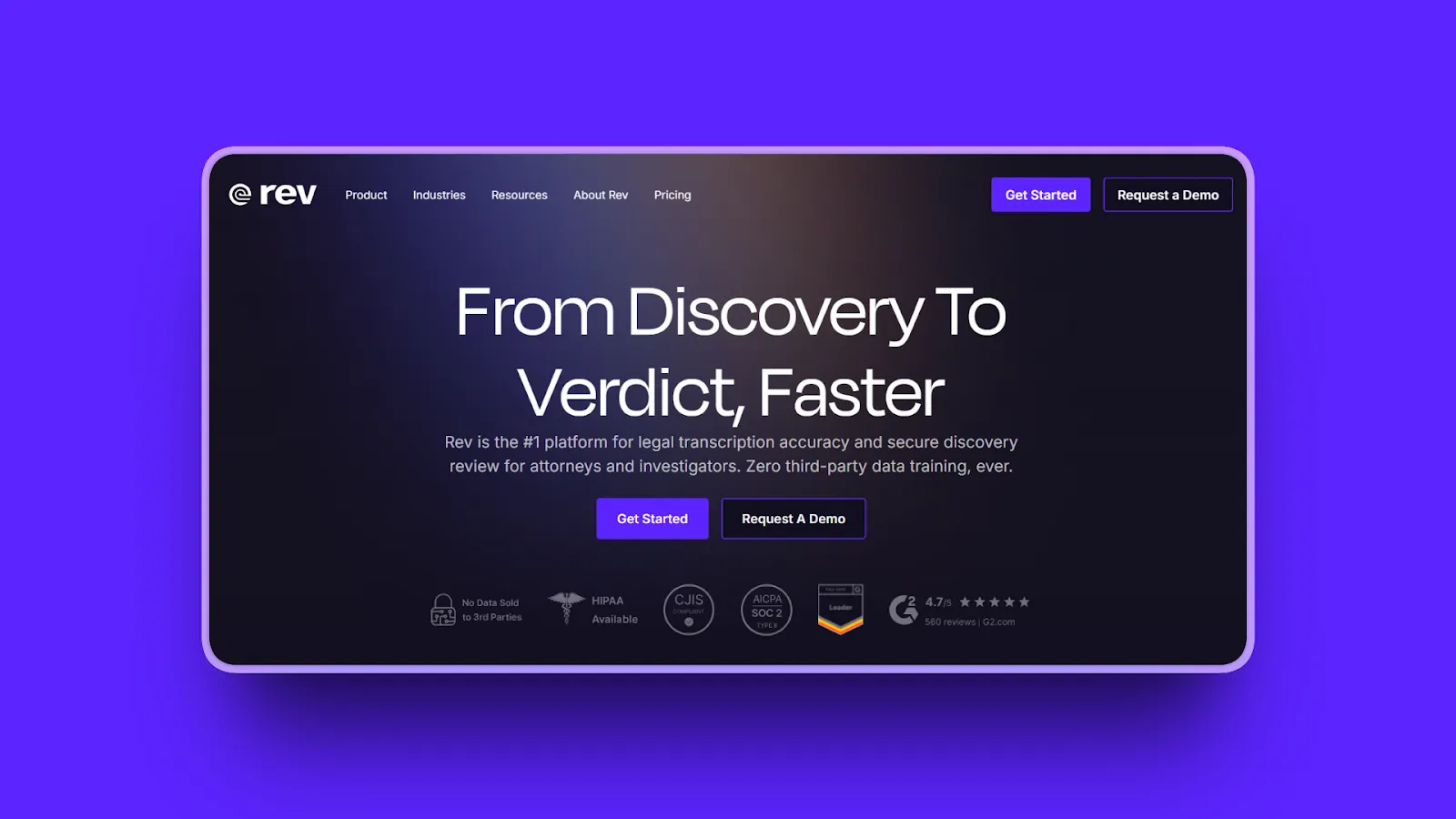
Rev offers both AI transcription and human transcription services. Human service delivers 99% accuracy for critical transcription needs.
Key Features
- Human transcription service with 99% accuracy guarantee
- AI transcription option for budget-conscious users
- 12-hour typical turnaround with rush options available
- Captions and subtitles for video content
- AI Notetaker for Google Meet, Microsoft Teams, and Zoom
- Timestamps and speaker labels included
- Multiple export format support
Pros
- Human transcription option delivers highest accuracy (99%) when AI isn't enough
- Fast turnaround typically within 12 hours for human service
- Good speaker differentiation even in challenging multi-speaker recordings
- Accurate timecodes synced to audio for precise reference
- Easy-to-use interface with straightforward upload and download
- Better quality than competitors Trint and Descript according to user reviews
Cons
- Expensive pricing with human transcription at $120/hour
- AI transcription only approximately 75% accurate per some user reports requiring extensive manual fixes
- Lacks advanced features like sentiment analysis, detailed speaker diarization, and subtitle burn-in
- Struggles with heavy accents and challenging audio quality
- Cloud-based only with no offline processing option
Pricing
- AI Transcription: $0.25/minute ($15/hour)
- Human Transcription: $1.50-1.99/minute (~$120/hour)
- Rev Max Subscription: $29.99/month (includes 20 hours AI transcription/month, 5% discount on human services)
User Reviews
Rev has a 4.7/5 stars rating on G2. Users praise the human transcription quality as "far superior to any AI-only option" with fast turnaround and accurate timecodes. Professional users highlight the reliable speaker differentiation even in challenging multi-speaker recordings.
Best For
Professional transcription needs the highest accuracy. Legal and medical transcripts where precision is critical. Fast turnaround requirements. Users needing human transcription options when AI accuracy isn't sufficient.
8. Descript: Best for Video and Podcast Editing
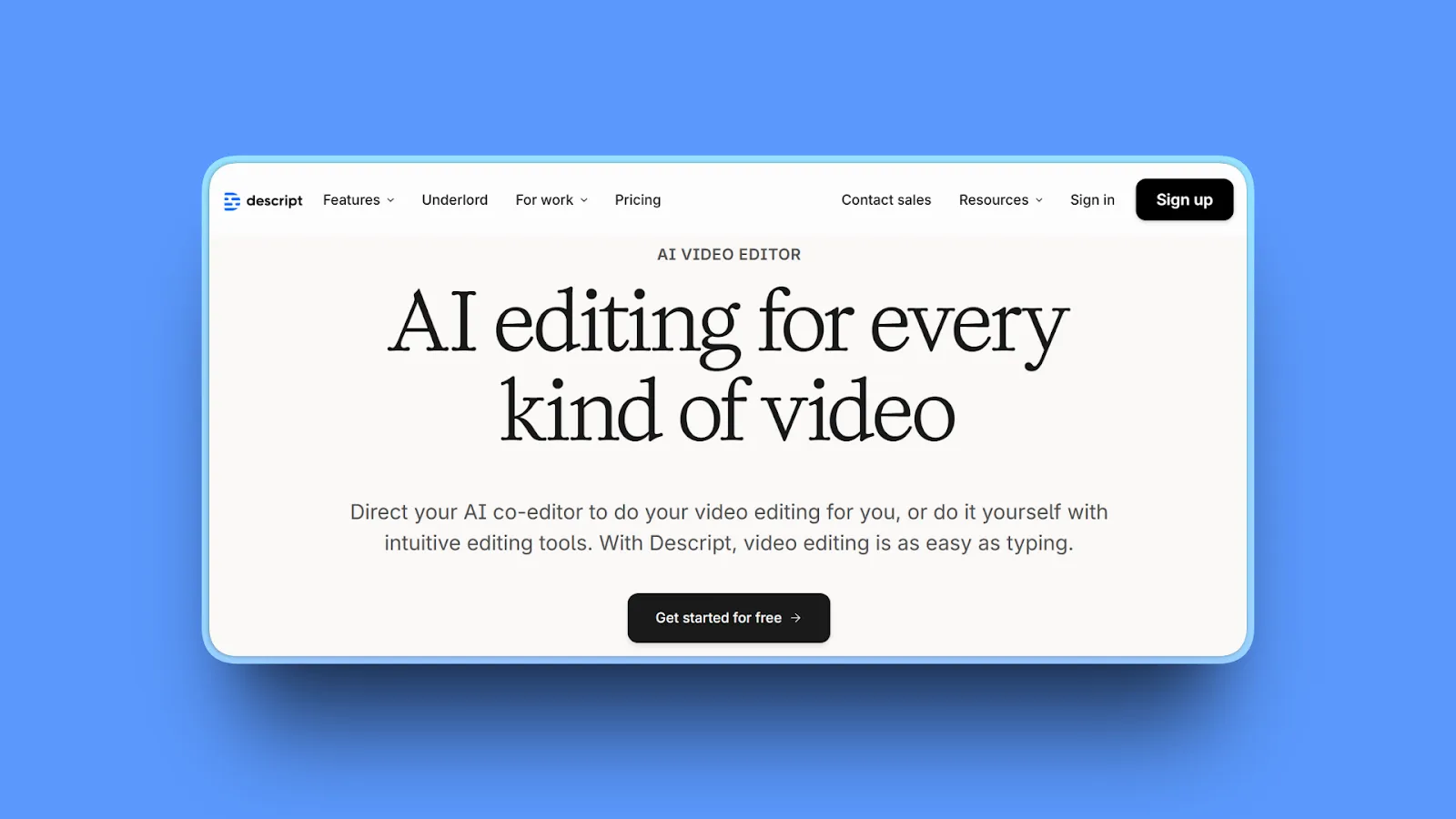
Descript is a text-based video and audio editor with automatic transcription. Edit media by editing the transcript.
Key Features
- Text-based video editing (edit video by editing transcript)
- Automatic transcription in 25 languages
- Speaker identification with Speaker Detective feature
- AI-powered tools: Studio Sound, Filler Word Removal, Eye Contact Correction, AI Green Screen
- Automated captions with customizable styling
- Overdub voice cloning for corrections and additions
- Screen recording with audio capture
Pros
- Excellent text-based editing workflow makes video editing intuitive
- Powerful for podcast production with transcript-based editing
- AI tools (Studio Sound, filler removal) save significant editing time
- Intuitive interface easy for beginners to learn
- Multi-language support (25 languages) for international content
- Screen recording included in subscription
Cons
- Watermark-free export limited to once per month on Free plan
- 720p export cap on Free plan (lower resolution)
- Recent pricing changes confusing with new media-minute system
- Primarily video/podcast tool (not optimized for live dictation)
- Cloud-based only with no offline processing
Pricing
- Free: 1 hour transcription/recording per month, 720p export, 5GB storage
- Hobbyist: $16/month (billed annually)
- Creator: $24/month (10 hours transcription, enhanced AI)
- Business: $55/month (40 hours, advanced features, priority support)
- Education/Non-profit: $5/user/month
User Reviews
Descript has a 4.7/5 stars rating on Capterra. Users consistently praise the text-based editing workflow as "revolutionary," with ease of use and intuitive video editing being the most frequently highlighted benefits.
Best For
Video editors creating content. Podcast producers. Content creators editing recorded media. Teams editing video and audio collaboratively.
9. Braina Pro: Best Budget Windows Alternative
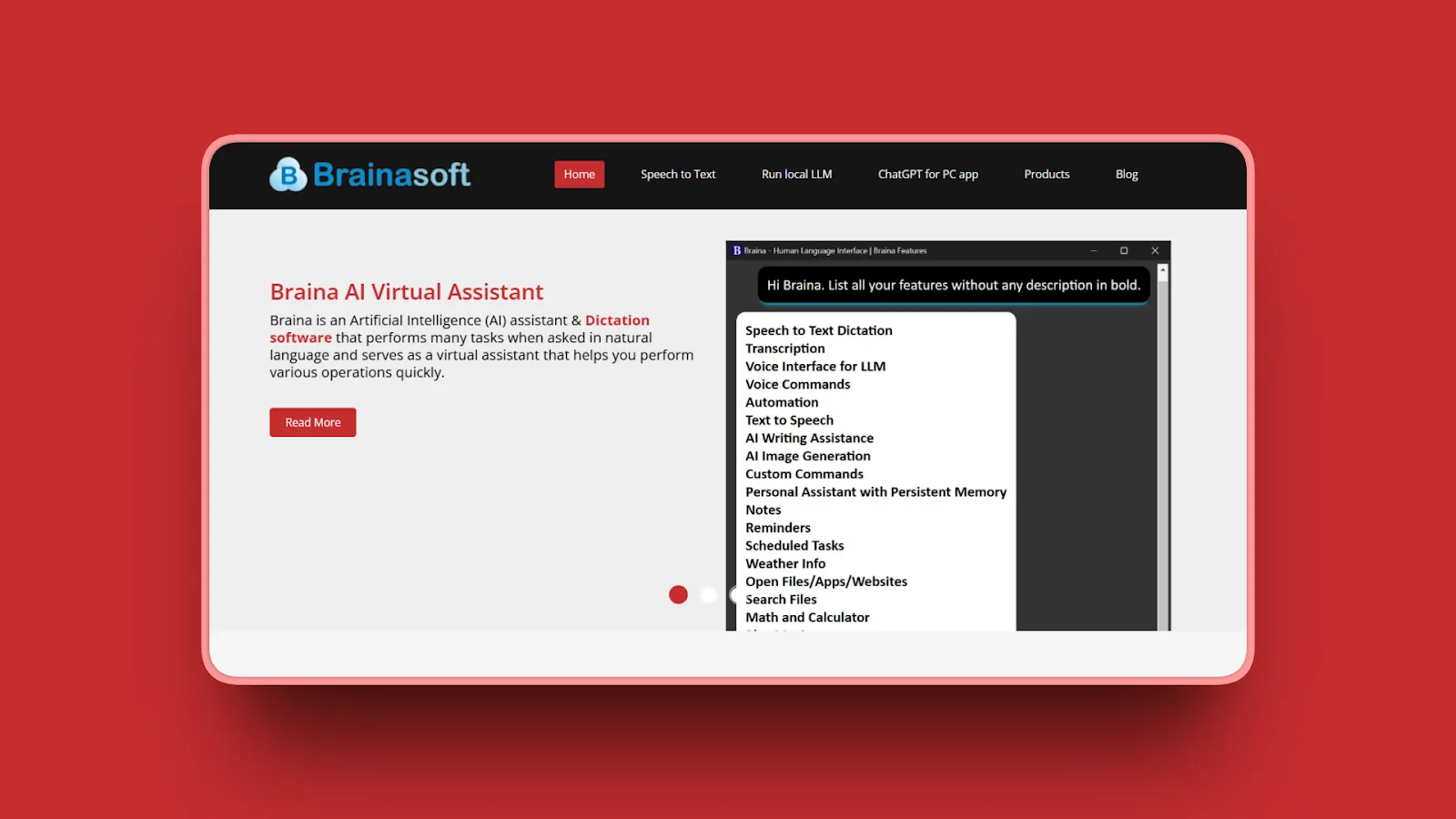
Braina Pro is Windows-only dictation software with 100+ language support and no training requirements. One-time purchase model.
Key Features
- Dictation in 100+ languages with instant recognition
- 99% accuracy claimed without voice training required
- Works in any Windows software or website universally
- Handles noisy environments with background noise filtering
- Medical, legal, and scientific term recognition
- Virtual assistant capabilities beyond dictation
- Offline dictation available in 90 languages
Pros
- Works in any Windows application without app-specific configuration
- 100+ languages supported for multilingual dictation needs
- No training required (works immediately unlike Dragon)
- Recognizes specialized vocabulary (medical, legal, scientific terms)
- One-time purchase with no recurring subscription fees
- Affordable compared to Dragon's $699 price point
Cons
- Windows-only platform (not available on Mac, Linux, mobile)
- Outdated interface described as "looks like late 1990s"
- Poor customer service with slow, unfriendly responses reported
- Incomplete dictation with long sentences not fully appearing in target applications
- Text differences between Braina window and target app
- Limited refund policy (only 88% refund, costs $23.99 to test)
Pricing
- Braina Lite: Free (1 system, limited features)
- Braina Pro: $49-99/year (1 PC, unlimited dictation)
- Pro Plus: $199 (2 years/2 PCs) - Limited time offer
- Pro Ultra: $299 (3 years/3 PCs)
User Reviews
Braina has a 3.8/5 stars rating on Capterra with users praising the dictation accuracy as "more affordable and better than some similar popular software." Reviewers highlight the 100+ language support and no-training-required setup.
Best For
Windows users only seeking Dragon alternative. Budget-conscious users wanting one-time purchase. Multi-language dictation needs.
10. Voice In: Best Chrome Extension for Web-Based Work
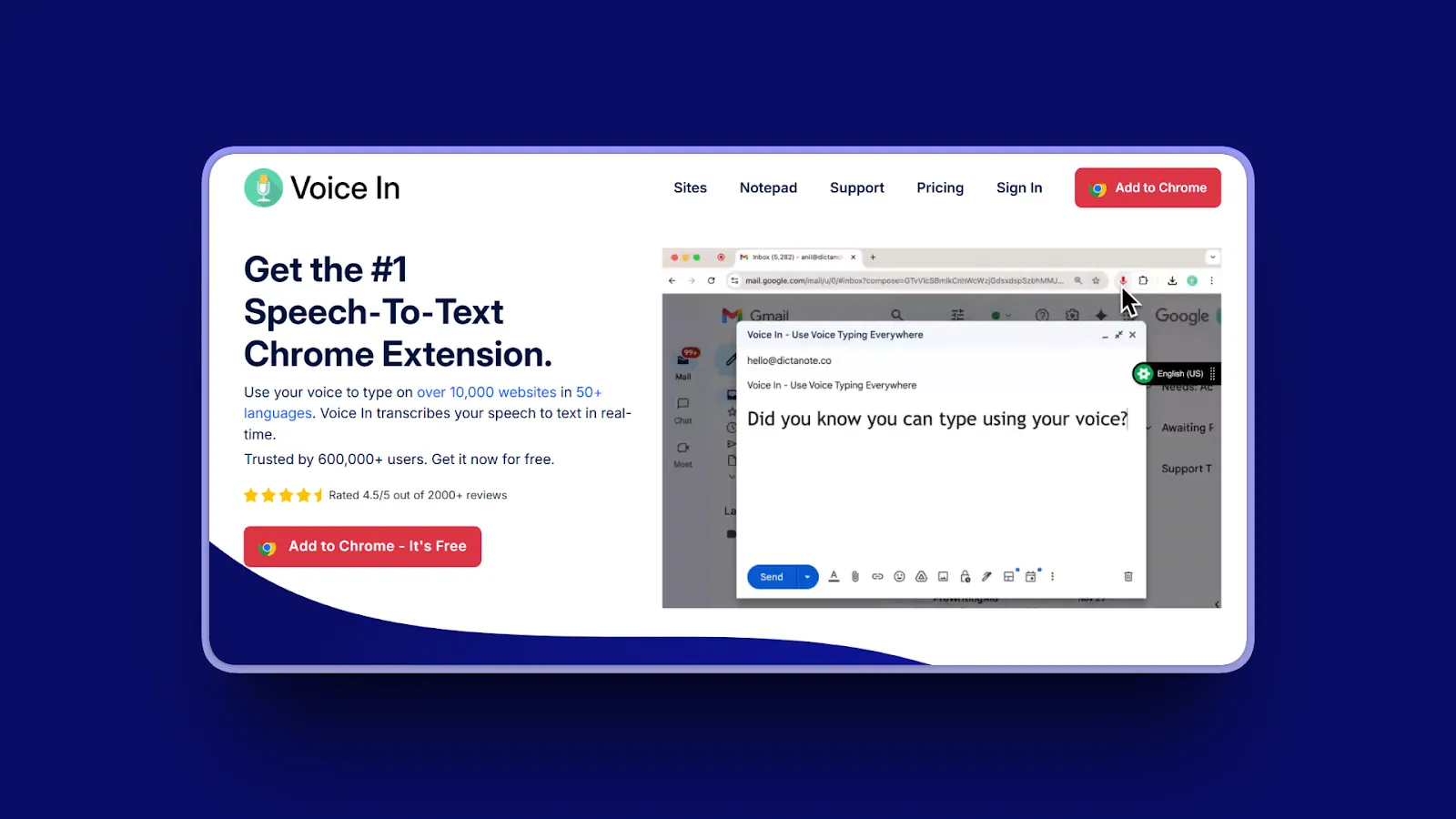
Voice In is a Chrome extension enabling dictation on 10,000+ websites. Privacy-focused with browser-based transcription.
Key Features
- Dictation on 10,000+ websites (Gmail, Google Docs, ChatGPT, WhatsApp, Slack)
- 50+ languages with 100+ dialect variations
- Voice commands for formatting ("new paragraph," "add comma," "bold text")
- Privacy-focused with audio transcribed in browser (no server uploads)
- Custom commands and text macros (Plus version)
- Advanced Mode for additional sites (Notion, HubSpot, Salesforce, Zendesk)
Pros
- Very affordable at $60/year or free with limitations
- Works on 10,000+ websites with universal web compatibility
- Privacy-focused browser processing (audio stays local)
- 50+ languages with 100+ dialects supported
- Easy to use with simple activation
- Voice commands included for hands-free formatting
- Minimal browser permissions required
- Large user base (600,000+ users)
Cons
- Chrome and browser only (doesn't work in desktop applications)
- Free plan limited to 60 minutes per day
- Limited to web and browser environment (no native app support)
- No offline capability (requires internet connection)
- Best features require Plus subscription ($60/year)
Pricing
- Free: 60 minutes/day dictation
- Voice In Plus: $60/year (unlimited dictation, custom commands, Advanced Mode)
User Reviews
Voice In has a 4.4/5 stars rating on Chrome Web Store with 2,600+ reviews.
Best For
Chrome users with web-based workflows. Gmail, Google Docs, Slack, and web app users. Budget-conscious users. Privacy-focused users comfortable with browser processing.
11. Speakmac: Best Budget Mac Alternative
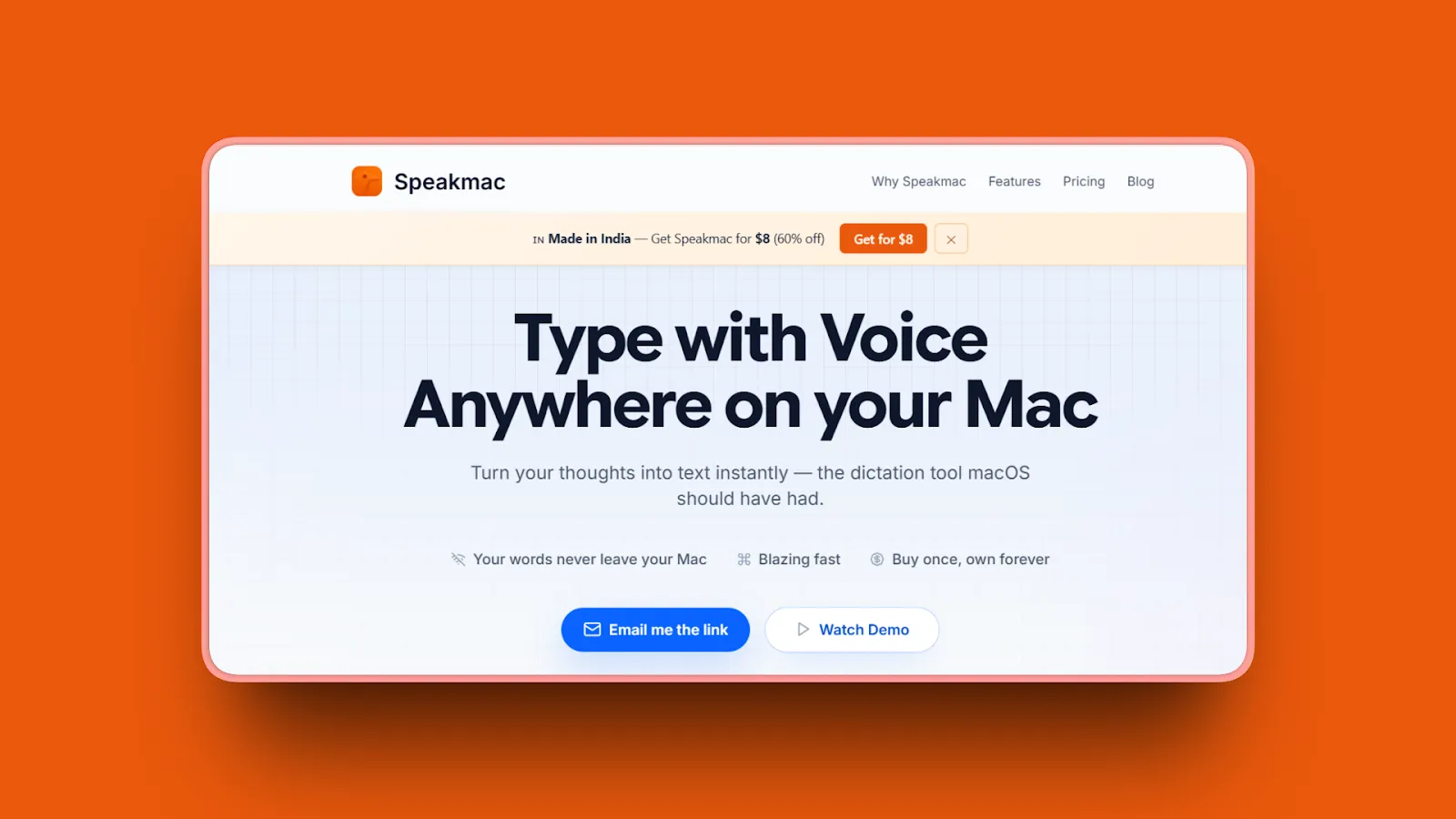
Speakmac is Mac-native dictation with 100% offline processing. One-time $19 purchase with no subscriptions.
Key Features
- 100% offline processing with no cloud or server involvement
- 99.7% accuracy claimed for English (US, UK, India)
- Automatic punctuation (commas, periods, capitalization)
- Sub-0.5 second latency for near-instant transcription
- Works in any Mac app (Scrivener, Final Draft, Pages, Word, Gmail, Slack)
- Custom snippets fix misrecognitions and create text expansions
- 100+ languages supported
Pros
- Extremely affordable at $19 one-time vs competitors' subscriptions
- 100% offline and private (no data leaves Mac)
- Fast transcription with sub-0.5 second latency
- Works in all Mac applications universally
- No subscriptions or recurring payments ever
- Custom snippets for personalization
- High accuracy (99.7% claimed)
- Easy to use with minimal learning curve
Cons
- Mac-only platform (no Windows, mobile, or web support)
- Basic feature set without advanced AI enhancements
- Limited to dictation only (no file transcription capability)
- Updates only included for 1 year after purchase
Pricing
$19 one-time purchase
Includes free trial (no credit card required) and 1 year of updates.
User Reviews
Speakmac has 5/5 stars rating on Product Hunt highlighting the exceptional $19 lifetime value and plug-and-play simplicity. Users praise "flawless dictation even with accented voice" and "accuracy way better than expected," with multiple reviewers noting significant productivity gains for daily writing tasks.
Best For
Budget-conscious Mac users wanting one-time purchase. Privacy-focused professionals needing offline capability. Simple dictation needs without advanced features. Users avoiding subscription fatigue.
12. Superwhisper: Best for Power Users
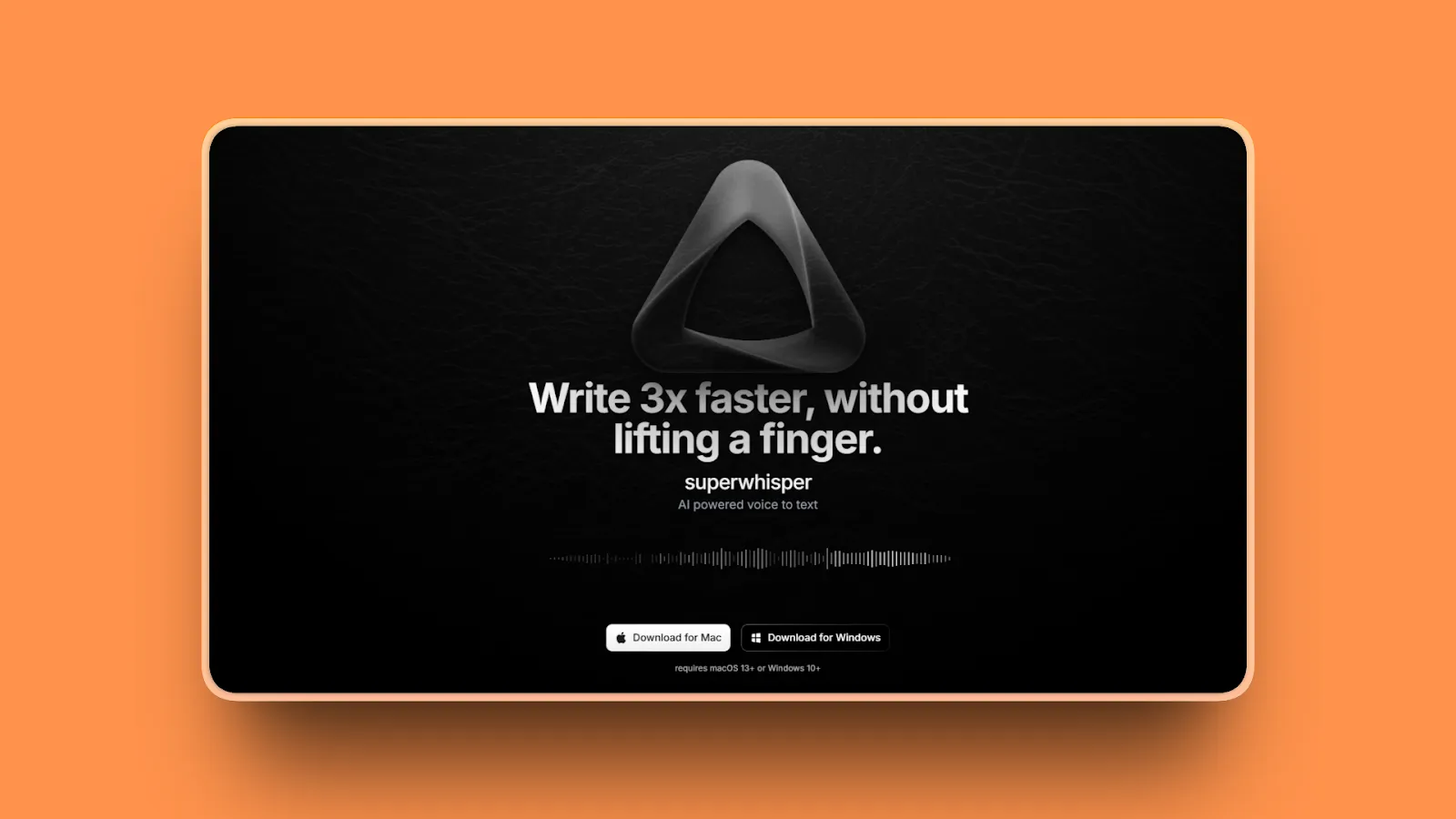
Superwhisper is Mac and iOS dictation with multiple AI models and customizable intelligent modes. Offline capable with near-perfect accuracy.
Key Features
- AI models: Nano, Fast, Pro, Ultra (increasing accuracy levels)
- Fully offline capable with local AI model processing
- Intelligent modes system with customizable AI workflows
- Pre-built modes for emails, code comments, meeting notes
- Works on-device (no audio or text leaves device)
- 100+ languages supported
- Single license covers both Mac and iPhone/iPad
Pros
- Extremely accurate with near-perfect transcription using Pro/Ultra models
- 100% offline and private option available
- Works well in noisy environments with background noise filtering
- Highly customizable with intelligent modes for different workflows
- Cross-device licensing (Mac + iPhone/iPad included)
- Lifetime purchase option available ($249)
- Developer responsive to user feedback
- Excellent for RSI relief and hand pain sufferers
Cons
- Expensive at $249 lifetime or $84.99/year
- Power user tool can be overwhelming for casual users
- Mac and iOS only (no Windows or Android support)
- Long transcripts need manual editing
- Setup intimidating for beginners
- Offline models require Apple Silicon for best performance (Intel Macs need cloud models)
Pricing
- Annual: $84.99/year
- Lifetime: $249 one-time
- Free trial: 15 minutes with all pro features, up to 3 custom modes
- Student discount available
User Reviews
Superwhisper has a 4.9/5 stars rating on Product Hunt with users calling it "quite possibly one of my favorite products ever" and praising exceptional accuracy across multiple languages. Power users highlight the customizable AI models and offline capability, with one reviewer noting it "absolutely changed things" for their writing workflow.
Best For
Power users wanting maximum accuracy and customization. Privacy-conscious professionals needing offline mode. Mac and iOS users. Users with RSI or hand pain. Professional writers needing customizable workflows. Developers with custom mode requirements for coding.
Detailed Comparison Table
| Tool | Standout Feature | Best For |
|---|---|---|
| Voibe | On-device or zero-retention cloud + sub-300ms speed | Privacy-conscious Mac professionals |
| Otter.ai | Auto-joins meetings, generates summaries | Meeting transcription, teams |
| Apple Dictation | Completely free, built-in macOS | Casual Mac users, budget-conscious |
| Google Docs Voice Typing | Free, 100+ languages, web-based | Google Docs users, multilingual |
| Wispr Flow | Cross-platform universal compatibility | Teams working across Mac/Windows/iOS |
| Sonix | In-browser editing with timestamps | Audio/video file transcription |
| Rev | 99% accuracy human service | Professional transcripts, legal/medical |
| Descript | Text-based video editing | Video/podcast content creators |
| Braina Pro | 100+ languages, Windows-only | Budget Windows users, multilingual |
| Voice In | Works on 10,000+ websites | Chrome users, web-based workflows |
| Speakmac | $19 one-time purchase | Budget Mac users, one-time payment |
| Superwhisper | Near-perfect accuracy with customization | Power users, maximum accuracy needs |
How to Choose the Right Dragon Alternative
What's your primary use case?
Live dictation (writing emails, documents, notes, prompts):
- Mac users: Voibe, Speakmac, Superwhisper, Apple Dictation
- Windows users: Braina Pro, Wispr Flow
- Web-based: Voice In, Google Docs Voice Typing
- Cross-platform: Wispr Flow
Meeting transcription:
- Best overall: Otter.ai
- Budget option: Google Docs Voice Typing (single speaker)
- Professional needs: Rev (human service)
File transcription (recorded audio/video):
- Best editing: Sonix, Descript
- Highest accuracy: Rev (human service)
- Budget option: Use free Whisper tools
What platform do you use?
Mac only:
- Privacy-focused: Voibe ($149 lifetime), Speakmac ($19), Superwhisper ($249)
- Free: Apple Dictation
- Power users: Superwhisper
Windows:
- Privacy-focused: Voibe ($149 lifetime, zero-retention cloud mode)
- Budget: Braina Pro ($49-99/year)
- Modern: Wispr Flow ($15/month)
Cross-platform (Mac + Windows + mobile):
- Best: Wispr Flow, Otter.ai
- Web-based: Voice In, Google Docs
How important is privacy?
Critical (confidential medical, legal, business, government work):
- Voibe: on-device or zero-retention cloud, audio never stored or trained on, $149 lifetime
- Speakmac: 100% offline, $19 one-time
- Superwhisper: Offline mode available, $249 lifetime
- Apple Dictation: On-device (M1+ Macs only)
Moderate (not handling sensitive information):
- Wispr Flow, Otter.ai, Descript (cloud processing acceptable)
Not concerned:
- Any cloud option: Google Docs, Voice In, Sonix, Rev
What's your budget?
Free:
- Mac: Apple Dictation
- Web: Google Docs Voice Typing
- Chrome: Voice In (60 min/day limit)
Under $10/month:
- Voibe: $7.50/month or $149 lifetime
- Voice In Plus: $60/year ($5/month)
Under $25/month:
- Wispr Flow: $15/month
- Otter.ai Pro: $20/month
- Descript Creator: $24/month
One-time purchase:
- Speakmac: $19 (cheapest)
- Voibe: $149 lifetime (best value)
- Superwhisper: $249 (power users)
Do you need offline capability?
Yes (work offline, privacy requirement, predictable performance):
- Voibe: fully offline in on-device mode (Apple Silicon M1+)
- Speakmac: Fully offline Mac app
- Superwhisper: Offline mode (Apple Silicon)
- Apple Dictation: Offline with Enhanced Dictation
- Braina Pro: Offline in 90 languages (Windows)
No (internet always available):
- Otter.ai, Google Docs, Wispr Flow, Sonix, Rev, Descript, Voice In
Use-Case Cheat Sheet
For Medical Professionals
Requirements: confidential patient data handling, offline capability, specialized medical terminology, high accuracy (99%+)
Best Options:
- Voibe (from $7.50/mo or $149 lifetime): audio never stored, sold, or trained on, with a fully on-device mode (Apple Silicon M1+); custom dictionary handles clinical terms and procedures
- Superwhisper ($84.99-249): Offline mode with high accuracy, customizable modes for different note types
- Rev human service ($120/hour): 99% accuracy for critical medical records when precision is mandatory
Why: Zero-retention processing and an on-device mode keep patient data private. Custom dictionaries handle medical terminology without training.
For Legal Professionals
Requirements: Confidential document handling, offline capability, legal terminology support, high accuracy
Best Options:
- Voibe (from $7.50/mo or $149 lifetime): audio never stored, sold, or trained on, with a fully on-device mode; custom dictionary handles case law references and legal terms
- Speakmac ($19): Offline privacy at lowest cost
- Rev human service ($120/hour): 99% accuracy for depositions and critical legal documents
Why: Zero-retention processing and an on-device mode keep confidential client material private. Custom dictionaries recognize legal terminology and case citations.
For Developers and Programmers
Requirements: AI coding tool integration (Cursor, Windsurf), technical vocabulary, universal app support, fast real-time response
Best Options:
- Voibe (from $7.50/mo or $149 lifetime): Developer Mode resolves file/folder names in Cursor and Windsurf, custom dictionary for technical terms, sub-300ms latency
- Superwhisper ($84.99-249): Custom modes for code comments, high accuracy for technical documentation
- Wispr Flow ($15/month): Universal app support, cross-platform if using multiple operating systems
Why: Developer Mode automatically resolves workspace file references. Custom dictionaries handle programming terminology and framework names.
For Writers and Authors
Requirements: Long-form dictation, character names and unique vocabulary, affordable pricing, offline capability (optional)
Best Options:
- Voibe (from $7.50/mo or $149 lifetime): Custom dictionary for character names and unique places, affordable lifetime pricing
- Otter.ai ($20/month): Transcription with organization for research interviews
- Speakmac ($19): Simple, affordable, no subscription
Why: Custom dictionaries handle character names and fictional vocabulary. Affordable pricing works for freelance writers.
For Students
Requirements: Affordable or free, note-taking, simple to use, works with educational platforms
Best Options:
- Apple Dictation (Free): Built-in Mac solution, zero cost
- Google Docs Voice Typing (Free): Collaborative note-taking
- Voice In (Free/$60/year): Works in web-based educational platforms
Why: Budget-friendly or free options. Easy to use. Integrates with study workflows.
For Business Professionals
Requirements: Confidential information handling, professional accuracy, cross-platform (optional), meeting transcription (optional)
Best Options:
- Voibe (from $7.50/mo or $149 lifetime): Privacy-first for confidential business documents (zero retention, on-device mode available), professional accuracy
- Otter.ai ($20/month): Meeting transcription with AI summaries
- Wispr Flow ($15/month): Cross-platform for teams using multiple devices
Why: Balances privacy for confidential work, accuracy for professional output, collaboration features for teams.
For Content Creators and Podcasters
Requirements: File transcription, video/audio editing, speaker identification, affordable
Best Options:
- Descript ($24-55/month): Text-based video editing workflow
- Sonix ($10/hour): Transcription with editing, pay-as-you-go pricing
- Rev ($15/hour AI, $120/hour human): Accurate transcription for podcast show notes
Why: Specialized for content creation workflows with editing tools integrated.
Frequently Asked Questions
What's the best free alternative to Dragon?
Apple Dictation (Mac) or Google Docs Voice Typing (web) are the best free options.
Apple Dictation: 93-95% accuracy, works in all Mac apps, on-device processing on M1+ Macs.
Google Docs Voice Typing: 90-95% accuracy, 100+ languages, requires internet.
Both work well for casual use under 10,000 words/month but don't match Dragon's 99% accuracy.
Does Dragon work on Mac?
No, Dragon no longer works on Mac. Dragon Speak Naturally for Mac was discontinued and is incompatible with current macOS versions.
Mac alternatives: Voibe ($7.50/mo or $149 lifetime), Superwhisper ($84.99-249), Speakmac ($19), or Apple Dictation (free).
Which dictation software is most accurate?
Rev's human transcription service delivers 99%+ accuracy at $120/hour, matching Dragon's 99% benchmark.
AI alternatives: Voibe, Superwhisper, and Speakmac claim 97-99.7% accuracy.
Free options: Apple Dictation (93-95%) and Google Docs Voice Typing (90-95%) work for casual use.
Is offline or cloud dictation better for privacy?
What matters most is the data relationship, not just where processing happens.
Voibe: your choice of a fully on-device mode (Apple Silicon M1+) where nothing leaves your Mac, or a zero-retention cloud with open-source models where audio is deleted the instant transcription completes and is never stored, sold, or used to train AI. Other on-device tools like Speakmac, Superwhisper, and Apple Dictation (M1+ Macs) also keep audio local.
Cloud tools: Otter.ai, Wispr Flow, and Google Docs upload audio for processing with less clarity about retention.
How can I improve dictation accuracy?
Five ways to improve accuracy:
- Quality microphone: Use a headset positioned directly in front of your mouth
- Reduce noise: Add carpeting or soundproofing to eliminate background noise
- Natural speech: Dictate using longer phrases and natural sentences for better context
- Training: Complete 15-60 minutes if your software offers it
- Custom vocabulary: Add specialized terms through custom dictionaries
These improvements can reduce word error rate by 5-30 points.
Are paid dictation apps worth it compared to free options?
Yes, if you dictate 20,000+ words monthly.
Paid apps (Voibe, Wispr Flow, Superwhisper): 97-99% accuracy saves significant editing time from around $9-15/month.
Free options (Apple Dictation, Google Docs): 85-95% accuracy works well for casual users under 10,000 words/month.
Professionals save 12+ hours monthly by speaking (150 WPM) vs typing (40 WPM). Learn more about why talking is faster than typing.
What's the cheapest Dragon alternative with good accuracy?
Speakmac at $19 one-time is the cheapest with 99.7% claimed accuracy.
Other affordable options:
- Voibe: $7.50/month or $149 lifetime (97-99% accuracy, custom dictionary, on-device or zero-retention cloud)
- Voice In Plus: $60/year (Chrome users)
All three significantly undercut Dragon's $699 price while offering comparable accuracy.
Can I use dictation software without internet?
Yes, several options work fully offline:
Mac: Voibe (on-device mode, Apple Silicon M1+), Speakmac, Superwhisper, Apple Dictation (M1+ with Enhanced Dictation)
Windows: Braina Pro (90 languages offline)
Benefits: Complete privacy, zero latency, works on planes or remote locations, no bandwidth consumption.
Cloud tools like Otter.ai, Google Docs, and Wispr Flow require internet.
Which Dragon alternative is best for developers?
Voibe is best for developers using AI coding tools (Cursor, Windsurf).
Key features:
- Developer Mode resolves file and folder names from workspaces
- Custom dictionary for technical terms
- Sub-300ms latency for instant feedback
- Fully on-device mode (Apple Silicon M1+) keeps proprietary code on your machine
- From $7.50/mo (or $149 lifetime) vs Dragon's $699
Superwhisper ($84.99-249) is another strong option with customizable modes for code comments and workflows.
Do I need to train dictation software?
No, modern AI dictation tools work with 95%+ accuracy out of the box without training.
No training needed: Voibe, Wispr Flow, Otter.ai, Superwhisper deliver immediate accuracy.
Optional improvements: Custom dictionaries for specialized terms, personalized writing style learning, correction-based improvements.
Dragon traditionally required 15-60 minutes of training passages. Modern AI-based tools eliminate this requirement.
What's the best Dragon alternative for Mac users?
Voibe (from $7.50/mo or $149 lifetime) is the best overall Mac alternative, with a choice of fully on-device mode (Apple Silicon M1+) or zero-retention cloud with open-source models that never stores your audio, plus sub-300ms latency, custom dictionary, and Developer Mode for coding.
Budget option: Speakmac ($19 one-time, 99.7% accuracy)
Power users: Superwhisper ($84.99-249, customizable AI workflows, near-perfect accuracy)
All three are Mac-native and significantly cheaper than Dragon's $699 Windows price.
Which dictation tool is best for medical professionals?
Voibe is a strong choice for medical professionals: audio is never stored, sold, or used to train AI, with a fully on-device mode (Apple Silicon M1+) available when you want nothing to leave your Mac, plus a custom dictionary for clinical terms and affordable pricing (from $7.50/mo or $149 lifetime).
Alternative options:
- Superwhisper: $84.99-249 (offline mode, high accuracy)
- Rev human service: $120/hour (99%+ accuracy for critical transcription)
Final Thoughts
Dragon's $699 price and Windows-only limitation drive professionals to seek better alternatives. Modern AI dictation tools deliver comparable or superior accuracy without the training burden, performance lag, or platform restrictions.
Voibe tops our list because it solves Dragon's three biggest problems: cost (a significant savings with $149 lifetime vs $700), platform limitation (Mac-native vs Windows-only), and privacy concerns (audio never stored, sold, or trained on, with an on-device mode, vs unclear data handling). Whether you're dictating patient notes, legal briefs, business documents, or code comments, Voibe's combination of a zero-retention privacy model with sub-300ms real-time speed protects confidential content while delivering instant dictation.
The $149 lifetime plan offers exceptional long-term value. No recurring fees. All features included. Future updates are free. For professionals handling confidential information who need real-time dictation speed, Voibe delivers the privacy and performance Dragon never could on Mac.
Get started with Voibe and experience private dictation with sub-300ms speed and your choice of on-device or open-source cloud. Protect your confidential content while saving hundreds compared to Dragon's pricing.
More dictation guides
8 Apple Dictation Alternatives That Don't Time Out (2026)
Apple Dictation times out after a minute and trips on technical terms. These 8 Mac alternatives never cut you off, run offline, and hit 97%+ accuracy.
9 Best Wispr Flow Alternatives in 2026 (Actually Compared)
A current comparison of 9 Wispr Flow alternatives across privacy, security, reliability, offline use, AI cleanup, platforms, and pricing.
11 Best Superwhisper Alternatives in 2026 (Reviewed)
Compare 11 Superwhisper alternatives in 2026. In-depth reviews of privacy, pricing, accuracy, and performance for Mac and Windows dictation tools.
11 Best Willow Voice Alternatives 2026 (Reviewed)
Compare 11 Willow Voice alternatives in 2026. Explore offline dictation tools with detailed reviews of privacy, lifetime pricing, and Mac performance.
10 Best MacWhisper Alternatives In 2026 (Reviewed)
Compare 10 MacWhisper alternatives in 2026. Explore offline and real-time dictation tools with detailed reviews of privacy, speed, pricing, and accuracy for Mac users.
11 Best Aqua Voice Alternatives for Mac Dictation (2026)
Discover 11 Aqua Voice alternatives with offline access, privacy-first tools, and one-time pricing. Compare Mac dictation apps that work on your terms.
9 Best Monologue Alternatives (Reviewed)
Compare 9 Monologue alternatives across privacy, pricing, and platforms. From Voibe on Mac and Windows to Wispr Flow and free picks.
11 Best Typeless Alternatives: Privacy, Pricing, and Features
Typeless alternatives compared: 11 voice dictation tools ranked by privacy architecture, pricing model, and features. Find the best fit for your workflow.
Best Dictation Apps in 2026: Offline, Private & Accurate
We tested 10 dictation apps for accuracy, privacy, speed, and price across Mac and Windows, including on-device and zero-retention cloud options.
Why Talking to AI Changes Everything
Talking preserves more of your real intent than typing, which helps models get it right on the first try. Practical tips, research references, and an FAQ.
Try Voibe Today
Experience private AI dictation, on-device or in the open-source cloud, your choice. Download it for free and start dictating 3x faster than you can type.
Try Voibe for freeRequires macOS 14.4+; runs on all Macs. On-device mode requires Apple Silicon (M1 or later).