
Best Dictation Apps In 2026
(Free and Paid)
TL;DR
The best dictation apps in 2026 combine AI-powered accuracy with privacy controls and offline functionality. Voibe leads for Mac users who prioritize privacy on their own terms — a fully on-device mode plus a zero-retention cloud mode with open-source models, with audio never stored, sold, or used to train AI — and versatile writing, while Wispr Flow excels for cross-platform teams needing consistent dictation across devices. Free options like Apple Dictation and Google Docs Voice Typing deliver 90%+ accuracy for basic needs, though paid solutions offer superior customization and privacy features.
Typing consumes time. There's no denying it. According to typing speed research, an average person types about 40 words per minute, but speaks at 120-150. Hence, speaking should be faster than typing. For years, that promise didn't hold up.
Old speech-to-text tools were a mess. Missed words. No punctuation. Zero sense of context. You'd finish dictating and then spend half your time fixing the output. At that point, you might as well just type.
That's why 2026 feels different. Modern AI-powered dictation apps now reach roughly 92–99 percent accuracy, based on vendor testing and aggregated user reviews from platforms like Product Hunt and Capterra. These tools don't just transcribe anymore. They understand context, add punctuation automatically, filter filler words, and adapt to your writing style. In many cases, the output is close to publication-ready.
But here's where things get messy. Not all dictation apps are built the same. Some rely entirely on cloud processing. Others run fully on-device. Some need constant internet access. Others work offline. Accuracy ranges from about 90 percent in free tools to near-perfect results in specialized software.
So after researching dozens of dictation apps, we narrowed it down to the 10 best options in 2026 — each solving a different problem, from privacy-first offline tools to high-accuracy cloud solutions that prioritize speed and polish.
Top Picks
| Tool | Best For | Key Strength |
|---|---|---|
| Voibe | Privacy-focused Mac users | On-device or zero-retention cloud, never stored or trained on |
| Wispr Flow | Cross-platform teams | Works across Mac, Windows, iOS |
| Dragon Professional | High-volume Windows users | 99% accuracy, specialized vocabularies |
| Typeless | Budget-conscious users | 8,000 words/week free |
| Apple Dictation | Mac users wanting free option | Built-in, on-device on Apple Silicon |
Start with Voibe to dictate privately: keep everything on your Mac in on-device mode, or use zero-retention cloud with open-source models, with your audio never stored, sold, or used to train AI.
Key Takeaways
- Privacy-focused Mac users: Choose Voibe for a real privacy choice — a fully on-device mode (Apple Silicon M1+) or a zero-retention cloud mode with open-source models that never stores or trains on your audio — with 97%+ accuracy, custom dictionary support for any writing (technical, legal, medical, creative), and Developer Mode for coding workflows
- Cross-platform teams: Wispr Flow offers seamless sync across Mac, Windows, and iOS
- High-volume Windows users: Dragon Professional delivers 99% accuracy with specialized vocabularies
- Budget-conscious users: Typeless provides 8,000 words/week free, or use Apple Dictation (Mac) or Google Docs Voice Typing (any platform)
- Offline capability: Essential apps are Voibe, Dragon Professional, Apple Dictation (Apple Silicon), and Handy
- ROI calculation: Professionals writing 20,000+ words/month save 10-15 hours monthly, justifying paid app investment
- Privacy vs convenience: On-device processing (Voibe, Dragon, Apple Dictation) keeps data local; cloud apps (Wispr Flow, Otter.ai) offer AI features but upload voice data
What Is Dictation Software?
Dictation software converts spoken words into written text in real-time. Modern dictation apps use artificial intelligence and large language models to understand context, apply punctuation automatically, and format text naturally.
How it works: AI-powered dictation in 2026 uses multimodal speech-to-text models like OpenAI's Whisper combined with large language models to recognize spoken words with 92-99% accuracy, infer punctuation and formatting from speech patterns, filter filler words automatically, understand context to fix homophones, and apply tone styles.
Traditional dictation required manual punctuation commands. AI dictation understands intent, applies natural formatting, and adapts to your writing style.
Key point: The breakthrough in 2026 is that dictation apps now produce clean, publication-ready text requiring minimal editing. This is a dramatic improvement from the heavily-edited drafts of older systems.
Why Use Dictation Software in 2026?
Speed matters. The average person types 40 words per minute but speaks at 150+ words per minute. With 95%+ accuracy dictation, writers can produce first drafts 3x faster.
Modern dictation users report saving 10+ hours weekly by replacing typing with voice, demonstrating significant productivity gains across different workflows and industries.
Dictation reduces physical strain. Extended typing causes hand, wrist, and shoulder strain. Dictation significantly reduces keyboard time for heavy writers according to ergonomic research and user reports from dictation software communities, preventing repetitive stress injuries.
Voice activates different neural pathways than typing. Many writers find dictation helps overcome writer's block, produces more natural conversational tone, and allows faster idea capture before thoughts fade.
Professional use cases include: legal professionals dictating case notes and briefs, doctors dictating patient notes, journalists transcribing interviews and dictating articles, content creators accelerating production, and developers using voice coding for hands-free development.
Bottom line: Dictation isn't just convenient. It's a productivity multiplier that can double or triple your written output while reducing physical strain. Learn more about the benefits of talking versus typing.
How We Tested
We evaluated every app in this guide against the same five criteria:
- Speed & latency: Does the text appear instantly, or is there a lag?
- Accuracy: How well does it handle jargon, accents, and fast speech?
- Privacy: Is your voice processed locally, or sent to a cloud server?
- Universal compatibility: Can you dictate into Slack, VS Code, Notion, and Chrome?
- Price: What does it cost over time — free, subscription, or one-time purchase?
Best Dictation Apps (Ranked)
1. Voibe: Best for Privacy-Focused Mac Users
🏆 Best Overall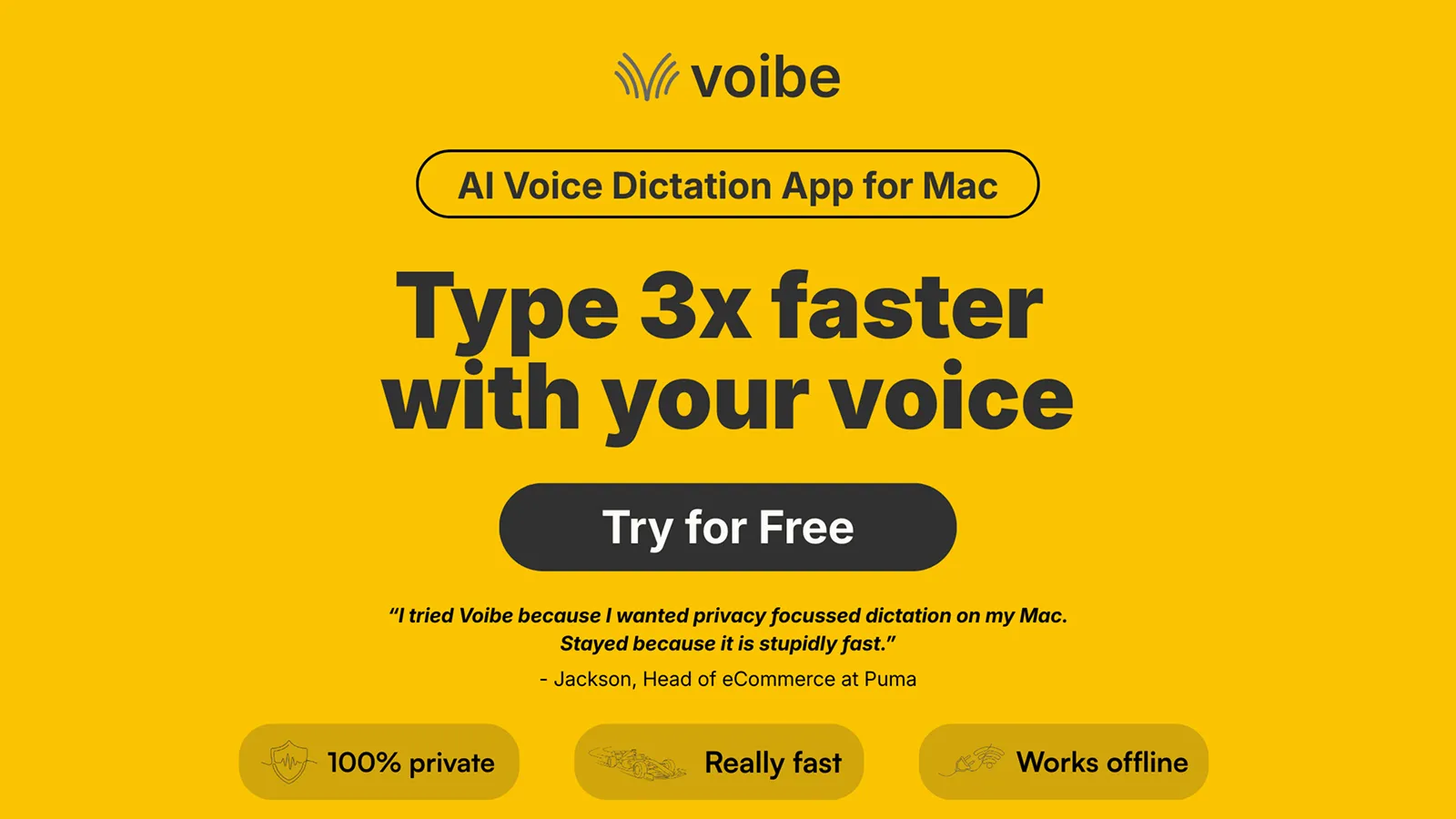
Voibe is a Mac-native dictation app built for AI workflows using push-to-talk. It gives you a privacy choice: a fully on-device mode via whisper-cpp (Apple Silicon M1+, nothing leaves your Mac), or a zero-retention cloud mode with open-source models where your audio is never stored, sold, or used to train AI. Because the cloud path handles transcription, Voibe runs on all Macs, both Intel and Apple Silicon.
Key Features
- Two privacy modes: fully on-device via whisper-cpp (Apple Silicon M1+) or zero-retention cloud with open-source models, with audio never stored, sold, or trained on either way
- Runs on all Macs (Intel and Apple Silicon); on-device mode requires Apple Silicon M1+
- Unlimited dictation as it's a must for professionals
- Push-to-talk simplicity using Fn key (hold to speak, release to stop)
- Hands-Free mode (double-tap to start, speak freely, double-tap to stop) and Live Dictation that streams words on screen in real time, editable before finalizing
- Developer Mode for Cursor, VS Code, and Windsurf — resolves spoken file names and folder paths locally ("file main.ts" → main.ts, "folder src/components" → src/components) and attaches the mentioned files to AI chats
- Works in any Mac app via Accessibility API (Mail, Notes, Slack, browsers)
- Sub-300ms latency target optimized for Apple Silicon M1/M2/M3 chips
- Custom vocabulary support for technical terms and industry jargon
✓ Pros
- Real privacy choice: on-device mode or zero-retention cloud with open-source models, never stored or trained on
- On-device mode works fully offline without internet
- One-time purchase option available ($149 lifetime)
- System-wide compatibility across all Mac apps
- Fast, zero-latency transcription
- Developer Mode for AI coding workflows
✗ Cons
- No Linux or mobile support (Mac and Windows only)
- Fully on-device mode requires an Apple Silicon Mac (M1+); Intel Macs use zero-retention cloud mode
- No cloud sync between devices
- English-only currently
Pricing
- Monthly: $7.50/month with 7-day free trial and 30-day money-back guarantee
- Annual: $59/year - saves versus paying monthly
- Lifetime: $149 one-time - no recurring payments ever
User Reviews
Voibe has a 4.8/5 stars rating on Product Hunt. Users praise "stupidly fast" transcription combined with a genuine privacy choice.
Why Voibe is the Best Dictation App?
Voibe puts you in control of your data. In on-device mode it processes everything locally on your Mac with no cloud uploads and works fully offline; in zero-retention cloud mode with open-source models your audio is deleted the moment transcription completes and is never stored, sold, or used to train AI. Either way there are no privacy compromises. The custom dictionary feature makes Voibe excellent for all types of writing—technical documentation, legal briefs, medical notes, creative writing, or business reports.
Developer Mode is Voibe's real edge for coding workflows. The IDE extension for Cursor, VS Code, and Windsurf reads your open workspace locally on the Mac and resolves spoken file names and folder paths — say "file main.ts" and it finds main.ts, say "folder src/components" and it finds src/components — then attaches the mentioned files to AI chats like Cursor Composer and Copilot Chat. Only paths and symbols are read, never file contents.
Best For
Mac users prioritizing privacy and security, professionals handling confidential information (legal, medical, consulting), AI developers using Cursor and Windsurf, users in secure environments where cloud apps are prohibited, and travelers with unreliable internet.
Requires macOS 13+ (runs on all Macs; on-device mode requires Apple Silicon M1+)
2. Wispr Flow: Best for Cross-Platform Teams
Cross-Platform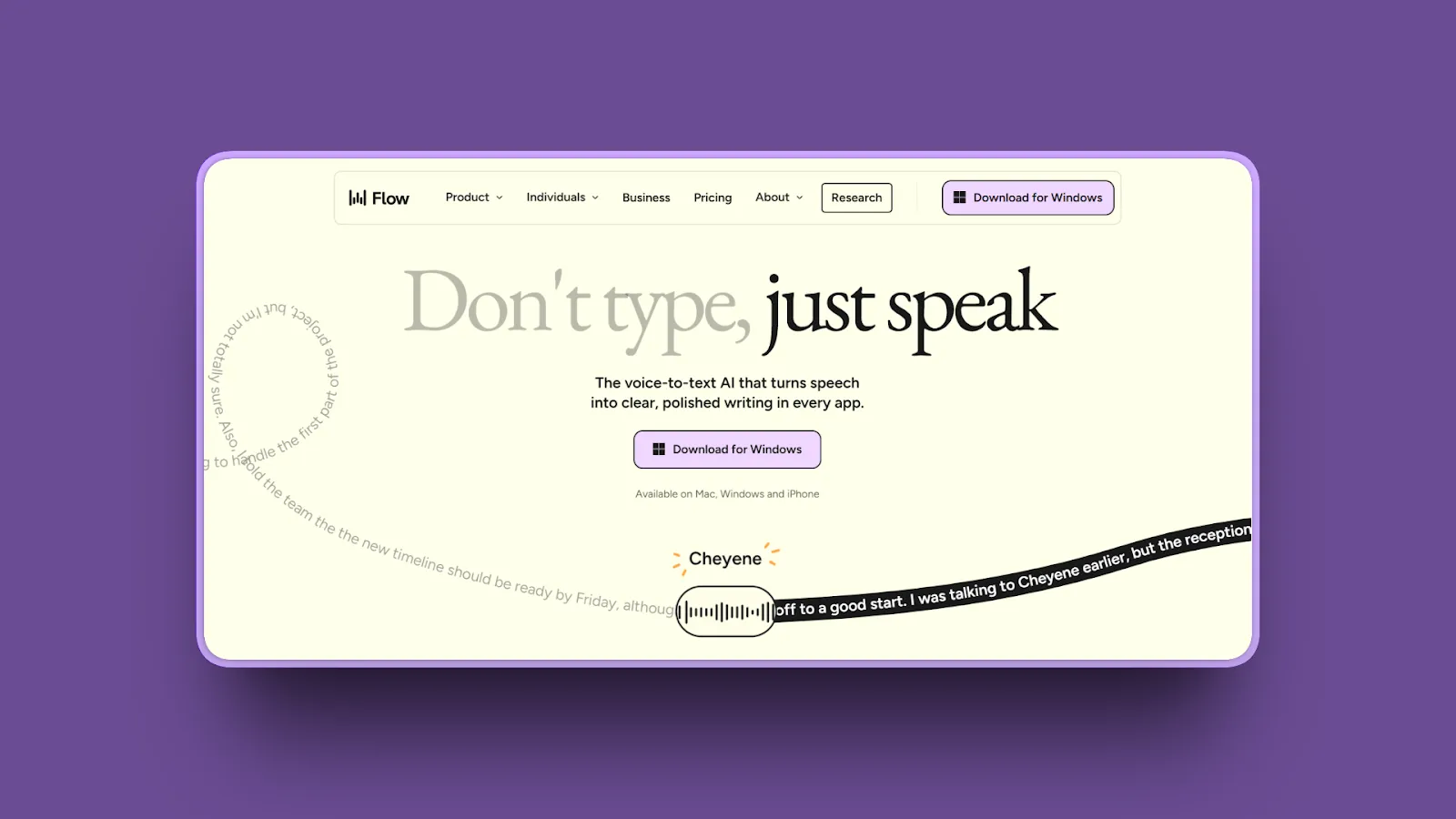
Wispr Flow leads the cross-platform dictation category with AI-powered customization, style controls, and seamless sync across Mac, Windows, and iOS.
Key Features
- Cross-platform consistency across macOS, Windows, and iOS
- AI auto-editing with real-time edits, tone matching, and filler-word removal
- SOC 2 Type II and HIPAA compliance for all users
- 100+ languages and dialects support
- 97.2% accuracy with GPT-4 post-processing
✓ Pros
- Works on Mac, Windows, and iOS
- AI-powered style customization
- Generous free tier (2,000 words/week)
- 100+ languages supported
- HIPAA compliant
✗ Cons
- Cloud-based (audio sent to servers)
- Requires internet connection
- $12/month subscription adds up
- Less private than on-device alternatives
Pricing
- Free tier: 2,000 words/week (after 14-day Pro trial)
- Pro Plan: $12/month (annual) or $15/month (monthly) for unlimited words
User Reviews
Wispr Flow has a 4.7/5 stars rating on Product Hunt. Users consistently achieve ~175 WPM with near-perfect accuracy.
Best For
Cross-platform teams needing consistent dictation across Mac, Windows, and iOS, developers coding with voice in multiple IDEs, and users who value customization.
Weighing the cloud trade-off? See our full guide to the best Wispr Flow alternatives.
Superwhisper vs Wispr Flow (2026): pay once or pay forever?
3. Dragon Professional: Best for High-Volume Specialized Dictation
Windows Only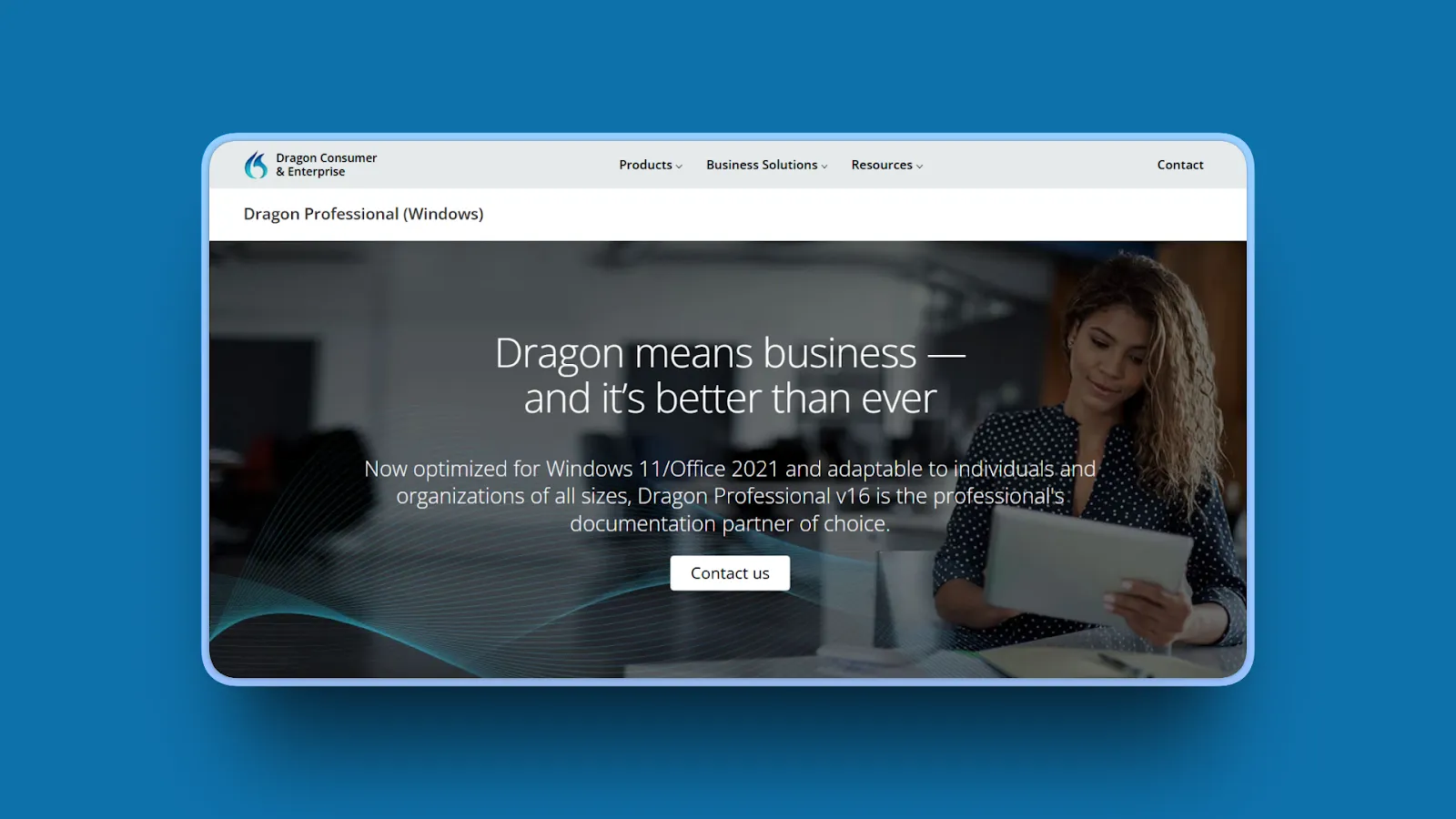
Dragon Professional Individual remains the accuracy gold standard (99%) for Windows users in specialized industries requiring high-volume dictation.
Key Features
- 99% accuracy out of the box (improves with voice training)
- 160 words-per-minute dictation speed
- Industry-specific vocabulary libraries (legal and medical)
- Advanced voice commands for editing and formatting
- Fully offline local processing
✓ Pros
- Industry-leading 99% accuracy
- Fully offline/local processing
- One-time purchase (no subscription)
- Specialized vocabularies for legal/medical
✗ Cons
- Windows-only platform
- Expensive at $700
- Requires hours of voice training
- Complex setup
Pricing
- Dragon Professional v16: ~$700 perpetual license
- Dragon Home: $200 (fewer features)
- Dragon Anywhere (iOS/Android): $14.99/month
User Reviews
Dragon Professional has a 4/5 star rating on Capterra. Users in legal/medical fields praise "speech to text function is fast and extremely accurate" even with specialized terminology.
Best For
High-volume dictation users (lawyers, doctors, court reporters), Windows users needing industry-specific vocabulary, users willing to invest time in voice training for maximum accuracy, specialized fields where 99% accuracy is critical, and users preferring one-time purchase over subscriptions.
On a Mac, or want a cheaper option? Compare the best Dragon dictation alternatives.
4. Willow: Best for Privacy Plus AI Expansion
AI Text Expansion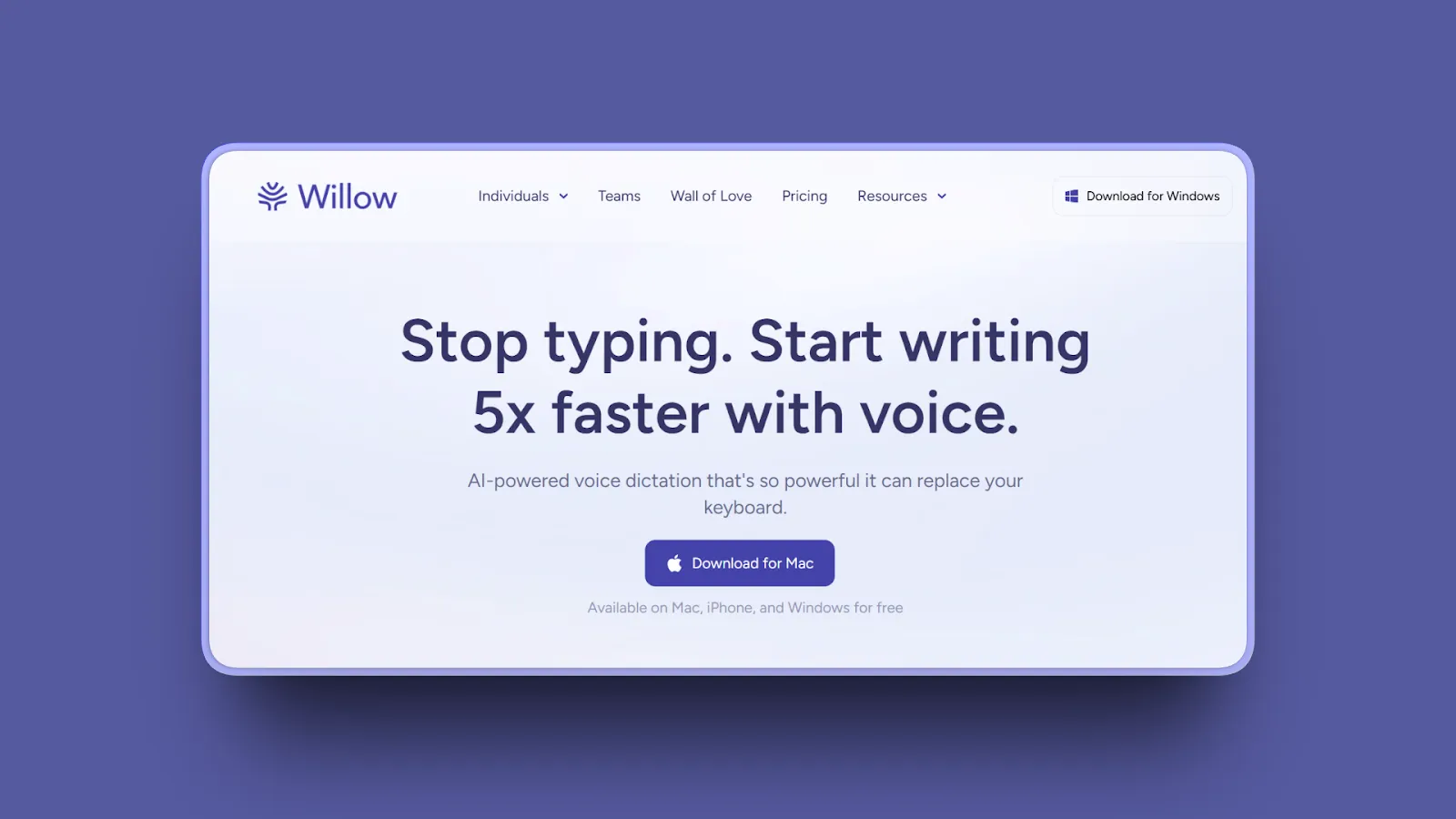
Willow balances privacy (local transcript caching) with AI-powered text expansion, turning short spoken phrases into full paragraphs.
Key Features
- AI-powered paragraph expansion
- Local transcript caching on device
- Sub-1 second latency
- 100+ languages supported
- SOC 2 and HIPAA compliance
✓ Pros
- AI paragraph expansion saves time
- Local transcript storage
- Fast sub-1 second transcription
- iOS app available
✗ Cons
- Requires internet connection
- $15/month subscription
- Limited free tier (2,000 words total)
- Audio still processed in cloud
Pricing
- Free Tier: 2,000 words to dictate (one-time)
- Individual Plans: $15/month for unlimited dictation
User Reviews
Willow has an incredible 4.9/5 stars rating on Product Hunt.
Best For
Mac users wanting AI text expansion, writers using dictation for brainstorming, and privacy-conscious users willing to accept hybrid cloud/local approach.
Want fully offline instead? See more Willow Voice alternatives.
5. Apple Dictation: Best Free Option for Mac Users
Free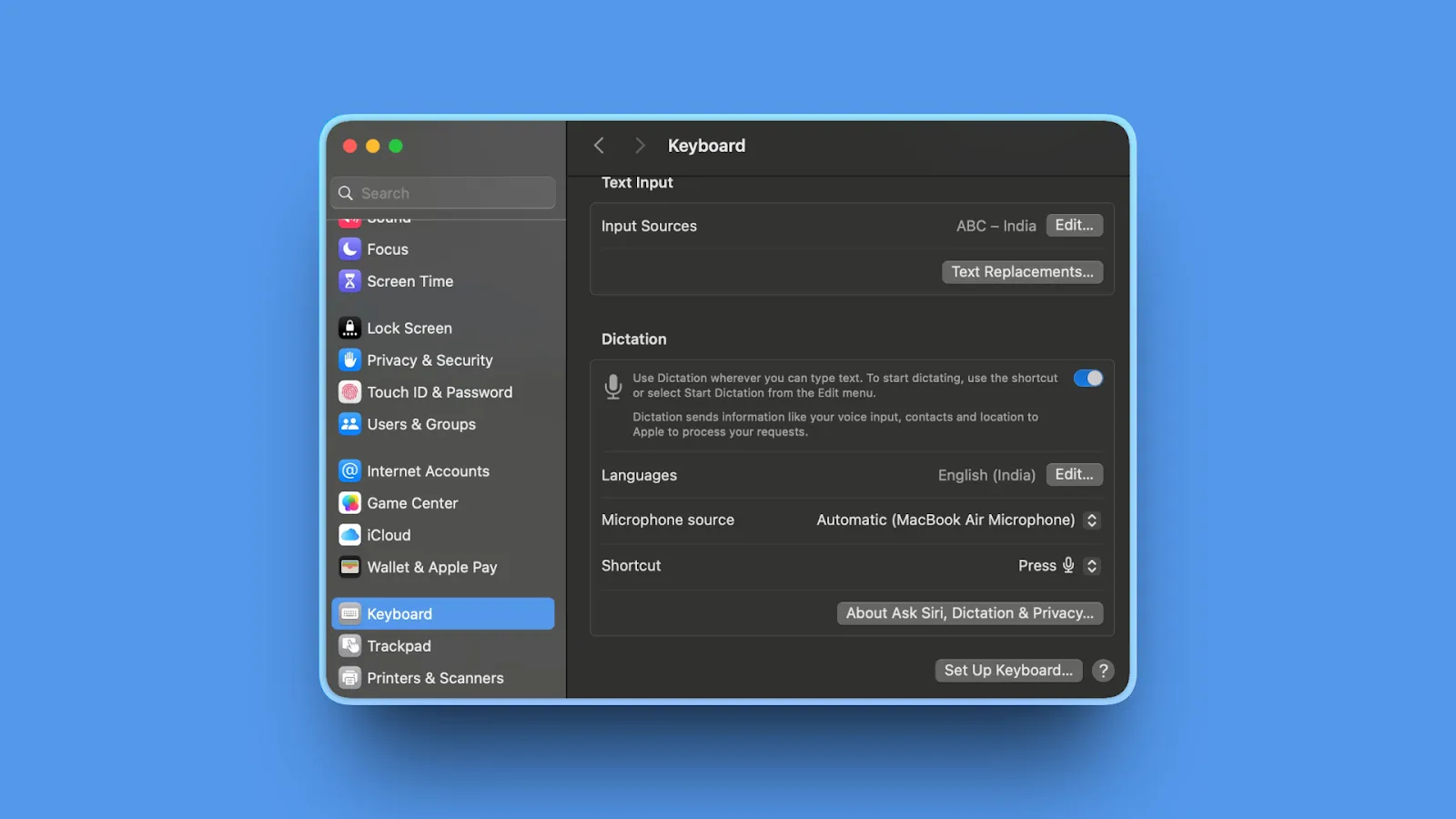
Apple Dictation is the best free dictation software for Mac users, offering on-device processing on Apple Silicon Macs with no setup required.
Key Features
- Built into macOS, iOS, and iPadOS (zero installation)
- On-device processing on Apple Silicon Macs M1/M2/M3
- 93-95% accuracy with automatic punctuation
- Works offline on Apple Silicon Macs
- Free with macOS
✓ Pros
- Completely free
- On-device processing on Apple Silicon
- Works offline
- No setup required
- Works across Apple ecosystem
✗ Cons
- Lower accuracy than paid apps (93-95%)
- Session length limitations
- No advanced customization
- Automatic timeout during pauses
Pricing
Free (included with macOS, iOS, iPadOS)
Best For
Mac users wanting free, private dictation, casual dictation needs (emails, notes), users with Apple Silicon Macs, and budget-conscious users testing dictation before investing in paid apps.
Hitting its timeouts and accuracy limits? See the best Apple Dictation alternatives that don't cut you off.
6. Monologue: Best for Context-Aware Dictation
Context-Aware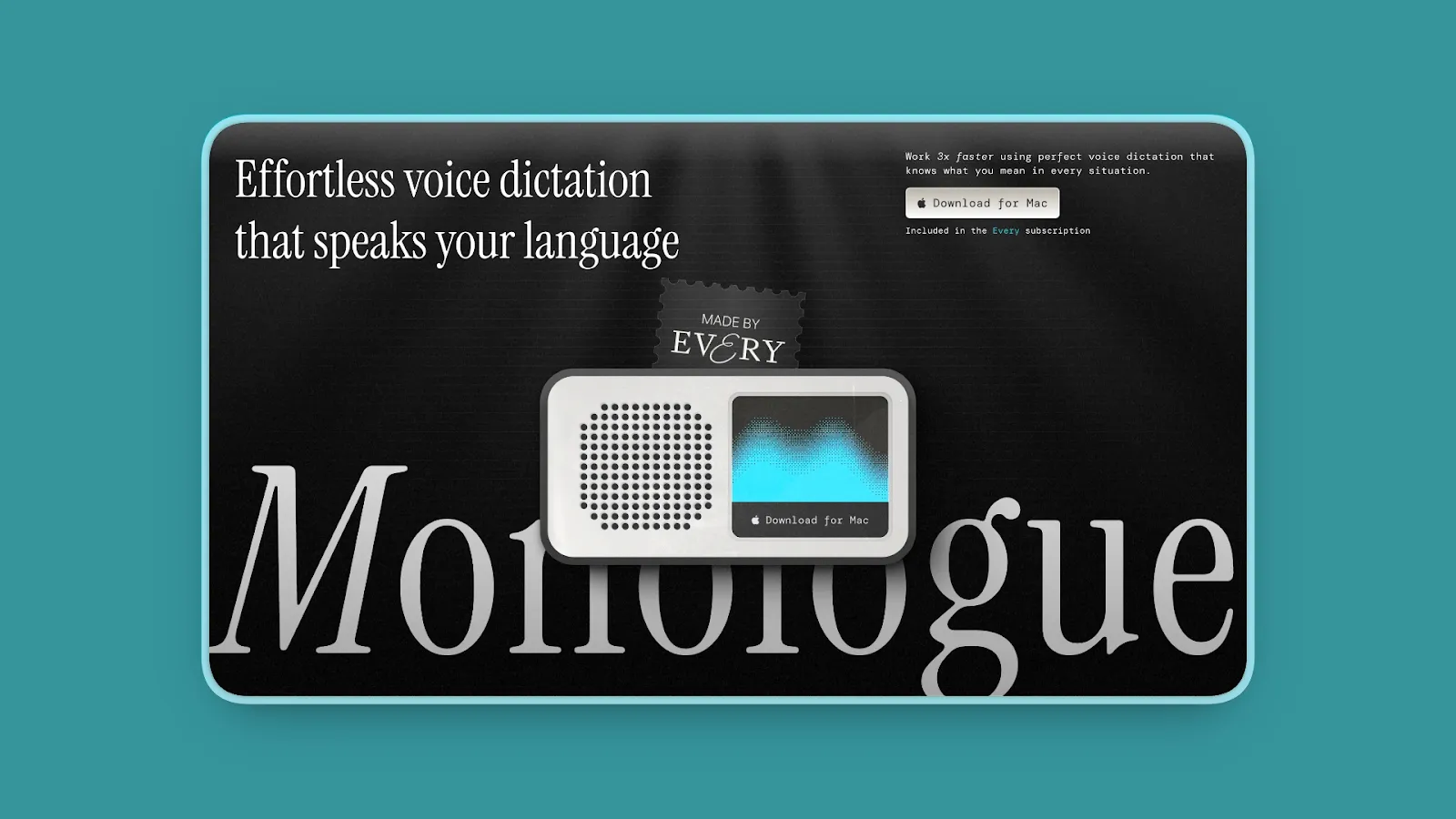
Monologue offers context-aware AI dictation with optional on-device processing, understanding what's on your screen to improve transcription accuracy.
Key Features
- Context-aware dictation understands app context and on-screen content
- On-device model option (download AI model for local processing)
- Zero LLM data retention policy
- 100+ languages supported
- Customizable "Modes" for different applications
✓ Pros
- Optional on-device processing
- Context-aware AI for better accuracy
- Zero data retention policy
- Affordable at $10/month
✗ Cons
- Smaller free tier (1,000 words/month)
- Requires manual model download for offline
- Context features require screen access
- macOS and Windows only
Pricing
- Free Tier: 1,000 words/month
- Subscription: $10/month or $100/year
User Reviews
Monologue has 5/5 stars on Product Hunt.
Best For
Users wanting AI context awareness with privacy, developers needing dictation that understands code context, and writers who switch between professional writing and casual messaging.
Exploring your options? See more Monologue alternatives.
7. Google Docs Voice Typing: Best Free Browser-Based Option
Free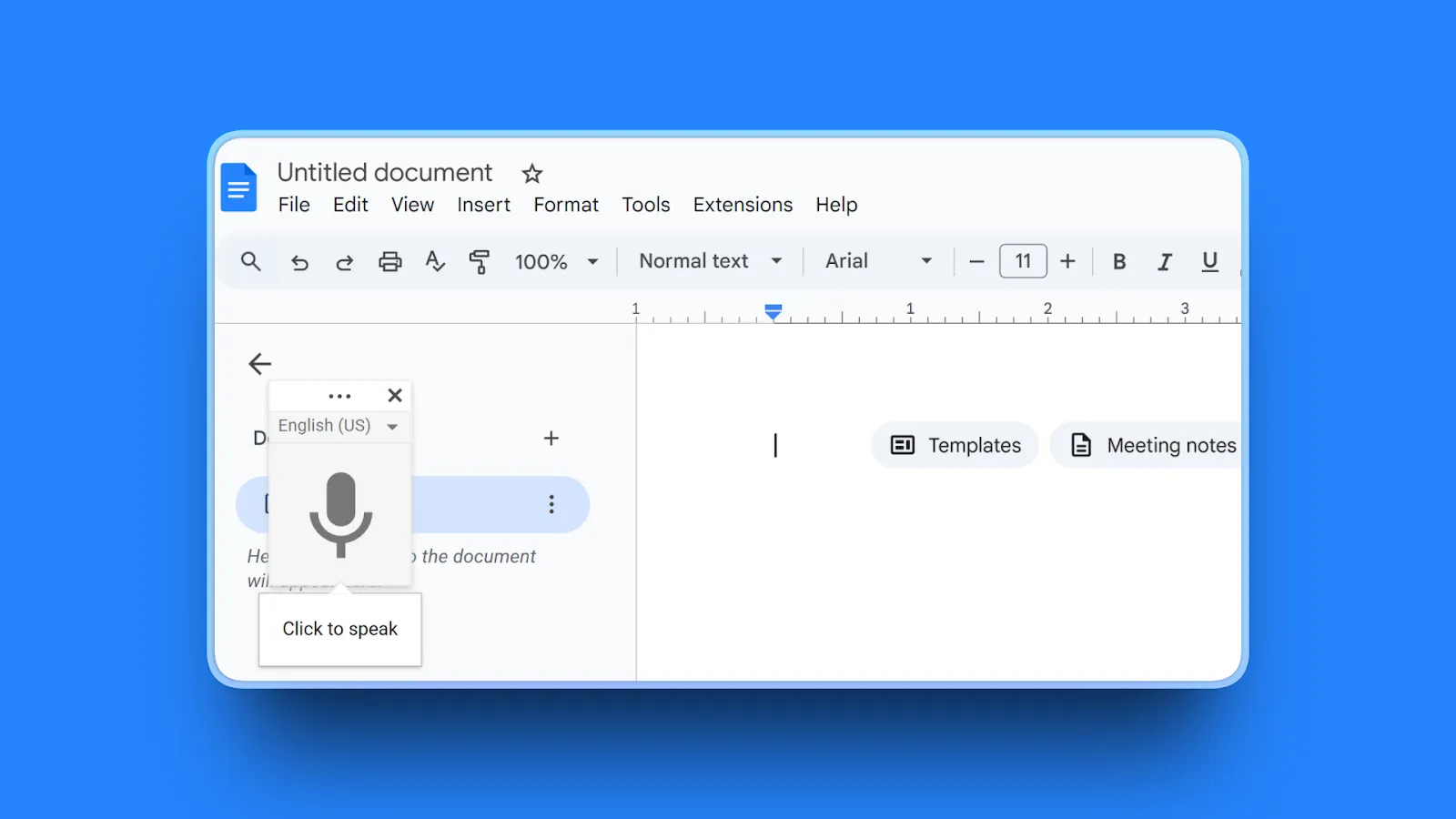
Google Docs Voice Typing is the best free dictation tool for Google Docs users who write in browsers and need multilingual support.
Key Features
- Built into Google Docs (zero installation)
- 100+ language support
- Real-time transcription
- Voice commands for formatting
- Works on any OS with Chrome browser
✓ Pros
- Completely free
- No installation required
- 100+ languages supported
- Cross-platform (any OS with Chrome)
✗ Cons
- Only works in Google Docs
- Lower accuracy (85-95%)
- Cloud-based (privacy concerns)
- Requires internet
Pricing
Free (requires Google account)
Best For
Google Docs users writing articles and reports, multilingual users needing 100+ languages, students and casual writers on a budget.
8. Otter.ai: Best for Meeting Transcription
Meetings
Otter.ai excels at meeting transcription, interview recording, and collaborative note-taking rather than traditional dictation.
Key Features
- Real-time meeting transcription with live captions
- Speaker identification by name
- Integration with Zoom, Google Meet, Microsoft Teams
- AI-generated summaries with action items
- Up to 95% accuracy
✓ Pros
- Excellent speaker identification
- Meeting platform integrations
- Generous free tier (300 minutes/month)
- AI summaries and search
✗ Cons
- Cloud-based (all audio stored)
- Not designed for traditional dictation
- Privacy concerns for sensitive content
- Requires internet
Pricing
- Basic (Free): 300 monthly transcription minutes
- Pro: $8.33/month (annual) - 1,200 minutes
- Business: $19.99/month (annual) - 6,000 minutes
User Reviews
Otter.ai has 4.4/5 stars on G2.
Best For
Journalists transcribing interviews, students recording lectures, teams needing shared meeting notes, and researchers conducting interviews.
9. Handy: Best Free Open-Source Option
Free & Open-Source
Handy is the best free, open-source dictation app for privacy advocates who want fully on-device processing without cost.
Key Features
- Completely free and open-source
- On-device processing using OpenAI Whisper model locally
- Works offline after downloading Whisper model
- Cross-platform support (macOS, Windows, Linux)
- No data collection or tracking
✓ Pros
- Completely free (zero cost forever)
- Fully on-device processing
- Works offline
- Open-source (inspect code)
- Cross-platform (Mac, Windows, Linux)
✗ Cons
- Lower accuracy (90-93%)
- Basic UI lacks polish
- Requires technical setup
- No customer support
Pricing
Free (open-source)
User Reviews
Handy is an open-source project on GitHub with 10,000+ stars.
Best For
Privacy advocates who won't compromise on data ownership, Linux users (rare dictation option), budget-conscious users wanting offline dictation, and developers who prefer open-source tools.
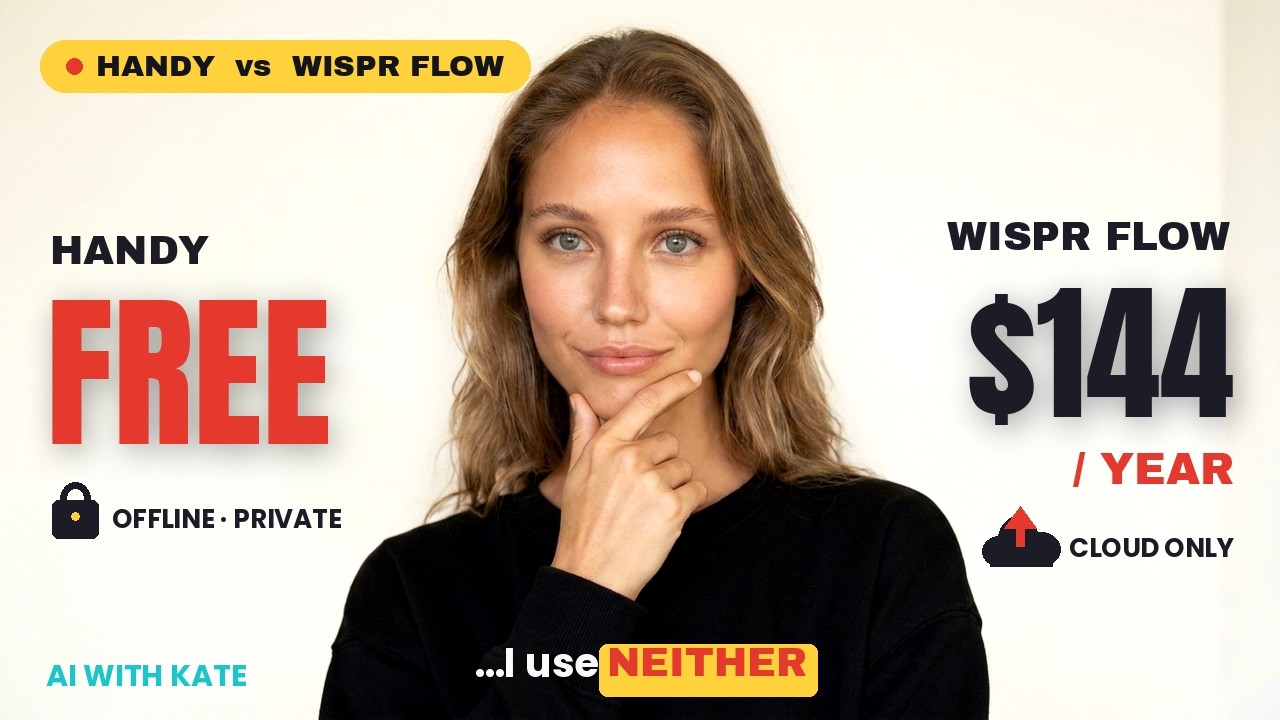
Handy vs Wispr Flow: free, private, or worth $144 a year?
10. Typeless: Best Generous Free Tier
8K Words/Week Free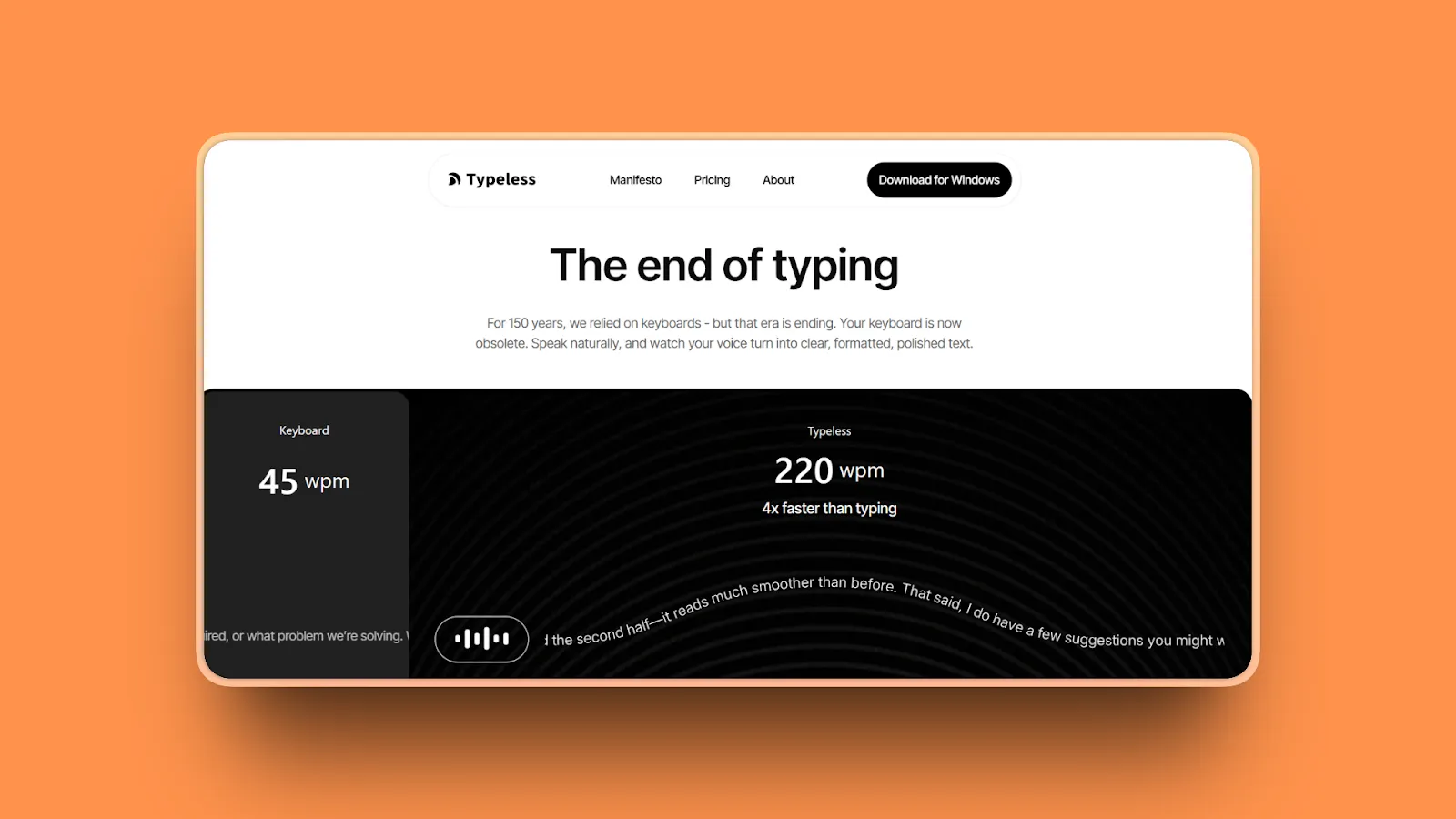
Typeless offers the most generous free tier (8,000 words/week) combined with strong privacy policies (no data retention or model training).
Key Features
- Real-time AI editing with auto-edits speech into polished text
- Filler-word removal automatically
- Automatic formatting for lists and numbered steps
- Personal dictionary support
- 100+ languages supported
- Works across all platforms (Mac, Windows, iOS, Android, Web)
✓ Pros
- Extremely generous free tier (8,000 words/week)
- Strong privacy policy (no data retention)
- Not used for AI training
- Real-time sentence polishing
- Affordable paid tier ($12/month)
✗ Cons
- Cloud-based (requires internet)
- Audio sent to servers
- Newer app with smaller user base
- No offline mode
Pricing
- Free Plan: 8,000 words/week
- Pro: $12/month (annual) for unlimited use
User Reviews
Typeless has a 5/5 stars rating on Product Hunt.
Best For
Users wanting extensive free usage (8,000 words/week), those who need cloud AI features but want strong privacy policies, and budget-conscious users testing paid alternatives.
Comparing free tiers? See more Typeless alternatives.
Quick Comparison Table
| Tool | AI Features | Standout Feature | Best For |
|---|---|---|---|
| Voibe | On-device or zero-retention cloud Whisper + Developer Mode | On-device or zero-retention cloud, never stored or trained on | Privacy-focused Mac users |
| Wispr Flow | GPT-4 post-processing | Cross-platform sync | Cross-platform teams |
| Dragon Professional | Deep Learning engine | 99% accuracy | High-volume Windows pros |
| Willow | AI paragraph expansion | Local transcript caching | Privacy + AI expansion |
| Apple Dictation | Apple Intelligence | Free, on-device | Mac users (free option) |
| Monologue | Context-aware AI | Understands screen | Context-aware with privacy |
| Google Docs | Basic cloud AI | 100+ languages, free | Google Docs users |
| Otter.ai | AI summaries | Speaker identification | Meeting transcription |
| Handy | Local Whisper model | Free, open-source | Privacy advocates |
| Typeless | Real-time AI editing | 8K words/week free | Generous free tier |
How to Choose the Right Dictation App
Choose Based on Privacy Requirements
Maximum Privacy (On-Device Processing): Voibe (Mac, paid), Handy (Mac/Windows/Linux, free), Monologue (Mac/Windows, local model option), Apple Dictation (Mac with Apple Silicon, free), Dragon Professional (Windows, paid).
When privacy matters: Legal/medical professionals handling confidential client/patient data, writers protecting unpublished manuscripts, consultants working with proprietary business strategies.
Key point: If you handle any confidential information (legal, medical, business), choose on-device processing. The privacy risk of cloud apps isn't worth the convenience.
Choose Based on Platform
Mac Users: Best overall is Voibe (privacy, offline, affordable), best free is Apple Dictation (on-device, works offline on Apple Silicon), best open-source is Handy.
Windows Users: Best accuracy is Dragon Professional (99%, specialized industries), best cross-platform is Wispr Flow, best free is Windows Voice Access.
Cross-Platform Users: Best overall is Wispr Flow (consistent across all platforms), best for meetings is Otter.ai, best free is Google Docs Voice Typing.
Linux Users: Only serious option is Handy (free, open-source, on-device).
Choose Based on Use Case
For Writers & Authors: Long-form/fiction needs Voibe (Mac, custom dictionary for character names and unique terms) or Dragon (Windows), interviews/research needs Otter.ai (speaker separation), blog posts in Google Docs uses Google Docs Voice Typing (free), budget-conscious writers use Typeless (8,000 words/week free).
For Developers & Programmers: AI coding workflows use Voibe (Mac, Developer Mode for Cursor/Windsurf), cross-platform coding uses Wispr Flow (works in VS Code, Cursor), context-aware uses Monologue (understands code on screen).
For Legal/Medical/Healthcare: Mac users need Voibe (on-device, custom dictionary for specialized terminology), Windows users need Dragon Professional (industry-standard, specialized vocabularies). Not recommended: Any cloud-based app (privacy/compliance risks).
For Students: Best free options are Apple Dictation (Mac), Windows Voice Access (Windows), Google Docs Voice Typing (any OS), best for lectures is Otter.ai (transcribe + share notes), budget paid option is Typeless (8,000 words/week free, then $12/month).
For Journalists: Interview transcription needs Otter.ai (speaker identification), on-the-go dictation uses Wispr Flow (mobile + desktop sync), offline work uses Voibe (Mac, works on flights/remote locations).
Free vs Paid: When to Upgrade
Stick with Free If: You dictate less than 10,000 words/month (Apple Dictation, Google Docs Voice Typing, Typeless free tier covers this), privacy isn't critical (non-confidential content), you're testing dictation before committing, you use Google Docs exclusively.
Upgrade to Paid If: You dictate 20,000+ words/month (free tiers too limiting), you handle confidential information (need on-device processing: Voibe, Dragon), you need 97%+ accuracy (free tools typically 90-95%), you want cross-platform sync (Wispr Flow), you dictate offline frequently (Voibe, Dragon, Monologue local mode), you need custom vocabulary for industry jargon.
ROI Calculation Example: If you write 2,000 words/day (5 days/week), that's ~40,000 words/month. At 95% accuracy, typing time is 40,000 words ÷ 40 WPM = 1,000 minutes (16.7 hours). Dictation time is 40,000 words ÷ 150 WPM = 267 minutes (4.5 hours). Time saved: 12 hours/month.
If your hourly rate is $50+, a $7.50/mo-$149 lifetime investment (Voibe) or $12/month (Wispr Flow) pays for itself in saved time within days.
Subscription vs One-Time Purchase
One-Time Purchase: Voibe ($149 lifetime), Dragon Professional ($700). Pros: No recurring fees, ownership, predictable total cost. Cons: May lack ongoing updates/features compared to subscription apps.
Subscription: Wispr Flow ($12/month = $144/year), Willow ($15/month = $180/year), Monologue ($10/month = $120/year), Typeless ($12/month = $144/year annual). Pros: Continuous updates, new AI features, cross-device sync. Cons: Ongoing cost adds up ($180/year = $900 over 5 years).
3-Year Total Cost Comparison: Voibe Lifetime $149 (one-time), Dragon Professional $700 (one-time), Wispr Flow $432 (36 months × $12), Typeless $432 (36 months × $12).
When to Choose One-Time: You want predictable costs, you use dictation long-term (3+ years), you don't need cross-platform sync, you prefer ownership to subscription.
When to Choose Subscription: You value the latest AI features, you need cross-platform sync (vocabulary, settings), you want to test before long-term commitment, you dictate across multiple devices.
Bottom line: For Mac users, Voibe's $149 lifetime purchase is the best value over 3+ years. For cross-platform teams, Wispr Flow's subscription justifies the cost with sync and AI features.
Frequently Asked Questions
What is the difference between voice typing and dictation software? ▼
Voice typing (like Google Docs Voice Typing):
- Performs basic speech-to-text conversion
- Requires manual punctuation commands
- Minimal context understanding
Modern AI dictation software (Voibe, Wispr Flow, Dragon):
- Uses large language models to understand context
- Applies punctuation automatically
- Filters filler words
- Formats text naturally
- Requires far less editing
What is dictation software and how does it work? ▼
Dictation software converts spoken words into written text using speech recognition technology.
How AI-powered dictation works in 2026:
- Speech recognition converts audio to text using models like OpenAI Whisper
- Large language models process transcribed text, adding punctuation and fixing grammar
- Output formatting generates clean, publication-ready text
Modern dictation software achieves 90-99% accuracy by combining speech recognition with AI that understands intent and context.
Does dictation software require an internet connection? ▼
It depends on the app.
Apps with a fully offline mode (no internet needed):
- Voibe (on-device mode, Apple Silicon M1+), Handy, Apple Dictation (Apple Silicon), Dragon Professional
- Process speech entirely on your device
- Voibe also offers a zero-retention cloud mode with open-source models, so it runs on all Macs
Cloud-based apps (internet required):
- Wispr Flow, Otter.ai, Google Docs Voice Typing
- Send audio to servers for AI processing
Key point: For reliable offline dictation, choose Voibe (Mac), Handy (free), or Dragon (Windows).
Is Dragon dictation still the best in 2026? ▼
Dragon Professional remains the accuracy champion (99%) for Windows users in specialized industries (legal, medical), but it's no longer the only excellent option.
Modern AI alternatives like Voibe (Mac, 97%+ accuracy), Wispr Flow (cross-platform, 95%+ accuracy), and free options (Apple Dictation, Google Docs) offer competitive accuracy without Dragon's high cost ($700), Windows-only limitation, and extensive setup time.
Bottom line: Dragon is best for high-volume Windows users in specialized fields. Most users should choose modern AI alternatives (Voibe, Wispr Flow).
What are the best free alternatives to Dragon? ▼
Best free Dragon alternatives:
- Apple Dictation (Mac/iOS): 93-95% accuracy, on-device processing on Apple Silicon, works offline
- Windows Voice Access (Windows): Built-in with competitive accuracy (~92%), free
- Google Docs Voice Typing (browser): 90-93% accuracy, 100+ languages, works in Google Docs
- Handy (Mac/Windows/Linux): Open-source, on-device, works offline, 90-93% accuracy
For casual use, these free options eliminate the need for Dragon's $700 price tag.
Which is better: Mac dictation or Windows Speech Recognition? ▼
Apple Dictation is better for most users because it offers higher accuracy (93-95% vs 92%) and on-device privacy on Apple Silicon Macs.
Apple Dictation (M1/M2/M3 Macs):
- On-device processing (private)
- Works offline
- Free
Windows Voice Access (Windows 11):
- Built-in with ~92% accuracy
- System-wide availability
- Benefits from Microsoft's ownership of Nuance (Dragon creators)
For paid alternatives: Voibe (Mac, from $7.50/mo or $149 lifetime, 97%+ accuracy) and Dragon Professional (Windows, $700, 99% accuracy) significantly outperform both free options.
What's the most accurate dictation app in 2026? ▼
Top accuracy leaders:
- Dragon Professional (Windows): 99% accuracy — the gold standard
- Voibe (Mac): 97%+ accuracy with on-device processing
- Wispr Flow (cross-platform): 95%+ accuracy (97.2% with AI post-processing)
- Willow (Mac/Windows): 95%+ accuracy
Free options:
- Apple Dictation: 93-95% accuracy
- Google Docs Voice Typing: 85-95% accuracy
Free options provide acceptable accuracy for casual use, but paid apps deliver significantly better results for professional work.
Can you use dictation software for coding and programming? ▼
Yes, you need specialized tools designed for coding.
Developer-focused dictation tools:
- Voibe (with Developer Mode): Optimized for AI coding tools like Cursor and Windsurf
- Wispr Flow: General dictation that works in IDEs like VS Code and Cursor
- Monologue: Context-aware dictation with code understanding
These tools understand code structure and work seamlessly within development environments.
Key point: For AI coding tools like Cursor and Windsurf, use Voibe's Developer Mode. For other coding workflows, use specialized tools like Wispr Flow or Monologue.
What's the best dictation app for writers and authors? ▼
For fiction writers:
- Voibe (Mac): Privacy for unpublished manuscripts — a fully on-device mode plus a zero-retention cloud mode that never stores or trains on your audio — custom dictionary for character names and unique terms, 97%+ accuracy, from $7.50/mo or $149 lifetime
- Dragon Professional (Windows): 99% accuracy for high-volume novel writing, $700
- Typeless: Budget option with 8,000 words/week free
For non-fiction writers:
- Voibe (Mac): Custom dictionary for technical terms, industry jargon, specialized terminology, from $7.50/mo or $149 lifetime
- Dragon Professional (Windows): Custom vocabulary for technical terms, $700
- Wispr Flow: AI text expansion (dictate outlines, get full paragraphs) at $12/mo
For journalists:
- Otter.ai: Transcribes interviews with speaker identification
Bottom line: Fiction writers need Voibe (Mac) for privacy and custom dictionary. High-volume writers need Dragon (Windows) for accuracy. All writers benefit from Voibe's custom dictionary for specialized terms.
Do dictation apps work offline? ▼
Apps with a fully offline mode:
- Voibe (Mac): on-device mode (Apple Silicon M1+) is 100% offline at 97%+ accuracy; a zero-retention cloud mode also runs on all Macs
- Handy (Mac/Windows/Linux): Open-source and free
- Apple Dictation (Apple Silicon Macs): On-device processing
- Dragon Professional (Windows): Fully offline
- Monologue: Local model mode available
Require internet:
- Wispr Flow: Cloud AI processing
- Otter.ai: Cloud transcription
- Google Docs Voice Typing: Browser-based
- Willow: Cloud processing
- Typeless: Cloud-based
Key point: If offline capability matters (flights, secure environments, remote work), choose Voibe, Handy, Dragon, or Apple Dictation (Apple Silicon Macs).
Which dictation apps are most private and secure? ▼
Voibe and Handy are among the most private dictation apps. Voibe lets you choose a fully on-device mode (Apple Silicon M1+) with zero cloud uploads, or a zero-retention cloud mode with open-source models where audio is never stored, sold, or used to train AI.
Most private options:
- Voibe (Mac): On-device mode needs no internet, or zero-retention cloud that never stores or trains on your audio, from $7.50/mo or $149 lifetime
- Handy (Mac/Windows/Linux): Open-source, fully local, free
- Apple Dictation (Apple Silicon): On-device processing on M1/M2/M3 Macs, free
- Dragon Professional (Windows): Local processing with voice profiles, $700
Privacy-focused cloud apps (strong policies):
- Typeless: No data retention, not used for AI training
- Monologue: Zero LLM data retention, optional local processing
Key point: For confidential work (legal, medical, business), use on-device apps only.
Do dictation apps store or use my voice data for training? ▼
Most dictation apps fall into three categories for data storage:
1. On-device apps (no data collection):
- Voibe: On-device mode collects no audio; its zero-retention cloud mode never stores, sells, or trains on your audio either
- Handy: Open-source, no data collection
- Apple Dictation (Apple Silicon): On-device, no uploads unless you opt in to "Improve Siri"
- Dragon Professional: Local storage only
2. Privacy-focused cloud apps:
- Typeless: Audio deleted after transcription, not used for training
- Monologue: Zero data retention policy
3. Standard cloud apps (may use data):
- Google Docs Voice Typing: May use data to improve services per privacy policy
- Otter.ai: Transcripts stored for collaboration
- Wispr Flow: Privacy Mode available, unclear data retention/training policy
Key point: When privacy matters, choose apps with explicit "no data retention" or "on-device processing" commitments.
Is dictation software worth it? ▼
Yes, if you write 20,000+ words per month or handle confidential information requiring privacy.
Time savings calculation: Professionals writing 20,000+ words monthly save 12+ hours (speaking at 150 WPM vs typing at 40 WPM), justifying costs of roughly $10-15/month.
When to use free options: Casual writers under 10,000 words/month can use Apple Dictation or Google Docs Voice Typing effectively.
Accuracy advantage: Paid apps offer 97-99% accuracy vs 85-95% for free options, reducing editing time and improving final output quality.
Final Thoughts
Dictation software in 2026 has matured into a genuine productivity tool. AI-powered apps deliver 95%+ accuracy with minimal editing.
Privacy-conscious users should choose an app that respects their data. Voibe's on-device mode, plus Handy and Dragon, keep everything local; Voibe additionally offers a zero-retention cloud mode with open-source models that never stores, sells, or trains on your audio. Cross-platform teams benefit from cloud-based AI features like Wispr Flow offers.
Free options (Apple Dictation, Google Docs Voice Typing) work for casual use. But professionals dictating 20,000+ words/month see strong ROI from paid apps.
Voibe tops our list for Mac users. Pick on-device mode and your voice data never leaves your machine, or zero-retention cloud with open-source models where audio is never stored, sold, or used to train AI — and it runs on all Macs. Perfect for confidential work, unpublished writing, or secure environments. The $149 lifetime option eliminates subscription fatigue.
Related Dictation Guides
Want a deeper dive on a specific tool? We keep dedicated alternative round-ups for Superwhisper, MacWhisper, and Aqua Voice, plus head-to-head breakdowns: Voibe vs Wispr Flow, Voibe vs Superwhisper, Voibe vs Willow Voice, and Voibe vs Apple Dictation.
New to dictation? Learn why talking to AI beats typing for speed and intent.
Comparing the big cloud tools directly? The Voibe Resources library goes deeper on Wispr Flow vs Superwhisper, Wispr Flow pricing, and whether Wispr Flow is safe.
Try Voibe Today
Start with Voibe and experience private dictation on your terms, on-device or zero-retention cloud with open-source models. Your writing speed will never be the same.
Try Voibe for free