
9 Best Wispr Flow Alternatives in 2026 (Actually Compared)
TL;DR
The best Wispr Flow alternative depends on the constraint you need to fix. Choose Voibe for private Mac and Windows dictation with on-device and lifetime options. Choose Superwhisper for model choice and custom workflows, Aqua Voice for live cloud transcription and technical vocabulary, Typeless for the biggest free allowance and Android, or Handy for free local dictation across Mac, Windows, and Linux.
Wispr Flow is a strong product. It runs on Mac, Windows, iOS, and Android, supports 100+ languages, learns vocabulary, expands snippets, adapts style by app, and includes a Mac notetaker. Reasons to consider an alternative include its cloud data path, privacy and security questions, outages, resource use, and user reports of worse accuracy or consistency after upgrading. The right alternative depends on which of those trade-offs matters in your work.
How this guide was researched
Feature, platform, privacy, and pricing details were checked against each product’s official site and documentation on September 8, 2026. Pricing changes frequently. We excluded tools built mainly for meeting bots or recorded-file transcription because they do not replace Flow’s system-wide speak-into-any-app workflow.
Disclosure
Voibe is our product, so we rank it first for the use case it was built to win: private, low-friction desktop dictation with a lifetime option. We also name where it loses. If you need Android, Typeless or Wispr Flow is a better fit. If you want dozens of model choices, Superwhisper is better. If you want free, local Linux dictation, use Handy.
The Shortlist at a Glance
| Alternative | Best for | Platforms | Processing | Starting price |
|---|---|---|---|---|
| 1. Voibe | overall for private desktop dictation | Mac, Windows | On-device on Apple Silicon; zero-retention cloud on Mac and Windows | $7.50/mo, $75/yr, or $149 lifetime |
| 2. Superwhisper | for model choice and custom workflows | Mac, Windows, iOS | Local and cloud models | Free; $8.49/mo, $84.99/yr, or $249.99 lifetime |
| 3. Aqua Voice | for live text and technical vocabulary | Mac, Windows, iPhone | Cloud | 1,000 words free; Pro $8/mo annually; Max $24/mo annually |
| 4. Monologue | for dictation, notes, meetings, and agents in one app | Mac, iPhone, iPad, Apple Watch | Local transcription available on Mac; connected features use cloud services | 1,000-word trial; $15/mo or $144/yr |
| 5. Typeless | free allowance and mobile coverage | Mac, Windows, iOS, Android | Cloud with zero-retention controls | 8,000 words/week free; $12/mo annually or $30/mo monthly |
| 6. Willow Voice | for style memory and guided AI writing | Mac, iPhone; Windows and Android listed as coming soon | Cloud | Free; $15/mo or $12/mo annually |
| 7. VoiceInk | open-source Mac alternative | Apple Silicon Mac, iOS companion app | Local by default; optional text-only cloud enhancement | Free source build; compiled Mac app from $25 lifetime |
| 8. Handy | free open-source cross-platform option | Mac, Windows, Linux | Local | Free and open source |
| 9. Apple Dictation | zero-install baseline for Mac users | Mac, iPhone, iPad | Varies by device, language, and settings; on-device status is shown in macOS settings | Free with Apple devices |
What Is Wispr Flow?
Wispr Flow is a cloud-based AI dictation app for Mac, Windows, iOS, and Android. You can speak into text fields across email, messaging, documents, browsers, and other apps in more than 100 languages. Flow removes filler words, adds punctuation, learns names and jargon, expands saved snippets, and adapts writing style to the app you are using.
The Mac app also includes a bot-free Notetaker. It identifies speakers, lets you ask questions across meetings, and can expose meeting notes to Claude, ChatGPT, and other AI tools through MCP. Team plans include shared dictionaries and centralized administration.
Wispr Flow Pro costs $15 per user monthly or $12 per user per month on annual billing. The free tier includes 2,000 dictation words per week on desktop, 1,000 per week on iPhone, and unlimited dictation on Android. Pro adds unlimited dictation, advanced models, higher meeting limits, and prioritized support.
Why People Are Looking for a Wispr Flow Alternative
Flow’s feature list is compelling. The objections are about what happens underneath it: where dictated words go, what the app can see, how much a cloud dependency affects daily reliability, and whether the experience remains consistent after the trial. We have investigated each issue separately; this is the short version.
1. Privacy is a data-path question, not a policy slogan
Wispr Flow processes dictation in the cloud, and its context features can use content from the active app. Privacy Mode and Cloud Sync controls can reduce retention, but they do not turn Flow into an on-device product. In August 2026, a Wispr Flow team member published country-level word-frequency analysis derived from user dictations. No individual was identified and this was not a breach, but it demonstrated that dictated words were retained in a form the company could query under its documented defaults. Read our source-by-source report, Wispr Flow Analyzed What Users Dictate.
2. Security controls do not remove every trust question
Wispr Flow offers encryption, HIPAA controls, zero-retention settings, and serious enterprise features. It also had to rebuild confidence after its former compliance administrator, Delve, was named in a 2026 investigation into allegedly fabricated audit reports. Wispr said its controls were implemented independently, moved to A-LIGN and Drata, and received a clean new SOC 2 Type I. That response matters, but teams with regulated or confidential work still need to inspect the current audit, retention toggles, screen-context settings, and subprocessors. Our Is Wispr Flow Safe? investigation walks through the evidence and the settings to check.
3. Users report a post-trial or post-payment performance drop
A recurring theme in public reviews is that Flow feels excellent during the free trial and then becomes less accurate or less consistent after the user pays. Some describe it as working only “60% of the time.” These are user reports, not proof that upgrading triggers a technical downgrade, and Flow also has many satisfied users. Still, the pattern is relevant when dictation is part of an accessibility, coding, or deadline-driven workflow. Our full Wispr Flow review compares the negative reports with its strong App Store and G2 scores instead of treating either side as the whole story.
4. Cloud outages become dictation outages
Because every Flow dictation depends on a remote service, connection problems and backend incidents affect the core typing workflow. Our living Wispr Flow reliability log documented more than 75 incidents in roughly six months, including an extended dictation-capacity event followed by fresh login and backend disruptions. That does not mean Flow is always unreliable. It means local transcription has a structural advantage when “works without the server” matters more than cross-device convenience.
5. Performance also means local resource use and latency
Public reports have measured high idle memory and CPU use on some older Macs, while Windows users have reported freezes in target apps. Cloud round trips also make speed dependent on the network and server load. Hardware, operating system, and connection quality vary, so test on your own machine. If consistent response time matters, see our cloud vs. local dictation comparison before choosing an architecture.
6. The subscription has to keep earning its price
At $144 per year, Flow Pro costs $432 over three years. That can be reasonable for its cross-platform polish, notetaker, and enterprise controls. It is harder to justify if you mainly dictate on one desktop or are already questioning reliability. A lifetime license from Voibe, Superwhisper, or VoiceInk can cost less over time, while Handy and Apple Dictation cost nothing. See the plan math in our Wispr Flow pricing guide or compare the most affordable alternatives.
7. You need offline use, Linux, a bigger free plan, or deeper controls
Flow cannot cover every workflow. Local options keep working on flights and restricted networks. Handy covers Linux. Typeless offers 8,000 free words each week. Superwhisper exposes far more model and prompt controls. Aqua specializes in live text and technical vocabulary. These are not reactions to controversy; they are simply better product matches for specific needs.
How We Chose the 9 Alternatives
We applied six filters. A product had to provide live, system-wide dictation or be the built-in baseline a buyer would reasonably compare against it.
- Workflow match: Can you speak into email, chat, documents, browsers, and AI prompts without moving text from a transcription editor?
- Platform truth: Is the advertised app available now, rather than sitting on a roadmap?
- Processing model: Is transcription local, cloud-based, or genuinely selectable?
- Output control: Does the tool provide literal transcription, automatic cleanup, custom vocabulary, context, or modes?
- Total cost: Is the free plan reusable? What does three years of normal use cost?
- Product maturity: Is there active development, usable documentation, and a support path appropriate for daily work?
The 9 Best Wispr Flow Alternatives in 2026
Wispr Flow alternatives (2026): 5 free and cheaper dictation apps
1. Voibe: Best overall for private desktop dictation
Platforms: Mac, Windows · Processing: On-device on Apple Silicon; zero-retention cloud on Mac and Windows · Pricing: $7.50/mo, $75/yr, or $149 lifetime
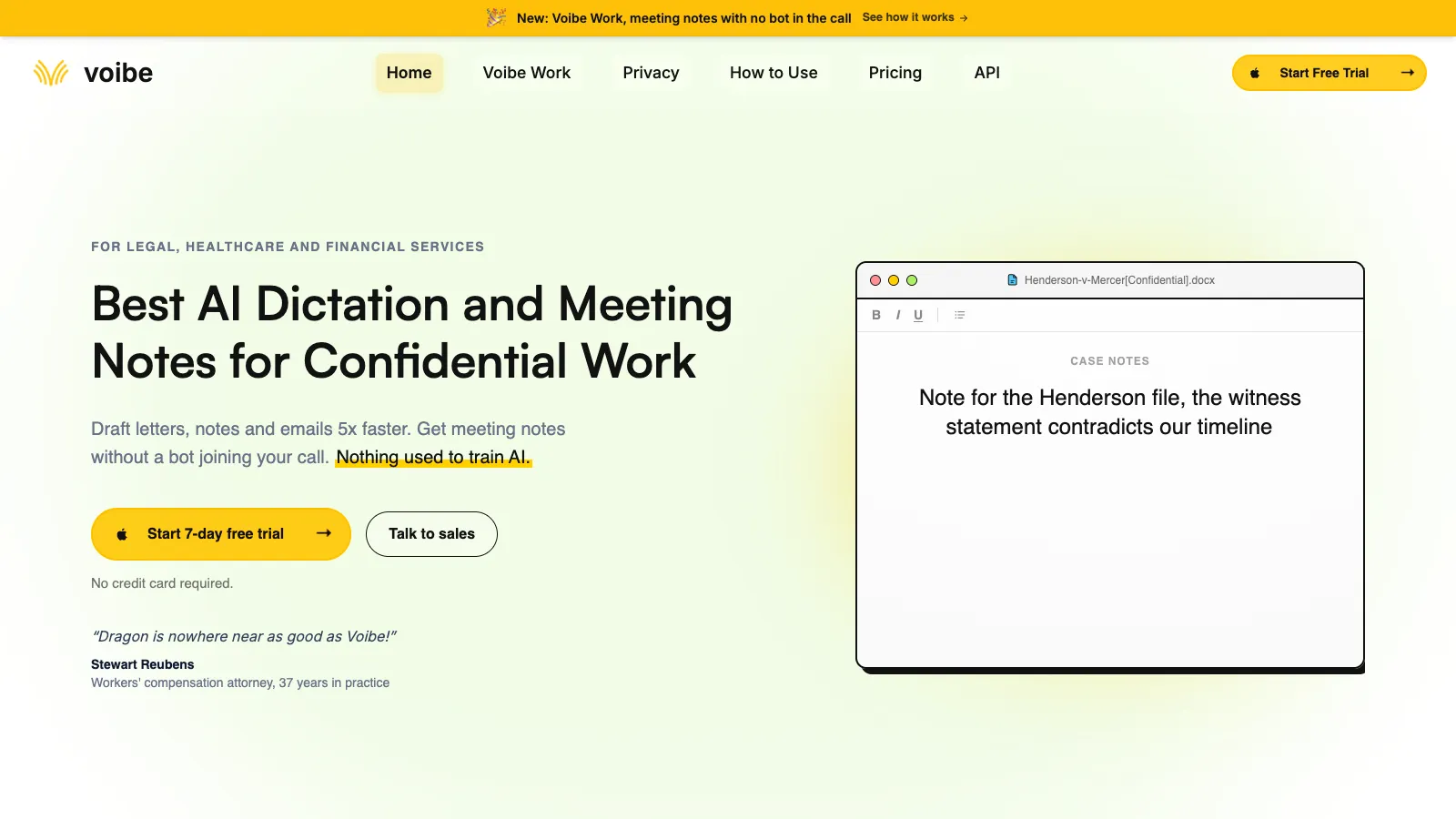
Voibe is the strongest all-round alternative for people who want fast system-wide dictation without accepting an open-ended cloud data relationship. It works in any desktop app, combines everyday writing tools with deep support for developers, and can be installed and ready to dictate in a few minutes.
Trusted by 4,000+ professionals, including people at Netflix, NVIDIA, Amazon, Twilio, and Intercom





Key features
- Push-to-talk and hands-free dictation on Mac and Windows, plus Live Dictation on Mac
- Fully on-device transcription on Apple Silicon Macs, or zero-retention cloud transcription using open-source models
- Memory shortcuts, custom vocabulary, smart punctuation, and spoken symbols
- Developer Mode resolves file names, folder paths, and identifiers in Cursor, VS Code, and Windsurf
- Quick setup without model downloads or API-key configuration
- Priority customer support is included with paid plans
- One license works on up to three personal Mac and Windows devices
Where it wins
- You choose local or cloud processing instead of being locked into one architecture
- Audio is never stored, sold, or used to train AI in either mode
- $149 one-time lifetime pricing is available alongside monthly and annual plans
- Setup is quick, and paid plans include responsive priority support
- Published security documentation and clear permission boundaries make IT review easier
Where it loses
- No iPhone, iPad, Android, or Linux app
- On-device mode requires an Apple Silicon Mac
- Windows and Intel Macs use the zero-retention cloud mode
- Live Dictation is currently available on Mac only
Bottom line: Choose Voibe if privacy, desktop coverage, easy setup, developer vocabulary, quick support, and long-term price matter more than mobile dictation.
See Voibe in action
Try Voibe with your own vocabulary
Start free on Mac or Windows. No credit card required.
2. Superwhisper: Best for model choice and custom workflows
Platforms: Mac, Windows, iOS · Processing: Local and cloud models · Pricing: Free; $8.49/mo, $84.99/yr, or $249.99 lifetime
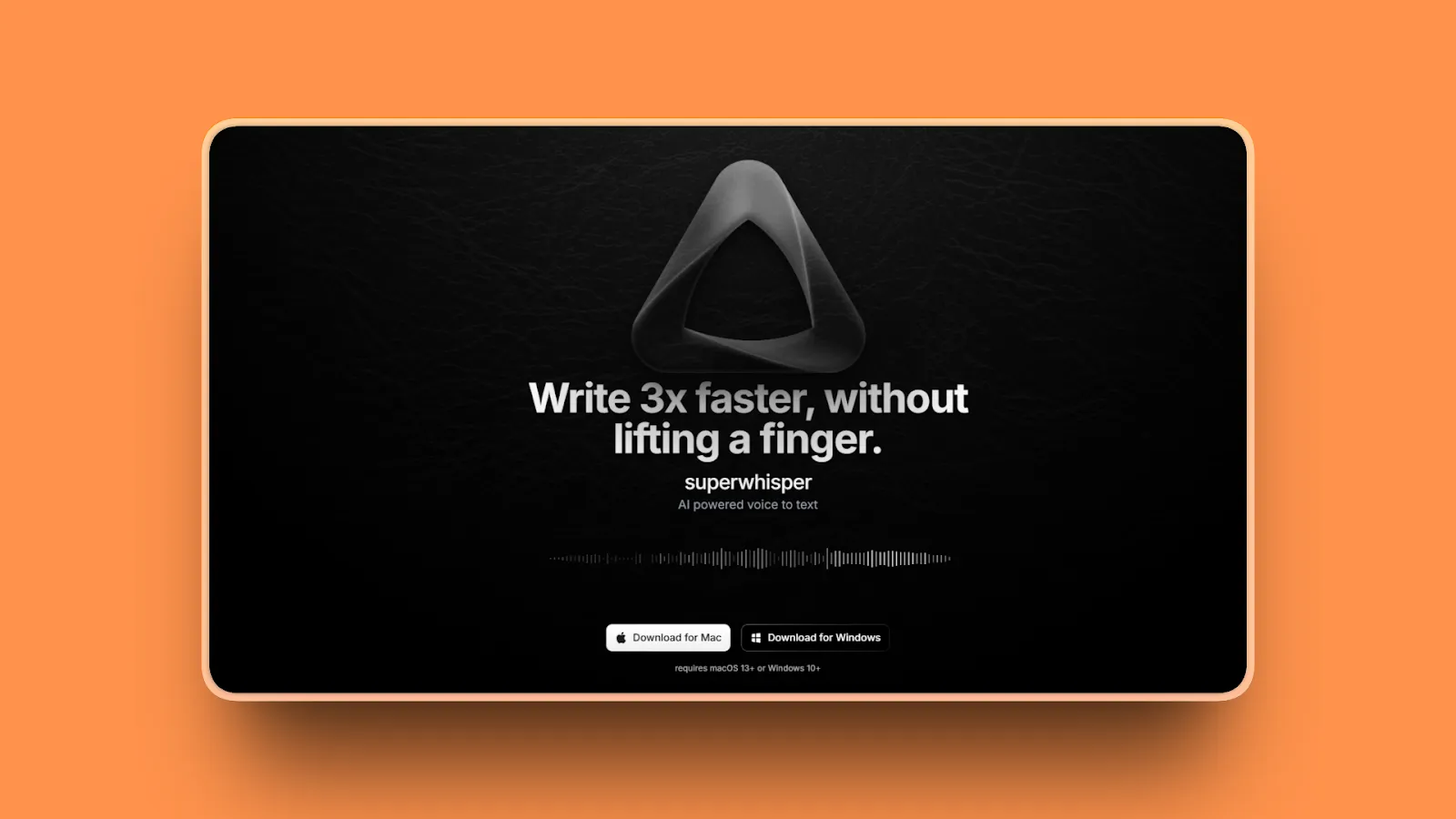
Superwhisper Superwhisper is a broad voice workspace built around choice. Whisper, Parakeet, S1, cloud models, local language models, and custom modes can all be mixed to fit a workflow.
Key features
- System-wide dictation, meeting recording, and audio or video file transcription
- 100+ languages, custom vocabulary, custom prompts, and predefined writing modes
- Free unlimited use of local Whisper models
- Local and cloud speech models, plus optional local or cloud AI cleanup
- Apps for Mac, Windows, and iOS; one Pro license activates across devices
Where it wins
- The widest model and configuration surface in this comparison
- Can be fully offline when both transcription and cleanup use local models
- Free tier is useful beyond a short trial
- Adds meetings and file transcription without needing another app
Where it loses
- The number of models and settings can feel like work if you want a simple default
- Local model speed and quality depend heavily on your hardware
- Some Windows capabilities still trail macOS
Bottom line: Choose Superwhisper if you want to tune the pipeline yourself, switch between local and cloud models, or combine dictation with meetings and file transcription.
3. Aqua Voice: Best for live text and technical vocabulary
Platforms: Mac, Windows, iPhone · Processing: Cloud · Pricing: 1,000 words free; Pro $8/mo annually; Max $24/mo annually
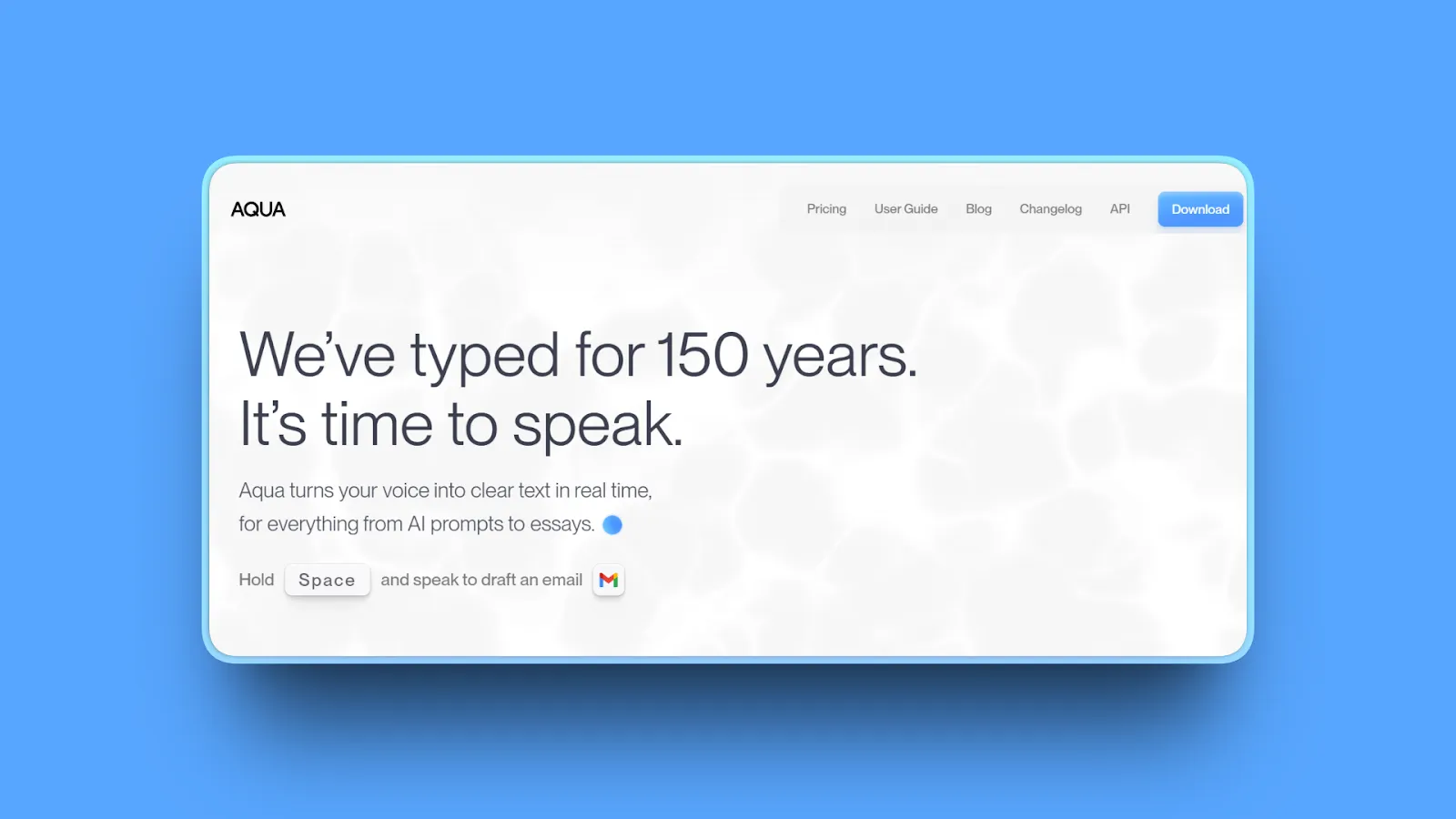
Aqua Voice Aqua is a polished cloud dictation tool built around its Avalon speech model. It is particularly strong when you want technical terms, code-adjacent language, and polished text to appear with very little setup.
Key features
- System-wide dictation on Mac and Windows, plus an iPhone app
- 49 languages and a custom dictionary for names, brands, and technical terms
- Custom instructions adapt tone and formatting by destination
- Edit Mode can transform selected text
- Max adds Realtime Mode and a multilingual “send it” command on desktop
Where it wins
- Excellent out-of-box experience for code, prompts, and technical vocabulary
- Live, editable text is available instead of waiting for a final paste
- Mac, Windows, and iPhone coverage is broader than most local-first tools
- Privacy Mode is available, and enterprise plans add zero data retention controls
Where it loses
- Requires an internet connection for transcription
- The free allowance is a one-time 1,000-word test, not a weekly plan
- Realtime Mode sits on the more expensive Max plan
- No Android app
Bottom line: Choose Aqua when fast cloud inference, live text, and technical-language accuracy matter more than offline use or lifetime pricing.
4. Monologue: Best for dictation, notes, meetings, and agents in one app
Platforms: Mac, iPhone, iPad, Apple Watch · Processing: Local transcription available on Mac; connected features use cloud services · Pricing: 1,000-word trial; $15/mo or $144/yr
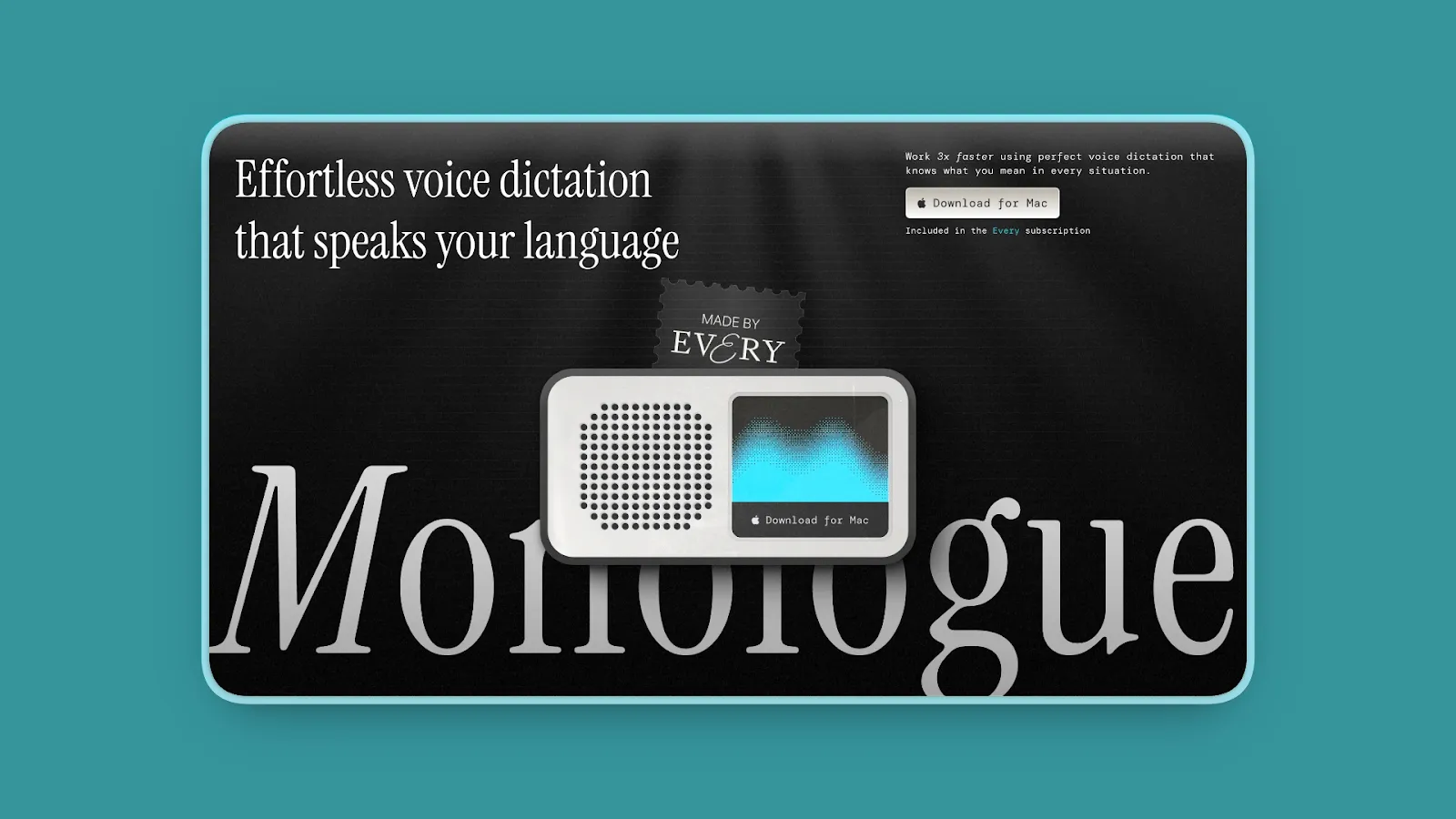
Monologue Monologue combines writing in any app with synced voice notes, bot-free meeting capture, and access to saved notes through MCP, an API, and a CLI.
Key features
- Context-aware dictation in any Mac app with 100+ language support
- Local transcription models for offline dictation on Mac
- Voice notes that transcribe, summarize, and sync across Apple devices
- Bot-free meeting notes using microphone and system audio on Mac
- MCP, API, and CLI access for connecting saved notes to AI agents
Where it wins
- Unifies quick dictation, longer notes, and meeting capture
- Native apps span Mac, iPhone, iPad, and Apple Watch
- Local transcription is available when you need an offline Mac workflow
- Strong fit for builders who want their captured context available to agents
Where it loses
- No Windows, Android, or Linux support
- Smart formatting and cross-device syncing still require a connection
- The free offer is a finite trial rather than an ongoing free tier
- Subscription price matches Wispr Flow Pro annual pricing
Bottom line: Choose Monologue if you live in the Apple ecosystem and want voice capture to feed notes, meetings, and agent workflows—not just the text field in front of you.
5. Typeless: Best free allowance and mobile coverage
Platforms: Mac, Windows, iOS, Android · Processing: Cloud with zero-retention controls · Pricing: 8,000 words/week free; $12/mo annually or $30/mo monthly
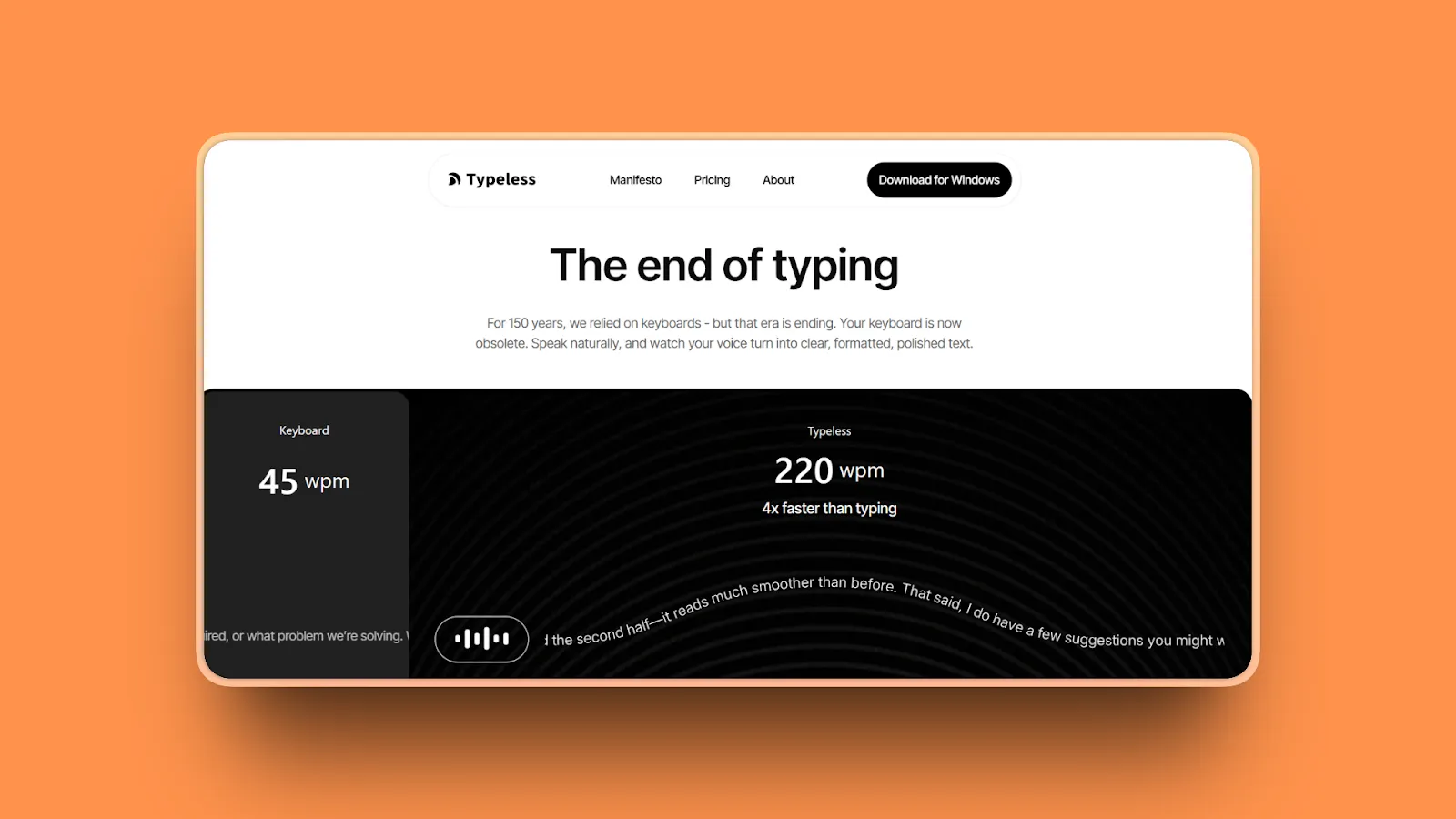
Typeless Typeless competes directly with Flow on cross-platform reach and AI cleanup. It turns rough speech into structured writing, remembers a personal style, supports translation, and offers the largest recurring free word allowance in this guide.
Key features
- Mac, Windows, iOS, and Android apps
- 8,000 words per week on the free plan with standard accuracy
- 100+ languages, translation, per-app tones, and a personal dictionary
- “Ask anything” voice interaction and a more literal Whisper mode
- Zero cloud data retention, on-device history controls, and enterprise administration
Where it wins
- The most generous ongoing free plan among the commercial tools here
- True four-platform coverage, including Android
- Strong automatic cleanup for people who speak in fragments or revise mid-sentence
- Mature team, compliance, and enterprise controls
Where it loses
- No fully local transcription mode
- Monthly billing is unusually expensive at $30 per user
- Heavy cleanup can be the wrong behavior when you need a literal transcript
- No lifetime purchase option
Bottom line: Choose Typeless if you want a substantial free plan, Android support, or aggressive “messy thought to clean writing” transformation.
6. Willow Voice: Best for style memory and guided AI writing
Platforms: Mac, iPhone; Windows and Android listed as coming soon · Processing: Cloud · Pricing: Free; $15/mo or $12/mo annually
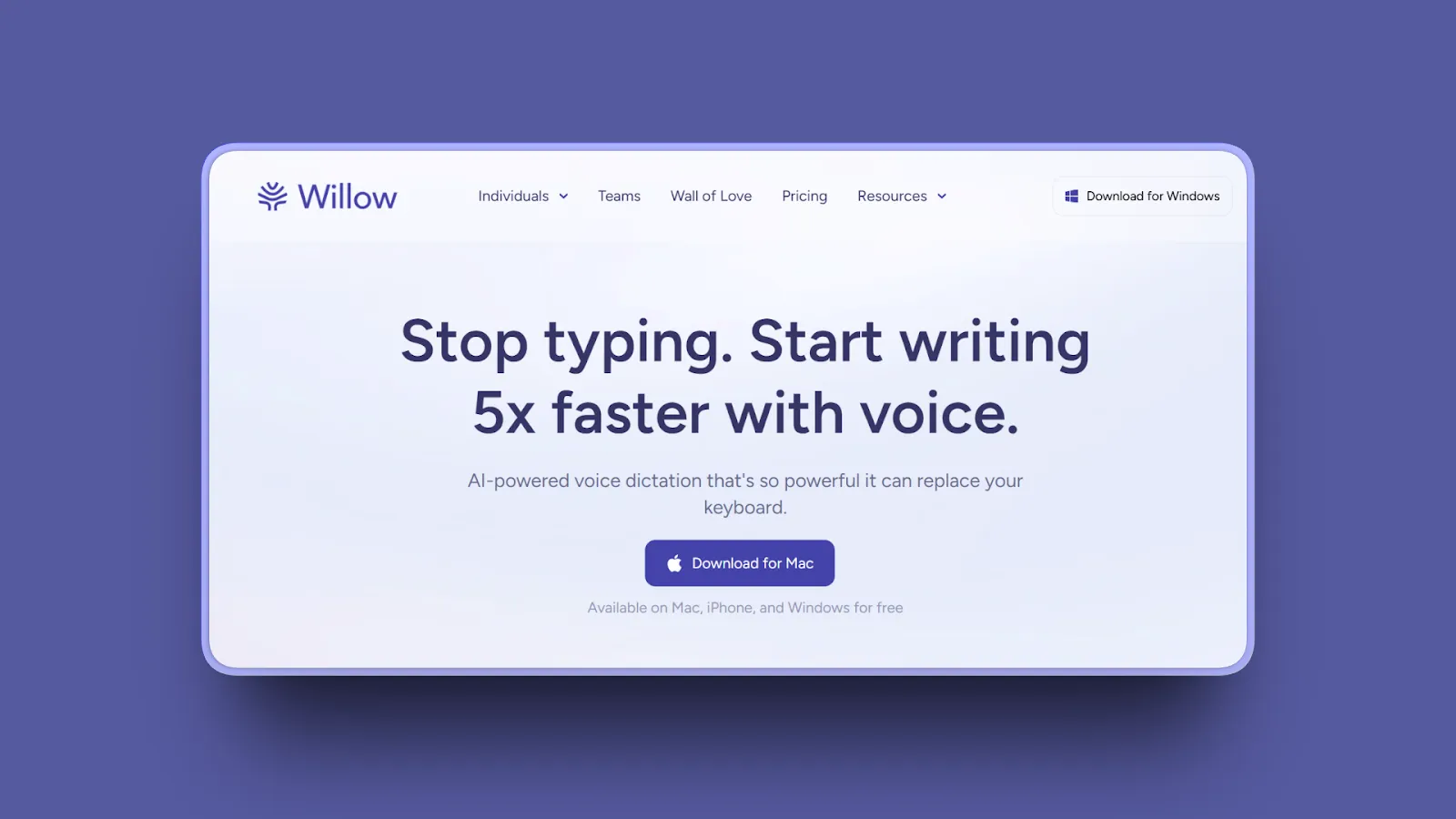
Willow Voice Willow pairs everyday dictation with Scribe, a writing assistant that turns intent into a fuller draft. The free Frontier Mini model is unlimited, while Pro adds the stronger model, writing-style memory, and unlimited Scribe usage.
Key features
- Works anywhere you type on Mac and iPhone
- Frontier Mini is unlimited on the free tier
- Frontier Pro adds faster priority transcription and increased dictation length
- Smart memory learns writing style; dictionaries improve names and jargon
- Scribe expands spoken intent into structured writing
Where it wins
- Useful free plan without a word cap on the lighter model
- Style memory reduces repeated prompting over time
- Scribe is useful when you want a draft rather than a close transcript
- Business plans add enforced zero retention and administrative controls
Where it loses
- No local or offline transcription mode
- Windows and Android are not generally available yet according to the current pricing page
- The best model and unlimited Scribe usage require Pro
- No lifetime purchase option
Bottom line: Choose Willow if an ongoing free tier, style learning, and an intent-to-draft assistant matter more than offline transcription or broad desktop support today.
7. VoiceInk: Best open-source Mac alternative
Platforms: Apple Silicon Mac, iOS companion app · Processing: Local by default; optional text-only cloud enhancement · Pricing: Free source build; compiled Mac app from $25 lifetime
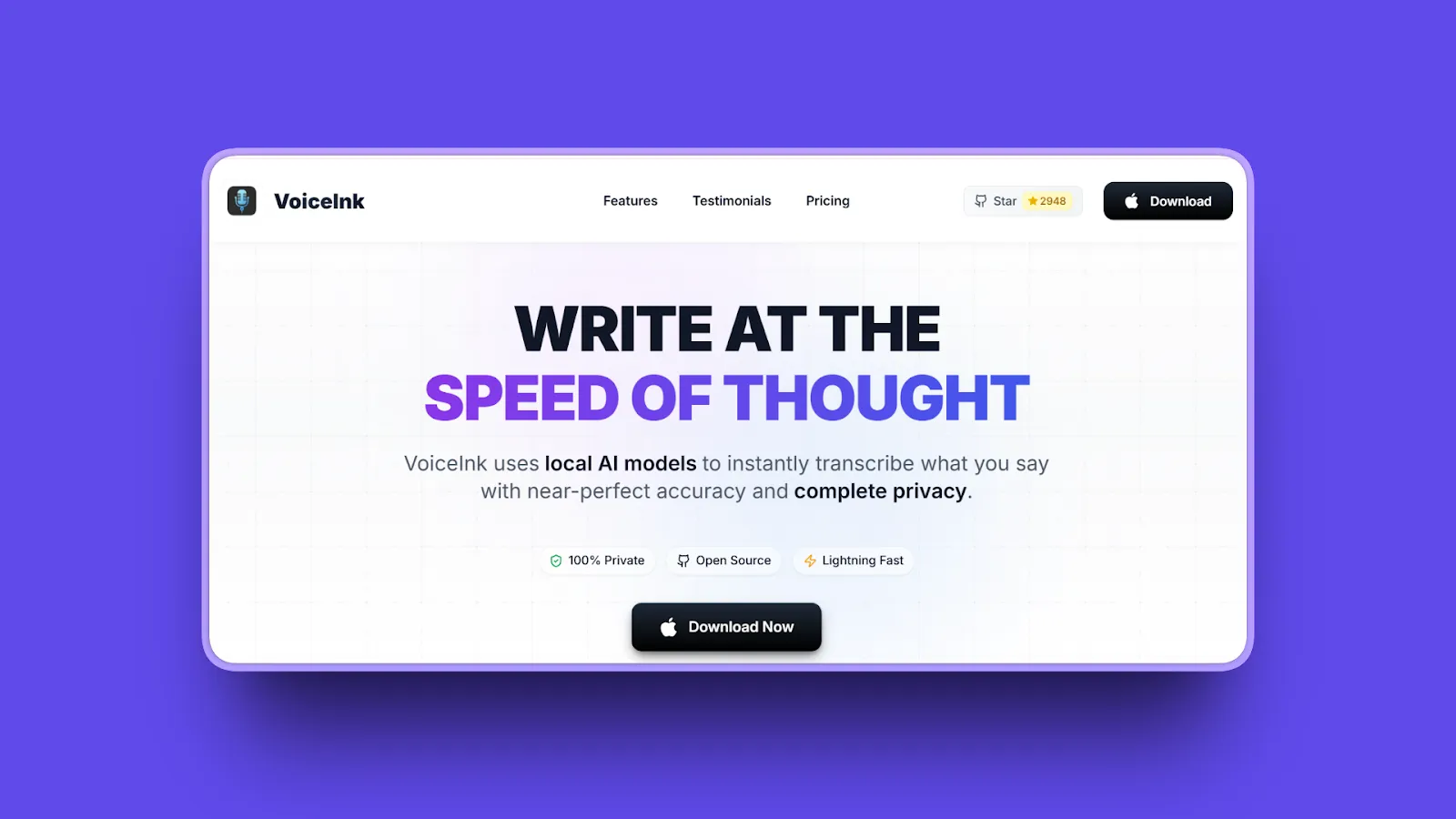
VoiceInk VoiceInk is the closest source-auditable Mac answer to Wispr Flow. It combines local speech models with app-aware modes, screen context, selected-text rewriting, and a personal dictionary while keeping voice transcription on the device.
Key features
- Native macOS app released under GPL v3.0
- Local Whisper, Parakeet, and other supported speech models
- App and URL detection can switch modes automatically
- Personal dictionary, smart replacements, selected-text rewriting, and an AI assistant mode
- Optional cloud enhancement sends text, not voice, when enabled
Where it wins
- Source code is available to inspect, fork, and build yourself
- Local transcription keeps voice data on the Mac
- Paid binaries are one-time purchases with lifetime updates
- Much more configurable than a basic open-source Whisper wrapper
Where it loses
- Requires Apple Silicon and macOS 14.4 or later
- Building from source requires developer tooling; the polished binary is paid
- No Windows, Android, or Linux version
- Community-led support carries more continuity risk than a larger commercial product
Bottom line: Choose VoiceInk if you want a native, auditable, local Mac app and are comfortable with the support profile of a maintainer-led open-source project.
8. Handy: Best free open-source cross-platform option
Platforms: Mac, Windows, Linux · Processing: Local · Pricing: Free and open source
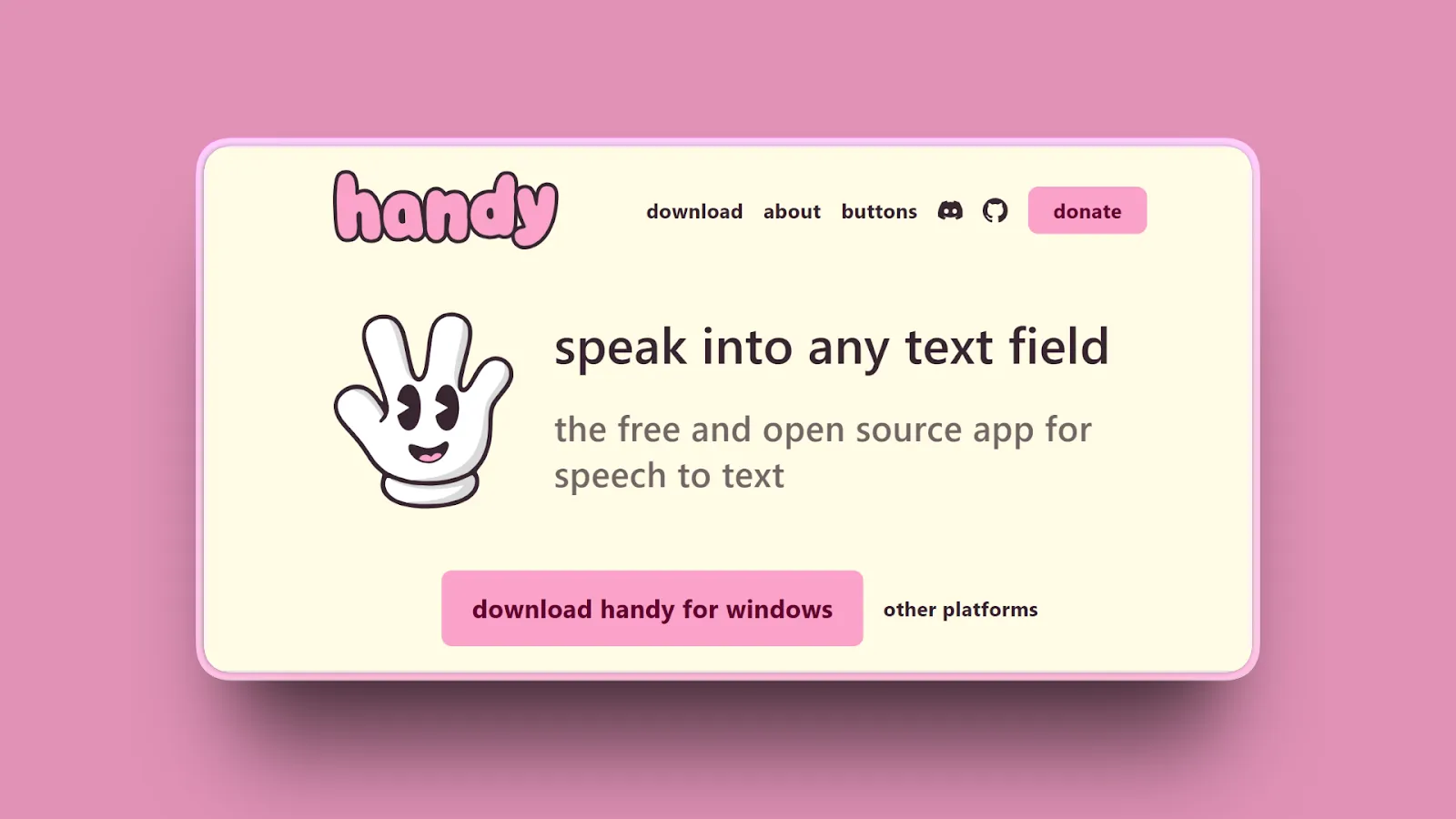
Handy Handy is the cleanest $0 answer for people who need the same local dictation tool on Mac, Windows, and Linux. It is an active MIT-licensed project with a large community and support for multiple speech-model families.
Key features
- Local dictation on Mac, Windows, and Linux
- Whisper, Parakeet, and newer streaming model families through transcribe.cpp
- Hold, toggle, and push-to-talk shortcut behavior
- Streaming overlay for compatible models
- Dictionary, post-processing options, CLI controls, and Raycast integration
Where it wins
- Completely free with a permissive MIT license
- The only fully local option here that spans Mac, Windows, and Linux
- Large, active community and frequent releases
- Broad hardware and model support
Where it loses
- Setup and model selection take more effort than a commercial installer
- Polish and behavior vary by operating system, especially on Linux/Wayland
- Local model performance depends on your CPU, GPU, and available memory
- Support happens through community channels rather than a service commitment
Bottom line: Choose Handy if the requirements are free, local, and cross-platform—and you are willing to spend some time on setup and troubleshooting.
9. Apple Dictation: Best zero-install baseline for Mac users
Platforms: Mac, iPhone, iPad · Processing: Varies by device, language, and settings; on-device status is shown in macOS settings · Pricing: Free with Apple devices
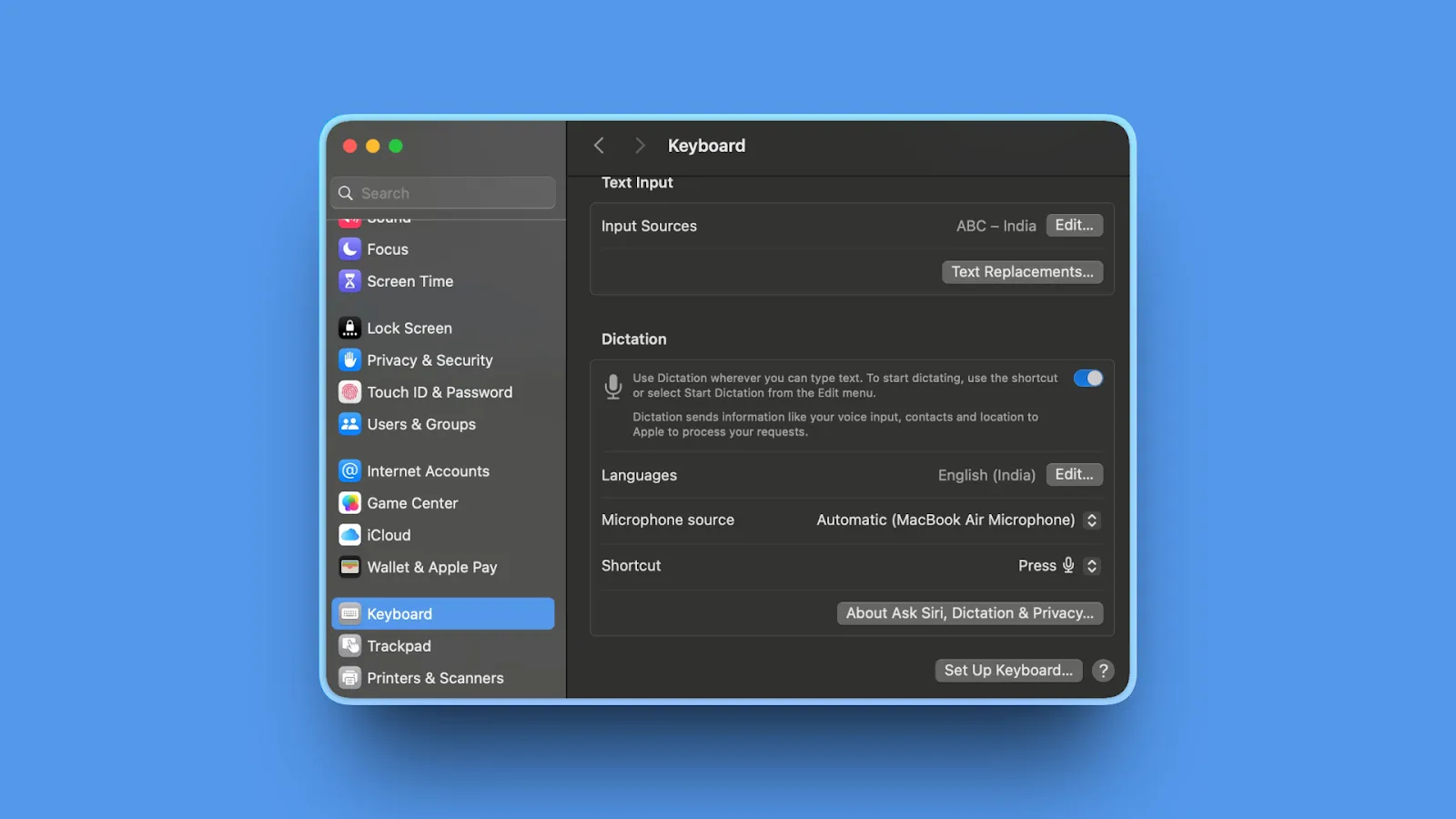
Apple Dictation Apple Dictation is not an AI writing product, but it is the right control group. It is already installed, works anywhere you can type, supports spoken punctuation and formatting commands, and may be all a light user needs.
Key features
- Built into macOS with a configurable keyboard shortcut
- Dictate text of any length; it stops after 30 seconds without speech
- Automatic punctuation in supported languages
- Spoken punctuation, emoji, new-line, and new-paragraph commands
- On Apple Silicon, you can type while dictating
Where it wins
- No download, account, subscription, or setup beyond enabling it
- Free and deeply integrated with Apple devices
- Good enough for short messages and occasional notes
- macOS tells you whether general dictation is processed on-device for your configuration
Where it loses
- No AI cleanup, style memory, custom modes, or domain dictionary comparable to paid tools
- No Windows, Android, or Linux support
- Processing behavior and feature availability vary by language, region, and device
- Less predictable with long, technical, or self-corrected speech
Bottom line: Start with Apple Dictation if your needs are occasional. Pay for another tool only after you can name the failure you need it to solve.
Which Alternative Should You Choose?
Do you need audio to remain on your device?
Start with Voibe on Apple Silicon, Superwhisper, VoiceInk, or Handy. Choose Handy for Windows or Linux at $0; choose Voibe for a simpler supported product; choose Superwhisper for model control; choose VoiceInk for open-source Mac polish.
Do you need Android?
Choose Typeless or stay with Wispr Flow. None of the local-first desktop options matches their four-platform reach.
Do you want words to appear while you speak?
Aqua Max is built around Realtime Mode. Voibe offers Live Dictation on Mac, while Handy supports a streaming overlay with compatible local models.
Do you want voice notes and meetings too?
Choose Monologue for an Apple-first voice capture system, or Superwhisper for a configurable dictation-plus-transcription suite. Wispr Flow’s Notetaker may be the reason to stay.
Do you want the lowest long-term cost?
Test Apple Dictation first. Then compare Handy at $0, VoiceInk from $25 lifetime, Voibe at $149 lifetime, and Superwhisper at $249.99 lifetime. Include the time you are willing to spend configuring and supporting the tool.
Best Pick by Use Case
| Use case | Best pick | Why |
|---|---|---|
| Private professional dictation | Voibe | Local option, zero-retention cloud option, supported commercial app |
| Model experimentation | Superwhisper | Broad local and cloud model library with custom modes |
| Live technical dictation | Aqua Voice | Avalon, custom dictionary, Realtime Mode |
| Apple voice workspace | Monologue | Dictation, notes, meetings, MCP, API, and CLI |
| Free plan and Android | Typeless | 8,000 words weekly across all four major platforms |
| Style memory and drafting | Willow | Unlimited lighter model plus Scribe and style learning |
| Open-source Mac app | VoiceInk | GPL source, local models, native app-aware workflows |
| Free offline Mac/Win/Linux | Handy | MIT licensed, local, active cross-platform project |
| Occasional Mac dictation | Apple Dictation | Already installed and free |
How Wispr Flow Alternatives Differ
Most alternatives fall into two groups. Cloud voice-writing apps such as Aqua, Typeless, and Willow do more than transcribe: they remove false starts, reshape structure, remember style, and turn rough speech into polished writing. Local-first dictation apps such as Voibe, Superwhisper, VoiceInk, and Handy give users more control over where speech recognition runs and which models power it.
Platform coverage is another major separator. Typeless matches Flow across Mac, Windows, iOS, and Android. Superwhisper covers Mac, Windows, and iOS. Voibe covers Mac and Windows, while VoiceInk is Mac-only and Handy includes Linux. Meeting notes, live text, developer vocabulary, custom model selection, and lifetime pricing further separate products that otherwise look similar on a feature grid.
Not every popular transcription tool is a direct Wispr Flow replacement. Otter is designed mainly for meetings, while MacWhisper specializes in recorded-file transcription. This comparison is centered on system-wide dictation: holding a key, speaking, and placing the result directly into the app where you are working.
Frequently Asked Questions
What is the best Wispr Flow alternative?
Voibe is the best overall alternative for private desktop dictation because it runs on Mac and Windows, offers on-device processing on Apple Silicon or zero-retention cloud processing, and has monthly, annual, and lifetime pricing. Superwhisper is better for model choice, Typeless is better for a generous free plan and Android support, and Aqua is better if live cloud transcription is your priority.
What is the best free alternative to Wispr Flow?
Handy is the best fully free open-source option across Mac, Windows, and Linux. VoiceInk can also be built from source for free on Apple Silicon Macs. Among commercial products, Typeless includes 8,000 words per week, Willow includes unlimited use of its lighter Frontier Mini model, and Superwhisper includes unlimited local Whisper models.
Which Wispr Flow alternatives work offline?
Voibe works offline in on-device mode on Apple Silicon Macs. Superwhisper can run local speech and language models, VoiceInk transcribes locally on Apple Silicon Macs, Handy runs entirely locally across Mac, Windows, and Linux, and Monologue offers local transcription on Mac. Apple Dictation may process general dictation on-device depending on the device, language, and settings.
Which alternative is best for Windows?
Voibe is a strong Windows choice for a simple privacy-first workflow and lifetime pricing. Aqua is strong for technical vocabulary and live cloud transcription. Typeless is strong for its free allowance and mobile apps. Superwhisper is best for users who want to choose among many models, while Handy is the best free local Windows option.
Does Wispr Flow work offline?
Wispr Flow dictation is cloud-based and requires an internet connection. If offline use is non-negotiable, shortlist Voibe on Apple Silicon, Superwhisper, VoiceInk, Handy, or Monologue on Mac.
How much does Wispr Flow cost in 2026?
Wispr Flow Free includes 2,000 words per week on desktop, 1,000 per week on iPhone, and unlimited dictation on Android. Pro costs $15 per user when billed monthly or $12 per user per month when billed annually. Growth and Enterprise plans start at $23 monthly or $18 annually per user, with advanced administration and compliance features.
Why do some users look for a Wispr Flow alternative after upgrading?
Public user reviews describe a recurring pattern in which Wispr Flow performs well during the free trial but becomes less accurate or reliable after payment. That timing does not prove the paid plan causes a technical downgrade, and many customers continue to rate the product highly. However, the reports sit alongside documented cloud outages and make offline or local-first alternatives attractive to people who need dependable daily dictation.
Is Wispr Flow a good product?
Yes. Wispr Flow is one of the strongest choices for polished dictation across Mac, Windows, iOS, and Android, and it includes a Mac notetaker with speaker identification and MCP access. An alternative makes sense when you need offline processing, a different privacy architecture, more predictable reliability, a lifetime license, Linux support, a larger free allowance, or different AI rewriting behavior.
Final Verdict
There is no honest universal winner. Wispr Flow is the easiest recommendation for someone who wants a polished product across desktop and mobile, appreciates its notetaker, and accepts a cloud subscription. Keep it if those are your priorities.
Switch to Voibe when you want private desktop dictation with a local option and lifetime pricing. Pick Superwhisper when you want to control the models. Pick Aqua for live technical dictation, Typeless for its free plan and Android reach, Monologue for an Apple voice workspace, or Handy when free and local matter more than polish.
The best test is your own vocabulary. Install two finalists, dictate the same email, technical prompt, and correction-heavy paragraph into both, then compare the text you would actually send. The product that creates less cleanup in your real work is the right alternative.
Want private dictation without giving up speed?
Voibe works across Mac and Windows with unlimited dictation, custom vocabulary, Memory, and Developer Mode. Use fully on-device transcription on Apple Silicon or zero-retention cloud transcription on any supported desktop.
Try Voibe freePrefer open source?
Read our research-led guide to the best open-source Wispr Flow alternatives. It compares licenses, maintenance activity, setup cost, and abandonment risk across VoiceInk, Handy, FluidVoice, OpenWhispr, and other source-available tools.
More dictation guides
8 Apple Dictation Alternatives That Don't Time Out (2026)
Apple Dictation times out after a minute and trips on technical terms. These 8 Mac alternatives never cut you off, run offline, and hit 97%+ accuracy.
11 Best Superwhisper Alternatives in 2026 (Reviewed)
Compare 11 Superwhisper alternatives in 2026. In-depth reviews of privacy, pricing, accuracy, and performance for Mac and Windows dictation tools.
11 Best Willow Voice Alternatives 2026 (Reviewed)
Compare 11 Willow Voice alternatives in 2026. Explore offline dictation tools with detailed reviews of privacy, lifetime pricing, and Mac performance.
10 Best Dragon Dictation Alternatives in 2026 (Actually Compared)
10 Dragon alternatives: 1. Voibe 2. Wispr Flow 3. Superwhisper 4. Voice Access 5. Voice Control 6. Talon 7. Handy 8. Braina 9. Apple Dictation 10. Windows voice typing
10 Best MacWhisper Alternatives In 2026 (Reviewed)
Compare 10 MacWhisper alternatives in 2026. Explore offline and real-time dictation tools with detailed reviews of privacy, speed, pricing, and accuracy for Mac users.
11 Best Aqua Voice Alternatives for Mac Dictation (2026)
Discover 11 Aqua Voice alternatives with offline access, privacy-first tools, and one-time pricing. Compare Mac dictation apps that work on your terms.
9 Best Monologue Alternatives (Reviewed)
Compare 9 Monologue alternatives across privacy, pricing, and platforms. From Voibe on Mac and Windows to Wispr Flow and free picks.
11 Best Typeless Alternatives: Privacy, Pricing, and Features
Typeless alternatives compared: 11 voice dictation tools ranked by privacy architecture, pricing model, and features. Find the best fit for your workflow.
Best Dictation Apps in 2026: Offline, Private & Accurate
We tested 10 dictation apps for accuracy, privacy, speed, and price across Mac and Windows, including on-device and zero-retention cloud options.
Why Talking to AI Changes Everything
Talking preserves more of your real intent than typing, which helps models get it right on the first try. Practical tips, research references, and an FAQ.