
11 Best Willow Voice Alternatives 2026 (Reviewed)
TL;DR
Willow Voice offers fast cloud-based dictation but requires constant internet and costs $720-900 over 5 years. This guide covers 11 alternatives including Voibe ($149 lifetime, with a choice of fully on-device or zero-retention cloud with open-source models processing), Wispr Flow (cross-platform), Superwhisper ($249 lifetime with customization), and free options like Apple Dictation. Learn more about the benefits of talking vs typing, see how Voibe compares head-to-head in our Voibe vs Willow Voice breakdown, or browse the best dictation apps in 2026.
Willow Voice delivers fast AI dictation for Mac and iPhone. But when you're on a plane, in a courthouse with restricted networks, or working with confidential client information, that constant internet requirement becomes a problem.
The desktop version refuses to transcribe without a connection. While the iOS app added offline fallback mode, it's degraded performance, not true offline capability. For professionals handling sensitive information or anyone needing reliable offline access, this limitation isn't an inconvenience. It's a dealbreaker.
Then there's the subscription math. $12-15 per month seems affordable until you calculate five years: $720-900 total. According to Marketing LTB research, 41% of consumers experience subscription fatigue. One more monthly bill adds to the burden. Lifetime alternatives priced from $19 to $249 break even within months and eliminate recurring costs entirely.
Privacy-conscious professionals face another concern. Willow Voice encrypts data with end-to-end encryption and SOC 2 compliance. But encryption doesn't change the fundamental architecture: your voice still travels to external servers for processing. For legal work product, medical dictation, proprietary business discussions, or confidential code, the difference between "encrypted cloud processing" and "never leaves my device" matters.
Whether you're a developer dictating to Cursor, a lawyer recording case notes, or a researcher organizing findings, you need dictation that works offline, respects privacy, and doesn't drain your budget over time. After researching dozens of options, we've found 11 Willow Voice alternatives that deliver different strengths for different needs.
Key Takeaways
Top Picks:
| Tool | Best For | Key Strength |
|---|---|---|
| Voibe | Professionals on Mac and Windows | Private dictation, Developer Mode, Memory, dictionary, API and MCP |
| Wispr Flow | Cross-platform teams | Mac/Windows/iOS with HIPAA |
| Superwhisper | Offline power users | Customizable local processing |
| Speakmac | Budget-conscious users | $19 lifetime, plug-and-play |
| Apple Dictation | Casual Mac users | Free, built-in, offline on Apple Silicon |
- Lifetime pricing (Voibe $149, Superwhisper $249, VoiceInk $39) saves hundreds vs 5-year subscriptions
- True offline dictation requires local processing (cloud tools fail without internet)
- Privacy hinges on the data relationship: some tools store audio on their servers, while Voibe never stores, sells, or trains on your audio or text and offers a fully on-device mode
- Developer Mode (Voibe only) resolves file/folder names for coding workflows
- Cross-platform support costs more but benefits distributed teams
Get started with Voibe to experience private dictation with lifetime value and Developer Mode for AI coding workflows.
What Makes Dictation Tools Different: Cloud vs Local Processing
The fundamental split in dictation tools isn't features or pricing. It's where your voice gets processed.
Cloud-based tools (Willow Voice, Wispr Flow, Otter.ai) send audio to remote servers with powerful AI models. You get exceptional accuracy and cross-device sync. The trade-off: you need internet, your voice leaves your device, and you typically pay monthly.
On-device tools (Voibe's on-device mode, Superwhisper, Speakmac) run AI models directly on your Mac, so in on-device mode nothing leaves your device and you work offline anywhere. The trade-off: on-device processing needs an Apple Silicon Mac (M1 or later) and is typically Mac-only. Voibe also offers a zero-retention cloud mode with open-source models that runs on all Macs (Intel included) and on Windows while never storing, selling, or training on your audio or text.
| Feature | Cloud Processing | Local Processing |
|---|---|---|
| Internet Required | Yes (constant) | No (fully offline) |
| Privacy | Encrypted transmission | Never leaves device |
| Accuracy | 95-99% | 90-99% depending on model |
| Speed | Variable (network latency) | Predictable (local) |
| Pricing Model | Usually subscription | Often lifetime purchase |
| Platform Support | Often cross-platform | Usually Mac-only |
The bottom line: Cloud tools need internet but offer cross-platform sync and maximum accuracy. Local tools work offline, maximize privacy, and typically use lifetime pricing.
Real Problems with Willow Voice
No True Offline Mode on Desktop
Willow Voice needs internet like a fish needs water. The Mac app simply refuses to transcribe without a connection. No workaround, no offline mode.
For journalists in restricted facilities, lawyers at courthouses with limited networks, or anyone working on planes and trains, this kills productivity. Modern alternatives like Voibe and Superwhisper can process everything on-device, working anywhere without network dependency (Voibe's on-device mode requires an Apple Silicon Mac).
Subscription Costs Compound Over Time
$12 per month (annual billing) sounds reasonable. Multiply by 60 months and you've spent $720. Choose monthly billing at $15 and five years costs $900.
Compare that to lifetime alternatives. Voibe costs $149 once. Over five years, that's $3.30 per month — still well below Superwhisper's $249 lifetime ($4.15 monthly over five years). Both break even within their first year and cost nothing after.
Cloud Processing Creates Privacy Exposure
Willow Voice uses end-to-end encryption and SOC 2 compliance. That's good security. But it doesn't change the fundamental architecture: every word you speak gets sent to external servers for processing.
Even with encryption and compliance certifications, cloud-based dictation creates additional copies and surfaces (network, storage, processing). For professionals handling confidential client information, proprietary business discussions, medical dictation, or legal work product, that exposure adds risk.
Local processing tools keep audio in your Mac's memory and discard it immediately after transcription. Nothing transmitted, nothing stored. For truly confidential work, that architectural difference matters.
Limited Customization for Power Users
Willow Voice optimizes for general use: fast, accurate, simple. It doesn't adapt to individual speech patterns, technical vocabularies, or specialized workflows.
Developers need code-aware dictation. Medical professionals need clinical terminology. Legal writers need case law references. Power users need custom vocabularies and specialized modes.
Willow treats all dictation the same. Modern alternatives offer customization: Voibe has Developer Mode for coding, Superwhisper offers custom modes with AI instructions, and many tools support custom vocabularies for specialized terminology.
Key takeaway: Willow Voice's three limitations (internet dependency, $720-900 subscription cost, and cloud processing) drive users to seek alternatives offering offline capability, lifetime pricing, and local processing.
What to Look for in Willow Voice Alternatives
Offline Capability and Reliability
Cloud tools like Willow Voice fail on planes, in secure facilities, anywhere with restricted or unstable networks. Constant internet dependency kills productivity for travelers and professionals in network-restricted environments. Tools like Voibe, Superwhisper, and Speakmac solve this by running Whisper models on-device. In Voibe's on-device mode (Apple Silicon, M1 or later), all processing happens in device memory with no network required. If you travel frequently, work in network-restricted environments, or need guaranteed reliability, look for tools explicitly stating "works fully offline" or "on-device processing." On-device tools work everywhere, always.
Privacy Architecture: Cloud vs Local
Where your audio goes matters fundamentally for confidential work. Willow Voice's cloud processing sends your voice to external servers. Even with encryption and SOC 2 compliance, every word travels to remote infrastructure. Voibe gives you a choice: an on-device mode (Apple Silicon, M1 or later) where audio stays in your Mac's memory during transcription and is discarded immediately with nothing uploaded, or a zero-retention cloud mode with open-source models (available on all Macs) that sends audio over an encrypted connection, deletes it the moment transcription completes, and never stores, sells, or trains any AI model on your audio or text. For legal briefs, medical notes, or proprietary code, that means you can either keep everything on-device or rely on a zero-retention pipeline. Consider your data sensitivity requirements when choosing your processing mode.
Pricing Model and Long-Term Value
Willow Voice costs $12-15 monthly, totaling $720-900 over five years. According to Marketing LTB research, 41% of consumers experience subscription fatigue. Several alternatives offer one-time purchases: Voibe ($149), Superwhisper ($249), VoiceInk ($39), Speakmac ($19). Voibe's $149 lifetime plan includes unlimited words, Developer Mode, on-device and zero-retention cloud processing, and priority support. Over five years that's $3.30 monthly versus Willow's $12-15 monthly — a fraction of the cost. Calculate your expected usage timeline. If you'll use dictation for 2+ years, lifetime purchases at $149-249 break even quickly and cost nothing after, while eliminating subscription management overhead and potential price increases.
Platform and Cross-Device Support
Mac apps such as Voibe, Superwhisper, and Speakmac optimize performance for Apple Silicon but don't support Windows or mobile. Cross-platform tools (Wispr Flow, Speechify) work everywhere but cost more. For solo Mac users, Mac-native tools offer better performance and pricing. For distributed teams needing Windows/iOS/Android support, cross-platform subscriptions make sense despite higher costs.
Specialized Features for Your Workflow
Willow Voice optimizes for general use: fast, accurate, simple. But it doesn't adapt to technical vocabularies or specialized workflows. Developers need code-aware dictation, medical professionals need clinical terminology, legal writers need case law references. Modern alternatives adapt to specific use cases: Voibe includes Developer Mode that resolves file and folder names in Cursor and Windsurf, inserting them as chips in AI prompts. Superwhisper offers custom modes with personalized AI instructions. Custom vocabularies handle specialized terminology across technical, medical, legal, and creative writing. Match features to your actual workflow. General dictation suffices for casual use, while professional workflows benefit from specialized capabilities.
Best Willow Voice Alternatives (Ranked)
1. Voibe: Best for Privacy-First Dictation on Mac and Windows
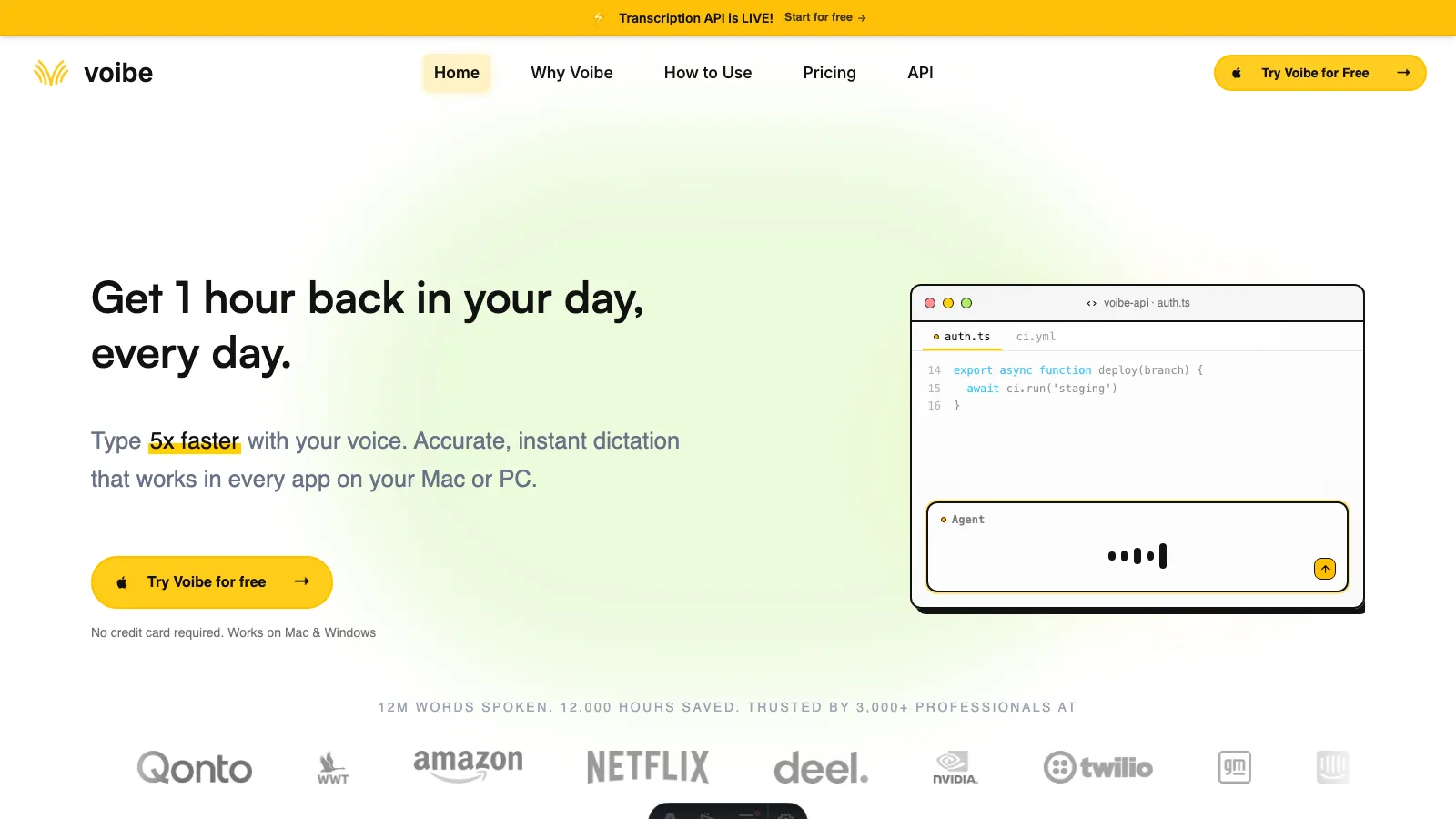
Voibe is a system-wide dictation app for Mac and Windows, designed for AI workflows and professional writing. It uses push-to-talk and hands-free hotkeys, lets you choose fully on-device processing on Apple Silicon or zero-retention cloud mode on Mac and Windows, and includes Developer Mode for Cursor, VS Code, and Windsurf.
Key Features
- Push-to-talk with hotkey (e.g., Fn) for precise activation control
- Hands-free dictation on Mac and Windows, plus Live Dictation on Mac
- Choice of fully on-device transcription (Apple Silicon, M1 or later) that runs with no network required, or a zero-retention cloud with open-source models that never stores, sells, or trains on your audio or text
- Developer Mode resolves workspace file/folder names and inserts chips in Cursor and Windsurf
- Custom dictionary recognizes specialized terms for technical, legal, medical, creative, and business writing
- Works system-wide in desktop apps and browsers on Mac and Windows
- Memory expands spoken shortcuts into saved text, URLs, signatures, and prompts
- Spoken punctuation and smart formatting reduce manual cleanup
- A separate Transcription API and MCP server transcribes audio files directly from Claude, ChatGPT, Codex, Cursor, or code, returning speaker labels, timestamps, and a summary
Pros
- Lifetime $149 plan eliminates recurring costs ($3.30/month over 5 years vs $720-900 subscriptions)
- Your choice of fully on-device processing (Apple Silicon) or a zero-retention cloud with open-source models — either way, audio and text are never stored, sold, or used to train AI
- On-device mode works on planes, in secure facilities, anywhere without internet (Apple Silicon, M1 or later)
- Developer Mode for Cursor/Windsurf resolves file/folder names automatically for coding workflows
- Custom dictionary handles specialized vocabulary across all professional writing domains
- Fast sub-300ms latency on Apple Silicon with predictable local processing
- Universal compatibility works in any app system-wide without configuration
- Runs on Mac and Windows via zero-retention cloud mode, with monthly and annual plans plus a free trial
Cons
- No Linux or mobile app; Windows uses cloud mode and needs internet
- Requires macOS 14.4+; fully on-device mode needs an Apple Silicon Mac (M1 or later)
Pricing
- Lifetime: $149 one-time (unlimited words, all features, future updates, 30-day money-back guarantee)
- Annual: $75/year
- Monthly: $7.50/month (free trial, 30-day guarantee)
- All plans include unlimited words, Developer Mode, Memory, custom dictionary, on-device and zero-retention cloud processing, and priority support.
User Reviews
Voibe has a 4.8/5 stars rating on Product Hunt. Users consistently praise the lifetime pricing value, the private data handling, and Developer Mode's file resolution for coding workflows.
Why Voibe is the Best Willow Voice Alternative
Voibe tops this list because it solves Willow Voice's three biggest limitations: offline capability, lifetime pricing, and a clear data relationship.
The $149 lifetime plan delivers exceptional value compared to Willow's $720-900 over five years. You break even quickly and pay nothing after. No subscription fatigue, no price increases, just ownership.
Voibe lets you choose your privacy model. In on-device mode (Apple Silicon, M1 or later), your audio never leaves your Mac — it processes in memory and is discarded immediately. In zero-retention cloud mode with open-source models (available on all Macs and on Windows), audio travels over an encrypted connection and is deleted the moment transcription completes; it is never stored, sold, or used to train any AI model, and neither is your text. Either way, for confidential work (legal briefs, medical notes, proprietary code), you keep a clear, zero-retention data relationship.
Developer Mode sets Voibe apart for coding workflows. When you dictate "update login controller and user models" in Cursor, Voibe scans your workspace, resolves login_controller.py and user_models/, and inserts them as chips. No other dictation tool offers code-aware file resolution.
The custom dictionary extends beyond coding to all professional writing. Add legal terms, medical terminology, technical jargon, character names, or business vocabulary. Voibe recognizes these terms instantly, making it excellent for technical documentation, legal briefs, medical dictation, creative writing, and business reports.
For a detailed side-by-side feature comparison, see our Voibe vs Willow Voice comparison.
Get started with Voibe for free.
Best For
Mac and Windows users who want privacy-first dictation, developers using Cursor, VS Code, or Windsurf, professional writers who need Memory and a custom dictionary, and Apple Silicon users who need offline reliability.
2. Wispr Flow: Best for Cross-Platform Teams Needing Enterprise Compliance
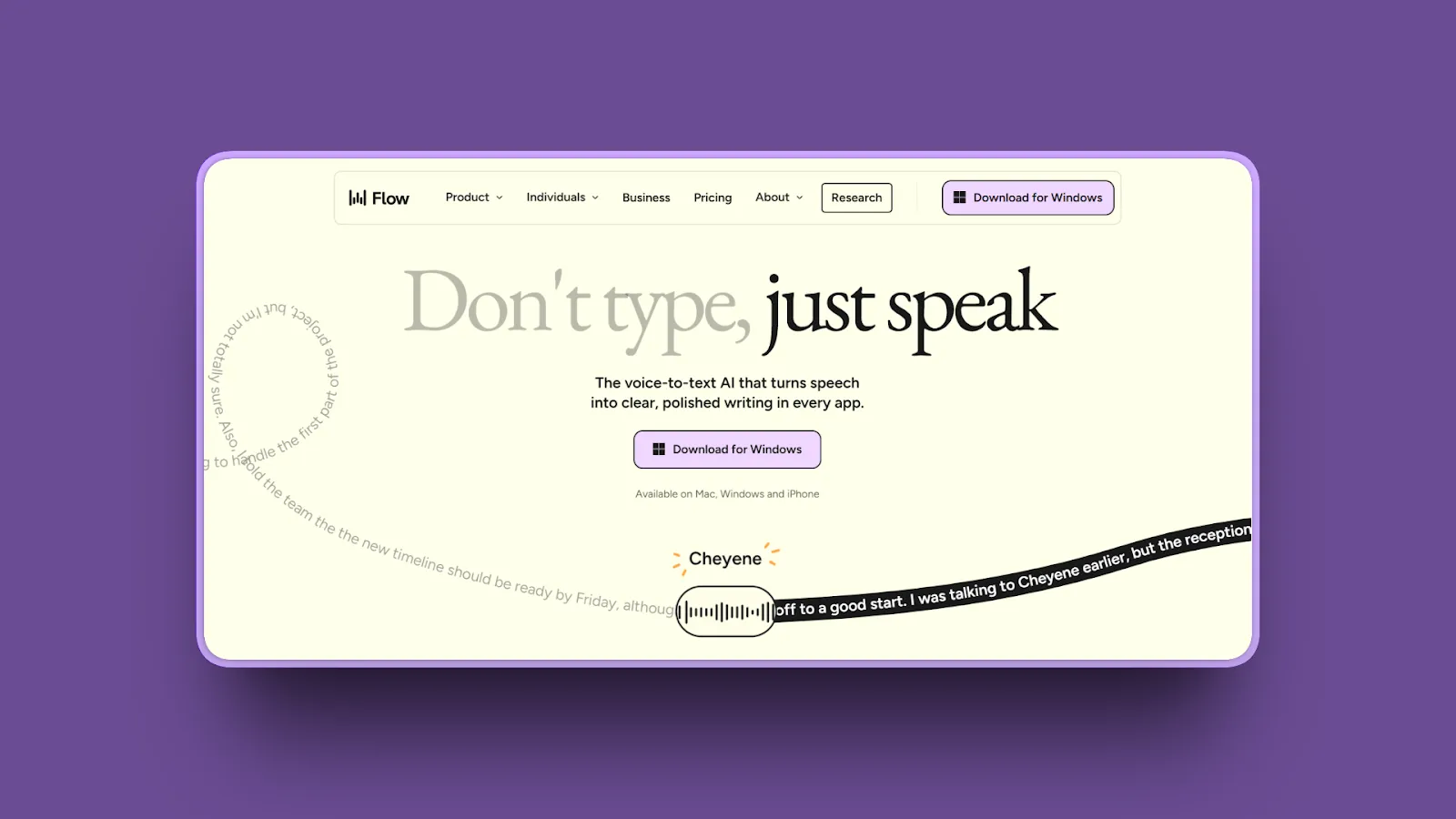
Wispr Flow delivers cloud-based AI dictation across Mac, Windows, and iOS with enterprise compliance features including HIPAA support at all tiers. It offers context-aware voice typing with claimed 95-97% accuracy and team collaboration capabilities.
Key Features
- Native apps for Mac, Windows, and iOS provide consistent cross-platform experience
- Cloud-based AI processing delivers 95-97% claimed accuracy with context awareness
- HIPAA compliance available on all plans with Business Associate Agreement and zero data retention
- SOC 2 Type II and ISO 27001 certifications available on Enterprise plans only
- Command mode enables voice-based editing and text manipulation
- Multilingual support across 50+ languages with automatic language detection
- Team collaboration features include shared vocabularies and formatting rules (Enterprise)
Pros
- True cross-platform support works seamlessly across Mac, Windows, and iOS devices
- HIPAA compliance at all tiers ($15/month and up) unique among competitors for healthcare users
- Enterprise certifications (SOC 2, ISO 27001) meet strict security requirements for regulated industries
- Context-aware dictation adapts accuracy based on app and writing context
- Team collaboration with shared dictionaries and formatting rules simplifies distributed workflows
- Generous 2,000 words/week free tier lets you evaluate before committing
- Regular feature updates and active development roadmap
Cons
- Requires constant internet connection with no offline mode for cloud processing
- $15/month subscription costs $900 over 5 years compared to lifetime alternatives
- Audio processing on external cloud servers creates privacy exposure despite encryption
- Resource intensive (800MB RAM, 8% CPU in background) compared to lightweight local tools
- Customer support responsiveness varies based on user reports
- Overkill features and pricing for individual Mac users who don't need cross-platform
Pricing
- Free: 2,000 words/week, basic AI auto-editing, 100+ languages
- Pro: $15/month or $12/month annual (unlimited words, command mode, personalized style learning)
- Enterprise: $24/user/month (team features, SSO/SAML, VIP support, admin controls)
User Reviews
Wispr Flow has a 4.7/5 stars rating on Product Hunt. Users consistently highlight cross-platform consistency and HIPAA compliance as standout features, making Wispr Flow ideal for healthcare teams and distributed organizations needing Windows/iOS support alongside Mac.
Best For
Cross-platform teams working across Mac, Windows, and iOS who need synchronized vocabularies, healthcare organizations requiring HIPAA compliance with zero data retention, enterprise users needing SOC 2 and ISO 27001 certifications, and distributed teams wanting shared formatting rules and collaboration features.
3. Superwhisper: Best for Offline Power Users Wanting Maximum Customization
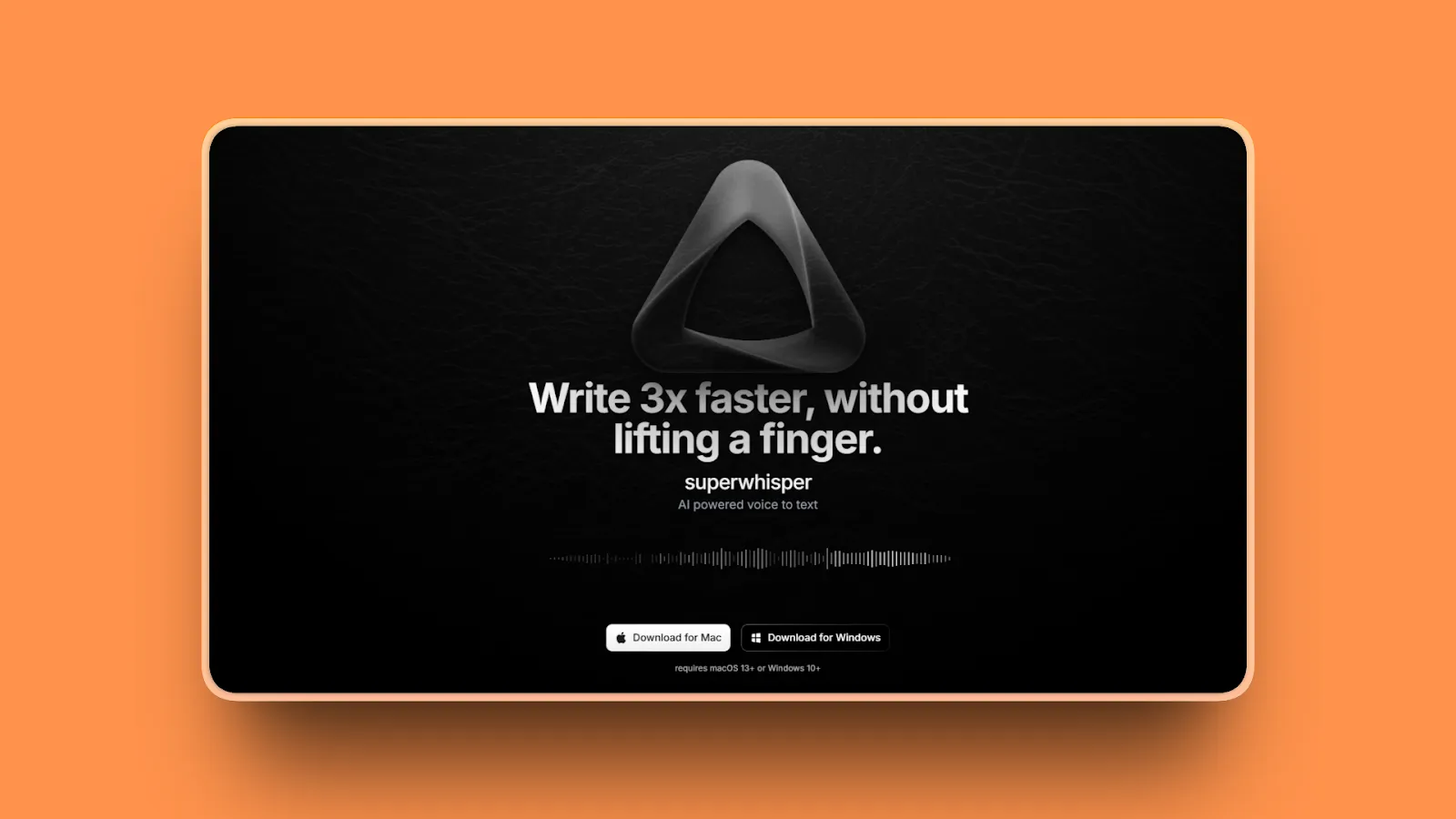
Superwhisper is a Mac-native dictation app offering extensive customization through multiple AI model choices, custom modes with personalized instructions, and complete offline capability using local Whisper models. It appeals to technical users wanting control over every aspect.
Key Features
- Completely offline operation using local Whisper models with no cloud dependency
- Multiple AI model selection (Nano, Fast, Pro, Ultra, Nvidia Parakeet) balances speed vs accuracy
- Custom modes create personalized dictation profiles with specific AI instructions for different contexts
- Custom vocabulary configuration handles technical terms, names, and industry jargon automatically
- Context awareness understands screen content, selected text, and clipboard for relevant transcription
- Multiple activation methods (push-to-talk, toggle mode, tap-to-activate) suit different workflows
- Automatic language detection enables smooth transitions for bilingual and multilingual users
Pros
- True offline operation works anywhere without internet dependency for maximum reliability
- Highly customizable models, modes, shortcuts, and vocabulary give power users complete control
- Audio never leaves your Mac delivering maximum privacy with local processing only
- Lifetime $249 purchase eliminates recurring subscription costs permanently
- Fast local processing on Apple Silicon (M1/M2/M3) runs faster than real-time
- Active development with regular feature updates and improvements
- Multiple language support with automatic detection for international users
Cons
- Steep learning curve requires configuration and technical understanding to optimize
- Manual transcript cleanup often needed depending on model selection and audio quality
- $249 lifetime price higher than other local alternatives (Voibe $149, Speakmac $19)
- Complexity overwhelming for users wanting plug-and-play simplicity without customization
- Mac-only with no Windows, Linux, or mobile platform support
- Support responsiveness issues reported by some users though improving
- Best performance requires Apple Silicon (Intel Macs struggle with local models)
Pricing
- Free Trial: 15 minutes of pro features plus 3 custom modes
- Pro Monthly: $8.49/month
- Pro Yearly: $84.99/year (~$7.08/month)
- Pro Lifetime: $249 one-time purchase
User Reviews
Superwhisper is highly praised on Product Hunt with an incredible 4.9/5 stars rating for accuracy supporting 100+ languages without WiFi. Users with physical disabilities report it's "an absolute game changer."
Best For
Offline power users needing dictation in network-restricted environments, technical users wanting complete control over models and configurations, privacy advocates requiring absolute guarantee audio never leaves devices, and multilingual users needing smooth language transitions with automatic detection.
4. Dragon Professional Individual: Best for Windows Users Needing Maximum Accuracy
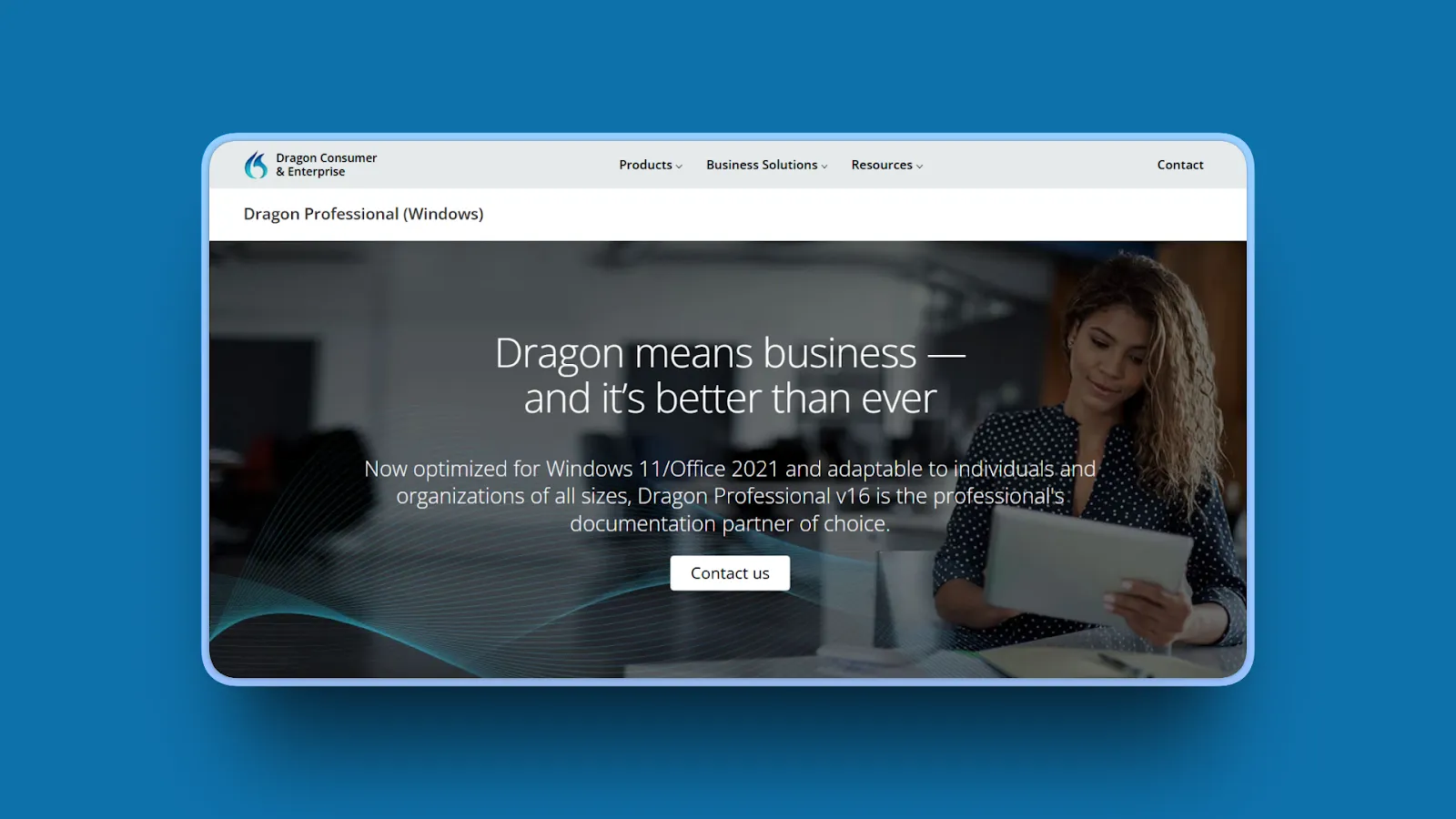
Dragon Professional Individual 16 is Nuance's industry-leading Windows dictation software offering claimed 99% accuracy after training. It includes specialized vocabulary editions for legal and medical professionals with decades of refinement for professional workflows.
Key Features
- Next-generation speech engine powered by Nuance Deep Learning technology delivers claimed 99% accuracy
- Deep Windows integration with command-and-control for hands-free PC operation across applications
- Custom voice commands create boilerplate text, signatures, and time-saving macros for workflows
- Import/export custom word lists handle business terminology, acronyms, and specialized vocabulary
- Professional editions include industry-specific vocabularies for legal, medical, and law enforcement
- Transcribe pre-recorded audio from files or podcasts in addition to real-time dictation
- Dragon Anywhere mobile app extends dictation to mobile devices with cloud sync
Pros
- Industry-leading claimed 99% accuracy after training period delivers highest precision for Windows
- Decades of development and refinement create mature, stable platform with extensive features
- Powerful command-and-control enables hands-free PC operation beyond simple dictation
- Professional editions with specialized vocabularies (legal $1,500, medical custom pricing) serve specific industries
- Offline processing option in Professional Individual version works without internet
- Extensive documentation and large community resources provide troubleshooting support
- Deep Windows integration works seamlessly with Office 2016-2021 and Windows 10/11
Cons
- Windows-only with no Mac support and limited mobile functionality
- Very high upfront cost ($700 for Professional Individual, $1,500+ for specialized editions)
- Outdated user interface feels legacy compared to modern cloud-based tools
- Steep learning curve for advanced features and macro creation requires time investment
- No longer actively updated as Nuance prioritizes cloud Dragon Anywhere product
- Expensive professional editions prohibitive for individual users on budget
- Not suitable for Mac users at all (fundamental platform limitation)
Pricing
- Dragon Home: $200 (consumer version with basic features)
- Dragon Professional Individual: ~$700 (contact vendor for current pricing; professional features, offline capable, custom commands)
- Dragon Legal Individual: $1,500 (specialized legal vocabulary and case law references)
- Dragon Medical: Custom pricing (clinical terminology and medical workflows)
User Reviews
Dragon Professional has a 4/5 star rating on Capterra. Users in legal/medical fields praise "speech to text function is fast and extremely accurate" even with specialized terminology.
Best For
Windows-only users needing maximum dictation accuracy after training, legal professionals requiring specialized legal vocabulary and case law references, medical professionals needing clinical terminology and HIPAA-compliant workflows, and power users wanting extensive command-and-control for hands-free PC operation.
5. Speakmac: Best for Budget-Conscious Mac Users Wanting Offline Simplicity
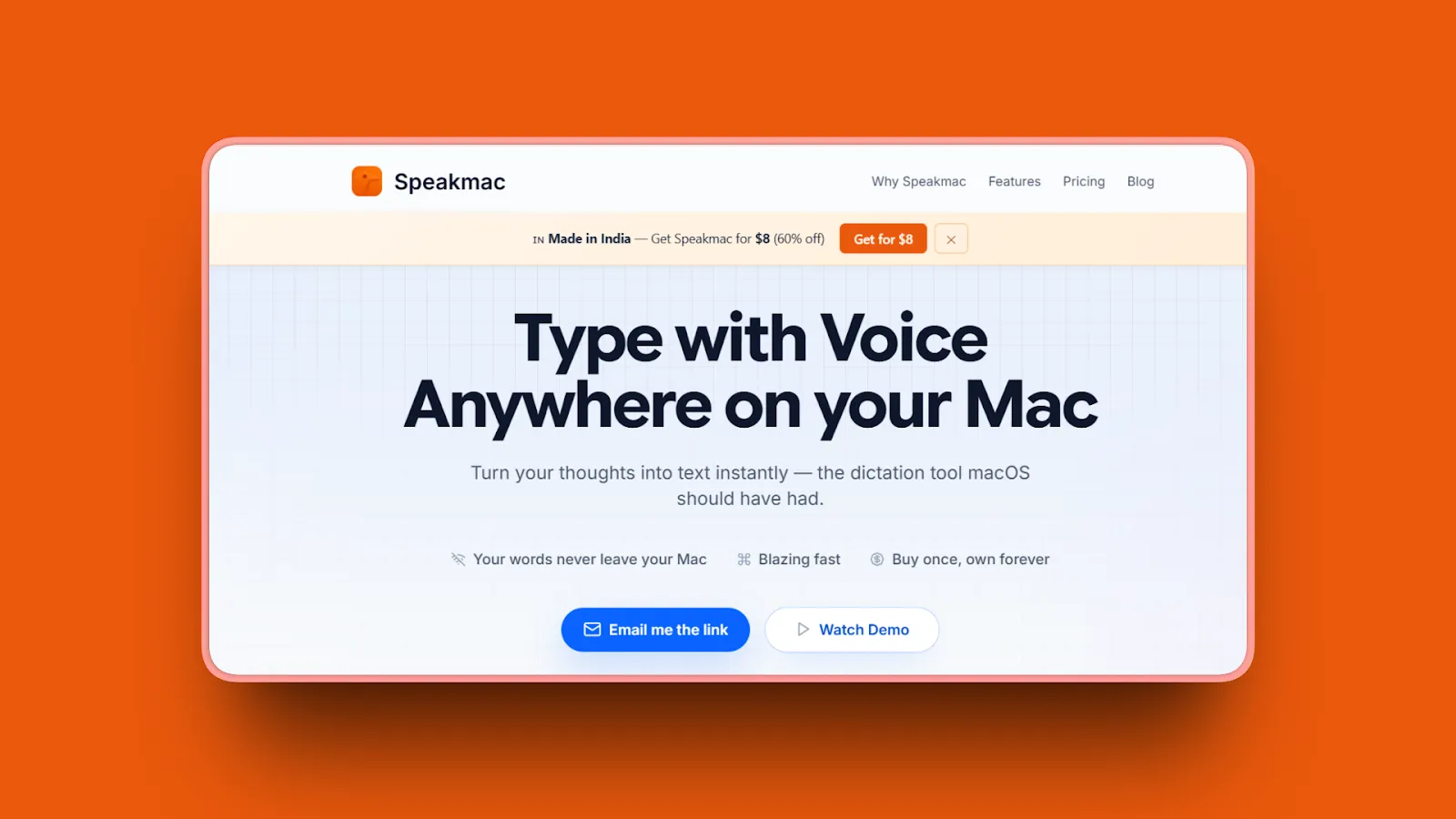
Speakmac delivers ultra-affordable offline dictation for Mac at just $19 lifetime. It offers plug-and-play simplicity with claimed 99.7% accuracy on US, UK, and Indian English, processing everything locally on Apple Silicon with no configuration required.
Key Features
- Plug-and-play simplicity works immediately after install with zero configuration needed
- 100% offline processing keeps your voice on-device with no cloud relay or API calls
- Optimized for Apple Silicon (2020 or newer Macs) delivers instant transcription feel
- Claimed 99.7% accuracy on US, UK, and Indian English with automatic punctuation
- Ultra-lightweight at just 4 MB app size launches instantly with minimal system resources
- Works everywhere with blinking cursor on Mac across all applications system-wide
- Can dictate for hours without latency or performance degradation
Pros
- Exceptionally affordable at $19 lifetime breaks even in under 2 months vs subscriptions
- True offline operation with local processing guarantees maximum privacy on-device
- Minimal setup works immediately after installation without tutorials or configuration
- Tiny 4 MB footprint launches instantly with negligible RAM and CPU usage
- Maximum privacy with audio never transmitted to any external servers
- Claimed 99.7% accuracy for supported English variants delivers solid transcription quality
- Great for casual users needing basic reliable dictation without advanced features
- Seamless macOS integration feels native to Apple ecosystem
Cons
- Basic feature set lacks advanced customization, special modes, or developer features
- Accuracy adequate but not exceptional with no custom vocabulary support
- Limited formatting intelligence provides only basic punctuation and capitalization
- No developer features or IDE integration for coding workflows
- Minimal ongoing development means less frequent feature updates than competitors
- Apple Silicon only with no Intel Mac support (excludes older Macs)
- Limited language support covers only English (US, UK, Indian variants)
Pricing
- Lifetime: $19 one-time payment
- License covers one year of updates, after which you can renew for updates or continue using existing version
- No recurring costs, no subscription, app is yours forever
User Reviews
Speakmac has a 5/5 stars rating on Product Hunt highlighting the exceptional $19 lifetime value and plug-and-play simplicity. Users praise flawless dictation even with accented voices, seamless Mac integration, and perfect voice pickup even when speaking fast.
Best For
Budget-conscious Mac users wanting affordable lifetime ownership, casual dictation users needing basic reliable transcription without advanced features, privacy advocates seeking simple offline processing without cloud complexity, and Apple Silicon Mac owners (2020+) wanting plug-and-play dictation that works immediately.
6. VoiceInk: Best for Open-Source Advocates Seeking Transparency
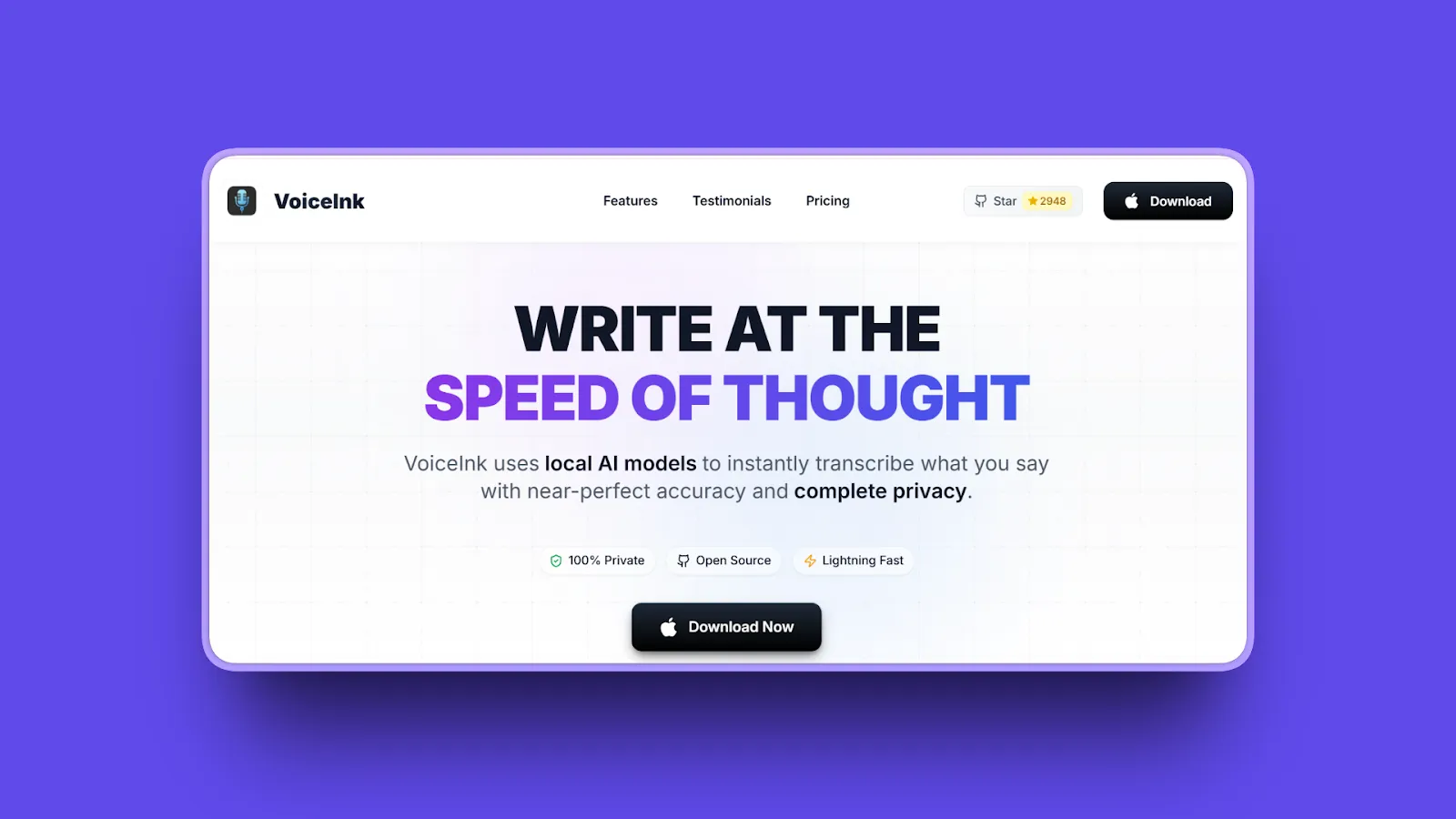
VoiceInk is an open-source Mac dictation app leveraging OpenAI's Whisper model for claimed 99% accuracy with 100% offline processing. It offers code transparency under GNU GPL v3.0 license while providing flexibility between local and cloud models (BYOK).
Key Features
- Open-source under GNU General Public License v3.0 provides full code transparency and verification
- Local AI processing uses OpenAI's Whisper model for claimed 99% accuracy almost instantly
- 100% offline processing ensures data never leaves your device for maximum privacy
- BYOK (Bring Your Own Keys) optionally configures cloud models using your own API keys
- 100+ languages supported with advanced AI-powered voice recognition for international users
- Developer open-sourced after 5 months of development welcoming community contributions
- Works on Apple Silicon Macs with 16GB RAM recommended for optimal performance
Pros
- Open-source transparency lets you verify privacy claims yourself by reviewing code
- Excellent value at $39 lifetime breaks even in approximately 3 months vs subscriptions
- True offline capability with local processing works anywhere without internet dependency
- Flexibility using local OR cloud models (BYOK) adapts to different use cases
- Active development with community contributions and ongoing improvements
- Claimed 99% accuracy with Whisper models delivers solid transcription quality
- 100+ language support enables multilingual dictation for international users
- Much cheaper than Superwhisper ($39 vs $250) for similar core features
Cons
- Requires powerful Mac (16GB RAM recommended) for optimal performance with local models
- Apple Silicon only with no Intel Mac support (excludes older Macs)
- Smaller user base means less community support and fewer troubleshooting resources
- Interface less polished than commercial alternatives with rougher user experience
- Accuracy depends on model choice and configuration requiring some technical knowledge
Pricing
- Solo Plan: $25 one-time (1 device)
- Personal Plan: $39 one-time (up to 2 devices, most popular)
- Extended Plan: $49 one-time (up to 3 devices)
- Free Option: Open-source code available to build yourself at no cost
User Reviews
VoiceInk has a 4.8/5 stars rating on TenereTeam. Users note significantly superior transcription accuracy and speed compared to alternatives, with stronger privacy focus. Users consistently cite the open-source transparency as the key trust factor, particularly appealing to developers and privacy advocates who can verify code themselves. At $39 lifetime (vs Superwhisper's $250), VoiceInk offers similar core functionality at a fraction of the price.
Best For
Open-source advocates wanting code transparency to verify privacy claims, developers comfortable with technical configuration and customization, privacy-focused users requiring absolute verification audio stays local, and budget-conscious users seeking excellent value ($39 lifetime) with solid features.
7. Speechify Voice Typing: Best for Free Cross-Platform Access
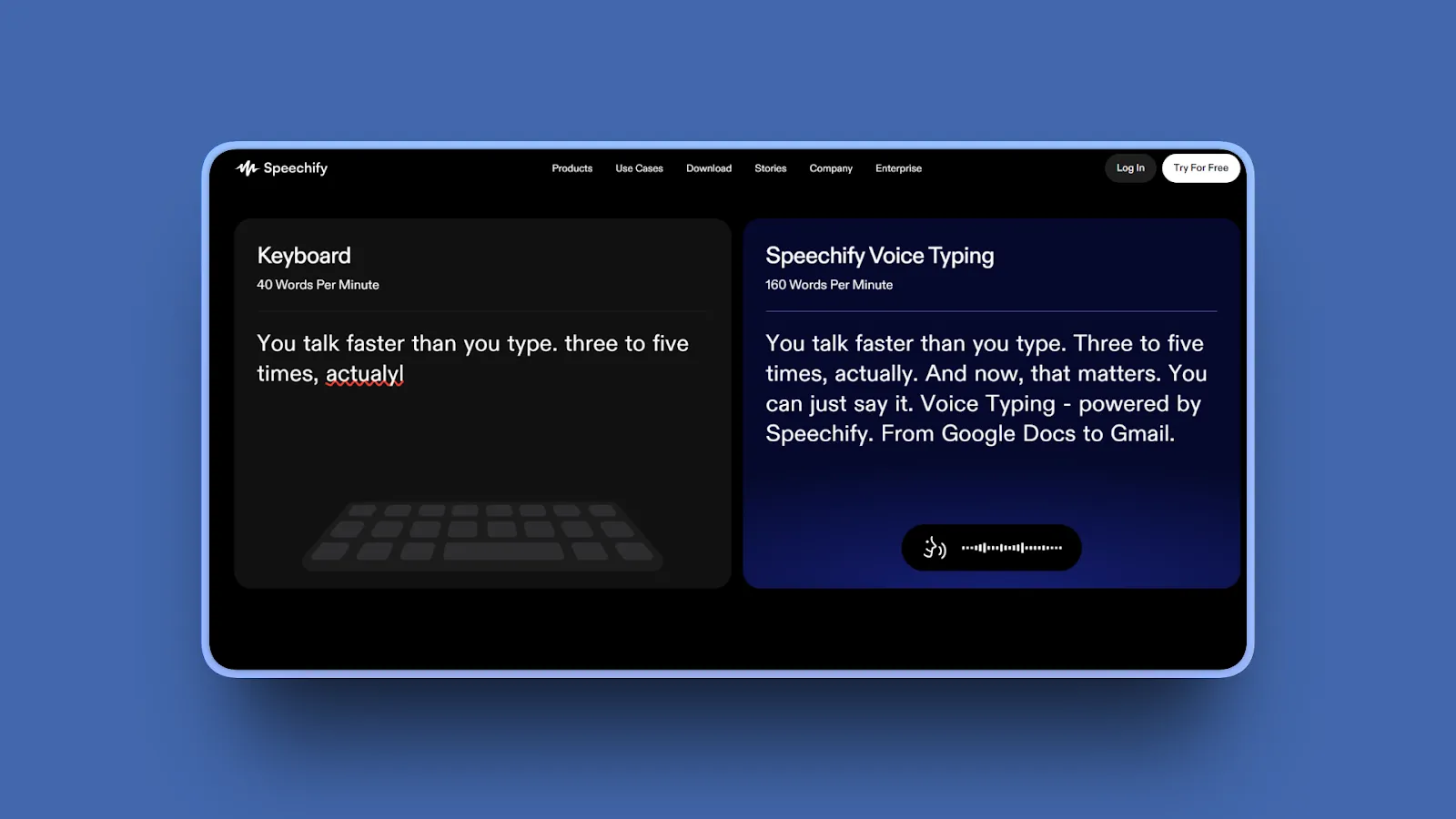
Speechify Voice Typing offers free AI voice dictation across Chrome, iOS, Android, Mac, and web browsers. It includes automatic grammar correction, punctuation, and filler-word removal with AI learning from corrections over time.
Key Features
- Works across all major platforms (Chrome, iOS, Android, Mac, web browsers) for universal access
- Browser integration works in any text field including Google Docs, Gmail, and Notion
- Multi-device sync enables resuming dictation seamlessly across different devices
- Automatic grammar correction and punctuation polishes text as you speak
- Filler-word removal cleans up verbal tics automatically for cleaner output
- Learning capability adapts to your corrections over time for improved accuracy
- Supports 60+ languages on Premium plan (100+ languages mentioned in some sources)
Pros
- Completely free for core dictation features with no credit card required
- Works across all major platforms and devices without platform lock-in
- AI cleanup reduces manual editing time by removing fillers and fixing grammar
- Simple browser-based access requires no heavy app installation
- Learns from corrections over time to improve personal accuracy
- Supports long-form writing for documents and articles without strict word limits
- Good for casual users comfortable trading privacy for convenience
- Device syncing maintains continuity across multiple devices
Cons
- Requires internet connection for cloud processing with no offline mode
- Free tier may have undisclosed usage restrictions or limitations
- Privacy trade-off sends audio to Speechify servers for processing
- Premium features locked behind $139/year subscription for advanced capabilities
- Generic dictation lacks specialized modes for code, medical, or legal workflows
- Free voices sound robotic compared to Premium natural-sounding voices
- Premium pricing expensive compared to value provided ($139/year)
- Not optimized for professional workflows requiring specialized features
Pricing
- Free Plan: AI voice dictation with grammar correction, 10 basic voices, 1.5× speed limit
- Premium Monthly: $29/month
- Premium Annual: $139/year (~$11.58/month)
- Features: 200+ voices, 60+ languages, 5× speed, offline downloads, AI features, priority support
User Reviews
Speechify has a 4.6/5 stars rating on Trustpilot. Users value the free tier's cross-platform accessibility and AI text cleanup.
Best For
Cross-platform users needing dictation across Chrome, iOS, Android, Mac, and web browsers, casual users comfortable with cloud processing in exchange for free access, students and writers wanting AI grammar cleanup without manual editing, and multi-device users needing sync across all their devices.
8. Apple Dictation: Best Free Built-In Option for Mac Users
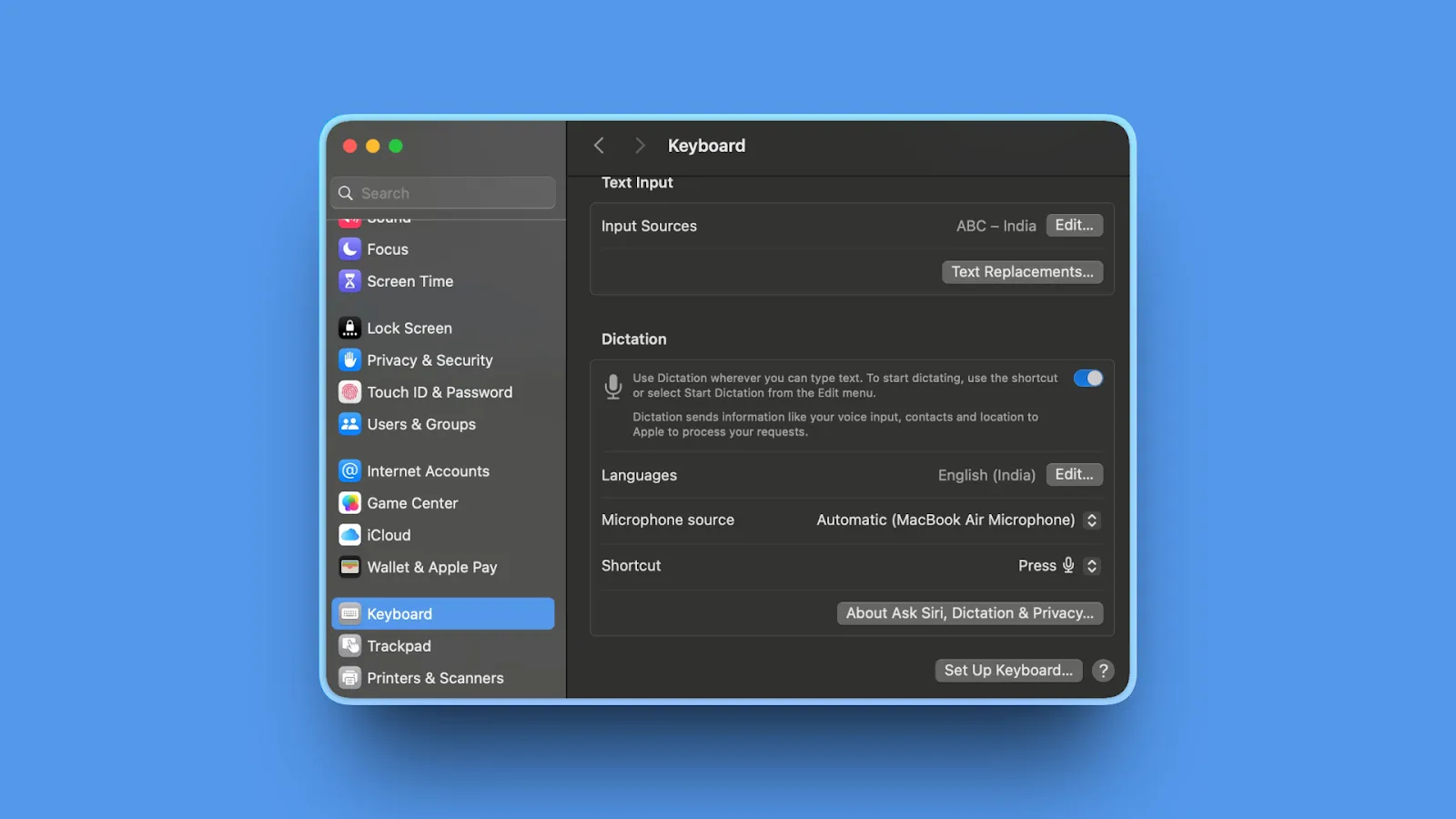
Apple Dictation is macOS's built-in voice-to-text feature included free with every Mac. On Apple Silicon Macs (M1/M2/M3), it runs entirely offline with on-device processing thanks to Apple Intelligence, making it fast, accurate, and private.
Key Features
- On-device processing on Apple Silicon Macs runs entirely offline without internet required
- Press Fn key twice to activate system-wide across all Mac applications
- Works in any Mac app with deep macOS integration throughout the system
- 40+ languages supported with on-device processing available for supported languages
- Fast and accurate on modern Macs leveraging Apple Intelligence on Apple Silicon
- No installation, setup, or configuration required (built into macOS)
- Free with macOS at no cost, no trial period, no subscription
Pros
- Completely free with no cost, trial period, or subscription required ever
- Deep macOS integration activates anywhere system-wide in any application
- True privacy with on-device processing keeps audio local (Apple Silicon only)
- No installation or setup required, works immediately out of the box
- Works offline on M1/M2/M3 Macs without internet connection
- Fast and responsive on modern Macs with minimal latency
- 40+ language support covers major languages worldwide
- Familiar to Mac users as built-in system feature
Cons
- Basic feature set lacks advanced customization, modes, or developer features
- No custom vocabulary support with limited learning capability
- Accuracy adequate at 85-90% but trails specialized dictation tools
- Limited formatting intelligence provides only basic punctuation
- No developer features or IDE-specific support for coding workflows
- Older Intel Macs require internet connection for server-based processing
- Voice-based editing not available in all languages or regions
- Some data may still go to Apple servers depending on settings and language
Pricing
- Free, included with macOS at no cost.
User Reviews
As a built-in macOS feature, Apple Dictation has no formal review platforms. Users generally find Apple's built-in dictation highly accurate. Recent AI updates have noticeably improved performance, especially with custom words. Users also appreciate its strong privacy features and smooth integration across Apple devices.
Best For
Casual Mac users needing basic free dictation without advanced features, Apple Silicon Mac owners (M1/M2/M3) wanting true offline privacy with on-device processing, budget-conscious users seeking zero-cost solutions included with macOS, and users wanting familiar built-in features with no learning curve.
9. Otter.ai: Best for Meeting Transcription with Speaker Identification
Otter.ai specializes in real-time meeting transcription with automatic speaker identification, action items extraction, and searchable archives. It integrates with Zoom, Google Meet, and Microsoft Teams for automated meeting captions and summaries.
Key Features
- Real-time meeting transcription with automated captions during Zoom, Google Meet, Teams calls
- Speaker identification distinguishes multiple speakers automatically in conversations
- AI-generated summaries highlight action items and key points after each meeting
- Searchable archive enables full-text search across all meeting transcripts instantly
- Team collaboration features include shared notes, comments, and highlights
- Integrations with Google Calendar, Zoom, Meet, Teams automate meeting recording
- Mobile apps (iOS and Android) enable in-person meeting recording on the go
Pros
- Excellent for meeting transcription and team collaboration workflows
- Real-time captions improve accessibility during live video calls
- Speaker identification handles multi-person conversations automatically without training
- Searchable archive helps find past discussions and decisions quickly
- Generous free tier offers 300 minutes/month (Pro offers 600 minutes/month)
- Strong integrations with major video conferencing platforms (Zoom, Meet, Teams)
- Mobile apps support in-person meeting recording beyond virtual meetings
- AI summaries and action items save time reviewing meeting content
- Intuitive interface makes it easy for non-technical users
Cons
- NOT designed for general dictation, optimized for meetings only
- Requires internet connection for cloud processing with no offline mode
- Free tier limited to 300 minutes/month restricts heavy meeting users
- Privacy concerns with all meetings transcribed on Otter servers
- Accuracy varies with audio quality, accents, and background noise
- Not suitable for code dictation or specialized professional workflows
- Costs escalate quickly for heavy users ($16.99-30/month for unlimited)
- Advanced features behind paywall on Pro and Business tiers
Pricing
- Free: 300 monthly transcription minutes, 30 minutes per conversation, import 3 audio/video files lifetime
- Pro Monthly: $16.99/month
- Pro Annual: $8.33/month (billed annually)
- Business Monthly: $30/month
- Business Annual: $19.99/month (billed annually)
- Features: 6,000+ monthly minutes, advanced features, team management, unlimited transcription
User Reviews
Otter.ai has a 4.4/5 stars rating on G2. Users praise the easy-to-use intuitive interface, accurate transcripts, useful AI meeting summaries, and seamless Zoom integration.
Best For
Teams needing meeting transcription with speaker identification, remote teams wanting searchable meeting archives for finding past decisions, accessibility-conscious organizations needing real-time captions during calls, and project managers wanting automated action items extraction from meetings.
10. Monologue: Best for Mac-Native Design with Context Awareness
Monologue by Every offers beautifully designed Mac-native dictation with context-aware tone customization. It includes an offline processing option and claims to help users work 3x faster without breaking flow with app-specific tone adjustments.
Key Features
- Offline processing available by downloading model for on-device transcriptions without cloud
- Context-aware tone customization adapts dictation style based on which app you're using
- Clean modern interface designed specifically for macOS feels native to Apple ecosystem
- Regular updates from dedicated indie developer focused on Mac experience
- Part of Every AI app ecosystem with bundle option including Cora, Spiral, Sparkle
- Simple focused feature set avoids bloat with streamlined dictation experience
- Already used for writing over 1 million words by early adopters
Pros
- Beautiful Mac-native design feels polished and integrated with macOS
- Offline processing option with on-device model avoids cloud dependency
- Simple focused feature set prevents overwhelming complexity and bloat
- Generous free tier offers 1,000 words/month to evaluate before committing
- Actively developed with regular updates and improvements
- Clean UX native to macOS creates familiar comfortable experience
- Context-aware tone customization adapts to different apps intelligently
- Part of Every ecosystem ($30/month bundle) provides additional AI tools
- Affordable standalone at $10/month compared to competitors
Cons
- Newer tool with smaller user base means limited community support
- Limited advanced features lacks developer mode, custom modes, specialized workflows
- Less proven accuracy compared to established alternatives with longer track records
- Smaller community for support and troubleshooting compared to mature tools
- Free tier limited to 1,000 words/month restrictive for heavy daily users
- Mac-only with no Windows, Linux, or mobile support
- Less customization than power-user tools like Superwhisper
Pricing
- Free: 1,000 words per month
- Standalone Monthly: $10/month
- Standalone Annual: $100/year
- Every Bundle: $30/month (includes Monologue + Cora, Spiral, Sparkle, Every AI newsletter)
User Reviews
Monologue has 5/5 stars on Product Hunt with a growing user base. Users highlight the clean Mac-native interface and context-aware tone customization as standout features, appealing particularly to design-conscious Mac users wanting beautiful tools that feel native to the Apple ecosystem.
Best For
Design-conscious Mac users valuing beautiful native interfaces, Every ecosystem users wanting dictation integrated with other Every AI tools (Cora, Spiral, Sparkle), casual users needing simple focused dictation without overwhelming features, and users wanting context-aware tone adjustments adapting to different apps.
11. Typeless: Best Free Tier with Strong Privacy Guarantees
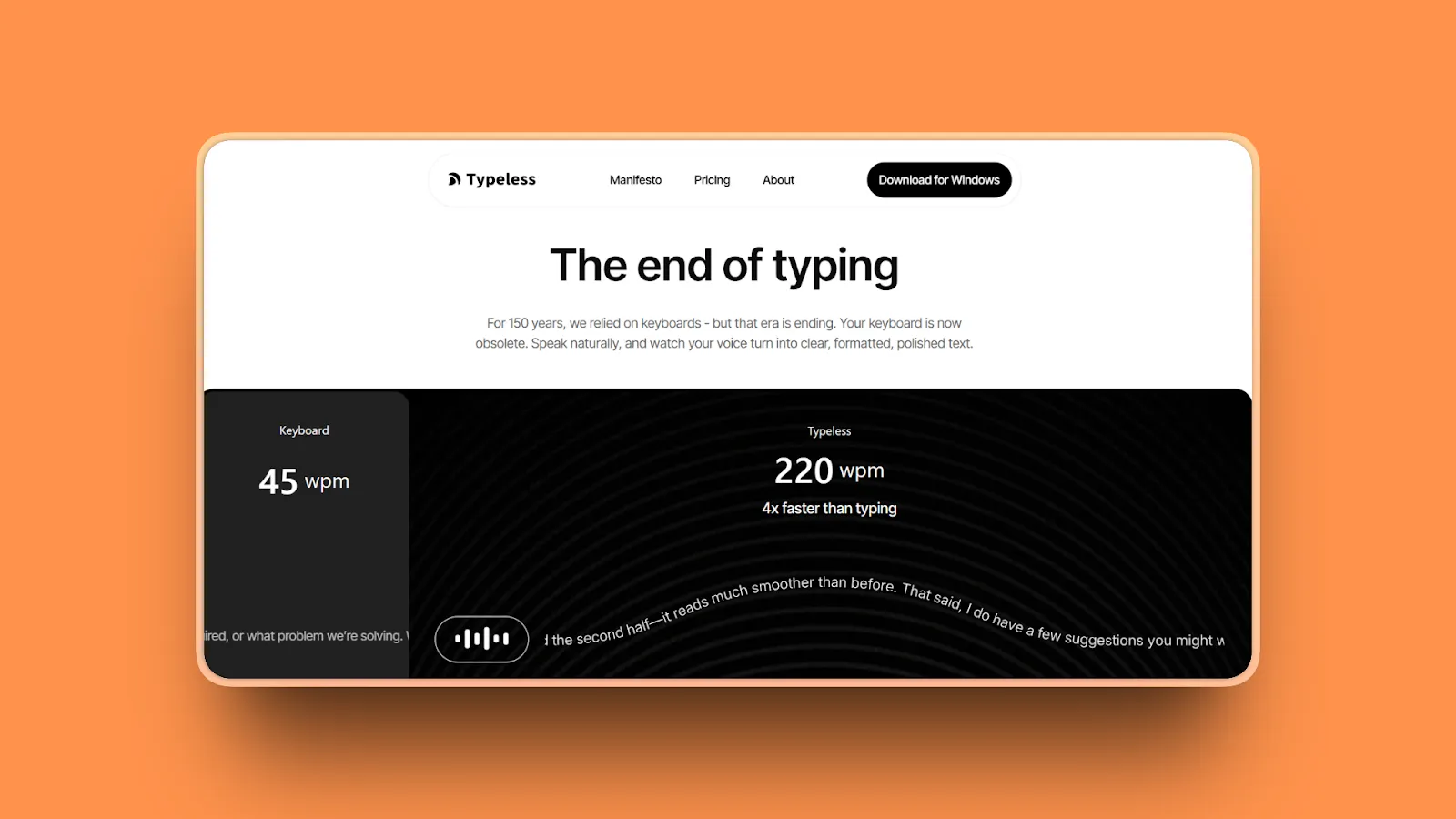
Typeless offers the most generous free tier with 8,000 words/week including AI auto-editing. It combines strong privacy policies with no data retention or model training while supporting 100+ languages across Windows and macOS.
Key Features
- Most generous free tier at 8,000 words/week beats competitors
- AI auto-editing rewrites filler words into perfect coherent prose automatically
- Strong privacy policies including no data retention and no model training on your data
- 100+ languages support with multilingual dictation for international users
- Dictionary additions customize recognized vocabulary and terminology
- Cross-platform support works on both Windows and macOS
- Lightning-fast voice typing with minimal latency
Pros
- Most generous free tier (8,000 words/week) unmatched by competitors
- Strong privacy guarantees (no data retention, no model training) protect your content
- Cross-platform support works on both Windows and macOS
- AI auto-editing included even on free tier cleans up speech automatically
- 100+ language support enables multilingual dictation worldwide
- Very affordable Pro plan ($12/month annual, $144/year) competitive pricing
- High user satisfaction with 5/5 rating on Product Hunt
- Fast dictation with reported 158 WPM speeds saves significant time
- Automatically cleans up filler words for cleaner output
Cons
- Limited advanced features lacks developer mode, code awareness, or specialized modes
- Accuracy less proven than established tools with longer track records
- Smaller community and user base means fewer troubleshooting resources
- Less customization than power-user tools requiring fine-grained control
- Pro monthly plan expensive at $30/month compared to $12/month annual (use annual)
- Newer product with limited long-term track record compared to mature alternatives
- No specific review presence on G2 or Capterra for third-party verification
Pricing
- Free: 8,000 words per week, AI auto-editing, dictionary additions, 100+ languages
- Pro Monthly: $30/month (unlimited words, prioritized features, early access, team management)
- Pro Annual: $12/month (billed $144/year)
Note: Typeless's current pricing page lists 8,000 words/week for the free tier.
User Reviews
Typeless has a 5/5 stars rating on Product Hunt with user testimonials including one user dictating over 21,000+ words at average 158 WPM speed in just 19 days, saving nearly 10 hours of manual typing time.
Users appreciate being able to talk instead of type, with one reviewer noting using Typeless as their everyday app more than 300 times daily. The most generous free tier with strong privacy stands out as the primary appeal for budget-conscious users.
Best For
Budget-conscious users wanting the most generous free tier (8,000 words/week), privacy advocates requiring strong guarantees (no data retention, no training), cross-platform users needing both Windows and macOS support, and multilingual users dictating in 100+ languages.
Detailed Comparison Table
| Tool Name | AI Features | Standout Feature | Best For |
|---|---|---|---|
| Voibe | Dictionary, Memory, Developer Mode, Live Dictation on Mac | $149 lifetime, on-device or zero-retention cloud, plus code-aware file resolution | Professionals and developers on Mac and Windows |
| Wispr Flow | Context-aware dictation, personalized learning | Cross-platform (Mac/Windows/iOS) with HIPAA compliance | Enterprise teams, healthcare |
| Superwhisper | Custom modes with AI instructions, multiple models | Maximum customization with complete offline control | Offline power users, technical |
| Dragon Professional | Deep learning engine, specialized vocabularies | 99% accuracy after training on Windows | Windows professionals, legal/medical |
| Speakmac | Automatic punctuation, offline processing | Ultra-affordable $19 lifetime, plug-and-play | Budget Mac users, casual use |
| VoiceInk | Local Whisper models, BYOK cloud option | Open-source transparency at $39 lifetime | Open-source advocates, developers |
| Speechify | AI grammar correction, filler-word removal | Free cross-platform (Chrome/iOS/Android/Mac/web) | Cross-platform casual users |
| Apple Dictation | Apple Intelligence, on-device processing | Free built-in macOS feature with offline on M1+ | Casual Mac users, zero budget |
| Otter.ai | Speaker ID, AI summaries, action items | Real-time meeting transcription with collaboration | Meeting-focused teams |
| Monologue | Context-aware tone, offline option | Beautiful Mac-native design with app-specific tones | Design-conscious Mac users |
| Typeless | AI auto-editing, 100+ languages | Most generous free tier (8,000 words/week) | Budget users, multilingual |
How to Choose the Right Willow Voice Alternative
1. What's your primary priority?
Privacy and offline reliability:
- Voibe ($149 lifetime)
- Superwhisper ($249 lifetime)
- Speakmac ($19 lifetime)
- Apple Dictation (free)
In on-device mode these keep audio on your device and work anywhere without internet (Voibe's on-device mode requires an Apple Silicon Mac); Voibe also offers a zero-retention cloud mode on all Macs.
Cross-platform team collaboration:
- Wispr Flow ($15/month): Mac/Windows/iOS with enterprise compliance
- Speechify (free): Casual cross-platform use across all devices
Maximum accuracy on Windows:
- Dragon Professional Individual (~$700): Industry-leading 99% claimed accuracy after training
2. What's your budget?
Under $50:
- VoiceInk ($39)
- Speakmac ($19)
- Apple Dictation (free)
Solid offline dictation at minimal cost.
$50-150:
- Monologue ($100/year): Beautiful Mac-native design
$150+:
- Voibe ($149 lifetime): Best value with Developer Mode, on-device or zero-retention cloud processing, custom dictionary
- Superwhisper ($249 lifetime): Maximum customization
- Dragon Professional ($700): Windows with highest claimed accuracy
3. What platform do you use?
Mac-only users:
- Voibe
- Superwhisper
- Speakmac
- VoiceInk
- Monologue
- Apple Dictation
All optimize specifically for macOS with better performance than cross-platform tools.
Cross-platform teams (Mac/Windows/iOS):
- Wispr Flow: Consistent experience across all platforms with team collaboration
Windows-only users:
- Dragon Professional Individual: Gold standard for Windows dictation with decades of refinement
4. What features are non-negotiable?
Offline capability:
- Voibe (on-device mode, Apple Silicon)
- Superwhisper
- Speakmac
- VoiceInk
- Apple Dictation (M1+ only)
All run fully offline (Voibe in its on-device mode on Apple Silicon).
Developer features for coding:
- Voibe: ONLY tool with Developer Mode resolving file/folder names in Cursor and Windsurf
Enterprise compliance (HIPAA, SOC 2):
- Wispr Flow: HIPAA compliance at all tiers ($15/month+), SOC 2 Type II on Enterprise
Meeting transcription with speaker ID:
- Otter.ai: Specializes in meeting transcription with speaker identification and action items
Use-Case Cheat Sheet
Developer dictating to Cursor or Windsurf daily
Best choice: Voibe
Why: Developer Mode file resolution, on-device or zero-retention cloud processing, $149 lifetime value.
Legal professional handling confidential case files
Best choices: Voibe (on-device mode, or zero-retention cloud) | Dragon Legal ($1,500 with legal vocabulary) | Superwhisper ($249 offline customization)
Why: Confidential case files call for either on-device processing or a zero-retention pipeline so privileged information is never stored.
Healthcare team needing HIPAA compliance
Best choice: Wispr Flow
Why: HIPAA compliance at all tiers, cross-platform support, team collaboration.
Budget-conscious Mac user wanting basic dictation
Best choices: Speakmac ($19 lifetime) | VoiceInk ($39 lifetime) | Apple Dictation (free on M1+ Macs)
Why: Affordable lifetime options eliminate recurring subscription costs entirely.
Remote team recording meetings across platforms
Best choice: Otter.ai
Why: Meeting-specific transcription with speaker identification and action items.
Windows professional needing maximum accuracy
Best choice: Dragon Professional Individual
Why: Industry-leading 99% claimed accuracy after training, Windows-only.
Privacy advocate requiring verifiable code transparency
Best choices: VoiceInk (open-source) | Voibe (on-device mode plus open-source cloud models, zero retention)
Why: Open-source models and on-device processing keep the privacy story verifiable and free of data retention.
Frequently Asked Questions
Basics
What is Willow Voice and what does it do?
Willow Voice is a cloud-based AI dictation tool for Mac, iPhone, and Windows that transcribes speech into text across all applications with sub-1 second latency. Costs $12-15/month subscription.
Users seek alternatives for:
- Offline capability (Willow requires constant internet)
- Lifetime pricing (avoiding $720-900 over 5 years)
- Privacy (local processing vs cloud servers)
Key point: Willow works well but requires internet, costs $720-900 long-term, and processes audio on cloud servers.
What are the best dictation apps for Mac?
Top 5 Mac dictation apps in 2026:
- Voibe ($149 lifetime): Best for privacy + speed
- Wispr Flow ($15/month): Best for cross-platform teams with HIPAA
- Superwhisper ($249 lifetime): Best for offline customization
- Apple Dictation (free): Best built-in option on M1+ Macs
- Speakmac ($19 lifetime): Best budget option
Bottom line: Voibe leads for privacy-focused developers with lifetime value, Wispr Flow for teams needing cross-platform support.
Is Willow Voice free?
No. Willow Voice offers a limited free trial (2,000 words, no credit card) but requires paid subscription after: $12/month annually or $15/month monthly. No free tier for continued use.
Free alternatives:
- Apple Dictation: Built into macOS (M1+ Macs only)
- Speechify Voice Typing: Free tier with optional premium
Key point: Willow isn't free long-term. Use Apple Dictation or Speechify for completely free dictation.
Does Willow Voice work offline?
No. Willow Voice Mac desktop requires constant internet. The iOS app has limited offline fallback, but it's degraded performance, not true offline capability.
Fully offline alternatives:
- Voibe ($149 lifetime): on-device mode runs fully offline on Apple Silicon (a zero-retention cloud mode also runs on all Macs)
- Superwhisper ($249 lifetime): Complete offline operation
- Apple Dictation (free): M1/M2/M3 Macs only
- Speakmac ($19 lifetime): Basic offline dictation
- VoiceInk ($39 lifetime): Local Whisper models
Key point: For reliable offline dictation, choose tools with local processing that work without internet anywhere.
Comparisons
What is the difference between Willow Voice and Superwhisper?
Core difference: Cloud vs local processing.
Willow Voice:
- Requires internet, cloud processing
- 95%+ accuracy, $12-15/month ($720-900 over 5 years)
Superwhisper:
- Fully offline, local processing
- 90-95% accuracy, $249 lifetime (one-time)
Bottom line: Willow for maximum accuracy with internet dependency. Superwhisper for privacy-focused offline capability without recurring costs.
Is Wispr Flow better than Willow Voice?
Wispr Flow excels for cross-platform teams needing Mac, Windows, iOS support with enterprise compliance (SOC 2, HIPAA). Both require internet and cost $12-15/month with cloud processing.
Wispr Flow advantages:
- Cross-platform (Mac/Windows/iOS)
- Higher accuracy (95-97%+)
- Team collaboration features
- Enterprise compliance (SOC 2, HIPAA)
Bottom line: Choose Wispr Flow for cross-platform support or enterprise compliance. Choose Willow if Mac/iOS-only and prefer simpler experience.
Willow Voice vs Dragon: which is more accurate?
Dragon claims 99% accuracy (after training), while Willow claims 95%+ (no training required).
Key differences:
- Dragon: $700 upfront, Windows-only, requires training time
- Willow: $12/month subscription, Mac/iPhone, works immediately
Bottom line: For most users, Willow's 95% accuracy is sufficient and more convenient. Choose Dragon only for Windows-based professional dictation (legal, medical) needing maximum accuracy.
What is the best free alternative to Willow Voice?
For Mac users: Apple Dictation (built into macOS, M1/M2/M3 only) and Voibe, which offers a free trial, an on-device mode on Apple Silicon, and audio that is never stored, sold, or used to train AI.
For cross-platform users: Speechify Voice Typing (free tier) works across Chrome, iOS, Android with AI cleanup.
Both deliver 85-90% accuracy adequate for casual use.
Key point: Apple Dictation runs fully local on Apple Silicon. Speechify offers better cross-platform flexibility. For professional use, consider Voibe ($149), VoiceInk ($39), or Speakmac ($19).
How-To / Practical
How do I switch from Willow Voice to another dictation tool?
Switching is straightforward:
- Export custom vocabulary/settings if available
- Install chosen alternative (Voibe, Superwhisper, etc.)
- Configure activation hotkey to match workflow
- Add specialized terms to custom dictionary
Most alternatives offer free trials (Voibe free trial, Superwhisper 15 minutes). No data migration needed.
Key point: Transition takes 10-15 minutes setup, 1-2 days to adjust muscle memory to new activation method.
How much does Willow Voice cost?
Willow Voice pricing:
- $12/month annually ($144/year)
- $15/month monthly ($180/year)
- 5-year total: $720-900
Free trial: 2,000 words, no credit card required.
Lifetime alternatives:
- Voibe: $149 one-time ($3.30/month over 5 years)
- Superwhisper: $249 one-time
- VoiceInk: $39 one-time
- Speakmac: $19 one-time
Bottom line: Lifetime options break even quickly and eliminate subscription costs entirely.
Which dictation software has the best privacy?
The strongest privacy comes from tools that either keep processing on-device or guarantee zero retention on their servers.
Best privacy options:
- Voibe ($149 lifetime): on-device mode on Apple Silicon, or a zero-retention cloud with open-source models that never stores, sells, or trains on your audio or text
- Superwhisper ($249 lifetime): Complete offline customization
- Apple Dictation (free): M1+ Macs only
- Speakmac ($19 lifetime): Basic offline dictation
- VoiceInk ($39 lifetime): Local Whisper models
Key point: Many cloud tools encrypt data but still store audio on their servers. Voibe lets you keep processing on-device or use a zero-retention cloud, so your data relationship stays clear either way.
Is subscription or lifetime purchase better for dictation software?
Lifetime is better for long-term users (3+ years) based on total cost of ownership.
Example: Willow at $12/month = $720 over 5 years. Voibe at $149 lifetime = $3.30/month over 5 years, a large saving.
Choose lifetime if you:
- Use dictation daily as core productivity tool
- Prioritize predictable costs without price increases
- Prefer ownership to subscription
Choose subscription if you:
- Need cross-platform features with frequent updates
- Want to evaluate before long-term commitment
- Need team collaboration with shared vocabularies
Bottom line: For privacy-focused individual Mac users, lifetime options (Voibe, Superwhisper, Speakmac, VoiceInk) deliver better value.
Final Thoughts
The best Willow Voice alternatives don't just add features. They solve real problems: offline reliability when the internet fails, lifetime pricing eliminating subscription fatigue, and a clear data relationship where your audio is never stored, sold, or used to train AI.
Voibe tops our list because it addresses all three Willow limitations in one package. The $149 lifetime plan saves hundreds compared to Willow's five-year cost while eliminating recurring payments forever. You choose your privacy model: a fully on-device mode on Apple Silicon where audio never leaves your Mac, or a zero-retention cloud with open-source models (available on all Macs) that deletes audio the moment transcription completes and never stores, sells, or trains on it. Developer Mode resolves file and folder names for Cursor and Windsurf, making it the only dictation tool optimized specifically for coding workflows.
Whether you're dictating technical documentation with custom vocabulary, recording confidential legal briefs offline, or explaining code changes to AI agents hundreds of times daily, Voibe's approach feels natural rather than forced.
Get started with Voibe and experience private dictation with lifetime value, your choice of on-device or zero-retention cloud with open-source models processing, and Developer Mode optimized for AI coding workflows. $149 once, yours forever, no subscriptions.
More dictation guides
8 Apple Dictation Alternatives That Don't Time Out (2026)
Apple Dictation times out after a minute and trips on technical terms. These 8 Mac alternatives never cut you off, run offline, and hit 97%+ accuracy.
9 Best Wispr Flow Alternatives in 2026 (Actually Compared)
A current comparison of 9 Wispr Flow alternatives across privacy, security, reliability, offline use, AI cleanup, platforms, and pricing.
11 Best Superwhisper Alternatives in 2026 (Reviewed)
Compare 11 Superwhisper alternatives in 2026. In-depth reviews of privacy, pricing, accuracy, and performance for Mac and Windows dictation tools.
12 Best Dragon Dictation Alternatives in 2026 (Reviewed)
Compare 12 Dragon alternatives in 2026. Detailed reviews from free to $249 covering privacy, accuracy, lifetime pricing for Mac and Windows users.
10 Best MacWhisper Alternatives In 2026 (Reviewed)
Compare 10 MacWhisper alternatives in 2026. Explore offline and real-time dictation tools with detailed reviews of privacy, speed, pricing, and accuracy for Mac users.
11 Best Aqua Voice Alternatives for Mac Dictation (2026)
Discover 11 Aqua Voice alternatives with offline access, privacy-first tools, and one-time pricing. Compare Mac dictation apps that work on your terms.
9 Best Monologue Alternatives (Reviewed)
Compare 9 Monologue alternatives across privacy, pricing, and platforms. From Voibe on Mac and Windows to Wispr Flow and free picks.
11 Best Typeless Alternatives: Privacy, Pricing, and Features
Typeless alternatives compared: 11 voice dictation tools ranked by privacy architecture, pricing model, and features. Find the best fit for your workflow.
Best Dictation Apps in 2026: Offline, Private & Accurate
We tested 10 dictation apps for accuracy, privacy, speed, and price across Mac and Windows, including on-device and zero-retention cloud options.
Why Talking to AI Changes Everything
Talking preserves more of your real intent than typing, which helps models get it right on the first try. Practical tips, research references, and an FAQ.
Try Voibe Today
Experience private AI dictation, on-device or zero-retention cloud, your choice. Download it for free and start dictating 3x faster than you can type.
Try Voibe for freeAvailable on Mac and Windows; on-device mode requires Apple Silicon (M1 or later)