
9 Best VoiceInk Alternatives in 2026 (Reviewed)
Compare the best VoiceInk alternatives for Mac dictation in 2026. Detailed reviews of Voibe, Wispr Flow, Superwhisper, and more with pricing, features, and ratings.

TL;DR: The Best VoiceInk Alternatives for Mac in 2026
The best VoiceInk alternative for most Mac users is Voibe — it matches VoiceInk's offline privacy with higher polish, developer IDE integration, and professional support at $4.90/month or $99 lifetime. VoiceInk is an open-source Mac dictation app priced at $39.99 one-time that processes speech locally using Whisper models. It's affordable and privacy-focused, but users report a basic UI, no batch transcription, limited formatting commands, and an iOS app that needs work.
| Tool | Best For | Key Strength | Price |
|---|---|---|---|
| Voibe | Privacy-first Mac users & developers | Offline + VS Code/Cursor integration | $4.90/mo or $99 lifetime |
| Wispr Flow | Cross-platform teams | Mac + Windows + iOS with AI rewriting | $12/mo (annual) or $15/mo |
| Superwhisper | Power users who want customization | Custom Whisper modes, meeting recording | $8.49/mo or $249 lifetime |
| Apple Dictation | Casual users on a budget | Free, built-in, no setup | Free |
| Aqua Voice | Technical vocabulary users | 800 custom dictionary terms | $8/mo |
This guide reviews 9 VoiceInk alternatives based on hands-on testing across real workflows — emails, long-form writing, code dictation, and meeting notes. Every pricing figure is verified from official product pages as of March 2026.
Key Takeaway
Voibe is the strongest VoiceInk alternative for most Mac users — matching VoiceInk's offline privacy while adding Developer Mode, professional support, and a polished interface at $4.90/month or $99 lifetime.
Why You Should Trust This Guide
Testing methodology. We tested every dictation tool listed on this page on Apple Silicon Macs running macOS 15+. Each app was evaluated across real workflows — emails, long-form writing, code dictation, and meeting notes — over multiple sessions before making recommendations.
Data sources. Pricing is sourced from official product pages and verified as of March 2026. User ratings are drawn from Product Hunt, G2, and app store reviews. Feature comparisons are based on hands-on testing, not marketing copy.
Transparency. Voibe is our product. We disclose this upfront and throughout the guide. We also acknowledge where competitors excel: VoiceInk's open-source codebase offers full auditability. Wispr Flow's cross-platform support covers Mac, Windows, and iOS. Superwhisper provides the most flexible model configuration for power users.
The Real Problems with VoiceInk
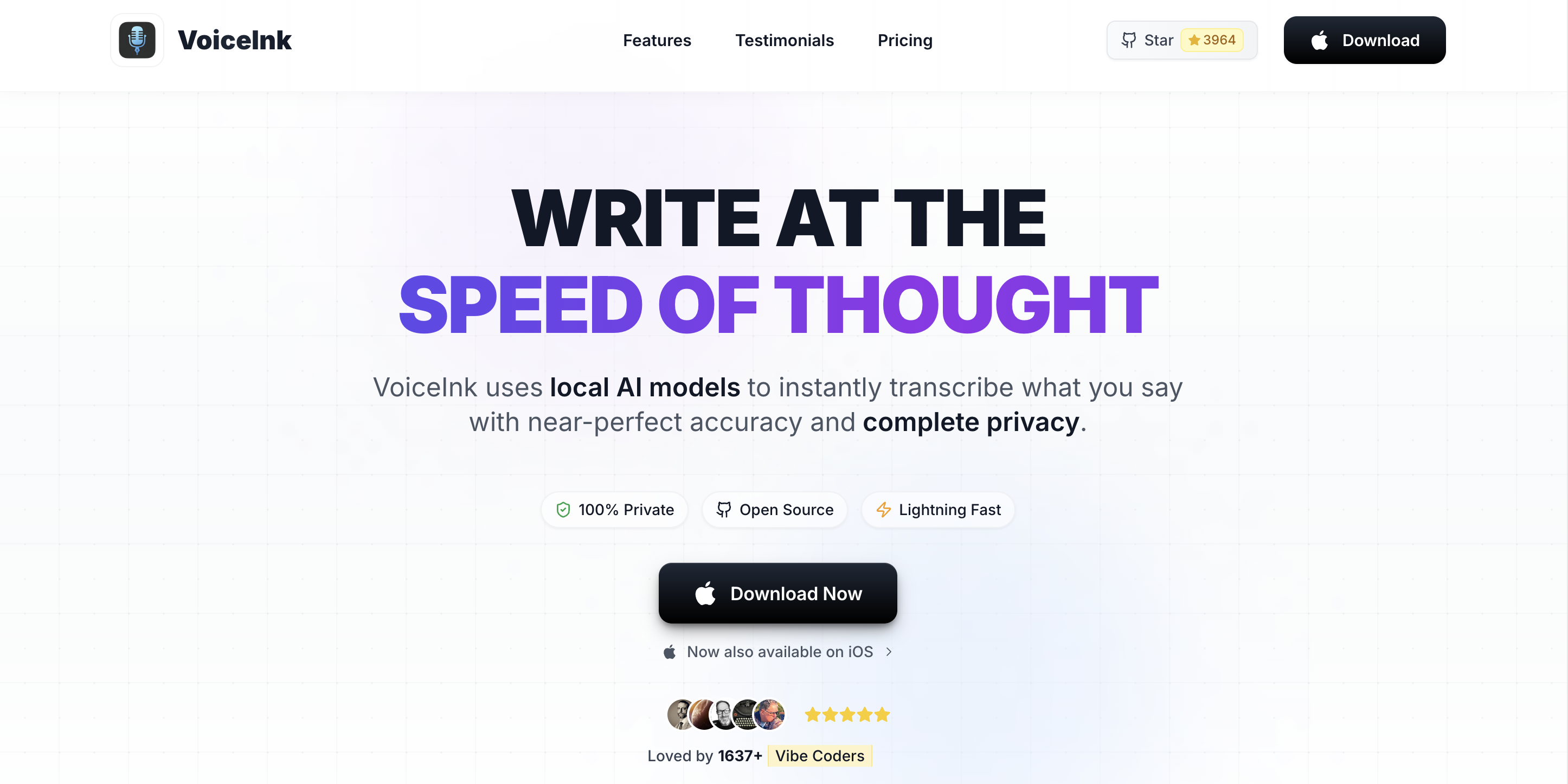
VoiceInk is a solid open-source dictation app at a good price point. But users consistently report several friction points that drive them to look for alternatives. Here are the most common complaints based on app store reviews, user discussions, and independent reviews.
1. Basic User Interface
Multiple reviewers note that VoiceInk's interface needs improvement. As an open-source project maintained primarily by a solo developer, the UI doesn't match the polish of commercial alternatives like Wispr Flow or Voibe. For users who spend hours daily dictating, interface quality matters for sustained comfort.
2. No Batch Audio Transcription
VoiceInk handles real-time dictation but cannot transcribe pre-recorded audio files. Users who need to process meeting recordings, interviews, or voice memos alongside real-time dictation need a separate tool like MacWhisper for file-based transcription.
3. Limited Formatting Commands
VoiceInk lacks verbal formatting commands like "new paragraph," "new line," or "capitalize that." Apple Dictation includes these commands natively. Users who relied on voice-controlled formatting in other tools find this a meaningful gap in VoiceInk's workflow.
4. iOS App Quality Issues
VoiceInk's iOS app has a 4.1/5 rating on the App Store with reports of bugs, inconsistent voice recognition compared to the Mac version, and data loss issues. Users expecting seamless Mac-to-iPhone continuity are often disappointed.
5. Solo Developer Maintenance Risk
As an open-source project by a single developer, VoiceInk's update cadence and long-term support depend on one person's availability. Commercial alternatives backed by dedicated teams offer more predictable maintenance schedules and professional customer support.
6. Parakeet Model Language Limitations
VoiceInk's Parakeet model does not allow manual language selection and often misdetects the spoken language for non-English users. This prevents cloud-based AI enhancement from working correctly, which is frustrating for multilingual users.
Key Takeaway
VoiceInk's main pain points are its basic UI, lack of batch transcription, no verbal formatting commands, buggy iOS app, solo-developer maintenance risk, and Parakeet model language issues.
How Modern Dictation Tools Solve These Problems
The VoiceInk alternatives in this guide address the pain points above in different ways. Here's how the market has evolved.
Polished, Professional Interfaces
Commercial tools like Voibe, Wispr Flow, and Superwhisper invest in refined UI/UX with clean design, intuitive settings, and keyboard-driven workflows. These apps are designed for users who dictate for hours daily.
Integrated Transcription Workflows
Superwhisper and MacWhisper combine real-time dictation with audio file transcription in a single app. This eliminates the need for separate tools and streamlines workflows for users who process both live dictation and recorded audio.
Developer-Specific Features
Voibe's Developer Mode integrates directly with VS Code and Cursor, resolving file names, folder names, and project-specific vocabulary from your workspace. Aqua Voice offers custom dictionaries with up to 800 technical terms. These features go beyond basic dictation for developers and technical professionals.
Cross-Platform Support
Wispr Flow (Mac, Windows, iOS), Typeless (Mac, Windows, iOS, Android), and Aqua Voice (Mac, Windows) offer dictation across multiple platforms. VoiceInk is limited to Mac with a buggy iOS app.
What to Look For in a VoiceInk Alternative
Before choosing a VoiceInk alternative, evaluate each option against these seven criteria. These are the factors that matter most based on our testing and user feedback.
- Privacy and Processing Model. Does the app process speech on-device or in the cloud? On-device processing (like VoiceInk, Voibe, and Superwhisper) keeps audio data on your Mac. Cloud-based tools (Wispr Flow, Typeless) send audio to remote servers. For HIPAA-sensitive work, legal documents, or corporate NDAs, offline processing is non-negotiable.
- Accuracy. Modern Whisper-based apps deliver high accuracy on general English speech. Differences emerge with technical vocabulary, accents, and multilingual dictation. Test each app with your specific vocabulary before committing.
- Pricing Model. VoiceInk charges a one-time fee of $39.99. Alternatives range from free (Apple Dictation) to $15/month subscriptions (Wispr Flow). Consider your timeline: a $99 lifetime deal from Voibe costs less than 7 months of Wispr Flow's annual plan.
- Platform Coverage. If you only use a Mac, this doesn't matter. If you also need dictation on Windows, iOS, or Android, your options narrow to Wispr Flow, Typeless, or Aqua Voice.
- Developer and IDE Integration. Developers should prioritize apps with IDE integration (Voibe) or custom dictionaries for technical terms (Aqua Voice, VoiceInk). Generic dictation tools often misinterpret code-related vocabulary.
- Audio File Transcription. If you need to transcribe recorded meetings or interviews alongside real-time dictation, look for apps that support both — Superwhisper and MacWhisper handle file-based transcription.
- Support and Update Cadence. Solo-developer open-source projects may lag behind commercial tools in update frequency, bug fixes, and customer support. Consider whether you value community-driven development or professional support.
Quick Comparison: VoiceInk vs Top Alternatives
This table compares VoiceInk against the top alternatives across the criteria that matter most. All pricing is verified from official product pages as of March 2026.
| App | Processing | Monthly Cost | Lifetime Option | 12-Month Cost | Platforms | Best For |
|---|---|---|---|---|---|---|
| VoiceInk | On-device | N/A | $39.99 | $39.99 | Mac | Budget offline dictation |
| Voibe | On-device | $4.90 | $99 | $58.80 | Mac | Developers & privacy |
| Wispr Flow | Cloud | $12 (annual) | No | $144 | Mac, Win, iOS | Cross-platform teams |
| Superwhisper | On-device | $8.49 | $249 | $101.88 | Mac | Power users |
| Aqua Voice | Cloud | $8 | No | $96 | Mac, Win | Technical vocabulary |
| Typeless | Cloud | $12 (annual) | No | $144 | Mac, Win, iOS, Android | All-platform coverage |
| Apple Dictation | On-device | Free | N/A | $0 | Mac, iOS | Casual, no-cost |
| MacWhisper | On-device | N/A | $79.99 | $79.99 | Mac | File transcription |
| Monologue | Offline | N/A | $30 | $30 | Mac | Screen-aware dictation |
Cost comparison vs VoiceInk ($39.99 one-time): Voibe's $99 lifetime is $59.01 more than VoiceInk but includes Developer Mode, professional support, and regular updates. Over 12 months, Wispr Flow at $144 costs $104.01 more than VoiceInk. Superwhisper's $249 lifetime costs $209 more. Apple Dictation is the only free option.
Best VoiceInk Alternatives (Ranked)
We evaluated each alternative against the seven criteria above: privacy, accuracy, pricing, platform coverage, developer integration, transcription support, and support quality. Here are the 9 best VoiceInk alternatives, ranked.
1. Voibe — Best Overall VoiceInk Alternative

Voibe is an offline dictation app for Mac that processes speech 100% on-device using OpenAI's Whisper models. Like VoiceInk, zero audio data leaves your Mac. Voibe differentiates with a polished commercial interface, dedicated Developer Mode for VS Code and Cursor, and professional customer support backed by a dedicated team.
Key Features:
- 100% on-device processing — zero cloud uploads, no internet required
- Developer Mode with VS Code and Cursor integration (resolves file/folder names)
- System-wide text insertion across all Mac apps
- Smart punctuation and formatting
- Custom vocabulary support for technical terms
- Low-latency dictation on Apple Silicon (M1 through M4)
- Keyboard shortcut-driven workflow
Pros:
- Strongest privacy guarantee — all processing stays on your Mac
- Only dictation app with direct IDE integration for developers
- $99 lifetime option eliminates recurring costs
- Professional support team with regular updates
- Clean, polished interface designed for daily use
- Low latency — no network round-trips
Cons:
- Mac only — no Windows, iOS, or Android
- No AI-powered text rewriting (transcribes what you say verbatim)
- No batch audio file transcription
- Requires Apple Silicon (M1 or later)
Pricing:
- Monthly: $4.90/month
- Annual: $44.10/year (save 25% vs monthly)
- Lifetime: $99 one-time (limited availability)
- 7-day free trial, 30-day money-back guarantee
User Reviews: Voibe is featured by Cult of Mac as a recommended Mac dictation app. Users consistently praise the offline privacy, developer integration, and value pricing.
Best For: Mac users who want VoiceInk's offline privacy with a more polished interface, developer IDE integration, and professional support.
Tip
Disclosure: Voibe is our product. We believe it's the best VoiceInk alternative based on our testing, but we encourage you to try the 7-day free trial and compare for yourself.
Why Voibe Is the Best VoiceInk Alternative
Voibe and VoiceInk share the same core philosophy: offline, privacy-first dictation on Mac using Whisper models. The differences come down to polish, features, and support.
| Feature | VoiceInk | Voibe |
|---|---|---|
| Processing | On-device (Whisper + Parakeet) | On-device (Whisper) |
| IDE Integration | None | VS Code + Cursor Developer Mode |
| Open Source | Yes (GPLv3) | No |
| Power Mode / App-Aware | Yes (auto-switches profiles) | Coming soon |
| Custom Dictionary | Yes | Yes |
| iOS App | Yes (buggy, 4.1/5 rating) | No |
| Pricing | $39.99 one-time | $4.90/mo or $99 lifetime |
| Support | Community / GitHub issues | Professional support team |
| Update Cadence | Solo developer | Dedicated team, regular releases |
In summary: VoiceInk wins on upfront cost ($39.99 vs $99) and open-source auditability. Voibe wins on developer integration, UI polish, professional support, and long-term reliability. If you're a developer or value polished tools with dedicated support, Voibe is the stronger choice. If you want the cheapest offline option and don't mind a basic UI, VoiceInk remains solid.
2. Wispr Flow — Best for Cross-Platform Dictation

Wispr Flow is a cloud-powered AI dictation app available on Mac, Windows, and iOS. Unlike VoiceInk's offline-only approach, Wispr Flow sends audio to cloud servers for processing and uses AI to rewrite and format your text. It's the most polished cross-platform option in this list. Read our full Wispr Flow alternatives guide for deeper analysis.
Key Features:
- Cross-platform: Mac, Windows, iOS (Android planned)
- AI-powered text rewriting and formatting
- 100+ language support
- Command Mode for editing text by voice
- Custom dictionary and text snippets
- Privacy mode with zero data retention option
- HIPAA-ready for healthcare professionals
Pros:
- Works across Mac, Windows, and iOS — VoiceInk is Mac-only
- AI rewrites messy speech into clean, formatted text
- Most polished UI and onboarding experience
- Free tier with 2,000 words/week
- SOC 2 compliant with HIPAA-ready option
Cons:
- Cloud processing — audio leaves your device
- $144/year (annual plan) is 3.6x more expensive than VoiceInk over 12 months
- 6-minute recording cap per session
- Captures screenshots of active windows for context awareness — a meaningful privacy trade-off
- Reported to use ~800MB RAM and ~8% CPU at idle
- Trustpilot rating of 2.7/5
- Quality reportedly degrades after the trial period ends
Pricing:
- Free: 2,000 words/week (desktop)
- Pro: $12/month (annual) or $15/month (monthly)
- Enterprise: Contact sales
- Students: 3 months free + 50% off Pro
User Reviews: 4.7/5 on Product Hunt. Praised for accuracy and polish, criticized for privacy concerns with cloud processing, screenshot capture, and high resource usage.
Best For: Users who need dictation across Mac, Windows, and iOS and value AI-powered text cleanup over absolute privacy.
3. Superwhisper — Best for Power Users and Customization
Superwhisper is an offline dictation app for Mac with deep customization options. It runs Whisper models on-device like VoiceInk but offers configurable transcription modes, meeting recording, and optional cloud model access via BYOK (bring your own API key). See our Wispr Flow vs Superwhisper comparison for more detail.
Key Features:
- On-device Whisper processing with multiple model options
- Custom transcription modes (dictation, meeting, translation)
- Meeting recording and transcription
- BYOK cloud model support on Pro tier
- 100+ language support
- Audio/video file transcription
- Free tier with unlimited basic model usage
Pros:
- Most customizable offline dictation tool
- Meeting recording fills a gap VoiceInk doesn't cover
- Free tier for basic use (unlimited with small models)
- Audio file transcription included
- Handles multiple Whisper model sizes
Cons:
- $249 lifetime is $209 more than VoiceInk and $150 more than Voibe ($99)
- $101.88/year on monthly plan is more than VoiceInk's price
- Audio recordings saved by default — users need to manually disable this
- API keys stored in plaintext — a security concern for users with sensitive credentials
- LLM post-processing can corrupt non-English text
- Mac only — no Windows or iOS
- More complex interface, steeper learning curve
- No developer IDE integration
Pricing:
- Free: Unlimited with small models, 3 custom modes
- Pro Monthly: $8.49/month
- Pro Yearly: $84.99/year
- Lifetime: $249 one-time
- 40% student discount available
User Reviews: Rated 4.5/5 on SaaSworthy. Users praise the customization depth and offline processing. Main complaints are the steep pricing increase and complexity.
Best For: Power users who want maximum control over transcription models, modes, and workflows, and are willing to pay a significant premium for it.
4. Apple Dictation — Best Free VoiceInk Alternative
Apple Dictation is built into every Mac and processes speech on-device on Apple Silicon. It's the simplest and cheapest VoiceInk alternative — free, zero setup, and available system-wide from the moment you turn it on. See our guide on using Mac dictation for setup tips.
Key Features:
- Free and built into macOS — no installation needed
- On-device processing on Apple Silicon Macs (M1+)
- Auto-punctuation (periods, commas, question marks)
- Voice commands for text editing ("new paragraph," "select word")
- Works system-wide across all apps
- Multiple language support
Pros:
- Completely free — $39.99 cheaper than VoiceInk
- Zero setup required
- On-device processing on Apple Silicon (same privacy as VoiceInk)
- Voice formatting commands that VoiceInk lacks
- Seamless iOS integration
Cons:
- Lower accuracy than Whisper-based alternatives
- No custom vocabulary or technical term support
- No developer IDE integration
- Limited customization options
- On Intel Macs, audio is sent to Apple's servers
Pricing: Free (included with macOS)
User Reviews: No separate rating — it's a built-in macOS feature. User feedback is mixed: praised for convenience, criticized for inconsistent accuracy with technical terms and limited formatting options.
Best For: Casual dictation users who want a free, zero-setup option and don't need high accuracy or custom vocabulary support.
5. Aqua Voice — Best for Technical Vocabulary
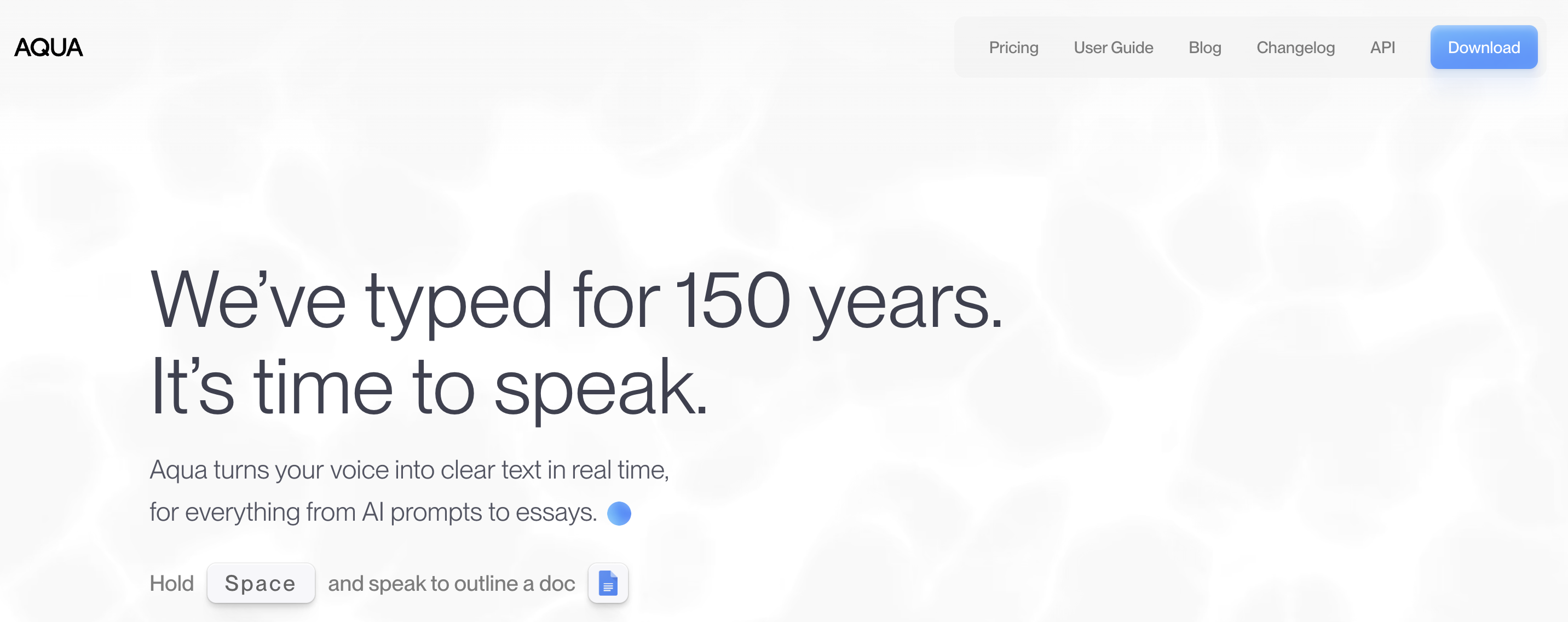
Aqua Voice is a dictation app for Mac and Windows that specializes in technical vocabulary support. It offers context-aware formatting that adapts output style based on the active app — Slack messages get casual formatting while emails get professional structure.
Key Features:
- Custom dictionary with up to 800 technical terms (Pro)
- Context-aware formatting per app (Slack, email, code editors)
- Fast startup and text insertion
- 49 language support
- Mac and Windows support
- Local-first privacy model
Pros:
- 800 custom dictionary terms — more than VoiceInk's personal dictionary
- Context-aware formatting adapts to each app automatically
- Works on both Mac and Windows
- Fast startup and low latency
Cons:
- $96/year (annual) is more expensive than VoiceInk over 12 months
- No lifetime option — recurring subscription only
- Cloud processing for some features
- No mobile app
- Free tier limited to 1,000 words total
Pricing:
- Free: 1,000 words total, 5 custom dictionary values
- Pro: $8/month (billed annually = $96/year)
- Team: $12/month per user
User Reviews: Featured by 9to5Mac with praise for its context-aware formatting and technical vocabulary handling.
Best For: Developers and technical professionals who need large custom dictionaries and context-aware formatting across Mac and Windows.
6. Typeless — Best for All-Platform Coverage
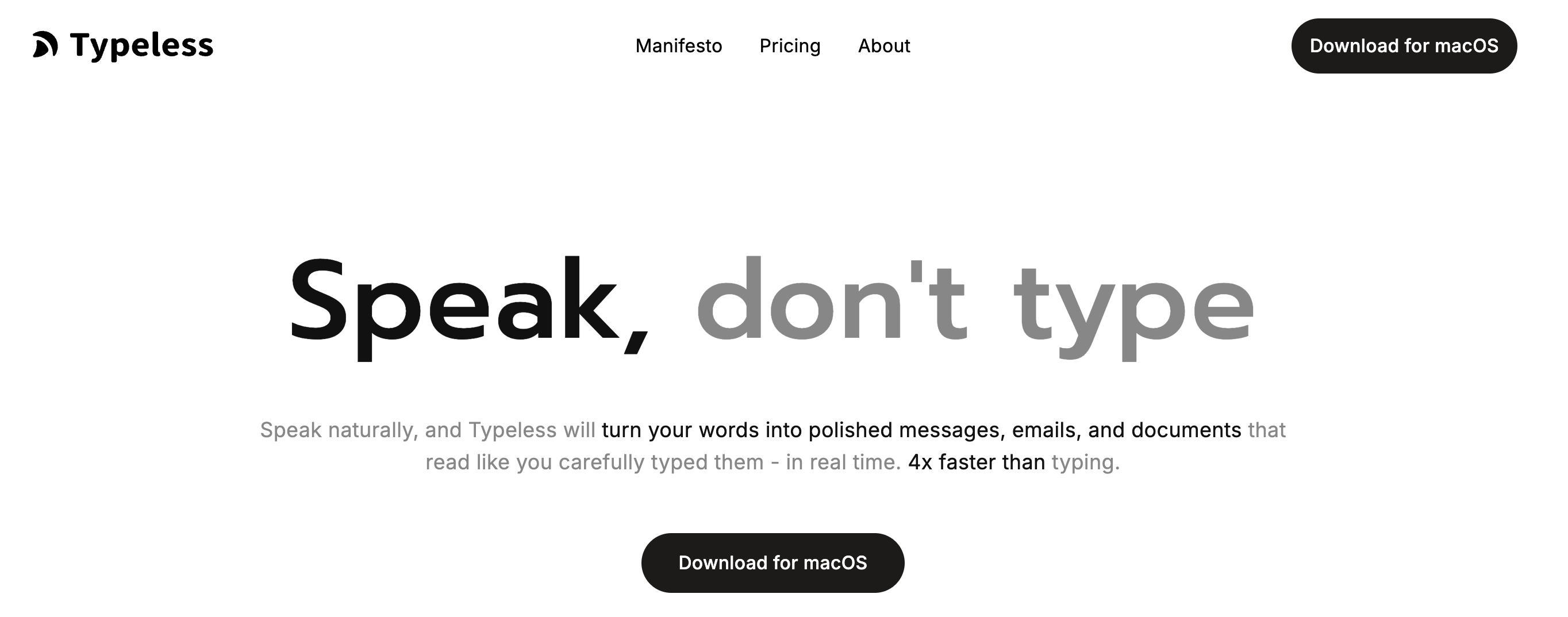
Typeless is a cloud-based AI dictation tool that works across Mac, Windows, iOS, and Android. It automatically removes filler words, formats text structure, and adapts writing style per app. Typeless offers the broadest platform coverage in this list.
Key Features:
- Cross-platform: Mac, Windows, iOS, Android
- Auto-removes filler words ("um," "uh," "like")
- Auto-formats lists and structure
- Tone/style adaptation per app
- 100+ language support
- HIPAA/GDPR compliant with zero data retention
- Free tier with 8,000 words/week
Pros:
- Works on every major platform — VoiceInk is Mac-only
- Generous free tier at 8,000 words/week
- Automatic filler word removal saves editing time
- HIPAA and GDPR compliant
Cons:
- Cloud processing — audio sent to servers
- $144/year (annual plan) is 3.6x VoiceInk's price
- No lifetime option
- No offline mode
- No developer IDE integration
Pricing:
- Free: 8,000 words/week
- Pro: $12/month (annual) or $30/month (monthly)
- 30-day free Pro trial
User Reviews: Reviewed positively by AIHunt for its filler word removal and cross-platform consistency.
Best For: Users who dictate across Mac, Windows, iOS, and Android and want automatic text cleanup with filler word removal.
7. MacWhisper — Best for Audio File Transcription
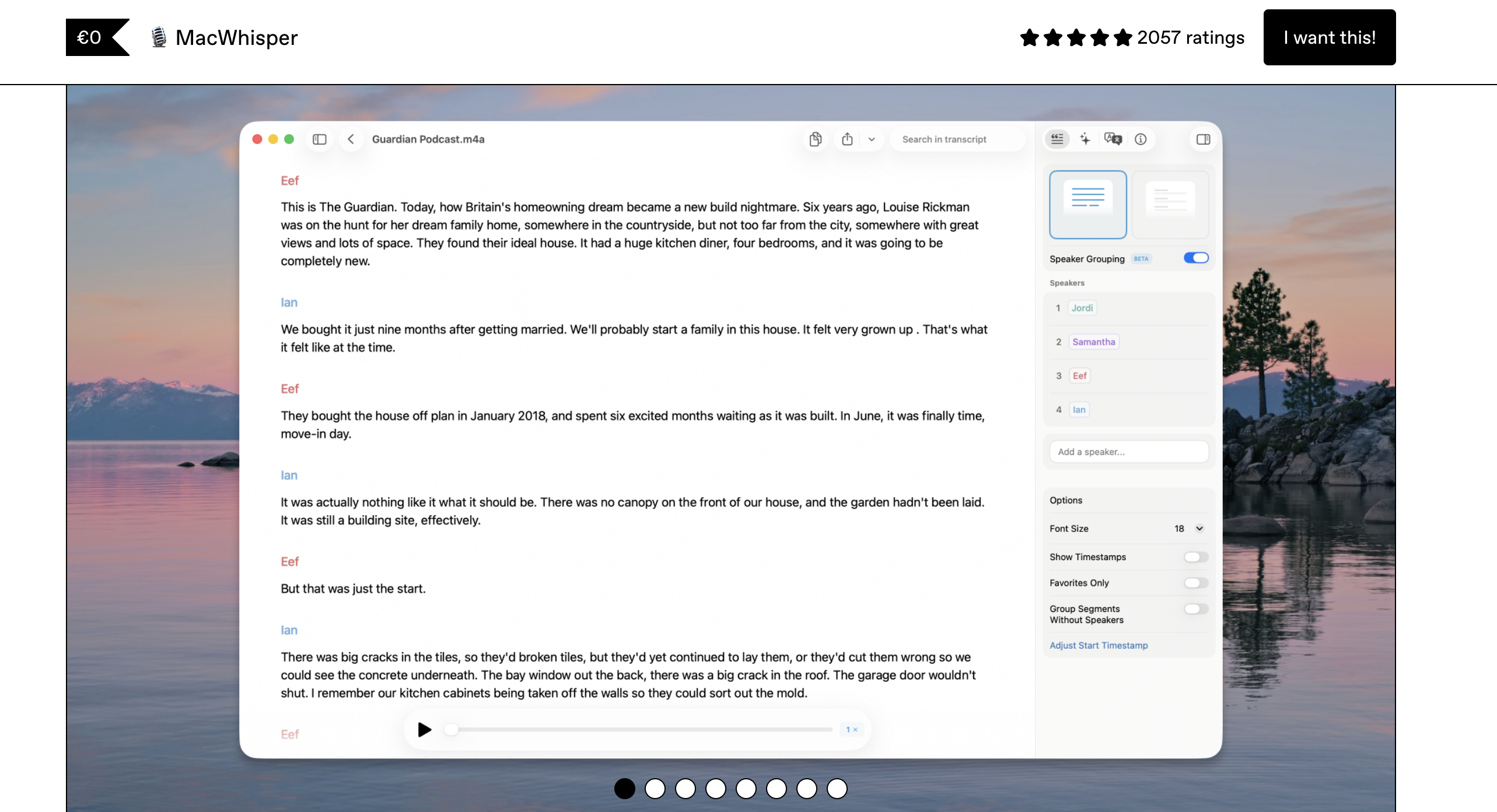
MacWhisper is a Mac-only transcription app designed for converting recorded audio and video files to text. Unlike VoiceInk's focus on real-time dictation, MacWhisper excels at batch transcription of pre-recorded content. Read our best offline dictation apps guide for context.
Key Features:
- On-device Whisper processing — fully offline
- Batch audio and video file transcription
- Multiple Whisper model sizes (Tiny through Large)
- Translation support
- Native macOS interface
- Export to multiple text formats
Pros:
- Best tool for transcribing recorded meetings and interviews
- Fully offline — same privacy as VoiceInk
- Simple, focused interface
- Handles long audio files efficiently
Cons:
- Not a real-time dictation tool — cannot replace VoiceInk for live dictation
- $79.99 lifetime is double VoiceInk's price
- Mac only
- No system-wide text insertion
- Limited formatting options
Pricing:
- Free: Basic transcription with small models
- Pro: $79.99 one-time (Gumroad) or subscription via App Store
- 25% student/journalist/nonprofit discount
User Reviews: Well-reviewed on Gumroad with users praising its batch transcription accuracy and simple interface.
Best For: Users who primarily need to transcribe recorded audio files (meetings, interviews, podcasts) rather than real-time dictation.
8. Monologue — Best Budget Offline Alternative
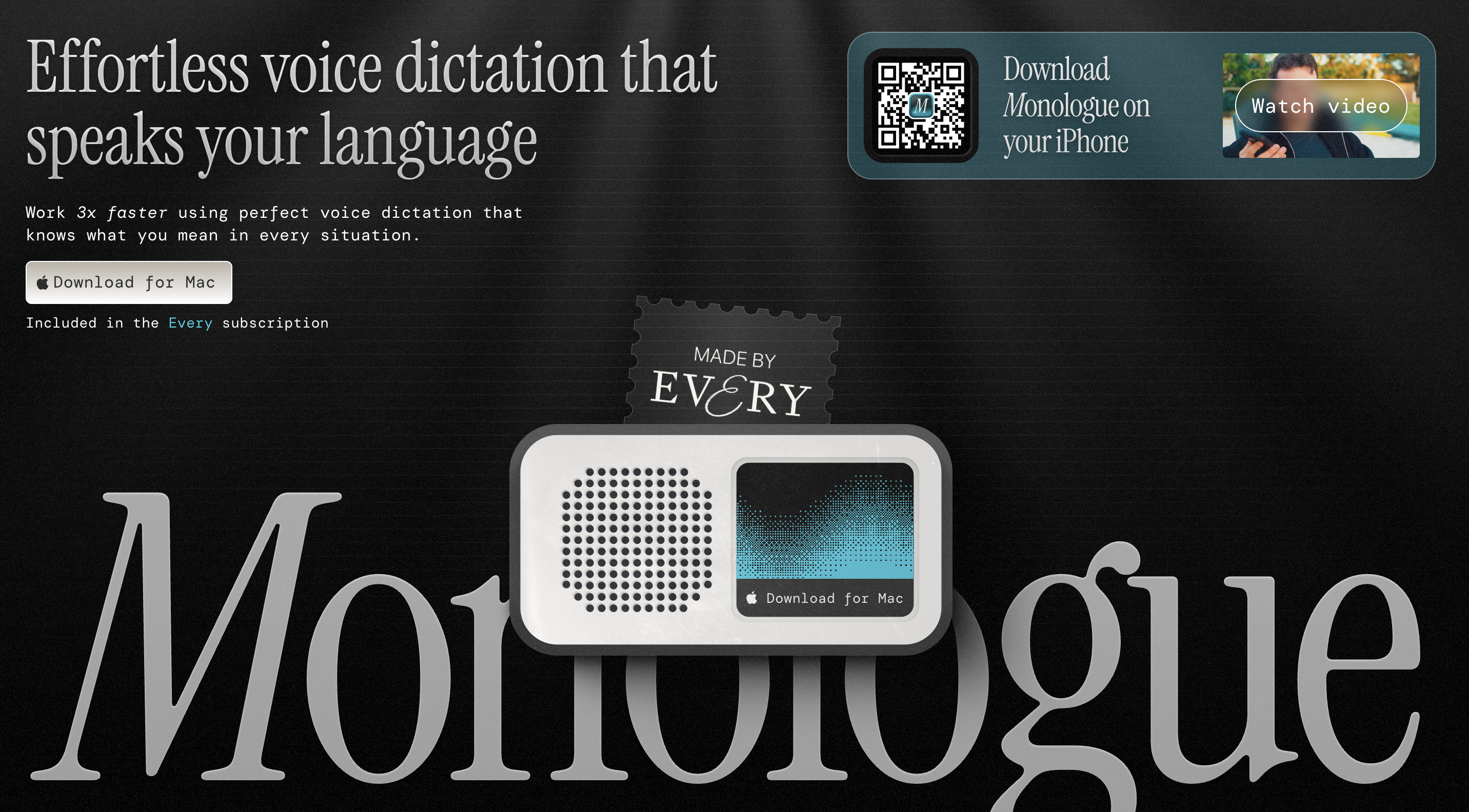
Monologue is a fully offline dictation app for Mac priced at $30 one-time. It takes a screen-aware approach, using visual context from your active app to improve transcription formatting. At $10 less than VoiceInk, it's the cheapest paid offline alternative.
Key Features:
- 100% offline — all processing on-device
- Screen-aware context for better formatting
- System-wide dictation
- One-time purchase — no subscriptions
- All future updates included
Pros:
- $30 one-time is $9.99 cheaper than VoiceInk
- Fully offline — same privacy level as VoiceInk
- Screen-aware formatting is a unique approach
- No subscription fees ever
Cons:
- Smaller user base — less community feedback available
- Mac only
- Fewer features than VoiceInk (no Power Mode, no AI assistant)
- No custom dictionary
- Limited language support compared to VoiceInk's 100+ languages
Pricing:
- $30 one-time purchase
- 30-day money-back guarantee
- All future updates included
User Reviews: Limited reviews available as a newer entrant to the market. Early adopters praise the simplicity and screen-aware formatting.
Best For: Budget-conscious users who want the cheapest possible offline dictation app with a one-time payment and no subscription.
9. Whisper.cpp (CLI) — Best Free Open-Source Option
Whisper.cpp is the C/C++ port of OpenAI's Whisper model that runs locally on your machine. It's the open-source engine that powers several apps in this list, including VoiceInk itself. For technical users comfortable with the command line, Whisper.cpp offers unlimited free dictation with no GUI wrapper.
Key Features:
- Free and open source (MIT license)
- On-device Whisper processing — 100% offline
- Cross-platform: Mac, Windows, Linux
- Multiple model sizes available
- Highly configurable via command-line flags
- Active development community
Pros:
- Completely free — $39.99 cheaper than VoiceInk
- Full control over model selection and parameters
- Cross-platform (works everywhere, not just Mac)
- Active community with frequent updates
- MIT license — more permissive than VoiceInk's GPLv3
Cons:
- Command-line only — no GUI, no system-wide text insertion
- Requires technical setup (compile from source or use package manager)
- No push-to-talk, no hotkey activation
- Not practical for daily dictation without custom scripting
- No AI enhancement or formatting features
Pricing: Free (open source, MIT license)
User Reviews: 37,000+ GitHub stars. The most popular open-source speech recognition library. Used as the backend engine for multiple commercial dictation apps.
Best For: Technical users who want free, fully offline speech recognition and are comfortable with command-line tools and custom scripting.
Privacy Comparison: VoiceInk Alternatives by Processing Model
Privacy is one of the top reasons users choose VoiceInk — it processes everything locally. Here's how each alternative compares on privacy architecture.
| Tool | Processing | Audio Leaves Device? | Internet Required? | Compliance |
|---|---|---|---|---|
| VoiceInk | On-device (Whisper/Parakeet) | No | No | N/A (local only) |
| Voibe | On-device (Whisper) | No | No | N/A (local only) |
| Superwhisper | On-device (Whisper) | No (unless BYOK cloud) | No | N/A (local only) |
| Apple Dictation | On-device (Apple Silicon) | No (Apple Silicon only) | No (Apple Silicon) | Apple Privacy Policy |
| MacWhisper | On-device (Whisper) | No | No | N/A (local only) |
| Monologue | On-device | No | No | N/A (local only) |
| Whisper.cpp | On-device (Whisper) | No | No | N/A (local only) |
| Aqua Voice | Cloud (some local) | Yes (for cloud features) | Yes | Local-first model |
| Wispr Flow | Cloud | Yes | Yes | SOC 2, HIPAA-ready |
| Typeless | Cloud | Yes | Yes | HIPAA/GDPR compliant |
Key takeaway: Voibe, Superwhisper, MacWhisper, Monologue, and Whisper.cpp all match VoiceInk's offline-only privacy model. If privacy drove your choice of VoiceInk, these five alternatives maintain the same guarantee. Wispr Flow and Typeless offer compliance certifications (SOC 2, HIPAA) but do send audio to cloud servers.
How to Choose the Right VoiceInk Alternative
Use these five decision questions to narrow down your best VoiceInk alternative.
1. How important is offline privacy to you?
- Non-negotiable: Voibe ($99 lifetime), Superwhisper ($249 lifetime), or Monologue ($30)
- Nice to have but not critical: Wispr Flow or Typeless (both cloud-based with compliance certifications)
- Don't care: Choose based on features and pricing
2. What's your budget?
- Free: Apple Dictation or Whisper.cpp (CLI)
- Under $50 one-time: VoiceInk ($39.99) or Monologue ($30)
- Under $5/month: Voibe ($4.90/month or $99 lifetime)
- $10-15/month: Superwhisper ($8.49/mo), Aqua Voice, Wispr Flow, or Typeless
3. Do you need cross-platform support?
- Mac only: Voibe, Superwhisper, MacWhisper, or Monologue
- Mac + Windows: Aqua Voice
- Mac + Windows + iOS: Wispr Flow
- All platforms: Typeless (Mac, Windows, iOS, Android)
4. Are you a developer?
- Yes, and I use VS Code/Cursor: Voibe (Developer Mode with IDE integration)
- Yes, and I need custom technical terms: Aqua Voice (800 custom dictionary entries)
- No: Choose based on other criteria
5. Do you need audio file transcription?
- Yes, primarily: MacWhisper ($79.99 — designed for batch transcription)
- Yes, alongside live dictation: Superwhisper (handles both)
- No, just real-time dictation: Any tool in this list
Best Tool for Your Situation: Use-Case Cheat Sheet
- Developer using VS Code or Cursor → Voibe — Developer Mode resolves file names and project vocabulary from your workspace.
- Privacy-first user on a tight budget → Monologue ($30 one-time) or Voibe ($4.90/month) — both process locally with zero cloud uploads.
- Cross-platform user (Mac + Windows + iOS) → Wispr Flow — the only alternative with polished support across Mac, Windows, and iOS.
- User who needs all four platforms → Typeless — Mac, Windows, iOS, and Android with filler word removal.
- Medical or legal professional (HIPAA/privacy required) → Voibe — 100% on-device processing, no data leaves your Mac, no cloud risk.
- Technical professional needing custom dictionaries → Aqua Voice — 800 custom dictionary terms with context-aware formatting.
- Power user wanting maximum customization → Superwhisper — configurable modes, model selection, and meeting recording.
- User who just needs free, basic dictation → Apple Dictation — free, built-in, zero setup, decent for casual use.
- Journalist or podcaster transcribing recordings → MacWhisper — designed for batch audio file transcription, offline.
- Open-source enthusiast who wants full control → Whisper.cpp — free CLI tool with MIT license, powers several apps on this list.
- User switching from VoiceInk's buggy iOS app → Wispr Flow (iOS dictation) or Voibe (Mac-only but more polished).
- Team needing shared dictation tool → Wispr Flow (Enterprise plan) or Typeless (Team tier at $12/user/month).
Key Takeaway
Voibe is the best choice for developers and privacy-first users. Wispr Flow leads for cross-platform teams. Superwhisper wins for power users. Apple Dictation is best for free, casual use.
Frequently Asked Questions About VoiceInk Alternatives
Questions organized by topic to help you find answers quickly.
Basics
What is VoiceInk?
VoiceInk is an open-source Mac dictation app that processes speech locally using Whisper and Parakeet AI models. It costs $39.99 one-time (or can be built from source for free via GitHub) and requires Apple Silicon M1 or later. VoiceInk supports 100+ languages and includes features like Power Mode (auto-switches profiles by app) and AI-enhanced transcription.
Why are people looking for VoiceInk alternatives?
Common reasons include VoiceInk's basic UI, lack of batch audio transcription, no verbal formatting commands, buggy iOS app (4.1/5 on App Store), solo-developer maintenance concerns, and Parakeet model language detection issues for non-English users. Some users also want cross-platform support or developer IDE integration that VoiceInk doesn't offer.
Comparisons
Is Voibe better than VoiceInk?
Voibe and VoiceInk both process speech offline using Whisper models. Voibe offers a more polished interface, Developer Mode with VS Code/Cursor integration, professional customer support, and regular updates from a dedicated team. VoiceInk is cheaper ($39.99 vs $99 lifetime), open-source, and includes Power Mode for app-aware profile switching. Choose Voibe if you value polish, developer tools, and support. Choose VoiceInk if you prioritize lowest cost and open-source auditability.
Is VoiceInk better than Wispr Flow?
VoiceInk and Wispr Flow serve different needs. VoiceInk is cheaper ($39.99 one-time vs $144/year), fully offline, and open-source. Wispr Flow offers cross-platform support (Mac, Windows, iOS), AI-powered text rewriting, and a more polished interface. Choose VoiceInk for privacy and budget. Choose Wispr Flow for cross-platform use and AI text cleanup.
Privacy
Which VoiceInk alternatives are fully offline?
Five alternatives match VoiceInk's offline-only processing: Voibe ($4.90/month or $99 lifetime), Superwhisper ($8.49/month or $249 lifetime), MacWhisper ($79.99 one-time), Monologue ($30 one-time), and Apple Dictation (free on Apple Silicon). All process speech on-device with zero cloud uploads.
Can I use cloud dictation tools safely for sensitive work?
Wispr Flow is SOC 2 compliant and HIPAA-ready with a zero data retention option. Typeless claims HIPAA/GDPR compliance. However, audio still passes through cloud servers during processing. For maximum privacy with sensitive legal, medical, or NDA-protected content, on-device tools like Voibe or Superwhisper eliminate cloud risk entirely.
Pricing
What is the cheapest VoiceInk alternative?
Apple Dictation is free. Whisper.cpp is free but CLI-only. Among paid alternatives with a GUI, Monologue at $30 one-time is the cheapest. Voibe at $4.90/month or $99 lifetime offers the best value when considering features, support quality, and developer integration relative to price.
How much can I save by switching from Wispr Flow to an offline alternative?
Wispr Flow costs $144/year on the annual plan. Switching to Voibe ($99 lifetime) saves $45 in the first year and $144/year every year after — totaling $333 saved over 3 years. Switching to VoiceInk ($39.99 one-time) saves $104.01 in the first year and $144/year after that.
The Bottom Line: Which VoiceInk Alternative Should You Choose?
VoiceInk is a solid open-source dictation app at a good price point. But if you're looking for more polish, better developer tools, cross-platform support, or professional backing, these alternatives deliver.
Our top recommendation is Voibe for users who want VoiceInk's offline privacy combined with a polished interface, Developer Mode for VS Code and Cursor, and professional support. At $4.90/month or $99 lifetime, it offers the strongest feature-to-price ratio among offline dictation tools.
For cross-platform needs, Wispr Flow leads with Mac, Windows, and iOS support. For maximum customization, Superwhisper provides the deepest configuration options. And if budget is the sole priority, Apple Dictation is free.
Try Voibe free for 7 days and see how it compares to VoiceInk in your workflow.
Related reading: Complete Dictation Alternatives Directory · Best Offline Dictation Apps · Wispr Flow vs Superwhisper · Why Offline Dictation Matters
Ready to type 3x faster?
Voibe is the fastest, most private dictation app for Mac. Try it today.
Related Articles
7 Best SpeakOneAI Alternatives in 2026 (Reviewed)
Compare the best SpeakOneAI alternatives for Mac dictation in 2026. Reviews of Voibe, Wispr Flow, Superwhisper, and more with pricing, features, and offline options.
7 Best TurboScribe Alternatives in 2026 (Reviewed)
Compare the best TurboScribe alternatives for transcription and dictation in 2026. Detailed reviews of Voibe, MacWhisper, Otter.ai, and more with pricing and ratings.
Dictation Alternatives: The Complete Directory for Mac Users (2026)
Compare every major dictation alternative for Mac in 2026. Pricing, privacy, accuracy, and detailed guides for Apple Dictation, Wispr Flow, Dragon, and more.