
10 Best Typeless Alternatives in 2026 (Free and Open-Source)
TL;DR
The right Typeless alternative depends on what you use dictation for. For casual dictation, choose Handy: free, open source, fully local, and available on Mac, Windows, and Linux. For serious or confidential work, choose Voibe: on-device or zero-retention cloud, security documentation and BAAs, a lifetime option, and bot-free meeting notes in the same app. For the same cloud experience on your phone, choose Wispr Flow. For model choice and a lifetime license, choose Superwhisper.
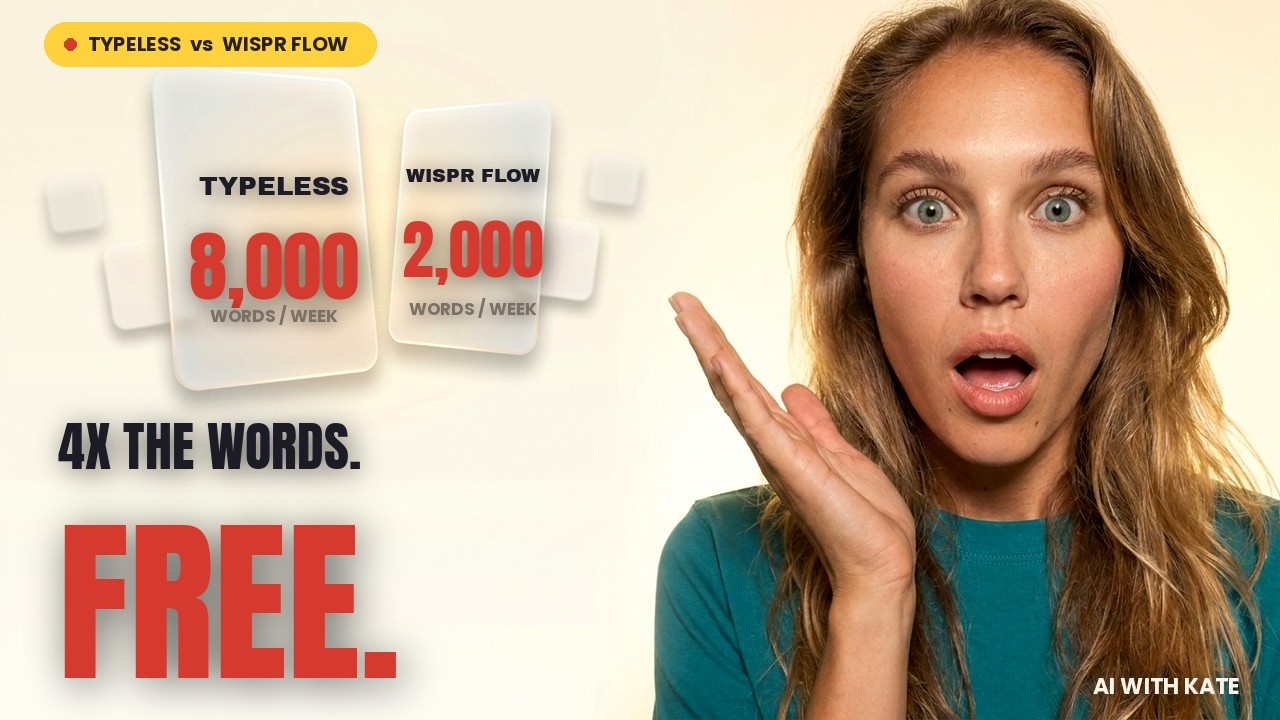
Typeless is a good product. It turns rambling speech into tidy writing, runs on more platforms than almost any competitor, and translates as you talk. But it is cloud-only, its free plan dropped from 8,000 to 2,000 words a week in September 2026, and monthly billing costs $30. This guide helps you find the tool that fixes the problem you actually have.
Getting this choice right is worth the effort. In a peer-reviewed study by researchers at Stanford, the University of Washington, and Baidu, speech input was nearly three times faster than typing on a phone: 153 words per minute against 52 in English. Trust is the harder part. In a 2023 Pew Research Center survey of 5,101 U.S. adults, 73% said they have little or no control over the data companies collect about them, and 70% of those who had heard of AI had little or no trust in companies to use it responsibly. A dictation app hears everything you write, so where it sends your words matters as much as how fast it types them.
How we tested
This is a first-hand review. We used Typeless and each alternative for a week of real work, dictating the same kinds of email, chat messages, documents, and AI prompts we write every day. We then checked feature, platform, privacy, and pricing details against each product’s official site, documentation, and app-store listings on October 6, 2026. Typeless facts come from its pricing page, help center, privacy policy, data-controls page, and release notes, plus archived copies of its pricing page. Pricing changes frequently. We left out meeting bots and file-transcription services because they do not replace Typeless’s speak-into-any-app workflow.
Disclosure
Voibe is our product. We rank Handy first because for casual dictation a free, open-source app is the honest answer, and we rank Voibe second for the job it was built to do: confidential professional dictation on Mac and Windows, with meeting notes. We also name where it loses. Voibe has no phone or Linux app, and it does not translate or restyle your writing the way Typeless does. If those matter most, Wispr Flow, Superwhisper, or Handy is a better fit.
The Shortlist at a Glance
| Alternative | Best for | Platforms | Processing | Starting price |
|---|---|---|---|---|
| 1. Handy | overall for casual dictation: free, open source, and local | Mac, Windows, Linux | Local | Free and open source (MIT) |
| 2. Voibe | for confidential professional work and meeting notes | Mac, Windows | On-device on Apple Silicon; zero-retention cloud on Mac and Windows | Free plan; Dictation $9.90/mo, $99/yr, or $199 lifetime; Work from $19/mo |
| 3. Wispr Flow | like-for-like cloud replacement on every device | Mac, Windows, iOS, Android | Cloud | 2,000 words/week free on desktop; Pro $15/mo or $12/mo annually |
| 4. Superwhisper | for model choice with a lifetime license | Mac, Windows, iOS, Android | Local models, cloud models, or both | Free with local models; Pro $8.49/mo, $84.99/yr, or $249.99 lifetime |
| 5. VoiceInk | low-cost, open-source app for Mac | Mac (Apple Silicon); iPhone and iPad in beta | Local by default; optional cloud enhancement | $25 one-time for one Mac; $39 for two; $49 for three |
| 6. OpenWhispr | open-source option with an optional cloud | Mac, Windows, Linux; iPhone and iPad on Pro | Local models, your own API keys, or its cloud | Free with unlimited local models; Pro $80/yr |
| 7. Aqua Voice | for technical vocabulary and live text | Mac, Windows, iPhone | Cloud | 1,000 words free; Pro $10/mo or $8/mo annually |
| 8. Willow Voice | for an unlimited free plan and style matching | Mac, Windows, iPhone | Cloud, with an offline mode | Free with a lighter model; Pro $15/mo or $12/mo annually |
| 9. Monologue | for Apple users who want notes and meetings too | Mac, iPhone, iPad, Apple Watch | Local transcription on Mac; cloud for connected features | 1,000-word trial; $15/mo or $144/yr |
| 10. Apple Dictation | zero-install baseline on Mac and iPhone | Mac, iPhone, iPad | On-device for many languages; macOS settings show when audio goes to Apple | Free |
What Is Typeless in 2026?
Typeless is a cloud AI dictation app made by Simply CA LLC in Palo Alto, California. It launched in beta on Mac in August 2025 and now has apps for Mac, Windows, iOS, Android, and, since September 24, 2026, Linux. You speak into any text field and Typeless removes filler words, handles mid-sentence corrections, formats lists, and adjusts tone to the app you are in. It also learns your writing style over time, translates as you speak, and on desktop can rewrite selected text or answer questions through “Ask anything.”
All transcription runs on Typeless’s cloud servers. Its privacy policy says it processes your voice “along with limited contextual information, such as the application you’re using and relevant text within it,” then discards both once the result is returned. Some features use third-party language models, which Typeless says run under zero-retention agreements.
Typeless Pro costs $12 per user per month billed yearly ($144) or $30 billed monthly, with 50% off for students. The Free plan offers “limited words”: 8,000 a week until September 22, 2026, and 2,000 a week after it, according to a notice on Typeless’s own site. Enterprise plans add SSO, audit logs, enforced HIPAA controls, and a BAA.
What Typeless Still Does Well
Be clear about what you would give up. No alternative here matches Typeless on all of these at once.
- Platform reach: five native apps, including Android and Linux. Wispr Flow and Superwhisper match it on Android, but neither has a Linux app.
- Heavy AI rewriting: Typeless is built to turn fragments and false starts into structured writing, and its App Store reviewers often praise exactly that.
- Languages and translation: 100+ languages with switching mid-sentence, plus a translate mode.
- A strong mobile keyboard: swipe-to-type, speak-to-edit, and picture-in-picture dictation on iPhone and Android. Its App Store rating is 4.5 in the US.
Why People Are Looking for a Typeless Alternative
Our own week with Typeless matched what we hear from people who switch. The dictation itself was good, but we ran into technical glitches and performance issues, the privacy questions below never fully went away, and honestly, $30 a month on monthly billing is a lot to pay for a dictation app on its own. Here is the longer version, with sources.
1. There is no on-device option
Typeless’s data-controls page is direct about it: “Transcription is performed on the cloud.” Every dictation, including the name of the app you are in and relevant text from it, goes to Typeless’s servers. Its zero-retention policy is a real commitment, but there is no switch that keeps a sensitive dictation on your machine, and nothing works without an internet connection. Clinicians, lawyers, and anyone under a strict data policy usually need that switch. Read cloud vs. local dictation for the trade-offs.
2. Trust questions from early 2026
In February 2026 a Japanese engineer published an analysis claiming Typeless captured browsing URLs, window titles, and on-screen text, could monitor keystrokes, and stored history in a plain local database. Typeless replied that it uses only microphone and Accessibility permissions and that keyboard monitoring is local hotkey detection. A later independent analysis found several claims overstated, while confirming that context is sent to the cloud. Typeless’s trust center at the time was hosted on Delve, the compliance platform later accused of fabricating audit reports; today Typeless claims ISO 27001, GDPR, and HIPAA compliance, but not SOC 2. Our Typeless privacy investigation covers what to check before you dictate confidential work.
3. The free plan shrank by 75%
The generous free tier was the main reason many people chose Typeless. Archived copies of its pricing page show 8,000 words a week through September 20, 2026, and Typeless’s own banner announced that Free would change to 2,000 words a week on September 22. At a normal speaking pace, 2,000 words is about 15 minutes of talking a week. That is the same allowance as Wispr Flow’s free desktop plan, so the free plan no longer sets Typeless apart.
4. Monthly billing costs $30, and there is no lifetime option
Pro is $144 a year on annual billing, but $360 a year if you pay month to month, twice Wispr Flow’s monthly price. There is no one-time license, and Typeless’s terms say refunds are given only when legally required. If you dictate for years, a lifetime license from Voibe, Superwhisper, or VoiceInk costs less, and Handy costs nothing. See the full plan math in our Typeless pricing guide.
5. Each dictation stops at 9 minutes
Typeless caps every dictation at 9 minutes, with a 60-second countdown that starts at the 8-minute mark. That is up from 6 minutes earlier in 2026, and the text is saved to History when the timer runs out. For quick messages it never matters. For people who think out loud through a long email, a brief, or a chapter, it means watching the clock. One App Store reviewer called it “super frustrating when you say something really long and it ends recording on you early.”
6. Heavy rewriting is not always what you want
Typeless’s strength is also its risk. It restyles your speech, learns your writing style, and adjusts tone by app. That is ideal for chat, but some reviewers report words being swapped and phrases appearing that they never said, such as “Thank you for watching.” When the exact words matter, as in clinical notes, legal drafts, or your own prose, you want cleanup without rewriting.
7. You need a second tool for meetings
Typeless does dictation only. It has no meeting notes and no file transcription, so most professionals pay for a notetaker such as Granola, Otter, or Fireflies on top. Voibe Work, Wispr Flow, OpenWhispr, Superwhisper, and Monologue all capture meetings in the same app you dictate with. Compare the two most popular cloud options in Typeless vs Wispr Flow.
How Voibe Solves Typeless’s Biggest Problems
Voibe is our product, so here is the specific case, problem by problem, including the Typeless jobs it does not do.
Customer story
A fantasy novelist dictates whole scenes, invented names and all, with zero words rewritten.
A self-published fantasy author drafts her books out loud on a Mac, pacing the room and acting out the dialogue. Two things break most dictation apps for her: names that exist only in her head, and AI cleanup that “improves” prose she left rough on purpose. Here is how her setup handles both.
- Invented names spelled right the first time. Her cast goes into Voibe’s Dictionary, which feeds the words into transcription itself, so “Kaelthyr” does not come out as “kale thigh.”
- An hour of talking, hands-free. She double-taps to start Hands-Free mode and dictates a whole scene without holding a key or watching a timer.
- Cleanup, not rewriting. Smart Formatting strips the “um”s, adds punctuation, and breaks paragraphs, and changes none of her words.
- Paid once. A lifetime license for a series measured in years, not a subscription.
Cloud-only: every dictation goes to Typeless servers with app context
No way to keep a sensitive dictation on your machine, and no dictation offline
With Voibe: On-device mode keeps audio and text on Apple Silicon Macs and works offline. When you use zero-retention cloud mode, open-source models transcribe your audio and it is deleted the moment transcription completes. Our Cloud AI privacy page names every provider.
Free plan cut from 8,000 to 2,000 words a week
About 15 minutes of talking before you hit the cap
With Voibe: A 7-day trial with every feature and no credit card, then unlimited dictation on every paid plan. If you do not buy, you move to Voibe Free.
$30 a month on monthly billing, with no lifetime option
$360 a year if you pay month to month
With Voibe: Voibe Dictation is $9.90 a month, $99 a year, or $199 once.
A 9-minute limit on each dictation
Long drafts get cut off mid-thought
With Voibe: Hands-Free mode keeps listening for as long as you need, and Live Dictation on Mac has no session limit.
AI rewriting that can change what you said
Edits you have to catch before you send
With Voibe: Smart Formatting removes filler words, adds punctuation, and breaks paragraphs. It does not paraphrase or add words.
No meeting notes
A second subscription for a notetaker
With Voibe: Voibe Work adds bot-free meeting notes on Mac and Windows for $19 a month, with transcripts and summaries stored on your computer.
BAA and HIPAA controls only on the Enterprise plan
A sales process before a small practice can sign
With Voibe: BAAs are available on request, and on-device mode keeps patient audio on the Mac.
Dictation on your phone or a Linux desktop
Typeless does this well
With Voibe: Not covered: Voibe has no mobile or Linux app. Keep Typeless or your phone’s keyboard dictation on mobile, and see Handy or OpenWhispr for Linux.
| Typeless problem | What it costs you | How Voibe handles it |
|---|---|---|
| Cloud-only: every dictation goes to Typeless servers with app context | No way to keep a sensitive dictation on your machine, and no dictation offline | On-device mode keeps audio and text on Apple Silicon Macs and works offline. When you use zero-retention cloud mode, open-source models transcribe your audio and it is deleted the moment transcription completes. Our Cloud AI privacy page names every provider. |
| Free plan cut from 8,000 to 2,000 words a week | About 15 minutes of talking before you hit the cap | A 7-day trial with every feature and no credit card, then unlimited dictation on every paid plan. If you do not buy, you move to Voibe Free. |
| $30 a month on monthly billing, with no lifetime option | $360 a year if you pay month to month | Voibe Dictation is $9.90 a month, $99 a year, or $199 once. |
| A 9-minute limit on each dictation | Long drafts get cut off mid-thought | Hands-Free mode keeps listening for as long as you need, and Live Dictation on Mac has no session limit. |
| AI rewriting that can change what you said | Edits you have to catch before you send | Smart Formatting removes filler words, adds punctuation, and breaks paragraphs. It does not paraphrase or add words. |
| No meeting notes | A second subscription for a notetaker | Voibe Work adds bot-free meeting notes on Mac and Windows for $19 a month, with transcripts and summaries stored on your computer. |
| BAA and HIPAA controls only on the Enterprise plan | A sales process before a small practice can sign | BAAs are available on request, and on-device mode keeps patient audio on the Mac. |
| Dictation on your phone or a Linux desktop | Typeless does this well | Not covered: Voibe has no mobile or Linux app. Keep Typeless or your phone’s keyboard dictation on mobile, and see Handy or OpenWhispr for Linux. |
The providers behind zero-retention cloud mode are listed on our Cloud AI privacy page, and our security documentation covers the rest of the data path.
Moving from Typeless to Voibe
- Copy your Typeless dictionary before you cancel, since Typeless has no export, and paste the list into Voibe’s Dictionary. Names, product terms, and jargon come with you.
- Pick where dictation runs. On an Apple Silicon Mac, choose on-device mode to keep everything local, or zero-retention cloud mode. Windows uses cloud mode.
- Set your hotkey for push-to-talk, and try Hands-Free mode for anything longer than a few sentences.
- Turn repeated text into Memory shortcuts, such as your sign-off, a meeting link, or a standard reply.
- Keep a phone app for mobile. Voibe handles the desktop; Typeless free or your keyboard’s built-in dictation can cover the phone.
How We Chose the 10 Alternatives
Every app here went through a week of daily use before we ranked it. To make the list, a product had to provide live, system-wide dictation or be the built-in baseline a buyer would reasonably compare against it, and we judged it on six things.
- Workflow match: Can you speak into email, chat, documents, browsers, and AI prompts the way you do with Typeless?
- Platform truth: Is the app available today on the platforms listed, rather than on a waitlist?
- Processing model: Is transcription local, cloud-based, or selectable?
- Output control: Does it offer literal transcription, light cleanup, heavy rewriting, custom vocabulary, or modes?
- Total cost: Is the free plan reusable, and what do three years of normal use cost?
- Openness and maturity: Is the code open, is the product actively maintained, and is there a real support path?
The 10 Best Typeless Alternatives in 2026
1. Handy: Best overall for casual dictation: free, open source, and local
Platforms: Mac, Windows, Linux · Processing: Local · Pricing: Free and open source (MIT)
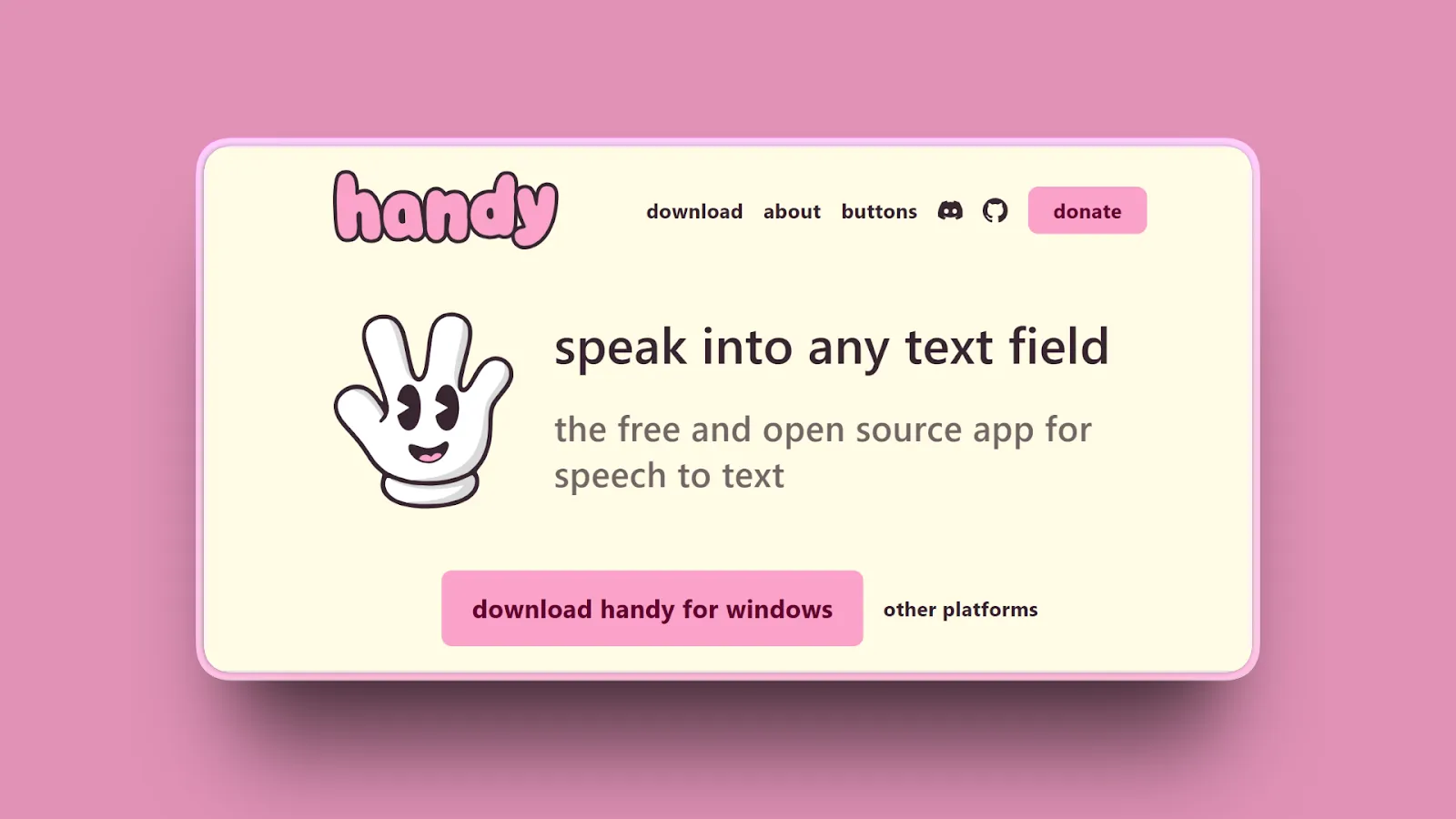
Handy is the best place to start if you dictate casually: quick messages, notes, and prompts. It costs nothing, runs Whisper and Parakeet models entirely on your computer, and works on Mac, Windows, and Linux. It is an MIT-licensed project on GitHub with more than 30,000 stars. What it lacks is everything around the dictation that serious work tends to need: a vendor to support you, published security documentation, compliance paperwork, and meeting notes.
Our week with Handy
Handy did the job once it was running, but the initial setup was a pain, we ran into some performance issues, and it felt unpolished next to the commercial apps. It is fine for casual dictation; we were not convinced we would rely on it every working day.
Key features
- Push-to-talk or toggle dictation into any text field
- Local Whisper and Parakeet models, with voice-activity detection
- Filler-word removal
- Runs on Mac (Apple Silicon and Intel), Windows, and Linux
- No account, subscription, or internet connection needed after setup
Where it wins
- Completely free, with a permissive license
- Audio never leaves your computer
- Frequent releases and a large community
- The strongest free option for Linux users
Where it loses
- No AI rewriting, tone matching, or translation like Typeless
- No meeting notes
- Community support only, with no security documentation or BAA for regulated work
- Fiddly initial setup, and it feels unpolished next to the commercial apps
- No mobile apps
Bottom line: Choose Handy for casual dictation on any desktop, including Linux, when free and local matter more than polish, support, or meeting notes. If dictation is part of serious or confidential work, look at Voibe next.
2. Voibe: Best for confidential professional work and meeting notes
Platforms: Mac, Windows · Processing: On-device on Apple Silicon; zero-retention cloud on Mac and Windows · Pricing: Free plan; Dictation $9.90/mo, $99/yr, or $199 lifetime; Work from $19/mo
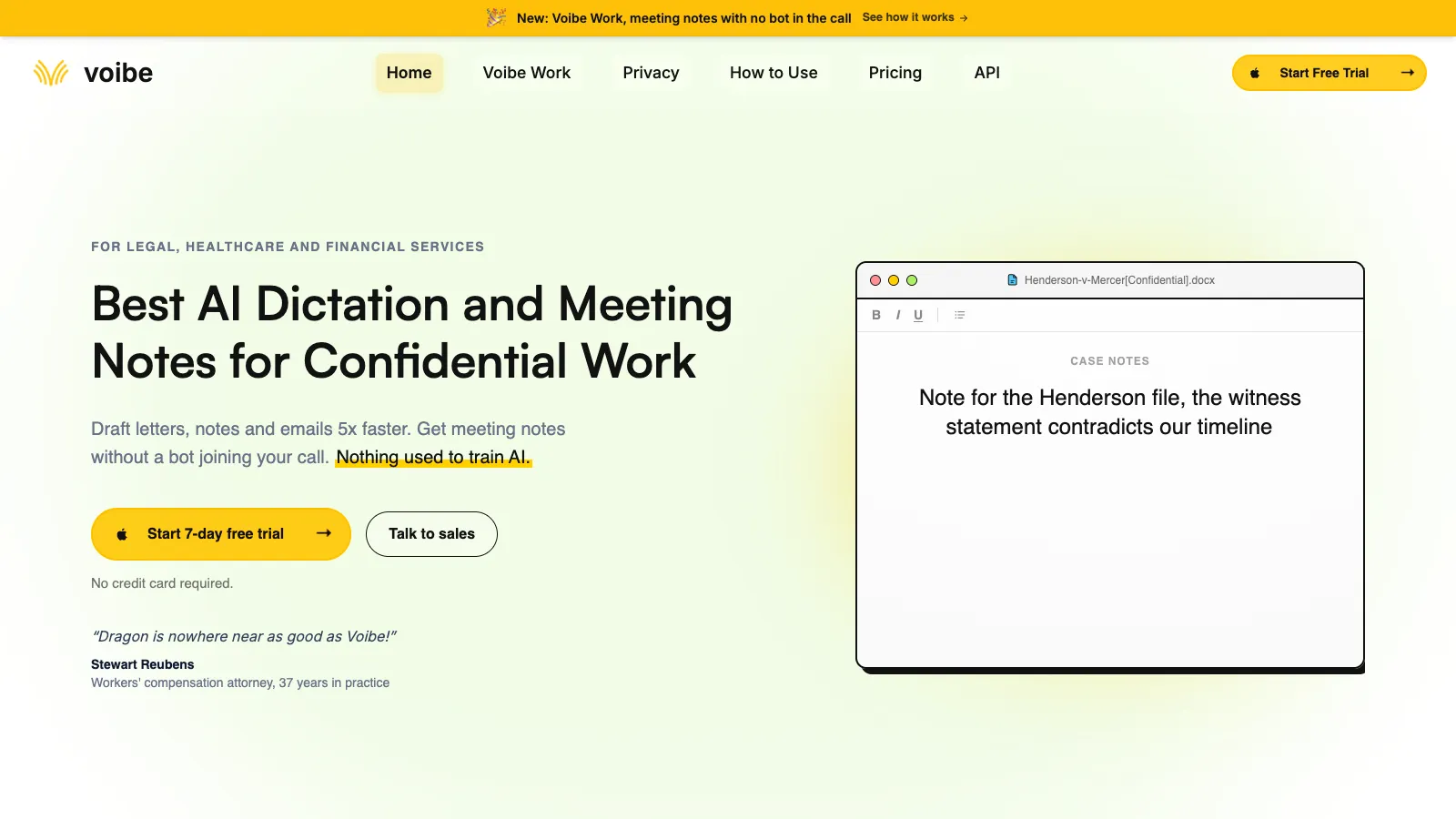
Voibe is the Typeless alternative for serious work: client emails, patient notes, legal drafts, and anything else you would not want sitting on someone else’s server. It puts clean, punctuated text into any desktop app, strips filler words without rewriting what you said, and lets you choose where dictation runs: fully on-device on an Apple Silicon Mac, or zero-retention cloud with open-source models. Every paid plan includes unlimited dictation, and the Voibe Work plan adds bot-free meeting notes, which Typeless does not offer.
Dictation and meeting notes for less than Typeless alone, billed monthly
Typeless does not take meeting notes, so many people pair it with a notetaker such as Granola. At monthly list prices that is $30 for Typeless Pro plus $14 for Granola Business, or $44 a month per person. Voibe Work covers both, like getting Wispr Flow and Granola in one product, for $19 a month, $149 a year, or $399 once. That is less than Typeless Pro on its own on monthly billing, and meeting transcripts and summaries stay on your Mac.
Trusted by 4,000+ professionals, including people at Netflix, NVIDIA, Amazon, Twilio, and Intercom





“I tried Voibe because I wanted privacy focussed dictation on my Mac... Now I catch myself talking to my laptop for everything.”
Key features
- Push-to-talk and hands-free dictation into any desktop app on Mac and Windows, plus Live Dictation on Mac
- Fully on-device transcription on Apple Silicon Macs, or zero-retention cloud transcription with open-source models
- Smart Formatting removes filler words, punctuates, and breaks paragraphs without rewriting your words
- A Dictionary that feeds names and jargon into transcription itself, plus Memory shortcuts for text you repeat
- Developer Mode resolves file names, folder paths, and identifiers in Cursor, VS Code, and Windsurf
- Voibe Work adds bot-free meeting notes on Mac and Windows in Zoom, Teams, Meet, or any meeting app, with transcripts and summaries stored on your computer
- One seat covers your Mac and your Windows PC
Where it wins
- You choose on-device or cloud processing instead of being locked into one architecture
- Works offline in on-device mode, on flights and on locked-down networks
- Audio is never stored, sold, or used to train AI in either mode
- Unlimited dictation on every paid plan, and Hands-Free mode keeps listening for as long as you need
- $199 one-time lifetime option, and Voibe Work costs less than Typeless Pro on monthly billing
- BAAs are available on request, without an enterprise contract
- Published security documentation and clear permission boundaries make IT review easier
Where it loses
- No iPhone, iPad, Android, or Linux app
- Voibe Free has limited words; unlimited dictation needs a paid plan
- Lighter AI editing than Typeless: no translation mode, and it will not restyle or tighten your sentences
- On-device mode requires an Apple Silicon Mac; Windows and Intel Macs use zero-retention cloud mode
- Live Dictation and manual language selection are Mac-only for now
Bottom line: Choose Voibe if dictation is part of serious or confidential work: you want to decide where your audio goes, need a vendor with security documentation and BAAs, and want meeting notes in the same app. For casual dictation, Handy is free. If most of your dictation happens on your phone, Typeless, Wispr Flow, or Superwhisper will fit better.
See Voibe in action
Try Voibe with your own vocabulary
Start free on Mac or Windows. No credit card required.
3. Wispr Flow: Best like-for-like cloud replacement on every device
Platforms: Mac, Windows, iOS, Android · Processing: Cloud · Pricing: 2,000 words/week free on desktop; Pro $15/mo or $12/mo annually
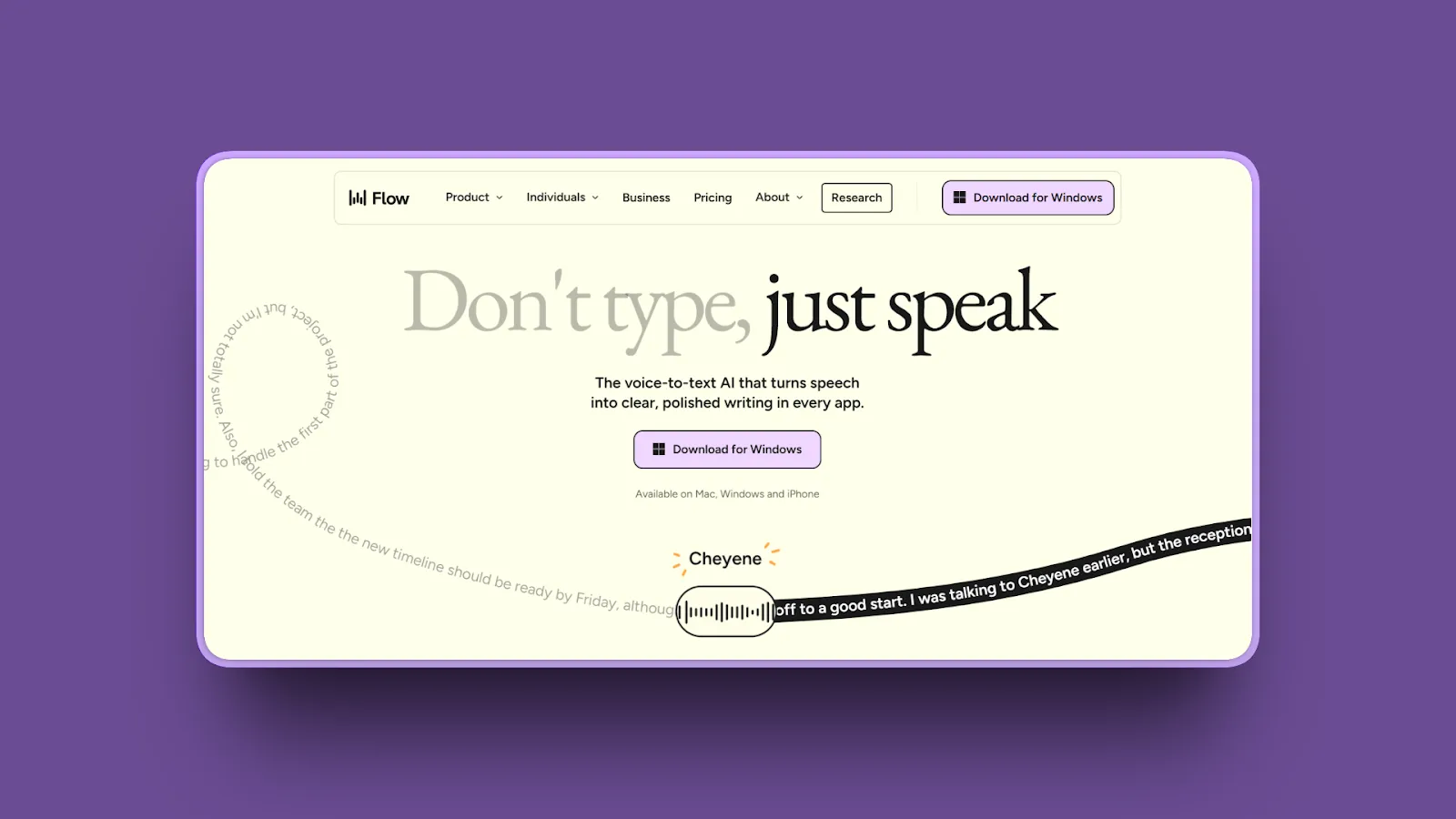
Wispr Flow is the closest match to Typeless: cloud AI dictation that removes filler words, fixes self-corrections, adapts tone by app, and follows you from desktop to phone. It costs about the same on annual billing, half as much month to month, and adds a meeting notetaker and stronger compliance paperwork.
Our week with Wispr Flow
Flow’s interface was clean and cross-device sync was fast. Stability was the problem: some days it needed coaxing back to life, which is not what you want from a tool you reach for dozens of times a day.
Key features
- System-wide dictation on Mac and Windows, plus iOS and Android apps
- Automatic cleanup of filler words, false starts, and punctuation in 100+ languages
- Styles, snippets, and a dictionary that learns names and jargon
- Bot-free Notetaker on Mac and Windows with speaker names, summaries, and action items
- SOC 2 Type II and ISO 27001, plus HIPAA support with a signed BAA
Where it wins
- Same four-device reach as Typeless on Mac, Windows, iPhone, and Android
- Pro is $15 a month, against $30 for Typeless Pro on monthly billing
- Mature team administration and compliance documentation
- Meeting notes in the same app
Where it loses
- Every dictation depends on the cloud and an internet connection
- No Linux app, which Typeless now has
- Subscription only, with no lifetime license
- Free tier is 2,000 words a week on desktop and 1,000 on mobile
Bottom line: Choose Wispr Flow if you like how Typeless works and want the most polished cloud dictation across desktop and mobile, with lower monthly pricing and stronger compliance documentation.
Wispr Flow vs Typeless (2026): which is better, and what they actually cost
4. Superwhisper: Best for model choice with a lifetime license
Platforms: Mac, Windows, iOS, Android · Processing: Local models, cloud models, or both · Pricing: Free with local models; Pro $8.49/mo, $84.99/yr, or $249.99 lifetime
Superwhisper is a configurable voice workspace for people who want to choose the speech model, run it offline, and shape the output with custom modes. Its free plan has unlimited dictation with local Whisper models, and one Pro license covers Mac, Windows, iPhone, and Android.
Our week with Superwhisper
The depth of models and modes is real, and it was stable for us apart from one recurring annoyance: the default mode switching was occasionally unreliable.
Key features
- System-wide dictation with free, unlimited local Whisper models
- Cloud and extra local speech models, plus AI modes, on Pro
- Custom vocabulary, text replacements, and custom modes for different kinds of writing
- Meeting and system-audio recording, file transcription, and speaker separation
- New Android app; local models on Android are still coming
Where it wins
- Fully offline on the desktop when you use local models
- Lifetime license, and a 40% student discount
- One license covers desktop and mobile
- Very active development
Where it loses
- The number of models and settings can feel like work
- Local accuracy and speed depend on your hardware; Intel Macs do better with cloud models
- The Android app is new and cloud-only for now
- No Linux app
Bottom line: Choose Superwhisper if you want offline dictation with full control over models and modes, a lifetime license, and an app on your phone too.
5. VoiceInk: Best low-cost, open-source app for Mac
Platforms: Mac (Apple Silicon); iPhone and iPad in beta · Processing: Local by default; optional cloud enhancement · Pricing: $25 one-time for one Mac; $39 for two; $49 for three
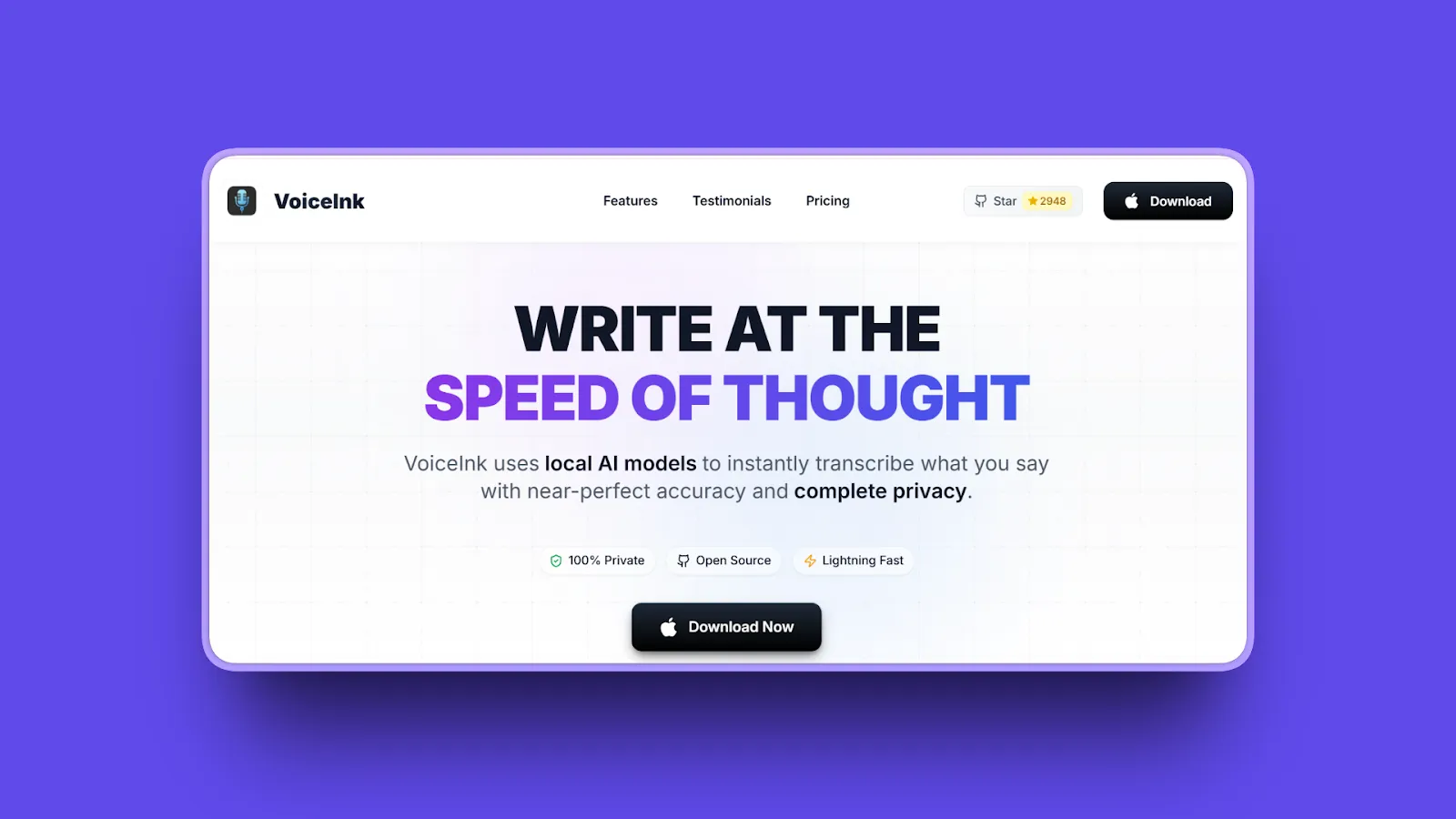
VoiceInk is a native, open-source Mac app (GPL-3.0) that transcribes locally on Apple Silicon and costs less once than two months of Typeless Pro on monthly billing. You can build it from source for free, or buy a license for automatic updates and support.
Key features
- Local Whisper, Parakeet, and SenseVoice models
- Custom dictionary that can learn from your corrections, plus text replacements
- Context-aware AI enhancement modes, with optional cloud models
- Quick history of recent dictations
- iPhone and iPad app, free during its beta
Where it wins
- One-time price with lifetime updates
- Fully offline when you stick to local models
- Source code is public
- 14-day money-back guarantee
Where it loses
- Mac only on the desktop, and Apple Silicon only
- No Windows, Android, or Linux app
- AI enhancement needs a cloud model or extra setup
- Smaller team than the commercial apps
Bottom line: Choose VoiceInk if you are on an Apple Silicon Mac and want private, local dictation for the lowest one-time price.
6. OpenWhispr: Best open-source option with an optional cloud
Platforms: Mac, Windows, Linux; iPhone and iPad on Pro · Processing: Local models, your own API keys, or its cloud · Pricing: Free with unlimited local models; Pro $80/yr

OpenWhispr is an MIT-licensed dictation app that sits between Handy and Typeless. Local models are free and unlimited, you can bring your own API keys, and a paid plan adds unlimited cloud transcription, meeting recordings, and an iPhone app.
Key features
- Local speech models with no usage limit on any plan
- Bring your own API keys, or use its cloud with 2,000 free words a week
- AI cleanup, voice commands, and a dictionary that learns from corrections
- Meeting recordings: 5 hours a month free, 20 on Pro
- 100+ languages with auto-detection
Where it wins
- Open source, with a free local mode on Mac, Windows, and Linux
- Cheaper than Typeless Pro when you want the cloud
- Covers dictation and meeting recordings in one app
- Active development
Where it loses
- More setup than Typeless if you go the local or API-key route
- Mobile app only on the paid plan, and no Android
- No lifetime license
- Smaller company and support team
Bottom line: Choose OpenWhispr if you want open-source code and local models but still want a managed cloud and meeting recordings when you need them.
7. Aqua Voice: Best for technical vocabulary and live text
Platforms: Mac, Windows, iPhone · Processing: Cloud · Pricing: 1,000 words free; Pro $10/mo or $8/mo annually
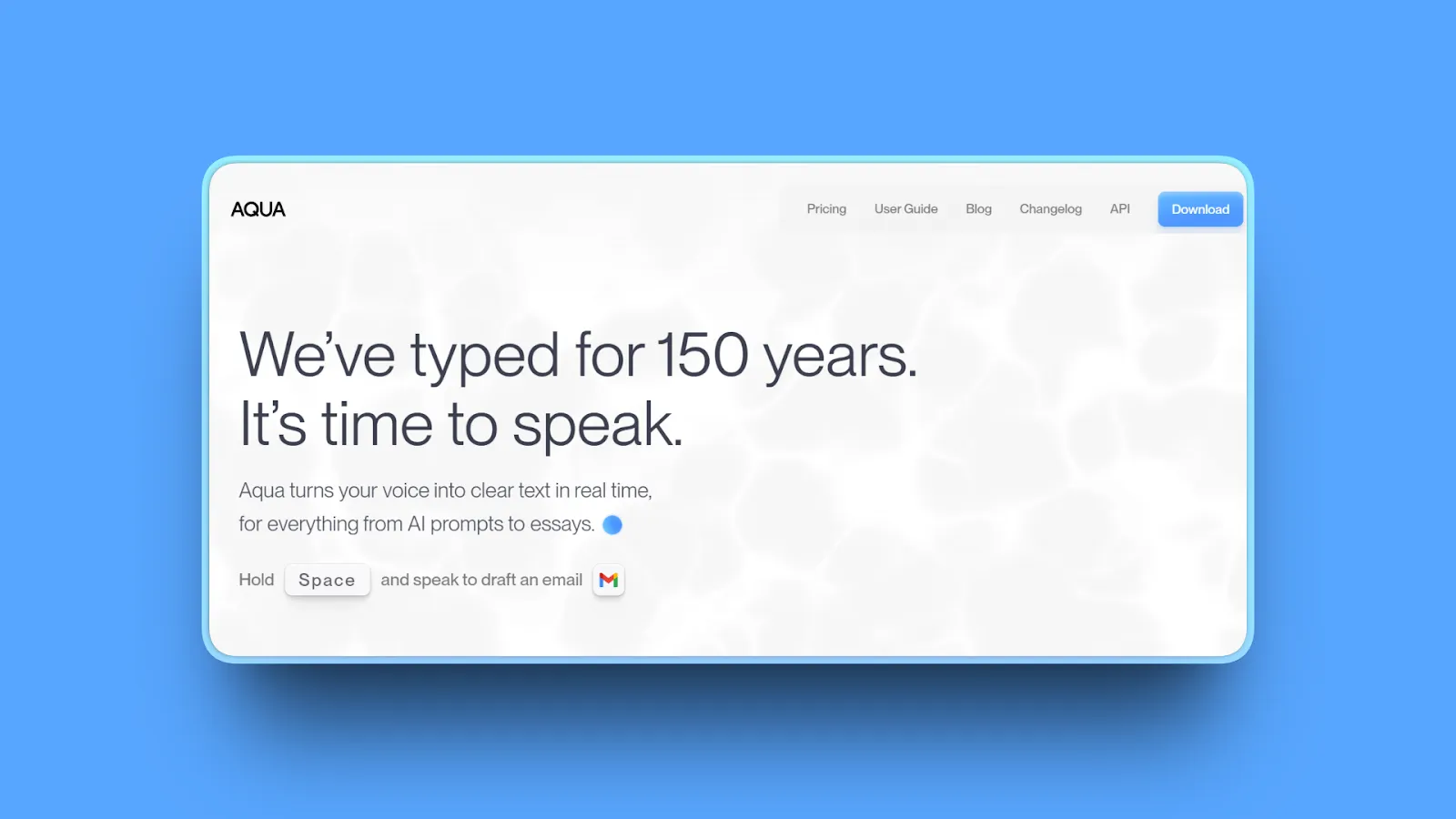
Aqua Voice is a fast cloud dictation app built around its own Avalon speech model. It is strongest when you dictate code-adjacent language, product names, and prompts, and want text to appear as you speak.
Key features
- System-wide dictation on Mac and Windows, plus an iPhone app
- Uses on-screen context as a dictionary for names and technical terms
- Custom instructions and a custom dictionary
- Realtime Mode and a “send it” voice command on the Max plan
- Business plan adds SSO and zero data retention
Where it wins
- Excellent with technical vocabulary out of the box
- Live, editable text instead of waiting for a final paste
- Pro costs less than Typeless Pro
- 70% student discount
Where it loses
- Needs an internet connection for transcription
- The free allowance is a one-time 1,000 words, not a weekly plan
- Zero data retention is listed on the Business plan only
- No Android app yet
Bottom line: Choose Aqua if speed and technical accuracy matter most and you are comfortable with cloud processing.
8. Willow Voice: Best for an unlimited free plan and style matching
Platforms: Mac, Windows, iPhone · Processing: Cloud, with an offline mode · Pricing: Free with a lighter model; Pro $15/mo or $12/mo annually
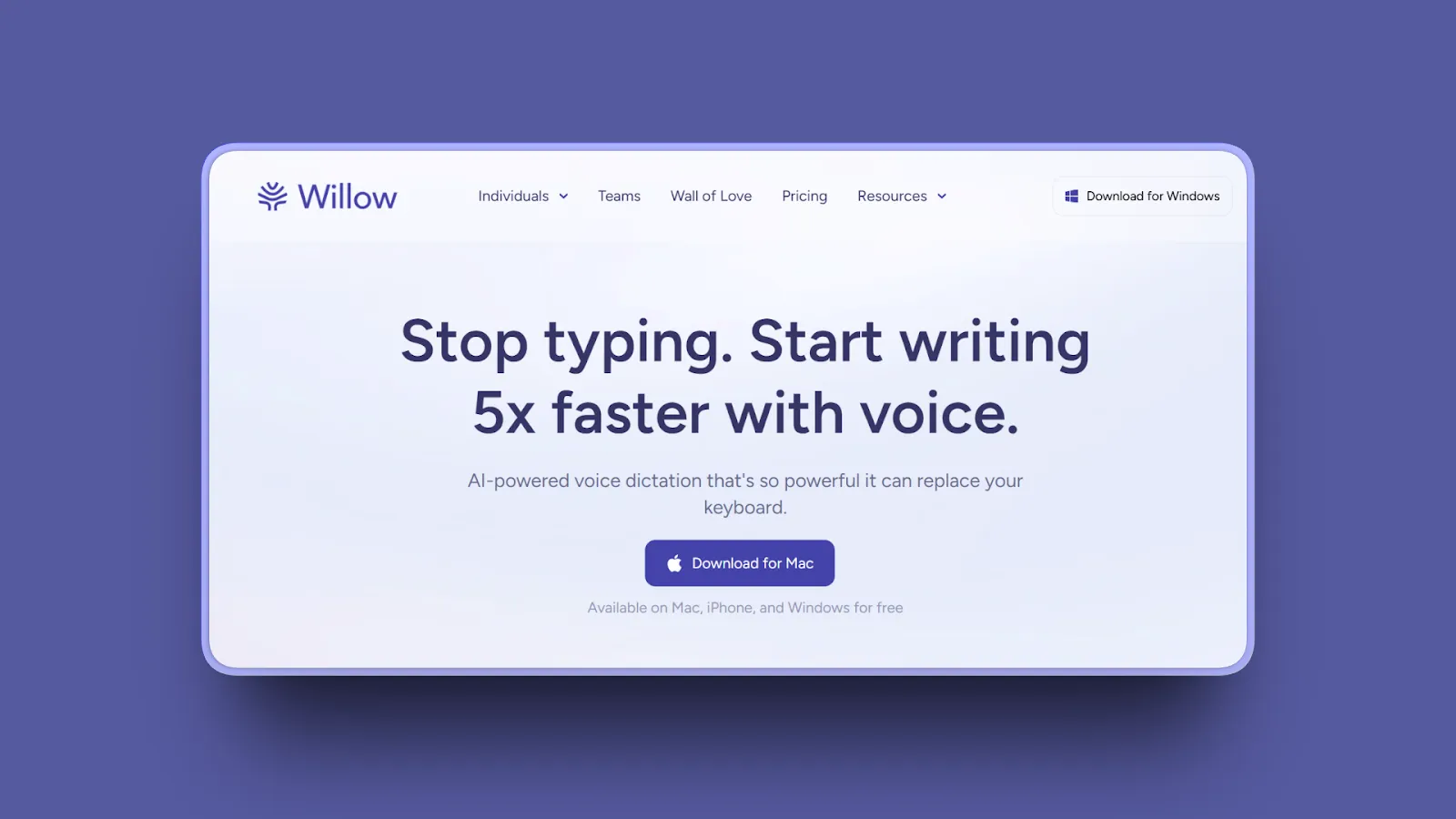
Willow Voice is a polished cloud dictation app that matches your writing style and learns your vocabulary. Its free plan has no word cap, using a lighter model, which makes it the easiest switch for Typeless free users who just lost most of their weekly allowance.
Our week with Willow Voice
Willow’s accuracy was competitive with the other cloud dictation apps we tested side by side.
Key features
- System-wide dictation on Mac and Windows, plus an iPhone app
- Style matching and an auto-learning dictionary
- Scribe writing assistant, with 20 uses a week on the free plan
- Offline dictation mode that runs on your device
- 100+ languages
Where it wins
- Free plan with unlimited dictation
- Low latency and polished cleanup
- SOC 2 Type II on paid plans
- Windows app is now live
Where it loses
- The free plan uses a less accurate model
- HIPAA and zero data retention require the Business plan at $28 to $35 a month
- No Android or Linux app
- No lifetime license
Bottom line: Choose Willow if you want Typeless-style polish without a weekly word cap and do not need Android.
9. Monologue: Best for Apple users who want notes and meetings too
Platforms: Mac, iPhone, iPad, Apple Watch · Processing: Local transcription on Mac; cloud for connected features · Pricing: 1,000-word trial; $15/mo or $144/yr
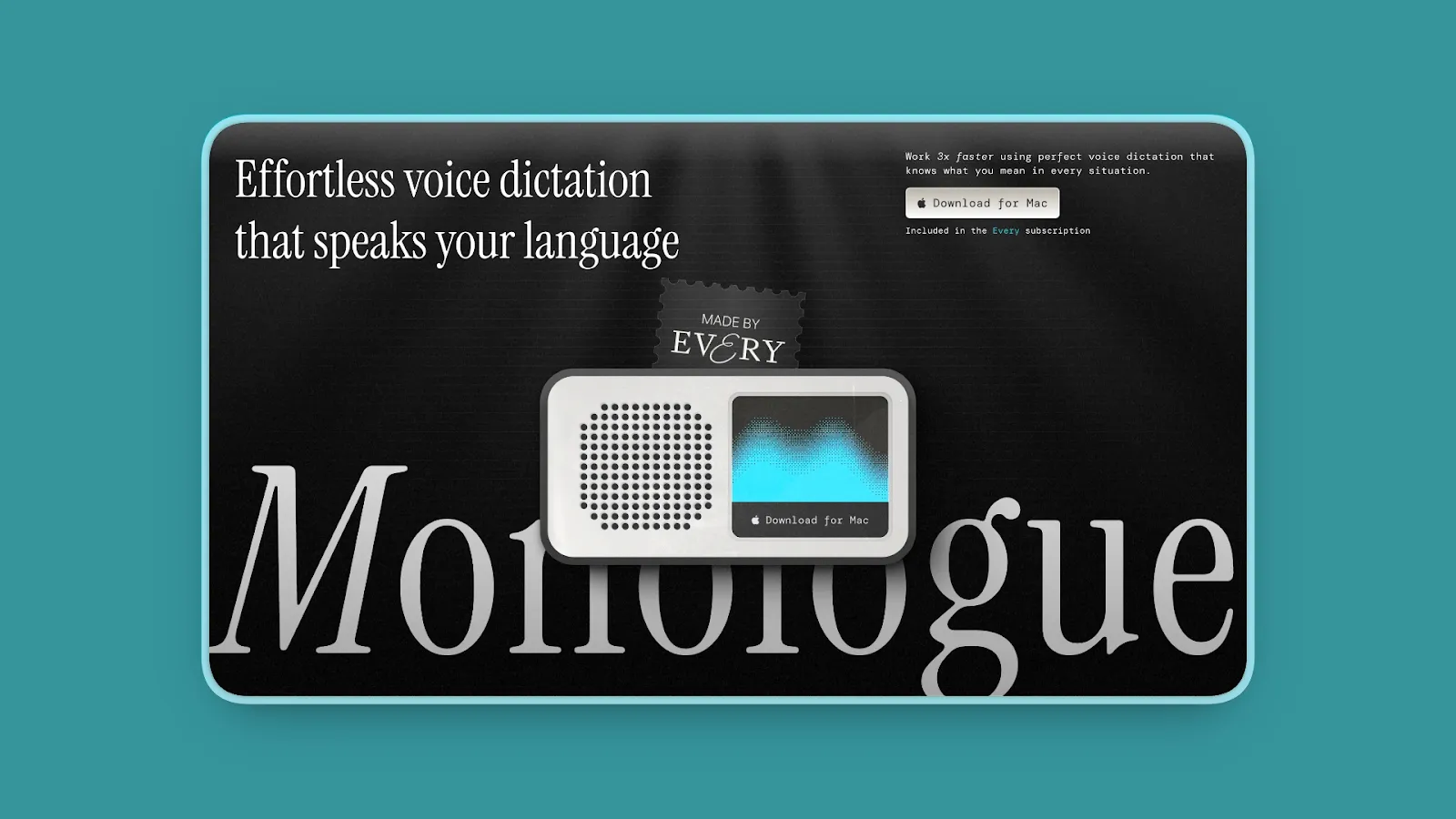
Monologue combines writing in any app with voice notes, bot-free meeting capture, and access to your saved notes through MCP, an API, and a CLI. It is built for people who live entirely in Apple’s ecosystem.
Key features
- Context-aware dictation in any Mac app in 100+ languages
- Local transcription models for offline dictation on Mac
- Voice notes that transcribe, summarize, and sync across Apple devices
- Bot-free meeting notes using microphone and system audio
- MCP, API, and CLI access for AI agents
Where it wins
- Dictation, notes, and meetings in one subscription
- Native apps across Mac, iPhone, iPad, and Apple Watch
- Offline dictation available on Mac
- Annual price matches Typeless Pro
Where it loses
- No Windows, Android, or Linux support
- The free offer is a finite trial
- Smart formatting and sync still need a connection
- No lifetime license
Bottom line: Choose Monologue if every device you own is an Apple device and you want dictation, notes, and meetings to feed one place.
10. Apple Dictation: Best zero-install baseline on Mac and iPhone
Platforms: Mac, iPhone, iPad · Processing: On-device for many languages; macOS settings show when audio goes to Apple · Pricing: Free
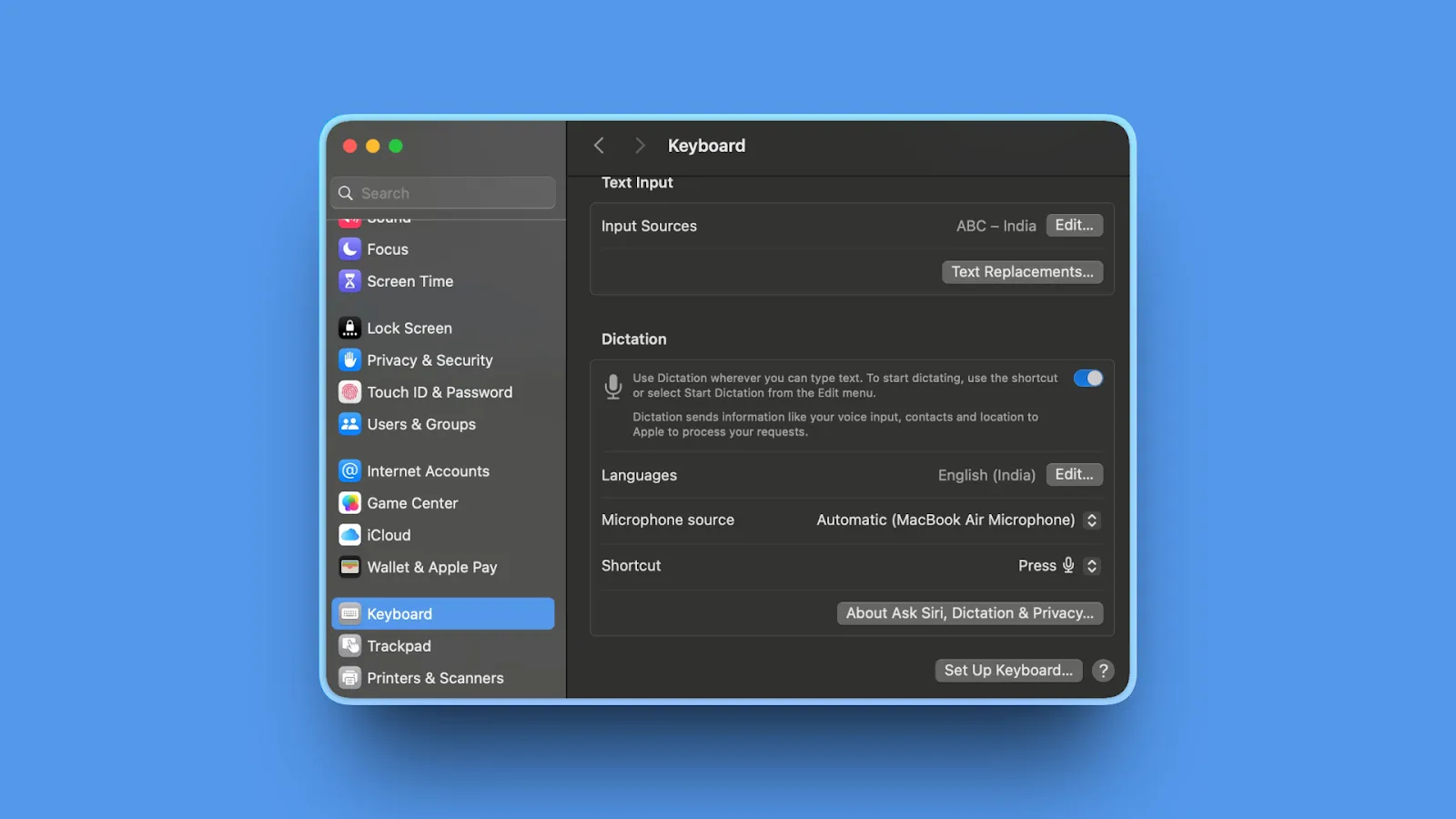
Apple Dictation is already on every Mac and iPhone. It works in any text field, adds punctuation automatically, and handles spoken formatting commands. It is the right control group before you pay for anything.
Our week with Apple Dictation
Fine for short messages, but it sometimes stopped on its own and dropped words in longer or more technical passages. Those gaps are exactly what push most people toward a dedicated app.
Key features
- Built into macOS and iOS with a configurable shortcut
- Automatic punctuation in supported languages
- Spoken punctuation, new line, and new paragraph commands
- On-device processing for many languages once speech models download
Where it wins
- Free and requires no installation
- Works in almost any app
- Private on-device processing for supported languages
- Good enough for short messages
Where it loses
- No AI cleanup of filler words or self-corrections
- Stops after 30 seconds of silence
- No custom vocabulary for names and jargon
- Apple devices only
Bottom line: Start with Apple Dictation if you dictate occasionally. Upgrade when you can name the problem you need solved.
Looking for an Open-Source or Linux Typeless Alternative?
Typeless is closed source, and its Linux app still sends every dictation to the cloud. If you want code you can read or dictation that never leaves the machine, these are the projects worth trying.
Handy (MIT): Mac, Windows, Linux
More than 30,000 GitHub stars, the most of any project here. Fully local, free, and the simplest to set up on Linux, with AppImage, deb, and rpm packages.
OpenWhispr (MIT): Mac, Windows, Linux
Local models are free and unlimited, with an optional paid cloud, your own API keys, and meeting recordings when you want more.
VoiceInk (GPL-3.0): Apple Silicon Macs
A native Mac app you can build from source for free, or buy from $25 for automatic updates.
OpenTypeless (MIT): Mac, Windows, Linux
A smaller community project that copies Typeless’s rewriting and voice Q&A. It is open source, but not local: speech and AI cleanup run through cloud providers using your own API keys or its paid cloud.
Which Alternative Should You Choose?
Is your dictation casual, or part of serious work?
For quick messages, notes, and prompts, choose Handy: it is free and good enough. If you dictate client, patient, or company-confidential material, choose Voibe for on-device or zero-retention dictation, security documentation, BAAs, and meeting notes in the same app. Superwhisper suits people who want model control, and Aqua Voice suits technical vocabulary.
Do you also need meeting notes?
Choose Voibe Work for dictation plus bot-free meeting notes on Mac and Windows, at less than Typeless Pro costs alone on monthly billing. Wispr Flow, OpenWhispr, and Monologue also combine the two.
Do you dictate mostly on your phone?
Choose Wispr Flow or Superwhisper for iPhone and Android. Willow, Aqua, and Monologue have iPhone apps but not Android.
Must your audio stay on your device?
Choose Voibe in on-device mode on Apple Silicon, Superwhisper or VoiceInk with local models, Handy, or OpenWhispr’s local mode. Avoid cloud-only apps.
Do you want it free?
Choose Handy on any desktop, Superwhisper’s free local plan, or Willow’s free plan without a word cap. Apple Dictation, Windows voice typing, and Gboard are free and built in.
Do you want the lowest long-term cost?
Compare Handy at $0, VoiceInk from $25, Voibe at $199, and Superwhisper at $249.99, each paid once, against $432 for three years of Typeless Pro on annual billing.
Best Pick by Use Case
| Use case | Best pick | Why |
|---|---|---|
| Casual dictation, free and open source | Handy | Fully local on Mac, Windows, and Linux |
| Confidential professional work | Voibe | On-device or zero-retention cloud, BAAs, Mac and Windows, lifetime option |
| Dictation plus meeting notes | Voibe Work | Replaces a dictation app and a notetaker such as Granola |
| Same experience on desktop and phone | Wispr Flow | Polished cloud AI on Mac, Windows, iOS, and Android |
| Model control with a lifetime license | Superwhisper | Local and cloud models, custom modes, desktop and mobile |
| Cheapest one-time Mac app | VoiceInk | Open source and local, from $25 |
| Open source with an optional cloud | OpenWhispr | Free local models, paid cloud and meetings |
| Code and technical vocabulary | Aqua Voice | Avalon model and live text |
| Free plan without a word cap | Willow Voice | Unlimited dictation on a lighter model |
| Apple-only notes and meetings | Monologue | Mac, iPhone, iPad, and Watch in one subscription |
| Occasional dictation | Apple Dictation | Already installed and free |
How Typeless Alternatives Differ
Two choices separate these tools. The first is how much the app changes your words. Typeless, Wispr Flow, Willow, and Aqua lean toward AI rewriting: tone, structure, and style. Voibe, Handy, and VoiceInk lean toward faithful transcription with light cleanup. Superwhisper and OpenWhispr let you choose with modes.
The second is where transcription runs. Typeless, Wispr Flow, Aqua, and Willow’s default mode process speech in the cloud. Handy, VoiceInk, and the local modes of Superwhisper and OpenWhispr keep audio on the machine. Voibe lets you pick: on-device on Apple Silicon, or zero-retention cloud with open-source models on Windows, Intel Macs, or whenever you want a larger model than your Mac can run locally. Unlike most cloud dictation apps, there are no API keys, model menus, or vendor accounts to manage.
Not every popular transcription tool is a Typeless replacement. Otter and other meeting bots record calls, Rev and Sonix transcribe files, and Google Docs voice typing works only inside Google Docs. For a broader view, see our guides to the best dictation apps and the best Wispr Flow alternatives.
Frequently Asked Questions
What is the best alternative to Typeless?
It depends on the work. For casual dictation, Handy is the best alternative: it is free, open source, and runs locally on Mac, Windows, and Linux. For serious or confidential work, Voibe is the better choice: fully on-device dictation on Apple Silicon or zero-retention cloud dictation, security documentation and BAAs, unlimited dictation on every paid plan, and a $199 lifetime option. The Voibe Work plan adds bot-free meeting notes. If you need the same cloud AI experience on your phone, Wispr Flow is the closest like-for-like replacement.
Is Typeless still free?
Yes, but the free plan is much smaller than it was. Until September 2026 it included 8,000 words a week. Typeless announced that the Free plan would change to 2,000 words a week on September 22, 2026, and its pricing page now says only “limited words.” Pro costs $12 a month billed yearly ($144) or $30 a month billed monthly, and students get 50% off.
What is the best free alternative to Typeless?
Handy is the best free alternative on desktop: it is open source, runs locally on Mac, Windows, and Linux, and has no word limit. Superwhisper’s free plan has unlimited dictation with local models, Willow Voice’s free plan has no word cap on a lighter cloud model, and OpenWhispr has free unlimited local models. Apple Dictation on Mac and iPhone, Windows voice typing (Windows key + H), and Gboard voice typing on Android are free and built in.
Is there an open-source alternative to Typeless?
Yes. Handy (MIT) and OpenWhispr (MIT) run on Mac, Windows, and Linux, and VoiceInk (GPL-3.0) is a native Apple Silicon Mac app. All three can transcribe locally. OpenTypeless is a smaller MIT-licensed project that copies Typeless’s AI rewriting, but it relies on cloud speech and language models through your own API keys or its paid cloud.
Does Typeless work on Linux?
Yes. Typeless released a Linux app on September 24, 2026, alongside its Mac, Windows, iOS, and Android apps. It still needs an internet connection, because all transcription runs in the cloud. Handy and OpenWhispr are the strongest Linux alternatives if you want local, offline dictation.
Does Typeless work offline?
No. Typeless says transcription is performed on its cloud servers, so every feature needs an internet connection. Voibe works offline in on-device mode on Apple Silicon Macs. Superwhisper and VoiceInk work offline with local models, and Handy and OpenWhispr can run fully locally.
Is Typeless safe to use?
Typeless says it operates a zero data retention policy: audio and the context it reads from your active app are processed on its cloud servers and discarded once the result is returned, and dictation is not used for training. It now claims ISO 27001, GDPR, and HIPAA compliance, with a BAA on Enterprise plans. In February 2026 a security researcher published concerns about its permissions and data collection; Typeless disputed them, and a later independent analysis found several claims overstated. Our Typeless privacy investigation walks through the evidence.
Who makes Typeless?
Typeless is made by Simply CA LLC, based in Palo Alto, California, and led by CEO Huang Song. Its terms are governed by California law, and the company says it is backed by StartX, Stanford’s startup accelerator.
How does Typeless compare to Wispr Flow?
They are close competitors. Both are cloud AI dictation apps on Mac, Windows, iOS, and Android that remove filler words and adapt tone by app. Typeless adds a Linux app and translation. Wispr Flow costs $15 a month against $30 for Typeless on monthly billing, includes a meeting notetaker, and holds SOC 2 Type II and ISO 27001 certifications. Both now offer 2,000 free words a week on desktop.
Is Voibe better than Typeless?
For desktop dictation where privacy, offline use, or long-term cost matter, yes. Voibe lets you keep dictation on your Mac, has a lifetime option, includes unlimited dictation on every paid plan, and adds meeting notes in Voibe Work. Typeless is the better fit if you dictate mostly on your phone, use Linux, or want heavy AI rewriting and translation.
Can I move my Typeless dictionary to another app?
Typeless does not offer a dictionary export. Before you cancel, open your Typeless dictionary, copy the words you added, and paste them into the new app’s vocabulary list. In Voibe, you can paste a list into the Dictionary in one go. Typeless history stays on your device unless you turned on Cloud Sync.
What is the best Typeless alternative for Android or iPhone?
Wispr Flow is the most polished cross-platform alternative with iOS and Android apps, and Superwhisper now covers both phones with one license. Aqua Voice, Willow Voice, and Monologue have iPhone apps but not Android. For free, Gboard voice typing on Android and Apple Dictation on iPhone are built in. Voibe is a desktop app for Mac and Windows.
Final Verdict
Typeless is still the right tool for some people: heavy phone dictators, Linux users who are happy with the cloud, and anyone who wants speech rewritten into polished prose or translated on the fly. If that is you, stay, and read our Voibe vs Typeless comparison before your next renewal.
Everyone else has better options. For casual dictation, start with Handy: it is free, open source, and local. If dictation is part of serious or confidential work, switch to Voibe for on-device or zero-retention dictation on Mac and Windows with a lifetime option, and add Voibe Work for meeting notes without a second subscription. Pick Wispr Flow for the same cloud experience on every device and Superwhisper for model control.
The best test is your own work. Install two finalists, dictate the same email, a paragraph full of names and jargon, and a five-minute brain dump, then compare the text you would actually send. The tool that leaves you less cleanup is the right replacement.
Ready to move on from Typeless?
Voibe works across Mac and Windows with unlimited dictation on every paid plan, a custom Dictionary, and Memory. Use fully on-device transcription on Apple Silicon or zero-retention cloud transcription with open-source models. Upgrade to Voibe Work for bot-free meeting notes in the same app.
Try Voibe freeMore dictation guides
8 Apple Dictation Alternatives That Don't Time Out (2026)
Apple Dictation times out after a minute and trips on technical terms. These 8 Mac alternatives never cut you off, run offline, and hit 97%+ accuracy.
9 Best Wispr Flow Alternatives in 2026 (Actually Compared)
A current comparison of 9 Wispr Flow alternatives across privacy, security, reliability, offline use, AI cleanup, platforms, and pricing.
11 Best Superwhisper Alternatives in 2026 (Reviewed)
Compare 11 Superwhisper alternatives in 2026. In-depth reviews of privacy, pricing, accuracy, and performance for Mac and Windows dictation tools.
11 Best Willow Voice Alternatives 2026 (Reviewed)
Compare 11 Willow Voice alternatives in 2026. Explore offline dictation tools with detailed reviews of privacy, lifetime pricing, and Mac performance.
10 Best Dragon Dictation Alternatives in 2026 (Actually Compared)
10 Dragon alternatives: 1. Voibe 2. Wispr Flow 3. Superwhisper 4. Voice Access 5. Voice Control 6. Talon 7. Handy 8. Braina 9. Apple Dictation 10. Windows voice typing
10 Best MacWhisper Alternatives In 2026 (Reviewed)
Compare 10 MacWhisper alternatives in 2026. Explore offline and real-time dictation tools with detailed reviews of privacy, speed, pricing, and accuracy for Mac users.
11 Best Aqua Voice Alternatives for Mac Dictation (2026)
Discover 11 Aqua Voice alternatives with offline access, privacy-first tools, and one-time pricing. Compare Mac dictation apps that work on your terms.
9 Best Monologue Alternatives (Reviewed)
Compare 9 Monologue alternatives across privacy, pricing, and platforms. From Voibe on Mac and Windows to Wispr Flow and free picks.
12 Best Dictation Apps in 2026 (Free and Paid)
Compare Handy, Voibe, Wispr Flow, Spokenly, FluidVoice, and more in our 2026 guide. See free plans, offline options, pricing, privacy, and the best fit for you.
Why Talking to AI Changes Everything
Talking preserves more of your real intent than typing, which helps models get it right on the first try. Practical tips, research references, and an FAQ.