
Voibe vs VoiceInk: Which On-Device Mac Dictation App Wins? (2026)
Voibe vs VoiceInk compared on features, pricing, privacy, and developer tools. See which on-device Mac dictation app is right for you — with honest pricing breakdown.

Voibe
WinnerOn-device Mac dictation app with VS Code and Cursor integration. Processes everything locally with zero cloud dependency at the lowest lifetime price among polished commercial apps.
$4.90/mo or $99 lifetime
Pros
- + Developer mode with VS Code and Cursor IDE integration
- + 100% on-device — zero data leaves your Mac
- + Works on macOS 13+ (broader compatibility)
- + Polished out-of-box experience with minimal setup
- + Near-instant latency with on-device processing
Cons
- - macOS only (Apple Silicon M1–M4)
- - No AI text rewriting or reformatting
- - No cross-platform support
- - Not open-source — code not publicly auditable
VoiceInk
Open-source macOS dictation app using local Whisper models. Fully auditable GPL v3 code at the lowest price point of any commercial offline dictation tool.
$39.99 one-time
Pros
- + Open-source (GPL v3) — full code audit on GitHub
- + Cheapest commercial option at $39.99 one-time
- + Power Mode auto-adjusts per app or URL
- + Can be built from source for free
- + 100+ language support via Whisper and Parakeet models
Cons
- - No developer IDE integration (no VS Code or Cursor)
- - Requires macOS 14+ (narrower compatibility)
- - AI Enhancement requires user-provided API keys
- - Screenshot-based context awareness (less reliable than APIs)
- - Less polished UI compared to commercial alternatives
TL;DR: Voibe vs VoiceInk — Which Should You Choose?
Both Voibe and VoiceInk process dictation on-device using Whisper models — your audio never leaves your Mac with either app. The difference is what you get beyond basic transcription. Voibe ($99 lifetime) is the better choice for developers who need VS Code and Cursor integration, users who want a polished out-of-box experience, and anyone on macOS 13. VoiceInk ($39.99 one-time) wins on price and open-source transparency — it is 60% cheaper than Voibe and lets you audit every line of code.
Disclosure: Voibe is our product. We compare both tools fairly below, and we acknowledge that VoiceInk beats Voibe on price and open-source transparency.
For a broader comparison of all Mac dictation tools, see our dictation app comparison hub.
Key Takeaway
Voibe wins on developer features and polish ($99 lifetime). VoiceInk wins on price and open-source transparency ($39.99 one-time). Both are 100% on-device.
Key Takeaways: Voibe vs VoiceInk at a Glance
| Feature | Voibe | VoiceInk | Winner |
|---|---|---|---|
| Price | $4.90/mo or $99 lifetime | $39.99 one-time | VoiceInk |
| Privacy | 100% on-device, zero cloud | 100% on-device by default (optional cloud) | Voibe |
| Developer IDE | VS Code + Cursor integration | None | Voibe |
| Open Source | No | Yes (GPL v3) | VoiceInk |
| macOS Support | macOS 13+ | macOS 14+ | Voibe |
| Setup Ease | Plug-and-play | Requires configuration | Voibe |
| Customization | Moderate | Power Mode + Smart Modes | VoiceInk |
| AI Enhancement | No | Yes (BYOK) | VoiceInk |
| Accuracy | High (on-device Whisper) | High (on-device Whisper) | Tie |
| 3-Year Cost | $99 (lifetime) | $39.99 (one-time) | VoiceInk |
Quick Comparison: Pricing, Platform, and Technology
| Spec | Voibe | VoiceInk |
|---|---|---|
| Type | On-device Whisper dictation | On-device Whisper dictation |
| Processing | 100% local, no cloud | Local by default, optional cloud AI |
| Platform | macOS (Apple Silicon M1–M4) | macOS (Apple Silicon) |
| Minimum macOS | macOS 13 Ventura | macOS 14 Sonoma |
| Monthly | $4.90/mo | N/A (one-time only) |
| Lifetime / One-Time | $99 | $39.99 |
| Free Option | Free trial available | 7-day trial or build from source |
| Open Source | No | Yes (GPL v3) |
| Best For | Developers, privacy, polish | Budget users, open-source advocates |
What Is Voibe?

Voibe is an on-device Mac dictation app that processes speech entirely on your Mac using Whisper models. It is the only dictation app with dedicated VS Code and Cursor IDE integration — resolving file names, folder names, and workspace-specific terminology from your active project.
Voibe requires macOS 13 (Ventura) or later and runs on Apple Silicon Macs (M1 through M4). It costs $4.90/month or $99 for a lifetime license. The app is designed as a plug-and-play tool: install, set your hotkey, and start dictating.
What Is VoiceInk?
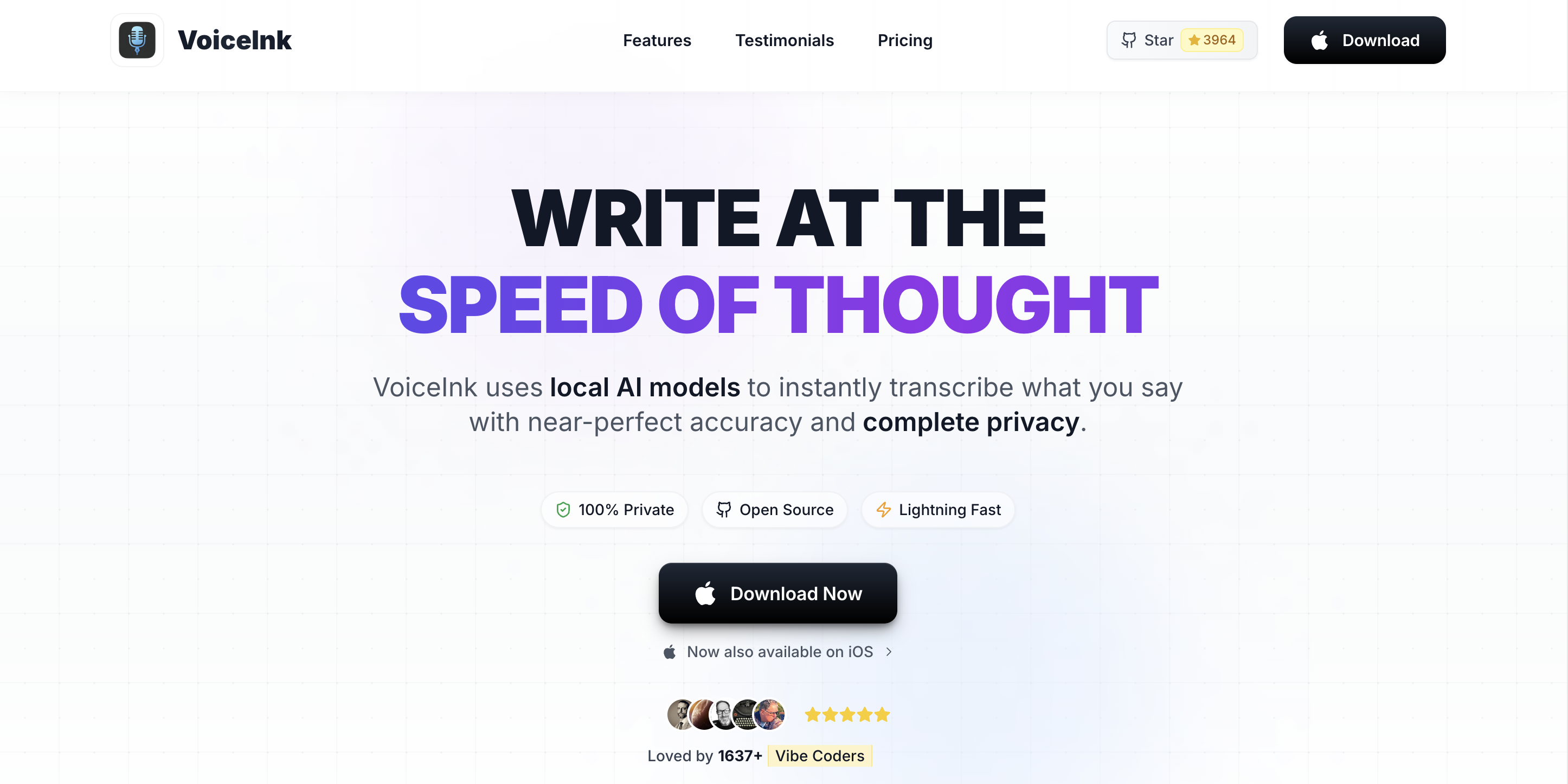
VoiceInk is an open-source macOS dictation app built by indie developer Prakash Joshi Pax. It uses local Whisper models (via whisper.cpp) for on-device speech recognition. The full source code is available on GitHub under the GPL v3 license, with over 4,300 stars.
VoiceInk requires macOS 14 (Sonoma) or later and costs $39.99 one-time. Its standout feature is Power Mode, which automatically applies different dictation configurations based on the active app or URL. For a deeper look at VoiceInk's capabilities, read our full VoiceInk review.
Feature-by-Feature Comparison: Voibe vs VoiceInk
Privacy and Data Handling
Both Voibe and VoiceInk process speech on-device by default — audio stays on your Mac in both cases. The key difference: Voibe has zero cloud components. VoiceInk includes optional cloud AI Enhancement that sends transcribed text (not audio) to third-party LLMs using your own API keys.
VoiceInk's open-source code lets anyone verify its privacy architecture on GitHub. Voibe is closed-source, requiring trust in the developer's privacy claims. Neither app holds formal compliance certifications (SOC 2, HIPAA).
Winner: Tie — Voibe for zero-cloud architecture; VoiceInk for auditable code.
Developer and IDE Integration
This is the most significant feature gap between the two apps. Voibe integrates directly with VS Code and Cursor, pulling file names, folder names, and project terminology from your active workspace. When you dictate code comments or documentation, Voibe recognizes workspace-specific terms that generic dictation apps would misrecognize.
VoiceInk has no IDE-specific features. It works in code editors as a system-wide text insertion tool, but it does not understand your project context or resolve developer-specific vocabulary.
Winner: Voibe
Accuracy and Transcription Quality
Both apps use OpenAI's Whisper models for speech recognition and deliver comparable raw accuracy for English dictation. VoiceInk offers more model choices — Whisper tiny through large plus the Parakeet model — letting you trade speed for accuracy. Voibe selects the optimal model automatically.
For developers, Voibe has an accuracy advantage because its IDE integration resolves workspace-specific terms that would otherwise be transcribed phonetically.
Winner: Tie (Voibe edges ahead for developers)
Pricing and Value
VoiceInk wins on raw price: $39.99 one-time versus Voibe's $99 lifetime. That is a 60% savings. VoiceInk can also be built from source for free.
Voibe justifies its higher price with features VoiceInk does not offer: IDE integration, broader macOS support (13+), and a more polished experience that requires less configuration. The value calculation depends on whether those features matter to you.
Winner: VoiceInk (on raw price)
Customization and Workflows
VoiceInk's Power Mode automatically applies different dictation settings based on the active app or URL. Smart Modes provide up to 10 switchable writing profiles (Email, Tweet, Chat, Custom). This level of per-app customization is unique to VoiceInk.
Voibe offers a simpler, more consistent experience across all apps. It does not have per-app configuration — the trade-off is less flexibility but lower setup overhead.
Winner: VoiceInk
Setup and Ease of Use
Voibe is plug-and-play: install, grant permissions, set your hotkey, and dictate. VoiceInk requires more initial configuration to get the most value — setting up Power Mode profiles, configuring Smart Modes, and optionally adding API keys for AI Enhancement.
Users who want to start dictating immediately will prefer Voibe. Users who enjoy configuring tools to match their workflow will appreciate VoiceInk's depth.
Winner: Voibe
Platform and Compatibility
Voibe supports macOS 13 (Ventura) and later. VoiceInk requires macOS 14 (Sonoma) or later — cutting out users on the previous macOS version. Both require Apple Silicon (M1 or later). Neither supports Windows, Linux, or mobile.
Winner: Voibe (broader macOS compatibility)
Pricing Breakdown: Voibe vs VoiceInk
VoiceInk is the more affordable option at every comparison point:
| Metric | Voibe | VoiceInk | Savings |
|---|---|---|---|
| One-Time / Lifetime | $99 | $39.99 | VoiceInk saves $59.01 (60%) |
| Monthly Option | $4.90/mo | N/A | — |
| 3-Year Total (cheapest) | $99 (lifetime) | $39.99 (one-time) | VoiceInk saves $59.01 |
| Free Option | Trial only | Build from source (GPL v3) | VoiceInk wins |
The price gap is clear: VoiceInk costs 60% less than Voibe's lifetime license. The question is whether Voibe's additional features — IDE integration, broader macOS support, and polish — justify the $59.01 premium. For developers, the IDE integration alone can save enough time to justify the cost difference within weeks of use.
Voibe vs VoiceInk: Pros and Cons Side by Side
| Category | Voibe | VoiceInk |
|---|---|---|
| Top Pro | VS Code + Cursor IDE integration | Open-source (GPL v3, auditable code) |
| 2nd Pro | Polished out-of-box experience | $39.99 one-time (cheapest option) |
| 3rd Pro | macOS 13+ support | Power Mode per-app configuration |
| Top Con | Not open-source | No IDE integration |
| 2nd Con | No AI text rewriting | Requires macOS 14+ |
| 3rd Con | No per-app customization | AI Enhancement requires external API keys |
Which Should You Choose: Voibe or VoiceInk?
Choose Voibe if:
- You are a developer who dictates code comments, documentation, or prompts — Voibe's VS Code and Cursor integration resolves workspace-specific terms
- You want a plug-and-play experience that works immediately without configuration
- You are running macOS 13 Ventura and cannot upgrade to macOS 14
- You prefer zero cloud components — Voibe has no optional cloud features at all
Choose VoiceInk if:
- Price is your top priority — $39.99 is the lowest commercial option for offline dictation
- Open-source matters to you — VoiceInk is the only dictation app where you can audit the source code
- You want per-app customization — Power Mode automatically adjusts settings for different applications
- You prefer building from source and having full control over updates
For a broader look at all offline dictation options, see our best offline dictation apps for Mac comparison.
What Users and Reviewers Say
Both apps are relatively new and have limited third-party review coverage. Here is what verified sources report:
Voibe
| Platform | Rating | Details |
|---|---|---|
| Product Hunt | 4.8/5 | Strong community reception |
VoiceInk
| Platform | Rating | Details |
|---|---|---|
| Mac App Store | 4.1/5 | 24 ratings (iOS/Mac combined) |
| GitHub | 4,300+ stars | 570+ forks, active community |
VoiceInk benefits from open-source community momentum — its GitHub activity demonstrates genuine user engagement. Voibe's Product Hunt reception reflects positive early adoption feedback. Both apps are too new for extensive review coverage on platforms like G2 or Capterra.
Frequently Asked Questions
Basics
What is the main difference between Voibe and VoiceInk?
Both are on-device Mac dictation apps using Whisper models, but they target different users. Voibe ($99 lifetime) offers developer IDE integration with VS Code and Cursor, a polished out-of-box experience, and macOS 13+ support. VoiceInk ($39.99 one-time) is open-source, cheaper, and offers Power Mode for per-app settings but lacks IDE integration and requires macOS 14+.
Pricing
Is VoiceInk cheaper than Voibe?
Yes. VoiceInk costs $39.99 one-time compared to Voibe's $99 lifetime — making VoiceInk 60% cheaper. However, Voibe includes developer IDE integration, broader macOS compatibility, and a more polished experience that VoiceInk does not offer.
Privacy and Security
Do both Voibe and VoiceInk process audio on-device?
Yes. Both apps process speech recognition entirely on your Mac using local Whisper models. Neither sends audio to cloud servers by default. VoiceInk has optional cloud AI Enhancement using user-provided API keys; Voibe has no cloud component at all.
Is VoiceInk really open-source?
Yes. VoiceInk's full source code is available on GitHub under the GPL v3.0 license. The repository has over 4,300 stars and 570 forks. You can audit the code, verify privacy claims, or build the app from source for free using Xcode.
Comparisons
Which is better for software developers?
Voibe is significantly better for developers. It is the only dictation app with dedicated VS Code and Cursor integration, including workspace-aware vocabulary that resolves file names, folder names, and project-specific terms. VoiceInk works in code editors but has no IDE-specific features.
Can I use VoiceInk on macOS 13 Ventura?
No. VoiceInk requires macOS 14 Sonoma or later. Voibe supports macOS 13 Ventura and later, making it the better choice if you are not on the latest macOS version.
Final Verdict: Voibe vs VoiceInk
Voibe and VoiceInk both deliver reliable on-device dictation for Mac. The comparison splits evenly: Voibe wins 3 categories (developer IDE, setup/UX, macOS compatibility), VoiceInk wins 3 (pricing, customization, open-source), with 2 ties (privacy, accuracy).
Choose Voibe ($99 lifetime) if you are a developer, want plug-and-play simplicity, or need macOS 13 support. The IDE integration is a unique capability no other dictation app offers.
Choose VoiceInk ($39.99 one-time) if budget is your priority, open-source transparency matters to you, or you want the flexibility of Power Mode and Smart Modes.
Both are strong choices for privacy-focused Mac users. The right answer depends on whether you value features and polish (Voibe) or price and openness (VoiceInk).
Try Voibe free or try VoiceInk's 7-day trial to see which fits your workflow.
Disclosure: Voibe is our product. Pricing, features, and ratings in this comparison were verified from official sources in March 2026.
Key Takeaway
The comparison splits 3–3–2: Voibe wins on developer features, UX, and compatibility; VoiceInk wins on price, customization, and openness. Choose based on what matters most to you.
Ready to type 3x faster?
Voibe is the fastest, most private dictation app for Mac. Try it today.
Related Articles
SuperWhisper vs VoiceInk: Which Mac Dictation App Wins? (2026)
SuperWhisper vs VoiceInk compared on pricing, features, privacy, and accuracy. See which on-device Mac dictation app is right for you — and where Voibe fits in.
VoiceInk vs Wispr Flow: On-Device or Cloud Dictation? (2026)
VoiceInk vs Wispr Flow compared on pricing, privacy, accuracy, and features. See which Mac dictation app wins — and where Voibe fits in.
Wispr Flow vs Superwhisper: Honest Comparison Guide (2026)
Wispr Flow vs Superwhisper compared on privacy, pricing, accuracy, and features. See which Mac dictation app wins — and why Voibe beats both on price and privacy.