
7 Best Dictation Software for Writers (2026)
Compare the 7 best dictation tools for writers in 2026. Covers offline and cloud options, pricing from free to $699, and which tool fits your writing workflow.

TL;DR: The best dictation software for writers in 2026 is Voibe for Mac-based writers who want fast, private, on-device dictation at $4.90/month or $99 lifetime. Wispr Flow is the best pick if you want AI-powered rewriting of your dictated text. Dragon Professional remains the accuracy benchmark for Windows users willing to pay $699.
Disclosure: Voibe is our product. We compare all tools factually and acknowledge competitor strengths where they exist.
| Tool | Best For | Key Strength | Price |
|---|---|---|---|
| Voibe | Mac writers wanting offline privacy | On-device Whisper, system-wide, Developer Mode | $4.90/mo or $99 lifetime |
| Wispr Flow | Writers who want AI-polished drafts | LLM-powered text rewriting after dictation | $12/mo (annual) |
| SuperWhisper | Multilingual writers | 100+ languages, custom dictation modes | $8.49/mo |
| Dragon Professional | Windows power users | 30+ years of accuracy refinement, custom vocabulary | $699 one-time |
| Otter.ai | Interview transcription and meeting notes | AI-generated summaries and action items | Free / $8.33/mo |
| VoiceInk | Budget-conscious Mac users | Open-source, one-time purchase, Power Mode | $25-$49 one-time |
| Apple Dictation | Casual dictation, zero setup | Built into macOS, unlimited, free | Free |
Why Writers Are Switching to Modern Dictation Tools
If you write for a living, you're probably spending 6 to 8 hours a day at a keyboard. That volume takes a physical toll. Repetitive strain injuries like carpal tunnel and tendonitis are common among professional writers, journalists, and content creators. Dictation offers a direct solution: you speak instead of type, removing the mechanical stress on your hands and wrists.
But physical health is only part of the story. Many writers report that dictation unlocks a different kind of creativity. When you type, you tend to self-edit every sentence before it hits the page. Speaking bypasses that filter. You get raw ideas down faster, then edit afterward. It's a fundamentally different workflow that favors volume and flow over perfection.
The practical numbers make the case even stronger. Most people speak at 150 to 160 words per minute but type at only 40 to 60 words per minute. That's a 3 to 4x speed difference on raw output. For a novelist targeting 2,000 words per day, dictation can compress a 45-minute typing session into roughly 13 minutes of speaking.
Modern dictation tools have also closed the accuracy gap that made older speech-to-text software frustrating. On-device models like OpenAI's Whisper (used by Voibe and SuperWhisper) deliver strong accuracy without sending your unpublished manuscripts to cloud servers. For writers concerned about data privacy, this is a significant shift. Read more in our guide to the best offline dictation apps.
Key Takeaway
Writers who dictate can produce 2,000 words in roughly 13 minutes of speaking versus 35-50 minutes of typing, while eliminating the RSI risk that comes with hours of daily keyboard use.
How Dictation Software Transforms the Writing Process
Dictation software changes more than just input speed. It reshapes how you approach the writing process itself. Here's what that looks like in practice:
- First drafts come faster. Speaking your ideas instead of typing them removes the friction between thought and page. Many writers find their first drafts are rougher but substantially longer, which gives them more raw material to shape during editing.
- Writer's block becomes less paralyzing. The act of speaking is inherently more fluid than typing. You can pace around a room, dictate while walking, or talk through ideas as if explaining them to someone. This shift from "writing" to "talking" often breaks through mental blocks.
- Your hands get a break. Professional writers who produce thousands of words daily face real injury risk. Dictation lets you produce the same volume while giving your hands, wrists, and forearms rest. Some writers alternate between dictation and typing sessions to manage strain.
- Editing becomes a separate step. With traditional typing, you compose and edit simultaneously. Dictation forces a cleaner separation: speak first, edit later. Many writing coaches advocate for this two-phase approach because it produces more natural-sounding prose.
The key trade-off is editing overhead. Raw dictated text needs cleanup — even the best dictation software produces some errors. The tools on this list minimize that overhead through better accuracy, AI-powered rewriting, or both. For a broader look at speech-to-text options on Mac, see our complete guide.
What to Look For in Dictation Software for Writing
Not every dictation tool is built for sustained writing. Here are the criteria that matter most for writers evaluating dictation software:
1. Transcription Accuracy
Accuracy is the single biggest factor in dictation productivity. Every misrecognized word costs you editing time. Look for tools that handle punctuation automatically, recognize proper nouns, and maintain accuracy over long sessions. On-device Whisper-based tools and Dragon Professional generally deliver the strongest accuracy.
2. Writing App Compatibility
Writers use specific apps: Scrivener, Ulysses, Google Docs, Microsoft Word, iA Writer, Bear, Notion. Your dictation tool needs to work with your writing app. System-wide tools (Voibe, Apple Dictation, SuperWhisper, VoiceInk, Wispr Flow) insert text wherever your cursor is, so they work with any app. Otter.ai is the exception — it's a standalone transcription app.
3. Long-Form Session Support
Some dictation tools are designed for quick notes and short messages. Writers need tools that handle 30-minute to 2-hour dictation sessions without degrading accuracy or dropping audio. Look for tools with no per-session time limits and consistent performance over extended use.
4. Offline Capability
If you write at coffee shops, cabins, airports, or anywhere with unreliable Wi-Fi, you need a tool that works offline. On-device tools (Voibe, SuperWhisper, VoiceInk, Apple Dictation) process speech locally. Cloud tools (Wispr Flow, Otter.ai, Dragon Professional Anywhere) require an internet connection.
5. AI-Assisted Editing
Some modern tools go beyond transcription. Wispr Flow uses an LLM to rewrite your dictated text into polished prose, matching your writing style. This is a significant time-saver for writers who want cleaner first drafts. Most other tools give you raw transcription that you edit manually.
6. Privacy and Data Handling
Unpublished manuscripts, client work, and sensitive notes deserve privacy. On-device tools keep your audio and text on your Mac. Cloud-based tools send your voice to remote servers. If you dictate anything confidential, prioritize tools with local processing. See our guide to free dictation apps for more on privacy trade-offs.
7. Cost and Value
Pricing spans from free (Apple Dictation) to $699 (Dragon Professional). For most writers, the sweet spot is between $5 and $15 per month or a one-time lifetime purchase. We pre-calculate savings comparisons throughout this guide so you can evaluate value quickly.
Key Takeaway
Prioritize accuracy, writing app compatibility, and long-form session support. Writers who work offline or handle sensitive content should choose on-device tools over cloud-based ones.
Quick Comparison: Dictation Software for Writers
| Tool | Price | Processing | Platform | AI Editing | Offline | Best For |
|---|---|---|---|---|---|---|
| Voibe | $4.90/mo or $99 lifetime | On-device | Mac | No | Yes | Privacy-focused Mac writers |
| Wispr Flow | $12/mo (annual) | Cloud | Mac | Yes (LLM rewriting) | No | AI-polished first drafts |
| SuperWhisper | $8.49/mo | On-device | Mac | No | Yes | Multilingual writing |
| Dragon Professional | $699 one-time | On-device | Windows | No | Yes | Windows power users |
| Otter.ai | Free / $8.33/mo | Cloud | Web + mobile | Yes (summaries) | No | Interview transcription |
| VoiceInk | $25-$49 one-time | On-device | Mac | No | Yes | Budget Mac dictation |
| Apple Dictation | Free | On-device (Apple Silicon) | Mac | No | Yes | Casual dictation, zero cost |
1. Voibe — Best On-Device Dictation for Mac Writers

Voibe is an offline dictation app for Mac that runs entirely on-device using OpenAI's Whisper models on Apple Silicon. No audio leaves your Mac, no account is required, and it works system-wide in any text field — including Scrivener, Ulysses, Google Docs, Word, and every other writing app. (Disclosure: Voibe is our product.)
Key Features for Writers
- 100% on-device processing — your manuscripts and drafts stay on your Mac
- System-wide dictation — works in any app with a text field
- Developer Mode — VS Code and Cursor integration for technical writers
- No account required — download and start dictating immediately
- Free tier — 300 words/day to test before committing
- Complete privacy — zero cloud dependency
- Works offline at coffee shops, cabins, planes
- $99 lifetime option eliminates recurring costs
- System-wide: dictate into any writing app
- Low latency on Apple Silicon
- Mac only (Apple Silicon required)
- No AI text rewriting or polishing
- No Windows or mobile version
- Free tier limited to 300 words/day
Best For
Mac writers who want fast, private dictation that works in any writing app. Especially strong for novelists, journalists, and content writers who work offline or handle sensitive material.
Key Takeaway
Voibe is the best value pick for Mac writers: $99 lifetime gives you unlimited on-device dictation in any app, with complete privacy and offline capability.
2. Wispr Flow — Best for AI-Polished First Drafts

Wispr Flow is a cloud-based Mac dictation app that combines speech-to-text with LLM-powered text rewriting. You speak naturally — pauses, filler words, rough phrasing and all — and Wispr Flow cleans up the output into polished prose. For writers, this AI editing layer is the headline feature. Compare it head-to-head with SuperWhisper in our Wispr Flow vs SuperWhisper comparison.
Key Features for Writers
- AI text rewriting — cleans up dictated text using an LLM
- Style matching — learns your writing patterns over time
- System-wide — works in any Mac app
- Free tier — 2,000 words/week to test the AI editing
- AI rewriting produces polished first drafts
- Learns your writing voice over time
- Reduces editing overhead significantly
- Works in any Mac app
- Requires internet connection (cloud processing)
- Audio sent to external servers for AI processing
- Captures screenshots for "context awareness" — writers working on sensitive or unpublished manuscripts should be aware their screen content may be transmitted
- ~800MB RAM and ~8% CPU at idle
- Trustpilot: 2.7/5; reliability reported to degrade after the trial period ends
- $12/month adds up — $144/year, $432 over 3 years
- AI rewriting may alter your intended meaning
Best For
Writers who value polished first drafts over raw speed. Bloggers, content marketers, and newsletter writers who want to dictate rough ideas and get clean, publish-ready text back.
Key Takeaway
Wispr Flow is the only dictation tool that rewrites your dictated text using AI. It's ideal for writers who want cleaner first drafts, but it requires internet, sends audio to the cloud, and captures screenshots for context awareness — writers working on unpublished manuscripts or sensitive content should weigh these privacy trade-offs. Trustpilot: 2.7/5.
3. SuperWhisper — Best for Multilingual Writers
SuperWhisper runs on-device Whisper models like Voibe, but differentiates with support for 100+ languages and custom dictation modes that let you tailor behavior for different writing contexts. If you write in multiple languages, SuperWhisper handles code-switching well.
Key Features for Writers
- 100+ languages — widest language support among on-device tools
- Custom modes — create different configurations for different writing tasks
- On-device processing — privacy-first, works offline
- Multiple Whisper model sizes — balance speed vs. accuracy
- Best multilingual support (100+ languages)
- Custom modes for different writing workflows
- On-device privacy and offline use
- Flexible model selection
- Lifetime plan is $249 — 2.5x more than Voibe ($99)
- Monthly cost higher than Voibe ($8.49 vs $4.90)
- Mac only
- No AI text rewriting
Best For
Writers who work in multiple languages or need custom dictation configurations for different projects. Translators, bilingual bloggers, and international journalists.
Key Takeaway
SuperWhisper is the strongest on-device choice for multilingual writers with 100+ languages, though its $249 lifetime price is 2.5x more than Voibe's $99. Note: SuperWhisper's LLM post-processing has been reported to auto-translate non-English dictation to English, which can corrupt multilingual text — test thoroughly if you write in non-English languages.
4. Dragon Professional — Best Accuracy for Windows Writers

Dragon Professional has been the gold standard in dictation accuracy for over 30 years. It offers deep custom vocabulary training, learns your speaking patterns, and integrates with Windows productivity apps. The catch: Dragon for Mac was discontinued in 2018 and never replaced. Dragon Home ($150), the consumer version long favored by writers, was discontinued entirely in 2023. Today, only Dragon Professional ($699) remains for the Windows desktop, and Dragon Professional Anywhere ($15/month) provides browser-based cloud access cross-platform. Development has largely stalled since Microsoft's 2022 acquisition.
Key Features for Writers
- Custom vocabulary — train it on character names, specialized terminology, your writing style
- 30+ years of accuracy refinement — the most mature dictation engine
- Voice commands — format text, navigate documents, control apps by voice
- On-device processing — desktop version processes locally on Windows
- Industry-leading accuracy with vocabulary training
- Deep custom vocabulary for specialized writing
- Mature product with decades of refinement
- Powerful voice commands for formatting
- $699 one-time cost (desktop) — highest price on this list
- Windows only — Mac version discontinued in 2018
- No modern AI features (no LLM rewriting)
- Cloud version ($15/month) has higher latency
Best For
Windows users who need the highest possible accuracy and are willing to invest $699 upfront. Particularly strong for writers with specialized vocabulary (legal, medical, technical).
Key Takeaway
Dragon Professional offers the most mature dictation accuracy and custom vocabulary training, but at $699 (Windows only) it costs 7x more than Voibe's $99 lifetime Mac option.
5. Otter.ai — Best for Interview Transcription
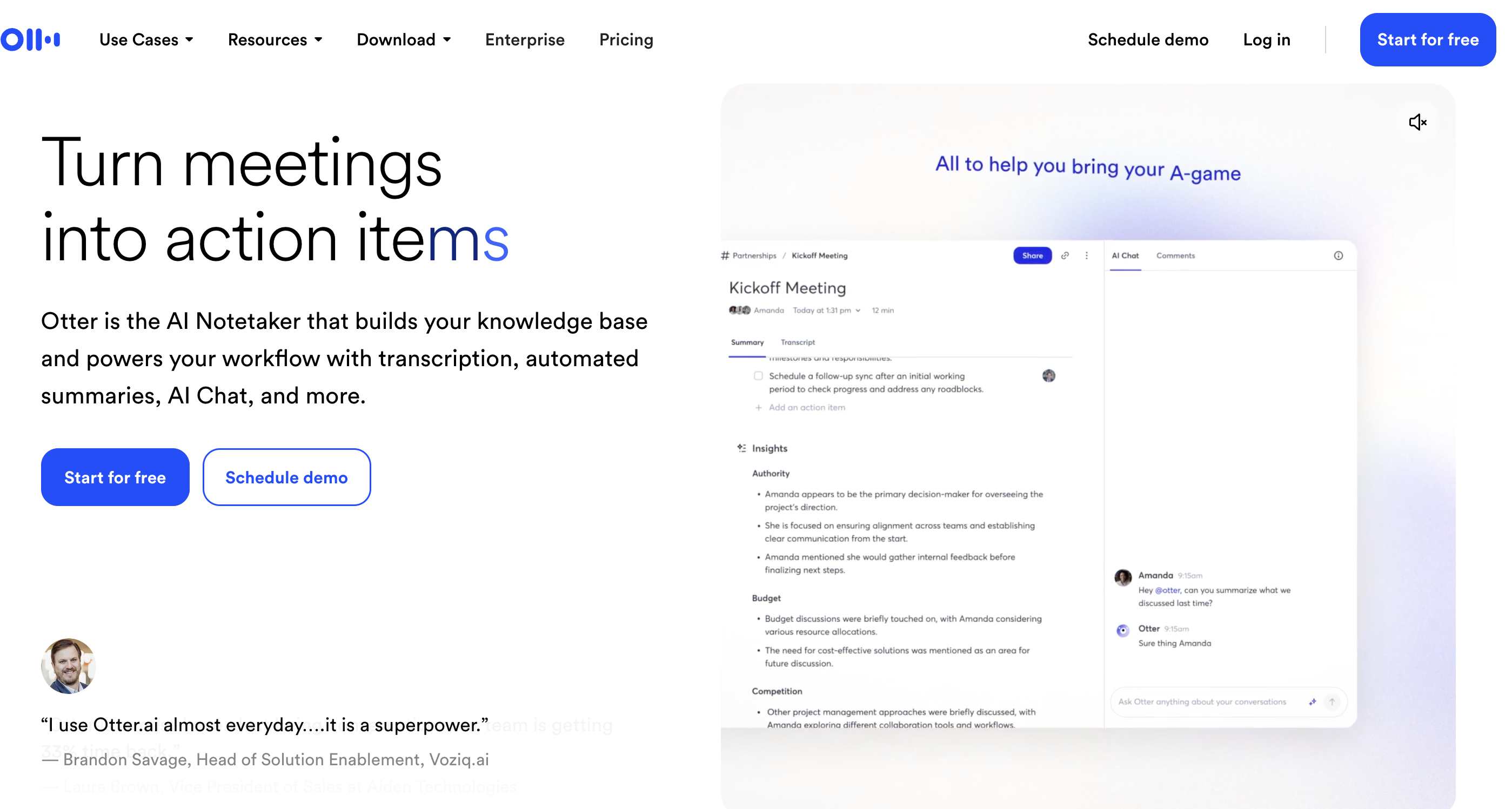
Otter.ai is a cloud-based transcription platform that excels at meeting notes and interview transcription. It generates AI-powered summaries, identifies speakers, and creates shareable transcripts. While it's not a traditional dictation tool — you can't dictate directly into Scrivener or Google Docs — it's valuable for writers who need to transcribe interviews, podcasts, or research conversations.
Key Features for Writers
- AI-generated summaries — automatic highlights and action items
- Speaker identification — distinguishes between multiple voices
- Real-time transcription — live captions for meetings and interviews
- Searchable transcripts — find specific quotes across all recordings
- Best-in-class interview and meeting transcription
- Speaker identification for multi-person recordings
- AI summaries save hours of manual note-taking
- Searchable transcript archive
- Not a dictation tool — no system-wide text insertion
- Cloud-only (audio sent to Otter servers)
- Free tier limited: 300 min/month, 30 min/conversation
- No native Mac app for writing workflows
Best For
Journalists, podcast producers, and researchers who need to transcribe interviews and conversations. Not ideal for writers who want real-time dictation into their writing apps.
Key Takeaway
Otter.ai is the best tool for transcribing interviews and meetings, but it's not a replacement for dictation software — you can't dictate directly into your writing apps.
6. VoiceInk — Best Budget One-Time Purchase
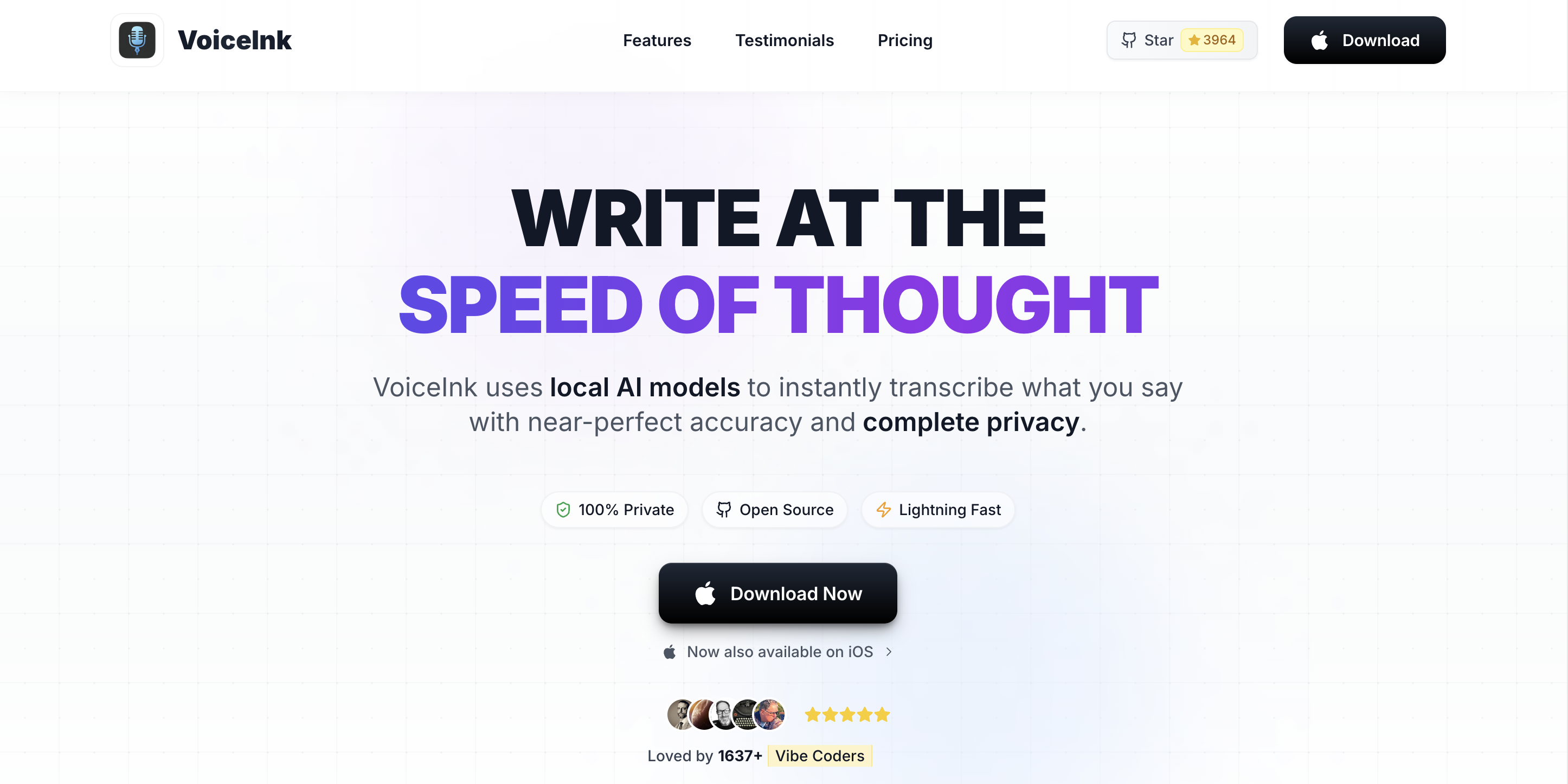
VoiceInk is an open-source, on-device dictation app for Mac. It uses Whisper models like Voibe and SuperWhisper, but stands out with its one-time pricing ($25-$49) and Power Mode that lets you configure app-specific dictation settings. For a detailed comparison, see our Voibe vs VoiceInk breakdown.
Key Features for Writers
- One-time purchase — $25-$49 with no recurring fees
- Open-source — code is publicly available on GitHub
- Power Mode — different settings for different apps
- On-device processing — offline-capable, privacy-first
- Lowest one-time price on this list ($25-$49)
- Open-source transparency
- On-device processing, works offline
- App-specific configurations via Power Mode
- Smaller development team than competitors
- Fewer polish features than Voibe or Wispr Flow
- Mac only
- No AI text rewriting
Best For
Budget-conscious Mac writers who want on-device dictation without a subscription. Good for writers who prefer open-source tools and want the lowest possible cost of entry.
Key Takeaway
VoiceInk is the cheapest paid dictation option for Mac at $25-$49 one-time, with the added benefit of being open-source and on-device.
7. Apple Dictation — Best Free Built-In Option
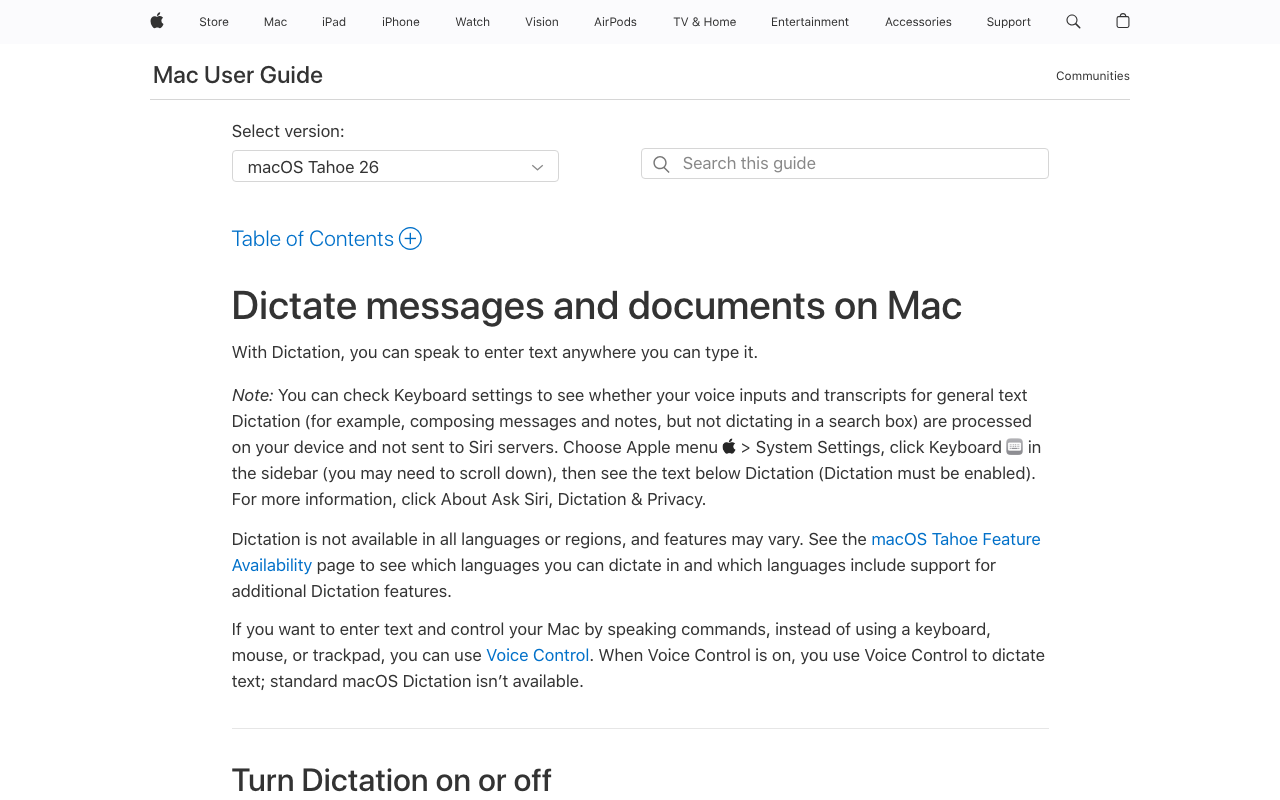
Apple Dictation is built into every Mac running macOS. It costs nothing, requires no installation, and works in any text field. On Apple Silicon Macs (M1 and later), speech processing happens on-device. For writers who want to try dictation without any commitment, it's the obvious starting point.
Key Features for Writers
- Built into macOS — no download, no account, no setup
- System-wide — works in any text field in any app
- 60+ languages — broadest language support for a free tool
- On-device on Apple Silicon — M1+ Macs process locally
- Unlimited usage — no word or time limits
- Completely free, unlimited usage
- Zero setup — toggle on in System Settings
- On-device privacy on Apple Silicon
- Works in every Mac app
- Lower accuracy on technical terms and proper nouns
- No custom vocabulary or training
- Inconsistent auto-punctuation
- No developer or professional features
- Cloud processing on Intel Macs (pre-2021)
Best For
Writers who want to try dictation at zero cost, or anyone who does light, casual dictation for notes, emails, and short-form writing. Upgrade to Voibe or SuperWhisper when you hit Apple Dictation's accuracy limits.
Key Takeaway
Apple Dictation is the best starting point for writers new to dictation — it's free, works everywhere, and requires zero setup. Upgrade when you need better accuracy or professional features.
How to Choose the Right Dictation Tool for Your Writing
Use this decision tree to narrow down the right tool based on your writing situation:
Question 1: What platform are you on?
- Windows → Dragon Professional ($699) is your best option for desktop dictation. Dragon Professional Anywhere ($15/month) for a cloud alternative.
- Mac (Apple Silicon) → Continue to Question 2.
Question 2: Do you need AI text rewriting?
- Yes, I want polished first drafts → Wispr Flow ($12/month). Its LLM-powered rewriting is unique among dictation tools.
- No, I prefer raw transcription I edit myself → Continue to Question 3.
Question 3: Do you need offline support?
- Yes, I write in places without reliable Wi-Fi → Choose an on-device tool. Continue to Question 4.
- No, I always have internet → Wispr Flow or Voibe both work well. Choose based on whether you want AI editing (Wispr Flow) or privacy (Voibe).
Question 4: What's your budget?
- Free → Apple Dictation (built-in) or Voibe free tier (300 words/day)
- Under $50 one-time → VoiceInk ($25-$49)
- Under $100 one-time → Voibe ($99 lifetime)
- Under $10/month → Voibe ($4.90/month) or SuperWhisper ($8.49/month)
Question 5: Do you write in multiple languages?
- Yes → SuperWhisper (100+ languages) or Apple Dictation (60+ languages)
- No, English only → Voibe for the best value and privacy.
Key Takeaway
Start with your platform (Mac or Windows), then decide based on AI editing needs, offline requirements, and budget. Most Mac writers will land on Voibe ($99 lifetime) or Wispr Flow ($12/month).
Best Dictation Tool for Your Writing Situation
Different writing contexts call for different tools. Here's a cheat sheet mapping specific writing scenarios to the best dictation pick:
| Writing Scenario | Best Tool | Why |
|---|---|---|
| Novelist writing long-form fiction | Voibe ($99 lifetime) | Unlimited on-device dictation, works in Scrivener/Ulysses, no session limits, complete privacy for unpublished manuscripts |
| Blogger publishing 3-5 posts per week | Wispr Flow ($12/month) | AI rewriting turns rough dictation into polished blog posts, reducing editing time significantly |
| Content marketer on a team | Wispr Flow ($12/month) | AI polishing creates more consistent output; style matching learns your brand voice |
| Journalist conducting interviews | Otter.ai ($8.33/month) | Speaker identification, searchable transcripts, and AI summaries for interview recordings |
| Screenwriter working offline | Voibe ($99 lifetime) | Works without internet, dictates into Final Draft or any text editor, complete privacy |
| Academic writing research papers | Dragon Professional ($699) | Custom vocabulary for technical terms, highest accuracy with specialized vocabulary training |
| Bilingual writer (two languages) | SuperWhisper ($8.49/month) | 100+ languages with smooth code-switching between languages, custom modes per language |
| Student on a tight budget | Apple Dictation (free) | Zero cost, works in every app, good enough for essays and notes |
| Technical writer / documentation | Voibe ($4.90/month) | Developer Mode with VS Code/Cursor integration, file and folder name resolution |
| Freelance writer wanting low overhead | VoiceInk ($25-$49) | Cheapest one-time purchase, no subscription, open-source, works offline |
| Writer recovering from RSI | Voibe ($99 lifetime) | On-device reliability for all-day dictation, no session limits, works in any app |
| Newsletter writer | Wispr Flow ($12/month) | Dictate rough ideas, get polished paragraphs back — publish faster |
Key Takeaway
Voibe covers the most writing scenarios with its combination of offline support, system-wide compatibility, and $99 lifetime pricing. Wispr Flow is the better pick when AI-polished output matters more than privacy.
Frequently Asked Questions
Getting Started
What is the best dictation software for long-form writing?
For long-form writing on Mac, Voibe and SuperWhisper are the strongest options. Both process speech on-device with no time limits per session. Voibe costs $4.90/month or $99 lifetime. SuperWhisper is $8.49/month. For AI-assisted rewriting, Wispr Flow is $12/month.
Is dictation faster than typing for writers?
Yes. Most people speak at 150 to 160 words per minute and type at 40 to 60 words per minute. That's roughly 3 to 4 times faster for raw output. Editing overhead varies by tool accuracy, but net productivity gains are significant for most writers.
Does dictation software help with writer's block?
Many writers find that speaking ideas out loud bypasses the self-editing that causes writer's block. Dictation encourages stream-of-consciousness flow, getting more raw material on the page that you edit afterward.
Compatibility and Setup
Can dictation software work with Scrivener, Ulysses, and Google Docs?
Yes. System-wide tools like Voibe, Apple Dictation, SuperWhisper, VoiceInk, and Wispr Flow insert text wherever your cursor is. They work with Scrivener, Ulysses, Google Docs, Word, iA Writer, and any other app with a text field. Otter.ai is the exception — it's a standalone app.
Is Dragon dictation software still available for Mac?
No. Nuance discontinued Dragon for Mac in 2018. Dragon Professional ($699) is Windows-only. Dragon Professional Anywhere ($15/month) is a cloud-based alternative that works via browser on any platform, including Mac.
Privacy and Offline Use
Which dictation tool is best for privacy-conscious writers?
Voibe, SuperWhisper, VoiceInk, and Apple Dictation (on Apple Silicon) all process speech on your Mac with no data leaving the device. Cloud tools like Wispr Flow, Otter.ai, and Dragon Professional Anywhere send audio to remote servers.
Can I use dictation software offline while traveling?
Yes. On-device tools (Voibe, SuperWhisper, VoiceInk, Apple Dictation) work without internet. Cloud tools (Wispr Flow, Otter.ai) require an active connection.
Pricing and Value
How much does dictation software cost for writers?
Apple Dictation is free. VoiceInk is $25 to $49 one-time. Voibe is $4.90/month or $99 lifetime. SuperWhisper is $8.49/month. Wispr Flow is $12/month (annual). Otter.ai Pro is $8.33/month (annual). Dragon Professional is $699 one-time (Windows). Voibe lifetime at $99 saves 86% versus Dragon.
Is a lifetime license worth it over a monthly subscription?
For writers who plan to use dictation long-term, lifetime licenses offer significant savings. Voibe's $99 lifetime pays for itself in 20 months versus its $4.90/month plan. Compared to Wispr Flow at $12/month, Voibe lifetime saves $333 over 3 years ($432 - $99 = $333).
The Bottom Line: Pick the Tool That Matches Your Writing Style
The best dictation software for writers depends on three things: your platform, your privacy needs, and whether you want raw transcription or AI-polished output.
For Mac writers who value privacy and offline capability, Voibe is the strongest all-around pick. At $99 lifetime, it's a one-time investment that gives you unlimited on-device dictation in any writing app. No cloud dependency, no subscription, no account required.
For writers who want AI to polish their dictated text, Wispr Flow's LLM-powered rewriting is genuinely useful. At $12/month, it's more expensive long-term but saves editing time that may be worth the cost.
For Windows users, Dragon Professional ($699) remains the accuracy benchmark with unmatched custom vocabulary training.
For zero-cost entry, Apple Dictation is already on your Mac. Start there and upgrade when you hit its limits.
Every tool on this list offers a free tier or trial. Test 2-3 options with your actual writing workflow before committing. The right dictation tool will change how you write — and how much you write — every day.
Try Voibe for free — 300 words/day, on-device, no account required.
Tip
Start with Apple Dictation (free) to see if dictation fits your workflow. When you're ready for better accuracy and professional features, try Voibe's free tier (300 words/day) — upgrade to $99 lifetime when you're sold.
Ready to type 3x faster?
Voibe is the fastest, most private dictation app for Mac. Try it today.
Related Articles
7 Best Dictation Software for Lawyers (2026)
Best dictation software for lawyers who want privacy, speed, and value. 7 tools compared on confidentiality, cost per attorney, and Mac support.
7 Best Offline Dictation Apps for Mac in 2026
Compare the best offline dictation software for Mac that processes speech locally. Covers Voibe, SuperWhisper, MacWhisper, VoiceInk, and more with pricing, privacy, and features.
8 Best Otter AI Alternatives for Mac Users (2026)
Compare the best Otter AI alternatives for Mac — from offline dictation apps like Voibe to meeting transcription tools like Notta. Pricing, features, and privacy compared.