
6 Best Free Dictation Apps for Mac in 2026
Compare the best free dictation apps for Mac including Apple Dictation, Google Docs Voice Typing, Whisper.cpp, and Voibe's 7-day trial. Find the hidden costs, privacy trade-offs, and limitations of each.

TL;DR: The best free dictation app for Mac is Apple Dictation — it's built-in, works in any app, and processes speech on-device on Apple Silicon Macs. For more accuracy and developer features, Voibe offers a 7-day free trial with on-device Whisper processing. Whisper.cpp is free and open-source for technical users comfortable with the command line.
Disclosure: Voibe is our product. We compare all tools factually and acknowledge competitor strengths where they exist.
This article compares every free dictation option available for Mac in 2026, including truly free apps, freemium tiers with usage limits, and open-source tools. We cover what you actually get for free, what the hidden costs are, and where each tool falls short. For paid options, see our guide to the best offline dictation apps for Mac.
Key Takeaways: Free Dictation Apps for Mac Compared
| App | What's Free | Processing | Limitation |
|---|---|---|---|
| Apple Dictation | Unlimited, built-in | On-device (Apple Silicon) | No custom vocabulary, weak on technical terms |
| Google Docs Voice Typing | Unlimited in Google Docs | Cloud (Google servers) | Chrome only, Google Docs only |
| Whisper.cpp | Fully free (MIT license) | On-device | CLI only, requires terminal skills |
| Voibe | 7-day trial | On-device | No free tier; $7.50/mo, $59/yr, or $149 lifetime after trial |
| Otter.ai | 300 min/month | Cloud | 30-min cap per conversation, 3 lifetime file imports |
| VoiceInk | Free to build from source | On-device | Requires Xcode; compiled version $25–$49 |
Key Takeaway
Apple Dictation is the best fully free option for casual use. Voibe's 7-day trial lets you evaluate its on-device accuracy and privacy before buying. Whisper.cpp is free and unlimited for technical users.
The Hidden Costs of Free Dictation Apps
"Free" dictation apps come with trade-offs that aren't obvious until you start using them. Understanding these hidden costs helps you pick the right tool — or decide whether a paid option saves you time and frustration.
- Privacy costs — your voice becomes training data. Cloud-based free tools like Google Docs Voice Typing and Otter.ai process your audio on remote servers. Google's privacy policy allows using voice data to improve services. Otter.ai stores transcripts on its servers. If you dictate sensitive information (legal notes, medical records, proprietary code), cloud processing creates data exposure risks.
- Accuracy gaps on specialized content. Apple Dictation handles casual conversation well but struggles with technical vocabulary — programming terms, medical jargon, legal terminology, and proper nouns are frequently misrecognized. You spend time correcting errors that a specialized tool would get right.
- Platform lock-in. Google Docs Voice Typing only works in Chrome, only in Google Docs. Otter.ai is a web app without native Mac integration. These tools don't insert text system-wide — you can't dictate into VS Code, Slack, email, or any other app.
- Usage caps force upgrades. Free tiers exist to convert you to paid plans. Otter.ai limits free users to 300 minutes/month with a 30-minute per-conversation cap. Voibe does not have a permanent free tier — only a 7-day trial. These limits work for light use but push regular users toward subscriptions.
- No developer or professional features. No free dictation app offers IDE integration, custom vocabulary, or domain-specific optimization. If you need these features, Voibe starts at $7.50/month, $59/year, or $149 lifetime.
For a deeper analysis of privacy considerations, read our guide on offline dictation and privacy on Mac.
What to Look For in a Free Dictation App
Before picking a free dictation tool, evaluate these five criteria:
1. What "Free" Actually Means
Some apps are fully free (Apple Dictation, Whisper.cpp). Others offer limited free tiers designed to upsell you (Otter.ai, Voibe). Know the difference before you invest time learning a tool you'll outgrow.
2. Where Your Audio Goes
On-device tools (Apple Dictation on Apple Silicon, Whisper.cpp, Voibe) keep audio on your Mac. Cloud tools (Google Voice Typing, Otter.ai) send audio to remote servers. For sensitive content, on-device processing is the only safe choice.
3. Where You Can Dictate
Apple Dictation works in any Mac app. Voibe works system-wide. Google Docs Voice Typing only works inside Google Docs in Chrome. Otter.ai is a separate web app. If you need to dictate in your email client, Slack, or code editor, platform coverage matters.
4. Accuracy on Your Content
General accuracy is a baseline. What matters is accuracy on your specific content — code documentation, legal notes, medical terms, foreign names. Free tools generally lag paid tools on specialized vocabulary.
5. Upgrade Path
If you start with a free tool and outgrow it, what does upgrading cost? Voibe goes from free to $7.50/month, $59/year, or $149 lifetime. Otter.ai jumps to $16.99/month for Pro. There's no upgrade path for Apple Dictation — you switch to a different tool entirely.
1. Apple Dictation — Best Fully Free Dictation for Mac
Apple Dictation is built into every Mac running macOS. It's the simplest, most accessible free dictation option — toggle it on in System Settings, press Fn twice, and start speaking. On Apple Silicon Macs (M1 and later), all speech processing happens on-device with no cloud dependency. For more capable alternatives, see our Apple Dictation alternatives guide.
Key Features
- Built into macOS — no installation, no account required
- System-wide — works in any text field in any app
- 60+ languages and dialects — broadest free language support
- On-device on Apple Silicon — M1+ Macs process locally
- Voice commands — "period," "comma," "new paragraph," "caps on"
- Unlimited usage — no word or time limits
✓ Pros
- Completely free with no usage limits
- Zero setup — one toggle in System Settings
- On-device privacy on Apple Silicon Macs
- Works everywhere on your Mac
✗ Cons
- Struggles with technical vocabulary and jargon
- 30-second listening timeout (architectural, not configurable) — unsuitable for long-form dictation or RSI users depending on continuous voice input
- No custom vocabulary or domain training
- No developer IDE integration
- Inconsistent auto-punctuation
- Cloud processing on Intel Macs (pre-2021)
💰 Pricing
BUILT-IN
Free
included with macOS
Best For
Casual dictation for messages, notes, and everyday text entry. The best starting point for anyone who hasn't tried dictation on Mac before.
Info
To enable Apple Dictation: System Settings > Keyboard > Dictation > toggle On. Press the Fn key twice to start dictating in any app.
2. Google Docs Voice Typing — Best Free Cloud Dictation
Google Docs Voice Typing is a free speech-to-text feature built into Google Docs. It provides unlimited dictation with strong accuracy for general content, powered by Google's cloud speech recognition. The major limitation: it only works inside Google Docs in the Chrome browser.
Key Features
- Unlimited free dictation — no word or time limits
- Strong accuracy for conversational and general content
- Voice editing commands — "select all," "bold," "delete" work within Google Docs
- 125+ languages — widest language support among free tools
- Auto-punctuation — automatic periods and commas
✓ Pros
- Unlimited and free with a Google account
- Good accuracy for general content
- Voice editing commands for formatting
- Widest language support (125+)
✗ Cons
- Chrome only — no Safari, Firefox, or Arc
- Google Docs only — no other apps
- Cloud processing — audio sent to Google
- Requires internet connection
- No custom vocabulary
💰 Pricing
FREE
$0
Google account required
Best For
Students and writers who already work in Google Docs and don't need to dictate in other apps. Not suitable for privacy-sensitive work or users who need system-wide dictation.
3. Whisper.cpp — Best Free Open-Source Dictation
Whisper.cpp is a free, open-source C/C++ implementation of OpenAI's Whisper speech recognition models. It runs entirely on your Mac's CPU and GPU with no cloud dependency, no accounts, and no usage limits. Whisper.cpp is a command-line tool designed for developers and technical users who want full control over their speech-to-text pipeline.
Key Features
- All Whisper model sizes — Tiny through Large V3
- 100% local processing — no internet, no accounts, no data sharing
- Apple Silicon optimized — Core ML and Metal GPU acceleration
- Any audio format — WAV, MP3, M4A, FLAC, and more
- MIT license — use commercially, modify freely
- Real-time mode — stream mode for live transcription (with scripting)
✓ Pros
- Completely free with no limits
- Maximum control over models and parameters
- Integrates into custom automation scripts
- Excellent accuracy with Large V3 model
- Active open-source community
✗ Cons
- Command-line only — no GUI
- No system-wide text insertion without scripting
- Setup requires Homebrew or compilation
- Not practical for non-technical users
💰 Pricing
OPEN SOURCE
Free
MIT license
Best For
Developers, DevOps engineers, and technical users who want free, private, unlimited transcription and are comfortable with the terminal.
Want a GUI instead? Handy is a free, MIT-licensed desktop app that wraps Whisper (plus Parakeet V3, Moonshine, and Cohere Transcribe) with a push-to-talk GUI on Mac, Windows, and Linux. It has approximately 20,000 GitHub stars and is the best free offline dictation app if you don't want to use the command line. See our Handy alternatives guide for paid upgrades that add AI editing or IDE integration.
4. Voibe 7-Day Trial — Best On-Device Dictation for Mac

Voibe offers a 7-day free trial of every plan with the same on-device Whisper processing. No account or credit card is required — download, install, and start dictating. Voibe's trial is the best way to try professional-grade on-device dictation without commitment. See how Voibe stacks up against competitors in our best dictation apps roundup.
Key Features (During Trial)
- Unlimited during 7-day trial — fully unlocked to test before you buy
- 100% on-device processing — same Whisper engine as paid plans
- System-wide dictation — works in any Mac app
- No account required — download and start
- Apple Silicon optimized — M1 through M4
✓ Pros
- Same accuracy and privacy as paid Voibe
- System-wide — dictate anywhere on your Mac
- No account or credit card required
- Fair-priced upgrade ($7.50/mo, $59/yr, or $149 lifetime)
✗ Cons
- 300 words/day limit — not enough for heavy use
- Developer Mode requires paid plan
- Mac only, Apple Silicon required
💰 Pricing
FREE TIER
$0
300 words/day
UPGRADE
$7.50
per month
BEST VALUE
$149
lifetime, one-time
User Reviews
Voibe holds a 4.8 out of 5 rating on Product Hunt.
Best For
Users who want to try on-device dictation before committing to a paid plan. Light dictation users who need 300 words or fewer per day.
Key Takeaway
Voibe's 7-day trial gives you the full on-device Whisper experience before you commit. No account needed to try — just download and start dictating.
5. Otter.ai Free Tier — Best for Meeting Transcription
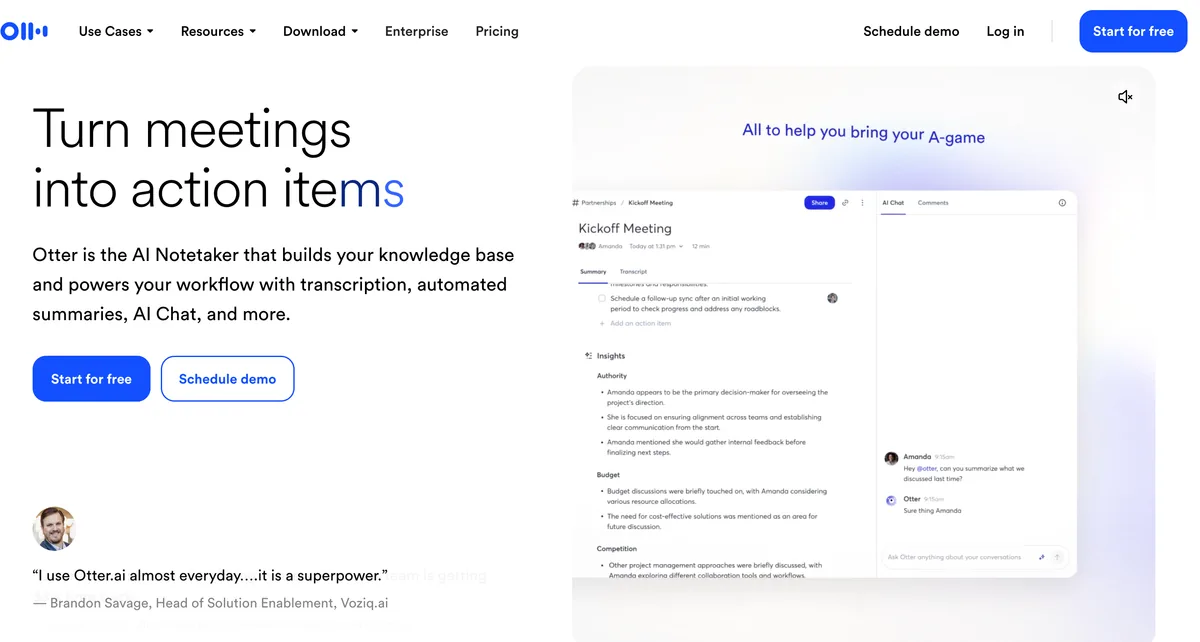
Otter.ai is a cloud-based transcription service with a free tier that provides 300 minutes of transcription per month. It's designed for meeting transcription and note-taking rather than real-time system-wide dictation. Otter.ai works through its web app and mobile apps — there's no native Mac menu bar tool for system-wide text insertion.
Key Features (During Trial)
- 300 minutes/month of transcription
- AI-generated summaries — automatic meeting notes
- Speaker identification — labels different speakers
- Search across transcripts — find specific moments
- Zoom, Google Meet, Teams integration — auto-join meetings
✓ Pros
- 300 min/month — generous for occasional use
- Speaker identification for multi-person calls
- AI summaries save note-taking time
- Cross-platform (web, iOS, Android)
✗ Cons
- 30-minute cap per conversation
- Only 3 lifetime file imports
- Cloud-only — audio sent to servers
- No native Mac app for system-wide use
- Pro upgrade is $16.99/mo ($203.88/yr)
💰 Pricing
FREE
$0
300 min/mo, 30-min cap
PRO
$16.99
per month
BUSINESS
$30
per user/month
Best For
Users who primarily need meeting transcription with speaker identification. Not suitable as a daily dictation tool for writing, coding, or general Mac use. If Otter.ai's limitations are holding you back, see our guide to the best Otter.ai alternatives.
6. VoiceInk (Build from Source) — Best Free Open-Source Mac App
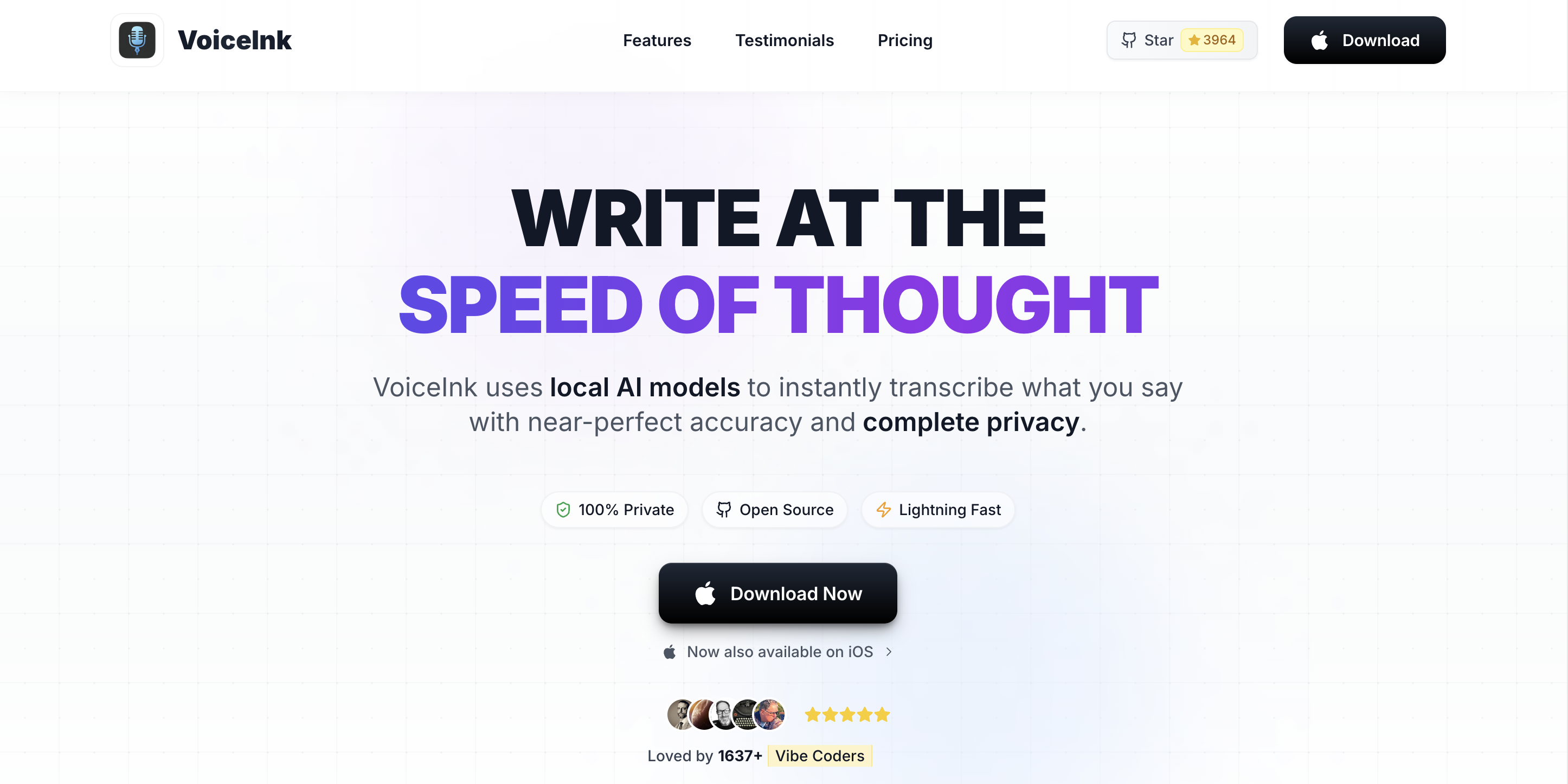
VoiceInk is an open-source (GPL v3) on-device dictation app for Mac. While the compiled version costs $25–$49, the source code is freely available on GitHub. If you have Xcode installed, you can build VoiceInk from source and use it for free. See our detailed VoiceInk review and VoiceInk pricing guide (Solo $25 / Personal $39 / Extended $49 + free GPL v3 build) for full details.
Key Features
- On-device Whisper processing — fully offline
- Open source (GPL v3) — auditable code on GitHub
- System-wide dictation — works in any Mac app
- Free to build — clone the repo and compile with Xcode
✓ Pros
- Truly free if you build from source
- Full on-device privacy
- Open source — community can audit
- System-wide text insertion
✗ Cons
- Building from source requires Xcode
- Compiled version costs $25–$49
- Smaller community, less updates
- No developer IDE integration
💰 Pricing
BUILD FROM SOURCE
Free
requires Xcode
COMPILED
$25–$49
one-time purchase
Best For
Developers and technically savvy users who want free, open-source, on-device dictation with a GUI. Users who value code transparency and auditability.
Free vs. Paid: When to Upgrade Your Dictation App
Free dictation apps work well for casual use. Here's when it makes sense to upgrade to a paid tool:
Stay Free If:
- You dictate short messages, notes, and quick text entries
- You don't handle sensitive or confidential information (and use cloud tools)
- You don't need specialized vocabulary for code, law, or medicine
- You work primarily in Google Docs (Voice Typing is enough)
Upgrade If:
- You dictate more than 300 words per day
- You need accuracy on technical, legal, or medical vocabulary
- You want system-wide dictation that works in any app
- You need developer IDE integration (VS Code, Cursor)
- Privacy is a hard requirement and you need on-device processing
Upgrade Cost Comparison
| Upgrade Path | Monthly | Annual | Lifetime |
|---|---|---|---|
| Voibe (after trial) | $7.50 | $59 | $149 |
| Otter.ai Pro (from free tier) | $16.99 | $203.88 | N/A |
| VoiceInk (from source build) | N/A | N/A | $25–$49 |
Voibe's upgrade from free to paid costs $7.50/month, $59/year, or $149 lifetime — 56% cheaper annually than Otter.ai Pro ($59/year vs. $203.88/year), with the added benefit of on-device privacy.
How to Choose the Right Free Dictation App
Use this decision tree to find the best free dictation app for your situation:
- Do you need to dictate in any Mac app, or just Google Docs?
- Google Docs only → Google Docs Voice Typing (free, unlimited)
- Any app → continue to question 2
- Are you comfortable with the command line?
- Yes → Whisper.cpp (free, unlimited, maximum control)
- No → continue to question 3
- Do you need dictation beyond a 7-day trial?
- No → Voibe trial (7-day free trial, on-device, system-wide)
- Yes → continue to question 4
- Is privacy important?
- Yes → Apple Dictation (free, on-device on Apple Silicon) or build VoiceInk from source
- No → Apple Dictation is still the best unlimited free option
Best Free Dictation App for Your Situation
Here are 10 common scenarios mapped to the best free dictation tool for each:
| Scenario | Best Free Choice | Why |
|---|---|---|
| Quick messages and short notes | Apple Dictation | Built-in, unlimited, zero setup |
| Writing essays in Google Docs | Google Voice Typing | Free, unlimited, good accuracy for general writing |
| Developer wanting CLI transcription | Whisper.cpp | Free, unlimited, scriptable, any Whisper model |
| Trying dictation for the first time | Apple Dictation | Already on your Mac, press Fn twice to start |
| Privacy-conscious light user | Voibe trial | 7-day free trial, on-device, no account required |
| Student on a budget | Apple Dictation | Free, unlimited, works in any study app |
| Meeting transcription | Otter.ai free | 300 min/month, speaker ID, AI summaries |
| Open-source advocate | VoiceInk (from source) | GPL v3, build free with Xcode, on-device |
| Multilingual dictation | Google Voice Typing | 125+ languages, free, good general accuracy |
| Testing before buying Voibe | Voibe trial | Same engine as paid, 7-day free trial |
Frequently Asked Questions About Free Dictation
Getting Started
How do I enable free dictation on my Mac?
The fastest way is Apple Dictation: open System Settings > Keyboard > Dictation and toggle it on. Press the Fn key twice in any app to start dictating. No download, no account, no setup beyond that toggle.
Can I use free dictation apps offline?
Apple Dictation works offline on Apple Silicon Macs (M1+). Whisper.cpp and Voibe and its trial also work offline. Google Docs Voice Typing and Otter.ai require an internet connection because they process audio in the cloud.
Privacy and Security
Does Google Voice Typing store my audio?
Google's privacy policy states that voice and audio data may be used to improve Google services. If you've opted into the Web & App Activity setting, audio interactions may be stored. For privacy-sensitive dictation, use an on-device tool like Apple Dictation, Voibe, or Whisper.cpp.
Which free dictation app is most private?
Whisper.cpp is the most private free option — it's open source (MIT license), runs entirely on your Mac, and stores nothing. Apple Dictation on Apple Silicon is also private (on-device processing). Voibe's 7-day trial processes on-device with no account required. Google Voice Typing and Otter.ai send audio to cloud servers.
Limitations and Upgrades
Why does Apple Dictation make mistakes on technical terms?
Apple Dictation uses a general-purpose speech model optimized for casual conversation. It has no custom vocabulary feature, so it can't learn programming terms, medical terminology, legal jargon, or project-specific names. Specialized dictation apps like Voibe address this with developer-aware modes and Whisper models trained on diverse content.
Is 300 words/day enough on Voibe's 7-day trial?
A 7-day trial gives you full access to evaluate Voibe in your daily workflow. It's enough for light, occasional dictation. If you dictate regularly (articles, documentation, long emails), you'll hit the limit quickly. Voibe's paid plan ($7.50/month, $59/year, or $149 lifetime) removes all limits.
The Bottom Line: Best Free Dictation App for Mac
Apple Dictation is the best fully free dictation app for Mac — it's built-in, unlimited, works in any app, and processes speech on-device on Apple Silicon Macs. Start there if you've never tried dictation.
For better accuracy and on-device privacy, Voibe's 7-day trial uses Whisper models that handle technical vocabulary better than Apple Dictation. When you're ready for unlimited dictation, upgrade for $7.50/month, $59/year, or $149 lifetime — 56% cheaper annually than Otter.ai Pro.
Technical users should try Whisper.cpp — it's free, open-source, and offers the same Whisper models used by premium apps, with full control via the command line.
Writers looking for tools optimized for their workflow should also check our guide to the best dictation software for writers.
📚 Related Reading
On this site:
- Handy Review: Free Open-Source Offline Dictation
- Voicy Review: Cross-Platform Cloud Dictation — 30-minute one-time free trial (not recurring), $8.49/mo or $220 lifetime, plus a free Chrome / Brave / Edge browser extension surface
- 9 Best Handy Alternatives (Free and Paid)
- 7 Best Offline Dictation Apps for Mac in 2026
- Dictation Alternatives: The Complete Directory for Mac Users
- Free Dictation Tools and Utilities
- Dictation on Mac: Complete Guide to Voice-to-Text in 2026
- TurboScribe Alternatives
- SpeakOneAI Alternatives
- Apple Dictation Pricing — what "free" actually costs in time, accuracy, and regulatory risk over 3 years
- Apple Dictation vs Wispr Flow: Should You Upgrade from Free?
- Apple Dictation vs OpenAI Whisper: Built-In vs Open-Source Model
- Apple Dictation vs Dragon: Free vs $699 Professional
- Willow Voice Pricing — recurring 2,000 words/wk free tier and $144/yr Pro
- Willow Voice Review — YC-backed cross-platform AI dictation with optional Offline Mode
- Wisprtype Review — free indie macOS Whisper-shell from Piyush Garg launched May 2026 (closed-source, telemetry on by default in v1.1.0 testing — read the review for the structural caveats)
- Wisprtype vs Wispr Flow — disambiguating the two confusingly named products
- 9 Best Wisprtype Alternatives
- Accessibility Dictation Hub — Voibe's free tier (Hands-Free Mode, no signup) is especially relevant for users with carpal tunnel, RSI, or arthritis where activation model matters more than price
- Best Dictation Software for Carpal Tunnel — Six dictation apps compared for users with CTS, with the free-tier framing for users where activation model matters more than price
- How to Type With Carpal Tunnel — Step-by-step Hands-Free Mode setup walkthrough using the free tier
- Best Dictation Software for Arthritis — Free-tier-first framing for users with RA, OA, or PsA where the no-signup model is itself an accessibility advantage
- Typing With Arthritis Guide — Joint-protection principles plus the free Hands-Free Mode walkthrough
- Best Dictation Software for Hand Pain — Pattern-based decision tree for users with overlapping or undiagnosed conditions; free tier is the no-cost way to test the activation model
On the Voibe Blog:
Ready to type 3x faster?
Voibe is the fastest, most private dictation app for Mac. Try it today.
Related Articles
7 Best Offline Dictation Apps for Mac in 2026 (Speech-to-Text Alternatives)
The best offline speech to text alternatives for Mac in 2026. Compare Voibe, SuperWhisper, MacWhisper, VoiceInk, and more — all offline, all on-device, with pricing, privacy, and feature breakdowns.
Dictation on Mac: Complete Guide to Voice-to-Text in 2026
Learn how to use dictation on Mac, from Apple's built-in tool to third-party apps. Compare accuracy, privacy, and pricing across top Mac dictation options.
9 Best Wisprtype Alternatives in 2026 (Reviewed)
Compare the best Wisprtype alternatives for Mac dictation: Voibe, MacWhisper, Superwhisper, VoiceInk, Wispr Flow, Aqua Voice, Apple Dictation, Handy, and OpenAI Whisper. Pricing, models, privacy, and ratings.