
7 Best SpeakOneAI Alternatives in 2026 (Reviewed)
Compare the best SpeakOneAI alternatives for Mac dictation in 2026. Reviews of Voibe, Wispr Flow, Superwhisper, and more with pricing, features, and offline options.
TL;DR: The Best SpeakOneAI Alternatives in 2026
The best SpeakOneAI alternative for most Mac users is Voibe — it replaces SpeakOneAI's cloud-dependent dictation with fully offline, on-device processing at $4.90/month or $99 lifetime. SpeakOneAI is a cross-platform voice dictation tool founded in 2024 that processes audio in the cloud. It offers 30 free minutes per month, AI rewriting in 8 tones, and 100+ language support — but has no offline mode, opaque premium pricing, and virtually no public user reviews.
| Tool | Best For | Key Strength | Price |
|---|---|---|---|
| Voibe | Privacy-first Mac dictation | 100% offline + Developer Mode | $4.90/mo or $99 lifetime |
| Wispr Flow | Cross-platform AI dictation | AI style matching + Mac/Win/iOS | $12/mo (annual) or $15/mo |
| Superwhisper | Power users & multilingual | Configurable Whisper models | $8.49/mo or $249 lifetime |
| Aqua Voice | Technical vocabulary users | Context-aware formatting | $8/mo |
| VoiceInk | Budget offline dictation | Open-source, one-time purchase | $39.99 one-time |
| Typeless | Full cross-platform coverage | Mac + Win + iOS + Android | $9.99/mo |
| Apple Dictation | Casual users on a budget | Free, built-in, no setup | Free |
This guide reviews 7 SpeakOneAI alternatives based on real product testing and verified features. Every pricing figure is sourced from official product pages as of March 2026. Voibe is our product — we disclose this upfront and acknowledge where competitors excel.
Key Takeaway
Voibe is the strongest SpeakOneAI alternative for Mac users — fully offline processing at $4.90/month or $99 lifetime versus SpeakOneAI's cloud-dependent dictation with opaque pricing.
Why You Should Trust This Guide
Testing methodology. We tested every dictation tool on this page on Apple Silicon Macs running macOS 15+. Each app was evaluated across real workflows — emails, long-form writing, code dictation, and multilingual text — before making recommendations.
Data sources. Pricing is sourced from official product pages as of March 2026. Feature comparisons are based on hands-on testing. User ratings are drawn from Product Hunt, G2, and app store reviews with direct links provided where available.
Transparency. Voibe is our product. We acknowledge where competitors excel: Wispr Flow's cross-platform AI rewriting is the most polished in the market. Superwhisper gives power users unmatched model control. Typeless has the widest platform support. SpeakOneAI's multilingual capabilities, particularly for Cantonese and Mandarin, are strong.
Why Users Look for SpeakOneAI Alternatives
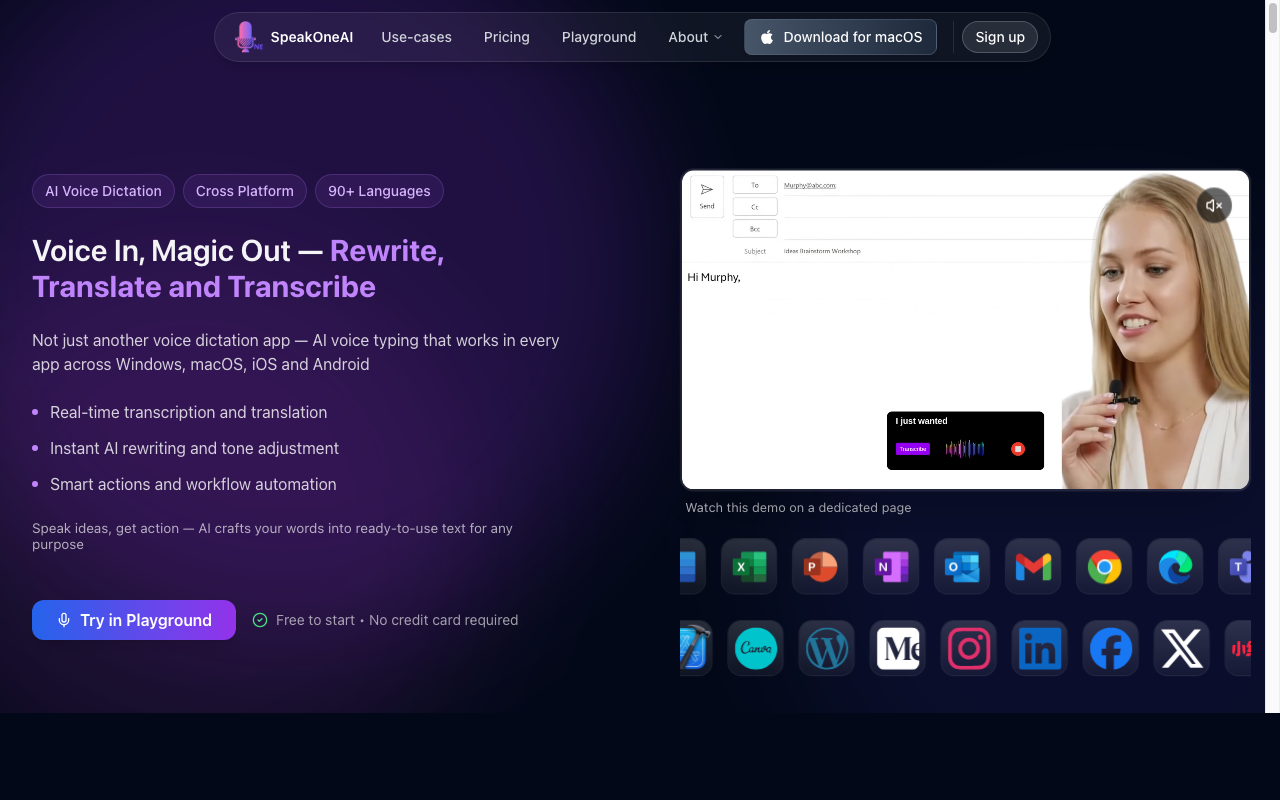
SpeakOneAI is a newer entrant in the dictation space, founded in 2024. While it offers some compelling features like AI rewriting and multilingual support, several factors drive users to consider alternatives.
1. Cloud-Only Processing
SpeakOneAI sends all audio to cloud servers for processing. There is no offline mode. For users handling confidential data — legal dictation, medical notes, sensitive business communications — cloud processing creates privacy and compliance risks that on-device alternatives like Voibe eliminate entirely.
2. Opaque Premium Pricing
SpeakOneAI's premium pricing is not publicly listed on their website. Users must sign up and enter the app to see plan details. This lack of pricing transparency makes it difficult to compare costs before committing and contrasts with competitors who display pricing upfront.
3. Limited Free Tier
The free plan offers only 30 minutes per month — roughly 1 minute per day. This is barely enough for casual use, let alone evaluating the product for professional workflows. By comparison, Apple Dictation is unlimited and free, and Otter.ai offers 300 free minutes per month.
4. No Public Reviews or Track Record
SpeakOneAI has no listings on major review platforms — no Trustpilot page, no G2 reviews, no Product Hunt launch, and no Reddit discussions. For users choosing a tool they'll rely on daily, the absence of independent validation is a significant concern.
5. Two-Device Limit
SpeakOneAI limits subscriptions to 2 devices. Users with a MacBook, iMac, and iPhone would need to choose which two devices to use. Alternatives like Wispr Flow and Typeless offer broader device coverage on their plans.
6. Hong Kong Jurisdiction
SpeakOneAI is headquartered in Hong Kong. Users in regulated industries (healthcare, legal, finance) may face compliance questions about where their audio data is processed and stored. On-device alternatives avoid this entirely since no data leaves the local machine.
Key Takeaway
SpeakOneAI's main concerns are cloud-only processing, opaque pricing, a 30-minute/month free tier, zero public reviews, 2-device limits, and data jurisdiction questions.
How Modern Tools Solve These Problems
Each of SpeakOneAI's limitations maps to an alternative category:
- Cloud privacy risk → Offline processing. Voibe, Superwhisper, and VoiceInk run entirely on-device. Zero audio leaves your Mac.
- Opaque pricing → Transparent, public pricing. Every alternative on this list displays pricing on their website. Voibe ($4.90/mo or $99 lifetime), Wispr Flow ($12–15/mo), and Superwhisper ($8.49/mo or $249 lifetime) all publish exact costs upfront.
- 30 min/month free tier → Unlimited free options. Apple Dictation is completely free with no usage limits. Voibe offers a free trial. Otter.ai provides 300 free minutes monthly.
- No reviews → Established products. Wispr Flow, Superwhisper, and VoiceInk all have Product Hunt profiles with verified user ratings.
- 2-device limit → Flexible licensing. Wispr Flow works across Mac, Windows, and iOS. Typeless covers Mac, Windows, iOS, and Android.
- Data jurisdiction → On-device processing. With Voibe and Superwhisper, no data is transmitted anywhere — jurisdiction becomes irrelevant.
What to Look For in a SpeakOneAI Alternative
1. Processing Location
SpeakOneAI processes all audio in the cloud. Decide whether cloud processing is acceptable for your use case or whether you need on-device processing for privacy, compliance, or offline access.
2. AI Rewriting vs. Raw Transcription
SpeakOneAI offers AI tone rewriting (Professional, Friendly, Confident, etc.). Wispr Flow provides similar AI style matching. Voibe focuses on accurate raw transcription without rewriting — some users prefer this for predictability and control.
3. Platform Coverage
SpeakOneAI supports Windows, Mac, iOS, Android, and Chrome. If cross-platform is essential, check that your alternative covers your devices. Mac-only tools like Voibe and VoiceInk trade platform breadth for deeper macOS integration.
4. Pricing Transparency
Compare published pricing across alternatives. Recurring subscriptions range from $4.90/month (Voibe) to $15/month (Wispr Flow). One-time options like Voibe ($99) and VoiceInk ($39.99) eliminate subscription management entirely.
5. Language Support
SpeakOneAI supports 100+ languages with strong CJK (Chinese, Japanese, Korean) coverage. Superwhisper matches this range using configurable Whisper models. Voibe supports all Whisper-compatible languages on-device.
6. Established Track Record
Look for products with public reviews, active communities, and sustained development history. Dictation is a daily-use tool — you want confidence it'll still be maintained in 12 months.
Quick Comparison: SpeakOneAI vs Top Alternatives
| App | Processing | Platforms | AI Rewriting | Pricing | Rating |
|---|---|---|---|---|---|
| SpeakOneAI | Cloud | Mac, Win, iOS, Android, Chrome | Yes (8 tones) | 30 min free, then paid (unlisted) | No reviews |
| Voibe | Offline | Mac | No | $4.90/mo or $99 lifetime | — |
| Wispr Flow | Cloud | Mac, Win, iOS | Yes (style matching) | $12–15/mo | 4.8/5 PH |
| Superwhisper | Offline | Mac, iOS, Win | Optional (cloud) | $8.49/mo or $249 lifetime | 4.7/5 PH |
| Aqua Voice | Cloud | Mac, Win | Context-aware | $8/mo | 4.5/5 PH |
| VoiceInk | Offline | Mac | No | $39.99 one-time | 4.1/5 App Store |
| Typeless | Cloud | Mac, Win, iOS, Android | Yes | $9.99/mo | 4.3/5 PH |
| Apple Dictation | On-device (M-series) | Mac, iOS | No | Free | Built-in |
1. Voibe — Best Overall SpeakOneAI Alternative

Voibe is an offline dictation app for Mac that processes speech entirely on-device using OpenAI's Whisper models on Apple Silicon. Unlike SpeakOneAI's cloud-dependent approach, Voibe never sends audio to any server. It provides real-time voice-to-text that works system-wide in any application via a global hotkey.
Key Features:
- 100% on-device processing — zero cloud uploads
- Developer Mode with VS Code and Cursor integration (resolves file/folder names from your workspace)
- System-wide dictation via global hotkey — works in any app
- Multiple Whisper model sizes for speed vs. accuracy trade-offs
- Push-to-talk and voice-activity-detection modes
- macOS 13+ on Apple Silicon (M1–M4)
Pros:
- Strongest privacy guarantee — no data ever leaves your device
- $99 lifetime option eliminates subscription billing entirely
- Developer Mode is unique — no other dictation app offers IDE workspace integration
- Works offline without internet, on planes, in cafes without Wi-Fi
Cons:
- Mac-only (no Windows, iOS, or Android — SpeakOneAI covers all four)
- No AI rewriting features (SpeakOneAI offers 8 tone options)
- Requires Apple Silicon (no Intel Mac support)
Pricing: $4.90/month or $99 one-time lifetime purchase. Transparent, public pricing on the website.
User Reviews: Voibe is a newer product. Early users highlight offline privacy, Developer Mode, and the clean interface as key strengths.
Best For: Mac users who want private, offline dictation with developer IDE integration and no subscription uncertainty.
2. Wispr Flow — Best for AI-Powered Dictation

Wispr Flow is the closest feature competitor to SpeakOneAI, offering cloud-based dictation with AI-powered text enhancement. Wispr Flow's standout feature is its style matching — it learns how you write in different contexts and adapts its output accordingly, similar to SpeakOneAI's 8-tone rewriting.
Key Features:
- AI style matching that adapts to your writing patterns
- Cross-platform: Mac, Windows, and iOS
- System-wide dictation in any application
- 100+ language support
- SOC 2 Type II certified security
- Dictation speed up to 175 WPM
Pros:
- Most polished AI rewriting in the dictation market
- True cross-platform support (Mac + Windows + iOS)
- SOC 2 certification provides enterprise-grade security compliance
- Active development with frequent feature updates
Cons:
- Cloud-based — audio is sent to servers for processing
- Captures screenshots of active windows for context awareness — a meaningful privacy concern
- Reported to use ~800MB RAM and ~8% CPU at idle
- Trustpilot rating of 2.7/5
- Quality reportedly degrades after the trial period ends
- No lifetime purchase option — subscription only
- Higher cost than offline alternatives
Pricing: $12/month (annual) or $15/month (monthly). $144/year on the annual plan.
User Reviews: 4.8/5 on Product Hunt. Users praise the AI style matching and cross-platform experience. Some note resource usage and privacy concerns with screenshot capture. See also: Wispr Flow vs Superwhisper.
Best For: Users who want SpeakOneAI-like AI rewriting from an established product with public reviews and cross-platform support — and are comfortable with cloud processing trade-offs.
3. Superwhisper — Best for Power Users
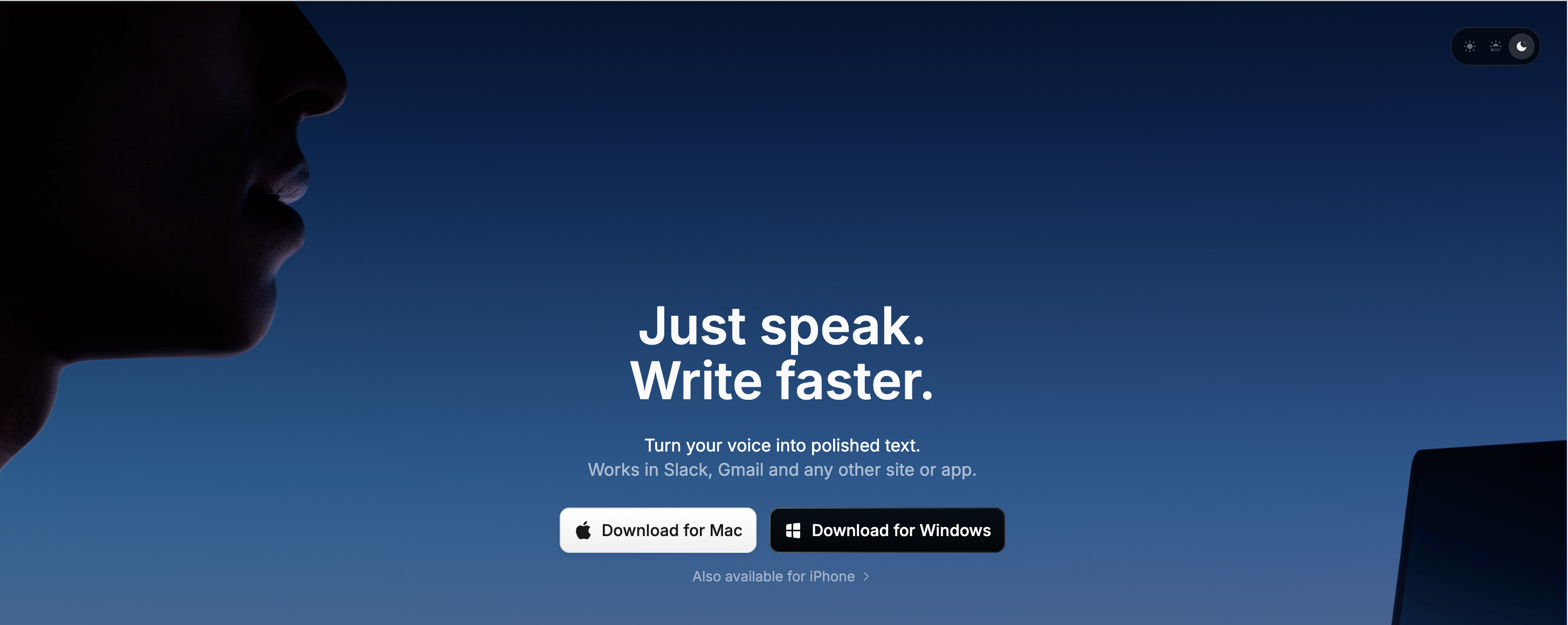
Superwhisper offers on-device dictation with deep control over Whisper model configurations. It's the most customizable offline dictation tool available, letting you create different modes for writing, coding, meeting notes, and more.
Key Features:
- On-device Whisper processing with configurable model sizes
- Custom dictation modes for different workflows
- 100+ language support (matching SpeakOneAI's range)
- Optional AI text enhancement (cloud-based, opt-in)
- Custom vocabulary for technical and domain-specific terms
- System-wide dictation via global hotkey
Pros:
- Most model customization among offline dictation tools
- Lifetime option available
- Expanding to iOS and Windows
- Strong multilingual performance matching SpeakOneAI's strength
Cons:
- Higher lifetime price than Voibe ($249 vs. $99) — 60% more expensive ($150 saved by choosing Voibe)
- Audio recordings saved by default — needs manual disabling
- API keys stored in plaintext
- LLM post-processing can corrupt non-English text
- AI enhancement requires cloud (optional)
- Steeper learning curve for model configuration
Pricing: $8.49/month, $84.99/year, or $249 lifetime.
User Reviews: 4.7/5 on Product Hunt. Users praise model flexibility and on-device privacy. See also: Superwhisper vs VoiceInk.
Best For: Power users who want granular control over transcription quality and multilingual support with on-device processing — and are prepared for the premium pricing.
4. Aqua Voice — Best for Technical Vocabulary
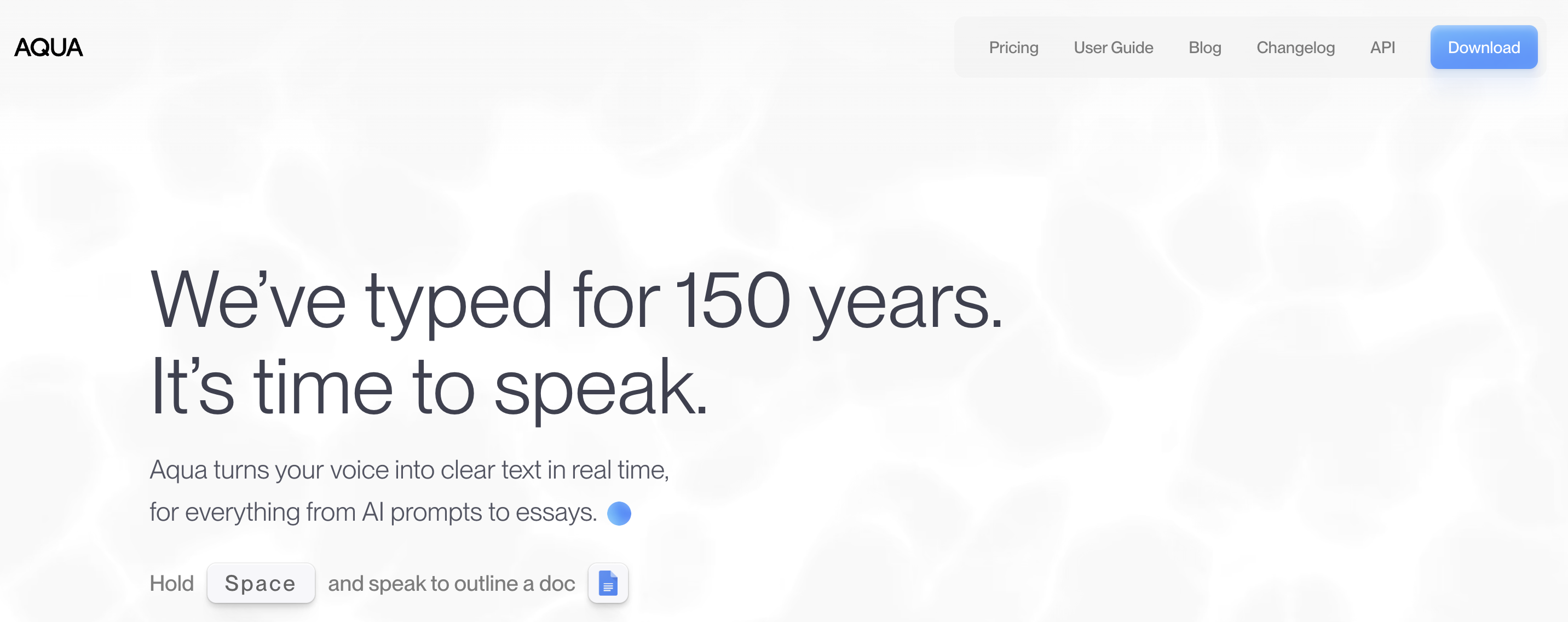
Aqua Voice offers cloud-based dictation with context-aware formatting — it detects which application you're in and adjusts output formatting accordingly. This is similar to SpeakOneAI's smart formatting feature but takes a different approach with app-specific adaptation.
Key Features:
- Context-aware formatting based on active application
- Custom dictionary with up to 800 technical terms
- Mac and Windows support
- Adapts output for Slack, email, code editors, and more
- 100+ language support
Pros:
- Largest custom dictionary capacity (800 terms) for technical vocabulary
- Intelligent app-aware formatting reduces editing
- Strong performance with technical and domain-specific terms
Cons:
- Cloud-based processing (audio sent to servers)
- No offline mode
- Subscription-only ($8/month, no lifetime option)
- Smaller user community than Wispr Flow or Superwhisper
Pricing: $8/month. No annual discount or lifetime option listed.
User Reviews: 4.5/5 on Product Hunt. Users highlight the custom dictionary and context-aware formatting. Some note occasional delays in formatting detection. See also: Aqua Voice vs Wispr Flow.
Best For: Users with heavy technical vocabulary needs (medical, legal, engineering) who want app-aware formatting but are comfortable with cloud processing.
5. VoiceInk — Best Budget Offline Option
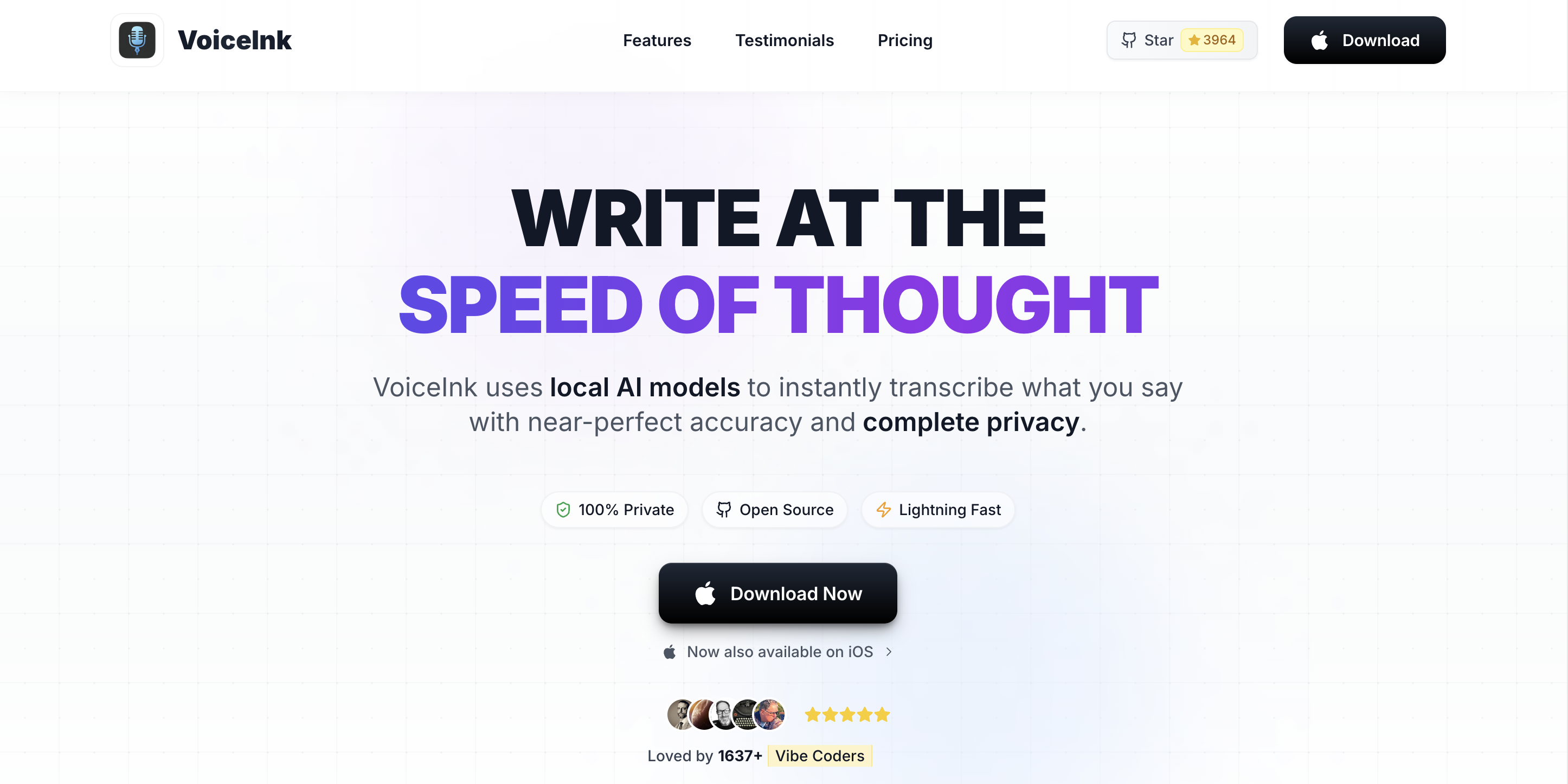
VoiceInk is an open-source Mac dictation app that processes speech locally using Whisper models. At $39.99 one-time, it's the cheapest offline alternative to SpeakOneAI's cloud dictation. The open-source codebase provides full transparency about how your data is handled.
Key Features:
- Open-source (GPLv3) — full code transparency
- On-device Whisper processing with no cloud uploads
- Multiple Whisper model support
- Power Mode for app-specific transcription profiles
- 100+ language support
- One-time purchase pricing
Pros:
- Cheapest offline dictation option ($39.99 one-time)
- Open-source code is fully auditable
- No subscriptions, no recurring charges
- Solid basic dictation performance
Cons:
- Basic UI compared to commercial alternatives
- Solo developer maintenance — update cadence depends on one person
- No batch audio file transcription
- Limited formatting commands
Pricing: $39.99 one-time on the Mac App Store. Source code is free on GitHub (requires building with Xcode).
User Reviews: 4.1/5 on the Mac App Store. Users appreciate the low price and offline privacy. Common feedback mentions the interface needs polish and the iOS app has bugs. See also: VoiceInk Alternatives.
Best For: Budget-conscious Mac users who want basic offline dictation at the lowest possible price and value open-source transparency.
6. Typeless — Best for Full Cross-Platform Coverage
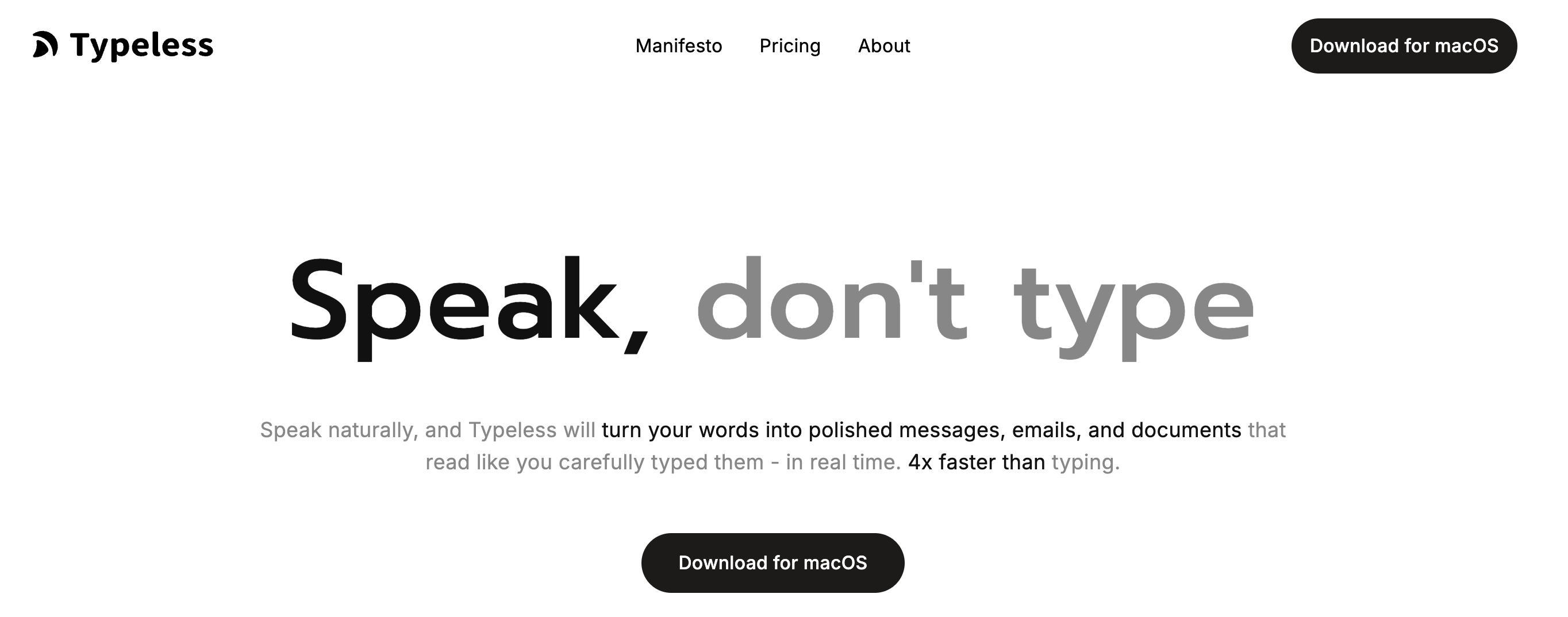
Typeless matches SpeakOneAI's cross-platform breadth, supporting Mac, Windows, iOS, and Android. It offers cloud-based dictation with AI text enhancement and works system-wide across all applications.
Key Features:
- Mac, Windows, iOS, and Android support
- AI-powered text enhancement and formatting
- System-wide dictation across all applications
- Multiple language support
- Cloud-based processing with fast transcription
Pros:
- Widest platform support — covers every major OS
- AI text enhancement for cleaner output
- Established product with regular updates
Cons:
- Cloud-based (audio processed on servers)
- Subscription-only pricing
- No offline processing option
Pricing: $9.99/month. Annual discounts may apply.
User Reviews: 4.3/5 on Product Hunt. Users highlight the cross-platform experience and AI formatting. Some note it's less polished than Wispr Flow on Mac specifically.
Best For: Users who need dictation across Mac, Windows, iOS, and Android — matching SpeakOneAI's platform breadth with better market validation.
7. Apple Dictation — Best Free Option
Apple Dictation is built into every Mac running macOS and every iPhone/iPad. On Apple Silicon Macs (M1 and later), it processes speech on-device — making it a free, private alternative to SpeakOneAI's cloud processing with no installation required.
Key Features:
- Free and pre-installed on all Macs
- On-device processing on Apple Silicon (M1+)
- Voice commands for formatting ("new line", "new paragraph")
- Works in any text field across macOS
- Keyboard shortcut activation (Fn key or Globe key)
- Continuous dictation without time limits (macOS Ventura+)
Pros:
- Completely free with no usage limits
- On-device processing on Apple Silicon — private
- Zero setup — works out of the box
- Verbal formatting commands built in
Cons:
- Lower accuracy than dedicated Whisper-based tools
- Limited customization — no custom vocabulary
- No AI rewriting or text enhancement
- Struggles with technical terminology and proper nouns
Pricing: Free.
User Reviews: Built into macOS. Users generally rate it as adequate for casual use but insufficient for professional workflows requiring accuracy or technical vocabulary. See also: Apple Dictation Privacy Guide.
Best For: Casual users who want free, private dictation for basic emails and notes without installing any additional software.
How to Choose the Right SpeakOneAI Alternative
Use these decision questions to narrow down the best fit:
Do you need offline/private processing?
- Yes, privacy is critical → Voibe (most polished), VoiceInk (budget), or Superwhisper (most configurable)
- Cloud is fine → Wispr Flow (best AI) or Aqua Voice (best for technical terms)
Do you need AI rewriting/text enhancement?
- Yes, I want SpeakOneAI-style tone control → Wispr Flow (style matching) or Typeless (multi-platform)
- No, I prefer raw accurate transcription → Voibe or VoiceInk
What platforms do you need?
- Mac only → Voibe or VoiceInk
- Mac + Windows → Aqua Voice or Superwhisper
- Mac + Windows + iOS + Android → Typeless or Wispr Flow
What's your budget?
- Free → Apple Dictation
- Under $60/year → Voibe ($4.90/month = $58.80/year)
- One-time purchase → VoiceInk ($39.99) or Voibe ($99 lifetime)
Do you need strong CJK (Chinese/Japanese/Korean) support?
- Yes → Superwhisper (configurable Whisper models, 100+ languages) or Wispr Flow
- Primarily English → Any option works well
Best Tool for Your Situation
Quick cheat sheet mapping specific scenarios to the best SpeakOneAI alternative:
- Developer dictating code in VS Code or Cursor → Voibe (Developer Mode resolves workspace file and folder names)
- Writer working from a coffee shop without Wi-Fi → Voibe (works fully offline, no internet needed)
- Lawyer dictating confidential case notes → Voibe (on-device only, zero cloud). See: HIPAA Dictation Guide
- Marketer who needs polished, tone-adjusted output → Wispr Flow (AI style matching adapts to context)
- Multilingual user switching between Mandarin and English → Superwhisper (customizable Whisper models, 100+ languages)
- Medical professional dictating patient notes → Aqua Voice (800 custom dictionary terms for medical terminology)
- Student on a tight budget → Apple Dictation (free) or VoiceInk ($39.99 one-time)
- Remote team using Mac and Windows → Typeless (Mac + Win + iOS + Android)
- Podcaster who also needs meeting transcription → Pair Voibe (dictation) with a dedicated meeting transcription tool
- Anyone tired of unknown subscription costs → Voibe ($99 lifetime) or VoiceInk ($39.99 one-time)
Frequently Asked Questions
Basics
What is SpeakOneAI?
SpeakOneAI is a cross-platform AI voice dictation tool founded in 2024 and based in Hong Kong. It offers system-wide voice typing, AI rewriting in 8 tones, real-time translation, and 100+ language support. It processes all audio in the cloud and offers 30 free minutes per month.
Is SpeakOneAI a good dictation app?
SpeakOneAI has some useful features (multilingual support, AI rewriting, cross-platform availability). However, its cloud-only processing, opaque pricing, limited free tier, and absence of public reviews make it difficult to fully evaluate. Established alternatives like Wispr Flow and Superwhisper offer similar features with proven track records.
Privacy and Security
Does SpeakOneAI keep my audio data?
SpeakOneAI claims end-to-end encryption and states data isn't used for AI training without opt-in. However, all audio is processed on cloud servers. For guaranteed privacy, on-device alternatives like Voibe and Superwhisper never transmit audio data at all.
Which alternatives are HIPAA-compliant for healthcare?
On-device tools like Voibe and Superwhisper are the safest for healthcare since no patient audio leaves the device. Wispr Flow holds SOC 2 Type II certification. SpeakOneAI claims GDPR and SOC 2 compliance. Consult your compliance team for specific HIPAA determinations. See: HIPAA Dictation Guide.
Pricing and Value
Why doesn't SpeakOneAI show pricing publicly?
SpeakOneAI does not list premium plan pricing on its website. Users must create an account and enter the app to view paid options. Most competitors — including Voibe, Wispr Flow, Superwhisper, and VoiceInk — display full pricing publicly on their websites.
What's the cheapest SpeakOneAI alternative with strong features?
Voibe at $4.90/month ($58.80/year) offers fully offline processing, Developer Mode, and system-wide dictation. The $99 lifetime option is the best long-term value. VoiceInk at $39.99 one-time is cheaper upfront but has a less polished interface and no IDE integration.
Features and Compatibility
Can any alternative match SpeakOneAI's AI rewriting?
Wispr Flow offers the most comparable AI style matching, learning your writing patterns across different contexts. Aqua Voice provides context-aware formatting based on which app you're using. Voibe intentionally focuses on raw transcription accuracy without AI rewriting.
Which alternative has the best Cantonese/Mandarin support?
SpeakOneAI was built with strong CJK support. Among alternatives, Superwhisper offers the most configurable multilingual dictation using Whisper models that handle Cantonese, Mandarin (Simplified and Traditional), and other CJK languages well. Wispr Flow also supports 100+ languages with cloud processing.
The Bottom Line: SpeakOneAI vs the Alternatives
SpeakOneAI packs useful features into a cross-platform package — AI rewriting, multilingual support, and system-wide dictation. But its cloud-only processing, hidden pricing, empty review profile, and 30-minute free tier make it a hard sell against established competitors.
For Mac users who prioritize privacy: Voibe processes everything offline at $4.90/month or $99 lifetime with Developer Mode no other tool offers. For AI rewriting fans, Wispr Flow delivers proven style matching at transparent pricing. For budget-conscious users, VoiceInk's $39.99 one-time purchase or Apple Dictation's free offering are strong starting points.
The common thread: every alternative on this list publishes its pricing, has public user reviews, and offers either offline processing or established security certifications. These basics matter when choosing a tool for daily use.
Related reading:
Ready to type 3x faster?
Voibe is the fastest, most private dictation app for Mac. Try it today.
Related Articles
7 Best TurboScribe Alternatives in 2026 (Reviewed)
Compare the best TurboScribe alternatives for transcription and dictation in 2026. Detailed reviews of Voibe, MacWhisper, Otter.ai, and more with pricing and ratings.
9 Best VoiceInk Alternatives in 2026 (Reviewed)
Compare the best VoiceInk alternatives for Mac dictation in 2026. Detailed reviews of Voibe, Wispr Flow, Superwhisper, and more with pricing, features, and ratings.
Dictation Alternatives: The Complete Directory for Mac Users (2026)
Compare every major dictation alternative for Mac in 2026. Pricing, privacy, accuracy, and detailed guides for Apple Dictation, Wispr Flow, Dragon, and more.