
9 Best Monologue Alternatives (Reviewed)
TL;DR
Monologue.to is a well-designed Mac and iOS dictation app by Every.to, but its free tier has a 1,000-word total cap, it defaults to cloud processing, and it has no Windows support and no lifetime pricing. The top alternatives are: Voibe (best for offline privacy), Wispr Flow (best cross-platform), Superwhisper (best for power users), VoiceInk (best open-source, from $25 one-time), and Apple Dictation (best free option).
Key Takeaways
- Monologue.to is a Mac and iOS AI dictation app by Every.to that launched in September 2025 with smart formatting and screen context awareness.
- Its free tier caps at 1,000 words total (not per month), which heavy users exhaust in a single session.
- Users look for alternatives primarily because of the cloud-default architecture, no Windows support, subscription-only pricing, and the strict word cap on the free tier.
- Voibe is the best alternative for offline privacy: 100% offline, unlimited words, sub-300ms latency, priced at $7.50/month or $149 lifetime.
- Wispr Flow is the best cross-platform pick, covering Mac, Windows, iOS, and Android with HIPAA-ready compliance on all plans.
- VoiceInk is the best open-source option from $25 one-time with fully auditable code.
- Apple Dictation is the best free option, built into every Mac with on-device processing and no setup required.
Try Voibe free for 7 days for offline dictation with no word limits.
Disclosure: This guide is published by the Voibe team. We've worked to provide fair, research-based comparisons of all tools, including our own product's limitations.
What Is Monologue.to? (And Why Users Look for Alternatives)
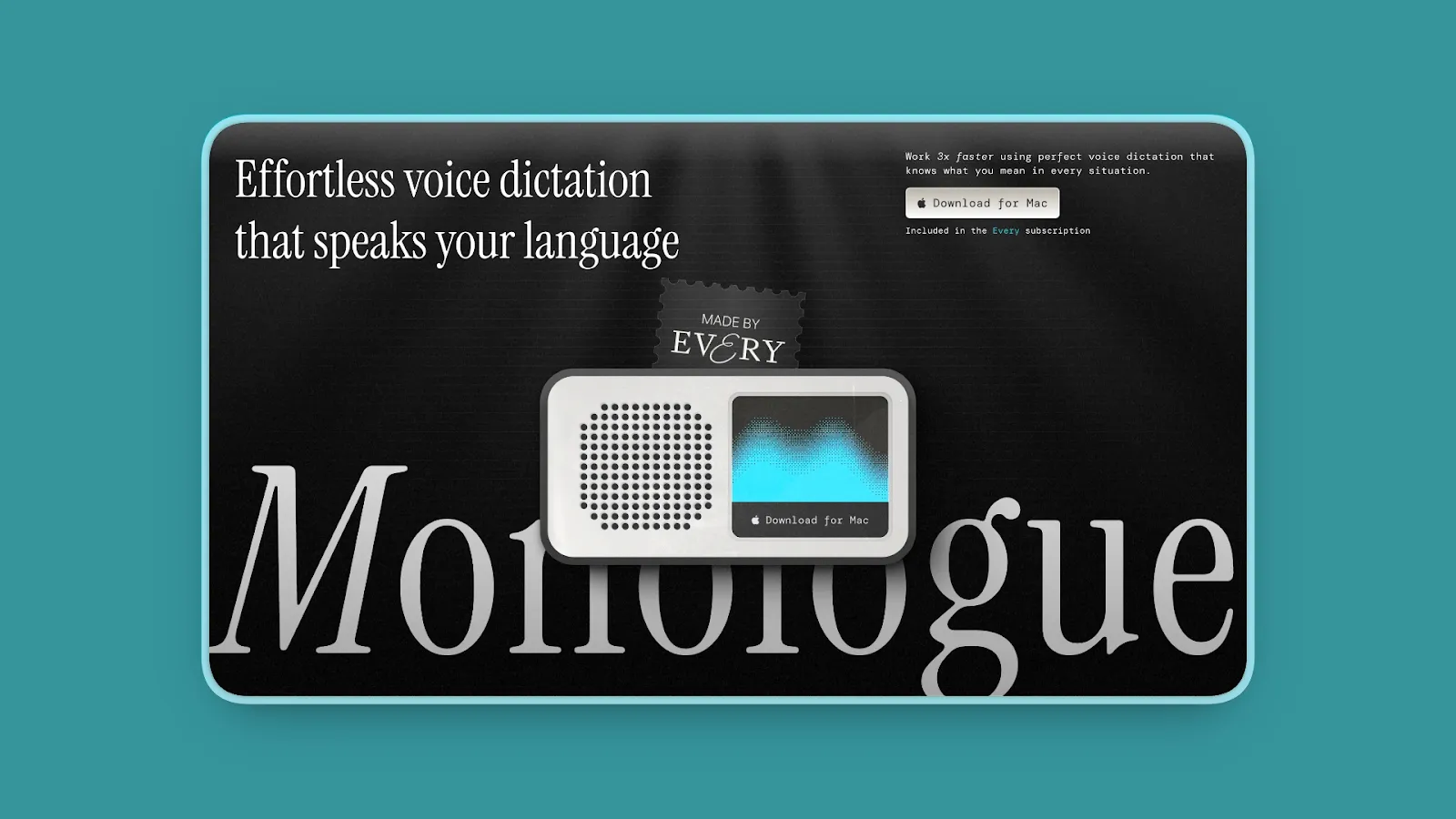
Monologue.to is a Mac-native AI voice dictation app built by Every.to, the AI media and app studio behind publications like Every. According to the official Every.to launch announcement, Monologue launched in September 2025. It was already generating over one million words per week during its private beta before public release.
What Monologue does well:
- DeepContext screen capture understands which app you are in and adjusts output accordingly
- Smart formatting adapts text for email, notes, documents, and other contexts without manual cleanup
- Personal dictionary learns your proper nouns, acronyms, and vocabulary automatically
- Strong early reception on Product Hunt, with over one million words per week generated during private beta
Why users look for alternatives:
- Word limit: The free tier allows only 1,000 words total, not per month. Heavy users burn through this in a single workday.
- Cloud by default: Audio leaves your Mac for processing unless you download a separate local model. That extra step creates friction for privacy-conscious users.
- No Windows support: Monologue runs on Mac and iOS but has no Windows app and no browser extension. Teams with mixed Mac and Windows environments cannot use it.
- Subscription required: $10 per month or approximately $100 per year. No lifetime purchase option exists.
- Formatting inconsistencies: Some reviewers note that structured content, such as lists and code blocks, can be formatted incorrectly in certain apps.
- No team features: No shared dictionary, no admin controls, no SSO, and no compliance certifications such as HIPAA or SOC 2.
- Limited coding integration: No file or folder name resolution for Cursor, Windsurf, or VS Code, though this is a niche concern for most users.
Monologue works well within its limits. But professionals who dictate heavily, need strict offline privacy, or want to avoid a recurring subscription will quickly outgrow it. After researching 15 dictation tools, here are the 9 best alternatives for 2026. If you want a broader view of what is available, see our guide to the best dictation apps in 2026. You may also find our article on why talking to AI changes everything useful for understanding how voice fits into modern AI workflows.
How We Evaluated Monologue Alternatives
We researched each tool against the criteria that matter most to Mac dictation users, based on review platforms, user forums, and product documentation.
- Privacy and data handling: Does audio stay on device, or does it go to the cloud? Are there compliance certifications?
- Transcription accuracy and latency: How fast does text appear after you stop speaking? How accurately does it handle technical vocabulary?
- Platform support: Does the tool work on Mac only, or also on Windows and iOS?
- Pricing model: Is it a subscription, a one-time purchase, or free? Are there word limits on paid plans?
- Word or usage limits: Does the free tier expire after a fixed number of words, or does it renew?
- Special use cases: Is there a developer mode? Team features? Multilanguage support?
- Ease of setup: How quickly can a new user start dictating after installation?
Key point: The right alternative depends on your top priority. A medical professional dictating patient notes has different needs than a writer drafting long-form content or a remote worker sending voice-to-text messages.
Quick Comparison: 9 Best Monologue Alternatives
Here is a side-by-side overview of all 9 tools covered in this article.
| Tool | Best For | Privacy | Platform | Pricing |
|---|---|---|---|---|
| Voibe | Offline privacy, lifetime pricing | 100% offline | Mac | $7.50/mo or $149 lifetime |
| Wispr Flow | Cross-platform, AI formatting | Cloud (HIPAA-ready) | Mac, Win, iOS, Android | $15/mo or $144/yr |
| Superwhisper | Power users, customization | Offline + optional cloud | Mac, iOS | $84.99/yr or $249.99 lifetime |
| VoiceInk | Open-source, offline | 100% offline | Mac, iOS (Apple Silicon) | from $25 one-time |
| Aqua Voice | Real-time text display | Cloud | Mac, Win | $8/mo |
| Willow Voice | Speed, minimal setup | Cloud | Mac, iOS, Win | $15/mo or $144/yr |
| Apple Dictation | Free built-in option | On-device | Mac, iPhone | Free |
| SpeakMac | Budget offline | 100% offline | Mac (Apple Silicon) | $19 one-time |
| Dictly | Offline, one-time price | On-device | Mac, iOS | $29.99 one-time |
The 9 Best Monologue Alternatives
Here are the nine best alternatives to Monologue.to, ranked by overall value.
1. Voibe: Best for Offline Privacy and Lifetime Pricing
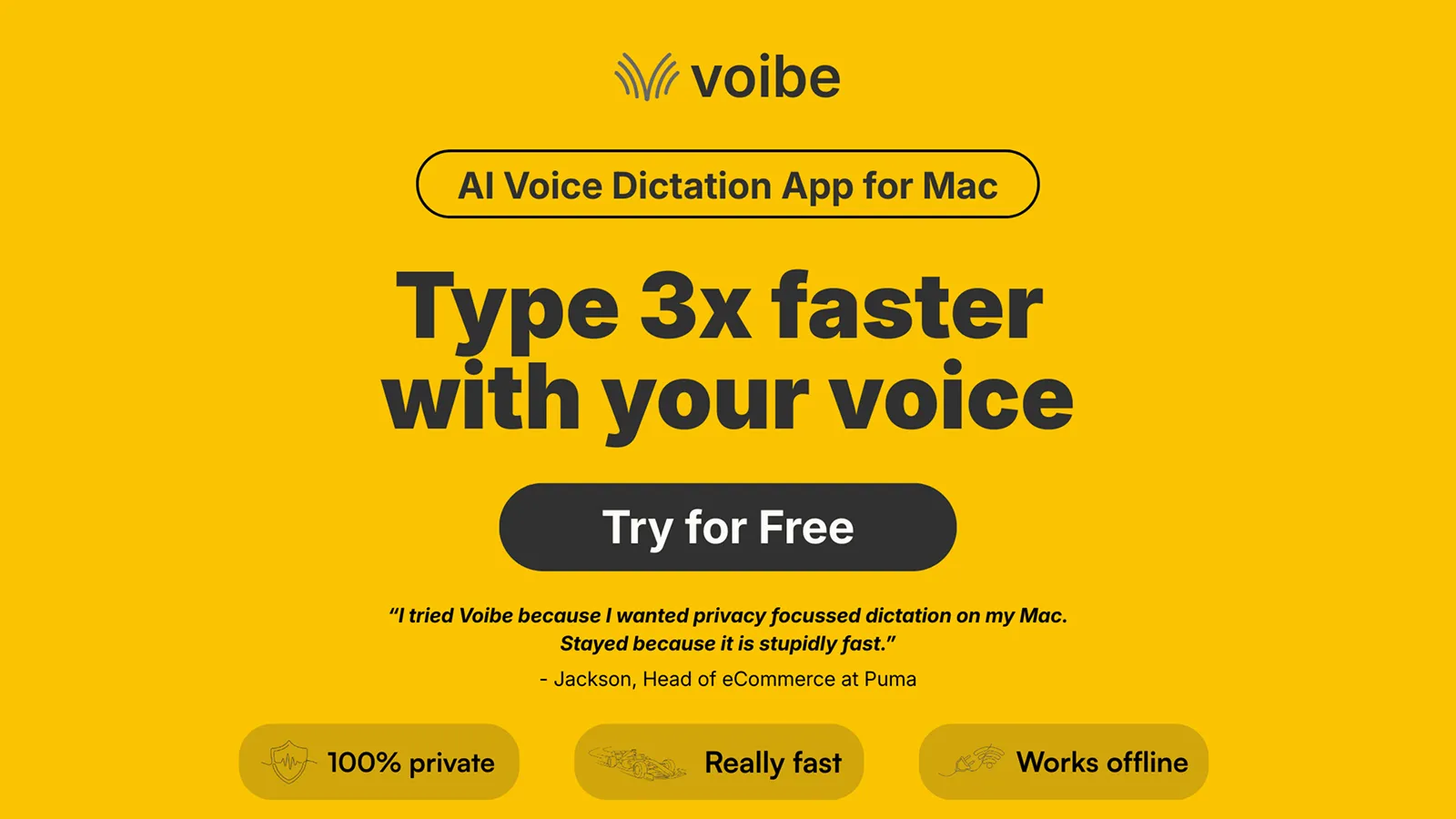
Voibe processes everything locally on your Mac with no word limits and no internet required. It is built for professionals who need their voice data to stay on their machine, with no cloud uploads and no extra configuration.
Key Features
- Three dictation modes: push-to-talk (hold to speak, release to transcribe), hands-free (tap to start and stop), and Live Dictation, which shows text on screen in real time as you speak. Hotkeys are customizable.
- 100% offline processing via whisper-cpp; audio never leaves your Mac
- Sub-300ms latency target for short phrases
- Custom dictionary: add technical, legal, medical, or creative vocabulary terms
- Developer Mode: resolves workspace file and folder names in Cursor and Windsurf
- Works in any Mac app: Cursor, Slack, Notion, Gmail, VS Code, ChatGPT desktop, and more
- 100+ languages supported; requires macOS 13 or later; optimized for Apple Silicon
Pros
- Cheaper than Monologue with no monthly word limits: $7.50 per month versus $10 per month (25% less), with a $149 lifetime option that eliminates recurring cost entirely
- Offline by default with no model download step, unlike Monologue where offline mode requires a separate download
- No word limits on any plan, so heavy daily users never hit a ceiling
- Sub-300ms latency for short phrases
- Basic Developer Mode can resolve file and folder names in Cursor and Windsurf
- All processing stays on-device, suitable for confidential medical, legal, and business work
Cons
- No Windows, Linux, iOS, Android, or browser extension (Mac only)
- Apple Silicon only, so Intel Mac users will need a different tool
- No AI post-processing or screen context awareness; Voibe transcribes speech with auto punctuation only
- No team features, no shared dictionary, and no compliance certifications such as HIPAA or SOC 2
- Developer Mode resolves file and folder names only; it does not handle camelCase, snake_case, or programming language syntax
Pricing
See Voibe's full pricing plans for the latest details.
- Lifetime: $149 one-time (no recurring costs)
- Annual: $59 per year (approximately $4.92 per month)
- Monthly: $7.50 per month
- All Plans Include: Unlimited words, a 7-day free trial, and a 30-day money-back guarantee
User Reviews
Voibe has a 4.8/5 stars rating on Product Hunt. Users praise speed and offline privacy. One reviewer noted "stupidly fast transcription combined with complete offline privacy." Another highlighted deep integration with Cursor and VS Code.
Try Voibe free for 7 days to see how offline dictation fits your workflow.
Best For
Privacy-conscious professionals in medical, legal, business, and government roles. Anyone who wants to own their dictation tool with a one-time purchase instead of paying recurring monthly fees. Also has basic Developer Mode for resolving file and folder names in Cursor and Windsurf.
2. Wispr Flow: Best for Cross-Platform Use
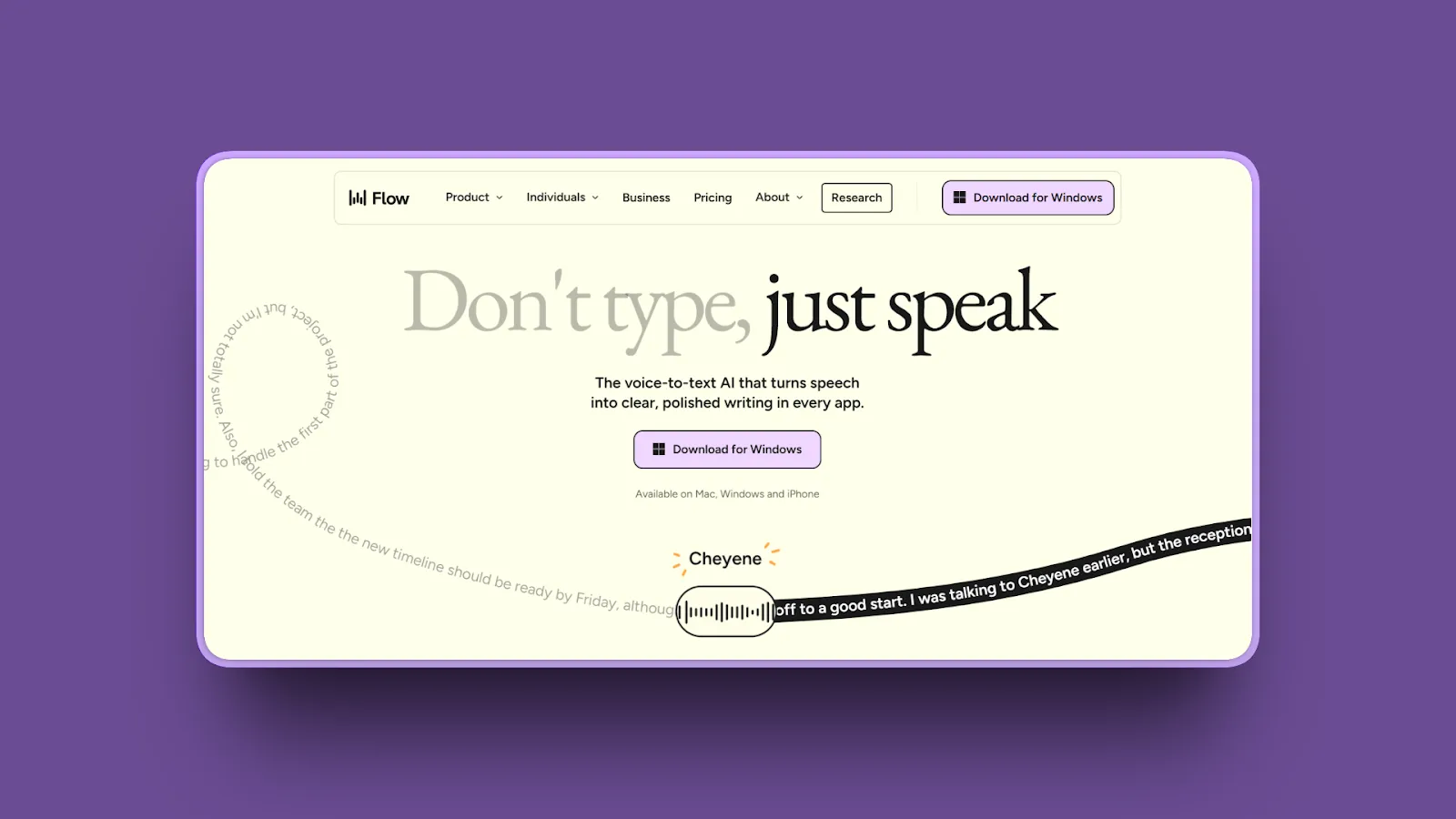
Wispr Flow is the strongest choice if you need dictation that works across Mac, Windows, iOS, and Android. It adds AI formatting that adapts to context, making output cleaner than raw transcription.
Key Features
- Works on Mac, Windows, iOS, and Android (Android launched February 2026); Monologue has no Windows or Android app
- AI formatting adapts output to context: email, documents, code, and chat
- Command Mode: highlight text, give a spoken edit instruction, and Wispr Flow rewrites it
- HIPAA-ready on all plans; SOC 2 Type II available on Enterprise plan
- 100+ language support; works in 200 or more apps system-wide
- Free tier: 2,000 words per week on Mac and Windows; 1,000 words per week on iOS
Pros
- Cross-platform reach across Mac, Windows, iOS, and Android means you can dictate on all your devices without switching apps
- AI formatting reduces editing time for emails, documents, and other structured content
- HIPAA-ready on all plans and SOC 2 Type II on Enterprise make it viable for regulated business environments
- The 2,000-words-per-week free tier is significantly more generous than Monologue's 1,000-word total cap
- Command Mode lets you edit text by voice without touching the keyboard
Cons
- Cloud-only processing: all audio is sent to external servers, which rules it out for strict offline privacy requirements
- No lifetime purchase option; subscription-only at $144 per year
- Requires a stable internet connection with no offline fallback if your network drops
- The Windows app is Electron-based, which some users report as heavy on RAM
Pricing
- Free: 2,000 words per week (Mac/Windows); 1,000 words per week (iOS)
- Monthly: $15 per month
- Annual: $144 per year (approximately $12 per month)
- Enterprise: Custom pricing with SSO, admin dashboards, and ISO 27001
User Reviews
Wispr Flow has a 4.7/5 stars rating on Product Hunt. Users consistently praise its cross-platform speed and AI formatting that matches their writing voice.
Best For
Users who need dictation on Mac, Windows, iOS, and Android from a single subscription. Teams that require SOC 2 or HIPAA compliance documentation. Users who prefer AI-formatted output over raw transcription.
3. Superwhisper: Best for Power Users and Customization
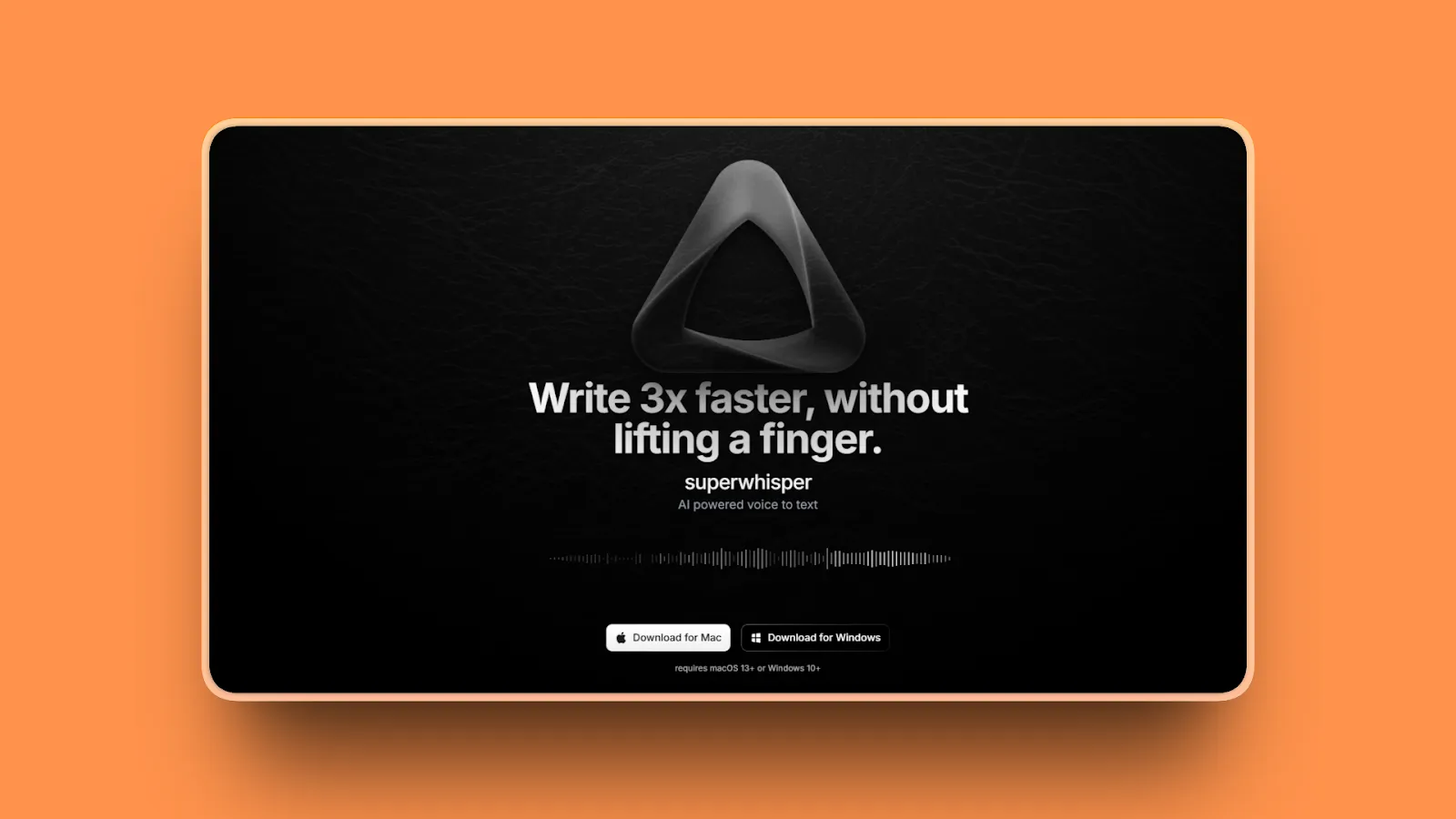
Superwhisper runs Whisper locally on your Mac by default and gives power users more configuration options than any other dictation tool in this list.
Key Features
- Local Whisper models on Apple Silicon: Nano, Fast, Pro, and Ultra quality tiers
- Optional cloud models including Claude, Llama, and Gemini for Pro users (model availability subject to change)
- Modes system: create per-app or per-context dictation profiles with custom prompts
- Meeting recording with automatic note generation (Pro)
- Audio and video file transcription (Pro)
- 100+ languages with English translation option
Pros
- Offline by default on Apple Silicon with no model download friction for basic use
- Multiple local model tiers let you balance speed against accuracy for different tasks
- The modes system gives you a level of workflow customization no other tool in this list matches
- $249.99 lifetime option exists, though it costs more than Voibe's $149 lifetime
Cons
- Setup complexity is high: mode configuration, model selection, and custom prompt engineering are required to unlock the full value
- Key binding failures and missed activations are reported by some users
- Local model offline use is restricted to Apple Silicon; Intel Mac users must use cloud models
- At $249.99 for lifetime access, it is the most expensive one-time purchase in this list
Pricing
- Annual: $84.99 per year (approximately $7.08 per month)
- Lifetime: $249.99 one-time
- Free: Unlimited access to small local models; 15 minutes of Pro tools
User Reviews
Superwhisper has a 4.9/5 stars rating on Product Hunt. Users highlight exceptional accuracy with local models and the flexibility to choose model quality per use case.
Best For
Power users who want maximum control over model selection, mode configuration, and custom prompts. Apple Silicon Mac users who want offline processing with multiple quality tiers.
4. VoiceInk: Best Open-Source Monologue Alternative
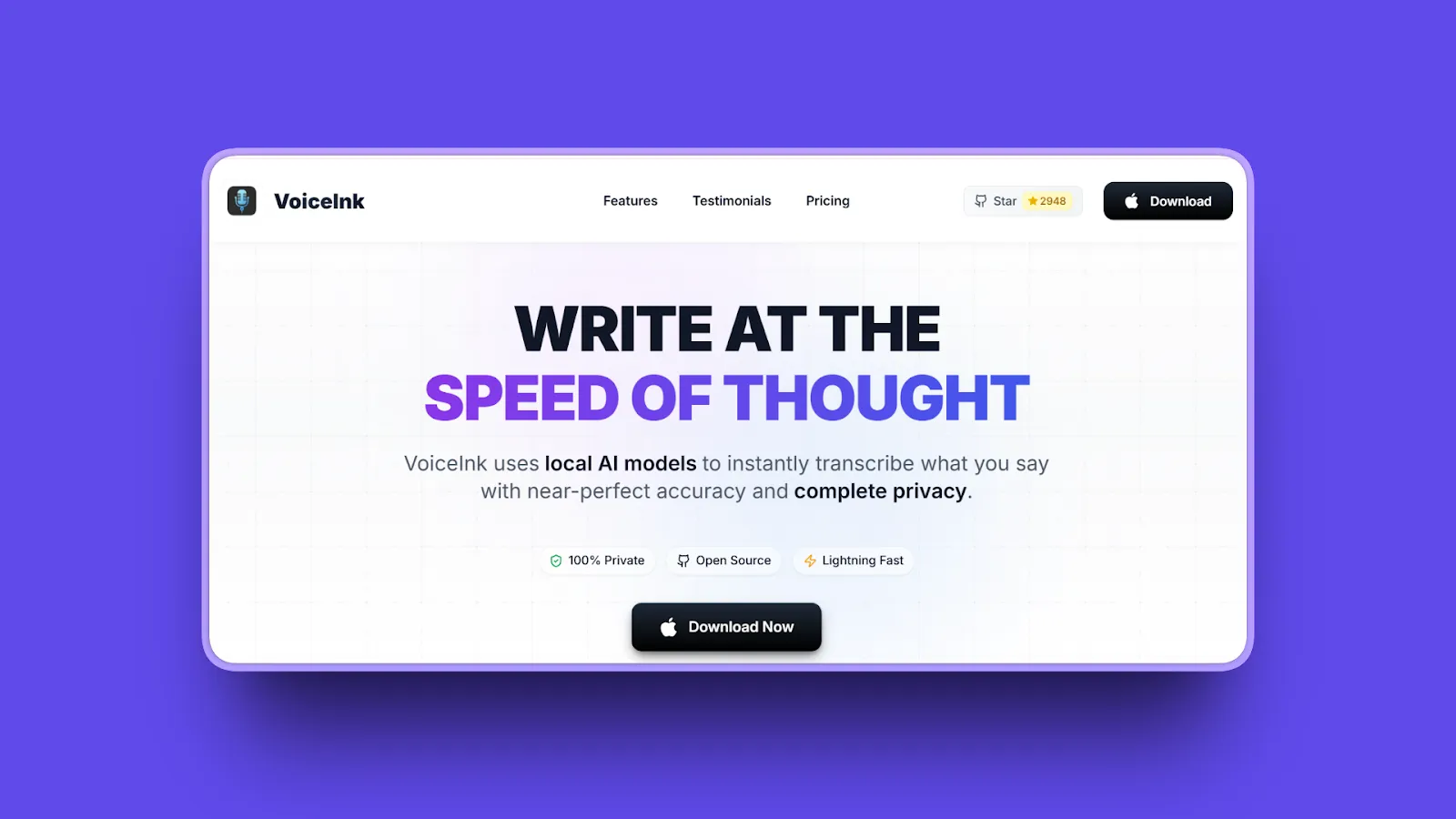
VoiceInk is the only open-source dictation app in this list. Its code is publicly auditable on GitHub. That makes it the top pick for users who need complete transparency about how their voice data is handled.
Key Features
- Open-source on GitHub
- 100% local processing via downloaded Whisper models; no internet required after setup
- One-time purchase pricing with no subscription required
- Requires macOS 14 Sonoma or later and Apple Silicon; also available on iOS
- Context awareness via OCR; optional cloud enhancement (only transcribed text, not audio, goes to third parties)
Pros
- Open-source means any developer can audit the code directly, which is a stronger privacy guarantee than any privacy policy
- Starting at $25 one-time for the Solo plan, it is the lowest-priced dedicated offline dictation app in this list
- 100% offline by default after initial model download; audio never leaves the device
- 100+ language support covers most professional use cases
Cons
- Requires Apple Silicon and macOS 14 Sonoma or later, ruling out Intel Macs and older systems
- OCR-based context awareness is less precise than accessibility API-based approaches used by some other tools
Pricing
- Solo: $25 one-time (1 device)
- Personal: $39 one-time (2 devices)
- Extended: $49 one-time (3 devices)
- Free trial: 7 days
User Reviews
VoiceInk has strong user reviews on its Wall of Love. Users describe it as delivering exceptional accuracy via Whisper and exceptional value compared to subscription alternatives.
Best For
Privacy-focused users who want to read the source code before trusting a tool with their voice data. Apple Silicon Mac users on macOS 14 or later looking for a one-time offline purchase under $40.
5. Aqua Voice: Best for Real-Time Text Display
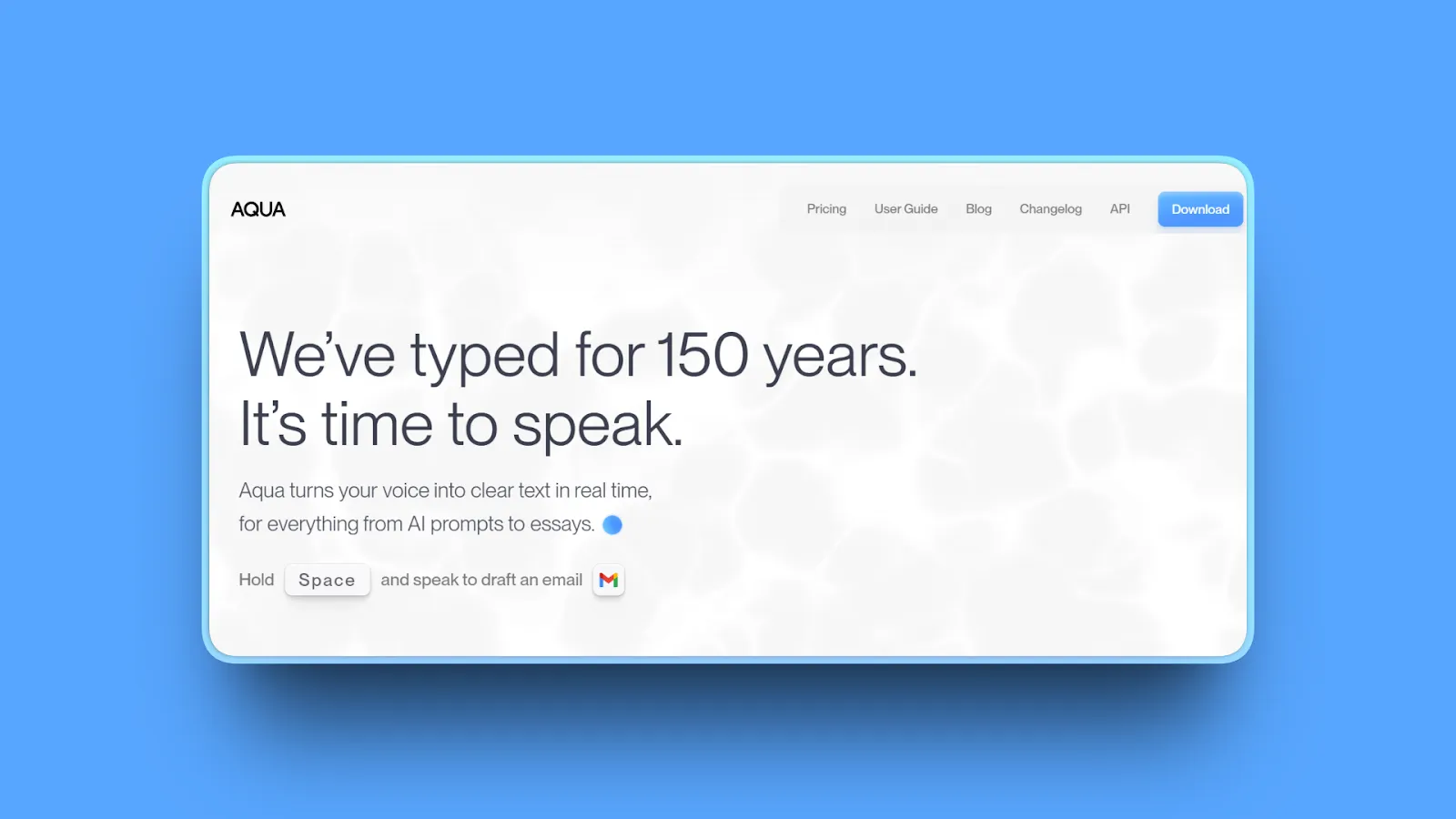
Aqua Voice is built around real-time text display: your words appear on screen as you speak, rather than after a full processing pass once you finish. If watching the transcription form in real time is your priority, Aqua Voice makes that the centerpiece of the product.
Key Features
- Real-time streaming text display as you speak
- Instant Mode: under 50ms startup with about 450ms to paste (per Aqua Voice's published specs)
- Context-aware formatting adapts output tone and syntax to the target document
- 49 language support with auto-detect mode
- Works on both Mac (Apple Silicon and Intel) and Windows 10 and 11
Pros
- Real-time streaming display lets you watch text appear on screen as you speak, with no wait for a processing pass
- Cross-platform Mac and Windows support under one subscription
- Sub-50ms app startup time means virtually no delay between pressing the hotkey and being ready to speak
- Aqua Voice received the Readability Award for AI Dictation at Product Hunt's Winter 2025 Orbit Awards
Cons
- Entirely cloud-dependent, so no transcription is possible without an active internet connection
- 49 language support is lower than Monologue's 100 or more languages
- Background noise sensitivity: audio from a TV or radio in the same room can get transcribed
- Free access is a one-time 1,000-word trial, not a recurring free tier
Pricing
- Pro: $8 per month
- Free trial: 1,000 words (one-time, not recurring)
User Reviews
Aqua Voice has a 5.0/5 stars rating on Product Hunt, with 505 upvotes on its April 2025 launch. The 9to5Mac review described it as showing "just how good Mac dictation could be if Apple really tried."
Best For
Users who want to see transcription happen in real time as they speak. Cross-platform users on Mac and Windows who do not have strict offline requirements.
6. Willow Voice: Best for Speed
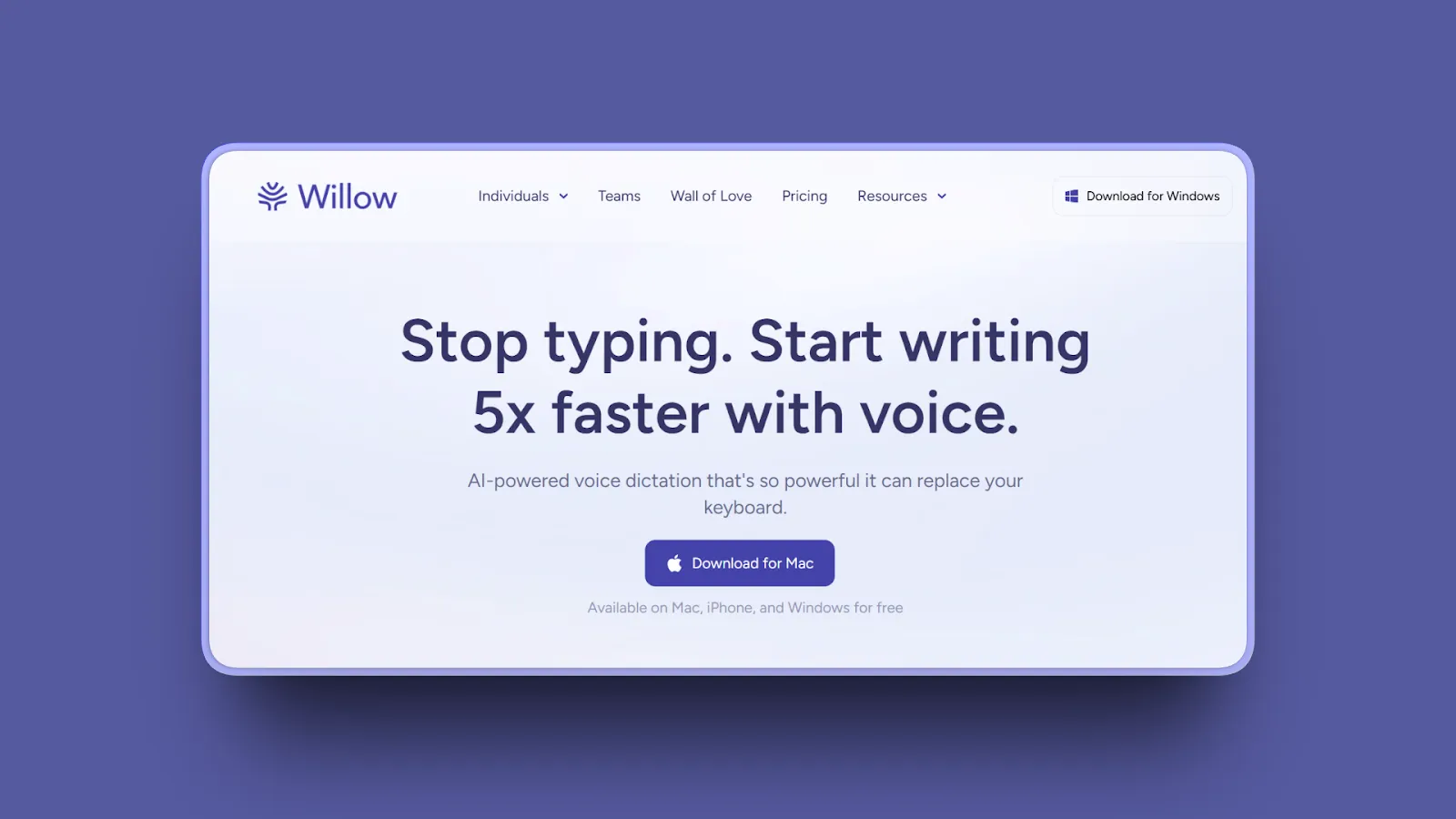
Willow Voice claims the fastest transcription speed in the dictation market at approximately 200 milliseconds. That is faster than Monologue's reported 500ms to 1s delay for technical content.
Key Features
- Sub-200ms latency (per Willow's published benchmarks)
- AI formatting with filler word removal and context-aware output
- Custom vocabulary that learns your style over time
- Works on Mac, iOS (launched November 2025), and Windows (launched January 29, 2026)
- Direct integration with Slack, Gmail, and Cursor without copy-paste
Pros
- Fastest response time in this category, with latency lower than most dictation alternatives
- Cross-platform reach across Mac, iOS, and Windows from one subscription
- AI formatting produces clean output with minimal post-editing required
- Willow Voice received the Everyday Communication Award at Product Hunt's Winter 2025 Orbit Awards
Cons
- All processing happens in the cloud, so there is no way to use it offline or on a restricted network
- Language translation can override unexpectedly, sometimes converting non-English dictation to English unintentionally
- No one-time purchase option; you pay $144 per year or $15 per month indefinitely
Pricing
- Monthly: $15 per month
- Annual: $144 per year (approximately $12 per month)
- Free: 2,000 words per week (no credit card required)
User Reviews
Willow Voice has a 4.9/5 stars rating on Product Hunt, with the iOS launch (November 2025) earning 358 upvotes and 55 comments. Speed is the consistently praised feature across reviews.
Best For
Users who prioritize raw transcription speed above all else. Cross-platform users on Mac, iOS, and Windows who do not have strict offline privacy requirements.
7. Apple Dictation: Best Free Monologue Alternative
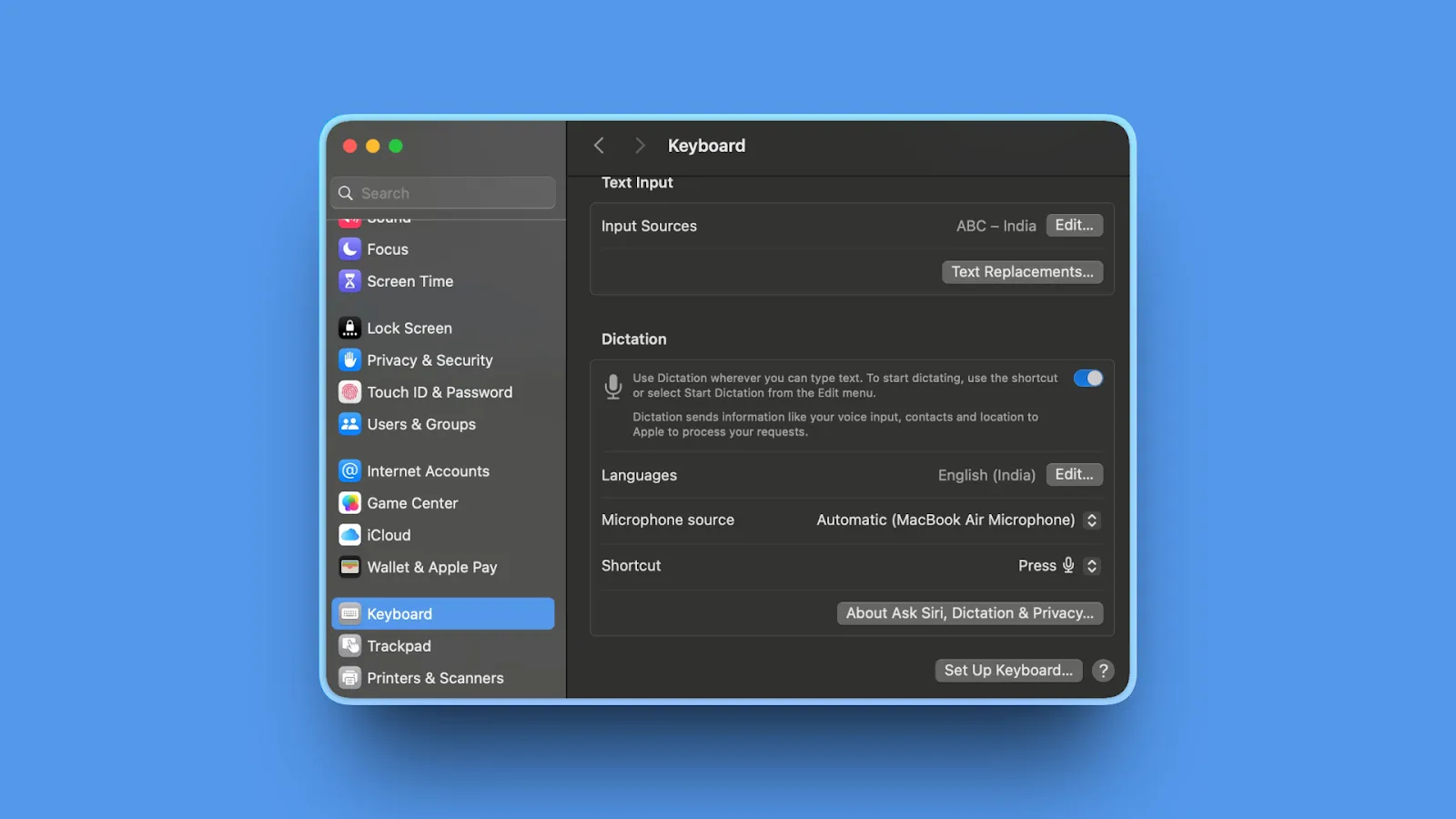
Apple Dictation is built into every Mac. No download, no account, no cost. For users who need basic voice typing without any friction, it is the obvious starting point.
Key Features
- Built into macOS: no installation or account required
- On-device processing via Apple Silicon Neural Engine: no cloud, no internet needed
- Works in any text field, system-wide across all Mac apps
- No word limits of any kind
- Activate via double-tap of the Fn key or through System Settings, Keyboard, Dictation
Pros
- Zero cost with no subscription or one-time purchase required
- On-device processing means audio never leaves your Mac, matching the privacy of paid offline apps
- Works immediately after enabling in System Settings; no setup steps beyond that
- Unlimited dictation with no caps or paywalls
Cons
- Stops automatically after 30 seconds of silence; not suited for long pauses in thought
- No AI formatting, no filler word removal, and no context-aware output cleanup
- No custom dictionary beyond system-level text replacement shortcuts
- Lower accuracy than dedicated apps for technical, medical, or legal vocabulary
Pricing
- Free (built into macOS)
User Reviews
Apple Dictation is built-in software rather than a standalone product. General user sentiment across forums describes it as reliable for simple tasks and frustrating for anything requiring technical vocabulary or long-form dictation sessions.
Best For
Mac users who need basic voice typing for occasional use with zero cost and zero setup time.
8. SpeakMac: Best Budget Offline Alternative
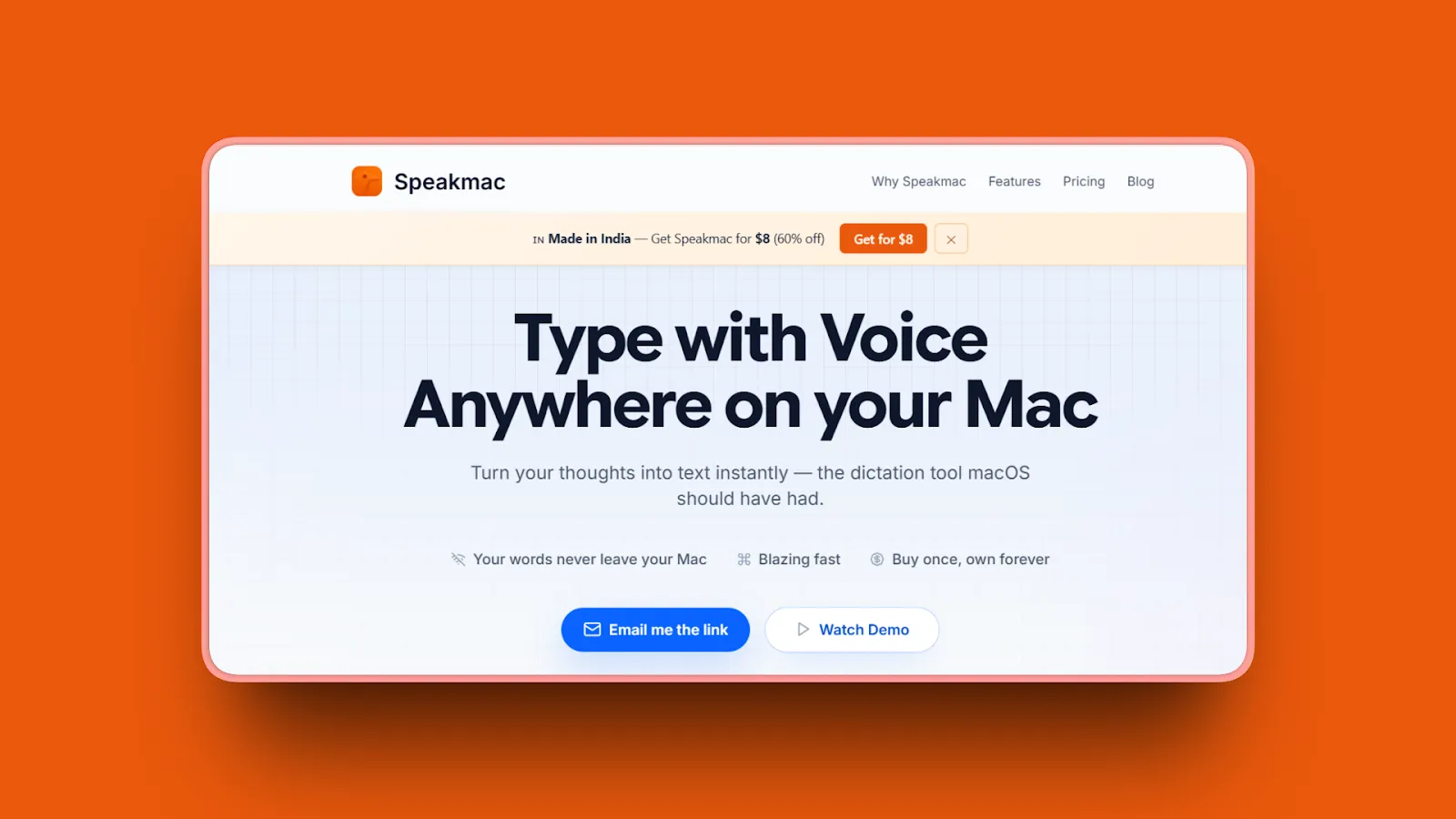
SpeakMac offers offline dictation for Mac at $19, the lowest one-time price among dedicated offline dictation apps in this list. It runs entirely on-device with no cloud processing and no recurring fees.
Key Features
- 100% offline; audio never leaves your Mac; no API keys required; no account registration
- Transcription in under half a second
- Automatic punctuation and capitalization
- Custom words and snippet expansion
- 25 or more languages including Chinese with 5 dialects
- Works in any Mac app with a text cursor; macOS 14 Sonoma or later required; Apple Silicon only
Pros
- At $19 one-time, it is the most affordable entry point for offline dictation on Mac
- No account registration means there is no identity tied to your usage data
- Active product: version 2.0 is available and the developer engages directly with users
- Simple, deliberate design: no model picker, no mode configuration, no complex setup
Cons
- Limited to Apple Silicon Macs running macOS 14 or later
- Fewer languages (25 or more) compared to Voibe (100 or more) and Wispr Flow (100 or more)
- No AI post-processing, no developer mode, and no coding integrations
Pricing
- Personal: $19 one-time (1 Mac)
- Pro: $29 one-time (2 Macs)
- Updates: Optional $19 per year after the first year
- 14-day money-back guarantee
User Reviews
SpeakMac has 194 upvotes and 31 comments on Product Hunt. Users praise flawless dictation with accented voices and describe it as "the offline dictation macOS should have had."
Best For
Budget-conscious Mac users who want offline dictation without a monthly fee and are comfortable with a simpler feature set.
9. Dictly: A Simple Offline Option
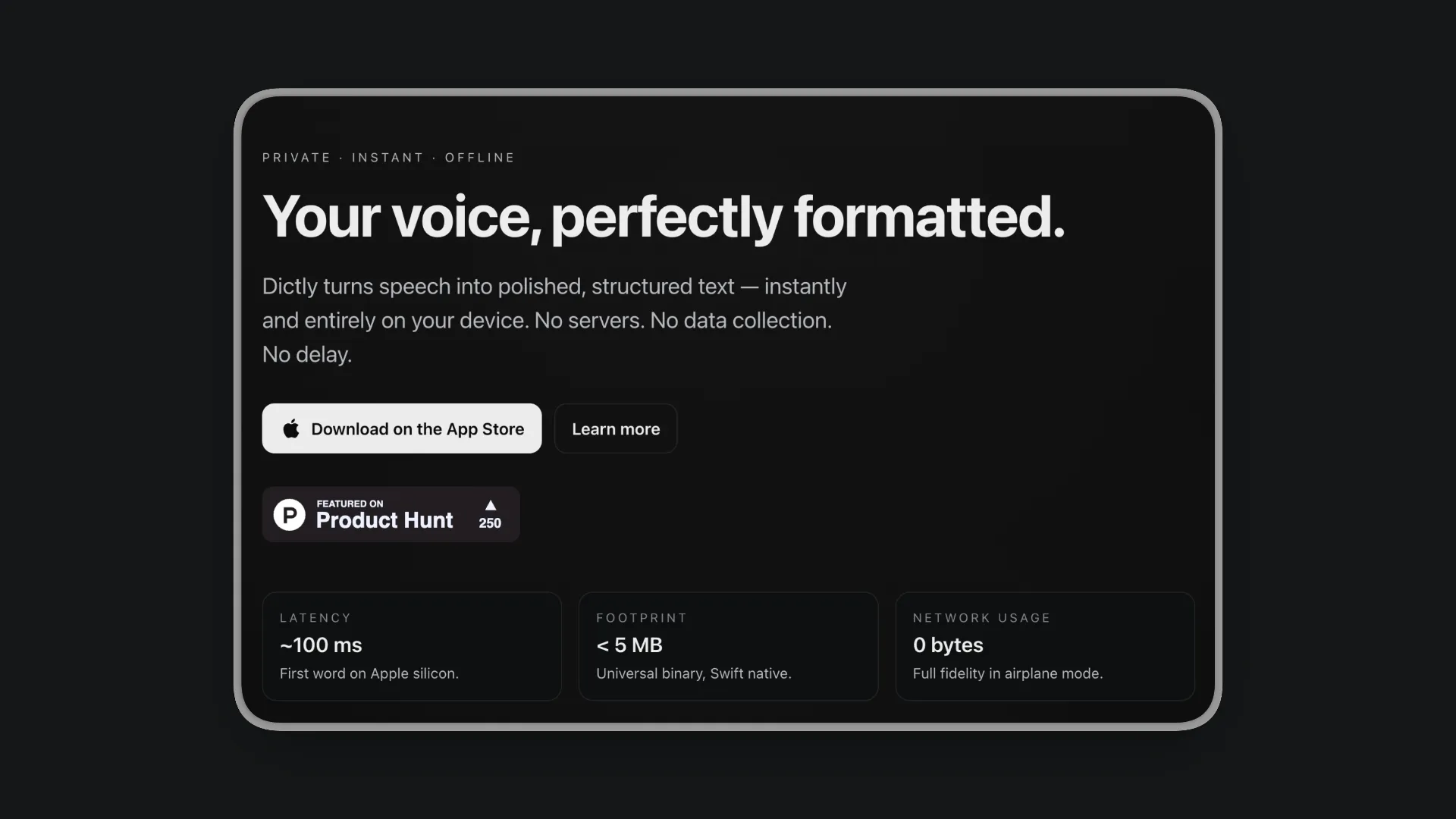
Dictly is a lightweight dictation tool for Mac and iOS with on-device processing and a one-time Pro price of $29.99.
Key Features
- 100% on-device; zero cloud; zero analytics; zero background network usage
- Sub-100ms first-word latency on Apple Silicon
- Customizable workflows: define prompts, styles, and variables for output formatting
- Per-app profiles for context-specific dictation behavior
- Multiple insertion modes: Type-out, Paste, Copy, and Auto-Submit
- Small footprint: under 5MB installed, approximately 50MB RAM during use
Pros
- Sub-100ms first-word latency is the fastest first-response time among offline tools in this list
- Zero network usage is verifiable: the app makes no outbound connections at all
- Lightweight install footprint suits users who want minimal system impact
- Recently moved from subscription to one-time pricing, which improves long-term value
Cons
- Very few independent reviews due to being a new product; App Store shows 3.0/5 from only 2 ratings
- Crash reports exist for the share function
- Free tier is limited: 25-entry dictionary cap, 1 workflow, and 10-item history
- Requires a recent macOS version, which may limit users on older systems
Pricing
- Core (Free): Real-time dictation with limited dictionary and history
- Pro: $29.99 one-time (unlimited workflows, dictionaries, and history)
User Reviews
Dictly has a 3.0/5 stars rating on the App Store, with 250 upvotes on Product Hunt. The available feedback highlights strong accuracy in noisy environments alongside the crash issue with the share function.
Best For
Apple users who want a simple offline dictation option with a one-time price and do not need cross-platform support or an extensive feature set.
How to Choose the Right Monologue Alternative
Your decision comes down to four factors: privacy requirements, budget, platform needs, and use case. Here is a structured breakdown.
1. What's Your Privacy Requirement?
Think of privacy in three tiers. Tier 1 (strictest): Audio never leaves your device. This is the only option for regulated industries without compliance infrastructure, air-gapped environments, or anyone who simply does not trust cloud promises. Six tools qualify: Voibe, Superwhisper, VoiceInk, SpeakMac, Dictly, and Apple Dictation. Tier 2: Audio goes to the cloud, but the vendor holds compliance certifications (HIPAA, SOC 2). Wispr Flow and Superwhisper Enterprise sit here. Tier 3: Cloud processing with no certifications, meaning Aqua Voice and Willow Voice. They are fine for general business use, but not for data subject to regulatory requirements.
2. What's Your Budget?
The price range spans from free (Apple Dictation) to $249.99 one-time (Superwhisper lifetime). The key question is whether you prefer paying once or spreading the cost. One-time purchases (SpeakMac at $19, VoiceInk from $25, Dictly Pro at $29.99, Voibe at $149, Superwhisper at $249.99) are cheaper over two or more years. Subscriptions (Voibe at $7.50/mo, Aqua Voice at $8/mo, Wispr Flow and Willow Voice at $12-15/mo) cost less upfront but add up. At $15 per month, Wispr Flow costs $180 per year, which roughly matches Voibe's lifetime price after its first year.
3. Do You Need Cross-Platform Support?
Mac, Windows, iOS, and Android:
- Wispr Flow (Android added February 2026)
Mac, Windows, and iOS:
- Willow Voice (Windows added January 2026)
Mac and Windows:
- Aqua Voice
Mac and iOS:
- Superwhisper, VoiceInk, Dictly, Apple Dictation
Mac only:
- Voibe, SpeakMac
4. Are You a Developer Using AI Coding Tools?
No dictation app in this list is a full-featured developer dictation tool. That said, several options offer features relevant to coding workflows:
- Voibe has a basic Developer Mode that resolves workspace file and folder names in Cursor and Windsurf. It does not handle camelCase, snake_case, or programming syntax. Its main advantage for developers is that 100% offline processing keeps proprietary code off external servers.
- Willow Voice integrates directly with Cursor, and its AI formatting can clean up technical dictation.
- Wispr Flow and Superwhisper both offer AI-powered formatting that can adapt output for coding contexts.
If offline processing for proprietary code is your top concern, choose an offline tool (Voibe, Superwhisper, or VoiceInk). If AI-assisted formatting matters more, Wispr Flow or Willow Voice are stronger picks.
Use-Case Cheat Sheet
Privacy-Conscious Professional (Medical, Legal, Government)
Best Choice: Voibe
100% offline, audio never leaves Mac, $149 lifetime
Developer Working with Proprietary Code
Offline Priority: Voibe (basic Developer Mode, fully offline) or Superwhisper (offline with multiple model tiers)
AI Formatting Priority: Wispr Flow (cross-platform, AI-adapted output) or Willow Voice (fast, Cursor integration)
Cross-Platform User (Mac, Windows, iOS, and Android)
Best Choice: Wispr Flow
Works on all four platforms, AI formatting, HIPAA-ready on all plans
Tight Budget, One-Time Purchase
Best Choice: SpeakMac ($19) or Dictly Pro ($29.99) or VoiceInk (from $25)
No recurring fees, all process audio offline
Power User Wanting Maximum Control
Best Choice: Superwhisper
Multiple local AI model tiers, deep modes system, offline on Apple Silicon
Completely Free
Best Choice: Apple Dictation
Built-in, on-device, no cost, no setup
Frequently Asked Questions About Monologue Alternatives
About Monologue.to
What is Monologue (monologue.to)?
Monologue.to is a Mac-native AI voice dictation app made by Every.to. It launched in September 2025 and converts speech to text with smart formatting that adapts to the app you are using. Pricing starts at $10 per month with a 1,000-word total free trial.
Key point: Monologue.to is a solid Mac and iOS dictation app for solo knowledge workers. It has no Windows support and no enterprise features.
Is Monologue.to free?
Monologue.to has a free trial capped at 1,000 words total. That limit is not per month or per week; it is a one-time cap. After those 1,000 words are used, you must pay $10 per month to continue. There is no permanent free tier.
Bottom line: The free trial covers roughly 10 minutes of dictation at normal speaking pace before requiring payment.
What are Monologue's main limitations?
The biggest friction points are the 1,000-word total free cap (not per month), cloud-default processing, and no Windows support. Beyond those, it has no lifetime pricing, no team features, and no compliance certifications. See the full breakdown above for details on each.
Does Monologue work offline?
Monologue supports offline use, but it is not the default. By default, audio goes to the cloud. To use it offline, you must separately download the on-device speech model. Once downloaded, transcription runs locally. The DeepContext screen capture feature still requires internet for full functionality.
Key point: Offline is possible but requires an extra configuration step that other tools, like Voibe, skip entirely.
Comparing Monologue to Alternatives
What is the best alternative to Monologue for Mac?
The best alternative depends on your priorities. For offline privacy: Voibe ($149 lifetime plan, unlimited, 100% on-device). For cross-platform: Wispr Flow ($15 per month or $12 billed annually, Mac, Windows, iOS, and Android). For power users: Superwhisper ($84.99 per year, multiple model tiers). For open-source: VoiceInk (from $25 one-time). For free: Apple Dictation (built-in).
Bottom line: Start with what matters most to you (privacy, platform coverage, customization, or budget) and the right tool becomes clear.
How does Monologue compare to Wispr Flow?
Wispr Flow supports Mac, Windows, iOS, and Android; Monologue supports Mac and iOS but has no Windows or Android app. Wispr Flow's free tier gives 2,000 words per week; Monologue caps free users at 1,000 words total. Wispr Flow is HIPAA-ready on all plans and holds SOC 2 Type II on its Enterprise plan; Monologue holds no certifications. Wispr Flow offers Command Mode; Monologue does not.
Key point: Wispr Flow wins on platform coverage and compliance. Monologue is simpler for users who only need Mac and iOS dictation.
Is Superwhisper better than Monologue?
For privacy and power users, yes. Superwhisper runs fully offline on Apple Silicon and gives you multiple local AI model tiers and deep customization via its modes system. For casual users who want AI-formatted output without complex setup, Monologue is simpler. Superwhisper costs $84.99 per year or $249.99 lifetime; Monologue costs $10 per month.
Key point: Choose Superwhisper if you want offline processing and control; choose Monologue if you want simplicity and do not mind the cloud.
What is the difference between Monologue and Apple Dictation?
Apple Dictation is free, built-in, and on-device, but stops after 30 seconds of silence, has no AI formatting, and cannot handle specialized vocabulary well. Monologue costs $10 per month and adds AI-formatted output that adapts to your app, a personal dictionary, and 100 or more language support.
Bottom line: Apple Dictation handles simple tasks for free; Monologue adds AI-driven formatting for heavy dictation users.
Choosing and Switching
Is Monologue safe for private documents?
Monologue defaults to cloud processing and captures screenshots via DeepContext. Every.to claims data is deleted immediately, but there is no SOC 2 or HIPAA certification. Offline processing is available but requires a separate model download.
Key point: Monologue is not private by default. For regulated industries, consider a fully offline tool like Voibe, Superwhisper, or VoiceInk, or a cloud tool with compliance certifications like Wispr Flow (HIPAA-ready on all plans, SOC 2 Type II on Enterprise).
What voice dictation apps work completely offline on Mac?
Six tools in this list process audio entirely on-device: Voibe, Superwhisper, VoiceInk, SpeakMac, Dictly, and Apple Dictation. Most require Apple Silicon; Apple Dictation is the exception, also working on Intel Macs via a hybrid approach. The main differences are price and feature depth. See the privacy tier breakdown and comparison table for a side-by-side view.
What dictation apps work without a subscription on Mac?
Six options let you avoid recurring fees entirely. Apple Dictation is free. For paid one-time tools, prices range from $19 (SpeakMac) to $249.99 (Superwhisper lifetime). The sweet spot for most users is the $25-$149 range, where VoiceInk, Dictly Pro, and Voibe offer offline processing without the long-term cost of a subscription. See the budget breakdown for a detailed comparison.
How do I switch from Monologue to another app?
Monologue does not have a dictionary export function. To switch: note down your custom vocabulary, install your chosen alternative, rebuild your dictionary, and set your hotkey. Most users complete the switch in under 15 minutes. Dictation apps store minimal user data, so there is no complex migration.
Key point: The transition is straightforward because there is no data lock-in beyond your custom vocabulary list.
Conclusion
Monologue.to is a solid dictation tool for casual Mac users who want smart formatting and do not dictate heavily enough to hit the 1,000-word free limit. But once you need more (more privacy, more platforms, more control, or fewer recurring costs) the right alternative depends on your priorities.
- If offline privacy is non-negotiable, Voibe ($7.50/mo or $149 lifetime) processes everything on-device with no word limits and no extra setup. SpeakMac ($19) and VoiceInk (from $25) are strong budget-friendly offline options too.
- If you need cross-platform support, Wispr Flow covers Mac, Windows, iOS, and Android with HIPAA-ready compliance.
- If you want maximum customization, Superwhisper gives you multiple local model tiers and a deep modes system.
- If you want zero cost and zero setup, Apple Dictation is already on your Mac and handles basic tasks well.
No single tool is perfect for everyone. Use the comparison table and use-case cheat sheet above to match your workflow to the right app.
Try Voibe free for 7 days. 100% offline dictation, no word limits, and a $149 lifetime option when you're ready.
Try Voibe Today
Experience the difference of true local AI dictation. Download it for free and start dictating 3x faster than you can type.
Try Voibe for freeRequires macOS 13+ (Apple Silicon recommended)