
11 Best Typeless Alternatives: Privacy, Pricing, and Features
TL;DR
The best Typeless alternatives are Voibe, Wispr Flow, Superwhisper, VoiceInk, and Aqua Voice. For private Mac dictation, Voibe lets you choose a fully on-device mode or a zero-retention cloud mode with open-source models, runs on all Macs, and starts at $149 lifetime. For cross-platform teams, Wispr Flow covers Mac, Windows, iOS, and Android with HIPAA compliance. For deep customization, Superwhisper offers cloud/local flexibility.
Typeless does a lot right. The free tier is generous at 8,000 words per week. The AI auto-editing removes filler words and cleans up your speech automatically. Cross-platform support covers Mac, Windows, iOS, and Android. But one limitation keeps coming up: your audio leaves your device whenever you dictate. Typeless processes speech on cloud servers. Even with a "zero data retention" policy, the audio travels over the network before it is discarded.
That is a hard stop for anyone handling sensitive information. Doctors dictating patient notes, lawyers drafting briefs, developers working on proprietary code. For these users, a policy that says "we delete it immediately" is not the same as "it never left your device."
There are also pricing and workflow frustrations. Typeless is subscription-only: $12 per month billed annually ($144 per year) or $30 per month billed monthly. Over five years, that adds up to $720 at the annual rate. There is no lifetime option. There is also a 6-minute session limit, a countdown warning that interrupts long-form writing at the worst moment. And there is no developer-specific support for dictating into AI coding tools.
When Typeless is still the right choice: If you need cross-platform dictation across Mac, Windows, iOS, and Android, value AI auto-editing that cleans up filler words automatically, and do not handle sensitive data that requires offline processing, Typeless remains a strong option. The free tier at 8,000 words per week is the most generous in this category.
If any of those pain points match yours, you are not stuck. After researching 15+ voice dictation tools across privacy architecture, pricing model, accuracy, platform support, and developer workflow features, we identified the 11 best Typeless alternatives in 2026.
Key point: We researched each alternative using consistent criteria across privacy architecture, pricing model, transcription accuracy, platform support, and feature depth, prioritizing tools we could independently verify through public documentation and user reviews.
Top 5 Typeless Alternative Picks
| Tool | Best For | Key Strength |
|---|---|---|
| Voibe | Privacy-focused Mac professionals and developers | On-device or zero-retention cloud, never stored or trained on, $149 lifetime |
| Wispr Flow | Cross-platform teams (Mac, Windows, iOS, Android) | HIPAA on all plans, strongest multi-platform consistency |
| Superwhisper | Mac power users who want deep customization | Custom modes, offline option on Apple Silicon, $249 lifetime |
| VoiceInk | Budget-conscious Mac users wanting offline privacy | Open-source, $25 one-time entry price, 100% offline |
| Aqua Voice | Speed-focused Mac and Windows users | Sub-50ms launch time, text inserts in under 1 second |
Try Voibe for free for 7 days for private dictation on your Mac, on-device or zero-retention cloud, your choice.
Disclosure: This guide is published by the Voibe team. We've worked to provide fair, research-based comparisons of all tools, including our own product's limitations.
Key Takeaways
- Typeless's cloud-only architecture is a dealbreaker for professionals handling sensitive data. Truly private dictation requires offline processing.
- Lifetime pricing from tools like Voibe, VoiceInk, and Speakmac changes the long-term cost math vs Typeless's subscription model.
- Voibe now supports Windows as well as Mac; VoiceInk remains Mac-only. Superwhisper recently added Windows support. If you need Android support, Wispr Flow is the strongest option.
- Not all "Typeless alternatives" are actual dictation tools. Ignore any list that includes Jasper, QuillBot, or Grammarly.
Ready to find your perfect dictation alternative? Let's dive in.
What Is Typeless? (A Quick Overview)
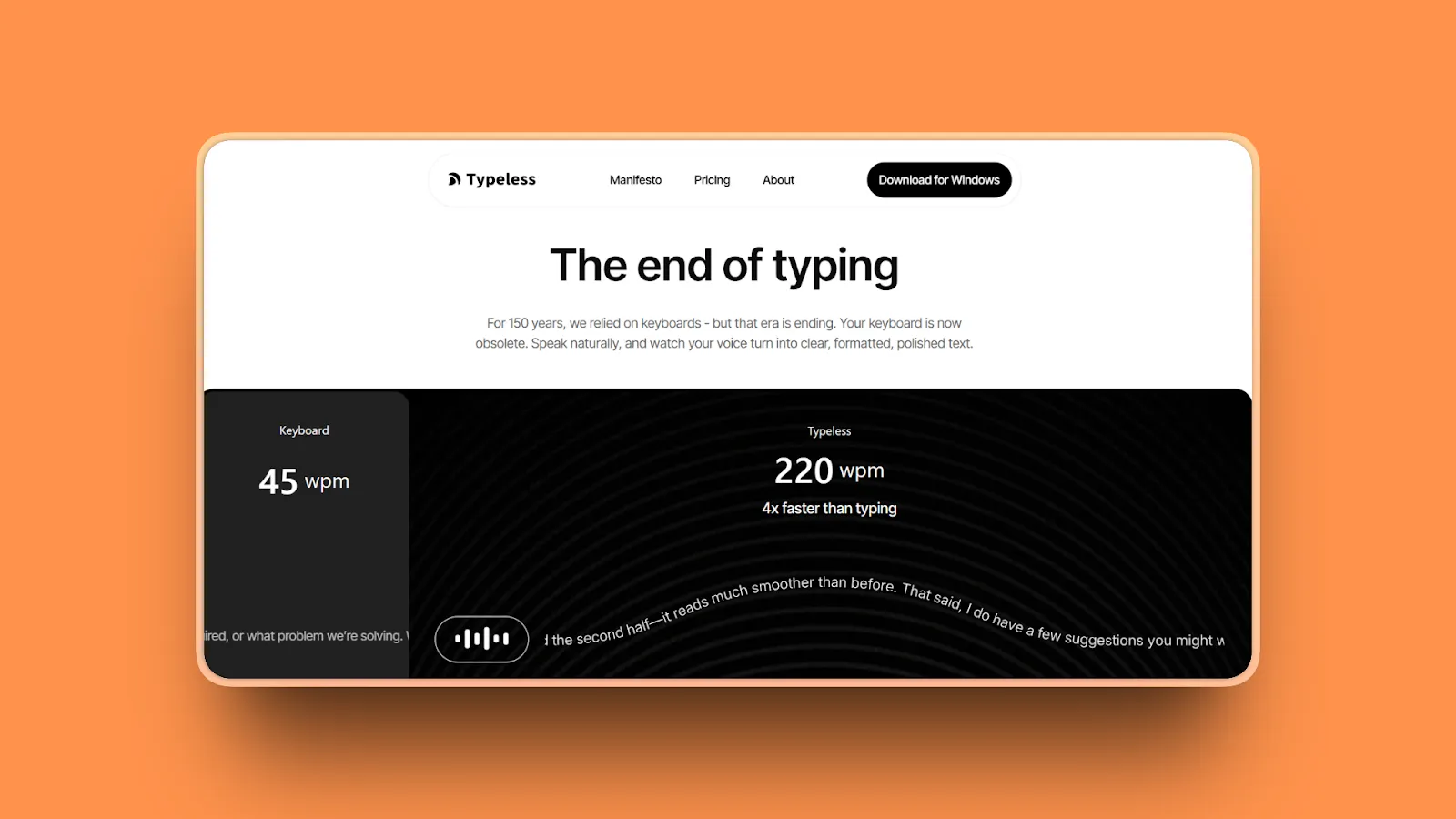
Typeless is a cross-platform AI voice dictation app for Mac, Windows, iOS, and Android. It converts speech into polished text using cloud-based processing, automatically removing filler words, detecting self-corrections, and reformatting spoken language into clean written text.
Typeless launched on Product Hunt in November 2025 and quickly drew attention for its generous free tier and AI cleanup quality. The free plan covers 8,000 words per week. Pro costs $12 per month billed annually ($144 per year) or $30 per month billed monthly. New accounts get a 30-day Pro trial.
The appeal is real. A Stanford study found speech input is 3x faster than typing, which aligns with average typing speeds of 40 words per minute versus natural speech at 120 to 150 words per minute. Typeless's AI auto-editing makes dictated speech sound like polished writing, which removes the biggest friction point in voice-to-text workflows. But it comes with trade-offs.
| Feature | Typeless | What the Best Alternatives Offer |
|---|---|---|
| Processing | Cloud-based | Local (offline) or cloud, user's choice |
| Free tier | 8,000 words/week | Varies: some unlimited, some more restricted |
| Pricing model | Subscription only | Subscription or lifetime purchase |
| Offline capable | No | Yes: Voibe, Superwhisper (local), VoiceInk, Speakmac |
| AI auto-editing | Yes | Varies: cloud tools yes, offline tools mostly no |
| Platform support | Mac, Windows, iOS, Android | Mac-only or cross-platform depending on tool |
| Developer Mode | No | Yes: Voibe |
| Session limit | 6 minutes | No limit: Voibe, Wispr Flow, Superwhisper |
In summary: Typeless is a capable cross-platform dictation tool with strong AI editing. Its main limitations are cloud-only processing, subscription-only pricing, a 6-minute session cap, and no developer-specific features.
The Real Problems with Typeless
Cloud Processing Means Your Voice Leaves Your Device
Typeless processes all dictation on cloud servers. Their help documentation describes real-time cloud processing for transcription. That means every word you dictate travels to a remote server before being returned to your screen.
The zero data retention policy means audio is discarded immediately after processing. But the audio still traverses the network. For professionals under HIPAA, attorney-client privilege, or any data sovereignty requirement, the transmission itself is the problem. A policy does not change the architecture.
Several alternatives offer a fully offline mode. Voibe's on-device mode (Apple Silicon M1+), plus VoiceInk and Speakmac, process everything locally on your Mac: audio stays in RAM and is discarded immediately after transcription, with no network transmission at any point. Voibe also offers a zero-retention cloud mode with open-source models for Macs without Apple Silicon, where audio is never stored, sold, or used to train AI.
Subscription-Only Pricing Adds Up Quickly
Typeless has no lifetime option. At $12 per month billed annually, the cost is $144 per year. Over five years, that is $720.
Several alternatives offer lifetime pricing: Speakmac at $19, VoiceInk at $25, Voibe at $149, and Superwhisper at $249. These can save substantially over multi-year subscription costs.
The 6-Minute Session Limit Interrupts Heavy Users
Typeless caps each dictation session at 6 minutes, with a warning at the 5-minute mark. Auto-save kicks in at the limit. If you are dictating a long document, a legal filing, or extended meeting notes, you will be interrupted every six minutes.
Most alternatives in this list have no session limit at all.
No Offline Mode or Developer-Specific Features
Typeless requires an internet connection for dictation on all platforms. No plane mode. No use in secure facilities that block network access.
There is also no developer-specific workflow support for AI coding tools like Cursor or Windsurf.
Cross-Platform Design Means Less Mac-Native Performance
Typeless is built for broad compatibility across four platforms. It is not optimized specifically for Apple Silicon. Mac users who want a tool built around macOS APIs, tuned for M-series chips, and deeply integrated with the system often find Mac-native tools like Voibe or Superwhisper more reliable.
What to Look for in a Typeless Alternative
Privacy Architecture: Offline vs Cloud
This is the most important question before choosing any dictation tool. Does audio leave your device?
Cloud tools (Typeless, Wispr Flow, Aqua Voice, Willow Voice) send audio to remote servers. Offline tools (Voibe, VoiceInk, Speakmac, Superwhisper with local models) process audio entirely on your device.
Key point: "Zero data retention" protects you after processing. It does not change the fact that audio traveled over the network. For medical, legal, or proprietary business data, offline processing is the only architecture that eliminates transmission risk entirely.
Pricing Model and Long-Term Value
Compare subscription cost against lifetime pricing over your expected usage horizon.
Typeless at $144 per year becomes $720 over five years. Several alternatives offer lifetime pricing that can save substantially over multi-year subscription costs.
If you plan to use voice dictation regularly for two or more years, lifetime pricing delivers substantially better value.
Accuracy and Transcription Quality
OpenAI's Whisper model achieves 95 to 99% accuracy for clear speech in quiet environments, based on published benchmarks. Independent testing shows Apple Dictation achieves approximately 90% accuracy in quiet conditions, dropping to 65 to 75% in noisy settings.
The key differentiator between Whisper-based tools is not the model itself. It is where the processing happens and what happens to your data afterward. Voibe runs whisper-cpp locally on your Mac in on-device mode, or open-source Whisper models on zero-retention cloud providers in cloud mode. Typeless uses the cloud Whisper API. All achieve comparable accuracy. The difference is that Voibe never stores, sells, or trains on your audio, and lets you keep everything on-device if you prefer.
Custom dictionary support matters for specialized work. Voibe lets you add medical terms, legal citations, technical vocabulary, and proper nouns that Whisper does not recognize by default.
AI Post-Processing: Do You Actually Need It?
Typeless's standout feature is AI auto-editing: filler word removal, grammar cleanup, and smart text formatting. This is genuinely useful if your output goes directly to a human reader.
But if you dictate into AI tools like ChatGPT, Claude, or Cursor, that layer of post-processing may be unnecessary. The AI will reformat your input anyway. In that workflow, raw accurate transcription from Voibe or Superwhisper can actually serve you better.
Platform Requirements
Typeless covers Mac, Windows, iOS, and Android. Most Mac-native alternatives (Voibe, VoiceInk, Speakmac) are Mac-only. Superwhisper added Windows support in late 2025. Wispr Flow now covers all four platforms including Android. Aqua Voice covers Mac and Windows. Willow Voice covers Mac, Windows, and iPhone.
If cross-platform dictation is essential, Wispr Flow is the clearest choice.
Developer and Technical Workflow Needs
If you dictate code prompts, file references, or technical documentation into AI IDEs, standard dictation is not enough. Voibe can resolve file and folder names from your Cursor or Windsurf workspace and insert them as chips directly in the AI prompt. No other general-purpose dictation tool currently does this.
11 Best Typeless Alternatives
1. Voibe: Best Typeless Alternative for Mac Privacy
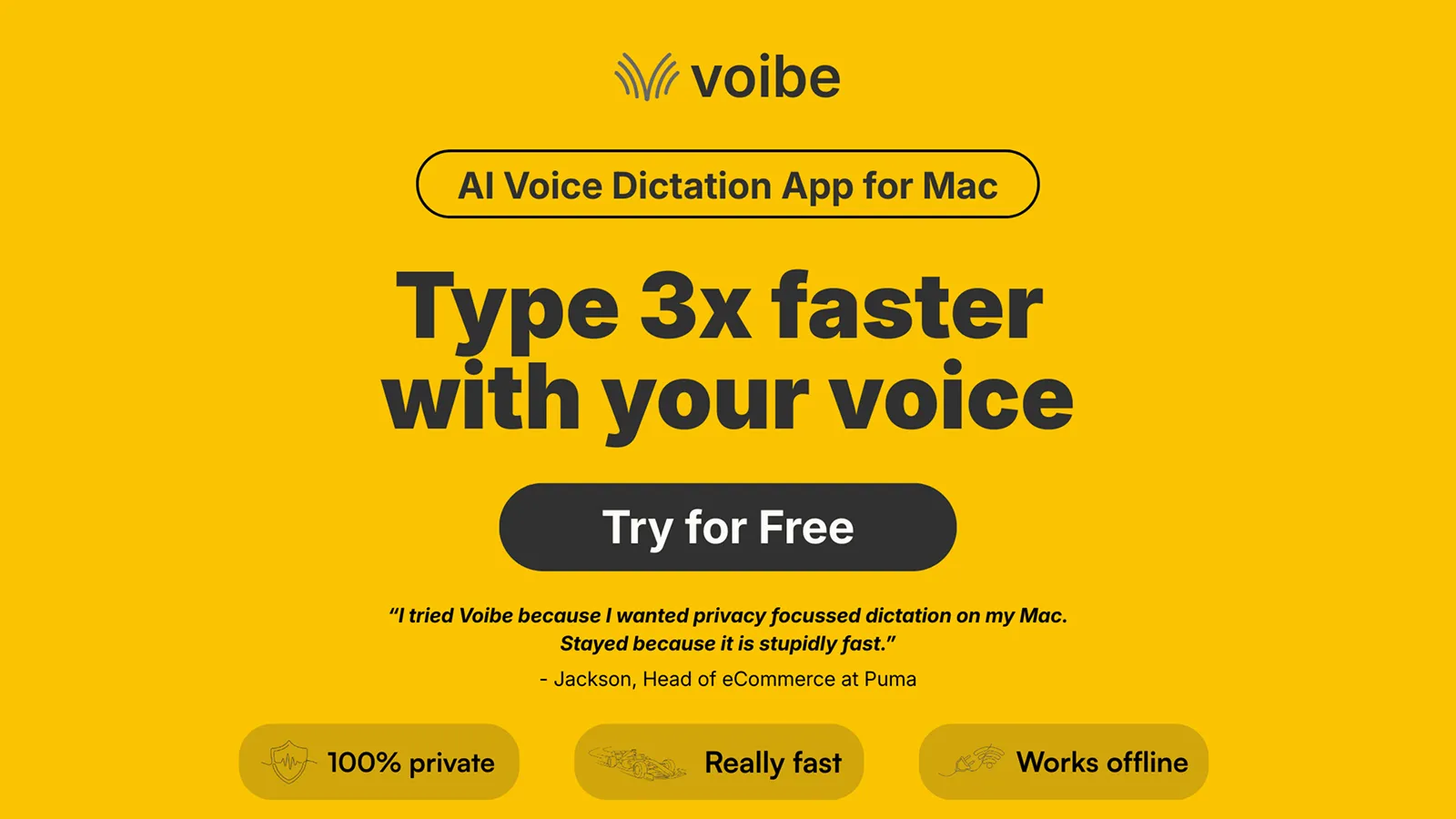
Voibe is the strongest Typeless alternative for Mac users who want private dictation on their own terms. Where Typeless processes voice data on cloud servers with no local option, Voibe gives you a choice. In on-device mode (Apple Silicon M1 or later), transcription runs entirely on your Mac using whisper-cpp and nothing leaves the device. Or use Voibe's zero-retention cloud mode, which runs open-source models, where your audio is deleted the moment transcription completes and is never stored, sold, or used to train any AI model.
Because the cloud path handles transcription, Voibe now runs on all Macs, both Intel and Apple Silicon, not just the newest hardware. The durable promise is the data relationship: whichever mode you pick, your voice is never retained, never sold, and never fed into model training. In on-device mode there is no network request and no third-party server involved at any point; in cloud mode only open-weight models are used and audio is discarded immediately after transcription.
Key Features
- Two privacy modes: fully on-device with whisper-cpp (Apple Silicon M1+), or zero-retention cloud with open-source models, with audio never stored, sold, or trained on either way
- Runs on all Macs (Intel and Apple Silicon); on-device mode requires Apple Silicon M1+
- Push-to-talk with the Fn key: precise activation, no accidental triggers
- Sub-300ms transcription latency for a real-time dictation feel
- Developer Mode: resolves file and folder names from Cursor and Windsurf workspaces as prompt chips
- Custom dictionary: add medical, legal, technical, or creative vocabulary Whisper misses
- Works in every Mac app: Cursor, ChatGPT Desktop, Slack, Notes, email, browsers
- 100+ languages supported
- No session timeout (unlike Apple Dictation's 30-second silence timeout)
Pros
- Real privacy choice: fully on-device mode (nothing leaves your Mac) or zero-retention cloud with open-source models, with audio never stored, sold, or trained on, vs Typeless's cloud-only processing
- Significantly cheaper long-term: $149 lifetime vs $720 over five years at Typeless annual pricing
- Developer Mode is unique in the market: file and folder chip insertion works only in Voibe
- Sub-300ms latency gives faster perceived response than cloud-based tools
- Custom dictionary handles specialized vocabulary any domain needs
- On-device mode works completely offline: planes, secure facilities, areas with no connectivity
- No word count limits: unlimited dictation on every plan
- 7-day free trial plus 30-day money-back guarantee
Cons
- No iOS or Android support, and no Linux (Mac and Windows only) (Typeless covers all four platforms)
- No AI auto-editing: raw Whisper transcription without cloud-based filler word removal
- Fully on-device mode requires an Apple Silicon Mac (M1 or later); Intel Macs use the zero-retention cloud mode
- No mobile app
Pricing
- Lifetime: $149 one-time (no recurring fees, ever)
- Annual: $59/year
- Monthly: $7.50/month
5-year cost comparison: Voibe Lifetime $149 total vs Typeless Pro $720 total. Voibe pays for itself against Typeless well inside the first two years.
User Reviews
Rated 4.8/5 on Product Hunt, Voibe users describe it as "stupidly fast" and "fast, accurate and big value for money." Developer users specifically praise the Cursor and VS Code integration, noting that it "automatically resolves file and folder names." Privacy-focused reviewers highlight that "on-device processing means data is not used for training other models."
Try Voibe free for 7 days for private dictation with no word limits, on-device or zero-retention cloud.
Best For
Mac professionals handling confidential data (medical, legal, business), developers using Cursor or Windsurf for AI-assisted coding, and anyone who wants a one-time payment instead of a subscription that keeps billing every year.
2. Wispr Flow: Best Cross-Platform Typeless Alternative
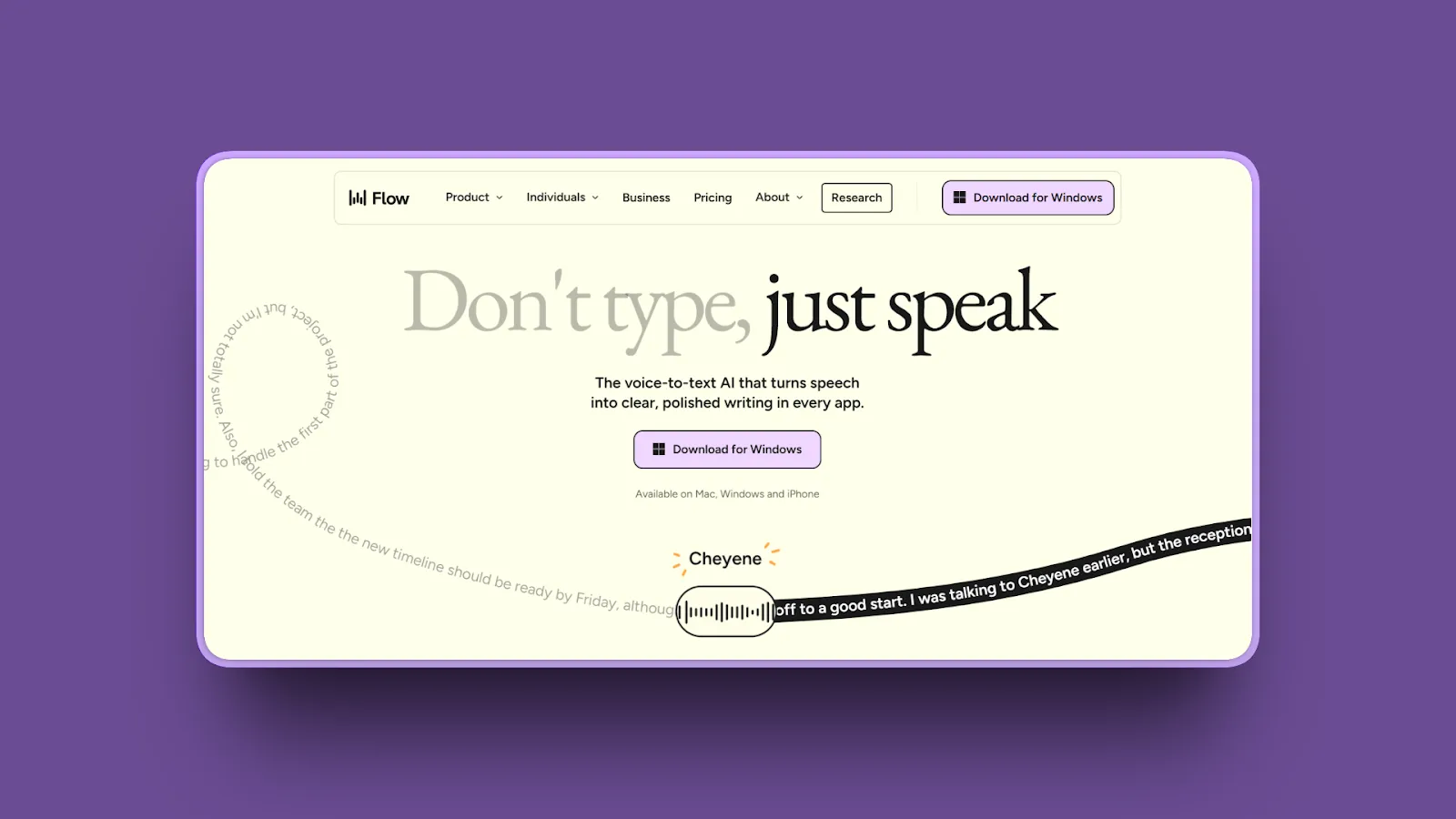
Wispr Flow is the most direct competitor to Typeless in terms of feature positioning. Both are cloud-based AI dictation tools with filler word removal and smart formatting. Wispr Flow adds enterprise compliance certifications and, as of February 23, 2026, full support for Android alongside Mac, Windows, and iOS.
If you need cross-platform dictation with enterprise-grade compliance, Wispr Flow is the strongest option in this comparison. It costs more than Typeless but delivers more for teams and regulated industries.
Key Features
- Works on Mac, Windows, iOS, and Android (full platform parity with Typeless as of February 2026)
- AI context-aware formatting: adapts output style to the active app (email vs code vs chat)
- Automatic filler word removal and punctuation insertion
- Whisper Mode: accurately transcribes quiet or soft speech
- 100+ languages with automatic language detection
- Voice commands for editing and rewriting without mode switching
- SOC 2 Type II compliance on Enterprise plans
- HIPAA controls available at every subscription level (via Business Associate Agreement)
- Custom dictionary with auto-learning, CSV bulk import, and team sharing on Teams/Enterprise plans
Pros
- Best cross-platform consistency of any tool in this comparison: Mac, Windows, iOS, and now Android
- HIPAA controls on all plans (via BAA) and SOC 2 Type II on Enterprise for regulated industries
- Custom vocabulary with auto-learning and CSV bulk import for specialized terminology
- Context-aware AI formatting produces cleaner output than Typeless in many app-specific workflows
- No session time limit
- 14-day free trial, no credit card required
Cons
- Cloud-based processing: audio leaves your device (same fundamental limitation as Typeless)
- Same annual cost as Typeless Pro at $144/year; monthly plan ($15/month) is cheaper than Typeless monthly ($30/month)
- No offline mode
- No lifetime pricing option
Pricing
- Free: 2,000 words per week (vs Typeless's 8,000 words per week)
- Pro: $15/month or $12/user/month annual ($144/year)
- Teams: $10/user/month annual
- Enterprise: Custom pricing
User Reviews
Wispr Flow has a 4.7/5 on Product Hunt across 55 reviews. Reviewers call it a "total gamechanger" and describe the macOS app as "perfection." One user reported 99% accuracy after two weeks. Mixed-language users praise how it handles code-switching between languages seamlessly.
Best For
Cross-platform professionals who work across Mac, Windows, iOS, and Android. Enterprise teams that need HIPAA controls and SOC 2 Type II compliance. Users who want Typeless-level AI editing with better compliance posture and broader device support.
3. Superwhisper: Best Typeless Alternative for Power Users
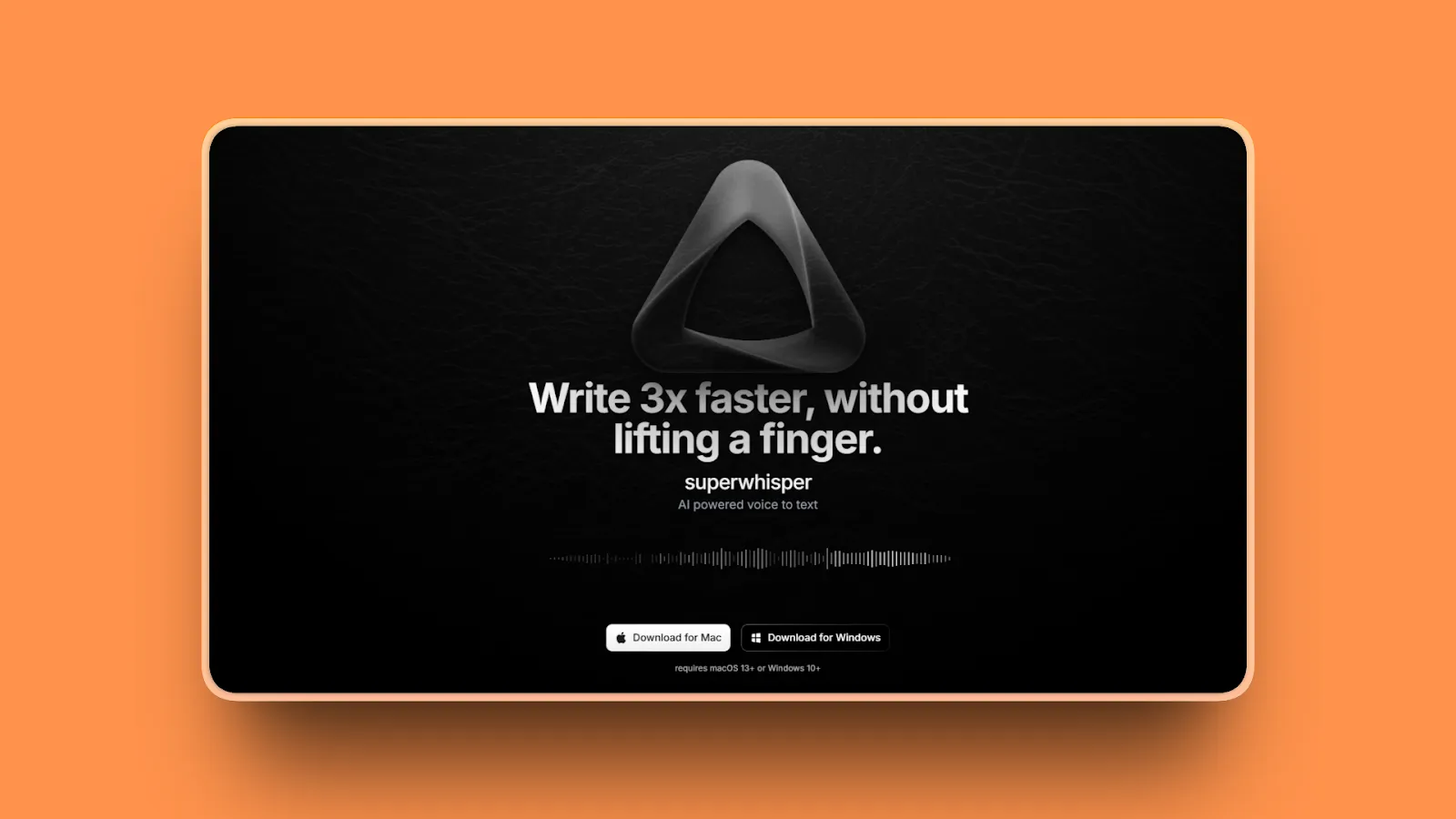
Superwhisper is Typeless's most feature-rich alternative for Mac and Windows. It offers extensive customization through a custom modes system, the ability to switch between cloud accuracy and offline local models, and a bring-your-own-API-key option for advanced users.
If you want granular control over how your dictation behaves in different contexts, Superwhisper is the most powerful option in this list. The trade-off is a steeper learning curve and a higher price point.
Key Features
- Dual processing: choose cloud models for maximum accuracy or local models for complete offline privacy
- Custom Modes: set prompts, tone, and formatting rules per workflow (email mode, code mode, notes mode)
- 100+ languages with automatic translation to English
- Offline capability on Apple Silicon using local Whisper models
- Bring Your Own API Key option for advanced customization
- Now available on Mac, Windows, and iOS (Windows support added December 2025)
- Context-aware formatting
- Hold-to-speak push-to-talk feature
- Custom vocabulary for names and abbreviations
Pros
- Highly customizable: modes let you configure different dictation behaviors for every use case
- Offline option on Apple Silicon provides privacy equivalent to Voibe when using local models
- Active development with a strong Mac user community
- Polished, Mac-native experience
- Lifetime option available: $249 vs Typeless's subscription-only model
Cons
- More expensive than Typeless: $8.49/month or $84.99/year; lifetime is $249 (vs Voibe's $149)
- Steeper learning curve: more configuration required before you get full value
- Local models require Apple Silicon for good performance
Pricing
- Free: voice-to-text with local small models, 100+ languages
- Pro Monthly: $8.49/month
- Pro Annual: $84.99/year
- Lifetime: $249 one-time
User Reviews
With a 4.9/5 on Product Hunt, Superwhisper also received the Privacy Award for AI Dictation Apps at the Winter 2025 Product Hunt Orbit Awards. Users praise exceptional accuracy, flexible modes, and the lifetime purchase option. Product Hunt reviewers include professionals from leading technology and AI companies.
Best For
Mac and Windows power users who want granular control over dictation behavior, custom modes for different writing contexts, and the flexibility to switch between cloud accuracy and offline privacy depending on the session.
4. VoiceInk: Best One-Time Purchase Alternative
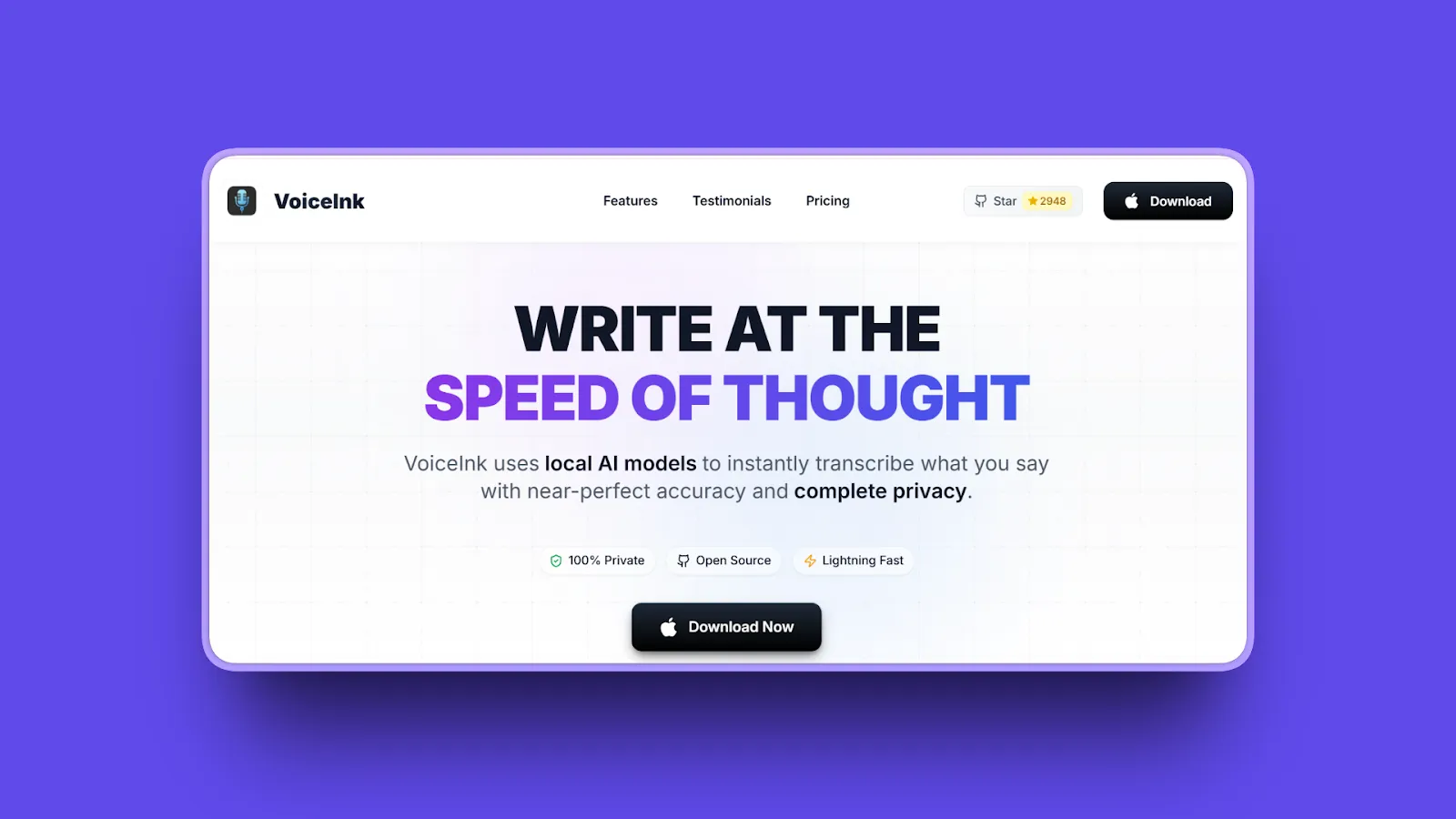
VoiceInk is the most affordable one-time purchase alternative to Typeless. It delivers 100% offline Mac dictation using local Whisper models, an open-source codebase anyone can inspect, and no ongoing fees. The entry price is $25 for a single device.
Key Features
- 100% local processing using Whisper AI models: fully offline
- Open-source under GPL v3.0: code publicly available on GitHub for full transparency
- 100+ languages
- BYOK (Bring Your Own Key) option for cloud-enhanced accuracy when offline is not required
- Real-time transcription with customizable writing styles
- Available on the Mac App Store
- Requires macOS 14 (Sonoma) or later, Apple Silicon
Pros
- Lowest entry price for offline Mac dictation: $25 for a single device
- 100% offline processing provides the same privacy architecture as Voibe
- Open-source code means users can verify every privacy claim independently
- No recurring fees on any plan
Cons
- Requires 8GB RAM minimum for optimal performance
- Apple Silicon required for best results
- Smaller community than Superwhisper or Wispr Flow
- Interface is less polished than Voibe or Superwhisper
Pricing
- Solo: $25 one-time (1 device)
- Personal: $39 one-time (2 devices)
- Extended: $49 one-time (3 devices)
User Reviews
VoiceInk carries a 4.3/5 on the App Store. Desktop reviewers praise near-100% accuracy and open-source transparency. Users describe it as exceptional value compared to subscription alternatives.
Best For
Budget-conscious Mac users who want offline privacy at the lowest possible one-time price and value the ability to inspect open-source code for themselves.
5. Aqua Voice: Best for Speed-Focused Dictation
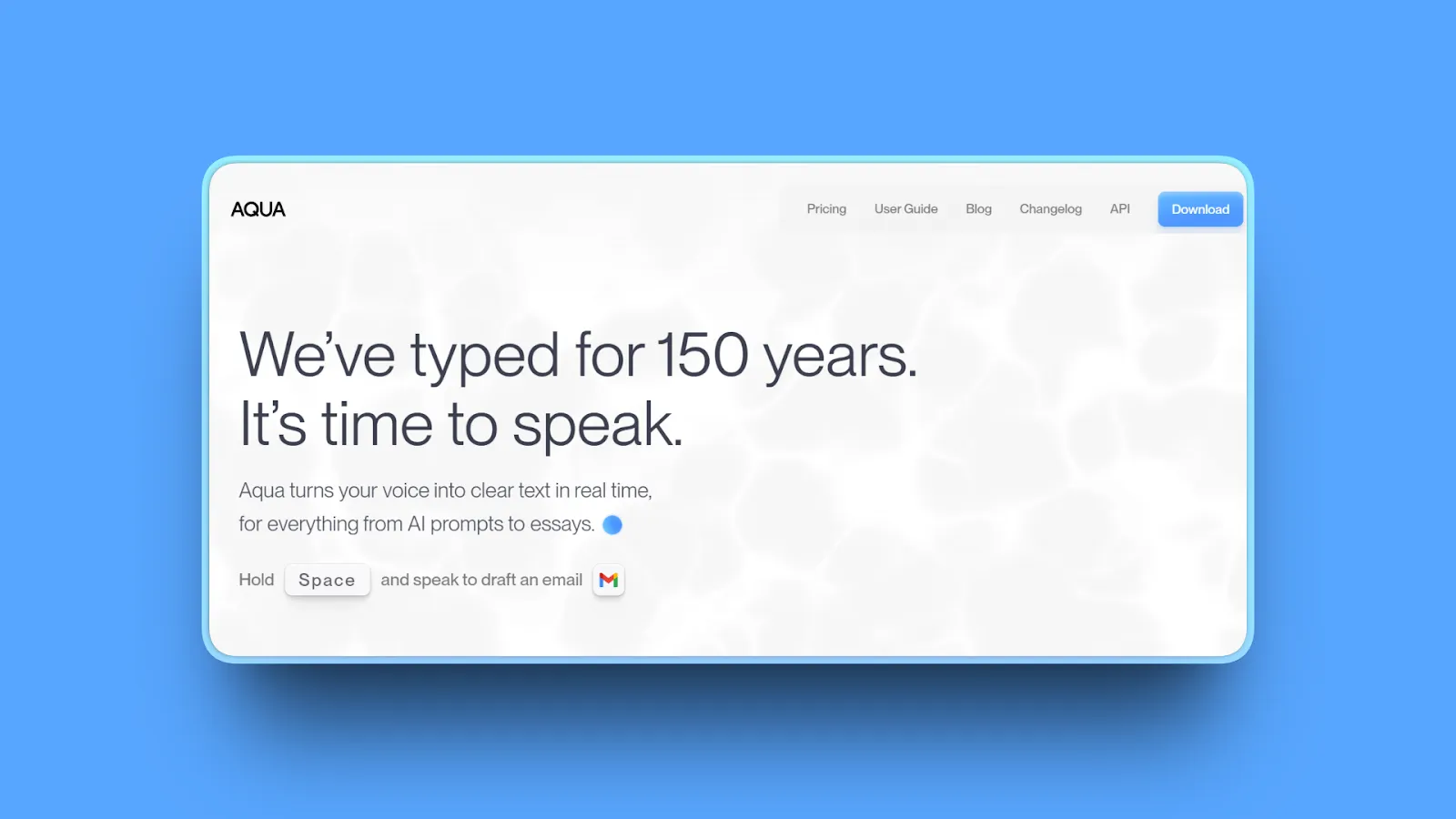
Aqua Voice is built for raw speed. It launches in under 50 milliseconds and inserts text into the active window in under one second, sometimes as fast as 450ms. For users who feel current dictation tools are too slow to keep up with their thinking, Aqua Voice is the fastest option in this comparison.
A Y Combinator W24 company, Aqua Voice won the Readability Award at the Winter 2025 Product Hunt Orbit Awards.
Key Features
- Ultra-fast startup: under 50ms launch time
- Text insertion in under 1 second (as fast as 450ms)
- Fusion transcription architecture with a client context engine
- Automatic app-aware formatting: output style adapts to the active application
- Custom instructions: set standing rules for numbers, punctuation, formatting
- Natural language editing: edit text by voice without switching modes
- Custom vocabulary: up to 800 custom words and phrases
- 49 languages supported
- Privacy Mode: opt out of data use for product improvement
- Mac and Windows support
Pros
- Fastest dictation latency of any tool in this comparison
- Intelligent app-context formatting produces clean output without manual configuration
- Clean, minimal interface with no complex setup
- A 9to5Mac side-by-side accuracy test found Aqua Voice had 1 error vs Apple Dictation's 17 errors on the same passage
Cons
- Cloud-based: audio sent to servers (same architecture as Typeless)
- Fewer languages than Typeless: 49 vs 100+
- No voice correction: manual editing required for mistakes
- No offline mode
- Server outages have occurred (one lasted approximately 20 minutes per the 9to5Mac review)
Pricing
- Free: 1,000 words (trial only)
- Pro: $8/month or $96/year
- Team: $12/month per user (annual)
User Reviews
Aqua Voice has a 5.0/5 on Product Hunt and won the Readability Award in the 2025 Orbit Awards for AI Dictation Apps. Accessibility users specifically highlight the real-time display and response speed. In 9to5Mac's review, reviewer Ben Lovejoy dictated close to 20,000 words during testing, while accessibility advisor Colin Hughes described it as "a real breath of fresh air."
Best For
Speed-focused users who prioritize raw dictation latency and intelligent app-context formatting over offline privacy or low cost.
6. Willow Voice: Best for Mac and Windows Cross-Platform
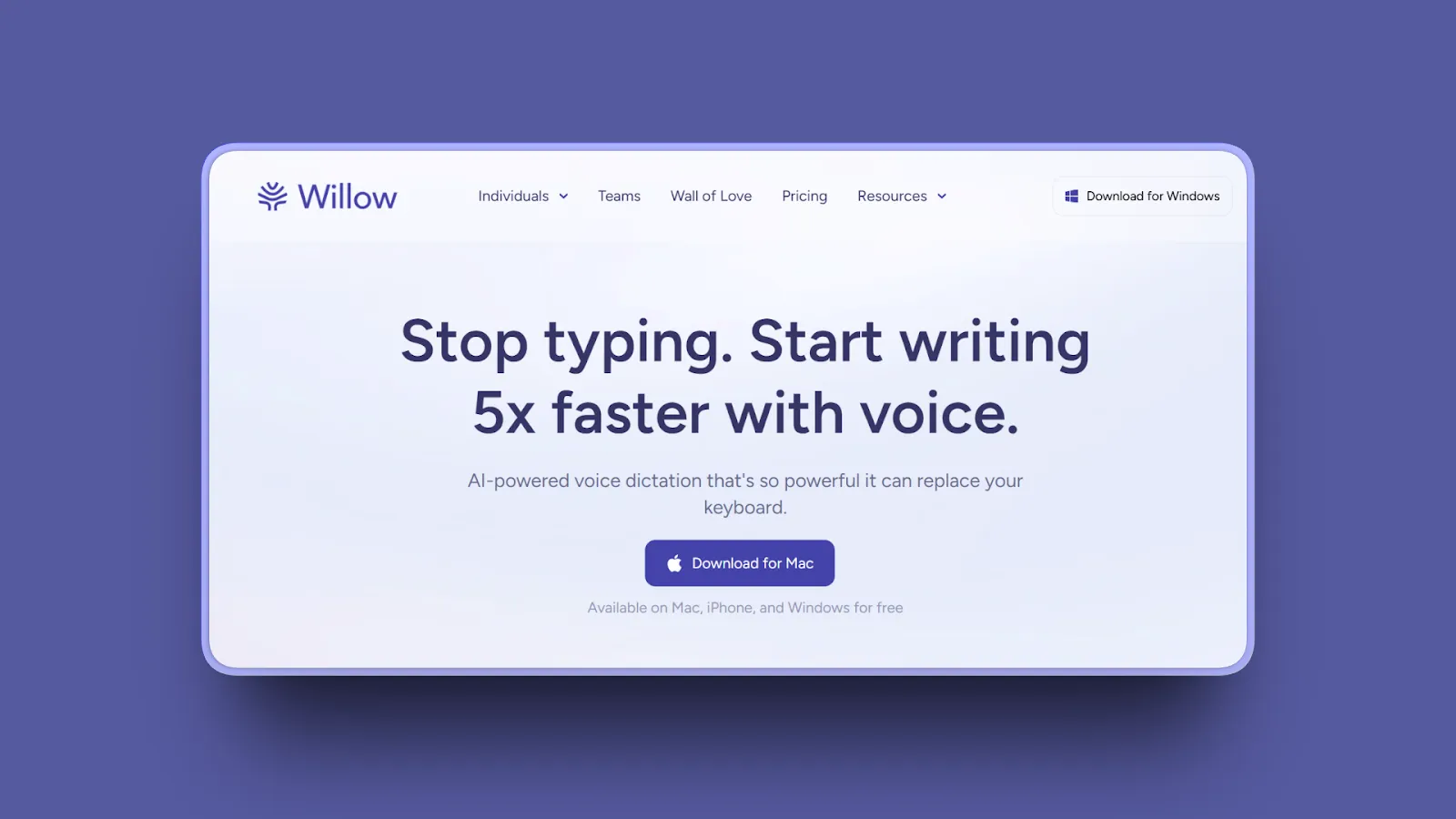
Willow Voice is a strong Typeless alternative for users who work across Mac and Windows and want AI-powered dictation with context-aware formatting. It won the Everyday Communication Award at the Winter 2025 Product Hunt Orbit Awards.
The pricing is similar to Typeless at the annual tier, so the main reason to choose Willow Voice over Typeless is its polished Mac experience and quiet mode for sensitive environments.
Key Features
- Mac, Windows, and iPhone support
- AI-powered context-aware formatting
- Automatic filler word removal and grammar correction
- Quiet Mode: accurately transcribes soft speech for use in offices or shared spaces
- Voice commands: "dash," "new line," "bullet point" for formatting without lifting your hands
- Auto-formatting for bullet points and paragraphs
- Smart memory: learns your writing style over time
- Custom dictionary: teach product names, acronyms, and people names
- Works in Gmail, Slack, Notion, iMessage, browsers, and any text field
Pros
- Cross-platform across Mac, Windows, and iPhone: broader reach than Voibe
- Strong AI formatting comparable to Typeless at the same annual price
- Quiet Mode is genuinely useful for dictating in open offices or on calls
- Straightforward interface with minimal setup required
Cons
- Cloud-based: audio leaves your device
- No offline mode
- Priced similarly to Typeless at the annual tier ($144/year)
- Smaller community and ecosystem than Wispr Flow or Superwhisper
Pricing
- Free: 2,000 words per week
- Individual (Willow Pro): $12/month (annual) or $15/month (monthly), $144/year
- Team: $10/user/month annual
- Enterprise: Custom pricing with SOC 2 Type II and HIPAA
User Reviews
Users rate Willow Voice 4.9/5 on Product Hunt, calling it "unbelievably accurate" and noting it integrates with macOS "perfectly." One reviewer reported outperforming a competitor they had used for six months after just two days with Willow Voice.
Best For
Mac and Windows users who want Typeless-comparable AI formatting at a similar price, with a simple setup process and a quiet mode for sensitive environments.
7. Apple Dictation: Best Free Alternative
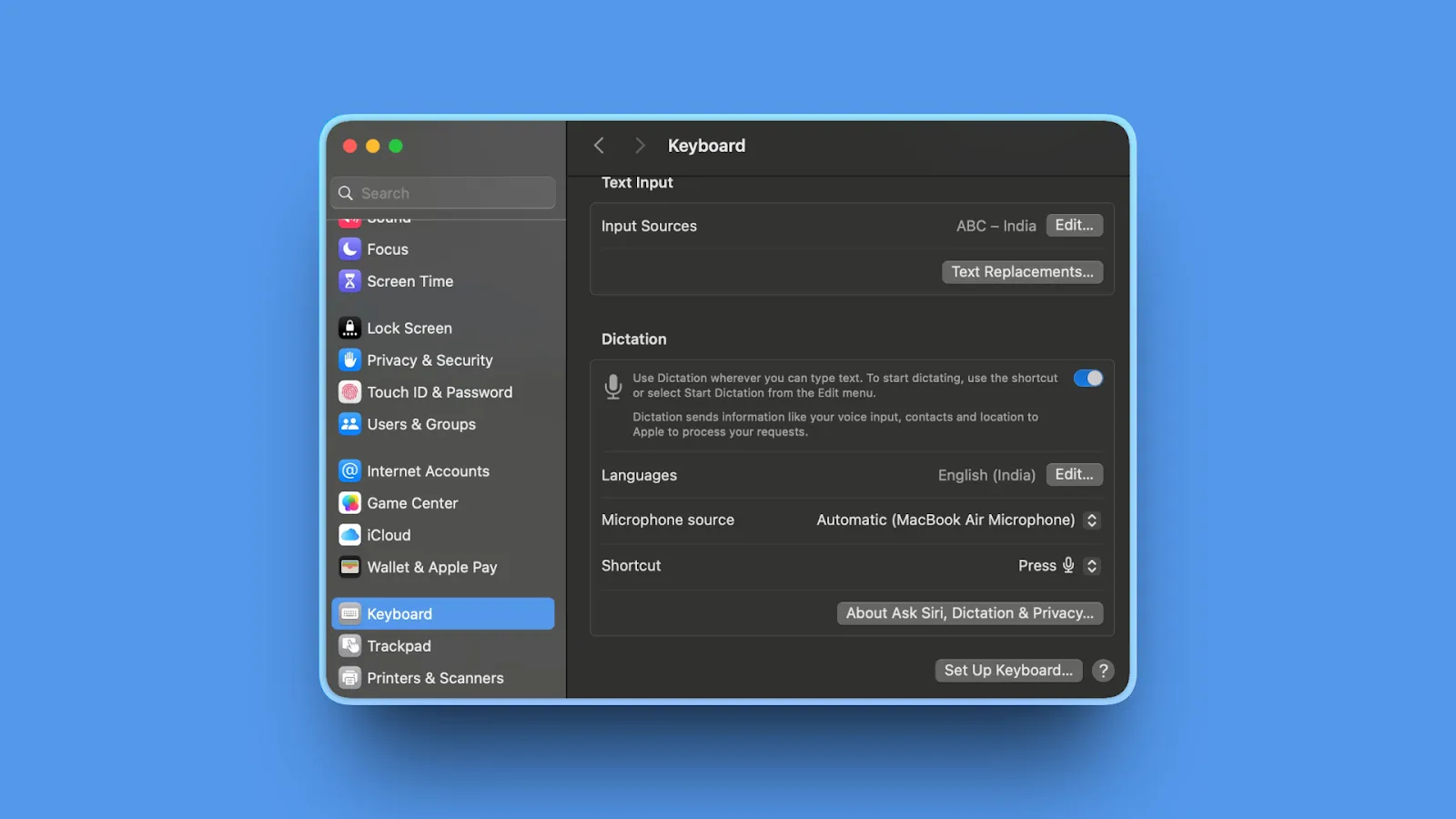
Apple Dictation is the free built-in dictation option for every Mac. No download, no subscription, no account required. On Apple Silicon Macs (M1 and newer), it processes audio entirely on-device, giving you a privacy architecture equivalent to Voibe at zero cost.
The trade-off is accuracy and workflow limitations.
Key Features
- Built into macOS: access through System Settings, then Keyboard, then Dictation
- On-device processing on Apple Silicon (M1, M2, M3, M4): fully private
- Intel Macs require an internet connection for processing
- Auto punctuation (periods, commas, question marks) in macOS Ventura and later
- 40+ languages
- Works in any Mac app
- Integration with Apple Intelligence on macOS Sequoia and later
Pros
- Completely free: no subscription, no account
- On-device processing on M1 and newer: privacy equivalent to paid offline tools
- Zero setup: already installed on every Mac
- No word count limits
Cons
- Stops after 30 seconds of silence: must re-activate if you pause speaking for more than 30 seconds
- No AI auto-editing, filler word removal, or smart formatting
- Lower accuracy than Whisper-based tools: approximately 90% in quiet conditions, 65 to 75% in noisy settings (vs 95 to 99% for Whisper-based tools per independent benchmarks)
- Intel Macs require internet for processing
- No custom dictionary
Pricing
- Free (included with macOS)
User Reviews
Apple Dictation has no formal review platform rating since it is a built-in system feature. Users praise the zero cost, zero setup, and on-device privacy on Apple Silicon Macs.
Best For
Mac users who need occasional, light dictation, cannot justify any paid subscription, and are comfortable with the 30-second silence timeout during longer sessions.
8. Dragon Professional: Best for Maximum Accuracy
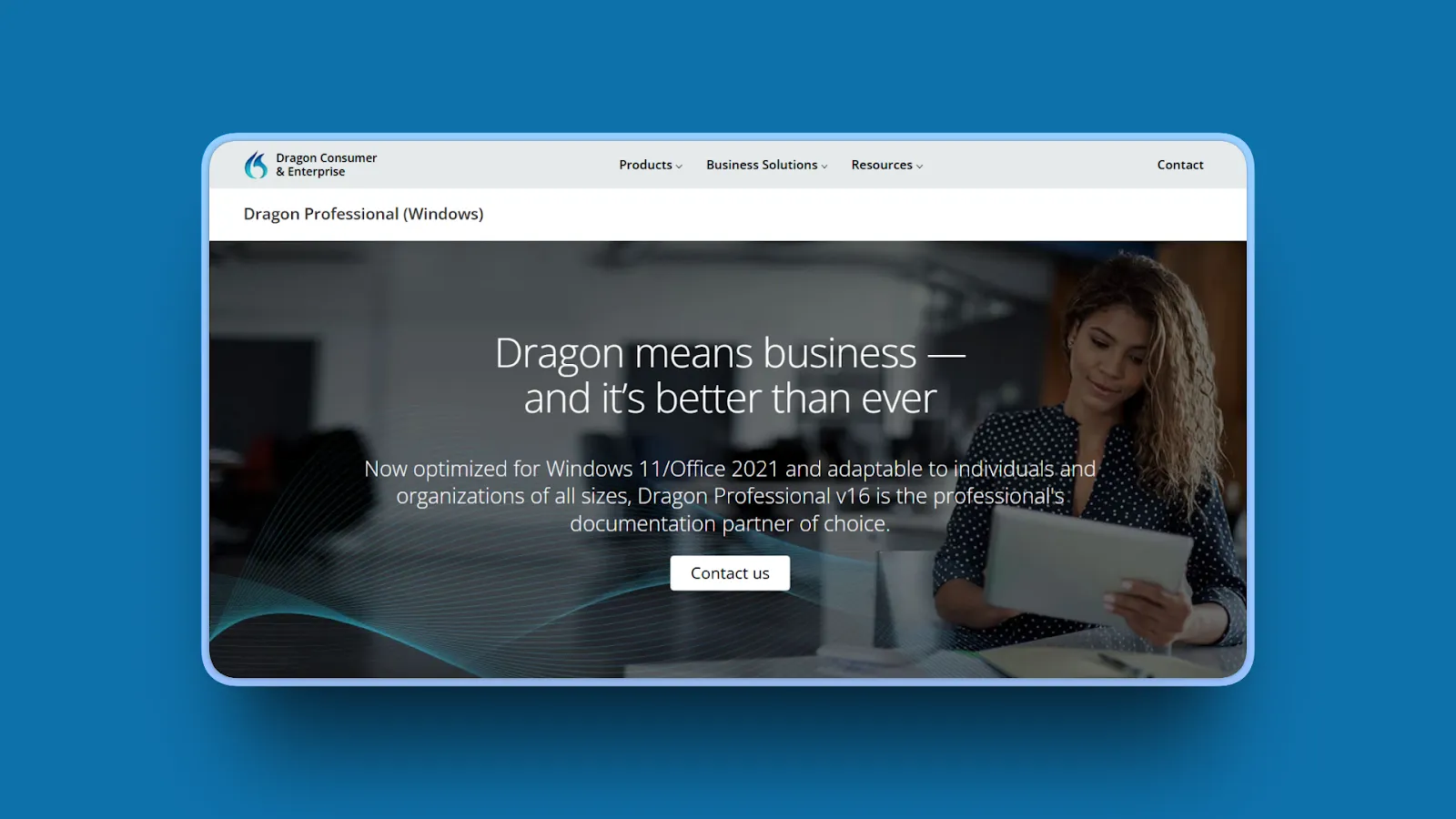
Dragon Professional by Nuance (now owned by Microsoft) is the legacy enterprise standard for voice dictation. It delivers 99% accuracy with deep command-and-control capabilities, specialized vocabulary for medical and legal domains, and fully offline processing.
Note: Dragon Professional is Windows-only for the Professional edition. It is not a Mac option. It is included here for enterprise users who need maximum accuracy and are already in Windows-based workflows.
Dragon was acquired by Microsoft in March 2022. The product continues to be sold and maintained, but it is not receiving the same pace of development as modern cloud-based competitors.
Key Features
- 99% accuracy with Nuance Deep Learning technology
- Command-and-control: voice macros and workflow automation
- Specialized vocabulary for medical and legal domains with custom training
- Extensive custom vocabulary training that improves over time
- Fully offline: local processing, no internet required
- Auto Transcribe Folder Agent for batch audio file processing
- Integration with CRM systems
Pros
- Highest accuracy of any tool in this comparison at 99% with specialized vocabulary
- Deep command-and-control capabilities for power workflow automation
- Offline processing provides complete privacy
- Decades of development with mature specialized vocabulary databases
- Industry standard in healthcare and legal for Windows environments
Cons
- Very expensive: $699 for Dragon Professional, a one-time Windows license
- Windows-only for the Professional edition (no Mac support)
- Legacy interface that feels dated compared to modern alternatives
- No longer actively developed as an independent product following the Microsoft acquisition
- Not optimized for AI coding workflows or modern Mac environments
- No cross-platform support
Pricing
- Dragon Professional v16: $699 one-time license (Windows)
- Dragon Legal Individual: Higher price for specialized legal edition
- Upgrade from previous version: $349 to $400
User Reviews
Dragon Professional holds a steady 4.0/5 on Capterra. Reviewers call it the "gold standard for speech-to-text" and highlight how it improves accuracy over time as it learns your voice.
Best For
Windows-based enterprise users in healthcare or legal who need maximum accuracy and command-and-control capabilities, and are already embedded in the Dragon ecosystem.
9. Otter.ai: Best for Meeting Transcription (Not General Dictation)
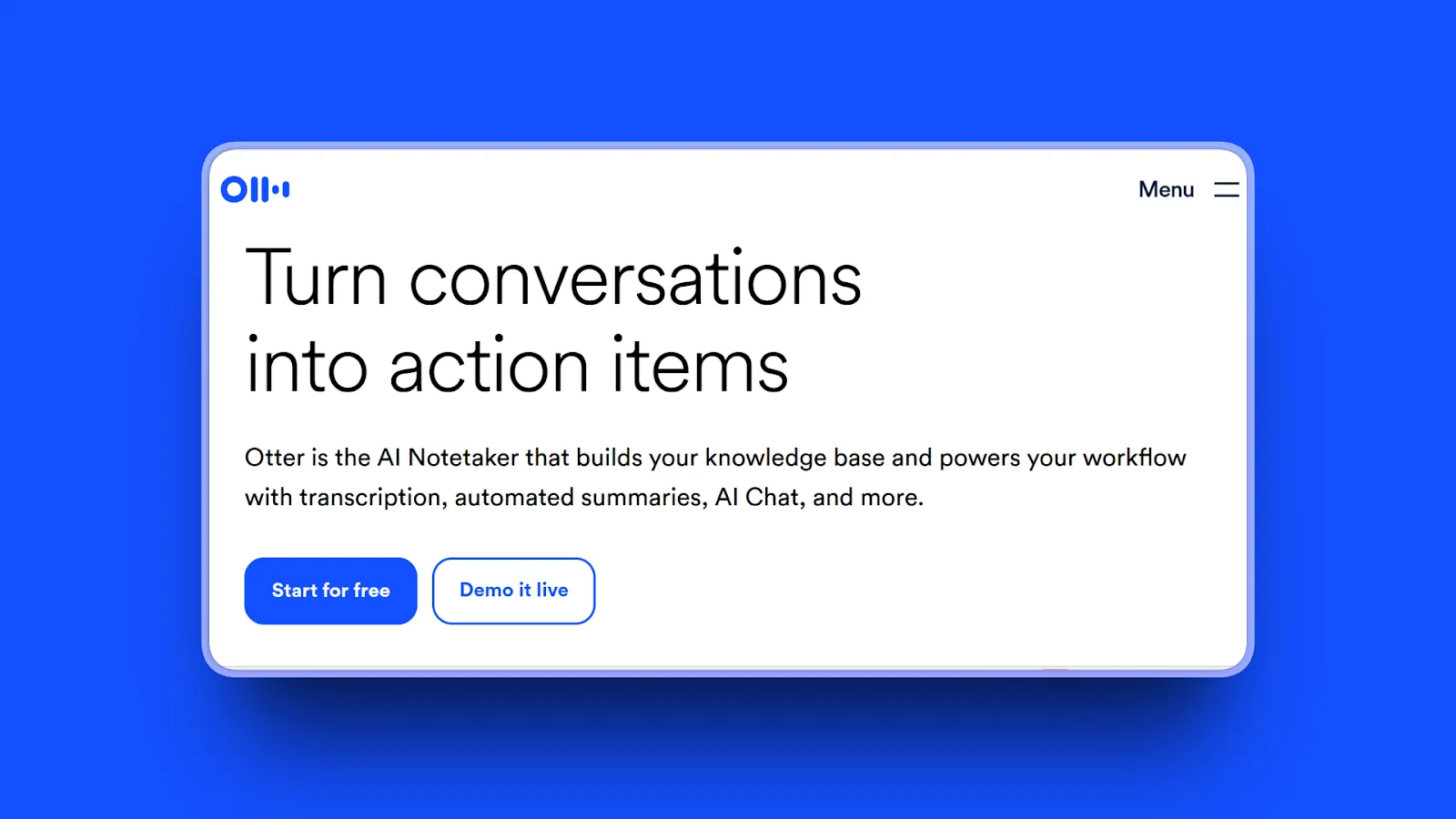
Otter.ai appears on many "Typeless alternatives" lists, but it is important to be clear about what it actually does. Otter.ai is a meeting transcription tool. It is not a general-purpose voice dictation app. If you want to dictate emails, write documents, or type prompts into AI tools, Otter.ai will not help.
If you want automated transcription of Zoom, Google Meet, or Microsoft Teams calls with speaker identification and AI summaries, Otter.ai is excellent at that specific job.
Important note: In August 2025, a federal class-action lawsuit (Brewer v. Otter.ai) was filed alleging that Otter.ai "deceptively and surreptitiously" records private conversations without proper consent from all participants. The lawsuit is ongoing as of February 2026. Otter.ai continues to operate, but this is worth factoring into any decision for enterprise or regulated use cases.
Key Features
- Real-time meeting transcription with speaker identification
- AI-generated meeting summaries and action items
- Integrations with Zoom, Google Meet, Microsoft Teams, and Slack
- Searchable transcript archive
- OtterPilot: joins meetings automatically on your behalf
- Collaborative annotation for team note-taking
- Available on web, iOS, and Android
Pros
- Best meeting transcription quality with multi-speaker identification
- Strong integrations with major video conferencing platforms
- AI summaries save significant time reviewing long meetings
- Collaborative features for team note-taking workflows
Cons
- Not a general dictation tool: cannot replace Typeless for writing, email, code, or system-wide workflows
- Cloud-based: audio sent to servers
- Free tier limited to 300 minutes per month
- Ongoing class-action lawsuit regarding consent and recording practices
- More expensive per user than Typeless for individual use
Pricing
- Free: 300 minutes per month, 30 minutes max per conversation
- Pro: $16.99/month or $8.33/month annual
- Business: $30/month or $20/user/month annual
- Enterprise: Custom pricing with HIPAA and SSO
User Reviews
Otter.ai maintains a 4.3/5 on G2. Reviewers consistently call it a "great tool" for meeting productivity and praise the AI-generated summaries and action items.
Best For
Users who primarily need automated meeting transcription and AI meeting summaries. This is not a replacement for Typeless if you need general voice-to-text dictation in your everyday Mac workflows.
10. Speakmac: Best Ultra-Affordable Lifetime Option for Mac
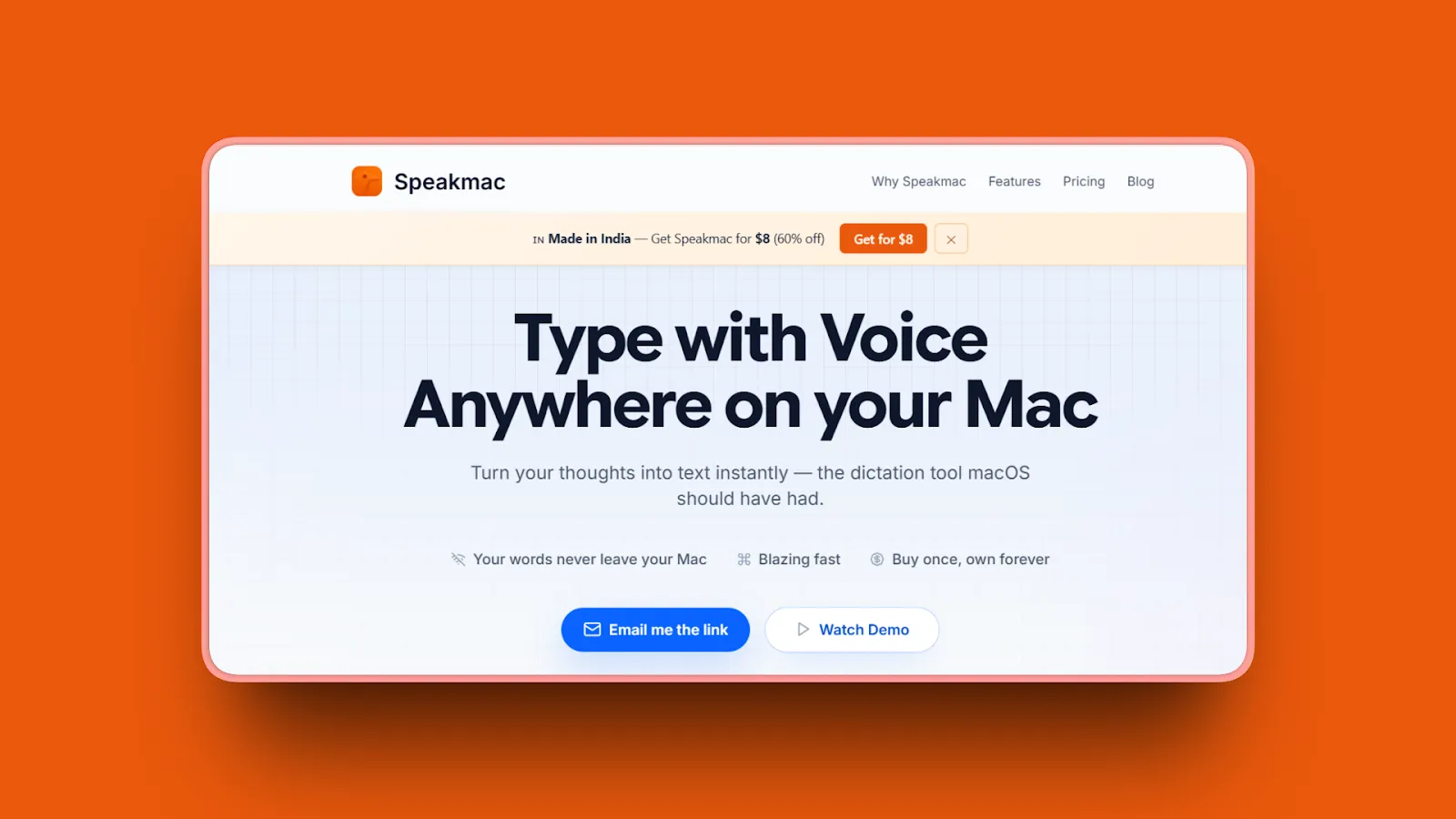
Speakmac is a no-frills offline Mac dictation tool with a $19 lifetime license. If you want the absolute lowest cost for private on-device dictation and do not need advanced features, Speakmac gets the job done with zero configuration complexity.
It is extremely lightweight at just 4MB, launches quickly, and requires no account, no API key, and no login.
Key Features
- 100% offline processing: voice never leaves the device
- 99.7% claimed accuracy
- Extremely lightweight: 4MB app size
- Plug-and-play setup: no configuration required
- Custom snippet expansion: speak a shorthand phrase to expand into full text blocks
- Custom vocabulary via CSV import (spoken form to written form)
- Text appears in under 0.5 seconds
- Works in any application with a text cursor
- Requires macOS 14 (Sonoma) or later, Apple Silicon only
Pros
- Cheapest lifetime option at $19: less than Voibe ($149), VoiceInk ($25 to $39), Superwhisper ($249)
- 100% offline: private by design, no cloud relay
- Minimal system footprint: fast startup, minimal resource use
- No ongoing fees: first year of updates included, optional $19/year for updates after that
- Custom snippet expansion is useful for anyone who dictates standard text blocks repeatedly
Cons
- Very limited feature set: no AI editing, no filler word removal
- Apple Silicon only: no Intel Mac support
- 25+ languages only (vs Voibe's 100+, Typeless's 100+)
- Small community with limited support resources
Pricing
- Personal: $19 one-time (1 Mac)
- Pro: $29 one-time (2 Macs)
- Optional: $19/year for continued updates after first year (not required to keep using the app)
User Reviews
Speakmac has 194 upvotes on Product Hunt. Users praise flawless dictation with accented voices and describe it as "the offline dictation macOS should have had." The developer uses Speakmac to build Speakmac itself.
Best For
Apple Silicon Mac users who want the absolute lowest-cost offline dictation with zero setup and do not need a custom dictionary or AI post-processing.
11. Google Docs Voice Typing: Best Free Cross-Platform Option
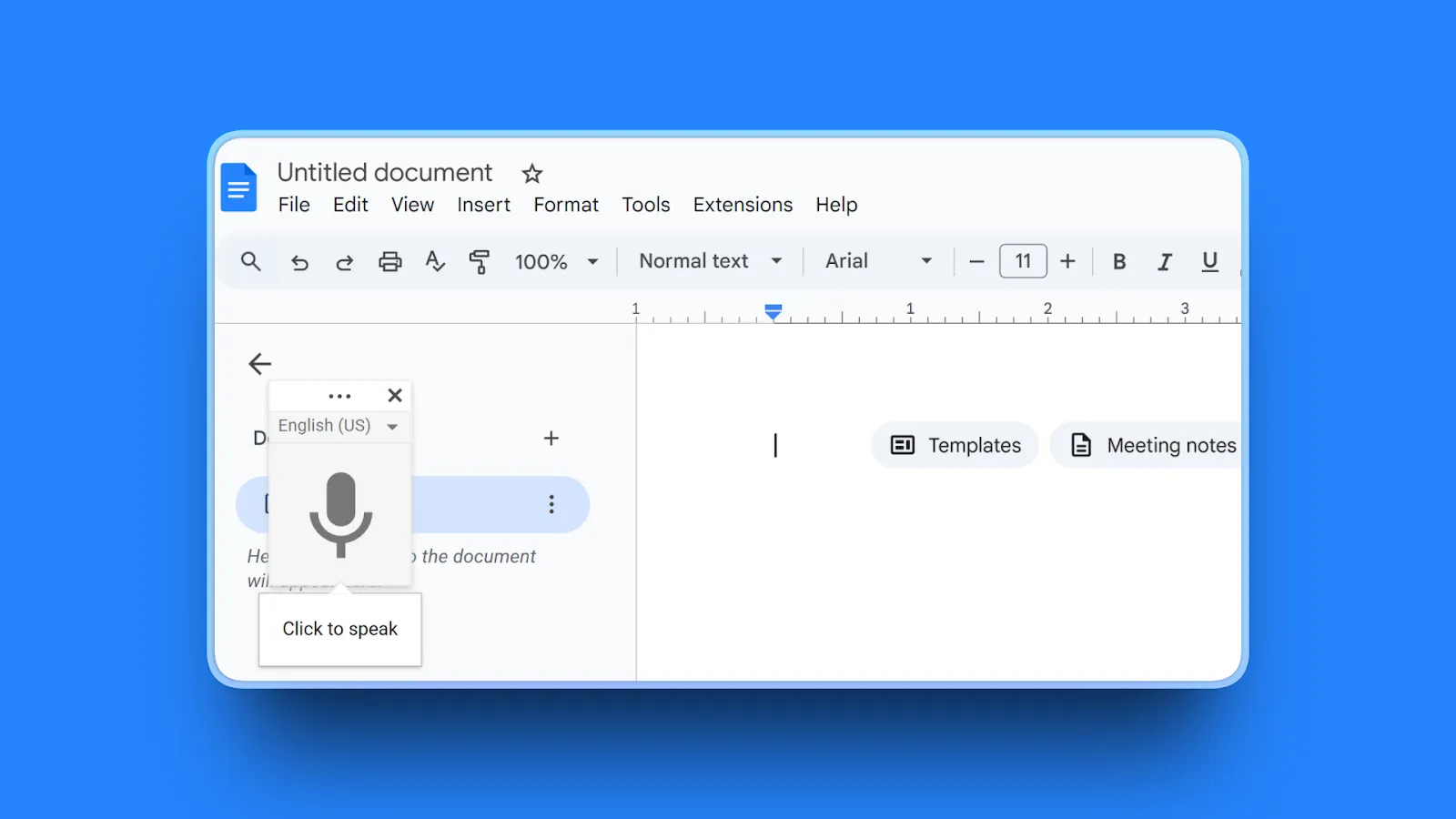
Google Docs Voice Typing is a free, no-download voice dictation feature built directly into Google Docs. It requires only a Google account, a microphone, and a supported browser (Chrome, Edge, or Safari). It works on Mac, Windows, Linux, and ChromeOS.
The hard limitation: it only works inside Google Docs. You cannot use it in email, Slack, code editors, or any other application.
Key Features
- Free in any Google Doc: no installation, no download
- Works in Chrome, Edge, and Safari (not Firefox)
- Cross-platform: Mac, Windows, Linux, ChromeOS
- 100+ languages
- Voice commands for English (new paragraph, bullet points, etc.)
- No word count limits
Pros
- Completely free with no word limits
- Cross-platform: works on any device with a compatible browser
- No installation required
- Reasonable accuracy for casual general-purpose dictation
Cons
- Requires a constant internet connection
- Only works inside Google Docs: cannot dictate into email, Slack, code editors, or any other app
- No AI auto-editing or filler word removal
- No custom dictionary
- Audio processed on Google's servers: significant privacy concern for sensitive content
- Must say "comma" and "period" manually: breaks natural speaking rhythm
- Voice commands available in English only
Pricing
- Free (requires Google account)
User Reviews
As a built-in Google feature, Google Docs Voice Typing has no standalone review rating. Users across productivity blogs praise the zero-cost convenience and broad language support across 100+ languages.
Best For
Occasional users who only need to dictate inside Google Docs, want zero cost and zero installation, and are comfortable with audio being processed by Google's servers.
Quick Comparison: 11 Best Typeless Alternatives
| Tool | Processing | Offline | Platform | Starting Price | Best For |
|---|---|---|---|---|---|
| Voibe | On-device or zero-retention cloud (user chooses) | Yes (on-device mode, Apple Silicon) | Mac (macOS 13+), Windows | $7.50/mo or $149 lifetime | Privacy-focused Mac professionals, developers |
| Wispr Flow | Cloud | No | Mac, Windows, iOS, Android | Free / $144/yr | Cross-platform teams, enterprise compliance |
| Superwhisper | Cloud or local (user chooses) | Yes (Apple Silicon) | Mac, Windows, iOS | Free / $249 lifetime | Power users wanting customization |
| VoiceInk | On-device (Whisper) | Yes | Mac, iOS (macOS 14+, Apple Silicon) | $25 one-time | Budget offline, open-source transparency |
| Aqua Voice | Cloud | No | Mac, Windows | $8/mo | Speed-focused users |
| Willow Voice | Cloud | No | Mac, Windows, iPhone | Free / $144/yr | Cross-platform with AI formatting |
| Apple Dictation | On-device (M1+) | Yes (M1+) | Mac only | Free | Free occasional use |
| Dragon Professional | On-device | Yes | Windows only | $699 one-time | Enterprise accuracy, healthcare and legal |
| Otter.ai | Cloud | No | Web, iOS, Android | Free / $100/yr | Meeting transcription only |
| Speakmac | On-device | Yes | Mac (Apple Silicon, macOS 14+) | $19 one-time | Ultra-budget offline |
| Google Docs Voice Typing | Cloud (Google) | No | Cross-platform (browser only) | Free | Free dictation within Google Docs only |
How to Choose the Right Typeless Alternative
Your decision comes down to four factors: privacy requirements, platform needs, budget model, and non-negotiable features. Here is a structured breakdown.
1. What Is Your Privacy Requirement?
- Handle sensitive data (medical, legal, proprietary code): choose Voibe (fully on-device mode on Apple Silicon, or zero-retention cloud that never stores or trains on your audio), VoiceInk, Superwhisper, or Speakmac for on-device processing
- Cloud processing is acceptable, but compliance documentation matters: choose Wispr Flow (HIPAA on all plans via BAA, SOC 2 Type II on Enterprise) or Willow Enterprise
- Cloud processing is acceptable for personal use: any cloud tool works
2. What Platforms Do You Use?
Mac only:
- VoiceInk, Speakmac, or Apple Dictation
Mac plus Windows:
- Voibe, Superwhisper, Wispr Flow, Aqua Voice, or Willow Voice
Mac plus Windows plus iOS:
- Wispr Flow or Willow Voice
All platforms including Android:
- Wispr Flow (Android launched February 2026)
Windows only:
- Dragon Professional
3. What Is Your Budget Model Preference?
- One-time lifetime purchase: Speakmac ($19), VoiceInk ($25 to $39), Voibe ($149), Superwhisper ($249)
- Monthly subscription: Aqua Voice ($8), Superwhisper ($8.49), Voibe ($7.50), Willow Voice ($15), Wispr Flow ($15)
- Annual subscription: Superwhisper ($84.99), Voibe ($59), Wispr Flow ($144), Willow Voice ($144)
- Free forever: Apple Dictation (Mac only) or Google Docs Voice Typing (any browser)
4. What Features Are Non-Negotiable?
- AI auto-editing and filler word removal: Wispr Flow, Aqua Voice, Willow Voice
- Developer Mode for AI coding tools (Cursor, Windsurf): Voibe, Superwhisper, Wispr Flow
- Custom vocabulary for specialized domains: Voibe, Superwhisper, Aqua Voice, Wispr Flow, Speakmac
- Maximum accuracy (99%): Dragon Professional (Windows only)
- Meeting transcription with speaker identification: Otter.ai
- Deepest customization and control: Superwhisper
In summary: Mac users who want privacy and long-term value should choose Voibe. Cross-platform users who want AI features should choose Wispr Flow. Power users who want maximum customization should choose Superwhisper. For the broader landscape of dictation options, see our guide to the best dictation apps in 2026, or learn why talking beats typing.
Use-Case Cheat Sheet
Privacy-Conscious Mac Professional (Medical, Legal, Business)
Best Choice: Voibe
Choose fully on-device mode (Apple Silicon M1+, audio processed entirely on your Mac with whisper-cpp and no network transmission), or zero-retention cloud mode with open-source models where audio is never stored, sold, or used to train AI. Zero retention either way, with a fully on-device mode available. $59/year or $149 lifetime.
Developer Using Cursor or Windsurf
Best Choice: Superwhisper
Custom modes let you configure per-app dictation profiles for coding contexts. Offline on Apple Silicon keeps proprietary code off external servers. $84.99/year or $249 lifetime.
Cross-Platform Team (Mac plus Windows)
Best Choice: Wispr Flow
Strongest cross-platform consistency across Mac, Windows, iOS, and Android. SOC 2 Type II on Enterprise. Team vocabulary syncs across devices and users. Also consider: Willow Voice ($144/year), Aqua Voice ($8/month).
Long-Term Value Seeker
Best Choice: Voibe Lifetime ($149)
One-time cost, no recurring fees. Cheapest long-term option for regular users. Also consider: Speakmac ($19 one-time) if basic offline dictation is all you need.
Speed-Obsessed User
Best Choice: Aqua Voice
Sub-50ms launch time, text insertion in under one second (as fast as 450ms). 9to5Mac accuracy test: 1 error vs Apple Dictation's 17 errors on the same passage.
Enterprise with Compliance Requirements
Best Choice: Wispr Flow Enterprise
HIPAA controls on all plans (via BAA), SOC 2 Type II on Enterprise, ISO 27001 certification in progress, SSO and SAML available. Also consider: Willow Enterprise has comparable compliance features.
Absolute Minimum Budget
Paid: Speakmac ($19 lifetime, Mac Apple Silicon)
Free: Apple Dictation (Mac M1+, built-in, fully private on Apple Silicon). Free cross-platform: Google Docs Voice Typing (any browser, Google Docs only).
Meeting Transcription as the Primary Use
Best Choice: Otter.ai
Speaker identification, AI meeting summaries, and direct integrations with Zoom, Google Meet, and Microsoft Teams. Note: Otter.ai is not a replacement for Typeless as a general dictation tool. It only transcribes meetings, not your everyday writing and workflows.
Frequently Asked Questions About Typeless Alternatives
Basics
What is Typeless and what does it do?
Typeless is a cross-platform AI voice dictation app for Mac, Windows, iOS, and Android. It converts speech into polished text using cloud-based processing, automatically removing filler words. The free tier includes 8,000 words per week. Pro costs $12/month (annual) or $30/month (monthly). All audio processing happens on cloud servers.
Is Typeless free to use?
Yes. Typeless offers a free tier limited to 8,000 words per week. Pro costs $12/month billed annually ($144/year) or $30/month billed monthly. New accounts receive a 30-day Pro trial automatically. The free tier is generous but has a hard weekly cap. Heavy users will need Pro.
Does Typeless work offline?
No. Typeless requires internet for dictation on all platforms. Audio travels to cloud servers before being discarded. Voibe offers a fully offline on-device mode (Apple Silicon M1+) where nothing leaves your Mac; other fully offline Mac options include VoiceInk, Superwhisper (Apple Silicon), Speakmac, and Apple Dictation (M1+).
What platforms does Typeless support?
Typeless supports Mac, Windows, iOS, and Android, making it one of the few voice dictation tools with Android support. Most Mac-native alternatives (Voibe, VoiceInk) are Mac-only. Superwhisper now also supports Windows. Wispr Flow added Android support on February 23, 2026, and now also covers all four platforms.
Comparisons
What is the best alternative to Typeless for Mac?
For privacy, Voibe is the strongest Mac option. It gives you a choice: a fully on-device mode (Apple Silicon M1+) where nothing leaves your Mac, or a zero-retention cloud mode with open-source models where audio is never stored, sold, or used to train AI. Voibe runs on all Macs and costs $149 lifetime vs Typeless's $144/year. For deep customization, Superwhisper offers custom modes and cloud/local flexibility. For budget, VoiceInk starts at $25. Each excels at a different use case.
How does Typeless compare to Wispr Flow?
Both are cloud-based AI dictation tools with filler word removal. Wispr Flow costs more ($15/month vs $12/month) but adds SOC 2 Type II compliance, HIPAA controls, and Android support. Typeless has a more generous free tier: 8,000 words/week vs 2,000 for Wispr Flow.
Key point: Neither tool is offline. Both have the same fundamental privacy limitation.
Is Voibe better than Typeless?
For Mac users who want a real privacy choice and long-term value, yes. Voibe lets you pick a fully on-device mode (Apple Silicon M1+, nothing leaves your Mac) or a zero-retention cloud mode with open-source models where audio is never stored, sold, or used to train AI. It runs on all Macs and costs $149 once vs $144/year for Typeless. Typeless is better if you need cross-platform support or AI auto-editing.
Key point: Choose Voibe for privacy and value. Choose Typeless for cross-platform coverage.
What is the cheapest alternative to Typeless?
Free: Apple Dictation (Mac, built-in) or Google Docs Voice Typing (browser only).
Paid lifetime: Speakmac ($19), VoiceInk ($25-$39), or Voibe ($149). Voibe's annual plan at $59/year is a more affordable alternative to Typeless Pro at $144/year.
How-To and Practical
How do I switch from Typeless to another dictation app?
Typeless does not offer a dictionary or settings export. To switch: note down any custom vocabulary you have added, install your preferred alternative, grant microphone and accessibility permissions, rebuild your dictionary, and set your preferred hotkey. Most alternatives are ready to use in under five minutes. You can run both tools side by side during a trial period before canceling your Typeless subscription from your account settings.
Key point: There is no data lock-in. Dictation apps store minimal user data, so the switch is straightforward.
Which voice dictation apps work without internet?
Fully offline Mac apps: Voibe, VoiceInk, Superwhisper (Apple Silicon local models), Speakmac, and Apple Dictation (M1+).
Offline Windows: Dragon Professional.
Cloud-required (need internet): Typeless, Wispr Flow, Aqua Voice, Willow Voice, Otter.ai, and Google Docs Voice Typing.
Troubleshooting and Concerns
Which dictation software has the best privacy protection?
Tools with a fully on-device mode offer the strongest protection: Voibe (on-device mode, Apple Silicon M1+), VoiceInk, Speakmac, and Superwhisper (local models). In on-device mode these process audio in RAM and discard it immediately, with no network transmission. Voibe's zero-retention cloud mode goes further than typical cloud tools by never storing, selling, or training on your audio. Cloud tools like Typeless and Wispr Flow transmit audio to servers regardless of data retention policies.
Key point: For sensitive professional data, offline processing eliminates transmission risk entirely.
Is subscription or lifetime pricing better for dictation software?
Lifetime pricing is better if you plan to dictate regularly for two or more years. Tools like Voibe ($149), VoiceInk ($25), and Speakmac ($19) offer one-time purchases, and Voibe's lifetime pays for itself against a subscription in under two years. Subscription makes sense if you want to try tools before committing long-term.
Key point: If you are confident in your tool choice, lifetime pricing delivers significantly better value.
Final Thoughts
Key point: The best Typeless alternative depends on your priorities: Voibe for offline Mac privacy, Wispr Flow for cross-platform teams, Superwhisper for deep customization, and Apple Dictation or Speakmac for zero cost.
There is no single best Typeless alternative. It depends on what matters most to you.
For private dictation on Mac: Voibe or VoiceInk. VoiceInk processes audio entirely on-device; Voibe lets you choose on-device mode (Apple Silicon M1+, no cloud transmission) or a zero-retention cloud mode with open-source models that never stores, sells, or trains on your audio. Voibe adds custom vocabulary and a $149 lifetime option; VoiceInk is open-source and cheaper at $25.
For cross-platform teams: Wispr Flow. It covers Mac, Windows, iOS, and Android with HIPAA compliance on all plans. No other tool matches that combination.
For speed and accuracy: Aqua Voice. Sub-50ms launch, text in under a second, and independently tested accuracy that outperforms Apple Dictation.
For deep customization: Superwhisper. Custom modes, BYOK for API keys, and the flexibility to switch between local and cloud processing.
For minimum spend: Apple Dictation is free and fully on-device on M1+ Macs. Speakmac is $19 lifetime if you want a step up. Google Docs Voice Typing is free in any browser.
For enterprise compliance: Wispr Flow Enterprise or Willow Enterprise for SOC 2 and HIPAA. Dragon Professional for Windows-only environments requiring 99% accuracy.
We built Voibe, so we will be upfront: if you want private dictation on Mac, on-device or zero-retention cloud, without a recurring subscription, try Voibe free for 7 days. But every tool on this list solves a real problem that Typeless does not. Pick the one that fits your workflow.
Use the comparison table and use-case cheat sheet above to match your workflow to the right app.
Try Voibe free for 7 days. Private dictation on any Mac, on-device or zero-retention cloud, no word limits, and a $149 lifetime option when you're ready.
Go deeper on Typeless
Still deciding? The Voibe Resources library has dedicated Typeless breakdowns: Typeless vs Wispr Flow, Typeless pricing explained, Typeless privacy issues, and our full Typeless review.
More dictation guides
8 Apple Dictation Alternatives That Don't Time Out (2026)
Apple Dictation times out after a minute and trips on technical terms. These 8 Mac alternatives never cut you off, run offline, and hit 97%+ accuracy.
9 Best Wispr Flow Alternatives in 2026: Privacy, Pricing, and Performance
Compare 9 Wispr Flow alternatives in 2026. Explore offline and cloud dictation tools with detailed reviews of privacy, pricing, accuracy, and more.
11 Best Superwhisper Alternatives in 2026 (Reviewed)
Compare 11 Superwhisper alternatives in 2026. In-depth reviews of privacy, pricing, accuracy, and performance for Mac and Windows dictation tools.
11 Best Willow Voice Alternatives 2026 (Reviewed)
Compare 11 Willow Voice alternatives in 2026. Explore offline dictation tools with detailed reviews of privacy, lifetime pricing, and Mac performance.
12 Best Dragon Dictation Alternatives in 2026 (Reviewed)
Compare 12 Dragon alternatives in 2026. Detailed reviews from free to $249 covering privacy, accuracy, lifetime pricing for Mac and Windows users.
10 Best MacWhisper Alternatives In 2026 (Reviewed)
Compare 10 MacWhisper alternatives in 2026. Explore offline and real-time dictation tools with detailed reviews of privacy, speed, pricing, and accuracy for Mac users.
11 Best Aqua Voice Alternatives for Mac Dictation (2026)
Discover 11 Aqua Voice alternatives with offline access, privacy-first tools, and one-time pricing. Compare Mac dictation apps that work on your terms.
9 Best Monologue Alternatives (Reviewed)
Compare 9 Monologue alternatives across privacy, pricing, and platforms. From Voibe (100% offline) to Wispr Flow (cross-platform) to free picks.
Best Dictation Apps in 2026: Offline, Private & Accurate
We tested 10 dictation apps for accuracy, privacy, speed, and price. See which run fully offline on Mac — and which send your voice to the cloud.
Why Talking to AI Changes Everything
Talking preserves more of your real intent than typing, which helps models get it right on the first try. Practical tips, research references, and an FAQ.
Try Voibe Today
Experience private AI dictation on your terms, fully on-device or zero-retention cloud with open-source models. Download it for free and start dictating 3x faster than you can type.
Try Voibe for freeRequires macOS 13+ (runs on all Macs; on-device mode requires Apple Silicon M1+)