
11 Best Aqua Voice Alternatives for Dictation (2026)
TL;DR
The best Aqua Voice alternatives solve real problems: offline access, privacy concerns, and subscription fatigue. Voibe for 100% offline processing and $149 lifetime pricing. VoiceInk offers open-source dictation (free from source, $25-$49 compiled). Superwhisper delivers customizable AI models. Wispr Flow excels for teams. Apple Dictation provides free built-in options.
Aqua Voice is fast and accurate for cloud-based dictation. But your voice data streams to external servers. That's a problem for confidential work.
Coding on a plane with no Wi-Fi? Cloud dependency means no dictation. Paying $10/month ($120/year) or $8/month annual ($96/year) with no end date? The math stops making sense. Client names, proprietary info, personal details: all of it leaves your device.
For professionals handling confidential information, developers coding offline, or anyone valuing privacy and reliability, these aren't minor inconveniences.
Lawyers dictating client notes need privacy. Developers coding on flights need offline access. Writers need distraction-free focus. You need dictation software that works on your terms.
We analyzed 20+ dictation tools based on verified user reviews from Product Hunt, G2, Capterra, and Trustpilot. We compared published pricing and feature specs. We evaluated privacy architectures (cloud vs. on-device). We assessed real-world benchmarks from independent sources.
This guide covers tools from $0 to $500+, offline-only to cloud-based, Mac-native to cross-platform. For a comprehensive overview of the best dictation options available in 2026, see our guide to the best dictation apps, or learn why talking beats typing for AI workflows.
Disclosure: This guide is published by the Voibe team. We've worked to provide fair, research-based comparisons of all tools, including our own product's limitations.
Here's what we found.
Top Picks at a Glance
| Tool | Best For | Key Strength |
|---|---|---|
| Voibe | Privacy-conscious Mac users | 100% offline, $149 lifetime plan |
| Superwhisper | Customizable AI models | Flexible model selection, offline capable |
| VoiceInk | Budget-conscious users | Open-source, $25-$49 or free from source, 100% offline |
| Wispr Flow | Team collaboration | Cross-platform, shared dictionaries |
| Apple Dictation | Free built-in option | No cost, works offline on M1+ Macs |
Try Voibe for free for 100% offline dictation that never sends your data to the cloud. Plans start at $59/year (~$4.92/month) or get lifetime access for $149.
Key Takeaways
- Offline processing protects privacy. Tools like Voibe, MacWhisper, and VoiceInk process everything locally on your Mac. Your voice never leaves your device. Perfect for confidential work.
- One-time pricing beats subscriptions long-term. Aqua Voice costs $8-$10/month ($96-$120/year). Voibe's $149 lifetime license pays for itself within about 18 months. VoiceInk is free to build from source, or $25-$49 for the compiled app.
- Mac-native tools run on Apple Silicon. Voibe, Superwhisper, and MacWhisper are built for M1/M2/M3 chips. They deliver strong performance and battery efficiency.
- Specialized use cases matter. General dictation, coding, meeting transcription, and file transcription each have ideal tools. Match your workflow to the right solution.
Try Voibe for 100% offline dictation.
Why Users Leave Aqua Voice: The Real Pain Points
Aqua Voice delivers solid cloud-based dictation, but these limitations drive users to seek alternatives.
Cloud-Only Processing (No Offline Mode)
Aqua Voice requires constant internet. All voice data goes to cloud servers. You can't dictate on planes, in remote locations, or anywhere with unreliable internet.
Your confidential voice data leaves your device for external processing.
User testimonial from Product Hunt: "Being an online tool, it requires network access on the back end to do its job. It would be nice if more of that power could be allocated locally for situations in which network access is inconvenient or impossible."
For lawyers dictating client notes, doctors handling patient information, or businesses managing proprietary data, cloud processing creates unacceptable privacy risks.
Subscription Fatigue and Ongoing Costs
At $10/month or $8/month with annual billing, Aqua Voice costs $96-$120 per year with no end date.
Many alternatives offer one-time purchases that pay for themselves in months. Voibe costs $149 lifetime. VoiceInk is free to build from source, or $25-$49 for the compiled app. MacWhisper is $79.99 one-time.
Background Noise Sensitivity
Multiple users report Aqua Voice transcribing background TV audio, radio conversations, and nearby voices. If you work in shared spaces, coffee shops, or homes with family members, this creates transcription chaos.
One Product Hunt reviewer noted: "Some users had times where a long text block does not get pasted correctly after finishing," requiring manual copying from clipboard history.
Network Dependency and Periodic Lag
Aqua Voice is cloud-dependent. All processing happens remotely. This introduces network latency and occasional lag spikes.
When your internet slows down, your dictation suffers.
No meaningful offline fallback exists. The app becomes severely limited without internet.
Limited Platform Support and Feature Gaps
Users have requested broader platform coverage including Linux and iOS. Advanced voice navigation features are limited. The floating text box can feel disconnected from your workflow compared to dictating directly into your intended app.
Bottom line: Aqua Voice works well when you have perfect internet and don't mind cloud processing. For everyone else, better alternatives exist.
What to Look for in an Aqua Voice Alternative
Privacy: On-Device vs Cloud Processing
Aqua Voice sends all voice data to cloud servers. On-device tools like Voibe, MacWhisper, and VoiceInk run AI models locally using Apple Silicon's Neural Engine. Your voice never leaves your device.
AppleInsider's comparison found local processing can deliver faster results than cloud alternatives.
- On-device (fully private): Voibe, MacWhisper, VoiceInk, Apple Dictation (M1+ Macs)
- Offline mode available: Superwhisper
- Cloud (audio uploaded): Wispr Flow, Otter.ai, Speechify, Willow Voice
Voibe processes everything on-device using Whisper models tuned for Apple Silicon. Accuracy hits 95-99%. All data stays local. Audio is discarded after transcription.
For lawyers, doctors, journalists, and businesses handling confidential data, on-device processing is non-negotiable.
Offline Capability: Works Without Internet
Aqua Voice requires internet for full functionality. Without connectivity, the app becomes severely limited. Offline-first tools work identically whether you have internet or not.
The same on-device tools listed above (Voibe, MacWhisper, VoiceInk, Apple Dictation on M1+ Macs) work 100% offline. Download the AI model once. Then dictate anywhere: planes, remote cabins, underground offices. No network latency, no connectivity dependency.
Pricing: $0-$149 vs Aqua Voice's $96-$120/Year
Aqua Voice costs $10/month or $8/month with annual billing ($96-$120/year). Over three years: $288-$360. Over five years: $480-$600. Many alternatives offer one-time purchases.
- Free: Apple Dictation (built-in), VoiceInk (free from source; $25-$49 compiled)
- One-time: MacWhisper $79.99, Voibe $149, Superwhisper $249
- Subscriptions: Wispr Flow ($144/year), Otter.ai ($99.96/year)
Voibe's $149 lifetime plan pays for itself within about 18 months. After three years, you save $90-$162 versus Aqua Voice. After five years, $282-$402.
Accuracy and Speed: 95%+ Out of the Box
Even 2-3% accuracy differences mean constant manual corrections that break your flow. According to Stanford research, speech recognition is 3.0x faster than typing for English. Modern Whisper-based tools achieve 95-99% accuracy immediately with no training required.
Top out-of-the-box accuracy: VoiceInk (99% with Whisper), Voibe (95-99%), Superwhisper (95%+), MacWhisper (95%+).
Note: Dragon Professional achieves industry-leading 99% accuracy but requires extensive training and customization (see section #8 for details).
Local processing eliminates network latency entirely. Voibe targets sub-300ms with zero lag spikes regardless of internet quality.
Noise Handling: On-Device AI Filtering
Aqua Voice users report transcribing background TV, radio, and nearby conversations. Local AI filtering solves this without privacy trade-offs.
OpenAI Whisper trained on 680,000 hours of multilingual audio. It handles accents, background noise, and technical jargon far better than older tools.
On-device processing means you control environment sensitivity. No audio goes to cloud servers.
Top picks: Voibe (on-device filtering), Wispr Flow (cloud AI filtering), Dragon Professional (adaptive noise reduction).
Platform and Integration
Mac-native apps run on Apple Silicon for fast performance and battery efficiency. Cross-platform matters for teams using multiple operating systems. System-wide integration beats app-specific solutions.
Mac-native: Voibe, Superwhisper, VoiceInk, MacWhisper. Cross-platform: Wispr Flow (Mac, Windows, iOS, Android). Meeting-focused: Otter.ai. Voibe's Fn key hotkey activates system-wide in any Mac app without app-specific configuration.
Customization and Developer Workflows
Generic models struggle with industry jargon, company names, and technical terms. Custom dictionaries and specialized modes fix this instantly.
Voibe: Developer Mode for Cursor and Windsurf, plus custom dictionary. Superwhisper: multiple AI model sizes with custom modes. Dragon Professional: extensive vocabulary training. Wispr Flow: shared team dictionaries for organization-wide consistency.
Best Aqua Voice Alternatives
1. Voibe: Best for Offline Dictation
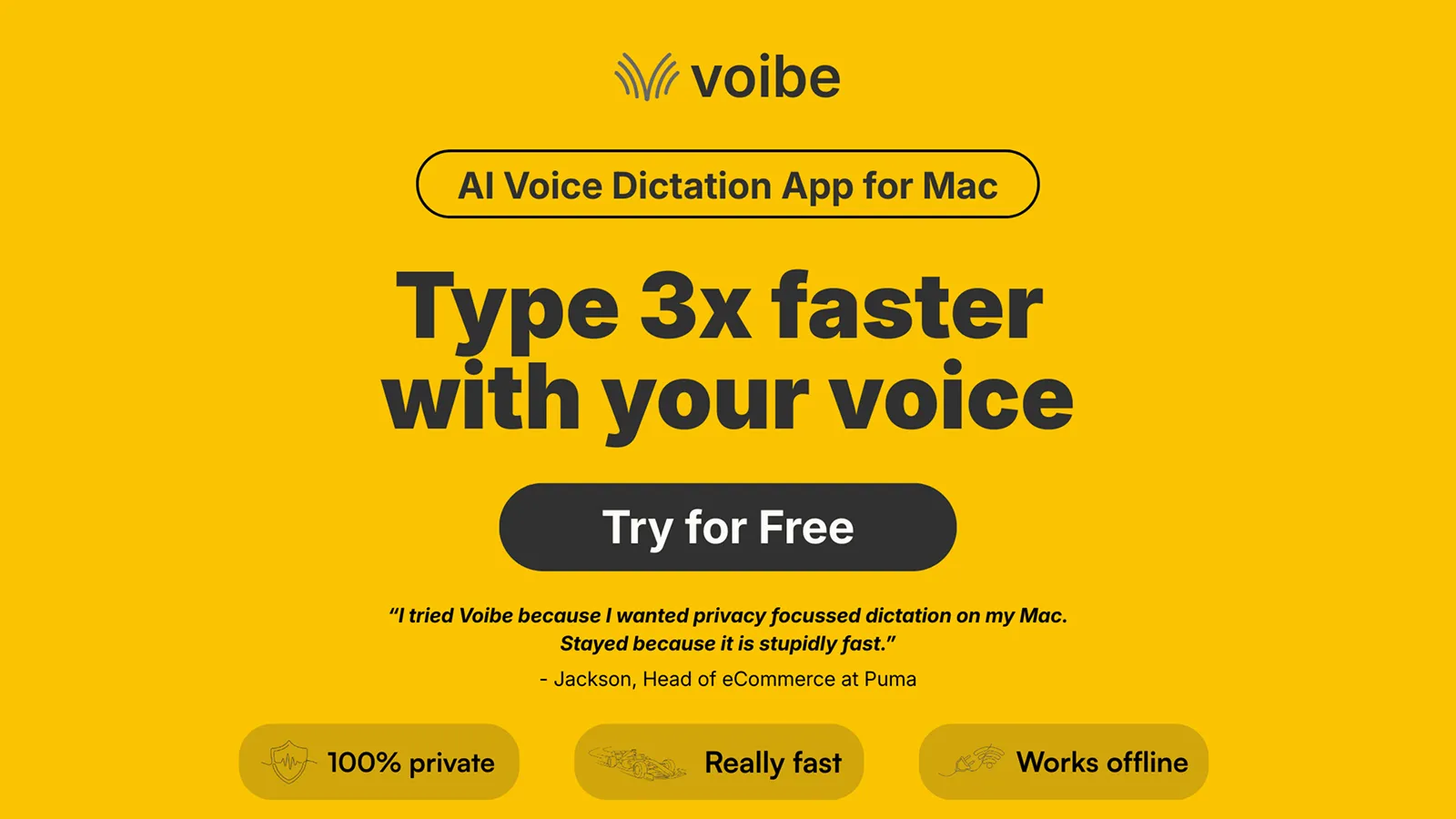
Voibe runs 100% offline with 95-99% accuracy. No cloud uploads. No subscriptions. Native Mac support and sensible pricing make it the top Aqua Voice alternative for most users.
Voibe solves every major Aqua Voice limitation: cloud dependency, subscription costs, internet requirement, and privacy concerns.
Key Features
- 100% offline on-device processing with zero cloud uploads
- Sub-300ms latency for instant transcription across all Mac apps
- Developer Mode resolves file and folder names from workspace for Cursor and Windsurf
- Three dictation modes — push-to-talk, hands-free, and Live Dictation (text appears on screen in real time as you speak) — each with a customizable system-wide hotkey
- Custom dictionary for names, technical terms, industry jargon
- 100+ languages supported with high accuracy
- Powered by whisper-cpp with quantized small-en model tuned for Apple Silicon
Pros
- Complete privacy: All processing happens on-device, audio never leaves your Mac, discarded after transcription
- Works identically offline and online: Reliable on planes, remote locations, anywhere without internet dependency
- Significant cost savings over 3 years: $149 lifetime vs Aqua Voice's $288-$360 over 3 years
- Developer Mode: Inserts file and folder name chips in Cursor and Windsurf
- On-device noise filtering: AI distinguishes your voice from background noise without cloud dependency
- No lag spikes: Zero network dependency means consistent performance regardless of internet quality
- Built for Apple Silicon: Fast on M1/M2/M3/M4 chips with Metal acceleration
- No subscription lock-in: Pay once, use forever with lifetime plan
Cons
- Mac-only (no Windows or Linux support)
- Requires macOS 13+ for best performance
- No mobile app (macOS desktop only)
Pricing
- Lifetime Plan: $149 one-time purchase (includes all future updates)
- Annual Plan: $59/year (billed annually)
- Monthly Plan: $7.50/month (7-day free trial, 30-day money-back guarantee)
Compare to Aqua Voice: $10/month or $8/month annual ($96-$120/year). Voibe's lifetime plan pays for itself within about 18 months.
User Reviews
Voibe has a 4.8/5 stars rating on Product Hunt. Users call it a "really fast dictation app for Mac, that works on all apps." They highlight complete privacy from offline processing.
Best For
Privacy-conscious professionals (lawyers, doctors, consultants). Developers using Cursor and Windsurf. Mac users who value Apple Silicon performance. Anyone escaping subscription fatigue or unreliable internet.
2. Superwhisper: Best for Customizable AI Models
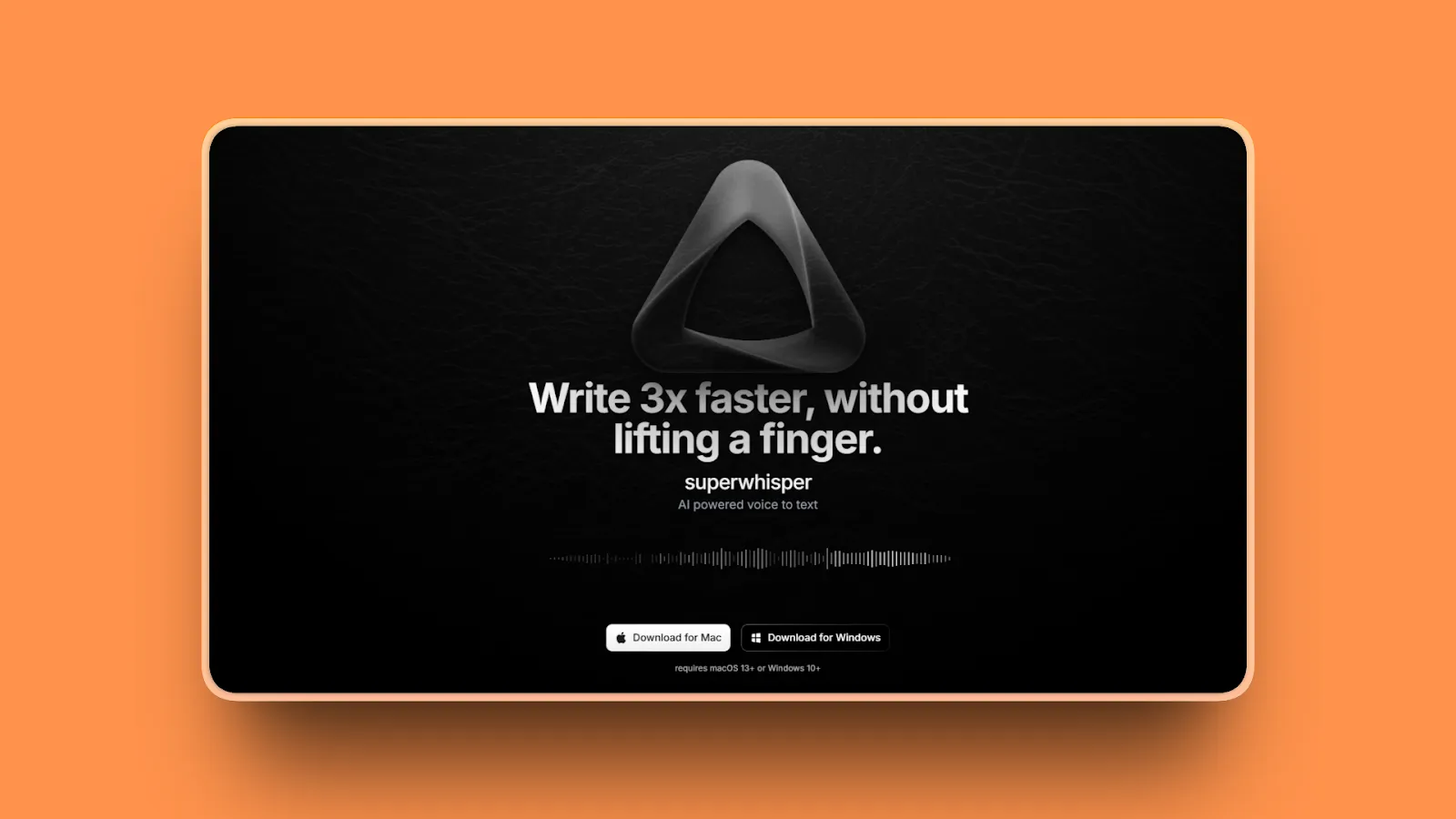
Superwhisper lets you pick your AI model. Choose speed or accuracy. Pick cloud or offline processing. If you want flexibility and don't mind configuration, it's a strong choice.
Key Features
- Multiple AI model sizes (nano, tiny, Pro, Ultra) with varying speed and accuracy trade-offs
- Custom modes and prompts to reformat dictated text
- Both cloud and local models available for flexibility
- Over 100 languages supported
- iOS version with Shortcuts integration and specialized keyboard
- Audio and video file transcription (not just live dictation)
- Mac and iOS exclusive (Apple platforms only)
Pros
- Flexibility to choose AI models: Choose models based on your specific needs
- Offline mode available: Download models for local processing without internet
- Transcribes recorded files: Audio and video files in addition to live dictation
- Active development: Frequent updates and new features
- Free tier available: Unlimited access to small AI models, 15 min Pro features trial
- Context-aware formatting: Intelligent punctuation
- Accurate transcription: Even in environments with background noise
Cons
- Users report needing manual transcript cleanup (less polished output than competitors)
- Overwhelming configuration options create a steep learning curve for beginners
- More complex than plug-and-play options (requires understanding model trade-offs)
- Mac-only (no Windows or Linux support)
- Subscription pricing for full features ($8.49/month ongoing)
- Absence of pause button frustrates users who dictate multiple times daily
- Older Intel Macs experience slower transcription speeds
Pricing
- Free version: Unlimited access to small AI models, 15 min Pro features trial, up to 3 custom modes
- Pro: $8.49/month or $84.99/year
- Lifetime license: $249
User Reviews
Superwhisper has a 4.9/5 stars rating on Product Hunt. Users praise the "exceptional accuracy and speed in voice-to-text conversion" and "supporting over 100 languages without needing WiFi."
Best For
Power users who value customization and invest time in configuration. Users who transcribe recorded audio alongside live dictation. Tech-savvy individuals comfortable with model selection and manual editing.
3. VoiceInk: Best Open Source Alternative
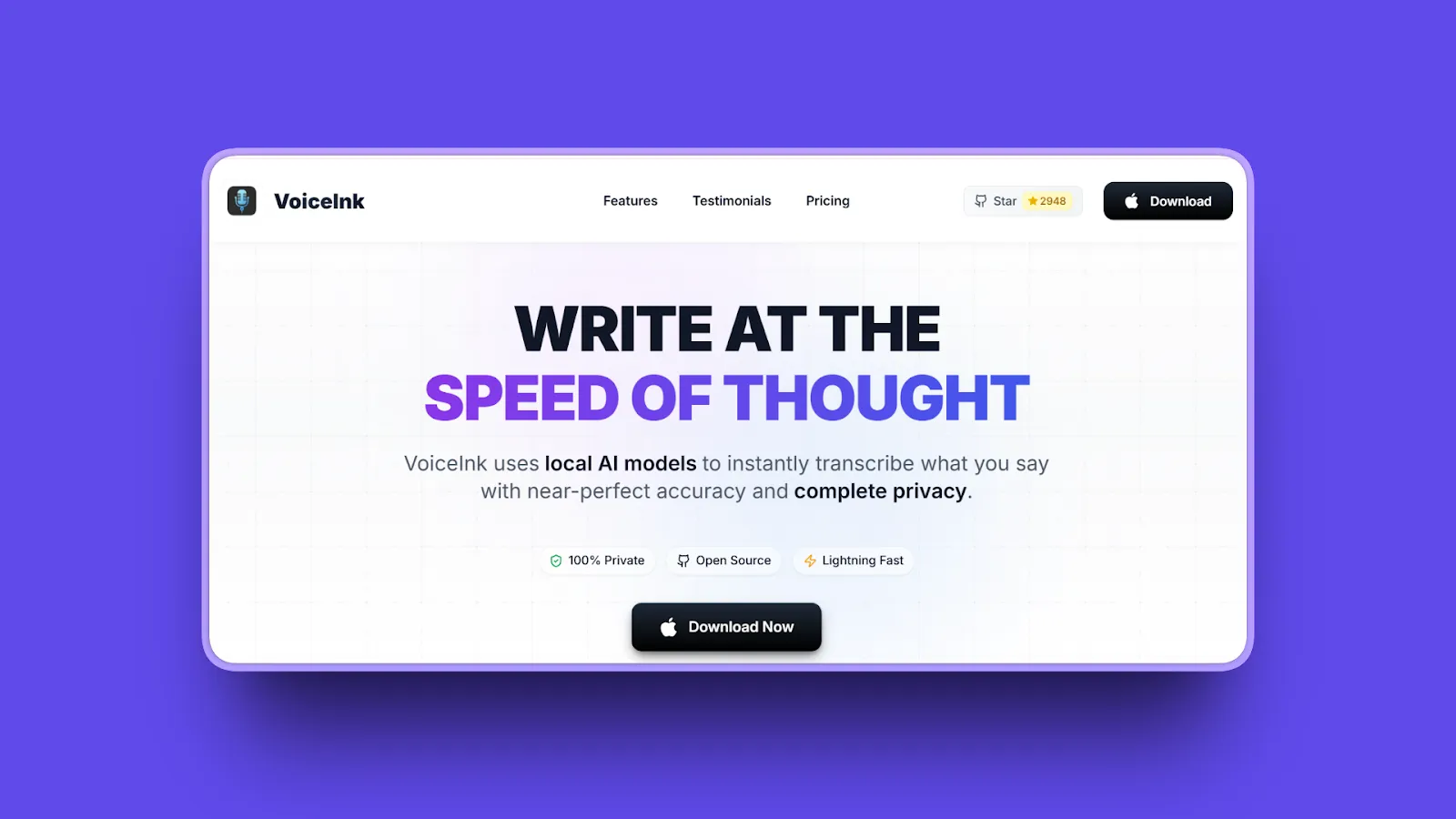
VoiceInk delivers offline dictation with open-source transparency. The source code is free (GPL-3.0). The compiled app costs $25-$49 depending on device count. Built for macOS, it's a solid pick for budget-conscious users who value privacy.
Key Features
- 100% offline processing with zero cloud dependency
- 99% accuracy with OpenAI's Whisper model running locally
- Power Mode with intelligent app detection
- Sophisticated post-processing via LLMs (ollama, LM studio, or cloud with own API keys)
- Customizable modes for meetings, interviews, lectures
- Open source code available for inspection and verification
- Mac-exclusive, requires Apple Silicon chips
Pros
- Free from source: Build from GPL-3.0 code at zero cost, or buy the compiled app ($25-$49)
- Open-source transparency: Code available for audit, contribution, and complete control
- Full offline capability: No internet dependency, data never leaves device
- 99% accuracy: Comparable to commercial tools
- Active community: Ongoing development
Cons
- More basic interface compared to commercial options
- Limited customization compared to paid tools like Dragon Professional
- Smaller feature set (core dictation excellent, advanced features lacking)
- Mac-only (no Windows, Linux, or mobile support)
- Custom AI prompting limited to text reformatting
- Only one dedicated AI assistant prompt
- Requires Apple Silicon Mac (macOS 14.4+)
Pricing
- Build from source: Free (GPL-3.0 License)
- Solo: $25 one-time (1 device)
- Personal: $39 one-time (2 devices)
- Extended: $49 one-time (3 devices)
User Reviews
VoiceInk has 4.8/5 stars rating on TenereTeam and 4,000 stars on Github. Users praise the speech-to-text accuracy when working with AI tools like ChatGPT and Claude. They highlight the open-source transparency and affordable one-time pricing.
Best For
Privacy-focused Mac users wanting an affordable open-source solution with full code transparency. Budget-conscious users seeking solid dictation without ongoing costs. Developers who want to inspect and modify the code.
4. Wispr Flow: Best for Team Collaboration
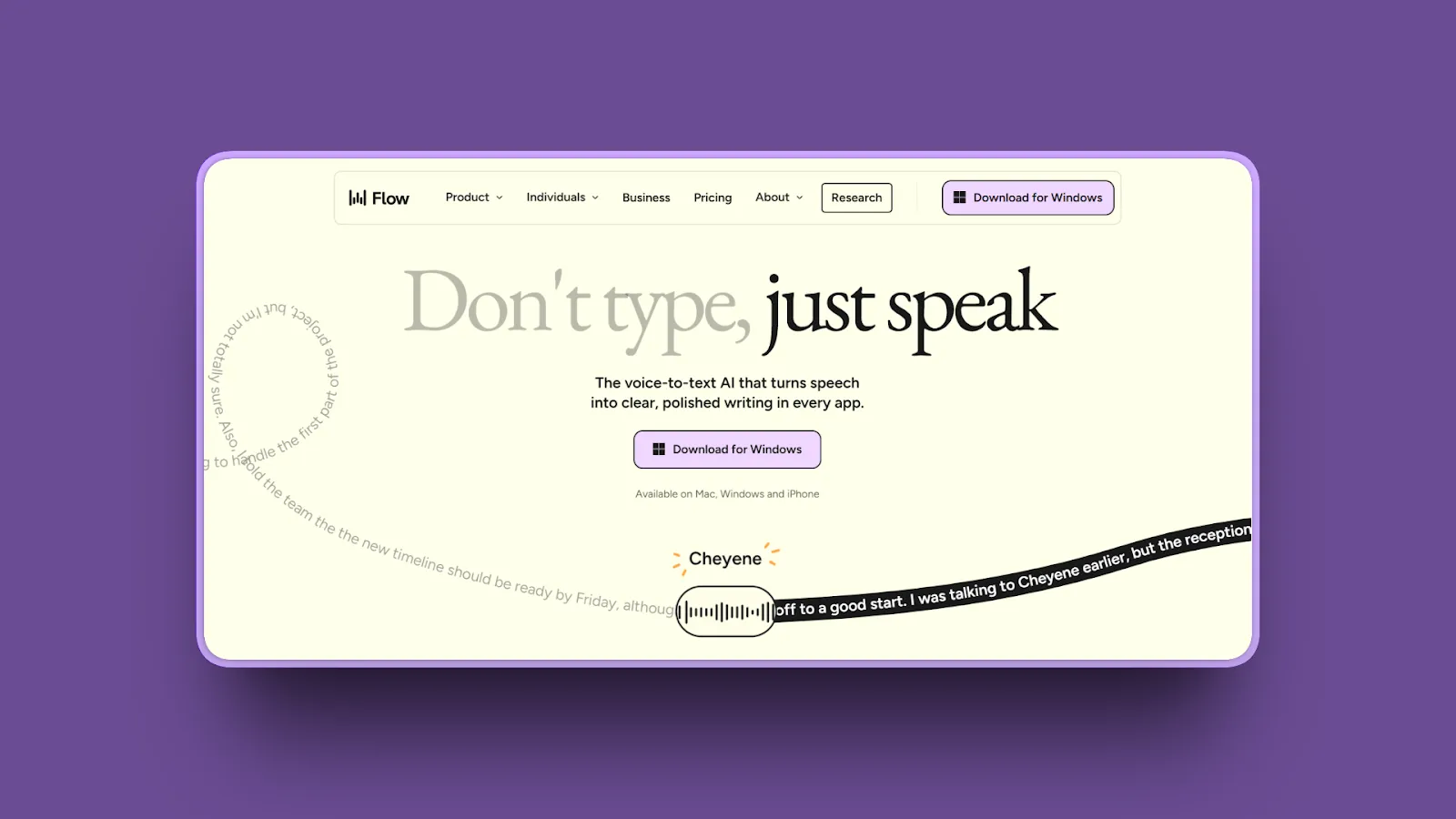
Wispr Flow is the enterprise choice: cross-platform, SOC 2 Type II compliant, with team features and HIPAA controls. If collaboration matters more than offline capability, it's worth serious consideration.
Key Features
- Cross-platform support (Mac, Windows, iOS, Android) with consistent experience
- Works in any application (CRM, email, Slack, documents, code editors)
- 100+ languages and dialects with improved quality for German, French, Spanish, Portuguese, Italian, Hindi, Thai
- AI Command Mode with intelligent app detection
- Shared dictionaries and snippets for teams
- Centralized billing and admin controls for organizations
- Usage analytics and dashboards for team insights
- Privacy: Individual audio, transcripts, and dictation data stay private
Pros
- Enterprise-grade security: SOC 2 Type II, HIPAA compliance available
- Cross-platform consistency: Same experience on Mac, Windows, iOS, Android
- System-wide integration: Works everywhere you type
- Natural language processing: No explicit punctuation commands needed
- Shared terminology: Jargon dictionaries for team-wide consistency
- Centralized billing: Team management and admin controls
- High speed: Approximately 175 WPM with near-perfect accuracy
- Free trial: 14-day Flow Pro trial for all team members
Cons
- Cloud-based processing (sends voice data to servers, privacy trade-off)
- Requires internet connectivity (no offline mode available)
- More expensive ($144/year annual billing, or $180/year monthly billing)
- Privacy concerns for confidential work (despite encryption)
- No custom prompting for personalized outputs
- Consumes approximately 800MB RAM and maintains around 8% CPU usage even in background
- Mixed reviews: 4.7/5 on Product Hunt but 2.8/5 on Trustpilot
Pricing
- Flow Basic (Free): 2,000 words weekly limit
- Flow Pro: $12/month (annual billing) or $15/month (monthly billing), unlimited dictation, AI Command Mode, team features including shared dictionaries and centralized billing
- Enterprise: Custom pricing, SOC 2 Type II, HIPAA compliance, SSO/SAML
User Reviews
Wispr Flow has a 4.7/5 stars rating on Product Hunt. Users call it "an absolute game changer" for productivity.
Best For
Teams needing shared dictionaries and consistent terminology. Enterprises requiring compliance certifications (HIPAA, SOC 2). Cross-platform users on Mac, Windows, iOS, and Android. Organizations prioritizing collaboration over offline capability.
5. MacWhisper: Best for Offline Audio Transcription
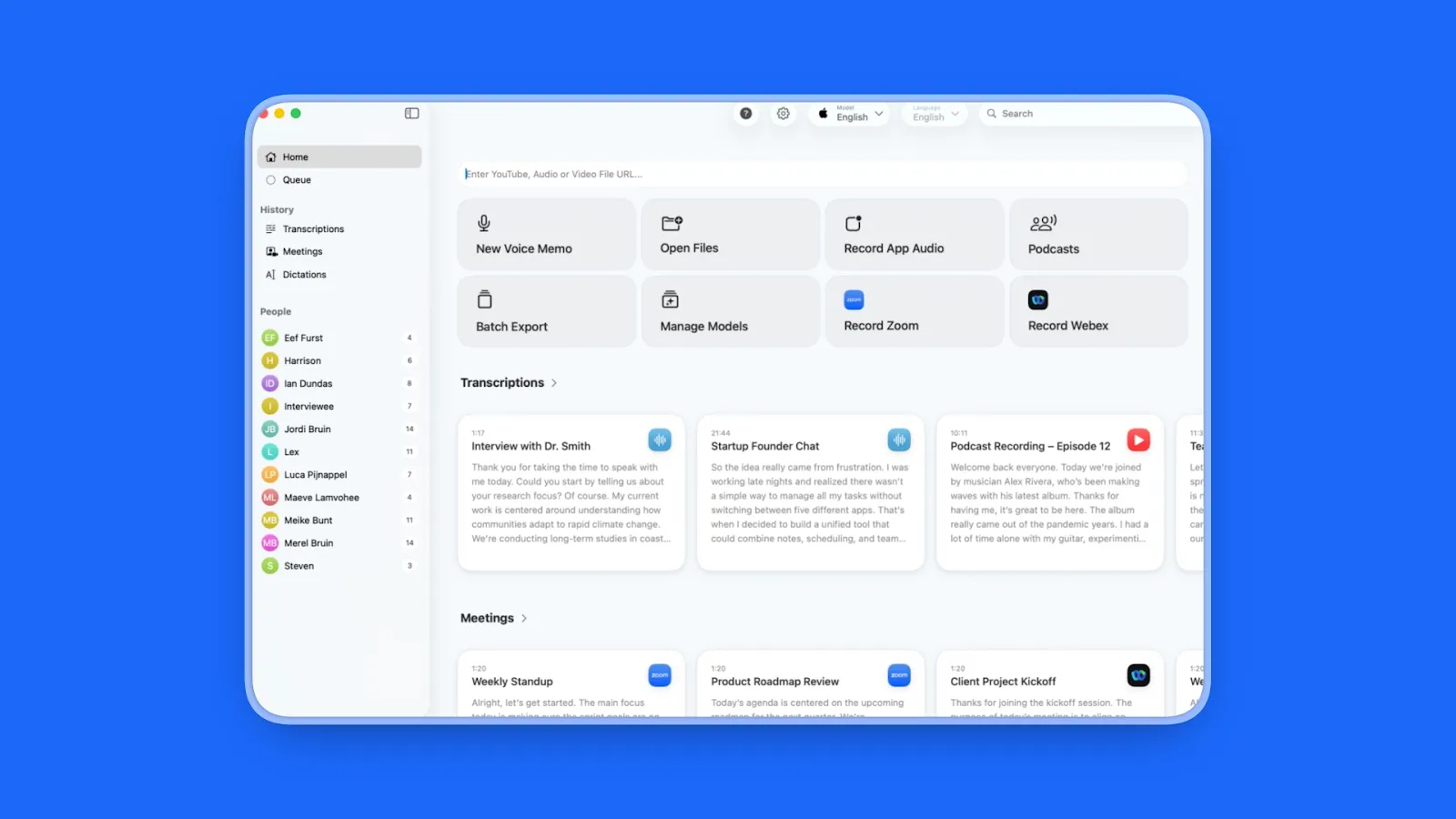
MacWhisper specializes in transcribing recorded audio files with complete privacy. It lacks live dictation, but no other Mac tool matches it for offline file transcription.
Key Features
- Complete offline capability, transcribe anywhere without WiFi
- Multiple AI models from Tiny (English-only) to Large-V3 Turbo
- Over 100 languages with accurate transcription
- Batch transcription for multiple files (Pro version)
- Global mode for system-wide use (Pro version)
- All transcription done on device, no data leaves machine
- Built for Apple Silicon Macs and A17-powered iPhones
Pros
- Complete privacy: 100% offline, all processing local, zero cloud uploads
- Works anywhere: No internet dependency
- High accuracy: OpenAI Whisper models
- One-time purchase: No subscription required
- Batch processing: Multiple files in many audio and video formats
- Fast on M4 chips: 1:12 transcription ratio (1-hour recording in ~5 minutes)
Cons
- No live dictation (file transcription only, not real-time voice typing)
- Mac-only (no Windows or Linux support)
- Requires Apple Silicon for best performance
- Interface is basic and utilitarian (not polished)
- Advanced features like batch transcription require paid Pro upgrade
- Older devices may be slower or lack support for advanced models
Pricing
- Free version: Limited features
- Pro: $79.99 lifetime license (Mac App Store) or $69 via Gumroad
- Subscription options: $4.99 weekly, $8.99 monthly, $29.99 yearly (includes 7-day trial)
User Reviews
MacWhisper has a 4.9/5 stars rating on Product Hunt. Users praise "both English and Danish translations" with "mindblowing" results. They call it "one of the best value for money tools I have ever bought." Professionals handling sensitive audio value the privacy-first approach.
Best For
Professionals handling sensitive audio (journalists, legal, medical). Researchers processing interview recordings. Podcasters creating episode transcripts. Users needing batch file transcription rather than live dictation.
6. Willow Voice: Best for Zero-Edit Dictation
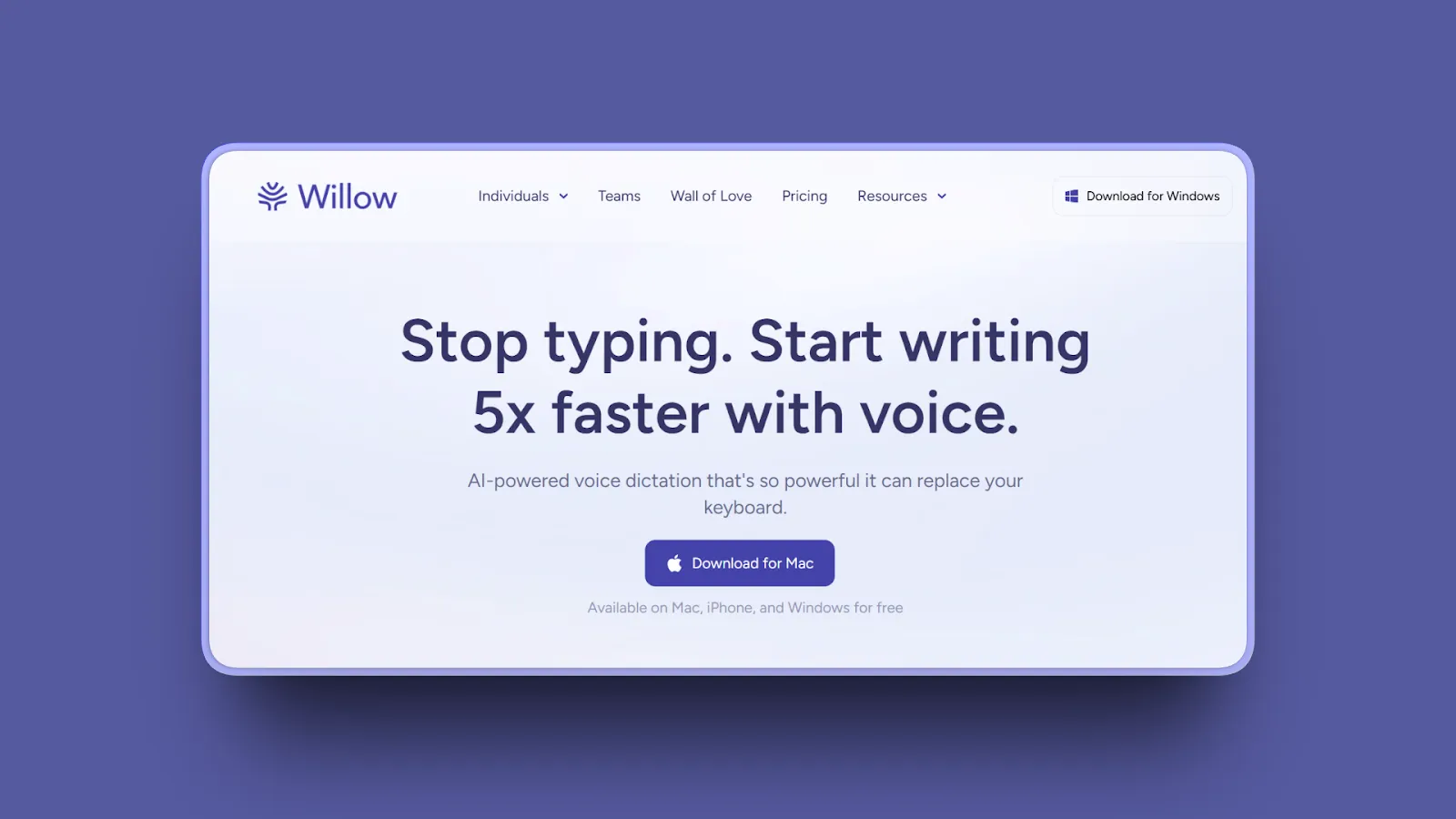
Willow Voice focuses on producing polished, ready-to-use text through AI that learns your writing style. If minimizing post-dictation editing is your priority, Willow excels.
Key Features
- Zero-Edit Capabilities: Automatically formats, edits, and polishes dictation without verbal commands
- Contextual intelligence: gets names, terms, formatting right automatically
- Cuts filler words and cleans up grammar without manual commands
- Personalization: learns tone, formality, natural writing style over time
- AI Mode: converts brief spoken prompts into fully polished messages
- Whisper mode: speak softly and Willow still hears you accurately
- Voice commands ("dash," "new line," "bullet point") formatted automatically
- Over 100 languages supported
- SOC 2, HIPAA compliant with zero data retention and privacy mode available
Pros
- Minimal editing: AI-powered cleanup
- Speed and accuracy: "Saves me a whole bunch of time because it very accurately captures my dictation"
- Contextual intelligence: No explicit formatting commands needed
- Personalization: Learns your unique writing style and preferences
- Whisper mode: Quiet dictation in shared spaces
- Strong adoption: 50% month-over-month user growth since launch
- Enterprise customers: Uber, Heidi Health, Zego
- Cross-platform: Mac, Windows, iPhone with iOS app for system-wide typing
Cons
- Free tier very limited (2,000 words per week, then subscription required)
- Subscription required for unlimited ($15/month or $12/month annual)
- Cloud-based processing (privacy trade-off, internet required)
- Mac-only desktop app (Windows and Android in development)
- Smaller user base means less community feedback available
- Accuracy may vary; Willow claims 3x more accurate than Apple Dictation, but independent benchmarks are limited
Pricing
- Free: 2,000 words per week to dictate (no credit card required)
- Standard Plan: $15/month (monthly) or $12/month (annual), unlimited features, priority support, premium access
- Custom Group Plan: Contact for pricing, organization-wide licensing, team management
User Reviews
Willow Voice has a 4.9/5 stars rating on Product Hunt from early reviewers. Users praise "excellent speed, accuracy, and ease of use." They note it "integrates with macOS perfectly."
Best For
Users wanting minimal post-dictation editing. Professionals who dictate frequently and value time savings. Those willing to pay $15/month for zero-edit convenience.
7. Apple Dictation: Best Free Built-In Option
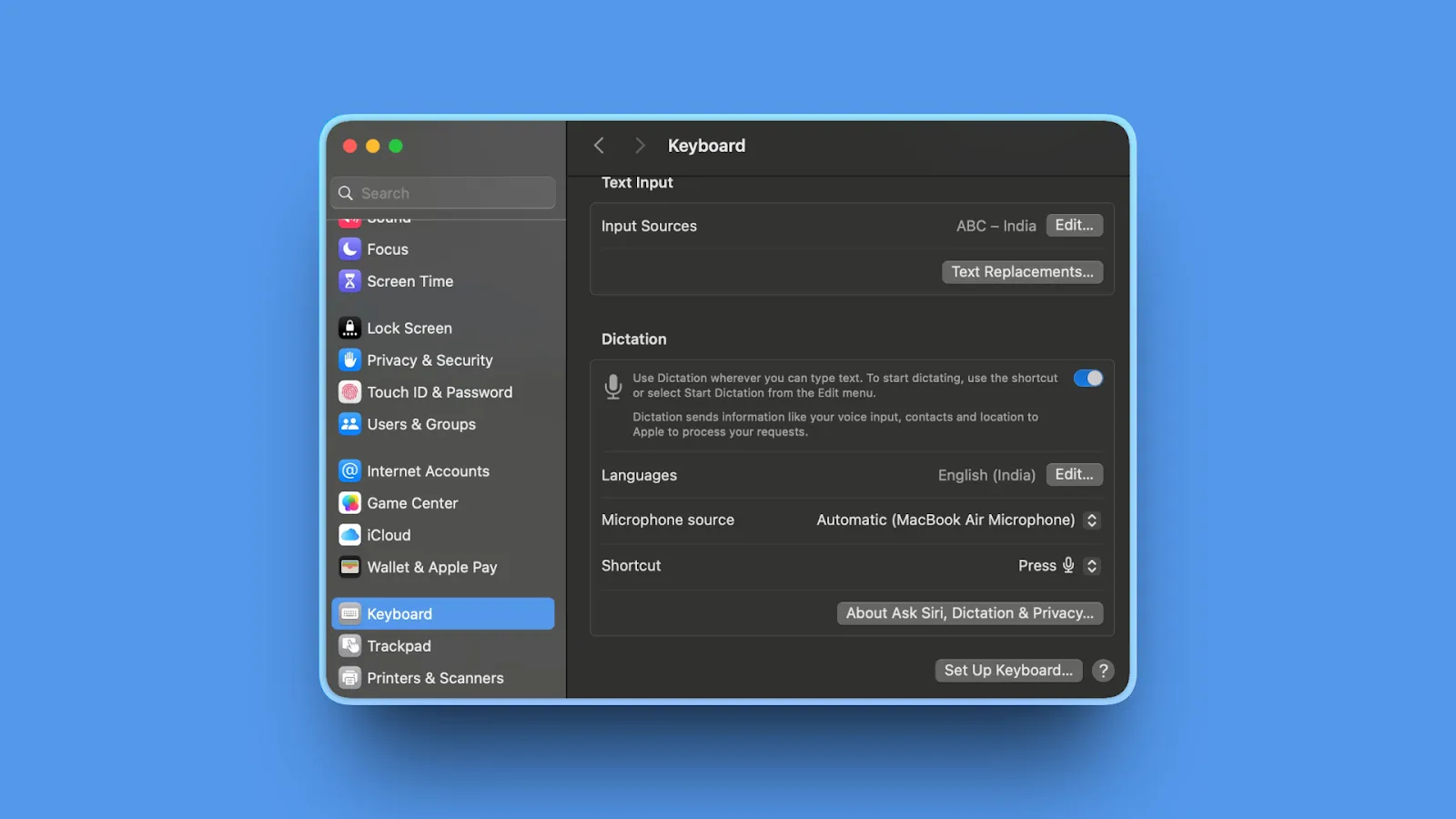
Apple's built-in Dictation on Apple Silicon Macs is free, private, and surprisingly capable. If you're on M1+ Mac and want zero-cost dictation, start here.
Key Features
- Built into macOS (no download or installation required)
- On-device processing on Apple Silicon Macs (M1, M2, M3, M4)
- Press Fn key twice to activate system-wide
- Works in most apps across macOS
- Supports 40+ languages and dialects
- Enhanced Dictation mode available for improved accuracy
- Integration with Apple Intelligence (macOS Sequoia, iOS 18+) for better results
Pros
- 100% free: Included with macOS, no additional cost
- On-device processing: Apple Silicon (privacy-focused, no server uploads)
- Works offline: M1/M2/M3/M4 Macs (no internet required)
- Simple activation: Double-press Fn key
- Zero setup: Ready to use immediately
- System-wide availability: Works in Safari, Mail, Pages, Notes, and most apps
- Recent improvements: macOS Sequoia and iOS 18 (Apple Intelligence integration)
Cons
- Doesn't learn from mistakes or adapt to your vocabulary over time
- Struggles with technical jargon, industry terms, and uncommon names
- Less accurate than specialized tools (around 90% in quiet environments, drops to 65-75% in noisy settings)
- No customization options (no custom dictionaries or voice commands)
- Limited to macOS (no cross-platform support)
- Works best within Apple's ecosystem, less effective in third-party apps and browsers
- Intel Macs send audio to Apple's servers for processing (not fully private)
Pricing
- Free: Included with macOS (no cost)
User Reviews
As a built-in macOS feature, Apple Dictation has no dedicated review platform. Users appreciate the convenience, zero cost, and on-device privacy on Apple Silicon Macs.
Best For
Budget-conscious users wanting to try dictation without financial commitment, M1+ Mac owners wanting guaranteed privacy with offline processing, casual users with simple dictation needs (emails, notes, basic documents), anyone wanting zero setup and immediate availability.
8. Dragon Professional: Best for Maximum Accuracy
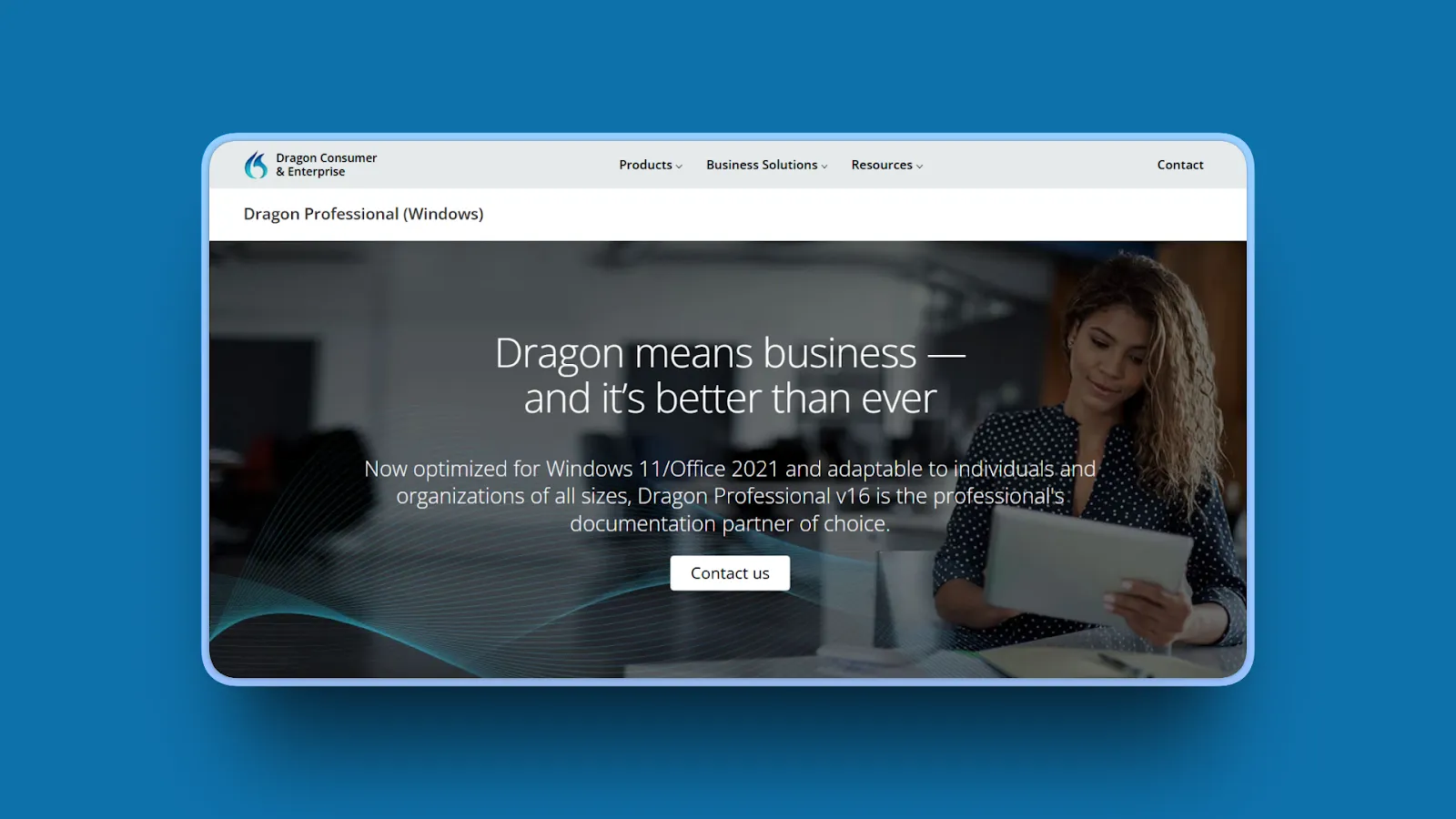
Nuance's Dragon Professional delivers industry-leading 99% accuracy and extensive customization. If accuracy is paramount and budget isn't a constraint, few tools come close.
Key Features
- Up to 99% recognition accuracy right from first use
- Learns speech patterns over time, improving accuracy with continued use
- Converts speech to text 3x faster than typing
- Specialized industry vocabulary (legal, medical, law enforcement)
- Custom vocabulary training for company names and technical terms
- Transcribe text from uploaded audio files
- Voice commands and navigation for hands-free control
- Deep learning technology and artificial neural networks
- Adjusts based on ambient noise, speaker's accent, tone
Pros
- 99% recognition accuracy: Industry-leading, better than general-purpose speech recognition tools
- Works with accents: Open office or mobile environments
- Extensive customization: Custom commands, macros, specialized vocabularies
- Professional templates: Legal and medical workflows
- Advanced voice navigation: Fully hands-free capable
- Mature product: Decades of development and refinement
- Transcribes files: Uploaded audio files in addition to live dictation
Cons
- Very expensive ($300-700 one-time license depending on source)
- Steep learning curve (requires training time to reach full potential)
- Requires significant setup time for customization
- Overkill for casual users with basic dictation needs
- Interface feels dated compared to modern alternatives
- Frequent bugs, crashes, and compatibility issues reported by users
- Windows-only for desktop version (Mac support limited)
- Additional costs for customer support
Pricing
- Dragon Professional Individual: $300-700 one-time license (sources vary)
- Dragon Anywhere: $14.99/month (iOS and Android mobile app)
- No subscription for desktop version (one-time purchase)
User Reviews
Dragon Professional has 4/5 stars rating on Capterra and is widely regarded as the industry standard for dictation accuracy and has. Users report "excellent accuracy even with technical jargon" and call it "superior in comparison to other speech to text programs."
Best For
Legal professionals needing 99% accuracy for client work. Medical professionals dictating patient notes with specialized terminology. Enterprises requiring specialized industry vocabularies. Users who dictate 4+ hours daily.
9. FUTO Voice Input: Best Open Source Privacy Option (Android)
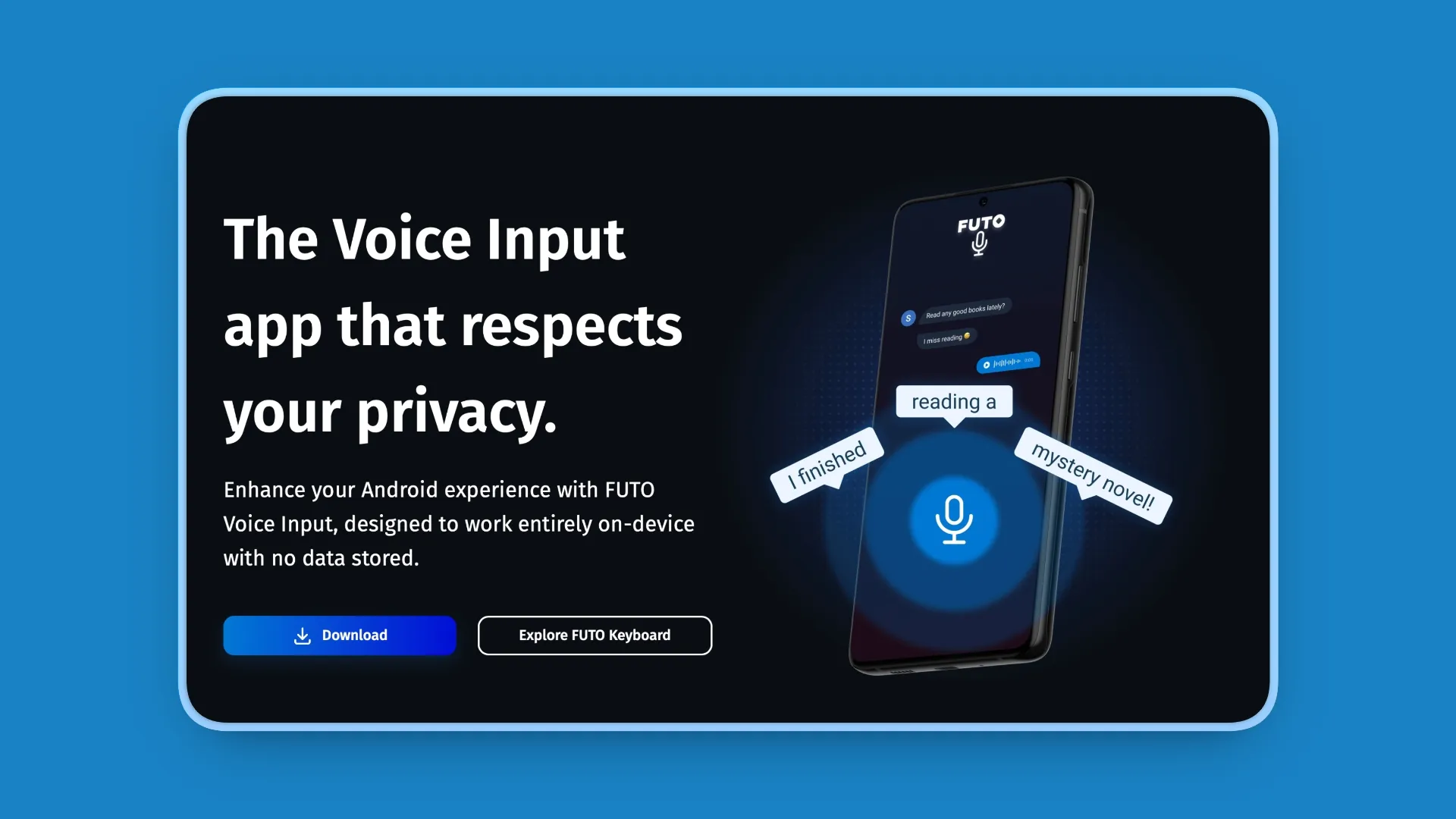
FUTO Voice Input is a privacy-focused, open-source dictation app for Android. While not available for Mac, it's worth mentioning for users prioritizing transparency and privacy across platforms.
Key Features
- 100% offline, all processing on-device without connecting to external servers
- Completely open source (FUTO Source First License 1.0)
- No data stored or sent anywhere (zero cloud uploads)
- Based on OpenAI Whisper model for high accuracy
- Integrates with third-party keyboards and apps using generic speech-to-text APIs
- Internet access only when downloading optional models
- Removes "ums" and cleans up repeated words automatically
Pros
- Open-source transparency: Code available for inspection, verification, and community contributions
- Full privacy: All processing offline, recordings never saved or sent, zero cloud uploads
- Free to download: Optional one-time purchase for license, no subscription ever
- Praised accuracy: Gets intention right for majority of the time
- Auto cleanup: Removes 'ums' and cleans up repeated words
Cons
- Android-only (not available for Mac, Windows, iOS)
- Basic features compared to commercial dictation software
- Smaller development team than commercial alternatives
- Terrible with loanwords (example: "can't detect a common loanword like 'croissant'")
- Hard to find compatible open keyboards with swipe function
- FUTO Source First License may differ from traditional open source licenses
Pricing
- Free: Download from Google Play or standalone APK
- Optional one-time purchase: License fee (amount not specified)
- No subscription
User Reviews
FUTO Voice Input has a 4.8/5 stars rating on Playstore. Users call it "easily the best voice input." They say it's "the only one I have found that actually respects your privacy."
Best For
Privacy-conscious Android users wanting offline, open-source dictation (not Mac users). Developers who want to inspect and verify the code. Users seeking zero-cost voice input without cloud dependency.
10. Otter.ai: Best for Meeting Transcription
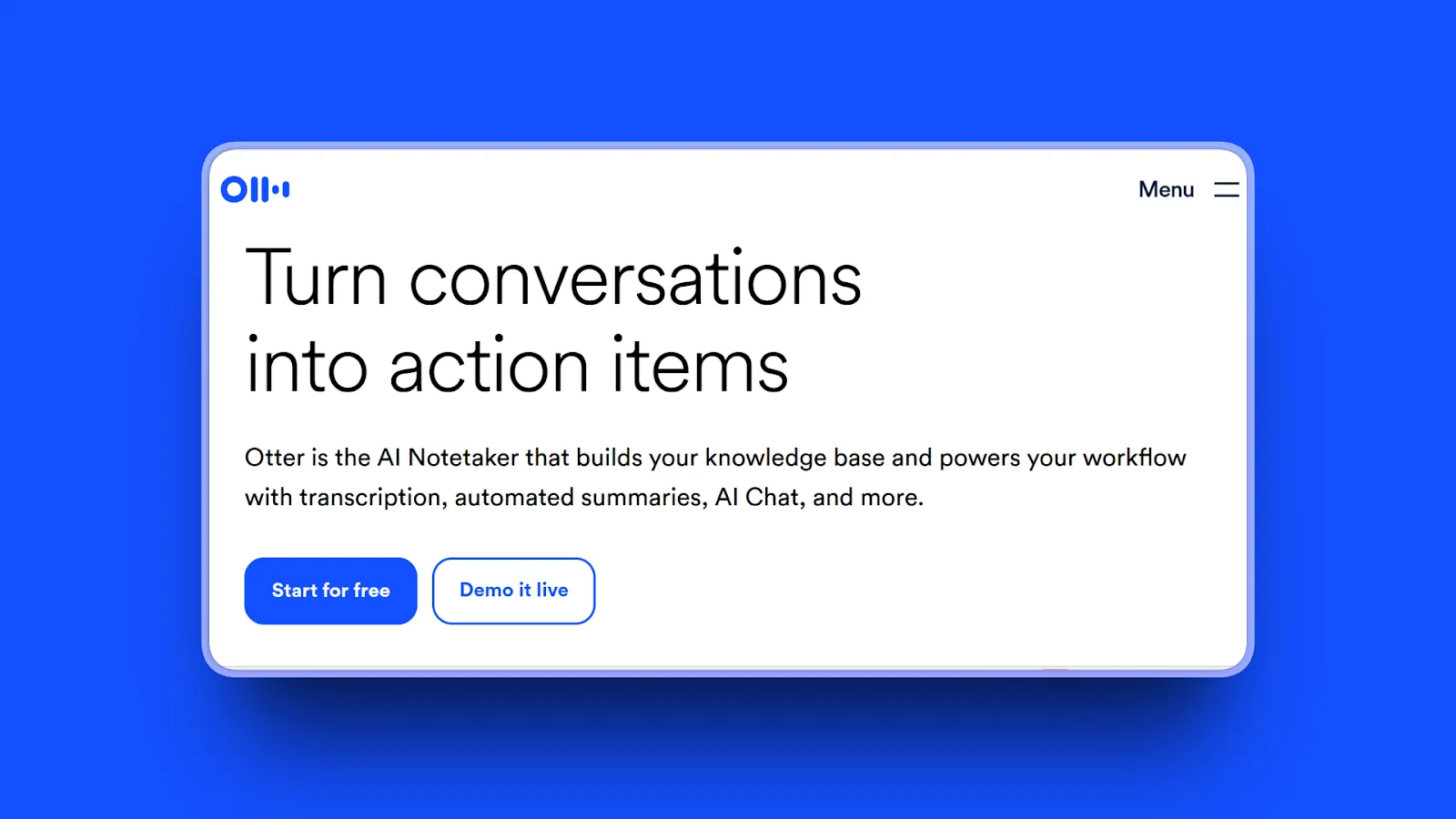
Otter.ai specializes in meeting transcription. It offers speaker identification, real-time collaboration, and Zoom/Meet/Teams integration. Not for general dictation, but the strongest meeting tool.
Key Features
- Real-time transcription in English, French, Spanish
- AI-powered meeting assistant that joins calls automatically
- Speaker identification (labels who said what)
- AI summaries with key points and action items
- Automatically capture and assign action items to team members
- Joins up to 3 concurrent virtual meetings (Business plan)
- Integrates with Zoom, Microsoft Teams, Google Meet
- Zapier integration for workflow automation (Pro+)
- Video replay capability (Enterprise)
Pros
- Excellent for meetings: Multiple speakers
- Speaker identification: Separates and labels participants automatically
- Real-time collaboration: Shared notes during meetings
- Calendar integration: Auto-joins scheduled meetings
- Generous free tier: 300 minutes/month
- AI summaries: Save time reviewing long meetings
- High accuracy: Up to 95% reported by users
- Easy to use: Intuitive interface
Cons
- Cloud-based (sends audio to servers, privacy concerns)
- Not designed for general dictation workflows
- Requires internet connection (no offline mode)
- Privacy concerns for confidential meetings despite encryption
- Free tier limitations (300 min/month, 30-minute max per conversation)
- Transcription accuracy can drop with strong accents or background noise
Pricing
- Basic (Free): 300 monthly transcription minutes, 30-minute max per conversation, 3 audio/video imports (lifetime)
- Pro: $16.99/user/month (monthly) or $8.33/user/month (annual), 1,200 minutes/month, 90 min/meeting, 10 monthly imports
- Business: $30/user/month (monthly) or $20/user/month (annual), 6,000 minutes/month, 4 hours/conversation, unlimited imports
- Enterprise: Custom pricing, SSO, HIPAA compliance, 100+ user minimum
User Reviews
Otter.ai has a 4.4/5 stars rating on G2. Users praise "accurate transcripts, useful AI meeting summaries, and easy Zoom integration."
Best For
Teams transcribing meetings with multiple speakers. Researchers conducting interviews with speaker identification. Students recording lectures. Remote teams wanting AI-powered meeting notes and action items.
11. Speechify Voice Typing: Best for Long-Form Writing with Revision
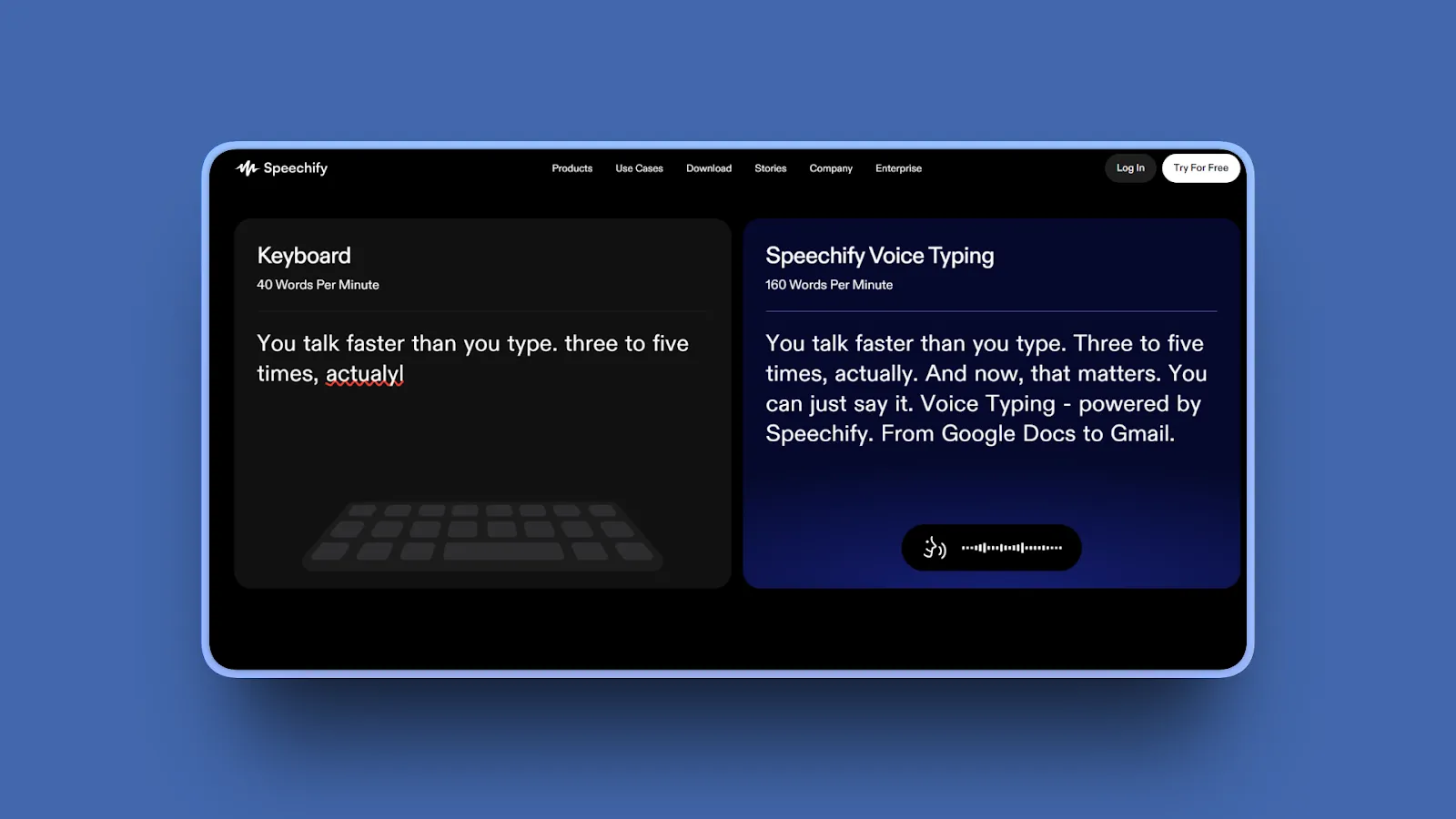
Speechify combines dictation with text-to-speech for revision by listening. If you write long-form content and edit by ear, it's uniquely positioned.
Key Features
- Built for writing workflow: brainstorming, drafting, listening back, revising, continuing across devices
- Extended writing sessions for chapters, essays, full manuscripts
- Text-to-speech playback for revision (catch phrasing issues faster than silent reading)
- Voice plus listening workflow for natural revision process
- Improves accuracy over time with repeated vocabulary
- Scene dictated on walk can be revised later at desk
- Supports full author workflow: dictate, listen, revise, continue
- 200+ natural voices for text-to-speech playback
- 60+ languages supported
- Cross-platform: iOS, Android, Mac, Web, Chrome extension
Pros
- Unique combination: Dictation plus text-to-speech for revision workflows
- Long-form support: Designed for sustained writing sessions
- Cross-device compatibility: Switch between iPhone, Mac, Web
- Natural speech patterns: Extended dictation support
- Real revision workflows: Dictate, listen back, catch errors by ear
- Multi-device continuity: Start on phone, continue on desktop
- Trusted globally: 55+ million users
- Strong reviews: Over 1 million 5-star reviews across platforms
Cons
- Not as focused on dictation accuracy as specialist tools
- Cloud-based processing (privacy trade-off, internet required)
- More features mean more complexity than simple dictation apps
- Text-to-speech may not be needed by all users
- Free plan very limited (basic reading functionality only)
- Premium expensive ($139/year, approximately $11.58/month)
- Serious billing concerns and inflated speed claims noted by some reviewers
Pricing
- Free Plan: Basic reading functionality with limited characters, voice selection, reading speed
- Premium: $139/year (approximately $11.58/month annual) or $29/month (monthly billing)
- Premium unlocks: 200+ natural voices, 60+ languages, 5x speed, offline downloads, AI features, priority support
User Reviews
Speechify has a 4.6/5 stars rating on Trustpilot. Users praise the natural-sounding voices and text-to-speech quality, finding it "transformative" for productivity and accessibility.
Best For
Authors and long-form writers who use dictate-listen-revise workflows. Users who benefit from hearing their writing read aloud. Cross-device users who dictate on mobile and revise on desktop.
Quick Comparison Table
Here's how the top Aqua Voice alternatives stack up across key decision factors:
| Tool | AI Features | Standout Feature | Best For |
|---|---|---|---|
| Voibe | Local Whisper models, Developer Mode | 100% offline with complete privacy | Privacy-conscious Mac users |
| Superwhisper | Customizable AI models | Model selection for speed/accuracy trade-offs | Tech-savvy users wanting control |
| VoiceInk | Local AI processing | Open source, $25-$49 or free from source | Budget users, open-source advocates |
| Wispr Flow | Cloud AI, real-time editing | Cross-platform with enterprise compliance | Teams, Windows + Mac users |
| MacWhisper | Local Whisper models | Offline file transcription | Researchers, journalists, podcasters |
| Willow Voice | Learning AI, style adaptation | Zero-edit AI formatting | Writers wanting zero-edit output |
| Apple Dictation | On-device Apple Intelligence | Free, built into macOS | Casual users on M1+ Macs |
| Dragon Professional | Advanced AI with 99% accuracy | Industry-leading accuracy and customization | Legal, medical professionals |
| FUTO Voice Input | Open-source on-device AI | Complete privacy transparency | Android users (not Mac) |
| Otter.ai | Cloud AI with speaker ID | Meeting transcription with collaboration | Meeting-heavy teams |
| Speechify | Dictation + text-to-speech | Unique revision workflow | Long-form writers |
How to Choose the Right Aqua Voice Alternative
The best alternative depends on your specific priorities. Use this decision framework to find your ideal match.
What's your top priority?
Privacy and offline access:
- Voibe (100% offline, on-device)
- MacWhisper (100% offline file transcription)
- VoiceInk (open-source, $25-$49 compiled or free from source, offline)
- Superwhisper (offline mode available)
Team collaboration and cross-platform:
- Wispr Flow (Mac, Windows, iOS, Android with shared dictionaries)
- Otter.ai (meeting transcription with speaker ID)
Maximum accuracy (99%+):
- Dragon Professional (industry-leading 99%)
- Voibe (95-99% with Whisper models)
- VoiceInk (99% accuracy)
Zero cost:
- Apple Dictation (built-in on M1+ Macs)
- VoiceInk (open-source, $25-$49 compiled or free from source)
- FUTO Voice Input (Android, open-source)
Developer workflows and coding:
- Voibe (offline privacy for proprietary code, custom dictionary for technical terms)
- Wispr Flow (cross-platform, shared team dictionaries for consistent terminology)
What's your budget?
Free only:
- Apple Dictation (built-in, no cost)
- VoiceInk (open-source, $25-$49 or free from source)
- FUTO Voice Input (Android, free)
- Otter.ai (300 min/month free tier)
Under $100 one-time:
- MacWhisper Pro ($79.99 lifetime)
- Voibe Lifetime ($149 lifetime)
Under $250 one-time:
- Superwhisper Lifetime ($249 lifetime)
Subscription OK ($10-15/month):
- Wispr Flow ($12/month annual billing)
- Willow Voice ($15/month)
- Superwhisper ($8.49/month)
- Otter.ai Pro ($8.33/month annual billing)
Premium/Enterprise ($200+):
- Dragon Professional ($300-700 one-time)
What's your primary use case?
General dictation (emails, notes, documents):
- Voibe (offline, privacy-first)
- Superwhisper (customizable models)
- Wispr Flow (cross-platform)
- Apple Dictation (free, built-in)
Coding and development:
- Voibe (offline privacy for proprietary code, custom dictionary)
- Wispr Flow (cross-platform, team dictionaries)
Meeting transcription:
- Otter.ai (speaker ID, AI summaries)
- Wispr Flow (team collaboration)
Transcribing recorded audio/video files:
- MacWhisper (offline file transcription specialist)
- Superwhisper (files plus live dictation)
Long-form writing with revision:
- Speechify (dictate-listen-revise workflow)
- Willow Voice (zero-edit AI formatting)
Legal or medical professional work:
- Dragon Professional (99% accuracy, specialized vocabularies)
- Voibe (100% offline privacy for confidential work)
What platform do you use?
Mac (Apple Silicon M1+):
- Voibe (built for Apple Silicon)
- Superwhisper (Mac and iOS)
- MacWhisper (Mac and iOS)
- Apple Dictation (built-in, offline on M1+)
- VoiceInk (Mac-exclusive)
Windows:
- Wispr Flow (cross-platform)
- Dragon Professional (Windows-focused)
Cross-platform (Mac + Windows + iOS + Android):
- Wispr Flow (consistent experience across all platforms)
- Speechify (iOS, Android, Mac, Web, Chrome)
Android:
- FUTO Voice Input (open-source, privacy-focused)
Use-Case Cheat Sheet
Quick reference for specific scenarios:
Privacy-Sensitive Work (Lawyer, Doctor, Consultant)
Best Choice: Voibe
100% offline on-device processing. Audio never leaves your Mac, discarded after transcription. Privacy-first architecture suitable for confidential work. Zero cloud uploads or external server access.
Remote Work with Unreliable Internet
Best Choice: Voibe or MacWhisper
Both work identically offline and online. No degraded mode or connectivity dependency. Completely internet-independent. Reliable on planes, remote locations, anywhere.
Developer Dictating Code
Best Choice: Voibe or Wispr Flow
Voibe: 100% offline keeps proprietary code private, custom dictionary for technical terms and jargon, works system-wide in any editor. Wispr Flow: Cross-platform support (Mac and Windows), shared team dictionaries for consistent terminology, auto formatting.
Budget-Conscious Student or Writer
Best Choice: VoiceInk (open-source, $25-$49 or free from source) or Apple Dictation (free, built-in on M1+ Macs)
Low cost or free with no subscriptions. Solid accuracy for basic needs. Privacy-focused offline processing.
Team Collaboration Across Mac and Windows
Best Choice: Wispr Flow
Cross-platform consistency (Mac, Windows, iOS, Android). Shared dictionaries for team terminology. Team management and enterprise compliance. Centralized billing and admin controls.
Transcribing Interview Recordings
Best Choice: MacWhisper
Specializes in file transcription (not just live dictation). Batch processing for multiple files. 100% offline privacy for confidential recordings. Fast transcription on M4 chips (1:12 ratio).
Escaping Subscription Fatigue
Best Choice: Voibe ($149 lifetime) or VoiceInk ($25-$49 or free from source)
One-time purchase eliminates recurring costs. Voibe pays for itself within about 18 months vs Aqua Voice. VoiceInk free to build from source; $25-$49 compiled.
Meeting-Heavy Schedule
Best Choice: Otter.ai
Speaker identification (labels who said what). Calendar integration (auto-joins meetings). Real-time collaboration and shared notes. AI summaries with action items.
Maximum Accuracy for Professional Work
Best Choice: Dragon Professional
99% accuracy industry-leading. Extensive customization and specialized vocabularies. Legal and medical templates built-in. Learns and improves over time.
Mac User Wanting Native Performance
Best Choice: Voibe
Built for Apple Silicon (M1/M2/M3/M4). Metal acceleration for fast performance. Native macOS integration. Sub-300ms latency system-wide.
Frequently Asked Questions
Basics
What is Aqua Voice used for?
Aqua Voice is a cloud-based dictation app for Mac and Windows. It converts speech to text in real-time across any application. Accuracy hits 97%+ on technical terms with context awareness and natural language formatting.
Users dictate into a floating text box. Aqua Voice processes audio on cloud servers to produce polished text.
Key point: Requires constant internet and sends voice data to external servers for processing.
Is Aqua Voice worth it?
Aqua Voice is worth it if you prioritize speed and accuracy over privacy. You'll need cloud processing and $96-$120/year subscriptions. It requires constant internet and sends voice data to external servers.
For privacy-conscious users, remote workers, or those seeking one-time pricing, alternatives like Voibe ($149 lifetime, 100% offline) or VoiceInk (open-source, $25-$49 compiled) provide better long-term value.
Bottom line: Aqua Voice works well for users with reliable internet who don't handle confidential information. For everyone else, better alternatives exist.
What is the best alternative to Aqua Voice?
The best alternative depends on your priorities:
- For privacy and offline access: Voibe (100% offline, $149 lifetime, native Apple Silicon, sub-300ms latency)
- For budget-conscious users: VoiceInk (open-source, $25-$49) or Apple Dictation (free, M1+ Macs)
- For teams and cross-platform: Wispr Flow (Mac, Windows, iOS, Android with shared dictionaries)
- For customizable AI models: Superwhisper (choose speed/accuracy trade-offs, offline mode)
- For file transcription: MacWhisper (offline batch transcription specialist)
Key point: If privacy and offline access are your top concerns, Voibe is the strongest pick. If you need cross-platform or team features, Wispr Flow is better suited.
Comparisons
Is Aqua Voice better than Wispr Flow?
It depends on your priorities:
Aqua Voice wins on: Faster speed (450ms vs Wispr Flow's typical lag). Streaming mode for real-time editing.
Wispr Flow wins on: Cross-platform support (Mac, Windows, iOS, Android). Enterprise compliance (SOC 2, HIPAA). Team features (shared dictionaries, centralized billing).
Both are cloud-based. For privacy or offline work, neither is ideal. Consider offline alternatives like Voibe, VoiceInk, or MacWhisper.
Bottom line: Aqua Voice for speed, Wispr Flow for teams. For privacy and offline access, Voibe or VoiceInk are stronger picks. Learn more about Wispr Flow alternatives.
What is better than Aqua Voice for Mac?
For Mac users, Voibe stands out for these reasons:
- 100% offline processing (complete privacy, no cloud dependency)
- Native Apple Silicon support (fast performance on M1/M2/M3/M4)
- Privacy-first architecture (audio never leaves Mac)
- Better long-term pricing ($149 lifetime vs Aqua's $96-$120/year ongoing)
- Custom dictionary for technical terms and jargon
Other strong Mac options: Superwhisper (model customization, offline mode), VoiceInk (open-source, $25-$49 or free from source), MacWhisper (file transcription specialist), Apple Dictation (built-in, free on M1+ Macs).
Key point: Mac-native tools like Voibe run on Apple Silicon for faster performance and better battery life than cloud-based alternatives.
Aqua Voice vs Superwhisper: Which is better?
Aqua Voice wins on: Speed (450ms processing). Polish (less manual editing required).
Superwhisper wins on: Flexibility (choose AI models for speed/accuracy trade-offs). Offline capability (local processing option). Privacy (on-device processing available). File transcription (audio and video files, not just live dictation).
The key difference: Aqua requires internet and cloud processing. Superwhisper works offline with local models.
Bottom line: For everyday use with reliable internet, Aqua is smoother. For privacy, offline access, or customization, Superwhisper is better. For a detailed comparison, see our Superwhisper alternatives guide.
What is the difference between Aqua Voice and Voibe?
Processing: Aqua Voice is cloud-based (sends all voice data to external servers). Voibe is 100% on-device (audio never leaves your Mac).
Internet Requirement: Aqua Voice requires constant internet connection. Voibe works identically offline and online.
Pricing: Aqua Voice costs $10/month or $8/month annual ($96-$120/year ongoing). Voibe costs $149 lifetime or $59/year (one-time or lower annual).
Features: Aqua Voice offers streaming mode, cloud processing, and context-aware formatting. Voibe offers 100% offline privacy, a custom dictionary, system-wide hotkey activation, and a Live Dictation mode that shows text on screen in real time as you speak.
Bottom line: Both achieve high accuracy, and both show text on screen as you speak. Voibe eliminates cloud dependency, subscription costs, and privacy concerns; Aqua Voice offers polished cloud-based formatting but requires internet.
How-To / Practical
Are there free or affordable alternatives to Aqua Voice?
Yes. Several low-cost and free alternatives exist:
Apple Dictation: Built into macOS (completely free). Offline on M1+ Macs (on-device processing). Simple activation (double-press Fn key).
VoiceInk: Open-source (GPL-3.0), free to build from source. Compiled app: $25-$49 one-time (device-based tiers). 100% offline, Mac-native, 99% accuracy with Whisper.
FUTO Voice Input: Open-source, free (Android only). 100% offline privacy.
Otter.ai: 300 minutes/month free tier for meetings. Speaker identification included.
Key point: For zero cost with privacy, start with Apple Dictation (M1+ Macs). For open-source transparency, VoiceInk is $25-$49 compiled or free from source.
What dictation apps don't require a subscription?
One-time purchase options: Voibe ($149 lifetime), MacWhisper ($79.99 lifetime), Superwhisper ($249 lifetime), Dragon Professional ($300-700 one-time).
Free or low-cost options (no subscription ever): VoiceInk (open-source, $25-$49 one-time or free from source), Apple Dictation (built into macOS, free), FUTO Voice Input (open-source, free for Android).
Bottom line: One-time purchases eliminate recurring costs. Voibe's $149 lifetime pays for itself within about 18 months compared to Aqua Voice's $96-$120/year.
Is there an offline alternative to Aqua Voice?
Yes, multiple offline alternatives exist:
100% offline options: Voibe (Mac, 100% offline always), MacWhisper (Mac, offline file transcription), VoiceInk (Mac, open-source, offline), FUTO Voice Input (Android, offline), Apple Dictation (M1+ Macs, offline on-device).
Offline mode available: Superwhisper (Mac, download models for offline use).
Why offline matters: Complete privacy (no cloud uploads). Reliability (works on planes, remote locations, anywhere). Independence (no internet dependency). Speed (no network latency).
Key point: Offline processing is privacy by design. Your voice data never leaves your device.
Troubleshooting / Concerns
Which dictation app is best for privacy?
Best for privacy (100% on-device processing): Voibe (100% offline, audio never leaves Mac, discarded after transcription), VoiceInk (100% offline, open-source for code verification), MacWhisper (100% offline file transcription), Superwhisper (offline mode available with local models), Apple Dictation (on-device on M1+ Macs).
Why these are most private: All processing happens locally on your device. Zero cloud uploads or data transmission. No external server access. Ideal for confidential work (legal, medical, business).
Bottom line: For maximum privacy, choose tools with 100% on-device processing. Voibe and VoiceInk lead for Mac users.
What are the disadvantages of Aqua Voice?
Main disadvantages:
- Cloud-only processing: Privacy concerns, all voice data sent to external servers
- Requires constant internet: Unreliable on planes, remote locations, poor connectivity areas
- Subscription cost: $96-$120/year ongoing (no end date, compounds over years)
- Transcribes background noise: TV, radio, nearby conversations often captured
- Periodic lag issues: Network dependency creates inconsistent performance
- No meaningful offline fallback: App becomes severely limited without internet
Bottom line: For privacy, offline access, or one-time pricing, consider Voibe (100% offline, $149 lifetime), VoiceInk (open-source, $25-$49), or MacWhisper (offline file transcription).
Do I need internet for Aqua Voice alternatives?
Not for offline alternatives:
Work completely offline (no internet required): Voibe (100% offline always), MacWhisper (100% offline), VoiceInk (100% offline), Superwhisper (offline mode), Apple Dictation (offline on M1+ Macs).
Require internet (cloud-based): Wispr Flow (cloud processing), Otter.ai (cloud meetings), Speechify (cloud processing), Willow Voice (cloud processing).
Key point: If you work remotely, travel frequently, or value privacy, choose an offline-capable alternative. Voibe, MacWhisper, and VoiceInk work anywhere without internet dependency.
Final Thoughts
The right Aqua Voice alternative depends on what matters most to you.
For privacy and offline access, Voibe delivers 100% on-device processing at $149 lifetime with sub-300ms latency on Apple Silicon. No cloud uploads, no subscriptions, no internet required.
For budget-conscious users, VoiceInk offers open-source transparency at $25-$49 (or free from source), and Apple Dictation costs nothing on M1+ Macs.
For teams and cross-platform needs, Wispr Flow provides shared dictionaries, enterprise compliance, and consistent experience across Mac, Windows, iOS, and Android.
For customizable AI models, Superwhisper lets you pick the right model for your speed/accuracy trade-off with both cloud and local options.
For meeting transcription, Otter.ai handles speaker identification, AI summaries, and calendar integration better than any general dictation tool.
For maximum accuracy, Dragon Professional's 99% recognition with specialized vocabularies remains the industry benchmark for legal and medical professionals.
Every tool on this list solves at least one major Aqua Voice limitation. Match the tool to your workflow, and you'll find dictation software that works on your terms.
If offline privacy and one-time pricing are your top priorities, try Voibe and start dictating without cloud dependency.
Try Voibe Today
Experience the difference of true local AI dictation. Download it for free and start dictating 3x faster than you can type.
Try Voibe for freeRequires macOS 13+ (Apple Silicon recommended)
Last updated: February 2026. All pricing and features verified as of publication date.