
Apple Dictation vs OpenAI Whisper: Built-In vs Open-Source Speech-to-Text (2026)
Apple Dictation vs OpenAI Whisper compared on accuracy, setup, privacy, and use case. See why Whisper is not a direct replacement and which Mac app uses Whisper best in 2026.

Apple Dictation
Free built-in dictation feature in macOS and iOS. Processes on-device on Apple Silicon Macs with auto-punctuation and multi-language support. No installation, no account, no cost.
Free (built into macOS and iOS)
Pros
- + Completely free — included with every Mac and iPhone
- + On-device processing on Apple Silicon Macs (M1 and newer)
- + Zero setup — enable in System Settings and start dictating
- + Auto-punctuation adds periods, commas, and question marks
- + Works system-wide in any text field across macOS and iOS
- + Real-time streaming: text appears as you speak
Cons
- - Approximately 30-second timeout — dictation stops automatically with no way to extend (architectural limit)
- - Drops words mid-sentence and stops randomly in extended sessions
- - No custom vocabulary — cannot learn technical terms, medical terminology, or proper nouns
- - Moderate accuracy in practice, struggling with specialized vocabulary
- - No AI text editing or reformatting
- - No developer or IDE awareness
- - Older Intel Macs send audio to Apple servers for enhanced dictation
OpenAI Whisper
Open-source automatic speech recognition model released by OpenAI in 2022 under the MIT License. Supports 99 languages with multiple model sizes (tiny to large-v3-turbo). Not a dictation app — a speech recognition model that requires a wrapper application or command-line workflow to use for dictation.
Free (MIT License) — add cost of wrapper app if you want dictation
Pros
- + Free and open-source under the permissive MIT License
- + Supports 99 languages including multilingual transcription
- + High accuracy at larger model sizes, competitive with commercial APIs
- + Runs 100% locally once installed — no cloud dependency
- + Multiple model sizes (tiny, base, small, medium, large, large-v3, large-v3-turbo) for speed/accuracy tradeoffs
- + Active ecosystem: whisper.cpp, WhisperKit, faster-whisper all optimize Whisper for different hardware
Cons
- - Not a dictation app — no built-in UI, hotkeys, or real-time text insertion
- - Requires Python, Homebrew, FFmpeg, or whisper.cpp setup before it can transcribe anything
- - Batch-oriented by design — streaming real-time dictation requires a custom wrapper
- - Large models need 8GB+ RAM and significant disk space (~3GB for large-v3)
- - Known hallucination issues on silence or low-quality audio
- - No native macOS integration — you bring your own app layer
- - Apple's own macOS 26 Tahoe SpeechAnalyzer is reported ~55% faster than Whisper for file transcription
Voibe
WinnerOn-device Mac dictation app with VS Code and Cursor integration. Runs Whisper models locally on Apple Silicon and wraps them in a polished real-time dictation UI — Whisper's accuracy with Apple Dictation's simplicity.
$4.90/mo or $99 lifetime
Pros
- + Whisper models packaged as a real-time dictation app — no terminal required
- + 100% on-device processing — audio never leaves your Mac
- + No 30-second timeout — dictate for as long as you need
- + Developer mode with VS Code and Cursor file/folder name resolution
- + $99 lifetime — no recurring costs
- + Custom vocabulary for specialized terminology
Cons
- - macOS only (Apple Silicon M1–M4)
- - No AI text rewriting or reformatting
- - No Windows, iOS, or Android version
- - Not open-source — closed commercial product
TL;DR: Apple Dictation vs OpenAI Whisper — Not the Comparison You Think It Is
Apple Dictation and OpenAI Whisper are different kinds of tools. Apple Dictation is a finished dictation product that ships free with macOS and iOS. OpenAI Whisper is an open-source speech recognition model (MIT License) — it transcribes audio but has no dictation UI, no hotkey, and no real-time text insertion. To use Whisper for dictation on Mac, you need a wrapper app like Voibe, Superwhisper, or VoiceInk, or you need to roll your own pipeline with whisper.cpp or WhisperKit. If you want Whisper-grade accuracy with Apple Dictation's zero-setup simplicity, a Whisper-powered Mac app is the shortest path — Voibe delivers it for $99 lifetime.
Disclosure: Voibe is our product. Voibe uses Whisper models under the hood and packages them as a real-time Mac dictation app. We compare all three options fairly below.
Key Takeaway
Apple Dictation is a dictation app; OpenAI Whisper is a speech recognition model. You cannot dictate with raw Whisper alone — you need a wrapper app or a custom pipeline. Voibe is one of several apps that closes that gap on Mac.
Key Takeaways: Apple Dictation vs OpenAI Whisper at a Glance
| Factor | Apple Dictation | OpenAI Whisper | Voibe (Whisper-powered app) | Winner |
|---|---|---|---|---|
| Tool Type | Dictation app | Speech recognition model | Dictation app (uses Whisper) | Apple / Voibe |
| Price | Free | Free (MIT License) | $99 lifetime | Apple / Whisper |
| Setup Time | ~0 minutes | 30+ min (pip + FFmpeg) or DIY build | ~2 minutes | Apple Dictation |
| Real-Time Dictation | Yes (as you speak) | Batch only (without a wrapper) | Yes | Apple / Voibe |
| Privacy (Apple Silicon) | On-device | On-device once installed | 100% on-device | Tie |
| Languages | Multiple (auto-detect) | 99 | 99 | Whisper / Voibe |
| Custom Vocabulary | No | DIY (via prompts) | Yes | Voibe |
| Session Length | ~30 seconds (timeout) | Unlimited | Unlimited | Whisper / Voibe |
| Developer IDE Integration | No | DIY | VS Code + Cursor | Voibe |
| Best For | Everyday short dictation | Developers, file transcription, custom pipelines | Mac professionals who want Whisper accuracy with zero setup | Depends on need |
Key Takeaway
Apple Dictation wins on setup and real-time convenience. Whisper wins on accuracy, language coverage, and customization. Voibe delivers Whisper's strengths inside a Mac dictation UI.
Quick Comparison: Dictation Feature vs Speech Model
| Spec | Apple Dictation | OpenAI Whisper | Voibe |
|---|---|---|---|
| Type | Built-in OS feature | Open-source ML model | On-device dictation app |
| License | Proprietary (Apple) | MIT License | Proprietary (commercial) |
| Released | macOS 10.8 (2012) | September 2022 | 2025 |
| Latest Model | Apple on-device speech model | large-v3-turbo (Oct 2024) | Whisper (multiple sizes) |
| Processing | On-device (Apple Silicon) | Local once installed | On-device (Apple Silicon) |
| Installation | None needed | pip install / brew / whisper.cpp | Download .dmg |
| UI Provided | Yes (system-wide) | No (CLI only) | Yes |
| Session Length | ~30 seconds | Unlimited | Unlimited |
| Apple Silicon Optimization | Native | Via whisper.cpp or WhisperKit (Core ML) | Native (WhisperKit/Core ML) |
| Best For | Zero-setup dictation on Apple devices | File transcription, custom pipelines | Real-time Mac dictation with Whisper accuracy |
What Is Apple Dictation?
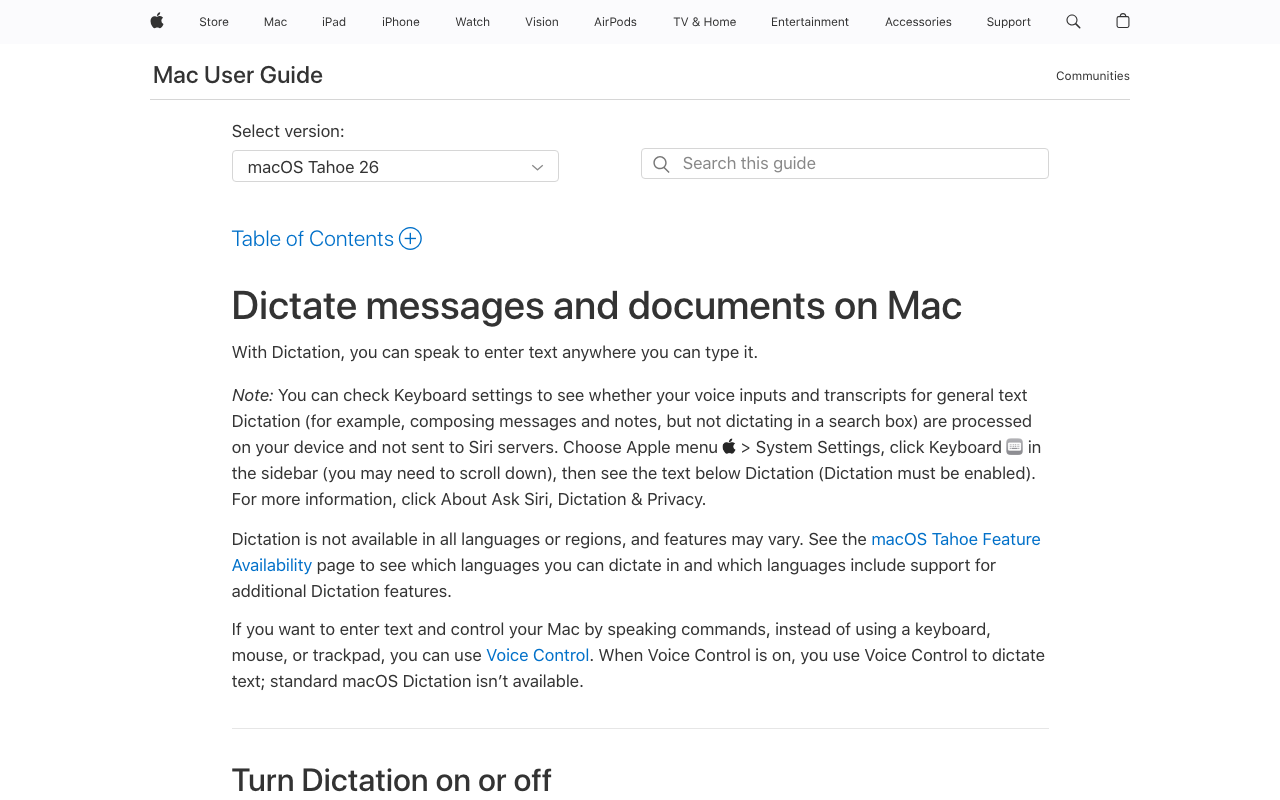
Apple Dictation is the built-in voice-to-text feature in macOS and iOS. It is free, requires no installation, and works system-wide in any text field. On Apple Silicon Macs (M1 and newer), dictation processes entirely on-device. For a broader look at Mac dictation options, see our complete guide to dictation on Mac and our Apple Dictation privacy breakdown.
Apple Dictation Core Features
- Free and built-in: No download, account, or payment required
- On-device processing: Runs locally on Apple Silicon Macs
- System-wide: Works in any text field across macOS and iOS
- Auto-punctuation: Adds periods, commas, and question marks automatically
- Real-time streaming: Text appears as you speak
- Multiple languages: Supports major languages with auto-detection
Apple Dictation Limitations
- Approximately 30-second timeout: Dictation stops automatically with no configurable extension. This is architectural, not a bug.
- Drops words and stops mid-sentence in extended sessions — an issue repeatedly documented on Apple Community forums.
- No custom vocabulary: Cannot learn new technical terms, proper nouns, or domain jargon.
- No AI rewriting: Transcribes what you say verbatim with basic auto-punctuation.
- No developer or IDE awareness.
- Intel Mac cloud fallback: Older Intel Macs still send audio to Apple servers for enhanced dictation.
In macOS 26 Tahoe, Apple introduced new SpeechAnalyzer and SpeechTranscriber APIs that MacStories reported as approximately 55% faster than OpenAI Whisper for file transcription. These APIs are developer-facing and have not yet replaced the consumer Apple Dictation feature — the 30-second timeout and lack of custom vocabulary persist in the user-facing product.
Key Takeaway
Apple Dictation is a finished product: press a key, speak, see text. It wins on setup and convenience but is constrained by an architectural 30-second timeout and lack of customization.
What Is OpenAI Whisper?
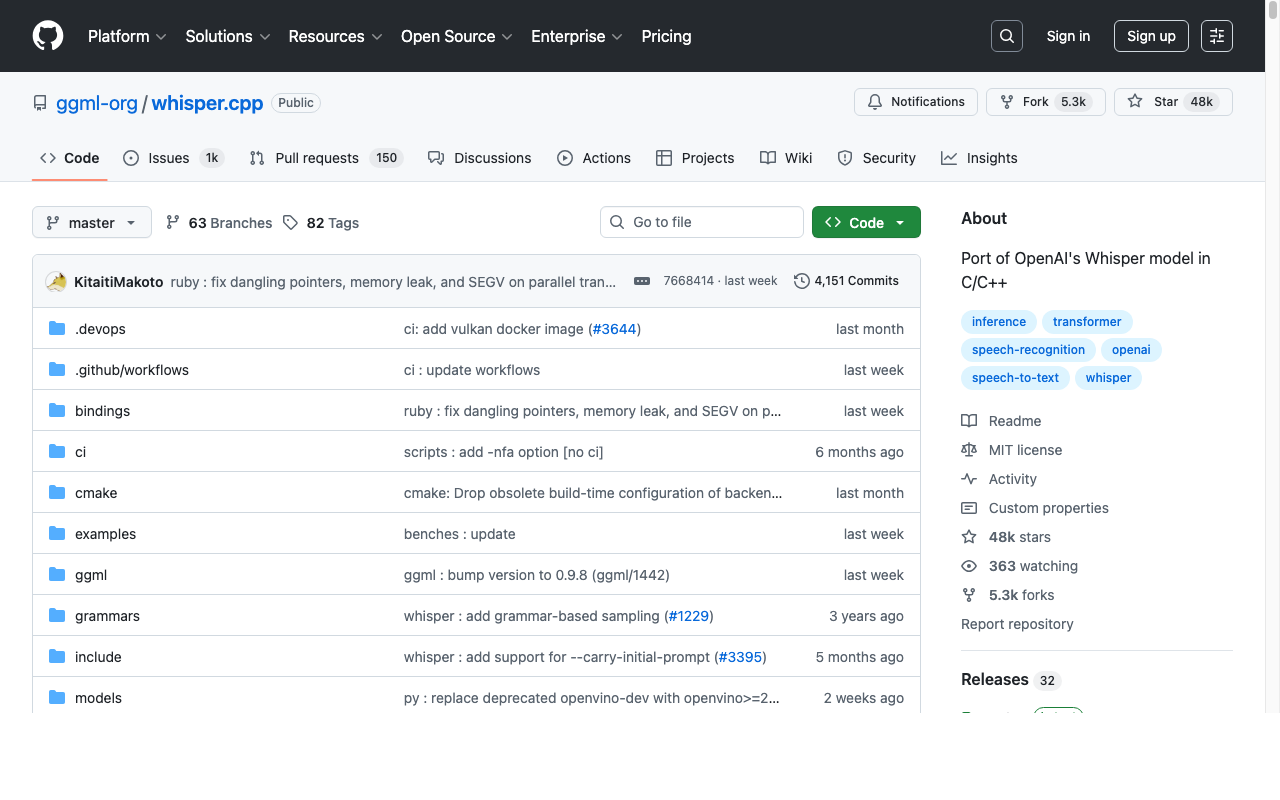
OpenAI Whisper is an open-source automatic speech recognition (ASR) model released by OpenAI in September 2022 under the permissive MIT License. It supports 99 languages and ships in multiple model sizes from tiny (~75 MB) to large-v3-turbo (~1.5 GB). Whisper is widely regarded as one of the most capable open-source speech recognition models available, and it powers a growing ecosystem of Mac and cross-platform apps. For alternatives tailored to developer workflows, see our OpenAI Whisper alternatives guide.
Important: Whisper Is a Model, Not a Dictation App
This is the single most important distinction in this comparison. When you install OpenAI Whisper via pip install openai-whisper, you get a command-line tool that accepts an audio file and returns a transcript. There is no hotkey, no menu-bar icon, no real-time text insertion into other apps. Whisper was designed for transcription (feed it audio, get text back), not dictation (speak live, see text appear in your cursor position).
How Whisper Is Typically Used on Mac
- Command line (stock): Install Python 3.10+, Homebrew, and FFmpeg, then run
whisper audio.mp3 --model small. Good for batch transcription of pre-recorded audio files. - whisper.cpp: The C/C++ port by ggml-org is optimized for Apple Silicon and runs significantly faster than the Python version on Mac hardware. It supports Core ML for Apple Neural Engine acceleration, reportedly delivering more than 3x speedup for the encoder vs CPU-only execution.
- WhisperKit: WhisperKit by Argmax is a Swift framework that integrates Whisper into iOS, iPadOS, and macOS apps with Core ML acceleration out of the box.
- Wrapper dictation apps: Voibe, Superwhisper, VoiceInk, MacWhisper, and Handy all bundle Whisper (usually via whisper.cpp or WhisperKit) and add a dictation UI, hotkey handling, and system-wide text insertion.
Whisper Strengths
- Open-source and free: MIT License allows commercial and non-commercial use.
- 99 languages: Including robust multilingual and code-switching transcription.
- Strong accuracy on long-form content: Larger models outperform Apple Dictation on passages longer than 30 seconds.
- Multiple sizes: Choose the speed/accuracy tradeoff that fits your hardware.
- Local-first once installed: No cloud round-trip after initial model download.
Whisper Limitations
- Not a dictation app — you build (or install) the UI layer yourself.
- Batch-oriented — real-time streaming dictation requires a custom pipeline.
- Setup overhead — Python, FFmpeg, Homebrew, model download (~75 MB to 3 GB).
- Known hallucination issues on silence or low-quality audio — Whisper can invent text that was never spoken.
- Large models are resource-hungry — large-v3 benefits from 8 GB+ RAM and noticeable disk space.
- No system-wide integration out of the box — you cannot dictate into Safari or Mail with raw Whisper alone.
Key Takeaway
OpenAI Whisper is a powerful open-source speech recognition model, not a dictation app. Treat it like a library: combine it with a wrapper app (Voibe, Superwhisper, VoiceInk) or build your own pipeline to get a real-time dictation experience on Mac.
Feature-by-Feature: Apple Dictation vs OpenAI Whisper
What the Tool Actually Does
Apple Dictation is a dictation product: press a key, speak, watch text appear wherever your cursor is. OpenAI Whisper is a speech recognition model: you hand it audio and it returns a transcript. These are different product categories. Without a wrapper app (Voibe, Superwhisper, VoiceInk, etc.), Whisper cannot do what Apple Dictation does out of the box. Conversely, Apple Dictation cannot do what Whisper does — batch transcription of a pre-recorded file, multilingual transcription of arbitrary audio clips, or integration into a custom workflow.
Winner: Apple Dictation for live dictation; Whisper for file transcription; Voibe for both
Accuracy
On short bursts (under 30 seconds) in quiet environments, Apple Dictation is serviceable. On longer passages or with technical vocabulary, Whisper's larger models consistently outperform Apple Dictation. Apple's macOS 26 Tahoe SpeechAnalyzer benchmark claim of being approximately 55% faster than Whisper refers to speed, not accuracy — and it is a developer API, not the consumer Apple Dictation feature. The consumer-facing Apple Dictation still struggles with specialized vocabulary, proper nouns, and long-form content that Whisper handles well.
Winner: OpenAI Whisper (larger models); Voibe matches Whisper's accuracy because it uses Whisper models
Setup Effort
Apple Dictation: roughly zero minutes. Open System Settings → Keyboard → Dictation, toggle it on, pick a hotkey, done. Raw OpenAI Whisper: install Homebrew, Python 3.10+, FFmpeg, run pip install openai-whisper, download a model, write a script that captures audio and pipes it to Whisper — realistically 30+ minutes just to get batch transcription working, and significantly more to build real-time dictation. whisper.cpp is faster to set up for power users but still requires comfort with compile steps and command-line tools. Voibe cuts setup to about 2 minutes: download the app, grant microphone and accessibility permissions, pick a hotkey.
Winner: Apple Dictation (zero setup); Voibe second
Real-Time Dictation
Apple Dictation streams text as you speak — limited by the approximately 30-second timeout but otherwise live. Raw Whisper does not stream; it processes audio files in batches. To build real-time dictation on top of Whisper you need audio capture, a chunking strategy, and a wrapper app. Voibe, Superwhisper, and VoiceInk solve this for you — they capture audio, stream it through Whisper (usually via whisper.cpp or WhisperKit), and insert text at the cursor in near real time.
Winner: Apple Dictation over raw Whisper; Voibe beats both (no 30-second timeout, uses Whisper)
Session Length and Reliability
Apple Dictation stops automatically after approximately 30 seconds. This is a hard architectural limit with no configurable extension. Whisper has no inherent session length cap — feed it a 3-hour audio file and it will transcribe it (subject to memory and time). Wrapper apps that use Whisper inherit this freedom: Voibe imposes no 30-second timeout, which is one of the most common reasons users reach past Apple Dictation.
Winner: OpenAI Whisper / Voibe
Privacy
Apple Dictation on Apple Silicon processes on-device. OpenAI Whisper is on-device once installed — audio never leaves the machine regardless of which wrapper you use. Both are strong on privacy. On older Intel Macs, Apple Dictation still sends audio to Apple servers for enhanced dictation; Whisper has no such caveat. For compliance-sensitive work, either is defensible; Voibe matches the privacy guarantees of raw Whisper because it bundles Whisper models directly. See our cloud vs local dictation framework for deeper analysis.
Winner: Tie on Apple Silicon; Whisper / Voibe on Intel Macs
Language Support
OpenAI Whisper supports 99 languages, including multilingual transcription that can switch languages within a single clip. Apple Dictation supports a smaller set (major languages with regional variants) and uses auto-detection rather than Whisper's fluent code-switching. For multilingual workflows, Whisper is the stronger foundation — and wrapper apps inherit that advantage.
Winner: OpenAI Whisper / Voibe
Developer Workflow
Neither Apple Dictation nor raw Whisper offers dedicated IDE integration. Raw Whisper is the more extensible foundation because you can build any pipeline you want around it — custom pre-processing, post-processing, vocabulary boosts, domain-specific fine-tunes. Voibe is the only Whisper-based dictation app with VS Code and Cursor integration that resolves file and folder names inside the IDE, making it the fastest path to Whisper-powered dictation in a developer workflow.
Winner: Voibe (IDE integration); Whisper (if you want to build your own)
Pricing Breakdown: Free vs Free vs $99
Both Apple Dictation and OpenAI Whisper are free at the model/feature level. The real cost difference shows up in setup time, ongoing maintenance, and the total cost of getting to a working real-time dictation workflow on Mac.
| Cost Factor | Apple Dictation | Raw Whisper (DIY) | Voibe |
|---|---|---|---|
| Software License | $0 (bundled) | $0 (MIT) | $99 lifetime or $4.90/mo |
| Initial Setup Time | ~0 min | ~30 min (CLI transcription) or hours (real-time pipeline) | ~2 min |
| Ongoing Maintenance | None (Apple updates) | You maintain deps + scripts | None (Voibe updates) |
| Disk Space | Minimal | 75 MB (tiny) to 3 GB (large-v3) | ~1-2 GB (app + models) |
| Real-Time Dictation Work Required | None | Significant (custom pipeline) | None |
| Total Cost to Get Real-Time Dictation | $0 (with 30s timeout) | Your time (hours to days) | $99 once (no timeout) |
The comparison is not really “free vs free” — it is “free and ready vs free and unfinished”. If you value your time, Voibe at $99 lifetime or $4.90/month is often cheaper than building a real-time Whisper pipeline yourself, particularly when you factor in keeping the pipeline working as macOS, Whisper, and your dependencies all change. For price context against other Mac dictation tools, see the Mac dictation pricing hub.
Key Takeaway
Both Apple Dictation and raw Whisper are free. Real-time dictation on Whisper requires a wrapper app or your own engineering time. Voibe's $99 lifetime is usually cheaper than the DIY path when you count the hours.
Which Should You Choose? Apple Dictation vs OpenAI Whisper
Choose Apple Dictation If...
- You dictate in short bursts (under 30 seconds) and your vocabulary is general
- You want zero setup and zero cost — it is already on your Mac
- You are on an Apple Silicon Mac and value Apple's on-device privacy guarantees
- You do not need custom vocabulary, IDE integration, or AI text rewriting
Choose OpenAI Whisper (Raw) If...
- You are a developer or power user comfortable with the command line
- You are transcribing pre-recorded audio files, not dictating live
- You need multilingual transcription (especially outside Apple's supported set)
- You want full control over the speech recognition pipeline (custom pre/post-processing, server deployment, fine-tuning)
- You are building your own app and want Whisper as a dependency
Choose a Whisper-Powered Mac App (Voibe, Superwhisper, VoiceInk) If...
- You want Whisper's accuracy in a real-time dictation app without writing code
- You need unlimited session length (no 30-second timeout)
- You want custom vocabulary, IDE integration, or developer workflow features
- You prefer paying once ($99 lifetime for Voibe) over maintaining your own pipeline
What Users and Reviewers Say
OpenAI Whisper Community Feedback
Whisper is widely praised as a step-change in open-source speech recognition. Developer reviews consistently highlight:
- Accuracy: Larger models (medium and above) are consistently rated among the best open-source ASR options.
- Language coverage: 99 languages, with robust multilingual code-switching — praised in Hugging Face and GitHub discussions.
- Apple Silicon performance via whisper.cpp: whisper.cpp on GitHub has accumulated strong adoption as the Apple-friendly implementation path.
Recurring criticisms cluster around a few recurring issues:
- Hallucinations: Whisper occasionally generates text that was not in the audio — a documented failure mode discussed in GitHub issues.
- Batch-only design: Multiple users note that “Whisper is not a real-time model” and building streaming on top of it is non-trivial.
- Setup friction: Python + FFmpeg + Homebrew is a meaningful barrier for non-developers.
- Speed on unoptimized CPU: The stock Python implementation is slow on Mac hardware without whisper.cpp or WhisperKit.
Apple Dictation User Feedback
Apple Dictation is praised for convenience — free, built-in, zero setup. But real-world use surfaces a consistent set of frustrations that Whisper-based wrapper apps exist to solve:
- Approximately 30-second timeout is a dealbreaker for long-form dictation — an architectural limit that cannot be extended.
- Drops words and stops mid-sentence in extended sessions. Reddit threads describe dictation stopping unexpectedly with no clear trigger.
- No custom vocabulary — cannot learn new technical terms, proper nouns, or domain jargon.
- Inconsistent auto-punctuation on longer passages.
- No developer or IDE awareness — code identifiers and file paths are mangled.
The 2026 Picture
The picture that emerges across community discussion is complementary, not adversarial. Apple Dictation is the right tool for short, casual dictation on Apple devices — free, zero setup, good enough. OpenAI Whisper is the right foundation when you need batch transcription, a language Apple doesn't handle well, or full control over the pipeline. For Mac users who want Whisper's accuracy in a live dictation UI without writing any code, the Whisper-powered app layer — Voibe, Superwhisper, and VoiceInk — is where most real-world dictation workflows end up.
Apple Dictation vs OpenAI Whisper FAQ
Common questions about choosing between Apple Dictation and OpenAI Whisper, organized by topic.
Final Verdict: Apple Dictation vs OpenAI Whisper in 2026
Apple Dictation and OpenAI Whisper are often lumped together as “dictation options,” but they sit at different layers of the stack. Apple Dictation is a finished dictation product — limited but instantly usable. OpenAI Whisper is a speech recognition model — powerful but unfinished as a dictation tool. Asking “Apple Dictation or Whisper?” is really asking “do I want a working dictation app now or do I want to build one?”
For most Mac users, the practical answer is neither alone: Apple Dictation is too limited (30-second timeout, no custom vocabulary, no IDE awareness), and raw Whisper is too much work (no real-time UI, no system-wide text insertion, significant setup). Voibe is the shortest path from “I want Whisper-grade accuracy on Mac” to “I am dictating into any app with a hotkey, no timeout, no cloud round-trip” — $99 lifetime, Whisper under the hood, and VS Code + Cursor integration that raw Whisper leaves you to build yourself.
If you prefer open-source tooling and don't mind some setup, VoiceInk and Handy are both Whisper-powered Mac apps with permissive licensing. If you primarily transcribe audio files rather than dictate live, MacWhisper remains the purpose-built choice.
Disclosure: Voibe is our product and uses OpenAI Whisper models under the hood. We have done our best to present a fair comparison, acknowledging where both Apple Dictation and raw Whisper genuinely excel for their respective use cases.
Related Dictation Comparisons
Ready to type 3x faster?
Voibe is the fastest, most private dictation app for Mac. Try it today.
Related Articles
Wispr Flow vs Apple Dictation: Free Built-In vs $144/yr AI Dictation (2026)
Wispr Flow vs Apple Dictation compared on accuracy, pricing, privacy, and features. Free built-in vs $144/year cloud AI — see which wins for your workflow in 2026.
Apple Dictation vs Dragon: Free Built-In vs $699 Professional (2026)
Apple Dictation vs Dragon NaturallySpeaking compared on accuracy, pricing, features, and platform support. See which is worth it in 2026 and why Voibe beats both.
9 Best Handy Alternatives in 2026 (Free and Paid)
Compare the best Handy alternatives for Mac, Windows, and Linux dictation in 2026. Voibe, Wispr Flow, Superwhisper, VoiceInk, Apple Dictation and more — reviewed with pricing and features.