
I Tried 7 Paraspeech Alternatives on My Mac — Here's the One I Kept
I ran Paraspeech and seven alternatives through real daily dictation on my Mac — on-device processing, custom vocabulary, formatter-vs-rewriter behavior, Hands-Free and live dictation, platforms, and cost. Here's what I found, and the one I use now.

TL;DR: I Tested 7 Paraspeech Alternatives — Voibe Is the One I Kept
I write and code by voice most of the day, so I go through dictation apps constantly. Paraspeech kept coming up — “local-first speech-to-text for Mac,” fast, private — so I actually lived in it for a while, then lined up seven alternatives and ran them all through the same real work: notes, emails, Cursor prompts, the occasional Spanish sentence.
The one I kept is Voibe, for reasons I can point at: it holds Paraspeech’s audio-never-leaves-your-Mac promise, and it fixes the two things I kept fighting in Paraspeech — a real custom-vocabulary dictionary (not find-and-replace word swaps) and a formatting pass that is a bounded cleanup step, not an LLM that quietly rewrites what I said. It also has Hands-Free Mode and live Continuous Transcription, which Paraspeech does not.
To be fair, Paraspeech is a genuinely good, fast local app. But it is Mac-and-iOS-only, several of its headline features (custom vocabulary/BYOK, Meeting Mode, Auto Dictionary) are still marked “coming soon,” and its lifetime license covers local models only. Depending on what you need — cross-platform reach, open source, deeper model choice, or compliance for regulated work — one of the others might fit you better than it fit me. Here is the short version of what I found (every fact re-checked against each vendor’s official site in July 2026):
- The one I kept: Voibe — on-device, real custom vocabulary, Hands-Free + live dictation
- If you want to read the source: VoiceInk
- If Paraspeech’s single model frustrated you: Superwhisper
- If you also live on Windows or Android: Wispr Flow
- If free is the whole point: Apple Dictation
Key Takeaway
I spent a week running Paraspeech and seven alternatives through my real daily dictation on a Mac. The one I kept is Voibe — it stays on-device like Paraspeech but adds a real custom-vocabulary dictionary, Hands-Free Mode with live Continuous Transcription, and a formatter that cleans up my words without rewriting them.
How I Tested These
I tried to be honest about where Paraspeech wins and where the others beat Voibe. My process: I ran each app for real dictation across notes, email, and IDE prompts, then scored them on the same seven things that actually change the decision — data path (on-device vs cloud vs hybrid), three-year cost, custom-vocabulary quality, whether the “AI” is a formatter or a rewriter, platform reach, languages available today, and how transparent the maker is about the entity behind the app. Pricing and architecture facts are pulled from each vendor’s official site (July 2026); where a number sits behind a checkout flow or comes from a third party, I say so.
Why I Stopped Reaching for Paraspeech
Paraspeech does the hard part right: it is fast, and in local mode your audio really does stay on your Mac. My problems were never with the promise. They were with the day-to-day, and they line up almost exactly with what its own public feature board keeps asking for:
- The custom dictionary I needed is still “coming soon.” I dictate names, code identifiers, and the occasional non-English word all day. Paraspeech lists custom vocabulary and BYOK as upcoming — so until then, those words come out however the model guesses.
- One fast model, one ceiling. The speed is real, but I kept hitting the same wall the founder describes in his own support replies: a single fast model that trades quality for speed. When I wanted more accuracy on a hard sentence, there was no gear to shift into.
- The rewrite step changed what I said. A couple of times the “AI” cleanup didn’t just tidy my text — it paraphrased it into something I hadn’t dictated. That is a content rewriter, and it is exactly the failure I don’t want in my notes.
- It ends at the edge of my Mac. No Windows, no Android. On the days I picked up a work PC, Paraspeech simply wasn’t there.
- The “lifetime” isn’t the whole app. Its one-time license (reported around $129.99 for one device) covers local models; the cloud features stay behind a subscription. Fair enough — but it means “buy once” doesn’t mean “done paying.”
What I Was Actually Testing For
Once I knew what was bugging me, the test wrote itself. Four things mattered more than anything a marketing page says, and they’re a decent checklist whether or not you end up where I did.
A real dictionary, not a word-swap table. Most apps ship find-and-replace and call it custom vocabulary — which is why dictating a shortcut can come back with stray periods in the middle of an email address. I wanted a dictionary that actually shapes the transcription. Voibe has it today; VoiceInk and Superwhisper do too.
A formatter by default — and a private rewriter when I want one. There are two very different things vendors both call “AI.” One paraphrases and can change your meaning; the other just removes filler, fixes punctuation, and converts numbers and dates. Voibe’s on-device Smart Formatting is the second kind — bounded, local, off unless I ask. And on the days I want the heavier polish that Wispr Flow is known for, Voibe has an optional cloud mode that runs a fuller LLM pass and holds up against it — except it goes through Voibe’s own zero-retention private cloud instead of a general one. That’s the part I care about: I get to choose the quality without surrendering the privacy.
Somewhere for my language and my platform to exist now. Not on a roadmap. If you need Windows or Android, no Mac-only app can help, and Wispr Flow or Willow Voice become the honest answer.
Code I could read, if that’s my thing. It isn’t a must for me, but if trusting a closed binary is the sticking point, VoiceInk (GPL v3) is the auditable peer — and the wider field is in my open-source dictation roundup.
Paraspeech vs the Seven, at a Glance
Before the write-ups, here is the whole field on one screen. Every pricing and architecture fact is from each vendor’s official site (July 2026).
| Tool | Data path | Custom vocabulary | Platforms | Price |
|---|---|---|---|---|
| Paraspeech | Local-first, optional cloud | Coming soon | Mac, iOS beta | $8.99/mo · $89/yr · lifetime (local only) |
| Voibe | On-device or private zero-retention cloud | Yes — real dictionary | Mac, Windows | Free · $9.90/mo · $99/yr · $199 lifetime |
| VoiceInk | On-device | Yes | Mac | Free build · $29–$69 |
| Superwhisper | On-device + optional cloud | Yes | Mac | $8.49/mo · $249.99 lifetime |
| MacWhisper | On-device (files) | Limited | Mac | ~€59 lifetime |
| Wispr Flow | Cloud | Yes | Mac, Win, iOS, Android | Free · $144/yr |
| Willow Voice | Cloud + optional offline | Yes | Mac, Win, iOS, Android | Free · $144/yr |
| Aqua Voice | Cloud | Yes | Mac, Win, iOS | ~$8/mo |
| Apple Dictation | On-device (Apple Silicon) | No | Mac, iOS | Free |
The Seven, Ranked — Starting With What Replaced Paraspeech for Me
I’ve put them roughly in the order they’d help the most people leaving Paraspeech. Voibe is first because it’s what I actually kept; after that, each pick answers a specific reason someone walks away.
1. Voibe — the one I kept

Voibe keeps everything Paraspeech gets right — fast, local, private — and ships the parts Paraspeech is still building. Transcription runs on-device, or through a private zero-retention cloud if I opt in.
The two features I missed most in Paraspeech live here: Hands-Free Mode (double-tap to start and stop, no key to hold) and live Continuous Transcription — a floating window that streams my words into any app as I talk, with no session timeout to cut me off mid-thought. When I’m talking through a long note or a code change, that is the whole experience. And the custom dictionary is real: it shapes the transcription, so names and code identifiers land the first time instead of getting find-and-replaced into nonsense.
Smart Formatting is the bounded kind — it strips filler, fixes punctuation, converts numbers and dates, and never paraphrases; it’s off until I turn it on. And when I want more than tidy-up, there’s an optional cloud mode that runs a fuller LLM cleanup pass matching the polish Wispr Flow is known for — but through Voibe’s zero-retention private cloud, opt-in, private by design. Ninety-plus languages work out of the box, so I wasn’t waiting on a roadmap for Spanish. It’s $199 lifetime for the whole app (or a 7-day free trial, no signup, then a free plan with limited words) — and unlike Paraspeech’s lifetime, that covers everything, not just local models.
The value combo: Wispr Flow and Granola in one plan. Voibe Dictation is $99 a year. For $50 more, Voibe Work ($19/month, $149/year, or $399 lifetime) adds AI meeting notes with no bot in the call. That one plan covers what Wispr Flow Pro ($144/year) and Granola Business ($168/year) charge $312 a year for separately, so it costs $163 (52.2%) less every year. Meeting notes are captured on your Mac or Windows PC, processed in Voibe's zero-retention cloud and saved on your computer, and Voibe reminds you to tell everyone you're taking notes.
Where it loses to Paraspeech: it has no mobile apps (Paraspeech has an iPhone/iPad beta), it’s closed source, and it’s newer. If any of those is a dealbreaker, keep reading — one of the next six is your answer.
Tip
Disclosure: Voibe is our product. I think it’s the strongest Paraspeech alternative for Mac users who want local dictation with real custom vocabulary and no rewrite surprises — but try Voibe’s 7-day free trial and Paraspeech’s 7-day trial and judge for yourself.
What Actually Made Me Switch
Paraspeech’s public board is unusually candid, and three things come up again and again: people want a real dictionary, they want numbers handled without the app “helping” too much, and they want it to survive sleep/wake. Those were my three complaints too — and Voibe answers each by design: a dictionary that shapes transcription, a formatter that writes “thirty-five to forty-five” as text instead of doing the math, and a native daemon built to run for a week without babysitting.
On price I’ll be straight: Paraspeech’s local-only lifetime (reported around $129.99, one device) is a genuinely good one-time deal, about $69 under Voibe’s $199. So I’m not going to tell you Voibe is cheaper than that. What I’ll tell you is that against Paraspeech’s subscription, Voibe lifetime wins easily over three years — and the lifetime buys the entire app, not just the local half.
2. VoiceInk — if you’d rather read the code than trust it
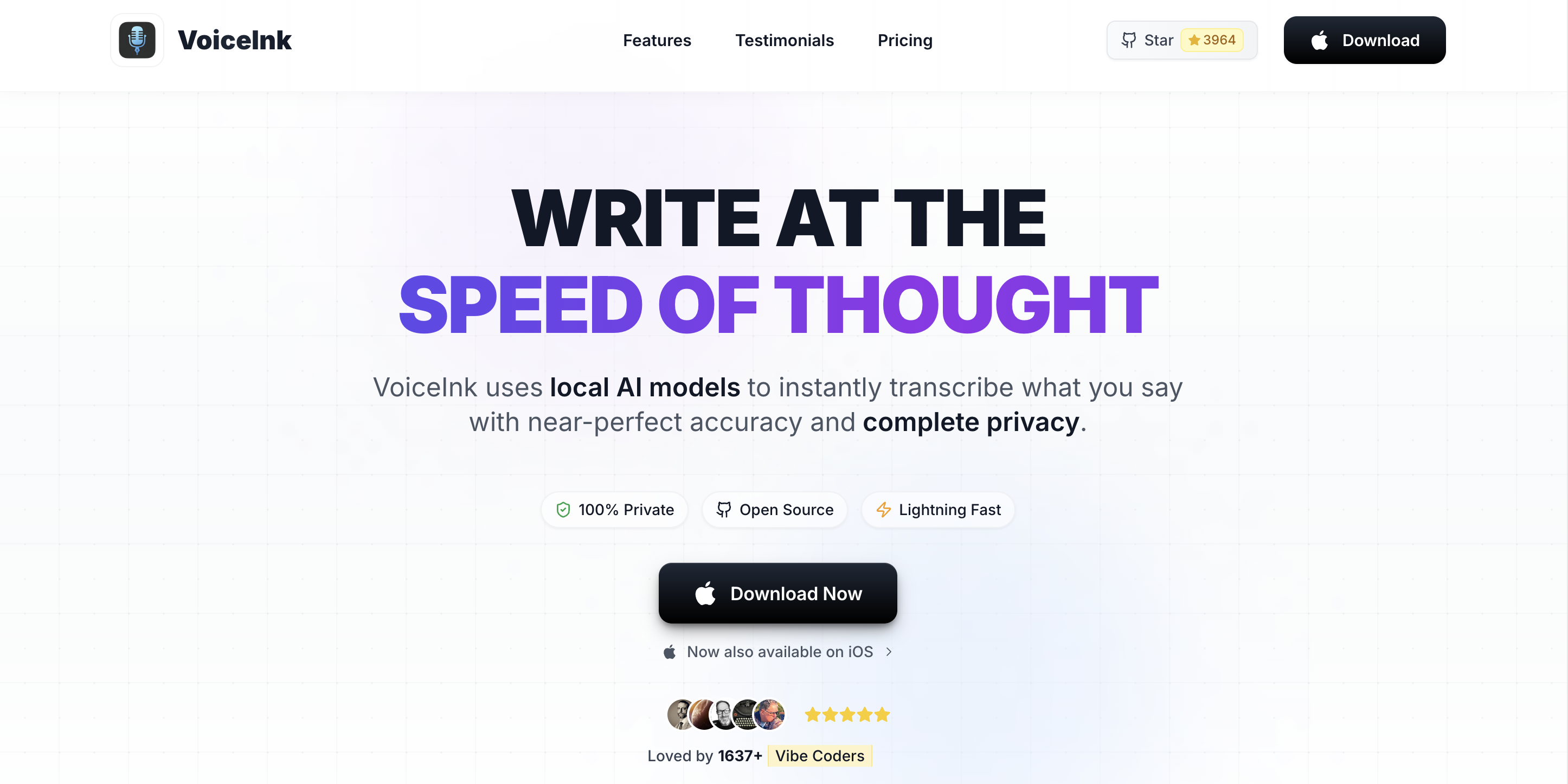
If the thing keeping you up is trusting a closed binary — mine wasn’t, but I get it — VoiceInk is the honest answer. It’s GPL v3, on-device, built on Whisper and Parakeet, with the whole thing on GitHub to audit. You can build it free from source or pay $29–$69 for a packaged build to skip the setup. The trade you’re making versus Voibe or Paraspeech is polish and support: community issues instead of an inbox, and a setup tax if you go the source route. Full pricing here.
3. Superwhisper — the fix for Paraspeech’s single-model wall
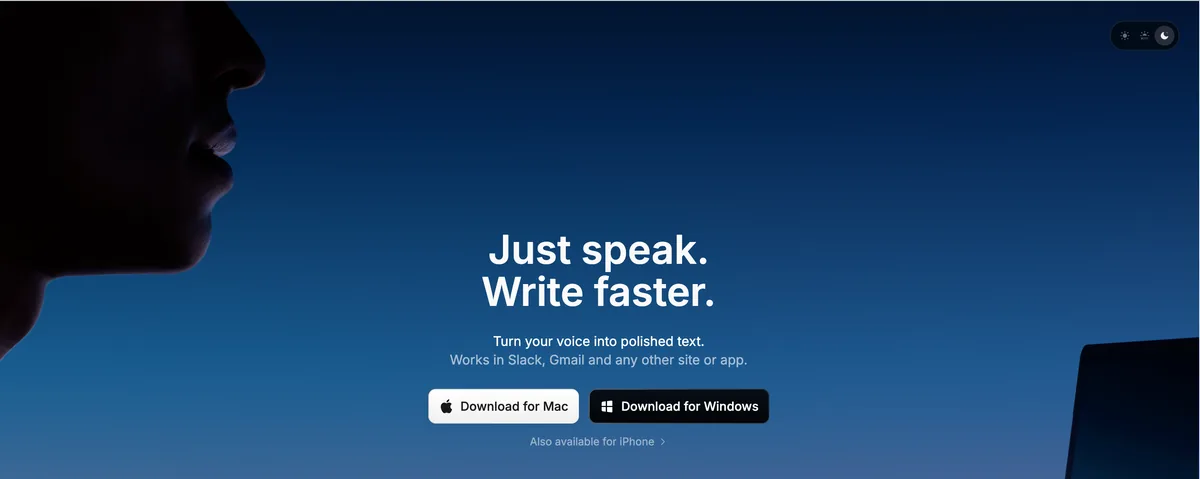
The one Paraspeech frustration I’d point a power user straight at is single-model lock-in — and Superwhisper is the direct antidote. It gives you a shelf of on-device modes (Tiny, Base, Small, Standard Whisper, Parakeet) plus optional cloud modes, so you pick the speed-vs-accuracy point per task and per app. It’s $8.49/month or $249.99 lifetime. Two things I’d check before switching: local audio recordings are on by default (worth a look — is Superwhisper safe), and cloud-mode API keys sit on disk. For most people the on-device modes are the whole appeal.
4. MacWhisper — for the recordings, not the live typing
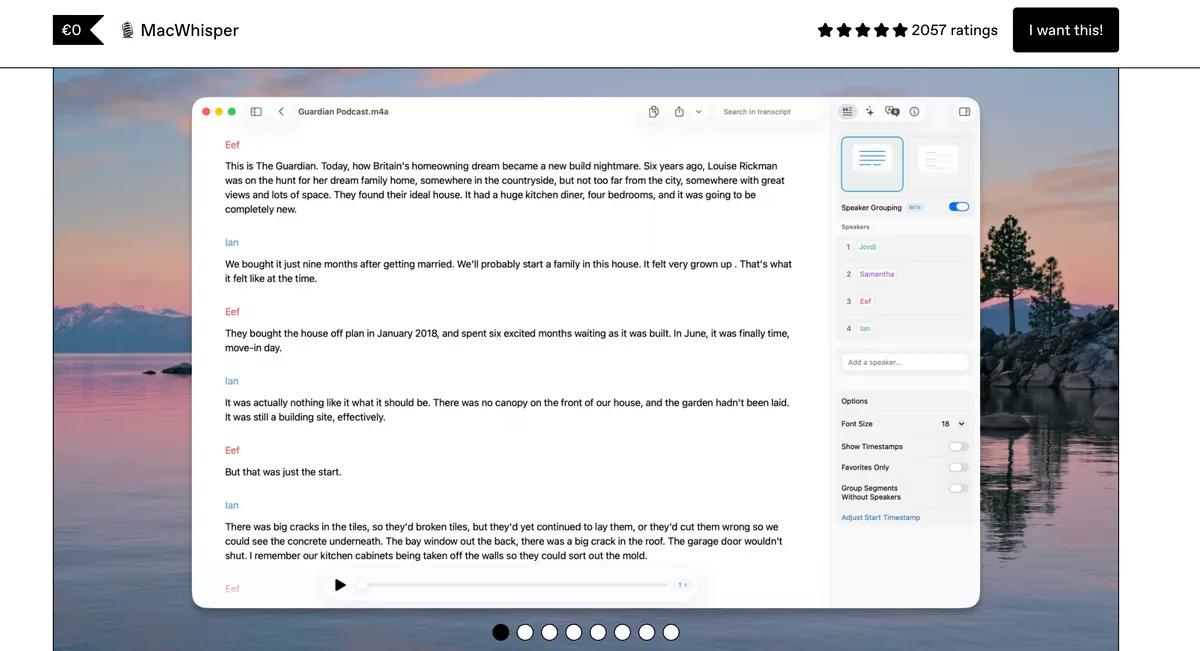
Different job, honestly. MacWhisper (~€59 lifetime) is the best tool here for chewing through recorded audio — interviews, meetings, voice memos — with batch transcription and subtitle export. It just isn’t a live system-wide dictation app; it won’t type into your editor the way Paraspeech does. I run a dictation app for live text and reach for MacWhisper only when I have a file. Where it sits vs raw Whisper.
5. Wispr Flow — if your work doesn’t stay on one Mac
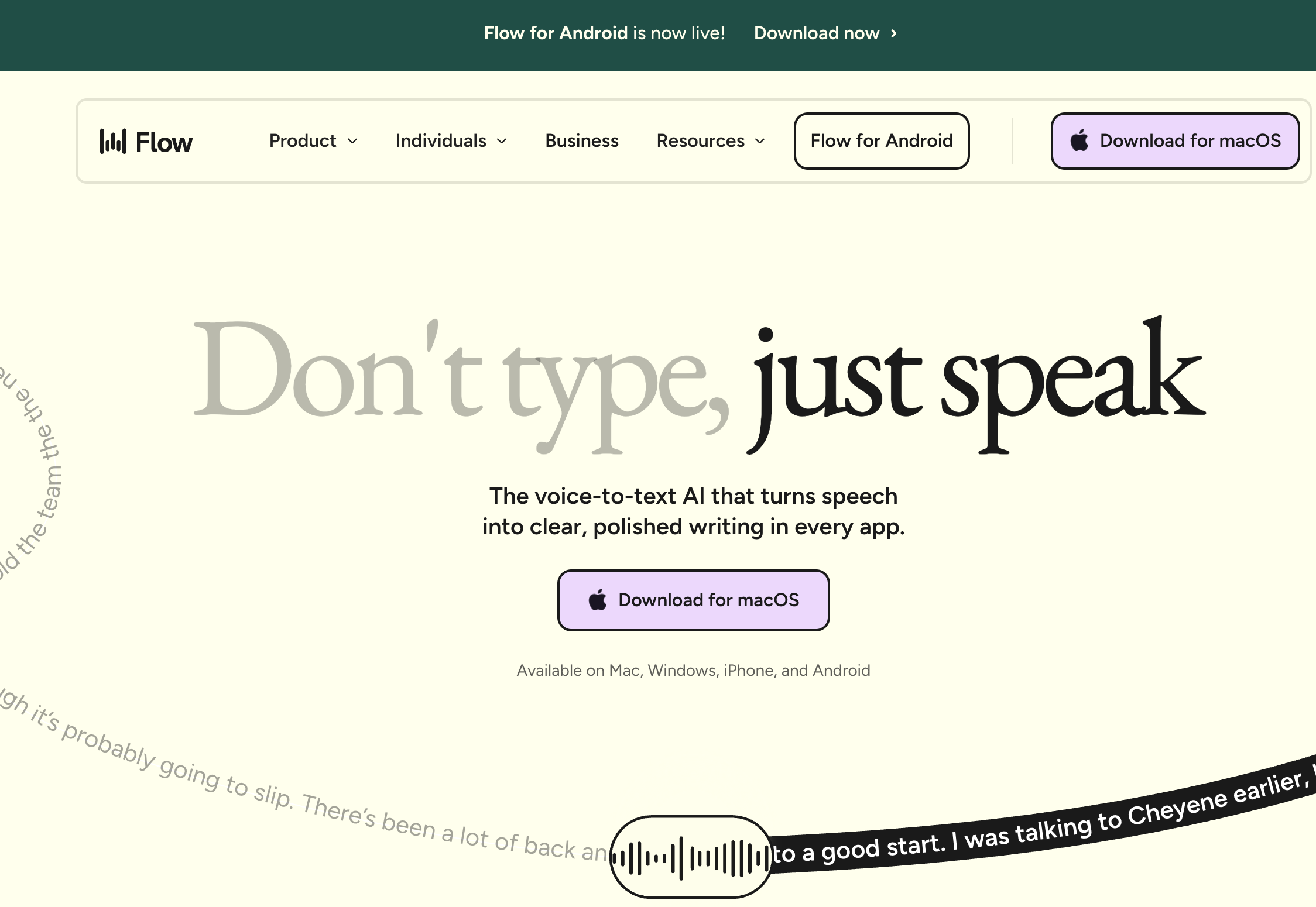
This is the one I’d actually recommend over Voibe in a specific case: you live on more than a Mac. Wispr Flow runs across Mac, Windows, iOS, Android, and Chrome on one account, and it carries audited compliance (SOC 2 Type II, ISO 27001, HIPAA BAA) that Paraspeech doesn’t. The catch is architectural — it’s cloud-first, so your audio leaves the machine and flows through its subprocessor chain (is Wispr Flow safe). And it’s a subscription: $144/year, which over three years is $432 against Voibe’s $199 lifetime — a $233 (54%) gap if you only need Mac. The thing that used to set Wispr Flow apart was its AI cleanup polish; Voibe now matches that with an optional private cloud mode (the same LLM-grade cleanup, zero-retention), so the honest reason to choose Wispr Flow is platform reach, not output quality.
6. Willow Voice — the cloud tool with the kindest defaults
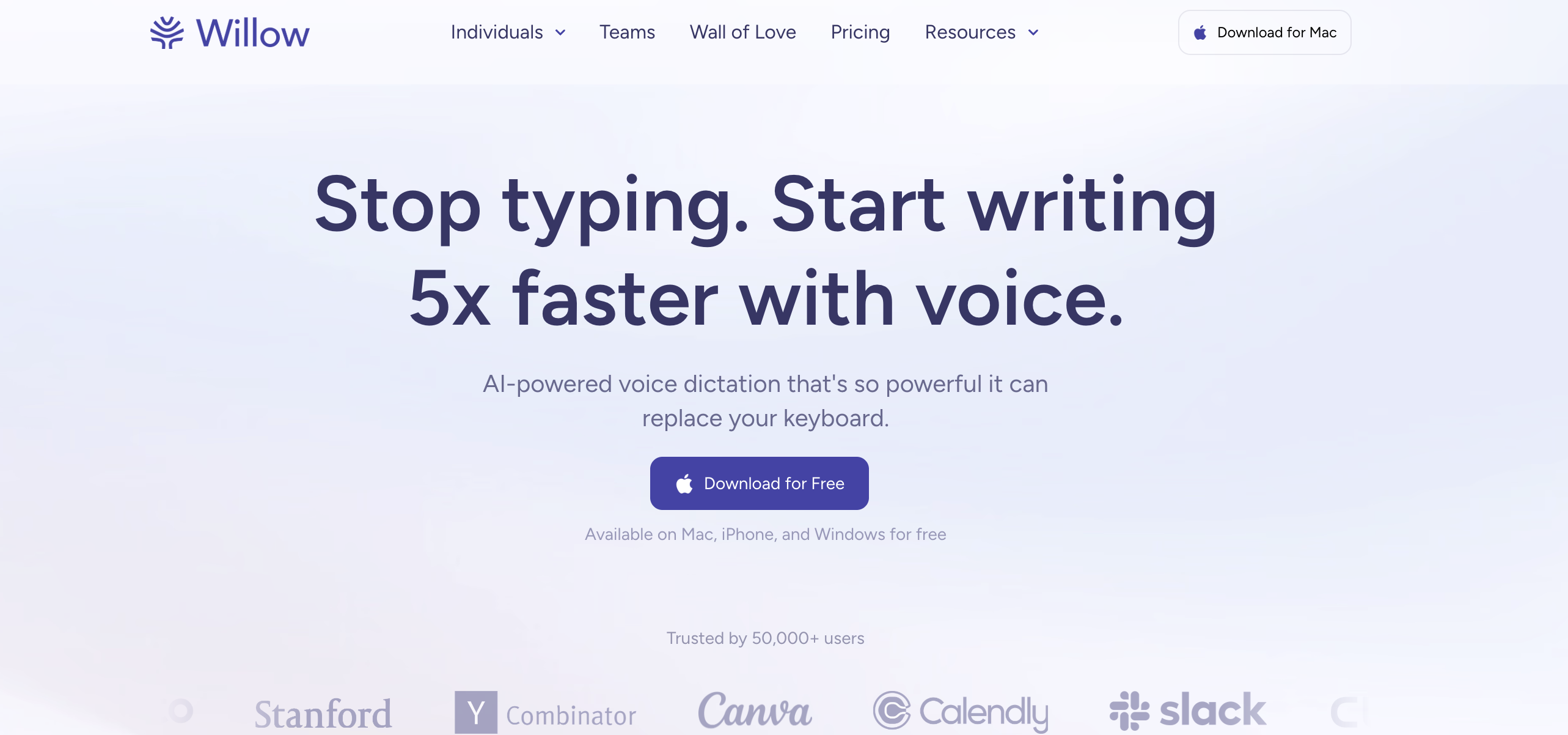
If you want cross-platform cloud but care how they treat your voice, Willow Voice documents a default-opt-out training posture — the most privacy-protective default among the major cloud peers — plus an optional Offline Mode on Mac and iOS, at $144/year. It’s still cloud-first by default, and its HIPAA marketing outruns its policy text (details here), but among cloud tools its defaults are the ones I’d trust most.
7. Aqua Voice — cloud accuracy, if you’ll give up on-device
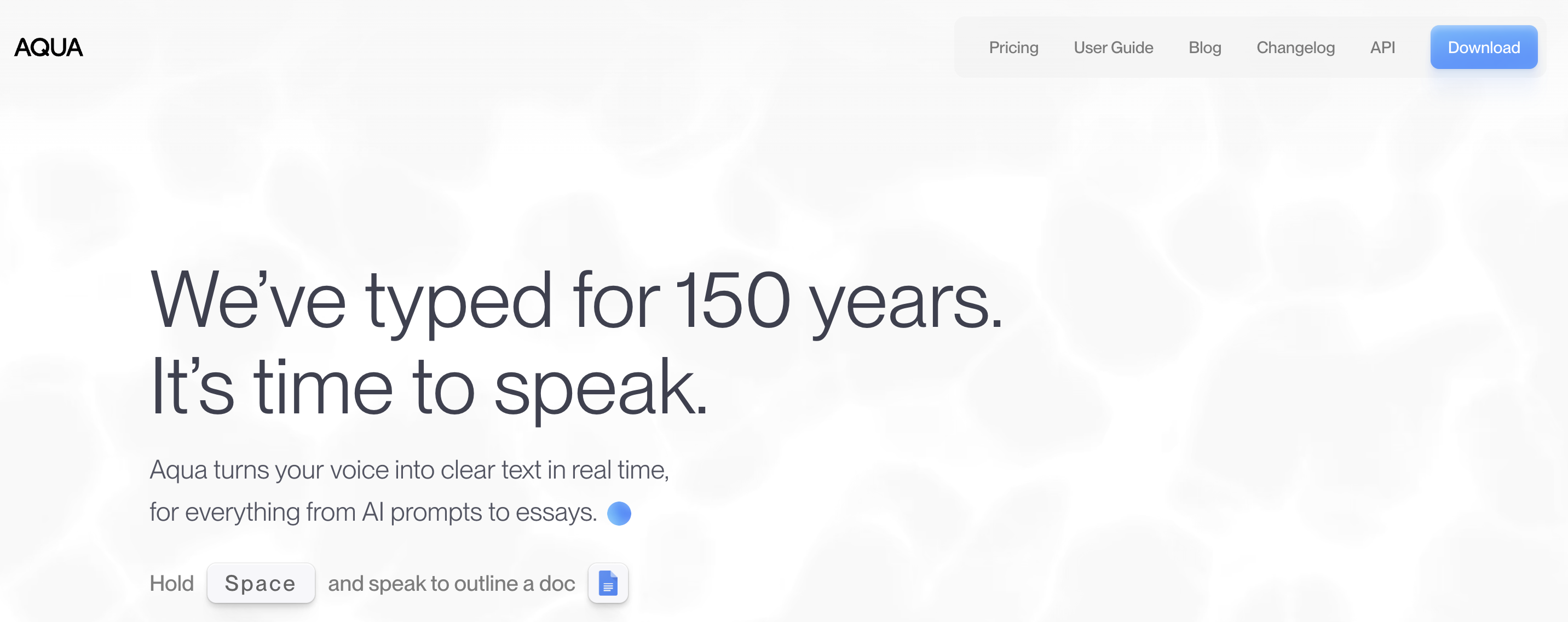
Aqua Voice (~$8/month, Mac/Windows/iOS) leans on a proprietary model tuned for technical vocabulary, and if raw accuracy on jargon is your top priority it’s worth a look. But it’s cloud-only — the exact opposite of what drew you to Paraspeech — so there’s no offline path at all. Weigh the accuracy pitch against that (its data handling).
8. Apple Dictation — the free baseline worth checking first
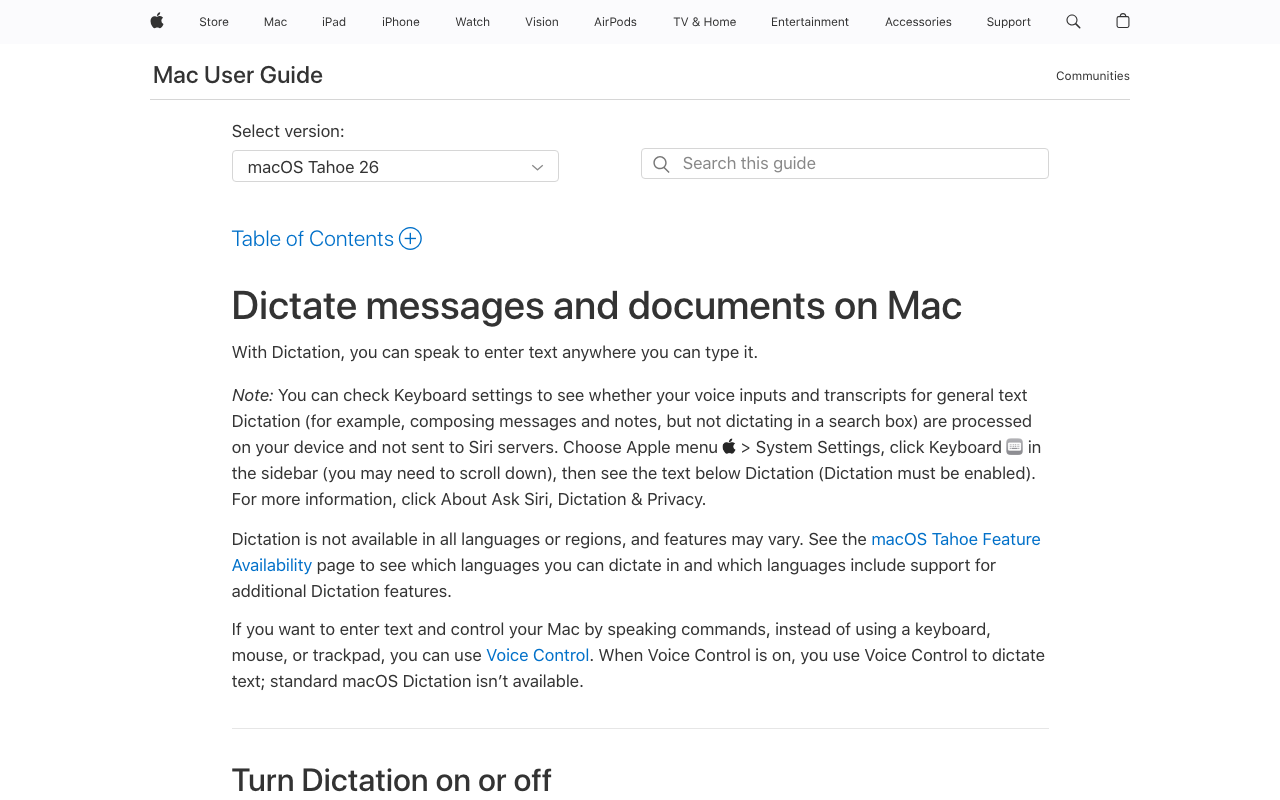
Before you pay for anything, know what free already does. Apple Dictation is built into macOS, runs on-device on Apple Silicon, and is genuinely fine for short, casual dictation. Its ceiling is real — a session limit you can’t disable, no custom vocabulary, no developer features — and that ceiling is why every paid tool on this list exists. If Paraspeech felt like more than you needed, start here.
How I’d Pick, If You’re Not Me
My situation isn’t yours, so here’s the shortcut. Platform first, then whether you want to read the source or tune the model — the tree below routes the common cases, and the table under it maps specific situations to a pick.
Your situation → the tool I’d point you at
| Your situation | Where I’d send you | Why |
|---|---|---|
| Mac user who wants local dictation + a real dictionary | Voibe | Dictionary shapes transcription, on-device, ships today |
| Dictating names, code, or medical/legal terms all day | Voibe | A real dictionary beats a word-swap table |
| Voice-prompting Cursor or VS Code | Voibe (Developer Mode) | Resolves file/folder names in the IDE |
| You want to read the source | VoiceInk | GPL v3, on-device, free build |
| Paraspeech’s single model frustrated you | Superwhisper | Multiple on-device modes to tune per task |
| Mostly transcribing recordings | MacWhisper | File-first Whisper GUI |
| You also work on Windows or Android | Wispr Flow | Cross-platform + audited compliance |
| Cross-platform but privacy-conscious | Willow Voice | Default-opt-out training |
| Regulated work needing a signed BAA | See HIPAA dictation | Among the apps here, Voibe has a BAA available on request |
| Coming off a stalled indie app | Voibe | Maintained product, real support inbox |
Questions I Had While Switching
The things I actually wondered while comparing Paraspeech with the alternatives above, grouped by theme.
Pricing and Value
Is there a cheaper alternative to Paraspeech? Against its subscription ($8.99/month or $89/year), Voibe’s $199 lifetime is cheaper over three years and never renews. VoiceInk’s free source build is the cheapest of all if you’re fine with setup. Paraspeech’s own local-only lifetime (reported ~$129.99, one device) is a competitive one-time price if local models are all you need.
Does Paraspeech’s lifetime cover everything? No — it covers local on-device models. Cloud-backed features stay subscription-gated.
Privacy and Data
Is Paraspeech actually private? In local mode, yes — audio and text stay on your Mac. The nuance is that its rewrite step and a planned cloud LLM introduce paths where content can be processed off-device. Voibe and VoiceInk keep everything on-device by default; Voibe adds an opt-in private zero-retention cloud.
Features and Workflow
Does Paraspeech have custom vocabulary? It’s listed as “coming soon,” along with BYOK, Meeting Mode, and Auto Dictionary. If you need it today, Voibe ships a real dictionary now.
Formatter vs rewriter — what’s the difference? A formatter cleans up filler and punctuation without changing meaning. A rewriter runs an LLM that paraphrases and can alter what you said. Voibe’s on-device Smart Formatting is a formatter; “AI rewrite” features are rewriters. If you do want the heavier LLM polish, Voibe offers it as an opt-in cloud mode that stays zero-retention and private by design — you get the quality without a general cloud holding your words.
Switching and Setup
Is switching from Paraspeech hard? No. Voibe installs without an account or card, and its 7-day free trial lets you compare side by side before you commit.
So Which One Did I Actually Keep?
After a week of this, my honest read: Paraspeech is a fast, genuinely private local app, and if its speed, its shipped features, and Mac-plus-iOS reach cover you, there’s nothing wrong with staying on it. I kept bumping into the same three walls, though — custom vocabulary that’s still “coming soon,” a rewrite step that changed my words, and no Hands-Free or live dictation.
The one I kept is Voibe, because it holds the local-first promise while adding the real dictionary, Hands-Free Mode with live Continuous Transcription, Developer Mode, and a bounded formatter, with 90+ languages today and a lifetime that covers the whole app. But I’d genuinely point you elsewhere if your needs differ: Windows or Android, Wispr Flow; read the source, VoiceInk; tune the model per task, Superwhisper.
Whatever you land on, try before you buy — Voibe has a 7-day free trial with no signup, Paraspeech has a 7-day trial. Going deeper: cloud vs local dictation, best offline dictation apps, and the AI privacy tracker.
Since publishing this I've gone deeper on Paraspeech itself: the full Paraspeech review scores it against what it actually ships, Paraspeech pricing unpicks the two different price lists it maintains, Is Paraspeech Safe? traces where your audio goes in cloud mode, and Paraspeech vs Wispr Flow puts it head to head with the cross-platform incumbent.
Frequently Asked Questions
What is the best Paraspeech alternative for Mac?
Is there a free alternative to Paraspeech?
Does Paraspeech have custom vocabulary?
Is Paraspeech's lifetime license a good deal?
What is the difference between a formatter and an AI rewriter in dictation apps?
Does Paraspeech work on Windows or Android?
Is Paraspeech private and on-device?
Which Paraspeech alternative is best for developers?
Which alternative is best if I need HIPAA or SOC 2 compliance?
How does Voibe compare to Paraspeech on price?
Best AI Dictation and Meeting Notes for Confidential Work
Draft letters, notes and emails 5x faster. Get meeting notes without a bot joining your call. Nothing used to train AI.
- Mac + Windows
- No bot in your calls
- Nothing used to train AI
- 7-day free trial
Want to compare plans first? View pricing →