
I Tested 7 DictaFlow Alternatives — Here's the One I Trust with Sensitive Work
DictaFlow markets itself for clinical notes and legal drafts, so I tested seven alternatives and read every privacy page. Here's the one I'd trust with a patient's name — and the one you actually need a signed BAA for.

TL;DR: I Tested 7 DictaFlow Alternatives — Here's the One I Trust with Sensitive Work
DictaFlow first caught my eye because of how it markets itself — clinical notes, legal drafts, a VDI/Citrix typing mode for locked-down desktops. That’s a bold pitch for a $7/month indie app, and it made me want to know exactly where the audio goes before I’d trust it with anything sensitive. So I ran it and seven alternatives through real dictation and read every privacy page.
Here’s the short version. DictaFlow is genuinely capable and its VDI mode is a real strength — but it’s a hybrid that sends text to a cloud-cleanup step for formatting, and despite the clinical/legal framing its consumer plan publishes no HIPAA BAA, SOC 2, or ISO attestation — patient data belongs on its separate Medical Pro build at $39/user/month, not the $7 plan. For regulated work, marketing isn’t a control; you want one of two things — audio that never leaves the machine, or a vendor that will sign a BAA.
The tool I landed on for Mac is Voibe, because it keeps transcription on-device on Apple Silicon Macs with a real dictionary for specialized terms. If your compliance program actually requires a BAA, Voibe’s is available on request; if you need an enterprise clinical platform, I’ll point you at Dragon Medical One. Every fact below was re-checked against each vendor’s official site in July 2026.
Key Takeaway
I kept seeing DictaFlow pitched for clinical notes and legal drafts, so I dug into whether a $7/month hybrid app should be touching that kind of data. My conclusion: for anything sensitive you want either true on-device processing or a signed BAA. The tool I landed on for Mac is Voibe — on-device on Apple Silicon, with a real dictionary for clinical/legal terms, and a BAA available on request. If you need an enterprise clinical platform, Dragon Medical One is the honest answer.
How I Judged These
What I care about most on this page is where your audio actually goes, because DictaFlow is aimed at people handling PHI and privileged material. I scored every tool on the same seven things: data path (on-device vs cloud vs hybrid), three-year cost, custom-vocabulary quality, compliance and data handling for regulated work, platform reach, VDI/remote-desktop support, and how transparent the maker is about the entity behind the app. Facts come from each vendor’s official site (July 2026). And I’ll say plainly where DictaFlow beats Voibe — its VDI/Citrix typing mode is something Voibe doesn’t do.
The Question That Started This: Should a $7 App Touch a Patient's Name?
DictaFlow (built in Canada by Ryan Shrott, an independent developer) doesn’t hedge about who it’s for: it lists clinical notes, code, email, and legal drafts, works on Mac, Windows, and iPhone — with Android through a Telegram bot — and ships a VDI-friendly typing mode for Citrix and RDP sessions where the clipboard is blocked. Real strengths, all of it. But the closer I looked, the more the pitch and the plumbing pulled apart:
- Regulated targeting, no regulated proof. It markets to clinical and legal users on a consumer plan that publishes no HIPAA BAA, SOC 2, or ISO attestation — and whose privacy policy says the standard service is not intended for medical dictation. The regulated route is the separate Medical Pro build at $39/user/month; the DictaFlow review covers the split.
- Cloud cleanup breaks the on-device story. DictaFlow suggests local mode for sensitive content and cloud cleanup “when you want stronger formatting.” The instant formatting runs in the cloud, that text has left the machine — usually the moment it matters most.
- Android via Telegram isn’t a native app. Clever, but routing confidential dictation through a chat bot is not the same as a first-class mobile app.
- Single-maintainer risk. No published entity, no compliance program — continuity and support questions that regulated buyers can’t hand-wave.
None of that makes DictaFlow bad. It makes it the wrong tool for the exact audience it’s courting — and it sent me looking for tools that close the gap by architecture, not by copy.
What Actually Protects Sensitive Dictation
Strip away the marketing and there are only two ways to make voice data safe for regulated work. Everything I recommend below is one of these — or honest about being neither.
Keep it on the device. The strongest guarantee is data that never leaves your machine: nothing to subpoena, breach, or misconfigure off-box. VoiceInk keeps transcription on-device, and so does Voibe on Apple Silicon Macs; Voibe adds a zero-retention cloud for its Windows app, Intel Macs, or whenever you want it. The framework in cloud vs local dictation lays this out.
Or get a signed BAA. If your compliance program requires a Business Associate Agreement, you need a vendor that will actually sign one. Consumer dictation apps generally won’t; Voibe (BAA available on request), Dragon Medical One, and enterprise services will. My dictation and HIPAA guide and best dictation software for doctors go deep on this.
Two more things I weighed, because clinical and legal dictation live or die on them: a real custom-vocabulary dictionary for drug names, procedures, statutes, and party names (a dictionary that shapes transcription, not a find-and-replace table), and honest cross-platform reach — if you need Windows or Android with audited compliance, Wispr Flow carries SOC 2, ISO 27001, and a HIPAA BAA across a true multi-platform product.
DictaFlow vs the Seven, at a Glance
The whole field on one screen, with the column that matters most for this audience — compliance — right in the middle. All facts from each vendor’s official site (July 2026).
| Tool | Data path | Compliance | Platforms | Price |
|---|---|---|---|---|
| DictaFlow | Hybrid (local + cloud cleanup) | None on consumer; BAA path on Medical Pro | Mac, Win, iPhone, Android (Telegram) | Free · $7/mo · $69/yr |
| Voibe | On-device (Apple Silicon) or zero-retention cloud | BAA available on request | Mac, Win | Free plan · $9.90/mo · $99/yr · $199 lifetime |
| VoiceInk | On-device | On-device by design | Mac | Free build · $29–$69 |
| Superwhisper | On-device + optional cloud | None published | Mac | $8.49/mo · $249.99 lifetime |
| MacWhisper | On-device (files) | On-device by design | Mac | ~€59 lifetime |
| Wispr Flow | Cloud | SOC 2, ISO 27001, HIPAA BAA | Mac, Win, iOS, Android | Free · $144/yr |
| Dragon | On-device (Pro) / cloud + BAA (Medical One) | HIPAA BAA (Medical One) | Windows | $699 · $79–99/user/mo |
| Willow Voice | Cloud + optional offline | SOC 2 marketed | Mac, Win, iOS, Android | Free · $144/yr |
| Apple Dictation | On-device (Apple Silicon) | On-device by design | Mac, iOS | Free |
The Seven, Ranked — by How Well They Close DictaFlow's Gap
Ordered by how well each one solves the thing DictaFlow doesn’t: keeping sensitive audio genuinely protected. Voibe is first because it’s where I landed; Dragon gets real space because it’s the answer when a signature on a BAA is non-negotiable.
1. Voibe — where I landed for Mac

Voibe keeps transcription on-device by default, with no cloud-cleanup round-trip, so audio and text stay on the machine. That single choice is exactly what DictaFlow’s hybrid gives up when it reaches for cloud formatting — and for confidential dictation it’s the difference that matters most: there’s no off-device copy to secure, breach, or subpoena.
On top of that it ships a real custom-vocabulary dictionary — the right tool for drug names, procedures, statutes, and party names — plus Developer Mode for VS Code and Cursor. For the long stuff, a full clinic note or a dictated brief, Hands-Free Mode (double-tap to start and stop) and live Continuous Transcription earn their keep: a floating window streams your words into any app with no session timeout. Smart Formatting is a bounded on-device pass — filler and punctuation, never paraphrasing — off by default. And here’s the part that matters for exactly this audience: when you want cloud-grade polish, Voibe’s optional cloud mode runs a fuller LLM cleanup pass — the kind of quality Wispr Flow is known for — but through Voibe’s zero-retention cloud, not a general one. It’s the opposite of DictaFlow’s cloud-cleanup step: private by design even when it’s in the cloud. It’s $199 lifetime (with a 7-day free trial and a limited free plan).
The value combo: Wispr Flow and Granola in one plan. Voibe Dictation is $99 a year. For $50 more, Voibe Work ($19/month, $149/year, or $399 lifetime) adds AI meeting notes with no bot in the call. That one plan covers what Wispr Flow Pro ($144/year) and Granola Business ($168/year) charge $312 a year for separately, so it costs $163 (52.2%) less every year. Meeting notes are captured on your Mac or Windows PC, processed in Voibe's zero-retention cloud and saved on your computer, and Voibe reminds you to tell everyone you're taking notes.
The honest limits: the on-device mode needs an Apple Silicon Mac (Windows and Intel Macs use the zero-retention cloud), it doesn’t have DictaFlow’s VDI/Citrix mode, and it holds no SOC 2 or ISO 27001 attestation — though a BAA is available on request. If your compliance program wants an enterprise clinical platform, skip to Dragon below.
Tip
Disclosure: Voibe is our product. I rank it first for Mac users who want on-device dictation with real custom vocabulary for specialized terminology, and a BAA is available on request — but for regulated work that needs an enterprise clinical platform, Dragon Medical One is the honest answer, and I say so below.
Why It Beat the Hybrid for Me
DictaFlow’s pitch to clinical and legal users runs into one structural problem: it targets regulated work without regulated proof, and its cloud-cleanup step sends text off-device exactly when the content is most sensitive. Voibe’s answer is architectural — keep everything on the Mac in on-device mode on Apple Silicon, so there’s no off-device copy to secure — paired with a real dictionary so specialized terms transcribe right the first time.
On cost, Voibe’s $199 lifetime edges under DictaFlow’s subscription over three years — $8 (3.9%) less than three years of Pro Annual and $53 (21%) less than Pro Monthly — and it never renews. The one thing DictaFlow does that Voibe doesn’t is the VDI/Citrix typing mode; if you dictate inside locked-down remote-desktop sessions, weigh that honestly.
2. VoiceInk — if you'd rather verify than trust
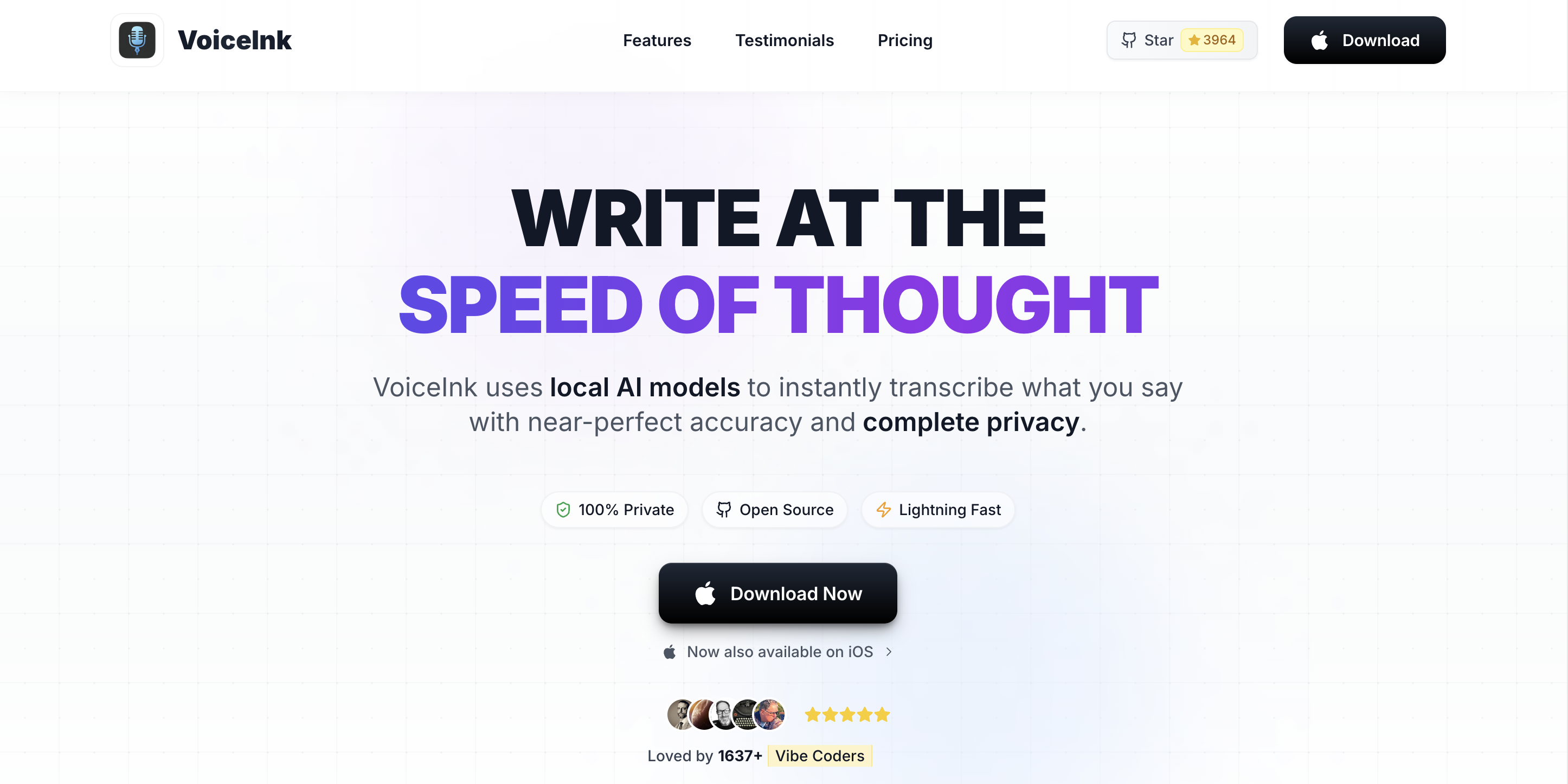
If your reason for leaving DictaFlow is that you want to verify data handling rather than take it on faith, VoiceInk is the answer: GPL v3, on-device, source on GitHub, so there’s no cloud-cleanup path to reason about at all. Build it free from source or buy a packaged build ($29–$69). The trade versus DictaFlow is no VDI mode, no native mobile, and community support instead of an inbox. Pricing here.
3. Superwhisper — on-device, with room to tune
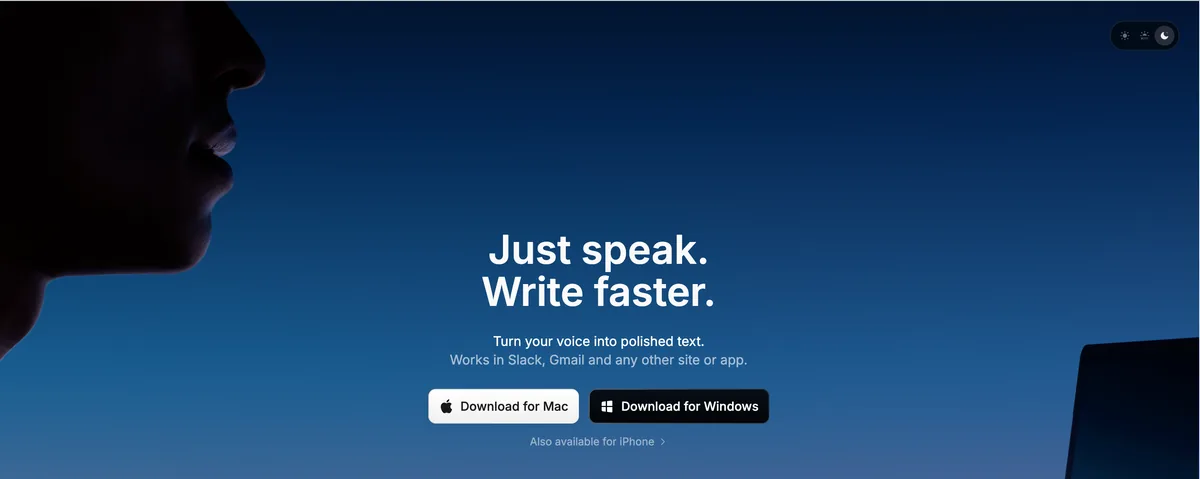
Superwhisper gives you multiple on-device modes plus optional cloud modes, so you can pick the accuracy-vs-speed point per task — handy if DictaFlow’s single approach didn’t fit. It’s $8.49/month or $249.99 lifetime. Two caveats before you switch: local recordings are on by default and cloud-mode API keys sit on disk (is Superwhisper safe). For most people the on-device modes are the draw.
4. MacWhisper — for the recordings
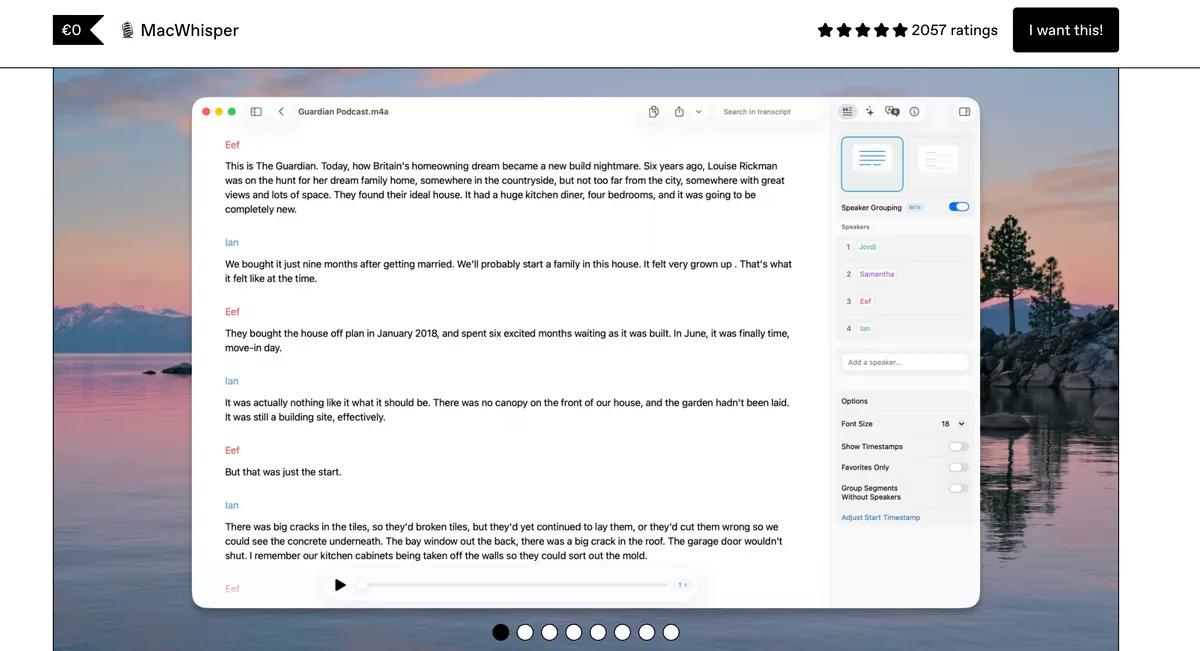
Different job. MacWhisper (~€59 lifetime) is the tool for transcribing recorded audio — dictated memos, interviews — all on-device, with batch transcription and subtitle export. It isn’t live system-wide dictation and has no VDI mode; pair it with a dictation app rather than replacing one.
5. Wispr Flow — cross-platform, with the paperwork
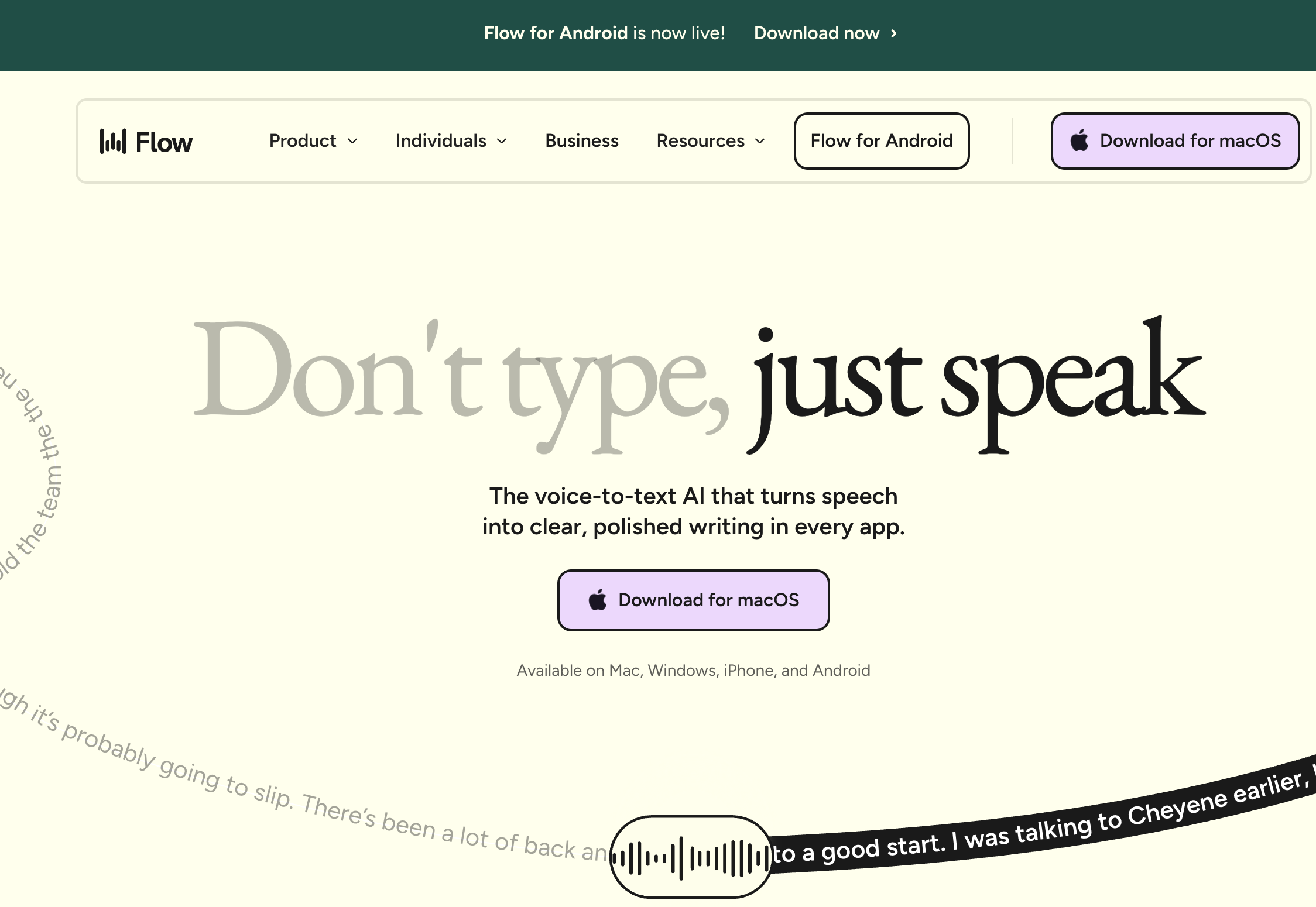
If you need real cross-platform reach and audited compliance, Wispr Flow is the stronger fit than DictaFlow’s unattested hybrid: native apps on Mac, Windows, iOS, Android, and Chrome — no Telegram workaround — plus SOC 2 Type II, ISO 27001, and a HIPAA BAA. The trade-off is architectural: it’s cloud-first, so audio flows through its subprocessor chain (is Wispr Flow safe). On cleanup quality the two are now close — Voibe’s optional cloud mode runs a comparable LLM pass but keeps it zero-retention and private by design — so Wispr Flow’s remaining edge here is platform reach, not polish. At $144/year that’s $432 over three years against Voibe’s $199 lifetime if you only need Mac or Windows.
6. Dragon — the answer when a BAA is non-negotiable
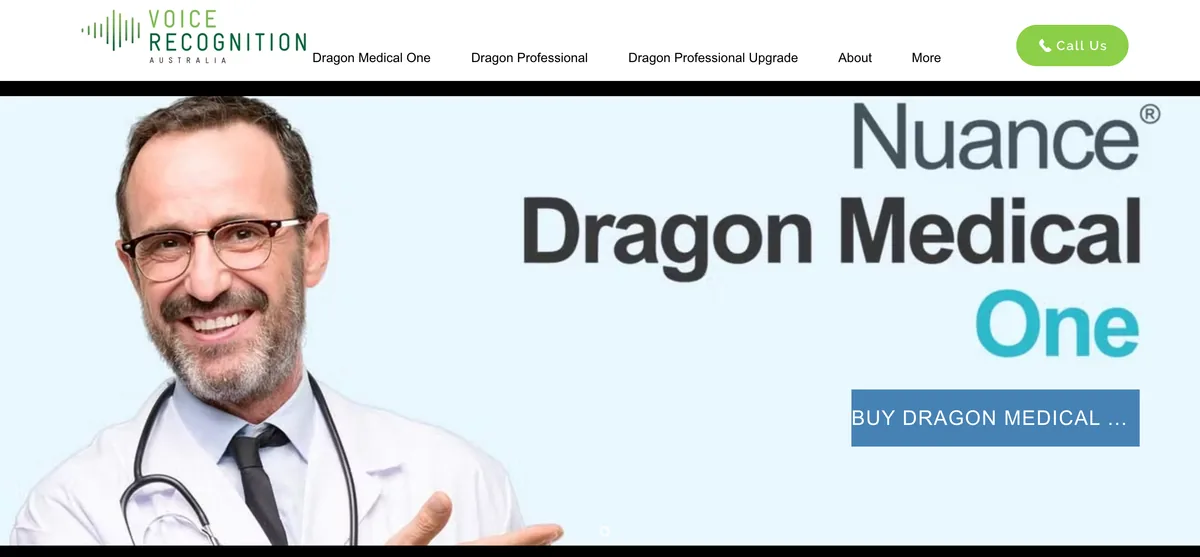
This is the one that directly answers DictaFlow’s biggest gap. DictaFlow courts clinical and legal users but won’t sign a BAA — and if your compliance program genuinely requires one, that’s the end of the conversation. Dragon is the incumbent that will: Dragon Medical One is a cloud clinical-dictation service running on Azure with a signed BAA and the full Microsoft compliance stack behind it, and Dragon Professional (Windows, $699) is the heavyweight on-device option. See Dragon Medical alternatives and is Dragon safe.
It’s not the tool I’d pick for everyday Mac dictation — it’s Windows-centric (Dragon for Mac was discontinued in 2018), it’s priced for institutions, and it’s heavy. But for PHI at scale, a real BAA beats an unattested $7/month hybrid every single time. If you’re a solo clinician who wants privacy without the enterprise weight, the on-device route (Voibe or VoiceInk) is usually the saner call; if you’re a practice with a compliance officer, this is the box they’ll want checked.
7. Willow Voice — the kindest cloud defaults
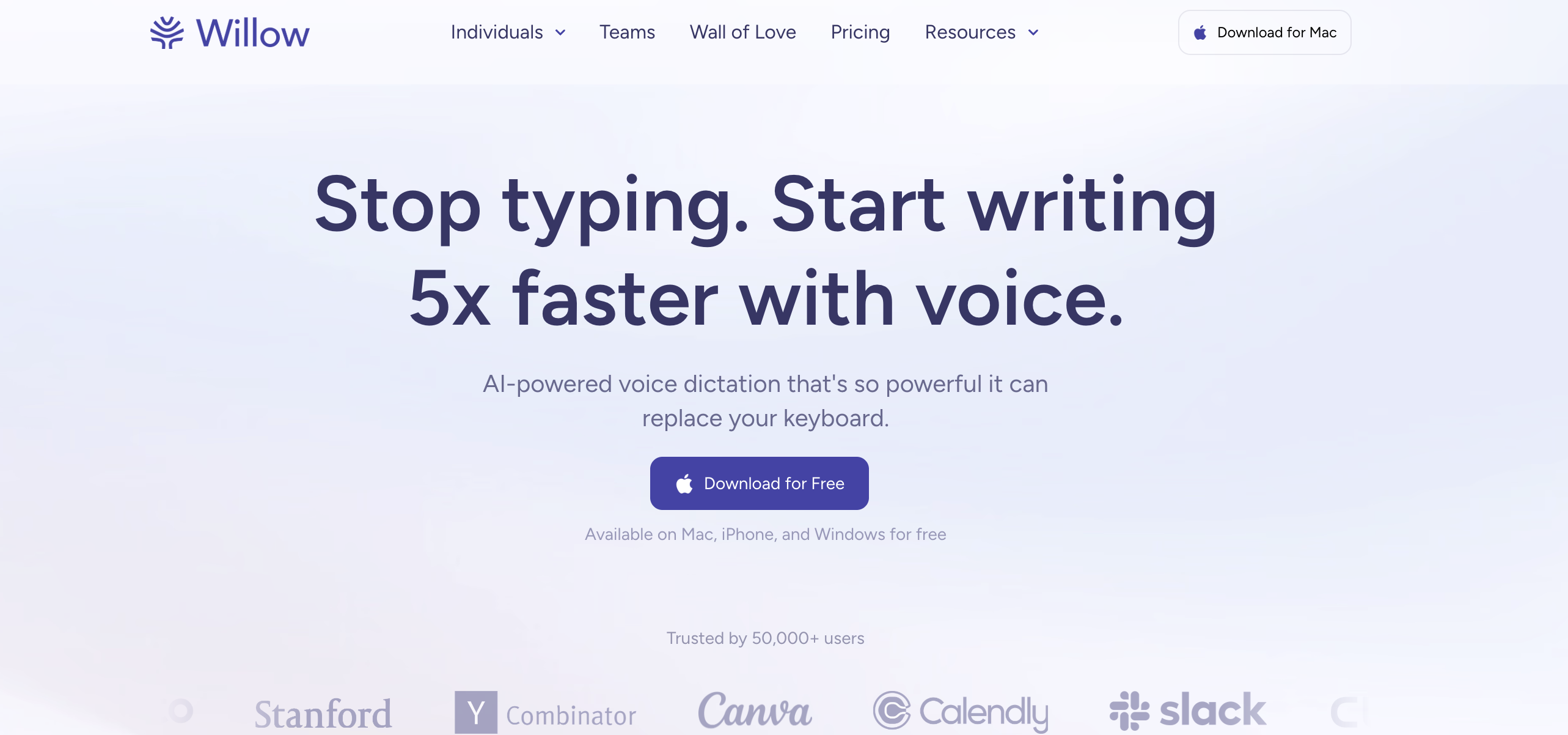
For cross-platform cloud with friendly defaults, Willow Voice documents a default-opt-out training posture and an optional Offline Mode on Mac and iOS, across Mac, Windows, iOS, and Android at $144/year. Still cloud-first by default, and its HIPAA marketing outruns its policy text (details) — but among cloud tools, its training defaults are the ones I’d trust most.
8. Apple Dictation — the free baseline
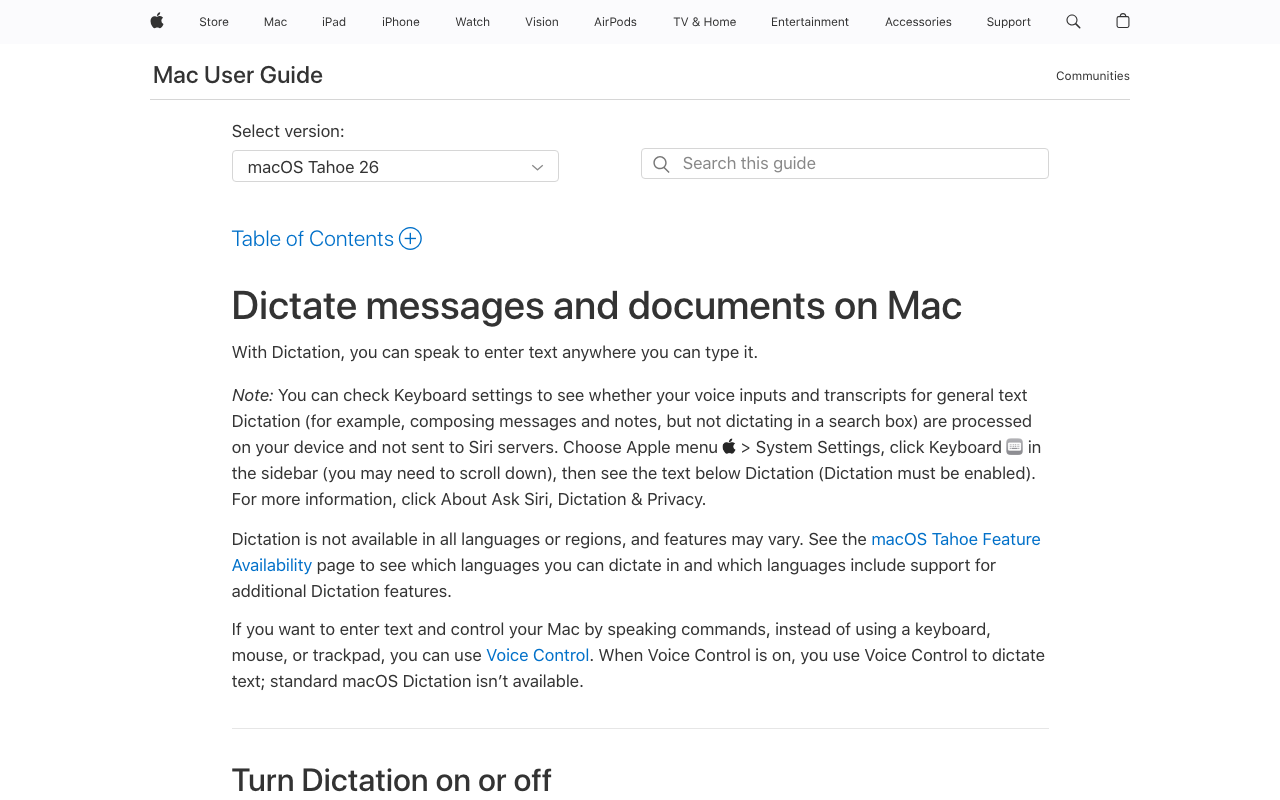
Apple Dictation is built into macOS, on-device on Apple Silicon, and fine for short, casual dictation. Its ceiling — a session limit you can’t disable, no custom vocabulary, no VDI, no developer features — is exactly why the paid tools exist. If DictaFlow was more than you needed, free may be enough (what it really costs).
How I'd Choose — Compliance First
Start with the compliance question, because it eliminates the most options fastest: is this regulated work involving PHI or privileged material? Then narrow by platform. The tree routes the common cases; the table under it maps specific situations to a pick.
Your situation → the tool I'd point you at
| Your situation | Where I’d send you | Why |
|---|---|---|
| Mac user who wants on-device dictation | Voibe | Local by default, real custom vocabulary |
| Dictating clinical or legal terminology daily | Voibe | Dictionary shapes transcription of jargon |
| Regulated work needing a signed BAA | Voibe or Dragon Medical One | Voibe: BAA available on request; Dragon Medical One: enterprise cloud clinical dictation with a BAA |
| You want to audit the source code | VoiceInk | GPL v3, on-device |
| Multi-platform team wanting audited compliance | Wispr Flow | SOC 2, ISO 27001, HIPAA BAA |
| Dictating inside Citrix/RDP sessions | Keep DictaFlow or Wispr Flow | VDI typing mode / broad platform support |
| Mostly transcribing recordings | MacWhisper | File-first Whisper GUI |
| Cross-platform but privacy-conscious | Willow Voice | Default-opt-out training |
| Occasional, casual, free | Apple Dictation | Built in, on-device on Apple Silicon |
Questions I Had About Trusting a Dictation App with Sensitive Work
The things I actually wondered while comparing DictaFlow with the alternatives above, grouped by theme.
Compliance and Privacy
Is DictaFlow HIPAA compliant? The consumer plan is not — it publishes no HIPAA BAA, SOC 2, or ISO attestation, and DictaFlow’s own privacy policy says the standard service is not configured as a HIPAA-compliant medical service. Medical Pro at $39/user/month is the BAA-oriented build (full breakdown). It states audio isn’t used to train models and that it only listens while you hold your trigger. For PHI you need either true on-device processing (Voibe’s on-device mode on Apple Silicon, VoiceInk) or a vendor that signs a BAA (Voibe, BAA available on request; Dragon Medical One).
Does DictaFlow keep my audio on-device? Only in local mode. It’s hybrid — local for sensitive content, cloud cleanup for stronger formatting. When cloud cleanup runs, that text leaves your machine. Voibe keeps transcription and formatting on-device on Apple Silicon Macs — and when you do want cloud-grade cleanup, its optional cloud mode is zero-retention and private by design, not a general cloud step.
Pricing and Value
Is there a cheaper alternative to DictaFlow? Apple Dictation and VoiceInk’s source build are free. Voibe’s $199 lifetime is cheaper than DictaFlow over three years ($8 less than Pro Annual, $53 less than Pro Monthly) and never renews. DictaFlow’s free tier caps at 2,000 words per month.
Platforms and Features
Does DictaFlow have a real Android app? It reaches Android through a Telegram bot, not a native app. Wispr Flow and Willow Voice ship native Android apps.
What about VDI/Citrix dictation? DictaFlow’s VDI-friendly typing mode is a genuine strength for locked-down remote-desktop sessions. If that’s your main need, DictaFlow or a broad cross-platform tool like Wispr Flow fits; most on-device Mac apps aren’t built for VDI.
Switching and Setup
Is switching from DictaFlow hard? No. Voibe installs without an account or card, and its 7-day free trial lets you compare side by side.
So Where Did I Land?
My takeaway after all this: DictaFlow is an affordable, capable app, and its VDI/Citrix typing mode is a genuine strength — if you dictate everyday content inside locked-down remote-desktop sessions on mixed platforms, it earns its spot. What I couldn’t get past is the pitch to clinical and legal users: it targets regulated work while publishing no BAA or audit, and its cloud-cleanup step sends text off-device exactly when the content is most sensitive.
For most Mac users I’d reach for Voibe, because it stays on-device on Apple Silicon Macs, with a real dictionary for specialized terminology, Hands-Free Mode plus live Continuous Transcription for long sessions, and Developer Mode, at $199 lifetime. But I won’t pretend it’s the answer to every version of this: if you must have a signed BAA, Voibe’s is available on request, and Dragon Medical One is the enterprise route; if you need cross-platform with audited compliance, Wispr Flow; if you want to read the source, VoiceInk.
Try before you buy — Voibe has a free plan and a 7-day free trial with no signup, DictaFlow has a free tier and a no-card trial. Going deeper: HIPAA dictation, best dictation software for doctors, for lawyers, and cloud vs local dictation.
Frequently Asked Questions
What is the best DictaFlow alternative?
Is DictaFlow HIPAA compliant?
Does DictaFlow keep my dictation on-device?
Is there a free alternative to DictaFlow?
Does DictaFlow have a native Android app?
Which DictaFlow alternative is best for doctors and clinics?
How does Voibe compare to DictaFlow on price?
What does DictaFlow do that these alternatives don't?
Best AI Dictation and Meeting Notes for Confidential Work
Draft letters, notes and emails 5x faster. Get meeting notes without a bot joining your call. Nothing used to train AI.
- Mac + Windows
- No bot in your calls
- Nothing used to train AI
- 7-day free trial
Want to compare plans first? View pricing →