
Best Dictation Software for ADHD (2026): 8 Tools Compared
Compared 8 dictation tools for ADHD writers. Voibe captures thought at the speed of speech with Continuous Transcription and an on-device mode; honest takes on Wispr Flow, Superwhisper, Otter, Apple Dictation, and more.

If you have ADHD and getting the words out is the hard part, here is the short version. The most useful dictation tool for ADHD is the one that captures your thoughts at the speed you think them — before working memory drops the idea — and that lowers the activation energy it takes to start. The brand name, the price, and the extra features matter less than keeping pace with your head and never making you stare at a blank page.
TL;DR: Voibe is our top pick for ADHD writers on Mac because its Continuous Transcription shows your words in a floating window as you speak, has no short session cap to cut off a long brain-dump, types into any app, and never stores or trains on your audio (choose fully on-device processing or a private zero-retention cloud). Wispr Flow is the best pick if you want AI to clean up rambling, tangent-filled speech into tidy prose automatically. Superwhisper is the most configurable on-device option, Otter.ai is built for capturing long think-out-loud sessions, and Apple Dictation and Google Docs Voice Typing are the free baselines. Whichever you choose, dictation is a support tool, not a cure — it removes a barrier to producing text; it does not treat ADHD or replace writing skill.
Disclosure: Voibe is our product. We compare alternatives honestly and acknowledge competitor strengths throughout this article.
Key Takeaways: Dictation for ADHD at a Glance
| Tool | Best for | Long uninterrupted capture | Where audio is processed | Cost |
|---|---|---|---|---|
| Voibe | Capturing thought at speech speed on Mac | Yes (Continuous Transcription, no cap) | On-device or private cloud (your choice) | $199 lifetime · free plan + 7-day trial |
| Wispr Flow | AI cleanup of rambling speech | Yes | Cloud | $144/yr |
| Superwhisper | Configurable on-device with AI Modes | Yes | On-device or cloud | $249.99 lifetime |
| Otter.ai | Long think-out-loud sessions & meetings | Yes (long-form) | Cloud | Free tier · $8.33/mo annual |
| Apple Dictation | Free built-in baseline | No (short session cap) | On-device on Apple Silicon | Free |
| VoiceInk | Open-source, source-auditable | Yes | On-device | $29–$69 or free build |
| Google Docs Voice Typing | Writing inside Google Docs | Yes (Docs only) | Cloud | Free |
| MacWhisper | Transcribing recorded voice-memo brain-dumps | Yes (file-based) | On-device | ~€59 one-time |
For Mac users who want dictation that keeps pace with a fast internal stream and keeps sensitive context private, Voibe at $199 lifetime is roughly $233 (53.9%) less than three years of Wispr Flow Pro Annual ($432) and $50.99 (20.4%) less than Superwhisper's lifetime ($249.99). For writers who want AI to tidy up spoken tangents automatically, Wispr Flow is the strongest fit, with the trade-off that it is cloud-based and subscription-priced.
Why Standard Writing Tools Fail ADHD Writers
ADHD is a neurodevelopmental condition that affects attention, impulse control, and executive function — the mental systems that plan, sequence, and hold information while you work. It is common and lifelong: a 2024 analysis of National Center for Health Statistics data, summarized by ADDitude, put current ADHD at about 6.0 percent of U.S. adults — roughly one in sixteen, or 15.5 million people — and found that more than half of those adults were first diagnosed in adulthood. CHADD notes ADHD persists into adulthood for the large majority of people who had it as children, which is why it affects working professionals as much as students.
The reason ordinary writing tools fail is that writing asks the ADHD brain to do several of its hardest jobs at the same instant. A keyboard forces transcription to happen at the same moment as idea generation, so the two compete. Typing is slower than thinking, so the next ideas pile up in working memory — the exact resource ADHD stretches thin — and the ones at the back of the line get dropped before your fingers reach them. The UNC Writing Center describes the familiar result: ideas arrive faster and more nonlinearly than a linear typed draft can hold. And before any of that, there is the blank page — the blinking cursor that turns starting into its own task, one that ADHD's task-initiation difficulty makes disproportionately hard.
The output tax has nothing to do with whether you have something to say. CHADD observes that knowing the material is rarely the problem for a writer with ADHD — getting it organized and onto the page is. This is the gap dictation closes.
Key Takeaway
ADHD stretches working memory thin, and typing is slower than thinking — so the ideas queued behind your fingers get dropped before you reach them. Dictation runs at the speed of speech, closing the gap where the thoughts go missing.
How Dictation Helps: Capturing Thought at the Speed of Speech
Dictation helps ADHD by letting you offload the idea the instant it arrives, instead of holding it while your fingers catch up. As ADDitude and guidance from CHADD describe it, speech-to-text reduces cognitive load by separating the job of generating ideas from the mechanical job of transcribing them — so you are not fighting spelling, grammar, and sentence structure at the same moment the thought shows up. That separation is the point: it frees the working memory that ADHD would otherwise spend on transcription.
There is a second benefit that matters just as much for ADHD, and it comes before the first word. Facing a blank page is a task-initiation problem, and task initiation is one of the executive functions ADHD most reliably disrupts. Speaking a first sentence out loud takes far less activation energy than typing one, and it sidesteps the perfectionism loop that a blinking cursor can trigger. Many writers with ADHD report that once they start talking, momentum carries them — the hard part was starting, and dictation makes starting easier. One student writing for Understood.org describes exactly this: dictation is how the writing gets started and finished at all.
One honest caveat belongs up front. Dictation is a support, not a cure. It removes the barrier between your ideas and the page; it does not treat ADHD, and it does not organize your thoughts for you — that is the job of the workflow in the next section. The strongest results come from pairing dictation with structure, not from expecting the tool to supply the structure on its own.
Info
Doing the whole draft in one voice pass — generate, organize, and polish all at once — is the ADHD version of the trap: three executive-function-heavy jobs competing for the same working memory. Capture everything first, then organize and polish in separate passes. The next section makes that a repeatable workflow.
The Capture-First Draft: A Workflow Built for How ADHD Writers Think
The Capture-First Draft is a three-step workflow that fits ADHD's strengths and works around its bottlenecks: Capture, Sort, Shape. It exists because the thing that stalls most ADHD writers is trying to generate, organize, and polish at the same time — three executive-function-heavy jobs at once. Splitting them into separate passes is what research on ADHD text production points to, because externalizing the ideas onto the screen frees the working memory you would otherwise spend holding them.
The three steps:
- Capture. Dictate the entire brain-dump by voice — every idea, in whatever order it arrives, with no editing and no stopping to fix anything. The only goal is to get it all out of your head and onto the screen before working memory drops it. Out of order is fine. Tangents are fine. This pass also defeats the blank page, because you are talking, not staring.
- Sort. Now that the ideas are visible, group and reorder them into a rough structure. Reordering text you can see is far easier than holding an outline in your head — you are organizing on the screen instead of in working memory.
- Shape. Tighten the sorted draft into final prose: fix grammar, cut the tangents that did not earn their place, smooth transitions. This is the only pass where polish matters, and by now the hard cognitive work is already done.
The tools differ in how much of the Shape step they can do for you. Wispr Flow and Superwhisper offer AI reformatting that removes filler words and cleans up spoken tangents automatically, which can collapse part of the Sort and Shape passes — Wispr Flow in a general cloud, Superwhisper via on-device Modes. Voibe's Smart Formatting does the same tidy-up, with the fuller AI cleanup running in its private, zero-retention cloud mode; its fully on-device mode instead keeps the shaping in your hands, the trade-off for never uploading audio at all. VoiceInk leaves shaping to you. Either way, the discipline that makes it work is the same: capture first, judge later.
Key Takeaway
Split writing into three passes — Capture the brain-dump by voice, Sort what you can now see, then Shape it into prose. Doing one hard job at a time is what keeps ADHD's working-memory bottleneck from stalling the draft.
What to Look For in Dictation Software for ADHD
Seven criteria, in priority order for ADHD writers:
1. It captures at the speed you think, without cutting you off
The core requirement is that the tool keeps pace with a fast internal stream and does not stop mid-thought. A short session cap — Apple Dictation is the common example — is the worst failure mode for ADHD, because it interrupts exactly when momentum is carrying you. Look for continuous, uninterrupted capture.
2. Low friction to start
Task initiation is the barrier before the first word. A tool you can trigger instantly — a hotkey, a double-tap — beats one that makes you open an app, log in, and click into a field first. Every step between the impulse and the first spoken word is a chance to lose the thread.
3. It lets you capture out of order
ADHD thinking is nonlinear. The tool should let you dump ideas in whatever order they arrive so you can sort them later, rather than forcing a linear draft while you generate. Any dictation tool that types freely into an editor supports this; the point is to use it that way.
4. Custom vocabulary for names and terms
Re-fixing the same misrecognized name every session is the kind of repetitive friction that derails an ADHD writing session. A tool that lets you add your names, brands, and jargon once — so they are recognized correctly afterward — removes a recurring distraction that general models leave in place.
5. System-wide insertion in any app
The tool should type into whatever you are using — email, a document, Slack, Notion, a task manager — not just its own window. Switching tools to dictate adds friction and is itself an opportunity to get sidetracked.
6. On-device processing for privacy
ADHD dictation often touches sensitive context: a diagnosis, medication names, therapy notes, or unfiltered first-draft thoughts you never intended anyone else to read. On-device processing keeps that audio on your own machine instead of a vendor's server.
7. Optional AI cleanup — useful, but weigh the trade-off
AI reformatting that removes filler and tidies tangents can save a genuinely useful amount of editing for rambling ADHD speech. Wispr Flow does it in a general cloud, Superwhisper via on-device Modes, and Voibe's Smart Formatting through a private, zero-retention cloud. The trade-off is that the fuller cleanup runs in the cloud rather than fully on-device — so if it matters, prefer a tool whose cloud stores nothing, or keep processing fully local and shape the draft yourself.
Key Takeaway
If you apply only two criteria, apply these: the tool must keep pace with your thoughts without a session cap that cuts you off, and it must be low-friction to start. Everything else is secondary to capturing the idea before it is gone.
The 8 Best Dictation Tools for ADHD
Each tool below is evaluated against the seven criteria above, with uninterrupted capture speed and low task-initiation friction carrying the most weight. Third-party ratings, where they exist, are cited with the platform and a link in the product section. Tools are ordered by overall fit for an ADHD writer on Mac; the cross-platform, cloud, and file-transcription options are ranked on their own strengths.
1. Voibe — Best On-Device Dictation for ADHD Writers on Mac

Voibe is a dictation app for Mac and Windows with two user-selectable modes: on-device processing that runs Whisper locally on Apple Silicon (nothing leaves your Mac), or a private cloud that runs only open-source models and deletes your audio the moment transcription completes. Either way, your audio is never stored, sold, or used to train AI. No account is required, and there is no signup gate on the core dictation features.
Disclosure: Voibe is our product. We include it because it fits the category, and we lay out the trade-offs honestly.
Why it fits ADHD specifically: Voibe's Continuous Transcription is the feature that matters most here. You trigger it with a hotkey or a double-tap, a small floating window shows your words as you speak, and there is no short session cap — you can talk for as long as the idea runs without the tool cutting you off mid-thought. That is exactly the uninterrupted capture the Capture step of the Capture-First Draft depends on. Because activation is a single keystroke, the friction between impulse and first word is minimal, which is the other half of what ADHD writers need.
Voibe types your words into whatever app your cursor is in — email, a document, Slack, Notion, a task manager, an IDE — so you never switch tools to capture a thought, and you can dump ideas out of order into a scratch document to sort later. Custom Vocabulary, included on paid plans, lets you add the names and terms general models keep missing, so you stop re-fixing the same word every session — one less repetitive distraction. If your capture pass tends to ramble, Voibe's Smart Formatting cleans up filler words and tidies the draft, with the fuller AI cleanup running in the private, zero-retention cloud mode — so you get the tidy-up other tools do in a general cloud, but through a cloud that stores nothing. And because unfiltered first-draft dictation often includes things you never meant anyone else to see — a diagnosis, medication names, raw thoughts — on-device mode keeps that audio on your Mac. The 7-day free trial (no account, no email, no card) also lowers the cost of just starting: download the .dmg, drag to Applications, grant microphone permission, and talk.
- Continuous Transcription with no short session cap — capture a long brain-dump uninterrupted
- One-keystroke activation — minimal friction to start
- Types into any app, so you capture out of order and sort later
- Custom Vocabulary ends the re-fix-the-same-word distraction
- Smart Formatting cleans up filler and tidies rambling — in cloud mode, through a private zero-retention cloud, not a general one
- On-device or private cloud — unfiltered drafts stay private; 7-day free trial, no account
- The fuller AI cleanup runs in the zero-retention cloud mode; fully on-device mode keeps the shaping in your hands
- Mac and Windows — no iOS or Android version
- On-device mode requires an Apple Silicon Mac (M1 or later)
- The dictation plan does not capture meetings — the separate Voibe Work plan adds bot-free meeting notes on Mac and Windows; for long think-out-loud sessions away from the desk, see Otter or MacWhisper below
The value combo: Wispr Flow and Granola in one plan. Voibe Dictation is $99 a year. For $50 more, Voibe Work ($19/month, $149/year, or $399 lifetime) adds AI meeting notes with no bot in the call. That one plan covers what Wispr Flow Pro ($144/year) and Granola Business ($168/year) charge $312 a year for separately, so it costs $163 (52.2%) less every year. Meeting notes are captured on your Mac or Windows PC, processed in Voibe's zero-retention cloud and saved on your computer, and Voibe reminds you to tell everyone you're taking notes.
Key Takeaway
Voibe is the most direct fit for ADHD writers on Mac: Continuous Transcription with no session cap for an uninterrupted brain-dump, one-keystroke start, Custom Vocabulary to kill the re-fix distraction, Smart Formatting to tidy rambling through a private zero-retention cloud, and on-device privacy for unfiltered drafts.
2. Wispr Flow — Best for Cleaning Up Rambling Speech
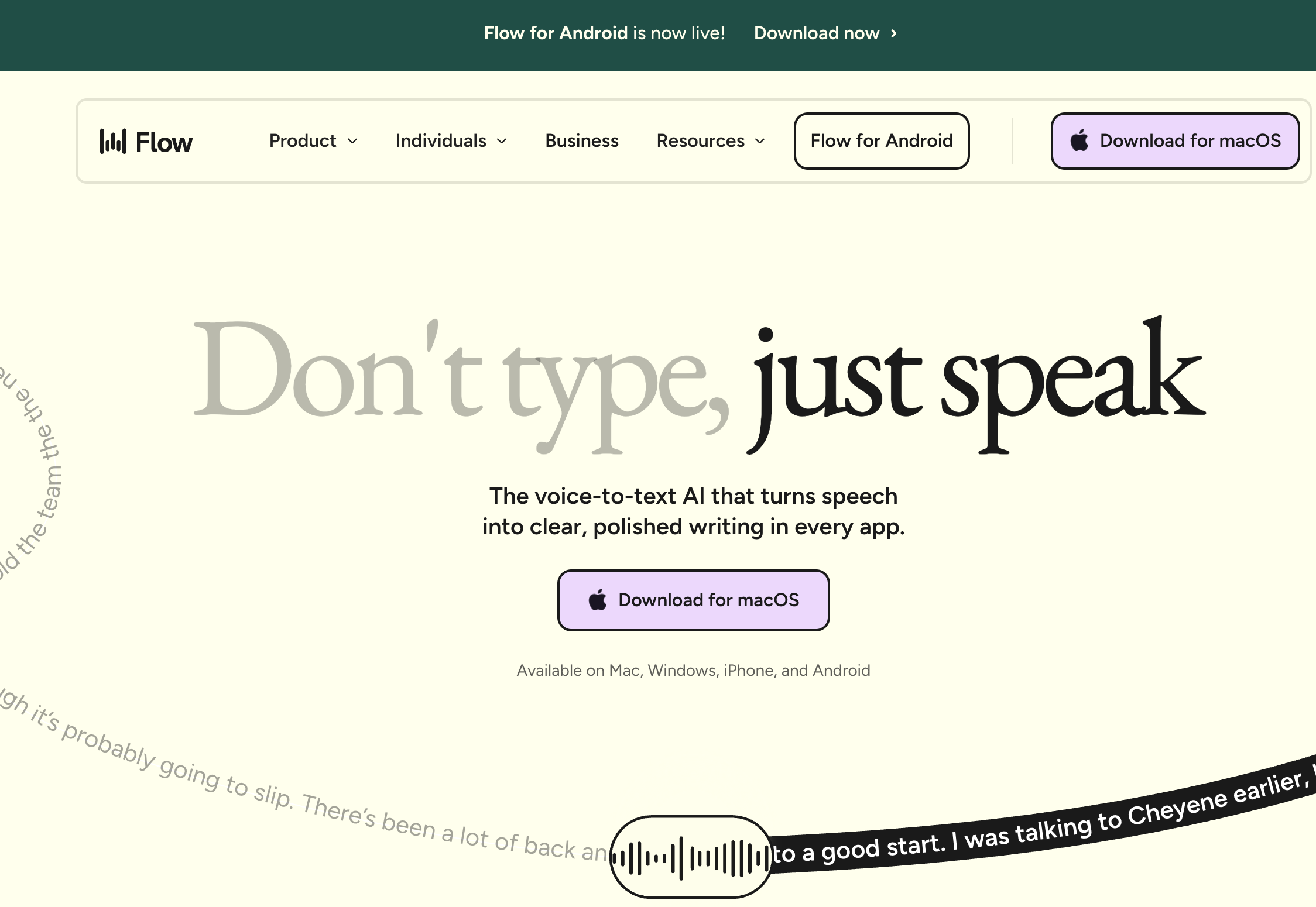
Wispr Flow is a cloud-based AI dictation app that runs on Mac, Windows, iOS, and Android, and its standout feature for ADHD is automatic cleanup: it removes filler words (um, uh, like), fixes false starts, and reformats spoken tangents into readable prose as you go. Its third-party rating is 4.5/5 from 7 G2 reviews.
Why it fits ADHD specifically: if your dictation tends to ramble — circling a point, restarting sentences, trailing into tangents — Wispr Flow can collapse part of the Sort and Shape passes for you by tidying the transcript automatically. For writers who find the editing pass itself draining, that is a real reduction in workload, and the cross-platform reach means you can capture a thought on your phone and pick it up on your laptop.
The trade-offs are architectural. Wispr Flow processes audio in the cloud, so unfiltered first-draft dictation — which for ADHD writers can be genuinely unguarded — leaves your device. Pricing is subscription-only with no lifetime option, so the gap with Voibe widens over time: $432 over three years versus Voibe's $199 lifetime is a $233 (53.9%) difference. The automatic cleanup itself is no longer unique — Voibe's Smart Formatting does a similar tidy-up through a private, zero-retention cloud — so Wispr Flow's real edge here is cross-platform reach and inline, hands-off cleanup, weighed against a general cloud. And the AI cleanup that helps with rambling can also smooth over phrasing you meant to keep, so it is worth reviewing what it changed. See our Wispr Flow safety investigation and pricing breakdown for the details.
Key Takeaway
Wispr Flow is the best pick when your ADHD dictation rambles and you want the tool to tidy it automatically, or when you capture across a phone and a laptop. The trade-offs are cloud processing of unguarded first drafts and subscription-only pricing.
3. Superwhisper — Most Configurable On-Device Mac Option
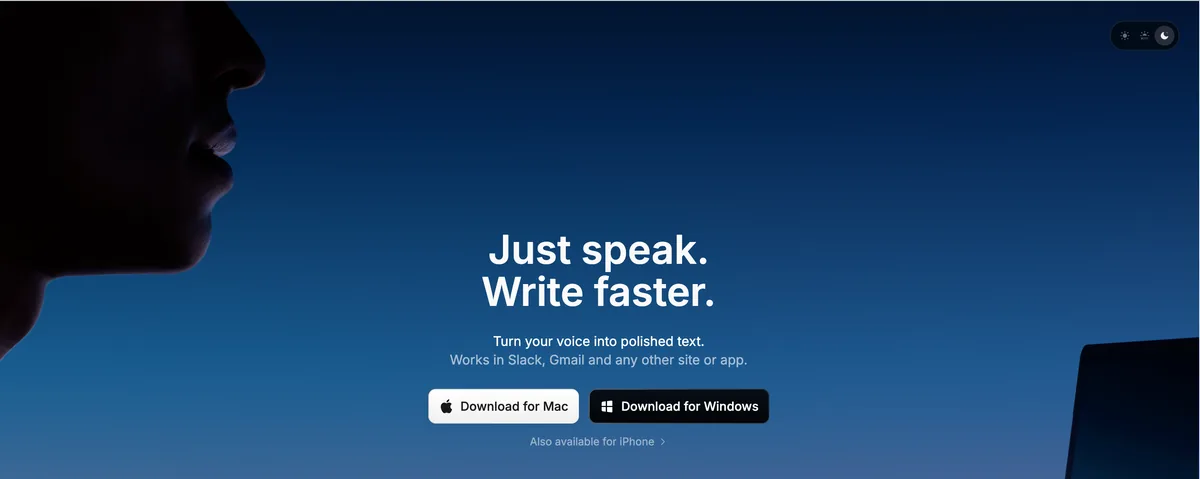
Superwhisper is a well-established on-device Whisper dictation app for Mac. It runs Whisper models locally, supports multiple model sizes, and offers AI reformatting through configurable Modes — so you can get some of Wispr Flow's cleanup while keeping transcription on-device. Its third-party rating is 4.9/5 from 20 Product Hunt reviews.
Why it fits ADHD specifically: Superwhisper sits between Voibe and Wispr Flow — it can clean up spoken drafts with its Modes, and it keeps the audio local. For a technically comfortable ADHD writer who wants both AI shaping and on-device privacy, it is a strong middle path. The cost is setup: configuring Modes and choosing model sizes is real menu work, and for some ADHD users that upfront configuration is itself a friction point (and a potential rabbit hole) worth weighing against a more turnkey tool. For its privacy posture, see our Superwhisper safety investigation.
Key Takeaway
Superwhisper suits an ADHD writer who wants AI cleanup of spoken drafts while keeping audio on-device, and who will invest the setup time in its Modes. Voibe is the leaner turnkey option; Wispr Flow does more automatic cleanup but in the cloud.
4. Otter.ai — Best for Long Think-Out-Loud Sessions
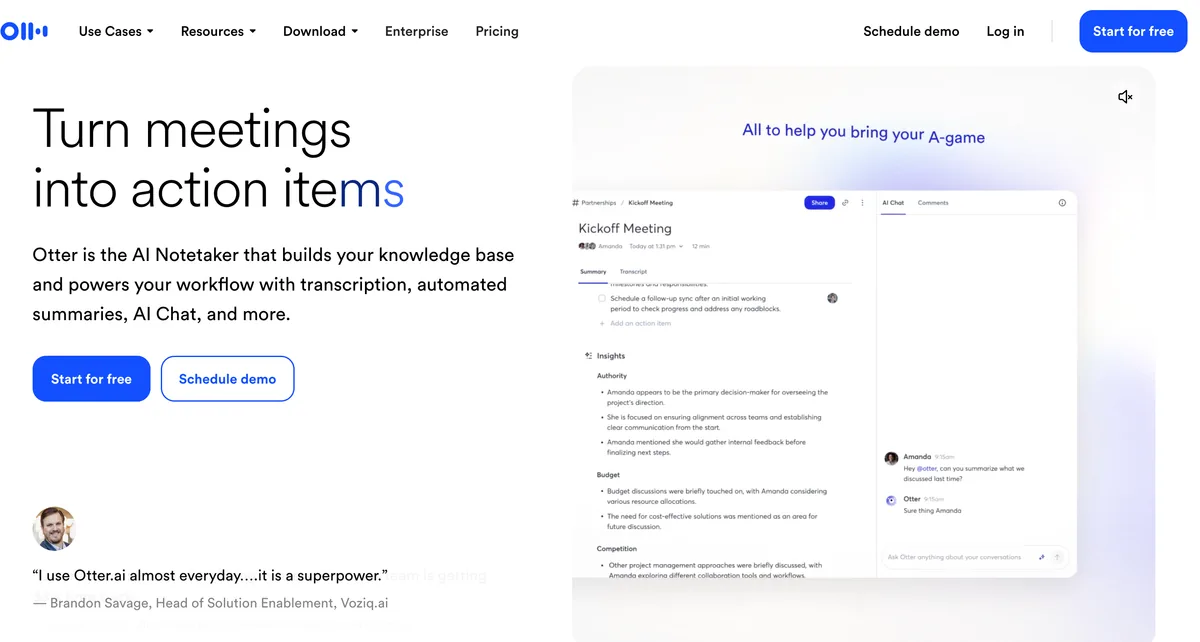
Otter.ai is a voice-capture and transcription service built for meetings and long spoken sessions rather than live in-app dictation. For ADHD, its fit is the specific use case of thinking out loud for a while — narrating a whole idea, a lecture, or a planning session — and getting a searchable transcript with a summary afterward.
Why it fits ADHD specifically: when your best ideas come while you are talking through a problem, not while sitting at a keyboard, Otter lets you capture a 20-minute unstructured monologue and turn it into text you can mine later — a large-scale version of the Capture step. It also generates summaries, which can help surface the structure buried in a rambling session.
The trade-offs are significant and worth stating plainly. Otter is web-app and mobile, not a system-wide dictation tool, so it does not type into your other apps — you copy the transcript out. It is cloud-based, so audio and transcripts sit on Otter's servers. And it is the subject of a consolidated federal privacy class action over how it records and uses conversation data — see our Otter safety investigation before using it for anything sensitive. It is a capture tool for long sessions, not a private drafting tool.
Key Takeaway
Otter.ai is the fit for capturing long, unstructured think-out-loud sessions and mining them for structure later. It is cloud-based, web-app-scoped rather than system-wide, and subject to a privacy class action — not the tool for private, unfiltered drafts.
5. Apple Dictation — The Free Built-In Baseline
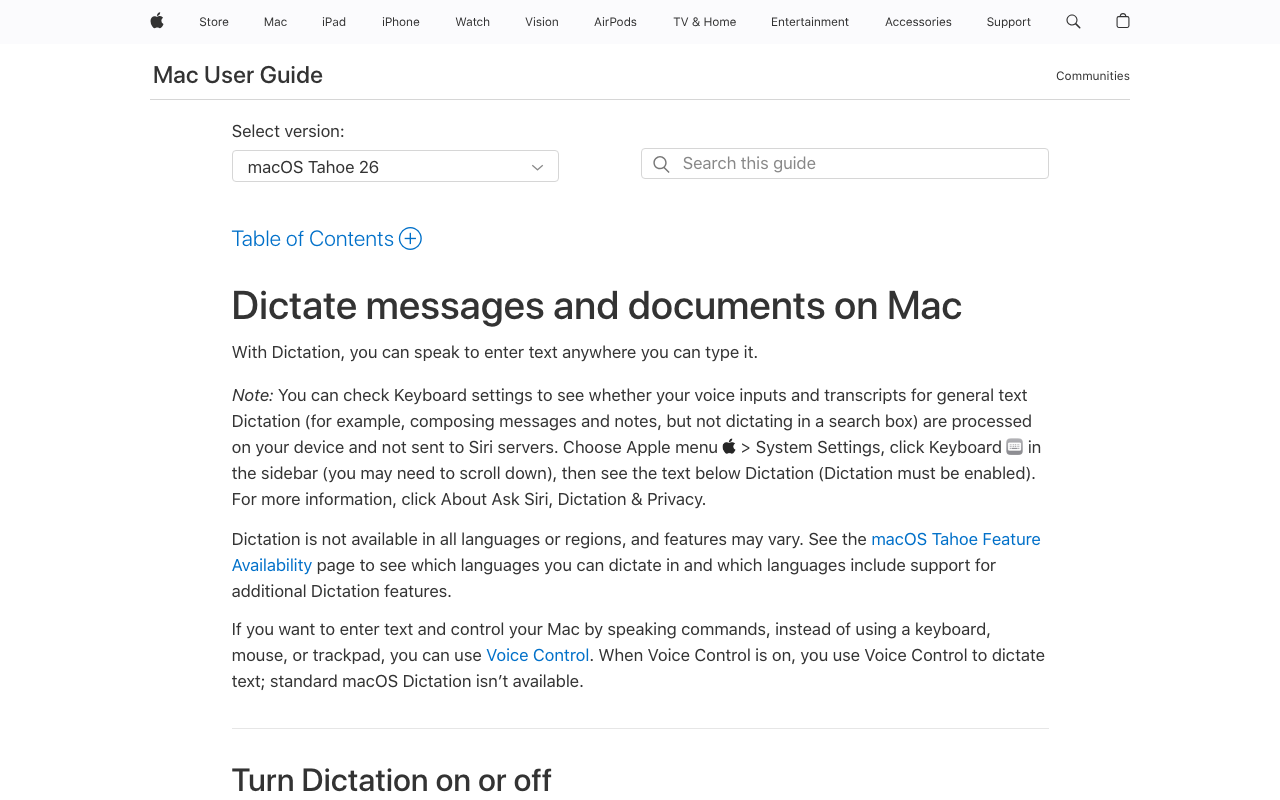
Apple Dictation is included with every Mac, iPhone, and iPad and is genuinely free. On Apple Silicon Macs, most processing happens on-device, so audio generally does not leave the machine. For an ADHD writer testing whether dictation helps at zero cost, it is a fair starting point.
For ADHD writers: the limitations are pointed. Apple Dictation has a short session cap — commonly reported at around 30 seconds before it stops — which is close to a worst case for ADHD capture, because it cuts you off exactly when momentum is carrying a long thought. It also has no custom vocabulary (so names and terms get mis-recognized with no way to teach it) and no per-app behavior. For quick messages and short notes it works; for the uninterrupted brain-dump the Capture step needs, you will outgrow it fast. See our Apple Dictation review, privacy breakdown, and true cost analysis for the full picture.
Key Takeaway
Apple Dictation is a free way to test whether dictation helps at all, but its short session cap cuts off exactly the long, uninterrupted capture ADHD writing depends on. Move to Voibe or Wispr Flow when the cap starts interrupting you.
6. VoiceInk — Best Open-Source On-Device Option
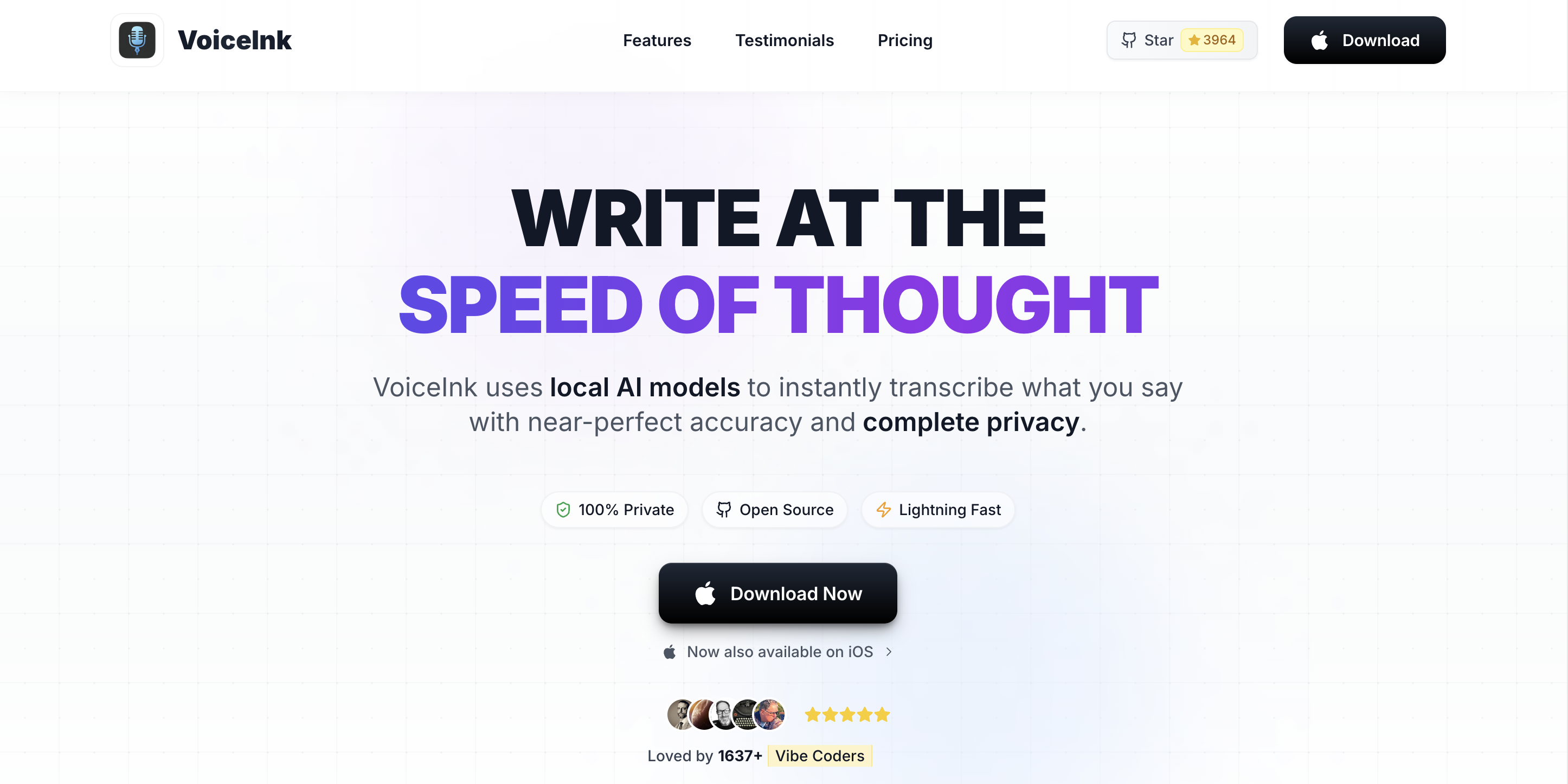
VoiceInk is an open-source (GPL v3) Mac dictation app that runs Whisper models locally, with a personal dictionary and a system-wide hotkey. Because the source is public, it is the choice for users who want to audit exactly how their dictation tool handles audio.
For ADHD writers: VoiceInk delivers uninterrupted on-device capture into any app, with a personal dictionary covering the custom-terms need — the same core capture benefits as Voibe, with source-auditable code. The trade-off is the open-source experience: setup and support lean more do-it-yourself, and there is no automatic AI cleanup, so shaping stays in your hands. For a technically comfortable, privacy-focused ADHD writer, it is an excellent free-to-cheap option. For our deeper look, see the VoiceInk review and pricing breakdown.
Key Takeaway
VoiceInk suits a technical, privacy-focused ADHD writer who wants source-auditable, on-device capture. It trades polish and automatic AI cleanup for openness and a low one-time price.
7. Google Docs Voice Typing — Free, Inside Google Docs
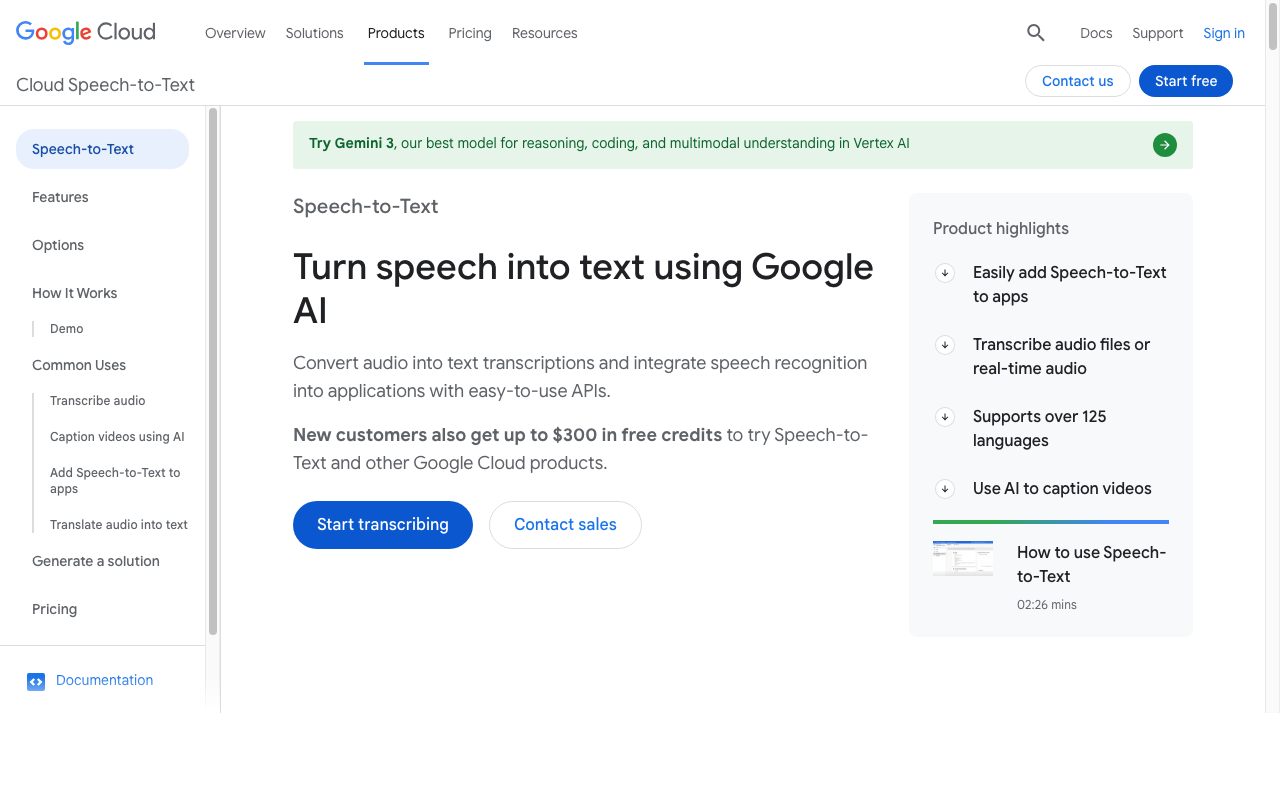
Google Docs Voice Typing is a free feature for anyone with a Google account. It works inside Google Docs (and Slides speaker notes) and lets you dictate for as long as you like without a short cap — useful for a capture pass if your writing already lives in Docs.
For ADHD writers: it supports the uninterrupted brain-dump within Google Docs and costs nothing, which makes it a reasonable free capture surface. The constraints are scope and architecture. It works only inside Google Docs and the Chrome browser — not system-wide, so it does not help in email, a task manager, or other apps — it requires an internet connection, it processes audio in Google's cloud, and it has no custom vocabulary. For a Docs-centric workflow it is a fine free option; for capturing everywhere and keeping audio private, a system-wide on-device tool is the better fit.
Key Takeaway
Google Docs Voice Typing is a solid free capture surface if an ADHD writer's work lives in Google Docs, with no short session cap. It is not system-wide, not on-device, and has no custom vocabulary.
8. MacWhisper — Best for Transcribing Recorded Brain-Dumps
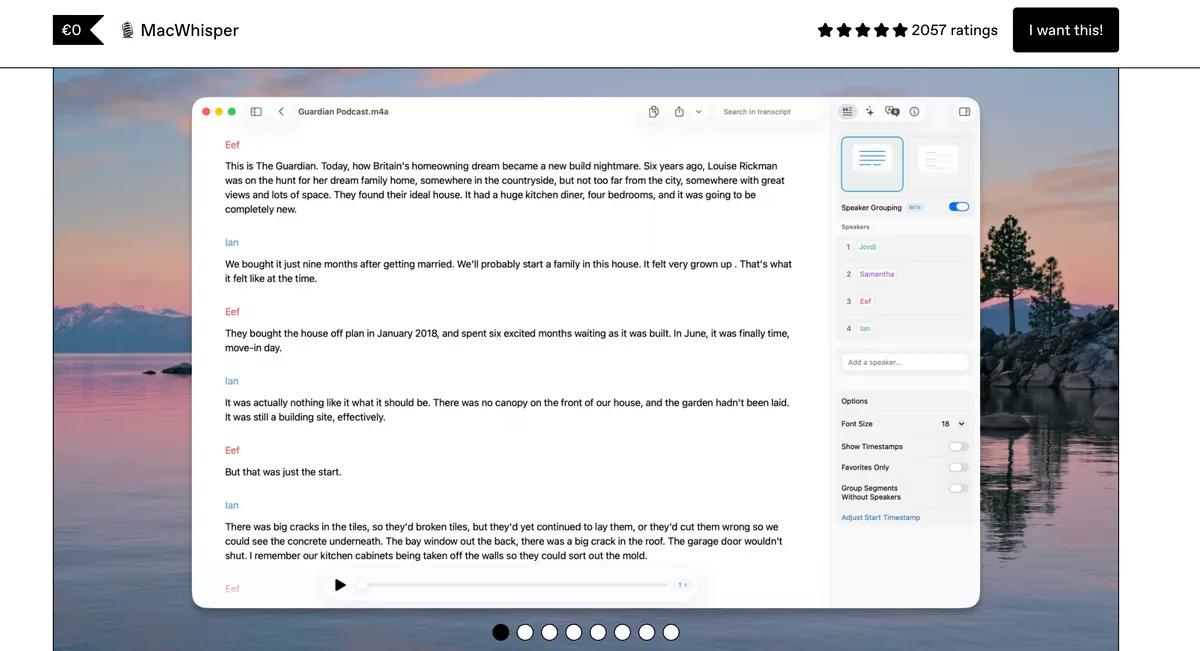
MacWhisper is a polished Mac app that transcribes recorded audio files on-device using Whisper. It is not a live system-wide dictation tool — you feed it a recording and it returns a transcript — which fits a specific ADHD pattern: capturing a spoken brain-dump into a voice memo (on a walk, in the car, away from a keyboard) and turning it into text later.
For ADHD writers: if your ideas arrive when you are not at your desk, recording a voice memo the moment the thought lands and transcribing it afterward is a legitimate Capture strategy, and MacWhisper does the transcription locally so the audio stays on your Mac. The limitation is that it does not do live, in-app dictation — many users expect that and are surprised it is file-based — so it complements a live dictation tool rather than replacing one. For live capture you would still use Voibe or Apple Dictation; MacWhisper handles the recorded-memo half.
Key Takeaway
MacWhisper is the fit for turning recorded voice-memo brain-dumps into text on-device — the away-from-keyboard half of capture. It is file-based, not live dictation, so it complements rather than replaces a live tool like Voibe.
Why On-Device Processing Matters for ADHD Dictation
ADHD dictation is often unusually unguarded. The whole point of the Capture step is to say everything without filtering, which means a first-draft brain-dump can include a diagnosis, medication names, therapy reflections, work you are venting about, or half-formed thoughts you never intended anyone else to read. That is more sensitive than a typed draft, precisely because you were not editing yourself.
Cloud-based dictation transmits your audio to a third-party server for transcription, where it may be retained for a period and handled by subprocessors, and — as the Otter privacy class action illustrates — how a vendor records and uses conversation data is not always what a user assumes. On-device dictation does not have that exposure surface, because the audio is never uploaded in the first place. Voibe in on-device mode on Apple Silicon, Apple Dictation on Apple Silicon, Superwhisper in local mode, the open-source VoiceInk, and MacWhisper all process audio on your Mac. Wispr Flow, Otter, and Google Docs Voice Typing are cloud-based.
For unfiltered first-draft dictation especially, on-device processing is the more defensible default — a structural property of the tool, not a setting you have to remember. For the deeper treatment, see cloud vs local dictation, why offline dictation matters, and the AI Privacy Tracker that scores voice and AI tools by privacy posture.
How to Choose: A Decision Tree for ADHD Dictation
Four questions, in order:
- Do you capture live at a keyboard, or think out loud away from one? Away from the keyboard, in long sessions → Otter (cloud) or record a memo and transcribe it with MacWhisper (on-device). Live at a keyboard → continue.
- Do you want the tool to clean up rambling speech automatically? Yes, and want it private → Voibe (Smart Formatting via a zero-retention cloud). Yes, and cross-platform matters → Wispr Flow (general cloud). Yes, but keep it fully on-device → Superwhisper Modes. No, I will shape it myself → continue.
- Does your dictation touch a diagnosis, medication, or unfiltered personal thoughts? Yes → on-device only (Voibe, Apple Dictation on Apple Silicon, VoiceInk). No → cloud tools are also fine.
- How much do you write, and do you need custom vocabulary? Occasional / testing → Apple Dictation (free) — but expect the session cap to interrupt. Daily, uninterrupted, with names and terms to teach → Voibe ($199 lifetime); source-auditable and cheap → VoiceInk; writing lives in Google Docs → Google Docs Voice Typing.
Best Tool for Your Situation: A Use-Case Cheat Sheet
| Your situation | Best fit | Why |
|---|---|---|
| Adult professional on a Mac, drafting all day | Voibe ($199 lifetime) | Uninterrupted Continuous Transcription, one-keystroke start, Custom Vocabulary, audio stays local. |
| Just want to test if dictation helps, at zero cost | Apple Dictation | Free and built in; expect the short session cap to interrupt a long thought. |
| My dictation rambles and editing drains me | Voibe (private cloud) or Wispr Flow | Both auto-tidy filler and tangents; Voibe's Smart Formatting runs through a zero-retention cloud, Wispr Flow a general one but cross-platform. |
| Want AI cleanup but keep audio fully on-device | Superwhisper ($249.99 lifetime) | Configurable Modes shape spoken drafts locally; more setup than turnkey tools. |
| My best ideas come while talking, away from a keyboard | Otter.ai / record + MacWhisper | Otter captures long sessions in the cloud; MacWhisper transcribes recorded memos on-device. |
| Dictating a diagnosis, medication, or unfiltered thoughts | Voibe or Apple Dictation (Apple Silicon) | On-device processing keeps unguarded first drafts off vendor servers. |
| Names and technical terms keep getting mis-heard | Voibe paid (Custom Vocabulary) | Add the words once; ends the re-fix-the-same-word distraction that derails a session. |
| Privacy-focused and want source-auditable code | VoiceInk (open-source) | On-device, GPL v3, personal dictionary, one-time or free build. |
| Student who writes everything in Google Docs | Google Docs Voice Typing | Free, no install, no short cap; Docs and Chrome only, no custom vocabulary. |
| ADHD plus dyslexia (spelling is also a barrier) | Voibe + read-back | Correctly spelled capture; pair with text-to-speech to proofread by ear. See the dyslexia guide below. |
| ADHD plus hand pain or RSI (typing hurts too) | Voibe (Hands-Free Mode) | Removes both the speed gap and the typing load; see the accessibility hub below. |
| Requesting dictation as a school or workplace accommodation | Voibe + accommodation brief | Defensible on-device posture; pair with the accommodation guide for the request process. |
Related Reading
- Voice Typing for ADHD Writers: A Practical Guide — How to run the Capture-First Draft step by step, set up low-friction dictation on a Mac, and tame rambling.
- Best Dictation Software for Dyslexia — The sibling guide for when spelling and proofreading are the barrier, with the Dictate-Listen-Revise Loop.
- Accessibility Dictation Hub — Overview of dictation for learning differences and physical conditions, including the hand-pain cluster for ADHD writers whose hands also hurt.
- Best Dictation Software for Writers — For ADHD writers focused on long-form drafting speed and flow.
- Dictation as a Reasonable Accommodation — HR request template and a forwardable IT-security brief for requesting dictation at work or school.
- Cloud vs Local Dictation — What happens to your audio with each architecture, and why it matters for unfiltered first drafts.
- Job Accommodation Network: ADHD — Free U.S. resource listing speech recognition software among accommodations for ADHD.
- CHADD: Written Assignments — Guidance on speech-to-text and other supports for written work with ADHD.
- ADDitude: Text-to-Speech and Speech-to-Text Tools — Plain-language explainer on how these tools reduce cognitive load for ADHD.
Final Verdict
For ADHD writers on a Mac, Voibe is the most direct fit: Continuous Transcription captures a long brain-dump with no session cap to cut you off, a single keystroke gets you past the blank page, Custom Vocabulary ends the re-fix-the-same-word distraction, its Smart Formatting tidies rambling through a private zero-retention cloud, and it never stores or trains on your audio — process fully on-device or via that private cloud, your choice. At $199 lifetime it is roughly $233 less than three years of Wispr Flow and $50.99 less than Superwhisper's lifetime, with no subscription tail.
If your dictation rambles and you want the tool to tidy it automatically, Voibe and Wispr Flow both do it — Voibe through a zero-retention cloud, Wispr Flow across platforms in a general one — and Superwhisper does similar cleanup fully on-device if you will invest the setup. If your best thinking happens out loud away from a keyboard, Otter captures long sessions and MacWhisper transcribes recorded memos privately. If you write entirely in Google Docs, Voice Typing is a fine free start, and if you just want to find out whether dictation helps at all, Apple Dictation costs nothing — just expect its session cap to interrupt you.
Two principles carry the decision. Pick the tool that keeps pace with your thoughts without cutting you off, and use it the ADHD way — capture first, sort and shape later — so you never ask your working memory to do three hard jobs at once. And remember that dictation is a support that works best paired with structure, not a replacement for it.
Tip
If getting started is the part of ADHD that stalls your writing most, the fastest test is free: open Apple Dictation, talk through one messy paragraph without editing, and notice how much easier starting was than typing. If that clicks, Voibe removes the session cap, adds Custom Vocabulary, and keeps your audio on your Mac in on-device mode — three minutes to install, no account, no card.
Frequently Asked Questions
What is the best dictation software for ADHD?
How does dictation help with ADHD writing specifically?
Why do ADHD writers lose their train of thought when typing?
Does dictation work if my thoughts come out in the wrong order?
How do I stop rambling when I dictate with ADHD?
Will dictation recognize names and terms I use?
What is the Capture-First Draft?
Is dictation software a recognized accommodation for ADHD at school or work?
How much does dictation software for ADHD cost?
Best AI Dictation and Meeting Notes for Confidential Work
Draft letters, notes and emails 5x faster. Get meeting notes without a bot joining your call. Nothing used to train AI.
- Mac + Windows
- No bot in your calls
- Nothing used to train AI
- 7-day free trial
Want to compare plans first? View pricing →
Related Articles
Voice Typing for ADHD Writers: A Practical Guide (2026)
How to use voice typing for ADHD: set up low-friction dictation on a Mac, run the Capture-First Draft to beat the blank page and working-memory drop, and tame rambling.
Best Dictation Software for Dysgraphia (2026): 8 Tools Compared
Compared 8 dictation tools for dysgraphia. Voibe removes both the motor and spelling load of writing with an on-device mode and a private cloud option; honest takes on Read&Write, Apple Dictation, Superwhisper, more.
Best Dictation Software for Dyslexia (2026): 8 Tools Compared
Compared 8 dictation tools for dyslexia. Voibe removes the spelling bottleneck with an on-device mode and a private cloud option; honest takes on Read&Write, Apple Dictation, Superwhisper, Google Docs, and more.