
Rev vs Wispr Flow: One Types What You Said, One Types as You Speak
Rev turns recorded audio into transcripts ($0.25–$1.99/min). Wispr Flow types as you talk ($15/mo). Which one you actually need — and the third option.

Rev
Transcription service (AI + human) that converts recorded audio and video files into transcripts, captions, and subtitles — after the fact, not in real time.
AI $0.25/min · Human $1.99/min · Free 45 AI min/mo · Essentials $25.49/seat/mo annual ($305.90/yr) · Pro $47.99/seat/mo annual ($575.88/yr)
Pros
- + Human transcription at $1.99/min with 99% claimed accuracy — the standard for certified, filing-grade transcripts
- + AI transcription at $0.25/min with no minimum order — one hour of audio costs $15
- + Free tier: 45 AI transcription and caption minutes per month (English only)
- + SOC 2 Type II, HIPAA, and CJIS compliance posture with NDA-bound transcriptionists
- + G2 rating of 4.7/5 across roughly 590 reviews — strong long-run third-party signal
- + Handles multi-speaker recordings, timestamps, captions, and subtitle formats dictation apps don't touch
Cons
- - Not a dictation app — cannot type into your email, documents, or code editor as you speak
- - Per-minute billing scales linearly with volume; a single 4-hour deposition at the human rate costs about $477.60
- - Subscription plans are per-seat and priced for teams: Essentials $25.49/seat/month billed annually ($305.90/year)
- - Cloud service by definition — audio is uploaded to Rev's servers and, for human transcription, heard by a person
- - Turnaround is measured in minutes-to-hours, not milliseconds — nothing appears at your cursor
Wispr Flow
Real-time cloud dictation app for Mac, Windows, iOS, and Android that replaces typing — you speak, and AI-cleaned text appears in whatever app your cursor is in.
Free 2,000 words/wk · Pro $15/mo or $144/yr · Teams from ~$10/seat/mo annual
Pros
- + True real-time dictation into any application — email, docs, Slack, browsers, code editors
- + AI cleanup removes filler words and formats text to match the app you're dictating into
- + Recurring free tier of 2,000 words per week that's genuinely usable for light dictation
- + SOC 2 Type II, ISO 27001, and HIPAA BAA availability across plans
- + iOS App Store rating of 4.8/5 from more than 8,500 ratings
Cons
- - Not a transcription service — cannot ingest a recorded interview or deposition file and return a transcript
- - Cloud-only: audio leaves your machine for processing, and the app has captured active-window screenshots for context — a documented user backlash
- - Trustpilot rating of 2.7/5 with complaints clustering around post-trial reliability — a documented gap versus its app-store ratings
- - Subscription-only at $15/month or $144/year — $432 over three years, no lifetime option
- - Privacy Mode is off by default for individual accounts
- - Team members published word-frequency analyses of user dictations on LinkedIn (Aug 2026) — dictation retention is on by default
Voibe
Private dictation app for Mac and Windows — on-device Whisper on Apple Silicon, or a private zero-retention cloud running open-source models. One-time $199 lifetime option.
Free (limited words) · $9.90/mo · $99/yr · $199 lifetime (limited availability)
Pros
- + On-device mode on Apple Silicon Macs — audio never leaves the machine
- + Private cloud mode with zero retention: audio never stored, sold, or used to train AI
- + $199 lifetime (limited availability) — cheaper than a single year and a half of Wispr Flow Pro, or 6 hours of Rev human transcription
- + Developer Mode with file and folder name resolution for Cursor and VS Code
- + No per-minute meter and no per-seat subscription
Cons
- - Not a file-transcription service — it types as you speak; it does not process recorded audio files
- - No iOS or Android apps
- - On-device mode requires an Apple Silicon Mac (M1 or later); Intel Macs and Windows use the private cloud mode
Rev vs Wispr Flow: The Two-Sentence Answer
Rev will charge you $1.99 a minute to have a human type up what you said last Tuesday. Wispr Flow charges $15 a month to type what you're saying right now. If that sentence just settled it for you — good, that's the whole comparison. These are different products from different categories that happen to share a search results page because both turn voice into text.
Short answer: choose Rev if you have recorded audio — interviews, depositions, podcast episodes, meeting recordings — that needs to become a transcript, caption file, or subtitle track. Choose Wispr Flow if you want to stop typing — to speak into your email, documents, and Slack and have clean text appear at your cursor. And if what you actually want is dictation that doesn't stream your voice to anyone's cloud, that's a third door: Voibe, the app we build, runs Whisper on-device on Apple Silicon Macs for $199 once.
Key Takeaway
Rev is a transcription service for recorded audio ($0.25–$1.99/min). Wispr Flow is a real-time dictation app ($15/mo). They do different jobs — most people only need one.
Key Takeaways: Rev vs Wispr Flow at a Glance
Five facts carry most of the decision:
| Question | Rev | Wispr Flow |
|---|---|---|
| What is it? | Transcription service (AI + human) for recorded audio/video | Real-time dictation app — speech becomes text at your cursor |
| When does it work? | After the fact — upload a file, get a transcript back | Live, while you speak, in any app |
| Pricing model | Per audio minute: AI $0.25/min, human $1.99/min; subscriptions from $25.49/seat/mo (annual) | Flat subscription: $15/mo or $144/yr |
| Where audio goes | Uploaded to Rev's cloud; humans hear it on the $1.99/min tier | Streamed live to Wispr Flow's cloud |
| Third-party signal | G2 4.7/5 (~590 reviews) | iOS 4.8/5 (8,500+ ratings) but Trustpilot 2.7/5 |
One row worth rereading: the pricing models aren't just different amounts, they're different shapes. Rev meters the audio; Wispr Flow meters the calendar. That difference decides more real-world budgets than any feature does.
What Is Rev? A Transcription Service, Not a Dictation App
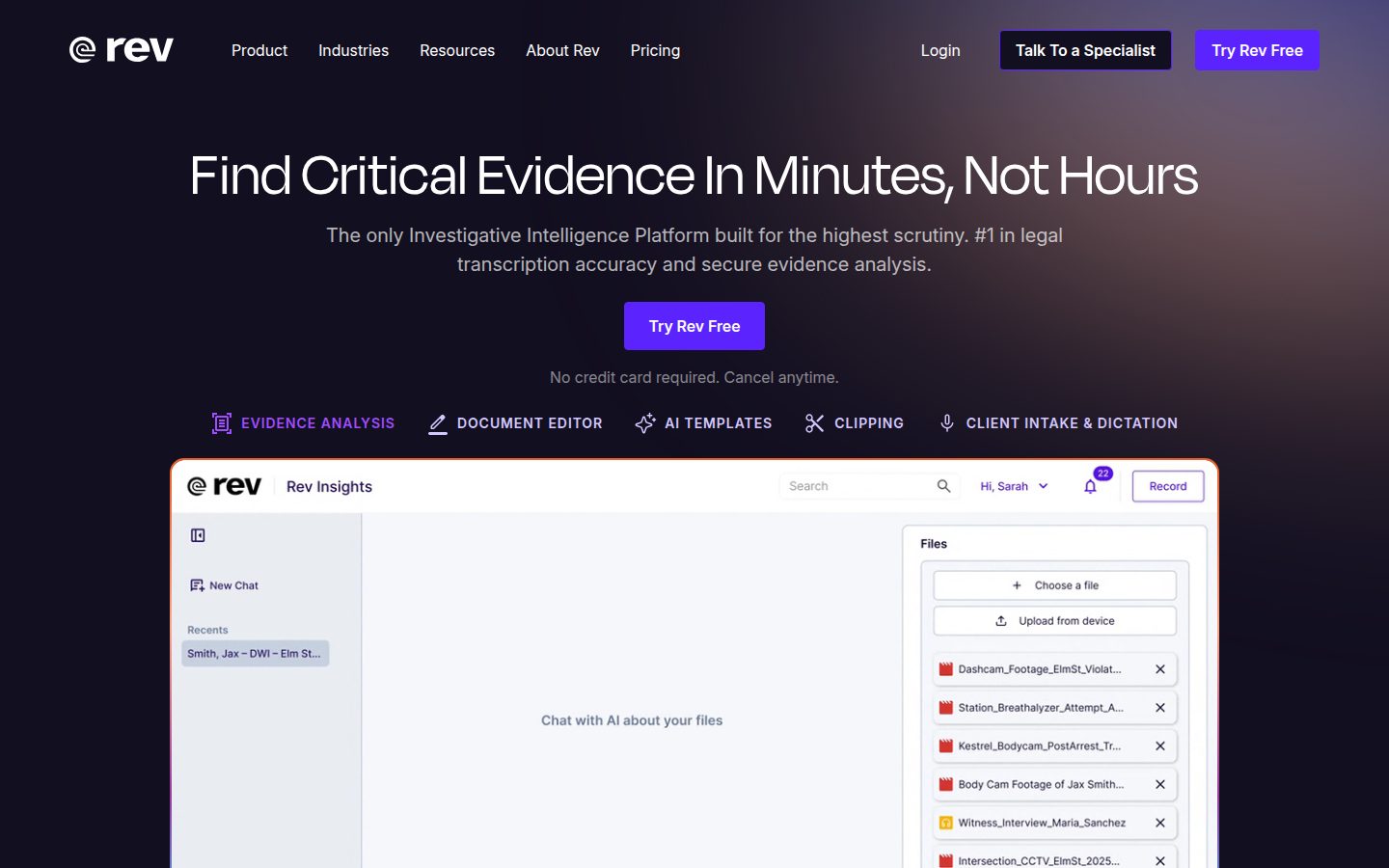
Rev (rev.com) converts recorded audio and video into text. You upload a file — or connect a workflow through its VoiceHub platform — and get back a transcript, captions, or subtitles. It runs two engines side by side:
- AI transcription — $0.25 per audio minute. Machine-generated, fast turnaround, no minimum order. One hour of audio costs $15.
- Human transcription — $1.99 per audio minute. A marketplace of NDA-bound transcriptionists (Rev has cited more than 14,000) produces filing-grade transcripts with a 99% accuracy claim. This is the tier law firms and media companies use when the transcript has to be right — or certified.
On top of the per-minute rates sit subscriptions, billed per seat: a free tier with 45 AI minutes per month (English only), Essentials at $25.49/seat/month billed annually ($305.90/year, 5,000 AI minutes/month), Pro at $47.99/seat/month billed annually ($575.88/year, 10,000 AI minutes/month), and a custom-priced Unlimited tier. Subscribers get 3–15% discounts on human services.
The compliance posture is serious — SOC 2 Type II, HIPAA, CJIS — and the third-party record is long and strong: 4.7/5 on G2 across roughly 590 reviews. We've covered Rev extensively from the buyer's side in our Rev-alternatives guides for lawyers, doctors, and journalists — the recurring theme is not quality complaints but per-minute bills that scale with caseload. A single 4-hour deposition at the human rate costs about $477.60.
What Rev is not: a thing that types for you. There is no cursor, no hotkey, no real-time anything. That's not a flaw; it's the category.
What Is Wispr Flow? A Dictation App, Not a Transcription Service
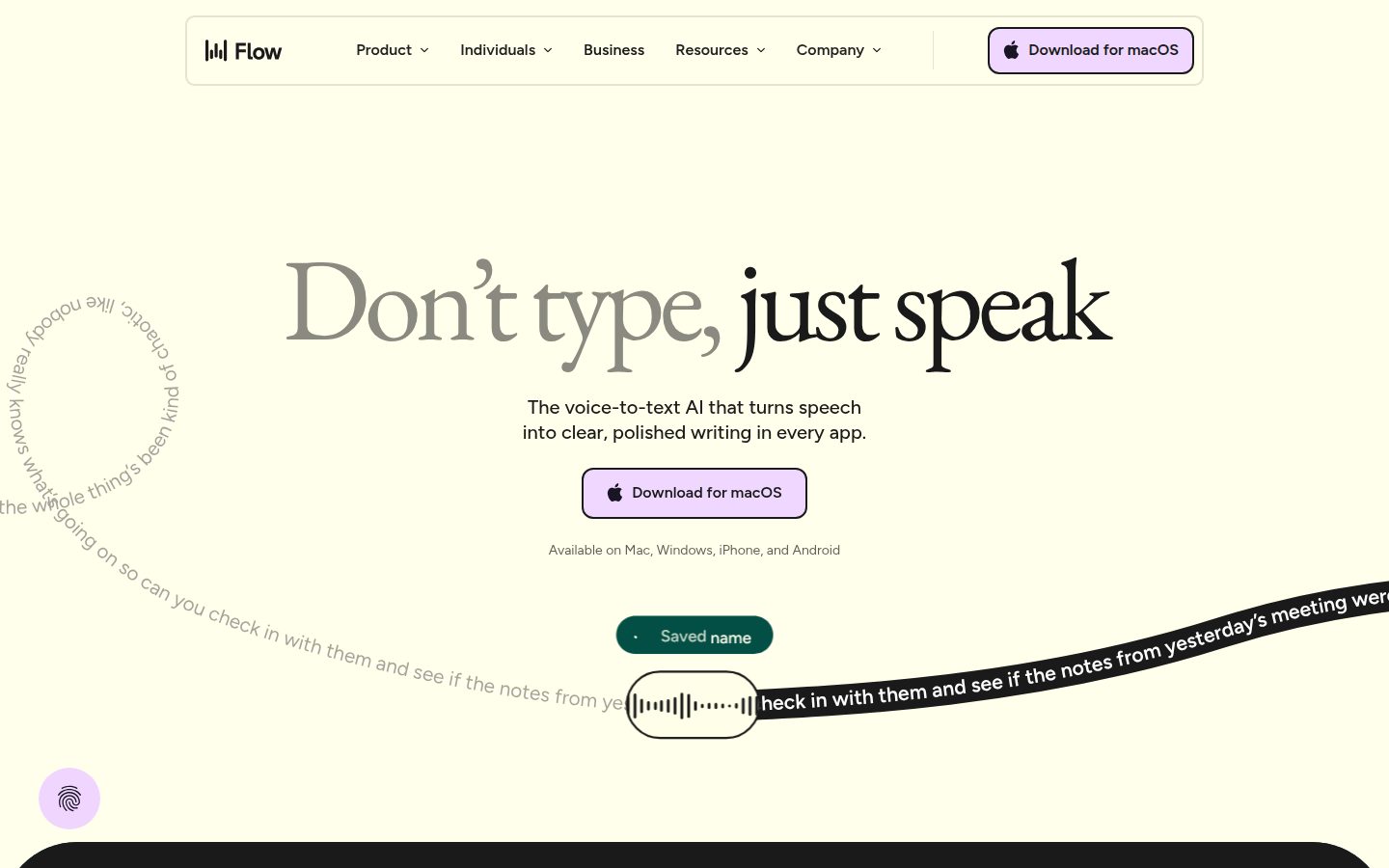
Wispr Flow (wisprflow.ai) replaces your keyboard with your voice. Press a hotkey, speak, and AI-cleaned text appears in whatever app your cursor is in — Gmail, Notion, Slack, VS Code. It runs on Mac, Windows, iOS, and Android, removes filler words, and formats output to match the app you're dictating into. It's the most-funded, most-polished product in the dictation category, and the free tier (2,000 words per week, recurring) is genuinely usable.
Pricing is a flat subscription: $15/month, or $144/year, with team plans from around $10/seat/month billed annually. There's no lifetime tier; three years of Pro costs $432.
Two honest caveats belong in any Wispr Flow summary, and we've documented both at length in our Wispr Flow review and safety investigation. First, the architecture is cloud-only — your voice streams to Wispr's servers for processing, and the app drew significant backlash for capturing screenshots of your active window for context. Privacy Mode exists but is off by default for individuals. Second, there's a documented trust gap in the third-party signal: the iOS App Store shows 4.8/5 from more than 8,500 ratings, while Trustpilot sits at 2.7/5, with complaints clustering around reliability after the trial converts. Beloved when it works is a fair summary; so is the caveat.
What Wispr Flow is not: a place to upload your interview recordings. It cannot ingest a file and return a speaker-labeled transcript. That's Rev's whole job.
The Only Question That Matters: Recorded File, or Live Cursor?
Every buyer comparing these two products can route themselves with one question: does the audio already exist?
- The audio already exists (an interview you recorded, a deposition, a podcast episode, a Zoom recording) → you need transcription. Rev, priced per minute. If the recording is sensitive and you'd rather no cloud or human ever hears it, a local file-transcription tool like MacWhisper processes it on your own Mac — see our MacWhisper vs OpenAI Whisper breakdown.
- The audio doesn't exist yet — it's you, about to say words into a document → you need dictation. Wispr Flow if you want cloud AI cleanup and cross-platform apps; Voibe if you want it on-device and one-time-priced.
- The audio is a live meeting with other people → Rev isn't built for it, and Wispr Flow covers it only through its newer bot-free Notetaker. That's mainly a meeting assistant's job (Otter, Fireflies, and friends), or a no-bot notetaker such as Voibe Work (Mac and Windows) — our Otter vs Wispr Flow page untangles that pairing the same way this page untangles Rev.
Notice there's no scenario where Rev and Wispr Flow are both candidates for the same task. The only person who needs both is someone with two jobs to do — a journalist who dictates drafts and transcribes interviews, say. That's a two-tool stack, not a versus decision.
Where They Actually Overlap (It's Narrower Than You'd Think)
There is one genuine gray zone: your own voice memos. Say you talk into your phone's recorder on a walk and want text later. Rev's AI tier will transcribe that file for $0.25/minute. But if the end goal was always "my thoughts, as text," dictating directly — with Wispr Flow or Voibe — skips the recording step entirely and costs nothing per minute. The voice-memo workflow usually signals that you wanted dictation all along and just didn't have a tool at your cursor.
Beyond that, the shared traits are structural rather than functional: both are cloud services, both are subscription businesses (Rev also meters per minute), and both will happily take a professional team's money. The jobs never converge. Rev won't type into your email; Wispr Flow won't caption your documentary.
Key Takeaway
The only overlap is transcribing your own voice memos — and that workflow usually means you wanted a dictation app in the first place.
Pricing Breakdown: Rev's Per-Minute Meter vs Wispr Flow's Calendar Meter
Because the two meters run on different axes, the honest comparison is scenario-based, not row-by-row. All prices verified July 2026.
| Plan | Rev | Wispr Flow |
|---|---|---|
| Free tier | 45 AI min/month (English only) | 2,000 words/week, recurring |
| Pay-as-you-go | AI $0.25/min · Human $1.99/min | — |
| Individual subscription | Essentials $25.49/seat/mo billed annually ($305.90/yr) | Pro $15/mo or $144/yr |
| Higher tier | Pro $47.99/seat/mo billed annually ($575.88/yr) | Teams from ~$10/seat/mo annual |
| 3-year total (entry paid tier) | $917.70 | $432 |
Three scenarios show how differently the meters bite:
- A journalist transcribing 10 hours of interviews a month pays Rev $150/month at the AI rate ($0.25 × 600 min) — $1,800/year — or subscribes to Essentials at $305.90/year and stays inside its 5,000 monthly AI minutes. Wispr Flow is irrelevant to this job.
- A writer dictating 2,000 words a day pays Wispr Flow $144/year, flat, unlimited. Rev is irrelevant to this job.
- A litigator with one 4-hour deposition needing a human-grade transcript pays Rev $477.60 for that single file — more than three years of Wispr Flow, and more than two lifetime licenses of Voibe at $199. Different meters, different universes.
For the dictation half specifically, the long-run math favors owning over renting: Wispr Flow costs $432 over three years with no ownership at the end, while Voibe's $199 lifetime (limited availability) is a one-time purchase — $233 saved over three years, a 53.9% reduction. Our Wispr Flow pricing teardown and dictation pricing hub run the full numbers across the category.
Pros and Cons, Side by Side
Rev — pros:
- The human tier ($1.99/min, 99% claimed accuracy) is the standard for certified and filing-grade transcripts
- AI tier at $0.25/min with no minimum — cheap enough for casual file transcription
- Free 45 AI minutes/month; per-seat subscriptions with volume discounts for teams
- SOC 2 Type II, HIPAA, and CJIS attestations; long, strong G2 record (4.7/5, ~590 reviews)
- Handles speaker labels, timestamps, captions, and subtitles — deliverables no dictation app produces
Rev — cons:
- Cannot type at your cursor; useless for the write-by-voice workflow
- Per-minute billing scales with volume — heavy months make big bills, and human-grade work is priced accordingly
- Audio is uploaded to a cloud, and on the human tier a stranger (under NDA) hears it
- Turnaround is a queue, not an instant
Wispr Flow — pros:
- Excellent real-time dictation with AI cleanup, across Mac, Windows, iOS, and Android
- Formats output to the app you're in; genuinely reduces editing
- Recurring free tier (2,000 words/week); SOC 2 Type II, ISO 27001, HIPAA BAA availability
- Strong app-store signal: iOS 4.8/5 from 8,500+ ratings
Wispr Flow — cons:
- Cannot transcribe recorded files — not its category
- Cloud-only; documented backlash over active-window screenshot capture; Privacy Mode off by default for individuals
- Trustpilot 2.7/5 with post-trial reliability complaints — the documented trust gap
- $144/year forever; $432 over three years with nothing owned at the end
Which Should You Choose? Use-Case Verdicts
Choose Rev if:
- You have recorded audio or video that must become text — interviews, depositions, podcasts, lectures
- You need certified, filing-grade, or caption/subtitle deliverables
- Your volume is occasional enough that per-minute beats per-seat (or high enough that Unlimited makes sense)
Choose Wispr Flow if:
- You want to write by voice, in real time, across many devices including iOS and Android
- You value AI cleanup and app-aware formatting more than keeping audio local
- A $144/year subscription fits how you buy software
Choose a different tool entirely if:
- The job is meetings → a meeting assistant or one of the no-bot note takers (Wispr Flow's own Notetaker, or Voibe Work on Mac); start with Otter vs Wispr Flow
- The job is dictation but the audio must stay yours → Voibe, the app we build: on-device Whisper on Apple Silicon (audio never leaves the Mac), a private zero-retention cloud mode on Intel Macs and Windows, and a $199 lifetime price that undercuts one year of Rev Essentials — with a free tier to start
- The job is transcribing sensitive files locally → MacWhisper on your own Mac; our Rev alternatives for lawyers guide covers that stack in depth
Key Takeaway
Recorded files → Rev. Live writing by voice → Wispr Flow (cloud) or Voibe (on-device, $199 once). Meetings → neither; that's a meeting assistant's job.
What Users and Reviewers Say About Rev and Wispr Flow
Rev: the third-party record is long and consistent. G2 reviewers (4.7/5, ~590 reviews) praise transcript quality and turnaround; the recurring criticism in legal and media communities is cost at volume — the per-minute meter, not the product. Capterra sentiment tracks similarly. Rev's human-transcription marketplace model has operated since 2010, which is longevity almost nothing in the dictation category can claim.
Wispr Flow: a genuinely split record. The iOS App Store shows 4.8/5 across 8,500+ ratings, and fans describe it as transformative for daily writing. Trustpilot shows 2.7/5, with complaints about reliability after the trial converts and subscription friction. Both signals are real; our Wispr Flow reliability investigation digs into why they diverge.
The pattern worth noticing: Rev's complaints are about price, Wispr Flow's are about trust. Choose your annoyance.
Final Verdict: Match the Tool to the Tense
There's no winner because there's no fight. Rev is the established, well-reviewed way to turn recorded audio into transcripts, with a human tier that remains the standard for work that has to be certified — you pay per minute, and heavy use gets expensive fast. Wispr Flow is the polished, venture-backed way to write by voice in real time — you pay per year, forever, and you accept a cloud between your voice and your text.
If you landed on this page mid-shopping, the most useful thing we can tell you is the question we'd ask a friend: past tense or present tense? Transcribing what was said → Rev. Typing what you're saying → a dictation app. And within dictation, the architecture choice is the real decision of 2026: cloud AI cleanup (Wispr Flow, $144/year) versus on-device privacy at a one-time price (Voibe, $199 lifetime — ours, and 53.9% cheaper over three years). For the full dictation field, our comparison hub and Wispr Flow review go deeper.
Related comparisons: Otter vs Wispr Flow · Dragon vs Wispr Flow · OpenAI Whisper vs Wispr Flow · Dictation vs notetaker vs meeting assistant vs transcription
A Third Shape Worth Knowing About
This page frames the choice as a transcription service versus a dictation app, which is the way most people arrive at it. There is a third shape worth knowing about: a transcription API an agent drives for you. Voibe's speech-to-text API takes a recording you already have and returns a transcript with speaker labels and timestamps, plus a summary you steer with your own prompt, at $0.25–$0.30 per hour — billed per second, charged only when a transcript is actually delivered, with the audio deleted the moment the text exists.
It is worth knowing about here because it collapses the trade-off this page describes. You are no longer choosing between paying Rev per recording and doing the talking yourself. In Claude Cowork, Claude desktop or Claude web it is a settings screen — Customize › Connectors › Add custom connector, paste https://api.getvoibe.com/mcp, sign in once. Claude Code connects the same server with one claude mcp add command. Then the request is a sentence: “transcribe the recordings in this folder and summarise each one.”
What it does not do: it is batch only, so there is no live transcript while something is happening, and there is no human-verified accuracy tier — for a certified transcript, Rev's human service is still the answer. See the speech-to-text API comparison for how it measures against seven other providers.
Frequently Asked Questions
What is the difference between Rev and Wispr Flow?
Is Rev a dictation app?
Can Wispr Flow transcribe an audio file like Rev does?
How much does Rev cost compared to Wispr Flow?
Does Rev have a free plan?
Which is better for meetings, Rev or Wispr Flow?
Where does my audio go with Rev vs Wispr Flow?
Is Wispr Flow HIPAA compliant like Rev?
I'm on a Mac and just want private dictation — do I need either?
Best AI Dictation and Meeting Notes for Confidential Work
Draft letters, notes and emails 5x faster. Get meeting notes without a bot joining your call. Nothing used to train AI.
- Mac + Windows
- No bot in your calls
- Nothing used to train AI
- 7-day free trial
Want to compare plans first? View pricing →
Related Articles
Dragon vs Otter: The Dictation Legend vs the Meeting Bot
The other famous-names pairing where the answer is different jobs: Dragon types documents, Otter records meetings.
Otter AI Alternatives
If the actual job is meeting capture, start from the meeting-assistant field instead of a dictation app.
The 9 Best Wispr Flow Alternatives
The wider dictation field if Wispr Flow's subscription or cloud processing gives you pause.