
I Tested 9 Quill Meetings Alternatives. Only 3 Keep the Audio Home
Quill Meetings alternatives, ranked: 1. Anarlog 2. Voibe Work 3. Meetily 4. Granola 5. Circleback 6. Jamie 7. Krisp 8. Fathom 9. MacWhisper. Local vs cloud.

TL;DR: The Best Quill Meetings Alternatives
Quill Meetings says your audio never leaves your computer. For desktop recordings, that's true. Your AI summary is another story: by default, Quill sends the transcript text to a cloud model it doesn't name.
(This page is about Quill Meetings, the local-first AI meeting note taker, not QuillBot or the Quill.js editor.)
The short answer: Anarlog is the best Quill alternative for most people. Voibe Work, the app we build, is second, and first for confidential work if you'd rather not manage models.
Why I read the fine print
That gap between the headline and the fine print is why I read every privacy policy on this list. The FTC's Office of Technology made the same point in AI Companies: Uphold Your Privacy and Confidentiality Commitments (January 9, 2024).
Its words: "There is no AI exemption from the laws on the books."
The commitments that count include ones made in "promotional materials" and "terms of service."
My top two picks
Anarlog (formerly Hyprnote) works the way Quill does. No bot, transcription on your computer, and your own keys or a local model for the AI. It's also open source (MIT), it runs on Linux, and Pro is $140 a year with dictation included.
Voibe Work is the meeting-notes plan of Voibe. No bot joins, the transcript and summary are saved on your computer, and nothing trains AI. A full dictation app comes in the same plan.
Where Quill still wins
Quill transcribes meeting audio on your computer. Voibe Work sends it to open-source models on zero-retention cloud providers and deletes it as soon as processing completes. On that one axis, Quill is more private.
The honest price note: Voibe Work's $149 a year is $54.88 (26.9%) less than Quill Unlimited billed annually ($203.88). It's $65.12 (77.6%) more than Quill Lite ($83.88). Quill also has a free meeting-notes tier; Voibe Free covers dictation only.
Voibe reminds you to tell everyone you're taking notes when recording starts; following recording-consent rules is up to you.
I tested all nine alternatives and re-checked each vendor's pricing, privacy and help pages on October 13, 2026 (how I ranked them).
The ranking
- Anarlog: best like-for-like Quill alternative. Open source, local-first, Mac, Windows and Linux.
- Voibe Work: best if you also dictate all day, use an Intel Mac, or want named zero-retention providers with nothing to configure.
- Meetily: best 100% local option, summaries included, open source.
- Granola: best if you're leaving Quill over stability and polish, and cloud notes are fine.
- Circleback: best if you want a bot on some calls and none on others.
- Jamie: best for EU data residency.
- Krisp: best with noise cancellation built in.
- Fathom: best free unlimited recordings, if a bot and the cloud don't bother you.
- MacWhisper: best one-time purchase for local transcription on a Mac.
Key takeaways
| Alternative | Best for | Transcription runs | Per year vs Quill Unlimited ($203.88) |
|---|---|---|---|
| Anarlog | Like-for-like, open source, Linux | On your computer (free tier) | $0 Free, or $140 Pro (save $63.88, 31.3%) |
| Voibe Work | Notes + dictation, Intel Macs, nothing to set up | Zero-retention cloud, audio deleted | $149 (save $54.88, 26.9%; dictation included) |
| Meetily | Everything local, summaries too | On your computer | $0 Community, or $120 Pro per device (save $83.88, 41.1%) |
| Granola | Polish and stability | Granola's US cloud | $168 Business (save $35.88, 17.6%) |
| MacWhisper | One-time price on a Mac | On your Mac | €64 once |
Key Takeaway
Anarlog is the best like-for-like Quill Meetings alternative: open source, local-first, free on-device transcription and bring-your-own keys, on Mac, Windows and Linux. Voibe Work ranks second and first for confidential work if you don't want to manage models: no bot, notes saved on your computer, dictation included, $149 a year.
Why People Are Leaving Quill Meetings
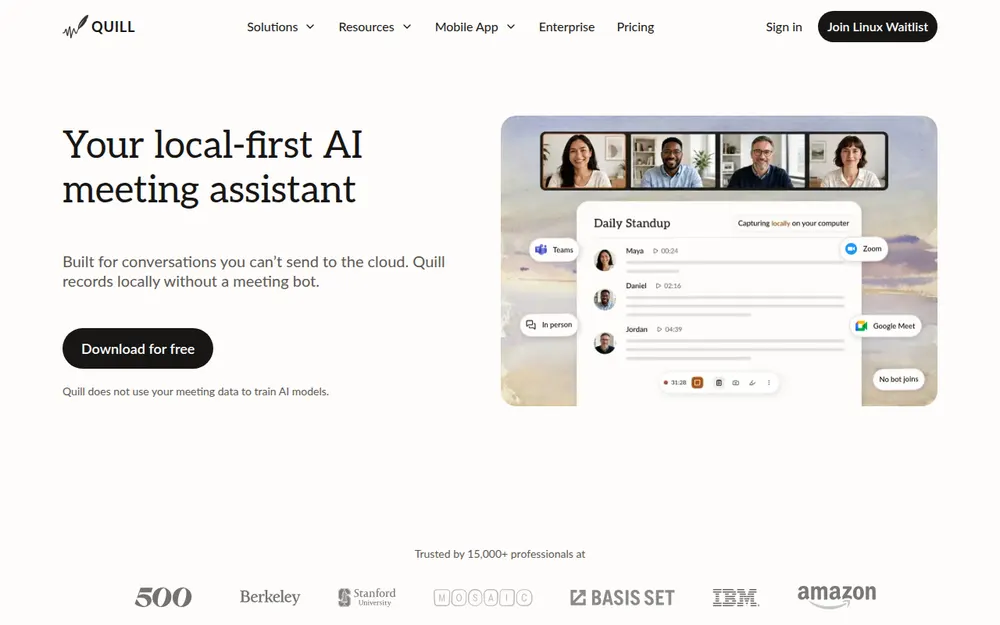
Quill Meetings records your mic and your computer's audio, transcribes both on your machine and writes AI notes. No bot joins the call.
Its homepage says it's "Trusted by 15,000+ professionals" and "does not use your meeting data to train AI models."
Independent reviews are thin. Quill has a 2.9 TrustScore on Trustpilot from 3 reviews and a 4.56/5 App Store rating from 9 ratings (checked October 13, 2026). Here's what pushes people to look elsewhere.
1. Updates that break the app, and processing that stops
Two of the three Trustpilot reviews are about reliability:
- "the software is updated every week and it breaks every few weeks" (2 stars, Germany, April 28, 2026). The same reviewer likes the notes and custom prompts.
- "It only processes the first few minutes of the meeting transcript then stops." (1 star, United Kingdom, March 10, 2026)
Quill's own FAQ has a troubleshooting entry for "A meeting is stuck at 'Processing,' or the recording failed". So the problem is known.
2. Billing that looked monthly but was annual
The third reviewer gave 1 star (Australia, February 7, 2026). Their complaint: "prices are shown as monthly rates in US dollars, but your registration fee is actually charged annually".
Quill's pricing page defaults to the annual toggle. It shows Lite at $6.99 and Unlimited at $16.99 a month, billed as $83.88 and $203.88 a year.
I found no refund policy in Quill's FAQ or its terms (last updated June 12, 2026). If you cancel, you keep access until the end of the billing period.
3. Intel Macs can't install it
If your Mac has an Intel chip, there's no Quill for you. Quill's FAQ says the Mac app runs "on Apple Silicon Macs running macOS 12 or later."
Windows 10 or later is supported, including an ARM64 build.
4. Your AI notes leave the machine by default
Quill's docs are clear about it: "Audio never leaves your device. AI note generation sends transcript text to whichever LLM provider you've selected."
Unless you bring your own key or a local model, that's Quill's hosted LLM. And Quill doesn't name the provider behind it.
Two of its pages also describe the deal differently:
- Its blog says transcripts go through "Quill's processing layer to zero-retention LLM providers" (Quill vs Meetily, September 15, 2026).
- Its terms say something softer: providers' "logs they hold for the purposes of abuse monitoring are deleted within 30-days."
Zero retention and 30-day logs aren't the same promise. Quill's privacy policy is also dated May 31, 2024. That's before its bring-your-own-model option, its local MCP server and its Android app.
5. Lite caps the AI, and Quill's pages disagree on how
Lite includes "16 hours of pro meetings every month," per the pricing page. The FAQ describes a quota that "resets every 14 days." Ask before you count on either.
Unlimited removes the cap for $19.99 a month, or $16.99 billed annually.
6. The phone app's price depends on which page you read
- Quill's FAQ says the iPhone and Android apps "need a paid plan and the desktop app."
- The App Store description lists in-person recording and on-device transcription under "WHAT YOU GET, FREE."
There's no iPad app, and you can't record from a browser.
7. No dictation
Quill takes meeting notes and nothing else. I found no dictation feature anywhere on quillmeetings.com.
If you also want to talk instead of type in Mail, Slack or your editor, that's a second app and a second bill.
8. Closed source, and one wording conflict on SOC 2
Quill asks you to trust the "local-first" label, but you can't read its code. One happy Windows user on Hacker News summed it up: "Paid subscription, not open source."
- Quill's homepage says "SOC 2 Type II certified."
- Its enterprise page lists "SOC 2 controls in place."
Ask for the report if it matters to your compliance team.
What Quill does well
Credit where it's due. Quill gets the hard part right:
- On-device transcription on Mac and Windows, mostly with sizes of Whisper picked to fit your hardware
- Desktop audio never leaves your computer; speaker recognition runs locally too
- End-to-end encrypted sync for transcripts and notes, with the keys on your devices
- Bring your own LLM: OpenAI, Anthropic, Google, AWS Bedrock or Azure. A local model in Ollama or LM Studio can keep the whole meeting offline.
- A free tier with unlimited local transcription, which no paid alternative here matches on price
- 40+ templates, CRM and project integrations, and a local MCP server
It's also funded: a $6.5 million seed round in February 2026, led by Basis Set Ventures.
If Quill runs well on your machine and the free tier covers you, staying is a reasonable choice.
Where Your Meetings Go: Quill vs the Alternatives
Every tool on this list records without a bot, or lets you skip it. What separates them is two trips that are easy to blur together:
- Trip 1: where the audio is transcribed
- Trip 2: where the AI writes the summary
Here's each one, from the vendor's own pages, checked October 13, 2026.
Transcription, AI notes, storage and training, tool by tool
| Tool | Bot? | Transcription runs | AI notes made by | Notes stored | Audio and retention | Trains on your meetings? | Attestations (vendor-stated) |
|---|---|---|---|---|---|---|---|
| Quill Meetings (reference) | No | On your computer; an optional cloud model in Settings | Quill's hosted LLM (provider not named), your own key, or a local model | On your computer; optional E2EE sync | Desktop audio stays on the computer that recorded it; phone recordings sync end-to-end encrypted | No | SOC 2 Type II (homepage); "SOC 2 controls in place" (enterprise page) |
| Anarlog | No | On your computer (Apple Silicon out of the box); cloud on Pro | Your own keys or a local model; Anarlog's cloud LLM on Pro | On your computer; E2EE sync on Pro | Your setting, from "don't save" to "forever"; uploaded audio deleted once the job completes | No | None; Anarlog says it doesn't claim SOC 2, ISO 27001 or HIPAA |
| Voibe Work | No, on Mac and Windows | Open-source models on zero-retention cloud providers | Open-weight models on the same zero-retention cloud | On your computer, not on Voibe's servers | Deleted as soon as processing completes | Never | BAA available on request |
| Meetily | No | On your computer | A local model, or your own API key | On your computer | Never leaves your device | No (local) | None stated |
| MacWhisper | No | On your Mac | Your own key or a local model (Pro) | On your Mac | Stays on your Mac | No (local) | None stated |
| Granola | No | Granola's cloud | Granola's cloud | Granola cloud, US (AWS) | Audio deleted after transcription; notes kept until a retention policy says otherwise | Yes by default (anonymised), opt-out | SOC 2 Type II |
| Circleback | Bot by default, or the desktop app | Circleback's cloud | Circleback's cloud | Circleback cloud, US | Recordings kept 30 days on Free, 1 year on Pro | No | SOC 2 Type II |
| Jamie | No | Jamie's cloud, Europe | Jamie's cloud, Europe | EEA, Switzerland and UK | Audio deleted after transcription | Never | ISO 27001; SOC 2 Type II pending |
| Krisp | No | Krisp; on-device transcription is an Enterprise listing | Krisp's cloud | Krisp, US | 10 GB storage on Core | No | SOC 2 Type II |
| Fathom | Yes by default; bot-free beta on Mac | Fathom's cloud | Fathom's cloud | Fathom cloud, US | Kept until you delete it | Yes by default (de-identified), opt-out | SOC 2 Type II |
What the table tells you
If meeting audio must never leave your computer, your shortlist is Quill, Anarlog, Meetily and MacWhisper. Voibe Work isn't on it. Its meeting notes use the cloud and need an internet connection.
On the AI-notes trip, the picture flips. Quill's default sends text to a provider it doesn't name.
Voibe's cloud runs only open-source and open-weight models, and its cloud privacy page names them:
- Speech: Whisper Large Turbo on Groq or Cloudflare
- Text: GPT-OSS 120B on Cerebras
No OpenAI, Google, Anthropic or Microsoft model is in the audio path.
Our zero data retention explainer covers what that label should mean. Our AI Privacy Tracker scores the meeting tools plan by plan.
What to Look For in a Quill Meetings Alternative
A Quill user already cares where meetings go. These six questions sort the field faster than any feature grid.
- Where is the audio transcribed? On your computer (Quill, Anarlog, Meetily, MacWhisper) or in a cloud. If it's a cloud, check that audio is deleted after processing and that the models are named.
- Where is the summary written? Local transcription doesn't mean local notes. Find out which model writes them, who runs it, and what the terms say about logs.
- Does it run on your computer? Quill and Bluedot need Apple Silicon on Mac. Anarlog's on-device transcription needs Apple Silicon out of the box. Voibe Work runs on Intel Macs too.
- How much setup do you want? Bring-your-own-key tools give you control. They also hand you the job of picking, paying for and vetting a model provider.
- Is there an AI quota? Quill Lite caps AI meetings at 16 hours a month. Check the cap on any plan you're about to pay for.
- Does it also do dictation? If you'd otherwise pay for a separate dictation app, a plan that includes one changes the math. Voibe Work, Anarlog Pro, MacWhisper Pro and Fireflies include one; Quill doesn't.
How We Tested and Ranked These Quill Meetings Alternatives
I tested all nine alternatives myself, and every verdict below comes from those tests.
I also read each vendor's pricing, privacy, security and help pages, and checked App Store, Trustpilot and GitHub figures, on October 13, 2026.
What I judged, in order
- Where the audio is transcribed, and whether it's deleted afterwards
- Where the AI notes are written, and whether the vendor names the model and the provider
- Which computers it runs on: Apple Silicon and Intel Macs, Windows, Linux
- What a year costs against Quill Lite ($83.88) and Unlimited ($203.88)
- How much of your day it covers: meeting notes only, or notes plus dictation
Why Anarlog is first
It's the closest match to what Quill users chose Quill for:
- It transcribes on your computer for free.
- You bring your own keys or a local model.
- Its code is public under the MIT licence.
- It adds Linux, which Quill doesn't support.
Why Voibe Work is second
Voibe Work ranks second overall and first for confidential work when you don't want to manage models. It wins criteria 3 and 5 outright. It runs on any Mac, Intel included, and on Windows, and a dictation app comes in the plan.
On criterion 1, it loses to Quill, Anarlog, Meetily and MacWhisper, because meeting audio goes to the cloud. On criterion 2, it names its models and providers, which Quill's default doesn't.
If audio must stay on the machine, take a local tool.
Quill Meetings Alternatives Compared
Quill sits in the first row for reference. Ratings are from the App Store unless noted, checked October 13, 2026.
Side by side, with Quill as the baseline
| App | Platforms | Open source? | Free meeting notes? | Dictation app? | Cheapest paid plan, per year | Rating |
|---|---|---|---|---|---|---|
| Quill Meetings (reference) | Mac (Apple Silicon), Windows, iOS, Android | No | Yes, unlimited local transcription | No | $83.88 Lite | 4.56/5 (9); 2.9 Trustpilot (3) |
| Anarlog | Mac (macOS 15+), Windows and Linux (beta) | Yes, MIT | Yes, on-device | On Pro | $140 Pro | ~9.5k GitHub stars |
| Voibe Work | Mac (Intel and Apple Silicon), Windows | No | No (7-day trial, no card) | Yes | $149 | 4.8/5 Product Hunt (Voibe app, 6) |
| Meetily | Mac, Windows; Linux from source | Yes, MIT | Yes, Community edition | No | $120 Pro, per device | 31.7k GitHub stars |
| Granola | Mac, Windows, iOS, Android | No | Yes, 30 days of history | No | $168 Business | 4.96/5 (14,417) |
| Circleback | Mac, Windows, iOS, Android | No | Yes, 30-day storage | No | $180 Pro | 4.81/5 (262) |
| Jamie | Mac, Windows, iPhone | No | 10 AI notes a month | No | $288 Plus | 4.89/5 (247) |
| Krisp | Mac, Windows, iOS, Android | No | No (7-day trial) | No | $96 Core | 4.75/5 (267) |
| Fathom | Mac, Windows, iPhone | No | Unlimited recordings; advanced summaries on 5 calls a month | No | $192 Premium | 4.9/5 Chrome Web Store (1.7K) |
| MacWhisper | Mac (direct); App Store version on iPhone, iPad, Mac | No | Free version transcribes; meeting recording is listed under Pro | On Pro | €64 once | 3.89/5 (Whisper Transcription, 168) |
What only Voibe Work combines
Dictation in the same plan isn't rare anymore. Anarlog Pro, MacWhisper Pro and Fireflies include it too. What Voibe Work adds is the combination:
- Notes saved on your computer
- A dictation app in the same plan
- Open-source models on named zero-retention providers, with nothing to configure
- A native app on any Mac or Windows PC
It has no free meeting-notes plan, though (Voibe Free covers dictation only). On free, Quill, Anarlog, Meetily, Granola, Circleback, Jamie and Fathom all beat it.
Quill Meetings Alternatives Pricing: What a Year Costs vs Quill Lite and Unlimited
Quill's plans, per its pricing page (checked October 13, 2026):
- Free: $0, "100% free forever local transcription", with unlimited recordings and transcripts; no auto-generated AI notes
- Lite: $7.99 a month, or $6.99 billed annually: $83.88 a year, with 16 hours of AI meetings a month
- Unlimited: $19.99 a month, or $16.99 billed annually: $203.88 a year
- Teams: $15 per seat, or $12 billed annually ($144 per seat a year), with a 5-seat minimum ($720 a year)
- Enterprise: contact sales; cloud, bring-your-own LLM or air-gapped deployment
Annual billing saves $12 (12.5%) on Lite and $36 (15.0%) on Unlimited against 12 monthly payments. The App Store charges slightly more for the annual plans: $83.90 and $204.99.
What a year of each alternative costs
Here's each alternative's cheapest paid plan with AI meeting notes, billed annually where offered:
| Alternative | Plan | Per year | vs Quill Lite ($83.88) | vs Quill Unlimited ($203.88) |
|---|---|---|---|---|
| Krisp | Core ($8/mo annual) | $96 | $12.12 more (14.4%) | Save $107.88 (52.9%) |
| Meetily | Pro, one device (early-bird price) | $120 | $36.12 more (43.1%) | Save $83.88 (41.1%) |
| Anarlog | Pro ($14/mo or $140/yr), dictation included | $140 | $56.12 more (66.9%) | Save $63.88 (31.3%) |
| Voibe Work | Annual, dictation included | $149 | $65.12 more (77.6%) | Save $54.88 (26.9%) |
| Granola | Business ($14/mo, billed monthly only) | $168 | $84.12 more (100.3%) | Save $35.88 (17.6%) |
| Circleback | Pro ($15/mo annual) | $180 | $96.12 more (114.6%) | Save $23.88 (11.7%) |
| Fathom | Premium ($16/mo annual) | $192 | $108.12 more (128.9%) | Save $11.88 (5.8%) |
| Jamie | Plus ($24/mo annual, 20 notes a month) | $288 | $204.12 more (243.3%) | $84.12 more (41.3%) |
| MacWhisper | Pro, one-time | €64 once | A single payment, priced in euros on macwhisper.com | |
Where Voibe Work is not the cheapest
- Quill Lite ($83.88) is $65.12 a year less than Voibe Work. On monthly billing, Lite is $7.99 against Voibe Work's $19, an $11.01 difference.
- Krisp Core ($96) is $53 less.
- Meetily Pro ($120) is $29 less, at its early-bird price; the regular price is $25 a month.
- Anarlog Pro ($140) is $9 less, and it bundles dictation too, so Voibe Work is $9 (6.4%) more.
- Every free tier, starting with Quill's own, costs nothing.
Quill Lite is cheaper than Voibe Work. What the extra $65.12 buys
If 16 AI hours a month covers you and you don't dictate, Quill Lite is the better deal. Here's what Voibe Work's extra $65.12 a year gets you:
- No AI cap. Lite stops at 16 hours of AI meetings a month. Quill's uncapped plan, Unlimited, is $203.88 a year, and Voibe Work is $54.88 (26.9%) less.
- Dictation in the same plan. Quill Lite plus Wispr Flow Pro costs $227.88 a year. Voibe Work covers both jobs for $78.88 (34.6%) less.
- Any Mac, plus Windows. Quill's Mac app needs Apple Silicon. One Voibe seat covers Intel and Apple Silicon Macs and Windows PCs.
- Less risk to try. A 7-day trial of every Voibe Work feature, with no card and no automatic charge, then a 30-day money-back guarantee. I found no refund policy at Quill.
What it doesn't buy: more privacy on the audio. Quill transcribes on your computer; Voibe Work doesn't.
Monthly, teams and three years
- Monthly: Voibe Work ($19) is $0.99 (5.0%) less than Quill Unlimited ($19.99).
- Teams: Quill Teams is $144 per seat a year, $5 (3.5%) less than Voibe Work, but it needs 5 seats ($720). Five Voibe Work seats cost $745, $25 more; you can also buy 1 to 10 seats in one checkout.
- Three years: Voibe Work lifetime is $399 once. Three years of Quill Unlimited annual cost $611.64, so lifetime saves $212.64 (34.8%).
The Power Bundle: Quill Plus a Dictation App vs Voibe Work
Quill takes meeting notes. If you also dictate emails, Slack replies and documents, you're paying for a second app.
A common pick is Wispr Flow: $15 a month, or $144 a year for Pro. Our Wispr Flow review covers it.
Voibe Work includes both. Every seat comes with everything in Voibe Dictation. Hold a key (Fn by default) and speak. Clean, punctuated text lands in Mail, Slack, Word or any other app on your Mac or Windows PC.
Notes plus dictation, per user
| Setup (per user) | Per month | Per year | Over 3 years |
|---|---|---|---|
| Quill Free + Wispr Flow Pro | $15 ($0 + $15) | $144 ($0 + $144) | $432 |
| Quill Lite + Wispr Flow Pro | $22.99 ($7.99 + $15) | $227.88 ($83.88 + $144) | $683.64 |
| Quill Unlimited + Wispr Flow Pro | $34.99 ($19.99 + $15) | $347.88 ($203.88 + $144) | $1,043.64 |
| Voibe Work | $19 | $149 | $399 lifetime |
What you save with Voibe Work
- vs Quill Unlimited + Wispr Flow Pro: $198.88 a year less (57.2%). Per month, $15.99 less (45.7%). Over three years with lifetime, $644.64 less (61.8%).
- vs Quill Lite + Wispr Flow Pro: $78.88 a year less (34.6%). Per month, $3.99 less (17.4%). Over three years with lifetime, $284.64 less (41.6%).
- vs Quill Free + Wispr Flow Pro: $5 a year more (3.5%), but $33 less over three years with lifetime (7.6%). Voibe Work costs about what Wispr Flow Pro costs alone, and adds meeting notes.
Two alternatives here bundle dictation for less. Anarlog Pro is $140 a year with "System-wide dictation". MacWhisper Pro is a one-time €64 with system-wide dictation, on Mac only.
What the dictation side includes
- Push-to-talk (hold Fn), Hands-Free Mode (double-tap to start and stop), and Live Dictation on Mac
- On-device dictation on Apple Silicon Macs that works with no internet, or Voibe's zero-retention cloud on any Mac or Windows PC
- A Dictionary that teaches it client names, jargon and acronyms, and Memory shortcuts that expand a spoken trigger into a signature or boilerplate
- Developer Mode, which resolves file names, folder paths and variable names in Cursor, VS Code and Windsurf
- Smart Formatting that fixes punctuation and drops filler words without rewriting what you said, in 90+ languages
Meeting notes take a different path. They're captured on your Mac or Windows PC, processed in Voibe's zero-retention cloud and saved on your computer, so they need an internet connection.
Voibe reminds you to tell everyone you're taking notes when recording starts; following recording-consent rules is up to you.
Our Voibe review covers the dictation app in depth.
1. Anarlog: Best Like-for-Like Quill Meetings Alternative
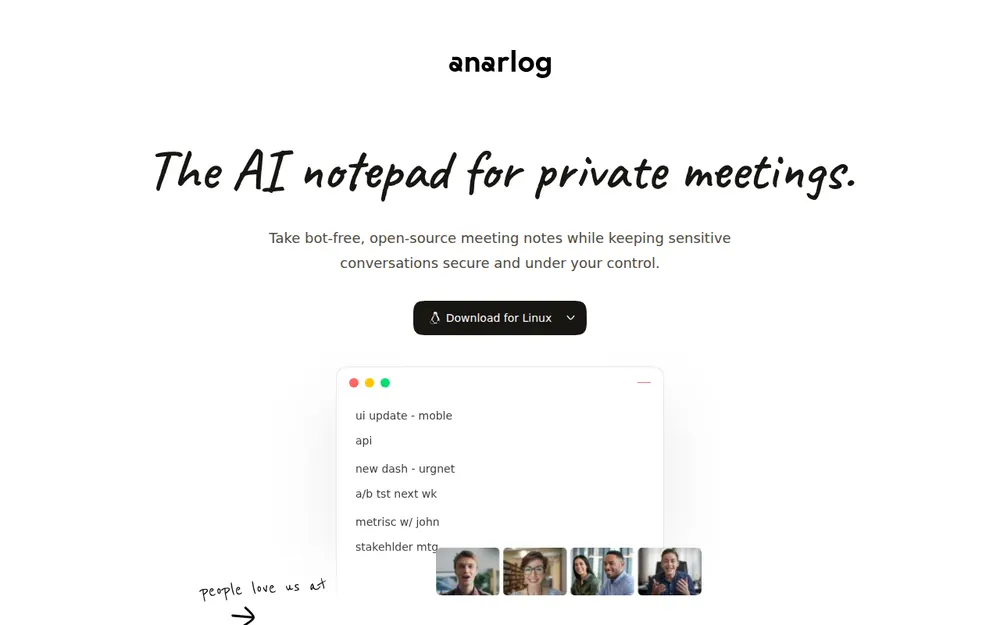
Anarlog, the app formerly called Hyprnote, is what Quill would look like if it were open source. It's my pick for most people leaving Quill.
It's a notepad. You jot rough notes in the call, and the AI fills them in afterwards, with no bot. Sessions, notes and transcripts live in a local SQLite database on your computer.
Why it's my top pick
- Quill's local-first deal, for free. The Free plan includes "Unlimited on-device transcription" and "Bring your own keys for STT and AI" (pricing page, checked October 13, 2026).
- Code you can read. The community app is MIT-licensed, with about 9.5k stars on GitHub. Quill is closed source.
- Linux too. Downloads for macOS, Windows and Linux (APT, AppImage, Deb, Arch). Quill has a Linux waitlist.
- Dictation on Pro. Pro adds "System-wide dictation", which Quill doesn't offer at any price.
- A local API, CLI, MCP and webhooks, on the Free plan.
What it costs
- Free: $0; on-device transcription, your own keys, local recordings and audio player, manual speaker labelling
- Pro: $14 per person per month, or $140 a year, with a 2-week trial. Adds cloud transcription, cloud LLM, system-wide dictation, better speaker identification, end-to-end encrypted sync and shared workspaces.
- Enterprise: custom, with customer-hosted capture
Pro is $63.88 (31.3%) a year less than Quill Unlimited and $56.12 (66.9%) more than Quill Lite.
Cheaper than Voibe Work. What the extra $9 buys
Anarlog Free is $0 and local. If it covers you, it's the better deal. Pro is $9 a year less than Voibe Work, with dictation in both. Here's what the $9 gets you:
- A lifetime option. Voibe Work lifetime is $399 once (currently offered). Against Anarlog Pro's $140 a year, it breaks even after about 2.9 years.
- Cheaper over time. Three years of Pro cost $420, so lifetime is $21 (5.0%) less. Four years cost $560, so it's $161 (28.8%) less. Both assume today's list prices.
- Any Mac, plus Windows, with nothing to configure. Anarlog's on-device transcription needs Apple Silicon and macOS 15 or later, and Windows is in beta. One Voibe seat covers Intel and Apple Silicon Macs and Windows PCs.
The catches
- On-device needs Apple Silicon. Anarlog's download page says built-in on-device transcription requires "supported Apple Silicon hardware. On other platforms, configure a supported local transcription server or a hosted provider." Intel Macs and Windows PCs get the setup work.
- macOS 15 or later, and Windows and Linux support are "in beta".
- Mobile isn't out yet. The download page says the iPhone and Android apps "launch in October", with betas on TestFlight and Google Play.
- No attestations. Anarlog's security page says it "does not claim SOC 2, ISO 27001, or HIPAA."
- Pro's cloud uses commercial providers. Its security page lists transcription subprocessors including Deepgram, AssemblyAI and OpenAI, and LLMs through OpenRouter. Its privacy policy says uploaded audio is deleted once the job completes.
Product Hunt ratings couldn't be re-checked when I looked, so the GitHub star count is the third-party signal here.
Who it's for
Quill users on Apple Silicon or Linux who want the same local-first setup, with code they can audit. More open-source picks are in our open-source dictation roundup.
2. Voibe Work: Best for Confidential Work When You Don't Want to Manage Models
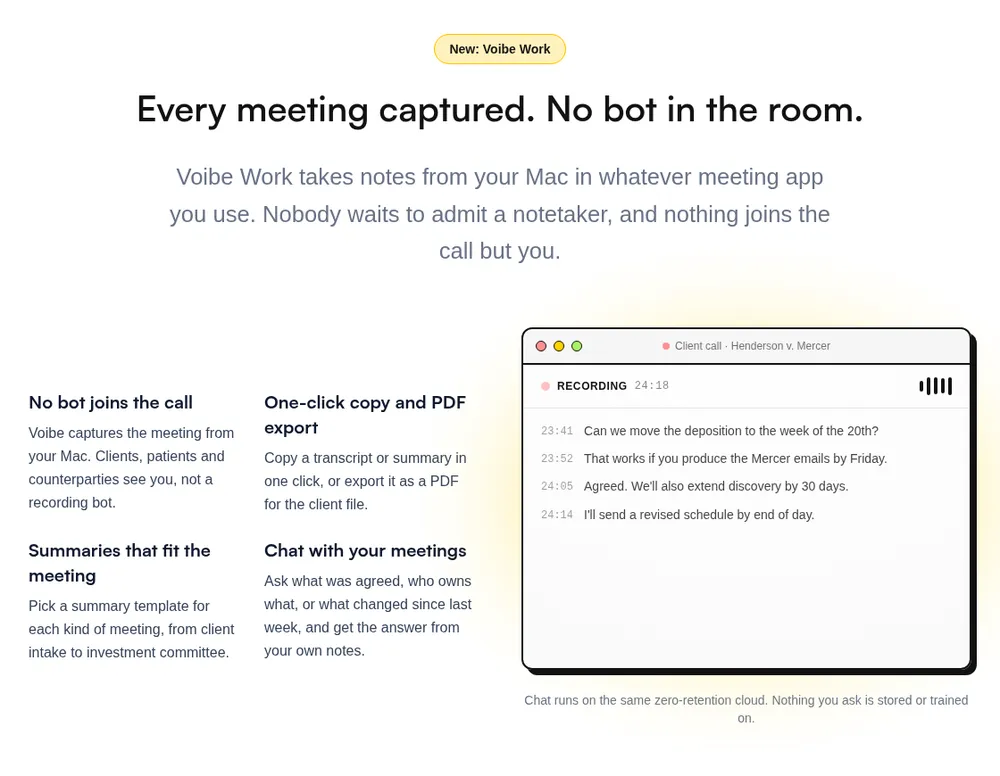
Quill hands you a choice: trust its unnamed default model, or bring and vet your own. Voibe Work takes that choice off your desk.
It's the meeting-notes plan of Voibe, the app we build. It's the one I'd hand to lawyers, financial advisors, clinicians and HR teams who want privacy without becoming their own AI procurement team.
Where your meeting goes
- Capture: from your Mac or Windows PC in Zoom, Microsoft Teams, Google Meet, Webex, Slack huddles or any other meeting app. No bot joins. In-person meetings are recorded through your computer's mic.
- Processing: open-source models on zero-retention cloud providers. You never create an AI-vendor account, paste an API key or pick a model.
- Audio: deleted as soon as processing completes.
- Notes: the transcript and summary are saved on your computer, not on Voibe's servers.
- Training: never.
The reasoning behind the design is in our Voibe Work launch post.
Why it beats Quill for some people
- Dictation in the same plan. Quill has none.
- Intel Macs. Voibe Work runs on any Mac on macOS 14.4 or later, Intel included, and on Windows. Quill's Mac app needs Apple Silicon.
- Named models on named providers. Quill's default AI notes go to a provider it doesn't name, under terms that allow 30-day abuse logs. Voibe's cloud runs only open-source and open-weight models on zero-retention providers it names.
- No AI quota. Quill Lite caps AI meetings at 16 hours a month. Every paid Voibe plan is unlimited.
- BAA available on request, for the app and the API.
Quill vs Voibe Work, side by side
| Quill Meetings (Unlimited) | Voibe Work | |
|---|---|---|
| Bot in the call | No | No |
| Transcription | On your computer | Zero-retention cloud; audio deleted after processing |
| AI notes | Quill's hosted LLM (unnamed), your key, or a local model | Open-weight models on the same zero-retention cloud |
| Notes stored | On your computer; optional E2EE sync | On your computer |
| Works offline | Yes, with a local LLM | No, meeting notes need internet |
| Dictation app | No | Yes, Mac and Windows |
| Intel Macs | No | Yes |
| Phone app | iPhone and Android | No |
| Price | $19.99/mo or $203.88/yr; free local tier | $19/mo, $149/yr or $399 lifetime |
What else you get
- AI summaries with templates for each kind of meeting, such as client intake or investment committee
- Chat with your meetings ("what was agreed, who owns what") on the same zero-retention cloud; nothing you ask is stored
- One-click copy and PDF export of transcripts and summaries
Pricing
- Voibe Work: $19 per seat per month, $149 per year, or $399 once for lifetime access
- vs Quill: $54.88 (26.9%) a year less than Unlimited; $65.12 (77.6%) more than Lite
- Voibe Dictation only: $9.90 a month, $99 a year or $199 lifetime; Voibe Free is $0 with limited words on one device
- Trial: 7 days of every Voibe Work feature, no credit card, no automatic charge; 30-day money-back guarantee
- Teams: up to 10 seats in one checkout; Enterprise (more than 10 seats) adds team admin and central billing
Where it falls short
- Meeting audio goes to the cloud. Quill transcribes on your computer; Voibe Work doesn't. If audio must never leave the machine, pick Quill, Anarlog or Meetily.
- Needs internet for meeting notes. Quill with a local LLM works offline.
- No free meeting-notes plan. Quill Free transcribes meetings at no cost; Voibe Free covers dictation only.
- No speaker recognition, integrations or audio file listed. Quill learns your contacts' voices, syncs to Notion, Salesforce and HubSpot, and keeps the audio on your computer. Voibe Work lists none of that, and it deletes the audio.
- Nothing starts on its own. Voibe lists no calendar auto-start; Quill can start 30 seconds before a calendar meeting.
- No phone app. Voibe Work records in-person meetings through your computer's mic, not a phone.
Voibe reminds you to tell everyone you're taking notes when recording starts; following recording-consent rules is up to you.
Who should pick it
Anyone with confidential calls on an Intel Mac, Apple Silicon or Windows, especially if you also dictate all day. Going deeper? See our guides for lawyers and financial advisors.
7-day free trial of every Voibe Work feature. No credit card, no automatic charge, and a 30-day money-back guarantee if you buy. One seat covers Mac and Windows.
3. Meetily: Best 100% Local Quill Alternative
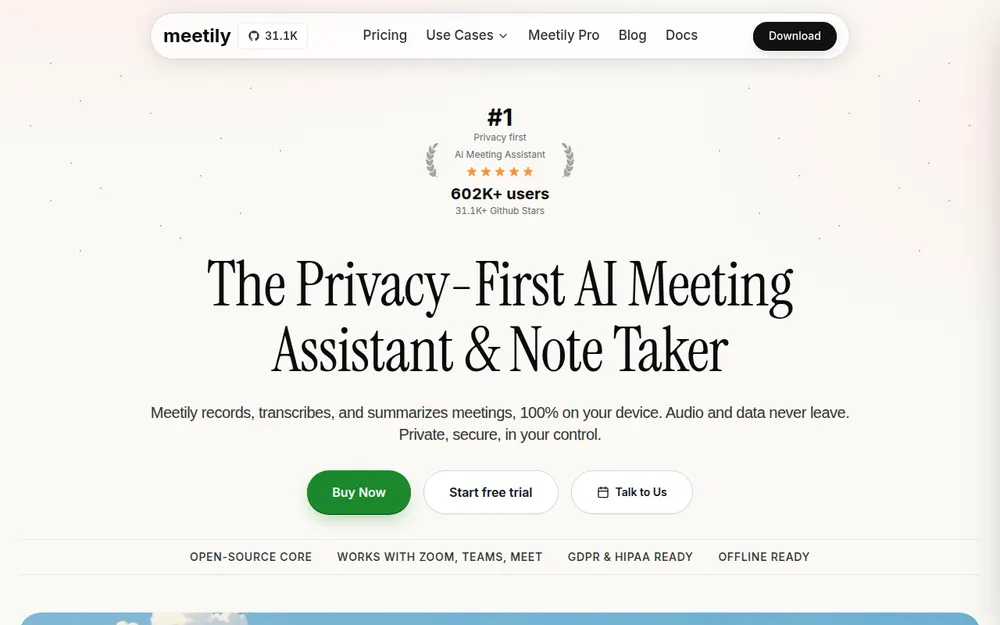
Meetily goes one step past Quill's default. It transcribes on your computer and writes summaries with a local model through Ollama. You can use your own API key instead, if you choose.
What sets it apart
- Both trips stay home. Its homepage says Meetily "records, transcribes, and summarizes meetings, 100% on your device."
- Local speech models: Whisper.cpp or Parakeet.
- Open source: MIT-licensed, with 31.7k GitHub stars, the most of any meeting tool here.
What it costs
- Community edition: free and open source
- Pro: $120 per year, an "early bird" price (regular $25 a month). Adds speaker names, templates, meeting auto-detect, PDF and DOCX export, and cloud or custom transcription providers.
- Trial and refund: 14-day trial, 30-day money-back guarantee
Pro is $83.88 (41.1%) a year less than Quill Unlimited and $36.12 (43.1%) more than Lite.
Cheaper than Voibe Work. What the extra $29 buys
Voibe Work is $29 (24.2%) more than Meetily Pro, and the Community edition is free. What the extra gets you:
- One seat, every computer. A Meetily Pro licence covers one device. One Voibe seat covers Macs (Intel and Apple Silicon) and Windows.
- A lifetime option. Voibe Work lifetime ($399, currently offered) breaks even against Pro's early-bird $120 after about 3.3 years. Over four years ($480), it's $81 (16.9%) less at today's prices.
The catches
- Each Pro licence covers one device, so a laptop and a desktop means two.
- The macOS download on GitHub is an Apple Silicon build, so Intel Macs are out here too.
- Linux means building from source, and there's no mobile app.
- Local summaries are only as good as the model your computer can run.
Best for: people who want both trips, transcript and summary, on their own machine, and don't mind setting up Ollama.
4. Granola: Best If You're Leaving Quill Over Stability
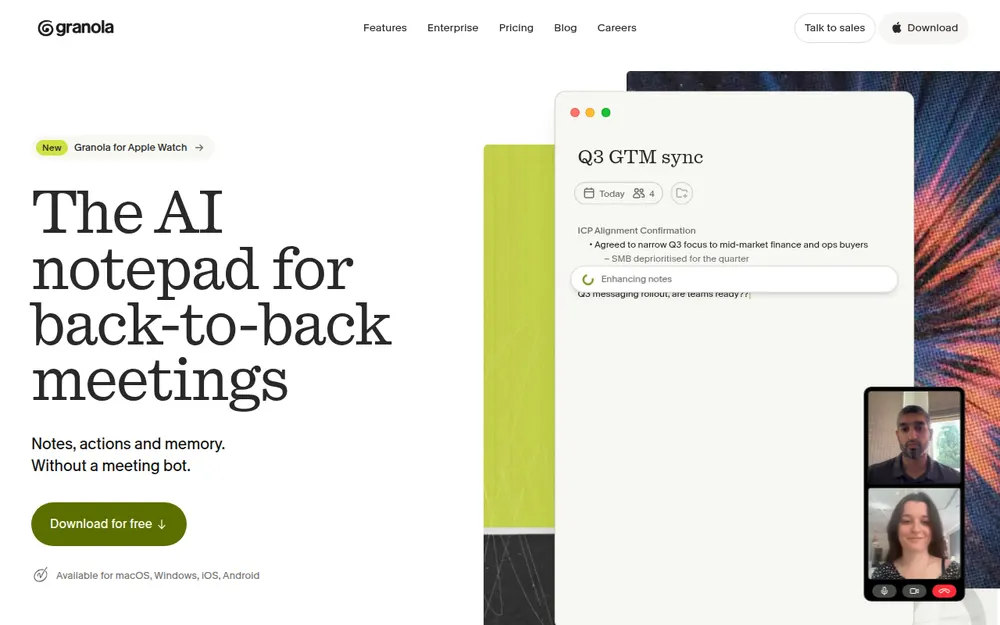
If Quill's weekly updates and stuck processing are why you're leaving, Granola is the polished answer.
It's the app every no-bot note taker gets measured against. It's also the highest-rated app here: 4.96/5 on the App Store from 14,417 ratings.
It captures your mic and system audio with no bot on Mac, Windows, iPhone and Android. Then it fills in your rough notes after the call.
Plans
- Basic: free, with limited meeting history (30 days)
- Business: $14 per user per month, billed monthly only ($168 a year, $35.88 (17.6%) less than Quill Unlimited)
- Enterprise: $35 per user per month, with training off by default
The privacy trade
Granola is everything Quill isn't on privacy:
- Transcription and notes run in Granola's US cloud on AWS.
- Its FAQ says "Granola trains on your anonymized data", with a one-click opt-out per user.
- A participant's lawsuit, Chamberlain v. Granola, filed July 30, 2026, alleges wiretapping. Our Granola lawsuit explainer covers it.
Voibe Work is $19 (11.3%) a year less than Granola Business and keeps notes on your computer. If Basic's 30 days of history is enough, though, free beats both.
Every Granola plan is in our Granola pricing guide, and Is Granola safe? covers the training default.
Best for: people who want an app that just works on every device, and who are comfortable with cloud notes.
5. Circleback: Best If You Want a Bot on Some Calls
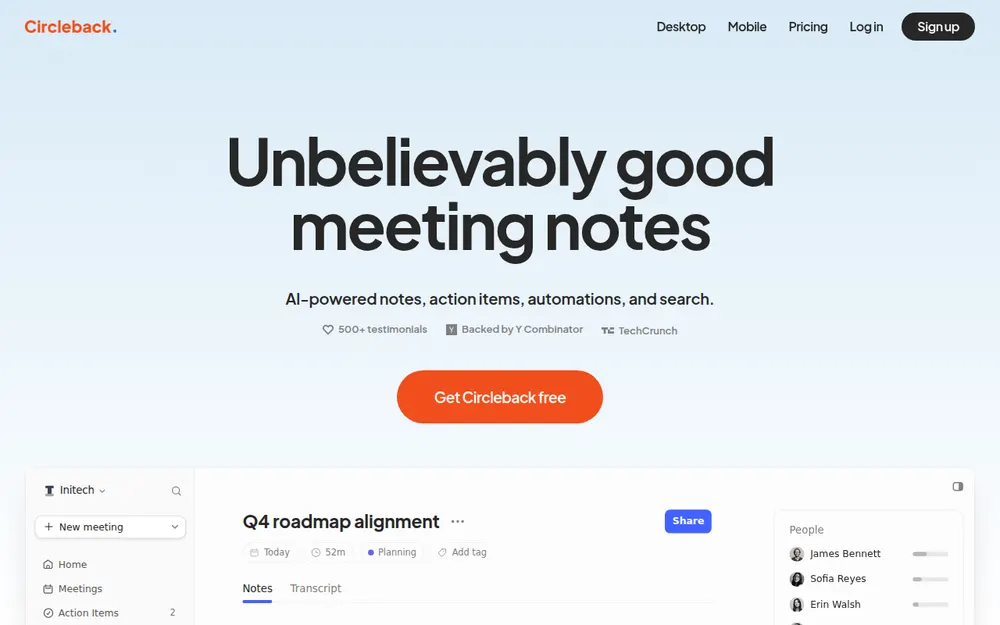
Quill can't take notes in a meeting you aren't in, because it never joins one. Circleback can. It sends a bot by default, and its desktop app for Mac and Windows records without one.
It also matches Quill on training. Its security page says "We do not use customer data to train models", and it lists SOC 2 Type II.
Plans
- Free: launched August 31, 2026, with 30 days of recording storage
- Pro: $18 a month, or $15 billed annually ($180 a year, $23.88 (11.7%) less than Quill Unlimited); 1 year of storage
- Business: $29, or $25 billed annually ($300 a year)
- Enterprise: $35, annual only; BAA on Enterprise only
The catch
Transcription, notes and recordings all live in Circleback's US cloud. Rated 4.81/5 on the App Store (262).
A dollar a month cheaper than Voibe Work. What the $1 buys
Billed monthly, Circleback Pro is $18 to Voibe Work's $19. Billed annually, it flips: Voibe Work is $31 (17.2%) a year less than Pro, but has no bot option. What Voibe Work adds:
- Dictation. Circleback has none. Add Wispr Flow Pro ($15 a month) and you're at $33 a month, so Voibe Work is $14 (42.4%) less.
- Notes on your computer, not in a US vendor cloud.
- A refund if it's wrong for you. Circleback's terms call payments "non-cancelable and … non-refundable". Voibe has a 7-day trial with no card and a 30-day money-back guarantee.
Best for: teams that need coverage for meetings nobody on the team can attend.
6. Jamie: Best Quill Alternative for EU Data Residency
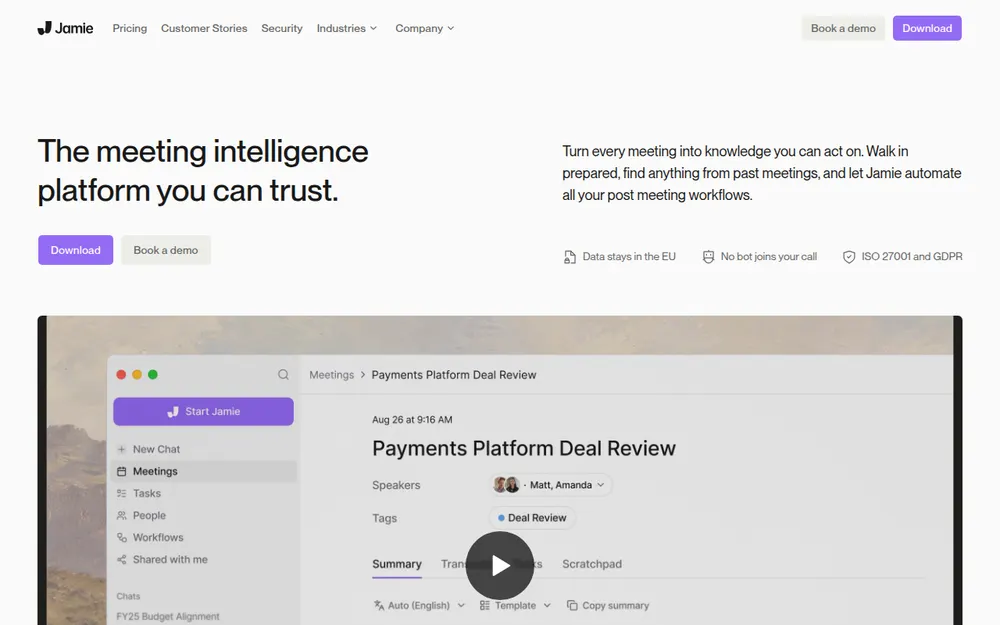
Quill's terms say its services are hosted in the United States (synced data is end-to-end encrypted). Jamie keeps everything in Europe.
Why it's here
- Its security page says meeting data is "never used to train AI models, not by Jamie and not by any of our model providers".
- It also says "Meeting audio is deleted after transcription."
- It records with no bot on Mac and Windows, with an iPhone app.
- It holds ISO 27001; SOC 2 Type II is listed as pending.
Plans
- Free: 10 AI notes a month, 30-minute meeting cap
- Plus: $24 a month billed annually ($288 a year, $84.12 (41.3%) more than Quill Unlimited), 20 notes a month
- Pro: $46 a month billed annually, unlimited notes; Team is $37
The catch
Processing is in Jamie's cloud, not on your computer. And Plus is the priciest plan here. If 10 AI notes a month is enough, the free plan costs nothing.
Rated 4.89/5 on the App Store (247).
Best for: European teams whose data has to stay in the EU.
7. Krisp: Best Quill Alternative With Noise Cancellation
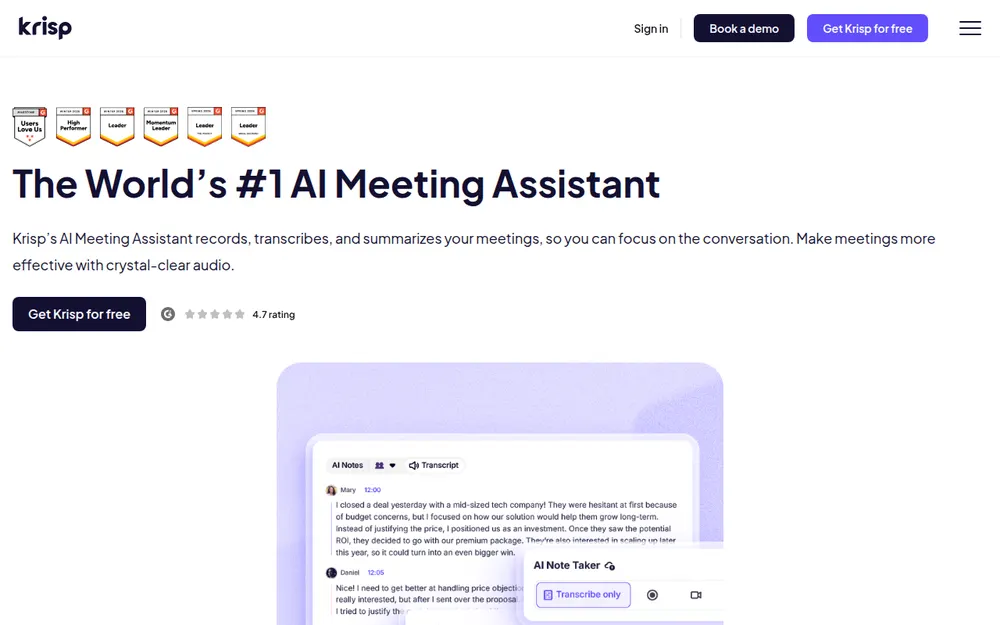
Krisp started as a noise-cancellation app. It added a bot-free note taker for Mac and Windows, including in-person meeting notes.
Its pricing page says "Your meeting data is never used to train Krisp's AI models."
What it costs
Core is $16 a month, or $8 billed annually: $96 a year. That's $107.88 (52.9%) less than Quill Unlimited and $12.12 more than Lite.
Advanced is $30, or $15 billed annually. There's no free plan, only a 7-day trial.
The catch for Quill users
Krisp now lists "Private Transcription & Recordings (On-device)" under Enterprise, not Core. So don't buy Core expecting on-device transcripts.
Krisp's privacy policy says it "primarily processes and stores information in the United States." Rated 4.75/5 on the App Store (267).
Cheaper than Voibe Work. What the extra $53 buys
Krisp Core is $53 a year less than Voibe Work. If notes plus noise removal is all you need, it's the cheaper pick. The extra gets you:
- Dictation in the plan. Krisp Core plus Wispr Flow Pro is $240 a year. Voibe Work is $91 (37.9%) less.
- Notes on your computer. Core doesn't list on-device transcription, and Krisp stores data mainly in the US. Voibe Work deletes the audio after processing and saves notes on your computer.
- A lifetime option. $399 once (currently offered) breaks even after about 4.2 years. Over five years ($480 of Core), it's $81 (16.9%) less at today's prices.
Best for: people who take calls from noisy rooms and want notes and noise removal in one app.
8. Fathom: Best Free Unlimited Recordings, If a Bot Is Fine
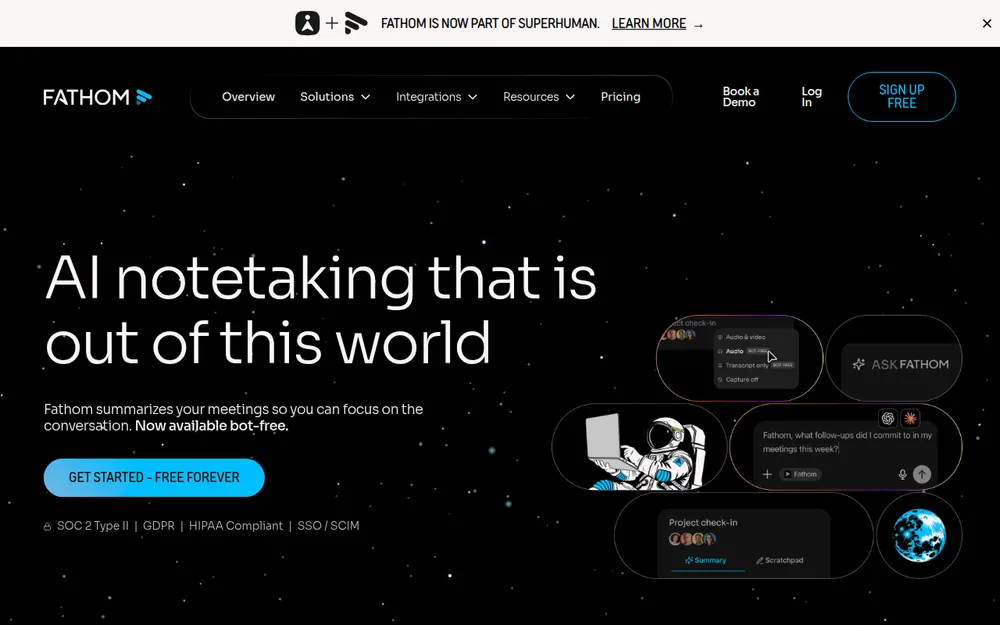
Fathom is on this list for one reason: its free plan. Per its pricing page, Free includes "Unlimited recordings + transcriptions". Advanced summaries cover your first 5 calls each month.
Everything else runs the other way from Quill
- A bot joins by default. The bot-free mode is a Mac-only beta.
- Notes live in Fathom's US cloud.
- Its privacy policy lets it train in-house models on de-identified meeting data unless you opt out.
- Superhuman, formerly Grammarly, acquired Fathom on September 14, 2026. Our Is Fathom safe? review covers what that means.
Price and rating
Premium is $20 a month, or $16 billed annually ($192 a year, $11.88 (5.8%) less than Quill Unlimited). Every tier is in our Fathom pricing guide.
Rated 4.9/5 on the Chrome Web Store (1.7K). If the free plan covers your internal calls, it beats every paid plan here on price.
Best for: people who need free AI summaries for internal calls and don't handle confidential material.
9. MacWhisper: Best One-Time Purchase for Local Transcription on a Mac
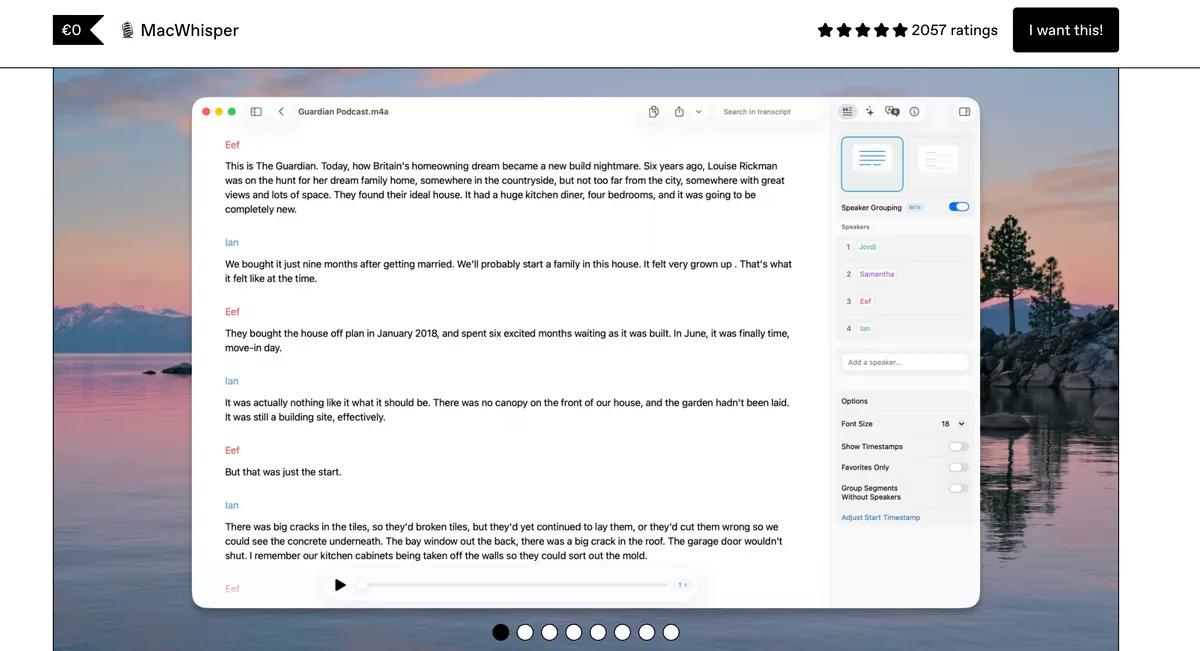
MacWhisper began as a file transcriber for Mac and grew into something close to a Quill rival. Its homepage (checked October 13, 2026) says it "records all your online meetings. No bots joining."
What Pro adds
- Automatic recording in Zoom, Teams, Webex, Skype, Chime, Discord and more
- "Automatic meeting start and end detection"
- System-wide dictation and speaker recognition
- Transcription with local Whisper models
What it costs
- Free: €0, transcribes files and your Mac microphone
- Pro: €64 once per licence, "Includes lifetime updates", per macwhisper.com
That makes it the only one-time price here besides Voibe Work's $399 lifetime. Our MacWhisper pricing guide covers the App Store version's subscription prices.
The catch
It's a transcription app first. AI summaries come from your own API key (OpenAI, Anthropic, Groq and others) or a local model in Ollama or LM Studio. You write the prompts.
The direct download is Mac only. Its App Store version, Whisper Transcription, is rated 3.89/5 from 168 ratings.
Far cheaper than Voibe Work. What the extra buys
For local transcription on a Mac, a single €64 payment is far cheaper than Voibe Work, and the audio stays on your Mac. What Voibe Work adds:
- Windows too. One Voibe seat covers Mac and Windows; MacWhisper's direct download is Mac only.
- Meeting notes without the setup. Summary templates for each type of meeting, chat with your meetings, and one-click PDF export. No key to paste, no prompts to write.
Best for: Mac users who want local meeting transcripts and dictation for a single payment, and don't need polished notes.
Other Quill Meetings Alternatives We Looked At
Five more tools I looked at, and why each sits outside the top nine.
Otter
- A bot plus a bot-free desktop app on Mac and Windows. Pro is $8.33 a month billed annually ($99.96 a year).
- Its privacy policy (effective June 16, 2026) says it trains "our proprietary AI technology on de-identified audio recordings and on transcriptions". I found no opt-out.
- Rated 4.79/5 on the App Store (84,521). Our Otter alternatives and Is Otter safe? pages go deeper.
Otter Pro is the cheaper plan: Voibe Work costs $49.04 (49.1%) more a year. What the extra buys:
- No caps. Pro stops at 1,200 minutes a month and 90 minutes per conversation. Voibe Work is $90.88 (37.9%) less than Otter Business ($239.88).
- Dictation. Otter Pro plus Wispr Flow Pro is $243.96 a year; Voibe Work is $94.96 (38.9%) less.
- No training. Voibe Work never trains on your meetings and saves notes on your computer.
- Lifetime. $399 once breaks even after about 4 years. Over five years ($499.80 of Pro), it's $100.80 (20.2%) less.
Bluedot
- Bluedot is bot-free by default through a Chrome extension and desktop apps, with an optional calendar bot.
- Notes live in its cloud on AWS, and it says it never trains on your data.
- Free is 5 meetings in total. Basic is $14 a month billed annually ($168 a year), audio only with a 1-hour cap.
- Its Mac app needs Apple Silicon, like Quill's.
- Billed monthly, Basic ($18) is $1 cheaper than Voibe Work. Billed annually, Voibe Work is $19 (11.3%) less, with no 1-hour cap and notes on your computer.
Wispr Flow Notetaker
- Dictation and bot-free meeting notes in one app, on Mac and Windows.
- Transcripts are stored in Wispr's US cloud, and training is on by default on Free and Pro.
- Pro alone ($144) is $5 cheaper than Voibe Work. Unlimited notes cost $26 a month billed annually ($312 a year).
- Our Wispr Flow Notetaker vs Voibe Work comparison goes line by line.
Fireflies
- Fireflies is a meeting bot with a desktop app that records without one.
- It now includes Fireflies Talk: free unlimited dictation on every plan, Free included, on Mac and Windows.
- Fireflies says meeting data "is never used for AI model training". Notes live in Fireflies' cloud.
- Rated 4.82/5 on the App Store (5,253).
Pro is $10 a month billed annually ($120 a year), so Voibe Work costs $29 (24.2%) more. What the extra buys:
- No caps. Pro has 8,000 minutes of storage per seat and 20 AI credits; paid Voibe plans are unlimited. Voibe Work is $79 (34.6%) less than Fireflies Business ($228).
- No bot at all, and notes saved on your computer instead of Fireflies' cloud.
- Lifetime. $399 once is $81 (16.9%) less than four years of Pro ($480).
tl;dv
- tl;dv has a desktop app that records audio from your system with no bot.
- Its homepage promises recordings are "yours (not ours)" and never used to train AI.
- US pricing wasn't readable on its site when I checked.
- Rated 4.6/5 on the Chrome Web Store (597).
I compare more no-bot options in our list of the best no-bot meeting note takers. Every alternatives roundup on the site is on our alternatives hub.
No Bot Doesn't Mean No Consent
Quill handles this about the same way Voibe Work does. Its homepage FAQ says Quill "will remind you when starting - but no bot joins your video call, and you are responsible for your compliance with local regulations."
Its terms add that "transcribing, even without saving or using the audio may be considered use of an electronic recording device" in some places.
Where everyone has to agree
About a dozen US states generally require everyone in a private conversation to agree to a recording. They include California, Florida, Illinois, Maryland, Massachusetts, Pennsylvania and Washington. Justia keeps a 50-state survey.
Local processing doesn't change the rule. A transcript made on your laptop is still a recording of people who may not know about it.
What to say
Voibe reminds you to tell everyone you're taking notes when recording starts; following recording-consent rules is up to you. A five-second line at the start works:
"I'm using an AI note taker so I can focus. It doesn't join as a bot. Is everyone okay with that?"
If anyone says no, turn it off. This is general information, not legal advice.
Warning
No app can get consent for you. Tell everyone on the call, every time, and check the rules where each participant is located.
Switching From Quill Meetings: What to Do Before You Cancel
Leaving Quill is easier than leaving most note takers, because your transcripts are already files on your computer. Seven steps make it clean:
Before you cancel
- Export what you want to keep. Quill's docs say you can export a meeting's notes or transcript from the Share button. You can also auto-export Markdown to a local folder or an Obsidian vault.
- Grab the audio too, if you need it. It can be exported from the timeline. None of the alternatives above lists a Quill import.
- Find the local files. Quill keeps data in
~/Library/Application Support/Quill/on a Mac andC:\Users\<you>\AppData\Roaming\Quill\on Windows. - Check your billing period. Quill's FAQ says you keep full access until the end of the current period, then revert to the free plan. I found no refund policy, so cancel before an annual renewal, not after.
- Remember the free tier. Downgrading keeps unlimited local transcription, so you can keep Quill as a fallback while you test.
- Wipe what you don't need. Quill lets you wipe local data in Settings. Deleted meetings sit in "Recently Deleted" for 30 days. Full account deletion goes through Quill's support email.
- Run both for a week. Voibe Work's 7-day trial needs no credit card and doesn't charge automatically. Anarlog Pro has a 2-week trial and Meetily Pro a 14-day trial.
Why leaving Quill costs you less than leaving most
Quill's local transcripts, like Voibe Work's transcripts and summaries, are saved on your computer. So there's nothing on a vendor's server to expire.
That's rarer than it sounds:
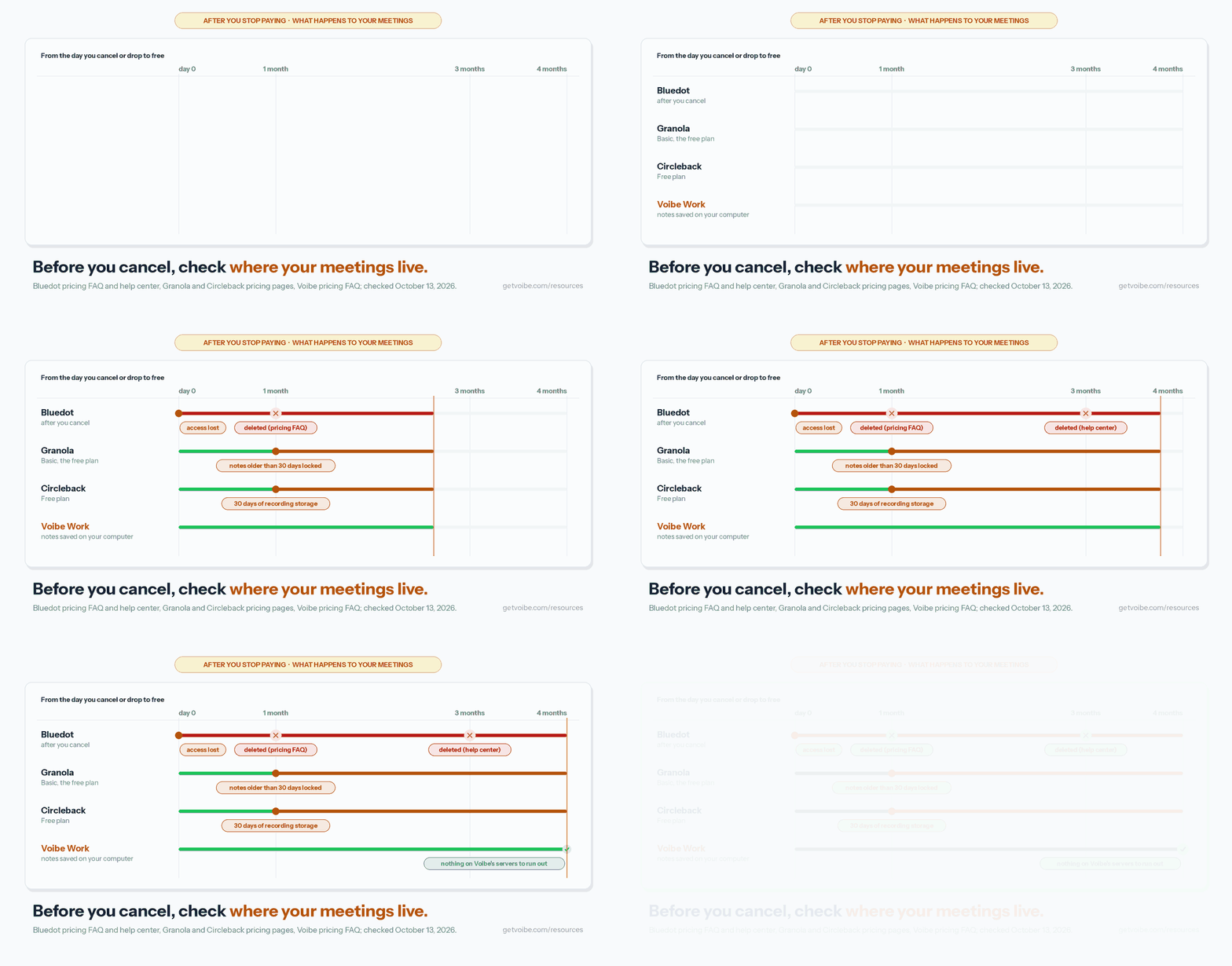
- Bluedot: its pricing FAQ says cancelling means you "lose access to your recordings", and they're deleted after a month (its help center says three months).
- Granola: the free Basic plan only shows the last 30 days of notes.
- Circleback: the Free plan keeps recordings for 30 days.
More on those three in our Bluedot alternatives and Circleback alternatives guides.
How to Choose the Right Quill Meetings Alternative
Four questions, in order. Stop at your first yes.
1. Must meeting audio never leave your computer?
- Yes, and you want open source → Anarlog (on-device out of the box on Apple Silicon; Linux too).
- Yes, and the summary must stay local as well → Meetily with a local model.
- Yes, on a Mac, for one payment → MacWhisper Pro (€64 once).
- No → question 2.
2. Do you dictate all day, use an Intel Mac, or want nothing to set up?
- Yes → Voibe Work. No bot, notes saved on your computer, dictation included, on any Mac or Windows PC, for $149 a year.
- No → question 3.
3. Do you need meeting notes free?
- Yes, and local matters → stay on Quill Free, or try Anarlog Free.
- Yes, and a bot is fine → Fathom Free.
- No → question 4.
4. Must your data stay in the EU?
- Yes → Jamie.
- No → Granola for polish, Circleback if you want a bot on some calls, or Krisp if your calls are noisy.
Best Quill Meetings Alternative for Your Situation
Already know your situation? Find your row.
Privacy, platform and where your data lives
| Situation | Best choice | Why |
|---|---|---|
| You want Quill, but open source | Anarlog | MIT, local-first, free on-device transcription and your own keys |
| You're on Linux | Anarlog | APT, AppImage, Deb and Arch builds (beta) |
| You're on an Intel Mac | Voibe Work | Runs on any Mac on macOS 14.4 or later; Quill needs Apple Silicon |
| Confidential calls, and you don't want to vet AI vendors | Voibe Work | Open-source models on named zero-retention providers; notes on your computer; BAA available on request |
| Transcript and summary both on your machine | Meetily | Local Whisper plus a local model through Ollama |
| Your data must stay in the EU | Jamie | EEA, Swiss and UK hosting; never trains |
Budget, reliability and team needs
| Situation | Best choice | Why |
|---|---|---|
| You pay for Quill and a dictation app | Voibe Work | $149 a year for both jobs vs $347.88 for Quill Unlimited + Wispr Flow Pro |
| Quill keeps breaking after updates | Granola | 4.96/5 from 14,417 App Store ratings; cloud notes |
| Free, and transcripts stay local | Quill Free or Anarlog Free | Unlimited local transcription at $0 |
| Free, and a bot is fine | Fathom Free | Unlimited recordings; advanced summaries on 5 calls a month |
| A bot for meetings you can't attend | Circleback | Bot or desktop app; no training; $180 a year |
| Pay once, Mac only | MacWhisper | €64 once, with meeting recording and dictation |
| Noisy calls | Krisp | Noise cancellation plus notes, $96 a year |
Frequently Asked Questions About Quill Meetings Alternatives
The basics
What is the best Quill Meetings alternative?
Anarlog, formerly Hyprnote, is the best like-for-like Quill Meetings alternative. Like Quill, it records without a bot, transcribes on your computer for free and lets you bring your own keys or a local model.
Unlike Quill, it's open source under the MIT licence and runs on Linux. Pro costs $140 a year and adds cloud AI, sync and system-wide dictation.
Voibe Work ranks second, and first for confidential work when you don't want to manage models. No bot, notes saved on your computer, never trained on, and a dictation app included for $149 a year.
Is Quill Meetings the same as QuillBot or Quill.js?
No, they're unrelated products. Quill Meetings, made by Quill Notes, Inc., is a local-first AI meeting note taker at quillmeetings.com. QuillBot is an AI paraphrasing tool. Quill.js is an open-source rich-text editor for websites.
Where your meetings go
Does Quill Meetings send my meetings to the cloud?
Quill transcribes desktop recordings on your computer, and that audio never leaves it. AI notes are different. By default, Quill sends the transcript text, not the audio, to its hosted LLM through its own processing layer, and it doesn't name the provider.
Quill's blog calls those providers zero-retention. Its terms say providers' abuse-monitoring logs are deleted within 30 days. To skip the hosted LLM, bring your own API key or a local model in Ollama or LM Studio.
Is Voibe Work more private than Quill Meetings?
On one axis, no. Quill transcribes meeting audio on your computer. Voibe Work sends it to open-source models on zero-retention cloud providers and deletes it as soon as processing completes.
Both save the transcript and summary on your computer, and neither trains on your meetings. Voibe Work names its open-source models and providers; Quill's default AI notes go to a provider it doesn't name. Voibe Work meeting notes need an internet connection.
Training and consent
Does Quill Meetings train AI on my meetings?
No, according to Quill. Its homepage says Quill does not use your meeting data to train AI models. Its FAQ says that when you use Quill's provided LLM, Quill and its AI providers don't train models on your transcripts.
Voibe Work, Anarlog, Meetily, Circleback, Jamie and Krisp also say they don't train on your meetings. Granola and Fathom train by default with an opt-out.
Do I need consent if the note taker has no bot?
Yes. A no-bot note taker is invisible to the other participants, so you have to tell them. That's true whether the transcript is made on your computer or in a cloud. About a dozen US states generally require everyone's consent to record a private conversation.
Voibe reminds you to tell everyone you're taking notes when recording starts; following recording-consent rules is up to you.
Pricing
How much does Quill Meetings cost?
Quill Meetings has a free plan with unlimited local transcription. Lite costs $7.99 a month or $6.99 billed annually ($83.88 a year), with 16 hours of AI meetings a month. Unlimited costs $19.99 a month or $16.99 billed annually ($203.88 a year).
Teams costs $15 per seat, or $12 billed annually, with a 5-seat minimum. Enterprise is priced by sales. Prices are from Quill's pricing page, checked October 13, 2026.
Is Voibe Work cheaper than Quill Meetings?
Than Quill Unlimited, yes; than Quill Lite or Free, no. Voibe Work costs $149 a year: $54.88 (26.9%) less than Quill Unlimited billed annually ($203.88), and $65.12 (77.6%) more than Quill Lite ($83.88).
On monthly billing, Voibe Work is $19 against $19.99 for Unlimited. Voibe Work includes a dictation app and has no AI quota. Quill has no dictation, and Lite caps AI meetings at 16 hours a month.
Free and open-source options
Is there a free Quill Meetings alternative?
Yes. Anarlog Free and Meetily's Community edition transcribe meetings on your computer at no cost. Fathom Free offers unlimited recordings with a bot and advanced summaries on 5 calls a month.
Granola Basic shows 30 days of notes, Circleback Free keeps 30 days of recordings and Jamie Free gives 10 AI notes a month. Voibe Work has no free meeting-notes plan, only a 7-day trial with no credit card. Voibe Free covers dictation only.
Is there an open-source alternative to Quill Meetings?
Yes, two. Anarlog is MIT-licensed with about 9.5k GitHub stars and runs on Mac, Windows and Linux. Its on-device transcription works out of the box on Apple Silicon.
Meetily is MIT-licensed with 31.7k GitHub stars. It transcribes on your computer and can write summaries with a local model through Ollama. Quill Meetings itself is closed source.
Macs, PCs and Linux
Does Quill Meetings work on Intel Macs?
No. Quill's FAQ says the Mac app runs on Apple Silicon Macs with macOS 12 or later. Windows 10 or later is supported on Intel, AMD and ARM64 PCs.
Voibe Work runs on Intel and Apple Silicon Macs on macOS 14.4 or later, and on Windows. Anarlog runs on Intel Macs, but its on-device transcription needs Apple Silicon unless you configure a local transcription server or a hosted provider.
Which Quill Meetings alternative works on Linux?
Anarlog. It offers Linux builds through APT, AppImage, Deb and Arch, though its Windows and Linux support is labelled beta. Meetily can run on Linux if you build it from source. Quill shows a Linux waitlist on its homepage.
Phones
Does Quill Meetings have a mobile app?
Yes. Quill Meetings has iPhone and Android apps that record in-person conversations and sync them to the desktop app.
Quill's FAQ says the phone apps need a paid plan and the desktop app. The App Store listing describes recording and on-device transcription as free. Quill has no iPad app and no browser recording. Voibe Work has no phone app.
Final Verdict: The Best Quill Meetings Alternative
- Best like-for-like: Anarlog ($0, or $140 a year for Pro with dictation). Quill's local-first setup with public code and Linux.
- Best for confidential work without managing models: Voibe Work ($149 a year or $399 lifetime). No bot, notes saved on your computer, never trained on, BAA available on request, and a dictation app included.
- Most local: Meetily, transcript and summary on your machine.
- Most polished: Granola, if you can accept cloud notes.
- Cheapest paid: Quill Lite itself ($83.88), if 16 AI hours a month is enough and you don't dictate.
My call
Quill got the hardest part right: the audio stays home. If that's the line you won't cross, take Anarlog, Meetily or MacWhisper, or stay.
Maybe your line is knowing exactly who writes your summaries, on any computer you own, with dictation in the same plan. Then take Voibe Work.
Voibe reminds you to tell everyone you're taking notes when recording starts; following recording-consent rules is up to you.
Try Voibe Work free for 7 days → Every feature, no credit card, no automatic charge.
Related reading:
Key Takeaway
Anarlog is the best Quill Meetings alternative for most people: open source, local transcription and your own keys, for free or $140 a year. For confidential work without managing models, Voibe Work wins: notes saved on your computer, dictation included, any Mac or Windows PC, $54.88 a year less than Quill Unlimited.
Meeting notes without a bot in your call
Voibe Work takes notes from Zoom, Teams and Meet on your Mac, with dictation included. Nothing used to train AI.
- Mac + Windows
- No bot in your calls
- Nothing used to train AI
- 7-day free trial
Want to compare plans first? View pricing →