
Dragon vs Otter Isn't a Fight. Here's Which One You Need
Dragon types what you dictate ($699.99, Windows). Otter transcribes your calls from $8.33 a month. Here's which job you have, and the Mac plan that does both.

Dragon
Professional desktop dictation software (Dragon Professional v16, formerly Dragon NaturallySpeaking) from Nuance, now a Microsoft company. You speak, it types and runs voice commands. Windows only.
Dragon Professional v16 $699.99 one-time list price (Windows; Nuance store retired, sold via resellers) · Dragon Medical One ~$79–$99/user/mo
Pros
- + Launched in 1997 and still the desktop reference point in professional dictation
- + Prebuilt specialty vocabularies: medical, legal, and technical terms, ready out of the box
- + Voice commands that control applications, format documents, and run custom macros
- + Decades-long accessibility record for people who operate a computer hands-free
- + One-time $699.99 list-price license (Dragon Professional v16) instead of a subscription
Cons
- - Windows only. Dragon Dictate for Mac was discontinued in 2018 and no Apple Silicon version exists
- - Consumer editions are gone: Dragon Home was discontinued in 2023, so $699.99 Professional is the entry point
- - Nuance's online store is retired: shop.nuance.com redirects to dragon.nuance.com, which shows 'Contact us' and no price
- - Dragon Anywhere, the mobile app, reached end of sale on July 1, 2026
- - Dragon Medical One, the healthcare product, is a separate cloud subscription at roughly $79–$99/user/month (reseller-quoted), about $2,844–$3,564 over three years
- - Development has moved to enterprise healthcare (Dragon Copilot) rather than the desktop product
Otter
Cloud meeting-transcription assistant. OtterPilot joins your Zoom, Google Meet, and Teams calls, or its Mac and Windows desktop app records without a bot; it labels speakers and writes AI summaries. It doesn't dictate into your documents.
Free 300 min/mo (30-min cap) · Pro $16.99/mo or $8.33/mo annual ($99.96/yr) · Business $30/seat/mo or $19.99/seat/mo annual ($239.88/yr)
Pros
- + The best-known meeting notetaker: auto-joins Zoom, Google Meet, and Microsoft Teams from your calendar
- + Live transcripts with speaker labels, plus AI summaries and action items after the call
- + Searchable archive of every transcribed meeting, with shareable links
- + Free tier (300 minutes/month) to try the workflow; Pro at $8.33/mo billed annually
- + G2 rating of about 4.4/5 across 250+ reviews
Cons
- - It won't type into your documents, email, or EHR as you speak
- - Cloud-only: every minute of audio is uploaded to Otter's servers for processing
- - Trains its own models on de-identified recordings and transcripts by default; no opt-out found
- - Consolidated privacy litigation (In re Otter.AI Privacy Litigation, N.D. Cal.): its ECPA, CIPA and BIPA claims survived Otter's motion to dismiss in August 2026
- - The free tier cuts conversations off at 30 minutes
- - OtterPilot visibly joins your calls, which some clients and counterparties dislike (the desktop app can record without it)
Voibe
Private dictation app for Mac and Windows. On-device Whisper on Apple Silicon, or a zero-retention cloud that deletes audio the moment transcription completes. Native on the Mac Dragon left in 2018, with a Windows app on the same plan. The Voibe Work plan adds meeting notes with no bot in the call (Mac and Windows).
Voibe Free $0 (limited words, one device) · Voibe Dictation $9.90/mo · $99/yr · $199 lifetime · Voibe Work (dictation + meeting notes) $19/mo · $149/yr · $399 lifetime
Pros
- + Native dictation on every Mac (macOS 14.4 or later) and a ground-up native Windows app, one plan for both
- + On-device mode on Apple Silicon, where audio never leaves the machine; a zero-retention cloud elsewhere that runs open-source models and deletes audio the moment transcription completes
- + A custom Dictionary that injects your domain terms into transcription itself, without a $699.99 license
- + Memory shortcuts (Dragon's Auto-Texts) and punctuation spoken by name, so Dragon habits carry over
- + Smart Formatting fixes punctuation, capitalization, and filler words without rewriting what you said
- + $199 lifetime, 72% less than Dragon Professional's $699.99 list price
- + Voibe Work puts dictation and meeting notes in one plan ($149/yr): no bot in the call, notes saved on your computer
- + Hands-Free Mode, Live Dictation (Mac), and Developer Mode at every tier
Cons
- - Meeting notes need the Voibe Work plan and an internet connection
- - No voice-command macro system on Dragon's level
- - No prebuilt medical or legal vocabularies; you build your own Dictionary
- - No mobile apps
Dragon vs Otter: Which One Do You Need?
If you're comparing Dragon and Otter, one of them is wrong for the job you have in mind. Dragon types what you dictate, on Windows, for a $699.99 list price, once. Otter sends a bot into your Zoom, Meet, and Teams calls (or records from its desktop app) and writes up what everyone said, from $8.33 a month billed annually.
So pick by task. Producing a document by voice means dictation software. Sitting through meetings you'd rather not take notes in means Otter or something like it.
One catch if you're on a Mac: Dragon isn't sold for it. Nuance discontinued the Mac version in 2018 and never shipped a replacement, so the Mac half of this question needs a third answer. And if you do both jobs, dictating documents and sitting in meetings, you don't need two products: on a Mac or Windows PC, Voibe Work is dictation and meeting notes in one plan.
Key Takeaway
Dragon types what you dictate ($699.99 list, Windows). Otter records and summarizes meetings (from $8.33/mo annual). Want dictation and meeting notes on Mac or Windows? Voibe Work does both in one plan for $149/yr. Pick by the task in front of you, not by the brand.
Key Takeaways: Dragon vs Otter at a Glance
In one table, with the third answer for people who do both jobs:
| Question | Dragon | Otter | Voibe Work |
|---|---|---|---|
| Job | Types your dictation and runs voice commands | Records meetings, labels speakers, writes summaries | Both: dictation plus meeting notes |
| Whose voice? | Yours, alone, deliberately | Everyone on the call | Yours when dictating; everyone's in meetings |
| Platform | Windows only (Mac discontinued 2018) | Web, Mac and Windows desktop app, iOS, Android | Mac and Windows (dictation and meeting notes) |
| Pricing model | $699.99 one-time list (Professional v16); Medical One ~$79–$99/user/mo | Free 300 min/mo · Pro $8.33/mo annual · Business $19.99/seat/mo annual | $19/mo, $149/yr or $399 lifetime |
| Where audio goes | Processed on your PC (Professional); Medical One is cloud | Uploaded to Otter's cloud, every minute; trained on by default | Dictation on-device on Apple Silicon or zero-retention cloud; meeting audio deleted after processing, notes saved on your computer |
| Bot in your calls | n/a | Yes with OtterPilot; the desktop app records without one | No |
| 2026 posture | Enterprise healthcare focus under Microsoft; Nuance store retired; Dragon Anywhere end of sale July 1, 2026 | Growth, plus privacy litigation whose core claims survived dismissal (Aug 2026) | Voibe Work launched September 2026 |
The second row decides it. Dragon serves one person producing text; Otter keeps a record of a room. If you need dictation and meeting notes on a Mac or Windows PC, Voibe Work covers both rows in one plan.
What Dragon Is in 2026
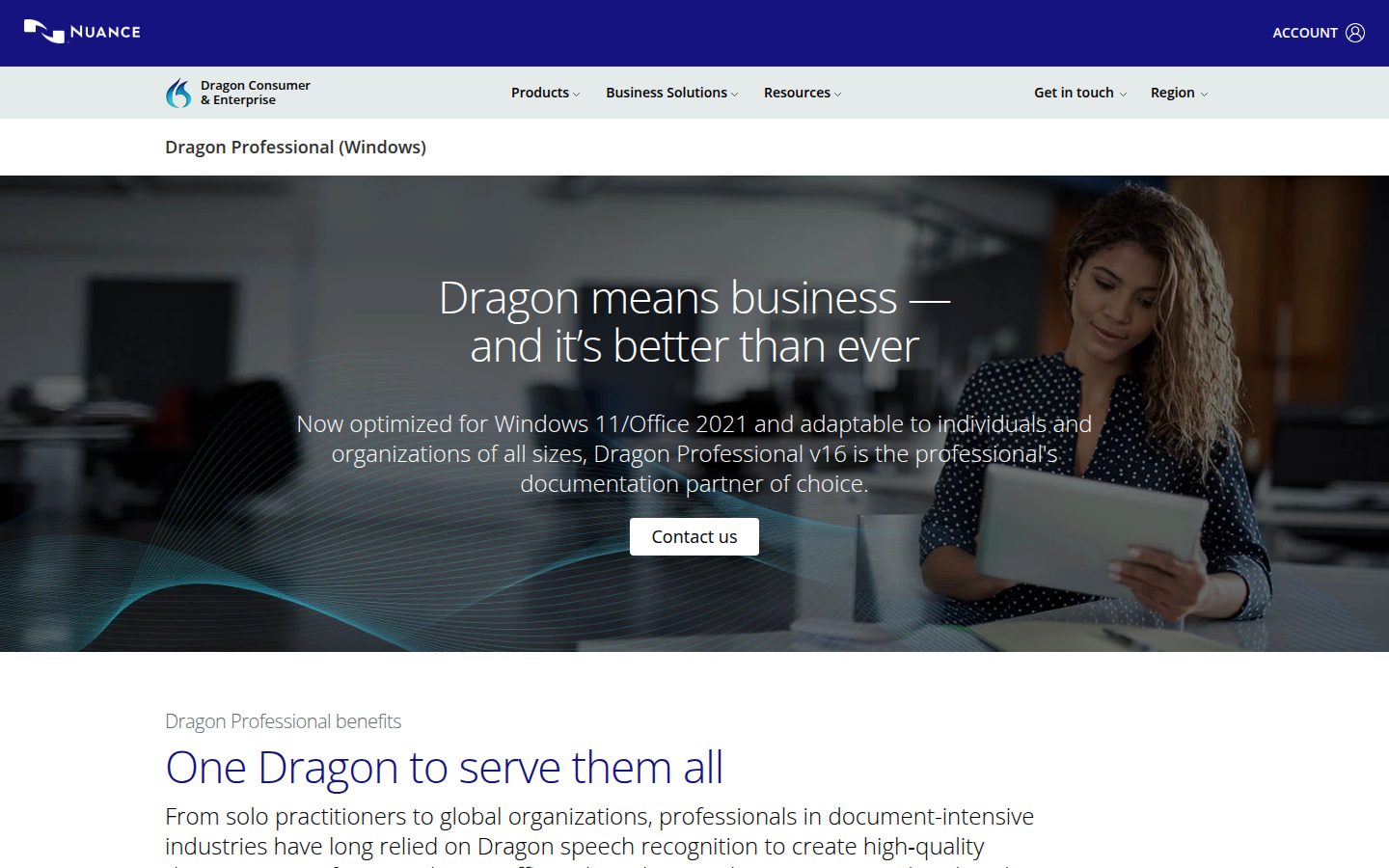
On Windows, Dragon is still excellent: a profile that adapts to one voice over time, prebuilt medical, legal, and technical vocabularies, and voice commands that drive an entire PC, which is why accessibility users stay loyal. Our Dragon review scores it 6/10, and the deductions are about where the product is going.
The consumer side has been retreating for years:
- 2018. Dragon Dictate for Mac discontinued. No Apple Silicon version ever shipped.
- 2023. Dragon Home, the $150 consumer edition, reached end of sale (February 27, 2023), leaving Dragon Professional as the entry point.
- 2022 to 2026. Microsoft buys Nuance for $19.7B and spends the energy on enterprise healthcare: Dragon Medical One (cloud, roughly $79–$99 per user per month) and Dragon Copilot.
- July 1, 2026. Dragon Anywhere, the mobile app, reached end of sale: no new subscriptions, no renewals (see Dragon Anywhere discontinued).
- 2026. Nuance's online store is retired. shop.nuance.com now redirects to dragon.nuance.com, which shows "Contact us" and no price; $699.99 is the retail list price for Dragon Professional v16, and resellers now handle sales.
No edition shows a price on Nuance's own site any more, which we document in our Dragon pricing guide. Buy Dragon if you're on Windows and need hands-free control of the machine, or audio that never leaves the PC. Otherwise Nuance stopped selling to you some time ago.
What Otter Is in 2026
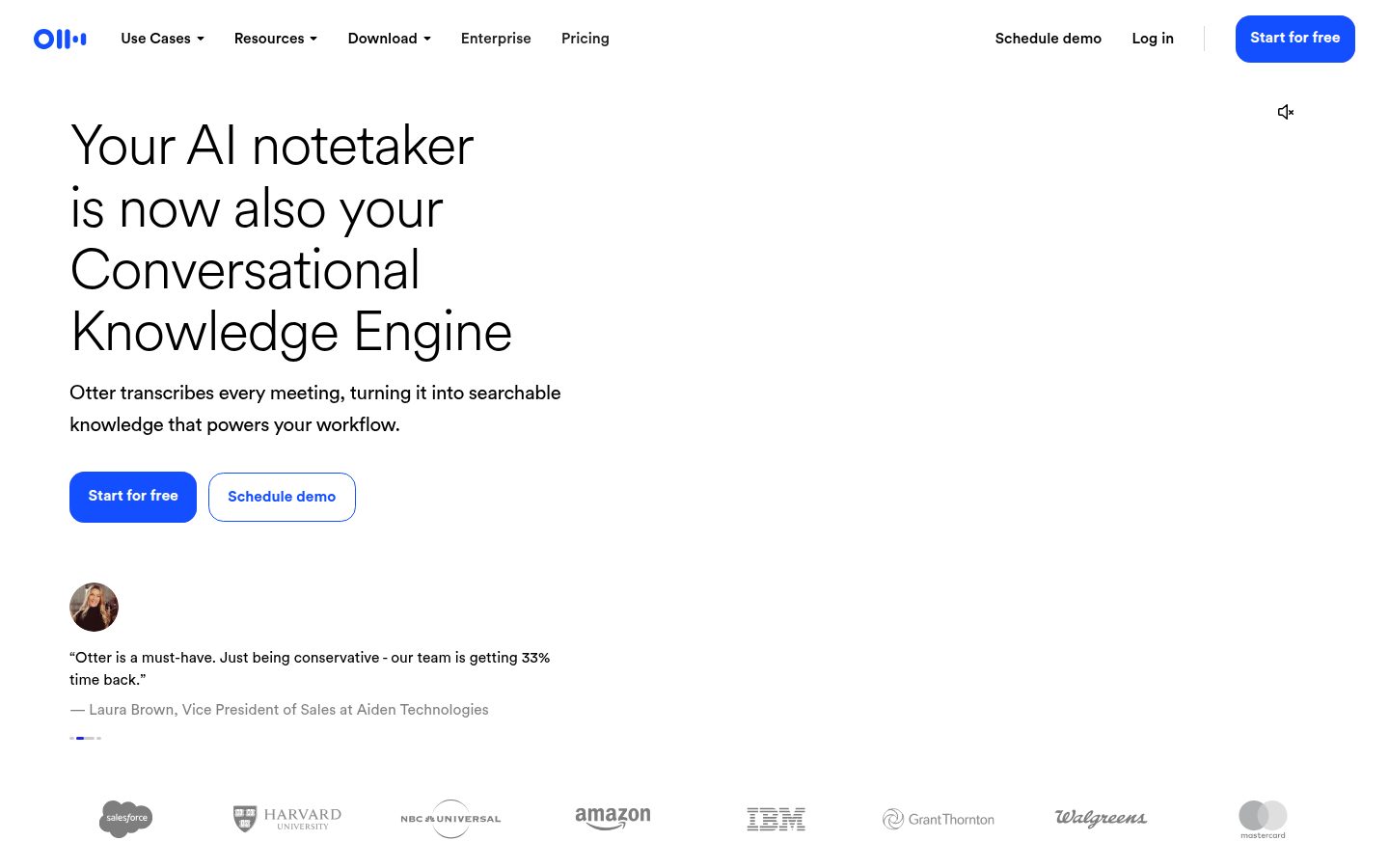
Otter made "an AI joined the call" normal. Connect your calendar and OtterPilot joins Zoom, Google Meet, and Teams meetings (or Otter's Mac and Windows desktop app records without a bot), records them, shows a live transcript with speaker labels, and sends an AI summary with action items when everyone hangs up. G2 reviewers give it about 4.4/5 across 250+ reviews, praising the summaries more than the word-for-word precision.
The free tier gives you 300 minutes a month and cuts each conversation off at 30 minutes. Pro is $16.99/month, or $8.33/month billed annually ($99.96/year) with 1,200 minutes. Business is $30/seat/month, or $19.99 billed annually ($239.88/year) for unlimited meetings and admin controls (prices checked at otter.ai/pricing on October 8, 2026).
Three caveats. Otter is cloud-only: every recorded minute goes to its servers. Its privacy policy lists "training our proprietary AI technology on de-identified audio recordings and on transcriptions" as a purpose, and we found no opt-out. And it faces consolidated federal privacy litigation (In re Otter.AI Privacy Litigation, N.D. Cal.); on August 13, 2026 the court let the wiretap (ECPA, CIPA) and Illinois biometric (BIPA) claims go forward while dismissing the computer-intrusion claims with leave to amend. Per Justia's 50-state survey, six states require every party's consent to record (California, Florida, Maryland, Massachusetts, New Hampshire, Pennsylvania), Illinois and Washington generally do, and several more have nuances. Our is Otter safe? investigation walks through the case and what to change.
What Otter won't do is type: no cursor, no document, no EHR field.
Whose Voice Is Being Turned Into Text?
One question routes you: whose voice is being turned into text?
- Yours, producing a document (a report, chart note, brief, chapter). You need dictation software. On Windows with deep command needs, that's Dragon. On a Mac, or if $699.99 is absurd for what you do, a modern app: Voibe (ours, Mac and Windows, $199 lifetime), or the cloud options in Dragon vs Wispr Flow.
- Everyone's, producing a record (standups, client calls, interviews). You need a meeting assistant. Otter is the default, with a bot that joins the call. If you would rather not have a bot in the call, Voibe Work (ours, Mac and Windows) captures the meeting from your computer, deletes the audio after processing and saves the notes there; Voibe reminds you to tell everyone you're taking notes, and consent rules are your responsibility. Our Otter alternatives roundup and best no-bot meeting note takers cover the rest of the field.
- Both: yours for documents, everyone's in meetings. That's most professionals. On Mac or Windows, Voibe Work is a dictation app and a meeting note taker in one plan ($149/yr), so you don't pay for Dragon or a dictation app plus Otter.
- A recording you already have. That's transcription, a third category (Rev, MacWhisper). See Rev vs Wispr Flow.
So don't buy Dragon for meeting notes, and don't subscribe to Otter to write documents. No feature update fixes either mismatch.
For the full map of all four voice-to-text categories, see our field guide to dictation, notetakers, meeting assistants, and transcription.
What Is Meeting Dictation Software?
"Meeting dictation software" gets searched as if it were one product. It's two, and which one you need depends on who is talking.
- Dictating your own meeting notes. You speak the summary, the action items or the minutes yourself, during a break or right after the call, and the software types them into your document. That's dictation software: Dragon on Windows, or Voibe Dictation on Mac and Windows. Nobody else's voice is recorded, so there's no consent question.
- Capturing the meeting itself. The software records everyone on the call and produces a transcript and summary. That's a meeting notetaker: Otter (with a bot, or its desktop app), or Voibe Work on a Mac or Windows PC with no bot in the call. Everyone's voice is recorded, so consent rules apply; Voibe reminds you to tell everyone you're taking notes, and following the rules where you and the other participants are is on you.
| What you want | Category | Tools |
|---|---|---|
| Speak your own notes into a document | Dictation | Dragon Professional ($699.99, Windows); Voibe Dictation ($99/yr or $199 lifetime, Mac + Windows) |
| A transcript and summary of everyone on the call | Meeting notetaker | Otter (Pro $99.96/yr); Voibe Work (no bot, Mac and Windows, $149/yr) |
| Both, in one plan | Dictation + meeting notes | Voibe Work ($149/yr or $399 lifetime; Mac and Windows) |
| Medical dictation on a Windows PC | Clinical dictation | Dragon Medical One (cloud, ~$79–$99/user/mo, reseller-quoted); Voibe for Windows (zero-retention cloud, BAA available on request) |
If you came here for medical dictation software for a PC, our medical dictation guide and Dragon Medical One cost breakdown cover it. If you came for a meeting tool, our Otter AI alternatives and best no-bot meeting note takers roundups compare the field.
Key Takeaway
Meeting dictation software means either dictating your own notes (Dragon, Voibe Dictation) or capturing the whole meeting (Otter, Voibe Work). Voibe Work does both in one plan on Mac or Windows.
Where Each One Is Strong
The compressed version:
- A single dictating voice: Dragon. Per-speaker profiles, prebuilt domain vocabularies, decades of tuning. Otter transcribes rooms, where crosstalk costs any engine accuracy.
- Multi-speaker capture and summaries: Otter. Speaker labels, searchable archives, AI action items. Dragon has no answer here.
- Voice control of the computer: Dragon, by a mile. Command grammars, custom macros, hands-free application control.
- Platform reach: Otter, which runs anywhere a browser does. Dragon needs a Windows desktop, and Mac users have been outside since 2018.
- Where the audio goes: Dragon Professional, which processes on your own PC, against Otter's upload-everything cloud. (Dragon Medical One is cloud too.)
- Momentum: neither. Dragon's consumer line is shrinking under Microsoft's enterprise healthcare focus, and Otter's growth comes with active consent litigation.
What Each One Costs Over Three Years
Otter and Voibe prices checked on October 8, 2026. Dragon's own site no longer lists a price; $699.99 is the retail list price resellers carry, and Dragon Medical One is reseller-quoted.
| Tier | Dragon | Otter |
|---|---|---|
| Free | None | 300 min/month, 30-min per-conversation cap |
| Individual | Dragon Professional v16 $699.99 one-time (list) | Pro $16.99/mo, or $8.33/mo billed annually ($99.96/yr) |
| Team / specialist | Dragon Medical One ~$79–$99/user/mo (cloud) | Business $30/seat/mo, or $19.99 billed annually ($239.88/yr) |
| 3-year total | $699.99 (Professional) · $2,844–$3,564 (Medical One) | $299.88 (Pro annual) · $719.64 (Business, per seat) |
The shapes differ more than the sums. Dragon Professional hurts once and then it's yours. Otter is rent: gentle every month, forever, growing with your team. Dragon Medical One is enterprise rent at $2,844–$3,564 per clinician over three years.
From the category we work in: Voibe costs $199 lifetime. That's $500.99 (71.6%) less than Dragon Professional, and $100.88 less than Otter's cheapest three-year path.
If You Need Both Jobs
| Setup | Platform | 3-year total |
|---|---|---|
| Dragon Professional + Otter Pro annual | Windows | $699.99 + $299.88 = $999.87 |
| Otter Pro + Wispr Flow Pro (annual) | Mac or Windows | $299.88 + $432 = $731.88 |
| Voibe Work, annual | Mac or Windows | 3 × $149 = $447 |
| Voibe Work, lifetime | Mac or Windows | $399 |
On a Mac, where Dragon isn't an option, the usual two-app stack is Otter plus a dictation app. Voibe Work lifetime is $332.88 (45.5%) less than Otter Pro + Wispr Flow Pro over three years, and $149 a year is $94.96 (38.9%) less than that stack's $243.96. On Windows, Dragon plus Otter Pro runs $999.87 over three years; Voibe Work lifetime covers both jobs there for $399, which is $600.87 (60.1%) less.
Pros and Cons, Side by Side
Dragon, pros:
- A voice profile that adapts to you, with prebuilt medical, legal, and technical vocabularies
- Full voice-command control of a Windows PC, the accessibility standard-setter
- Nearly three decades of enterprise trust
- Professional processes dictation on your own PC
Dragon, cons:
- Windows only, with the Mac abandoned in 2018 and no return in sight
- Dragon Home was discontinued in 2023, so $699.99 is the price of admission now
- Nuance's online store is retired; you buy through resellers
- Opaque pricing, and energy redirected to Dragon Copilot and Medical One (~$79–$99/user/mo)
- Training profiles and license keys in an era of install-and-talk apps
Otter, pros:
- The default meeting notetaker: auto-joins Zoom, Meet, and Teams, labels speakers, writes summaries
- A searchable, shareable archive of every meeting
- Cheap entry: free 300 minutes a month, Pro at $8.33/mo billed annually
- Solid third-party record (G2 ~4.4/5, 250+ reviews)
Otter, cons:
- It can't dictate. No cursor, no documents
- Cloud-only, so every minute of every meeting is uploaded
- Trains on de-identified recordings and transcripts by default, with no opt-out found
- Consolidated privacy litigation over all-party consent, with the wiretap and BIPA claims past a motion to dismiss; six states require everyone's permission and two more generally do
- A 30-minute cap chops long free-tier meetings, and a bot in the room isn't always welcome
Which Should You Choose?
Choose Dragon if:
- You're on Windows and the audio can't leave the PC, or you want prebuilt vocabularies
- You need hands-free control of the computer for accessibility
- A $699.99 one-time license beats a subscription in your accounting
Choose Otter if:
- Your pain is meetings, and you want transcripts and summaries without a human taking notes
- Your team lives in Zoom, Meet, or Teams and will search the archive
- You've checked your consent obligations and set a recording policy
Choose something else if:
- You want dictation and meeting notes on a Mac or Windows PC. Voibe Work, the plan we build, is a dictation app and a meeting note taker in one: no bot in the call, meeting audio deleted after processing, notes saved on your computer, never used to train AI. It's $19/month, $149/year or $399 lifetime. Meeting notes run on Mac and Windows and need internet, and the transcript labels each speaker.
- You want dictation and Dragon doesn't fit, because you're on a Mac or $699.99 is absurd for your use. Voibe, the app we build, runs on every Mac and as a native Windows app on one plan. Dragon habits carry over: a Dictionary instead of the Vocabulary Center (paste your exported word list straight in), Memory shortcuts instead of Auto-Texts, and punctuation spoken by name. It's $99 a year or $199 lifetime, 72% less than Dragon Professional's $699.99. Our Dragon alternatives guide maps the field.
- You're a clinician. Compare Dragon Medical One against modern medical dictation: our DMO cost breakdown and medical dictation guide.
- You need recorded files transcribed. That's transcription, explained in Rev vs Wispr Flow.
Key Takeaway
Windows professional dictation with voice control: Dragon. Meeting capture with a bot and integrations: Otter, with a consent policy. Dictation and meeting notes on Mac or Windows: Voibe Work, one plan at $149/yr. Dictation alone without the $699.99 ticket: Voibe Dictation at $199 lifetime.
What Users and Reviewers Say About Dragon and Otter
Dragon: users in legal, medical, and accessibility communities stay loyal to the accuracy and command depth. The 2026 complaints are about the ecosystem: the price of entry since Dragon Home died, the opaque pricing, the abandoned Mac, and the sense that Microsoft cares more about Dragon Medical One and Copilot than the desktop app. The forum thread asking what Mac users do now has run since 2018.
Otter: G2 reviewers (~4.4/5, 250+ reviews) praise the OtterPilot workflow and the summaries. Criticism clusters on accuracy in crosstalk-heavy calls, a shrinking free tier, and, since the litigation was consolidated, unease about consent. Coverage of In re Otter.AI Privacy Litigation has made "should the bot be in this call?" a standard client question, covered in our Otter safety investigation.
Both fan bases are nervous. Dragon's users think their owner has moved on; Otter's think its defaults move faster than its consent practices.
Final Verdict: Pick by the Task, Not the Brand
There's no winner here, because they don't compete. Dragon is a deep single-voice dictation system that runs the whole PC by voice, now Windows-only and priced like a professional instrument. Otter is the default fix for meeting-note drudgery, cheap to start, with consent homework you have to do.
Neither serves the person who wants to talk instead of type on a Mac Dragon left in 2018, or on a Windows PC where $699.99 makes no sense. That's the seat Voibe, ours, was built for: native Mac and Windows apps, on-device mode on Apple Silicon, a zero-retention cloud otherwise, and $199 once. And if your week is documents plus meetings, Voibe Work covers both on Mac or Windows for $149 a year: dictation everywhere, plus meeting notes with no bot in the call, saved on your computer.
Related reading: Dragon review · Dragon pricing · Is Dragon safe? · Is Otter safe? · Otter alternatives · Best no-bot meeting note takers · Otter vs Wispr Flow · Apple Dictation vs Dragon · Dragon vs OpenAI Whisper · Dragon vs Willow Voice · all comparisons
Frequently Asked Questions
What is the difference between Dragon and Otter?
Is Otter a replacement for Dragon?
Does Dragon still work on Mac?
How much do Dragon and Otter cost in 2026?
Which is more accurate, Dragon or Otter?
Is Otter safe to use for confidential meetings?
I'm a doctor who used Dragon — is Otter my alternative?
Can I use both Dragon and Otter together?
What should Mac users choose instead of either?
What is meeting dictation software?
Which is better, Dragon or Otter, based on reviews?
Meeting notes without a bot in your call
Voibe Work takes notes from Zoom, Teams and Meet on your Mac, with dictation included. Nothing used to train AI.
- Mac + Windows
- No bot in your calls
- Nothing used to train AI
- 7-day free trial
Want to compare plans first? View pricing →
Related Articles
The Best Dragon Alternatives
Modern replacements for Dragon's $699.99 Windows license, tested on Mac and Windows.
Dragon Alternatives for Windows
Windows-specific picks if Dragon's price or age is the dealbreaker.
Best Offline Dictation Apps
On-device options that keep audio on your machine, the way Dragon did and meeting bots don't.