
Best Dictation Software for Seniors (No Subscription Needed)
Typing shouldn't be the reason the letters stop. The best dictation software for seniors on Mac and Windows — simple to start, private, no subscription.
The letters don't stop because there's nothing left to say. They stop because typing got slow, or the hands that wrote forty years of Christmas cards now ache after a paragraph, or the backspace key eats more time than the words do. Meanwhile the thing itself — the telling — works as well as it ever did.
TL;DR: The best dictation software for seniors is the kind you can start using in five minutes and never manage again: hold a key, talk, release, and the words appear in your email or document. For most people that's Voibe — $149 once (no subscription, no account to create), works on Mac and Windows in every app you already use, and on newer Macs your voice is processed entirely on the computer, uploaded nowhere. The free built-ins — Apple Dictation on Mac, Win+H voice typing on Windows — are the right way to try dictation today before spending a dollar.
| Tool | Best for | Price | Platforms |
|---|---|---|---|
| Voibe | Daily use — email, letters, memoir | $149 one-time | Mac, Windows |
| Apple Dictation | Trying dictation free on a Mac | Free | Mac, iPhone, iPad |
| Windows voice typing | Trying dictation free on a PC | Free | Windows |
| Wispr Flow | Cross-device, if a subscription is fine | $12-15/month | Mac, Windows, mobile |
| Dragon Professional | Longtime Dragon users on Windows | $699 one-time | Windows only |
Key Takeaway
Dictation gives writing back to hands that are tired of typing: hold one key, speak, release. Start free with your computer's built-in dictation; for daily use, Voibe's $149 one-time price, no-account setup, and on-device privacy make it the senior-friendly upgrade on Mac and Windows.
Why Dictation Fits This Season of Life
Dictation is usually marketed to people in a hurry. For seniors the case is different, and honestly stronger:
- Hands wear out before voices do. Arthritis affects a large share of older adults, and typing is exactly the repetitive small-joint work that aggravates it. Voice moves writing from the joints that hurt to the voice that doesn't. (For the keyboard side of the equation, see our arthritis keyboard guide and the full typing with arthritis handbook.)
- Tremor steals handwriting and typing — not speech. For essential tremor, dictating sidesteps both the pen and the keyboard entirely.
- The stories are the point. Memoirs, family histories, letters to grandchildren — long-form telling is where speaking beats typing most: natural speech runs 150+ words a minute against roughly 40 typed, and the voice on the page sounds like you.
- Correspondence keeps life running. Insurance letters, medical portals, appointment follow-ups — the writing you have to do, made less costly.
What seniors need from the software is also different: not features, but absence of management. No accounts. No monthly billing to track. No settings that reset. One key that always works.
What to Look For (and What to Ignore)
Five criteria that actually matter for this purchase, and one that doesn't:
- Five-minute setup, zero ongoing management. If it needs an account, model choices, or configuration "modes," it will eventually need troubleshooting. Favor tools where the entire interface is one key.
- Works in the apps you already use. System-wide dictation types wherever your cursor is — Mail, Outlook, Word, the browser, Facebook. You shouldn't have to draft in a special window and copy things around.
- A way to teach it your names. Grandchildren, streets, churches, medications — the words you use most are the words generic dictation gets wrong. A custom Dictionary fixes each one permanently; free built-ins have none.
- Price certainty. A one-time purchase can't surprise you in month fourteen. Subscriptions can and do — and cancelling one is its own chore.
- Privacy without homework. On-device processing means your voice never goes to the internet at all — nothing to configure, no policy to read, no account to breach. That matters most when dictating medical and financial correspondence.
- Ignore: AI writing features. Tools that "improve" your text with AI also change what you said. For letters and memoirs, your phrasing is the product — you want transcription, not a co-author.
1. Voibe — One Key, One Price, Your Words Stay Home

Voibe — ours — is built around the exact shape of this list's criteria. The entire daily interface is one held key: press, speak, release, and the text appears wherever you were typing.
Why it fits
- One key, no new app to learn. It types into your email, Word, the browser, Facebook — wherever the cursor is.
- No account, ever. Nothing to log into, nothing to phish, no password to forget.
- $149 once. No renewal, no card on file, no price-increase emails — $283-391 kept over three years versus a $12-15/month subscription.
- Private by architecture. On Apple Silicon Macs (2020 and later), speech is processed entirely on the computer — your voice is never uploaded anywhere. On Windows: a private zero-retention cloud, where audio is never stored, sold, or used to train AI.
The features you will actually use
- Dictionary — teach it your proper nouns once — every grandchild, your street, your doctors, your medications — and they are spelled right forever. The free built-ins cannot do this.
- Memory — a spoken trigger expands into text you reuse: say your shortcut and your full mailing address or email sign-off appears, typo-free.
- Hands-Free Mode — double-tap to start, double-tap to stop. No key to hold down — the difference that matters for arthritic joints and essential tremor.
- Live Dictation (Mac only) — words appear on screen as you speak, so you can watch the letter take shape in real time.
- Smart Formatting — adds punctuation and capitals and removes the "ums" without changing what you said. Optional, off by default.
- Spoken punctuation — "comma," "period," "new line" work whenever you prefer saying it yourself.
The honest catch
- It is deliberately simple: no voice control of the computer ("open Safari"), no AI rewriting, no mobile app.
- If you need full voice control for accessibility reasons, that is a different category — see our accessibility dictation guide.
Price and rating
- $149 one-time (or $7.50/month if you prefer) — a single purchase, nothing to cancel later.
- Rated 4.8/5 on Product Hunt.
- 7-day free trial, no account — install, hold the key, dictate one real email.
Tip
A good first week: set the hotkey, add ten names to the Dictionary (family, streets, doctors), then dictate one real email a day. By day three the holding-a-key part disappears and it's just talking.
2. Apple Dictation — Free on the Mac (and iPhone) You Already Own
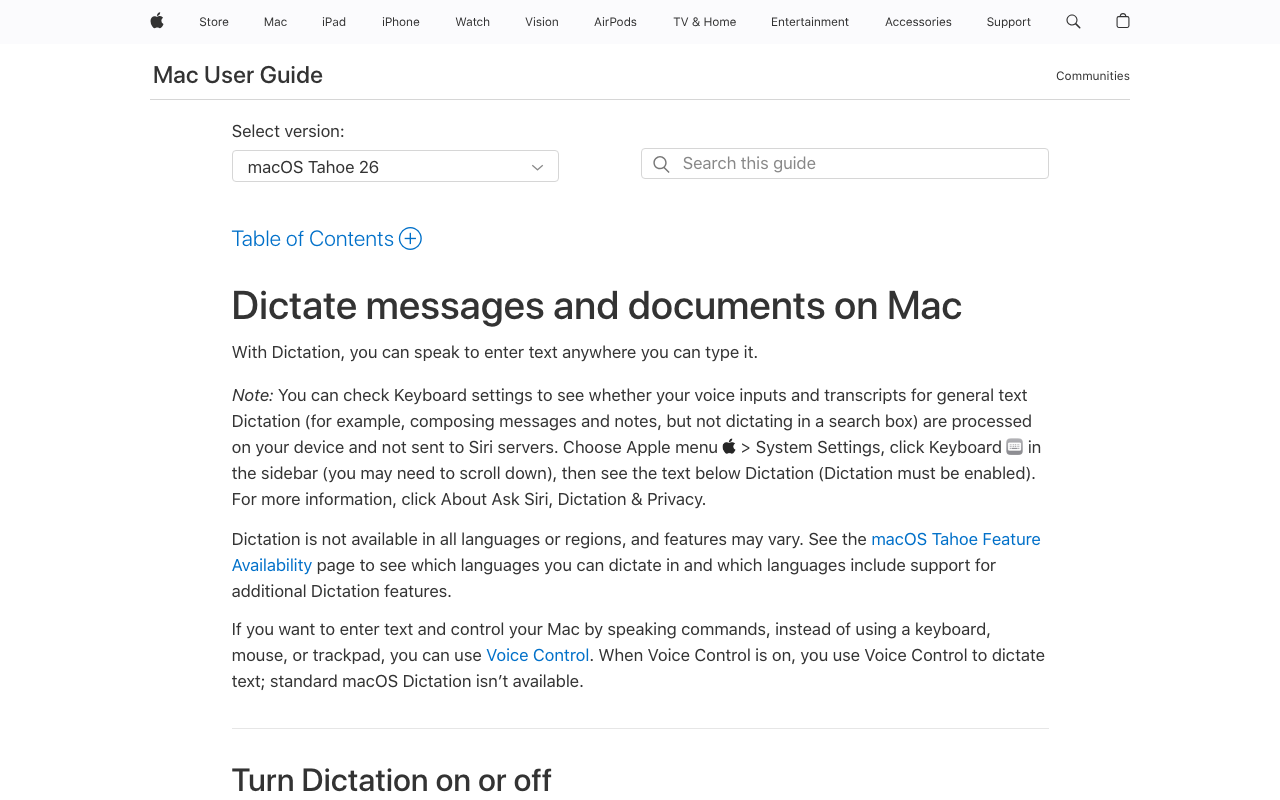
If you have a Mac, iPhone, or iPad, you already own Apple Dictation. Turn it on in System Settings, press the shortcut, and speak — free forever.
Start here for
- Texts, short emails, and finding out whether dictating suits you — today, at zero cost.
- Setup in five minutes with our Mac dictation walkthrough.
Why people upgrade
- No way to teach it names — the grandchildren stay misspelled indefinitely.
- Punctuation comes and goes.
- Community reports of sessions stopping mid-dictation — fine for two lines, maddening for a memoir chapter.
3. Windows Voice Typing — Press Win+H on the PC
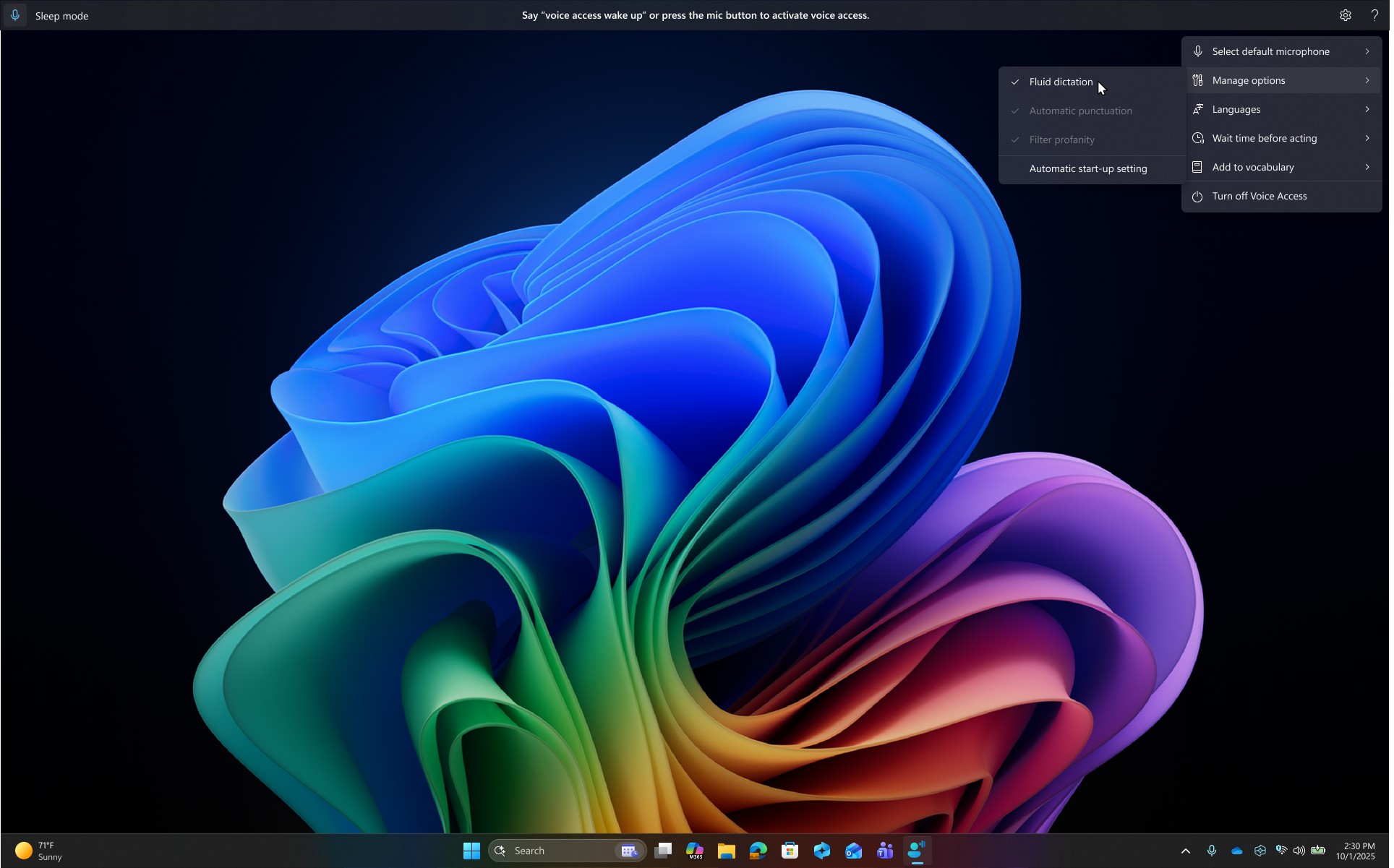
On a Windows 11 PC, hold the Windows key and press H: voice typing opens and types into Word, email, or the browser — free, already installed.
Start here for
- The correct first stop on Windows — try it this afternoon.
- Our Windows dictation guide covers setup and the auto-punctuation toggle worth turning on.
Why people upgrade
- No way to teach it names — the same ceiling as Apple's.
- Erratic punctuation on longer passages.
- Generally needs an internet connection.
If you are still dictating daily after two weeks, that is your evidence a proper tool is worth $149 once.
4. Wispr Flow — Modern and Polished, If a Subscription Suits You
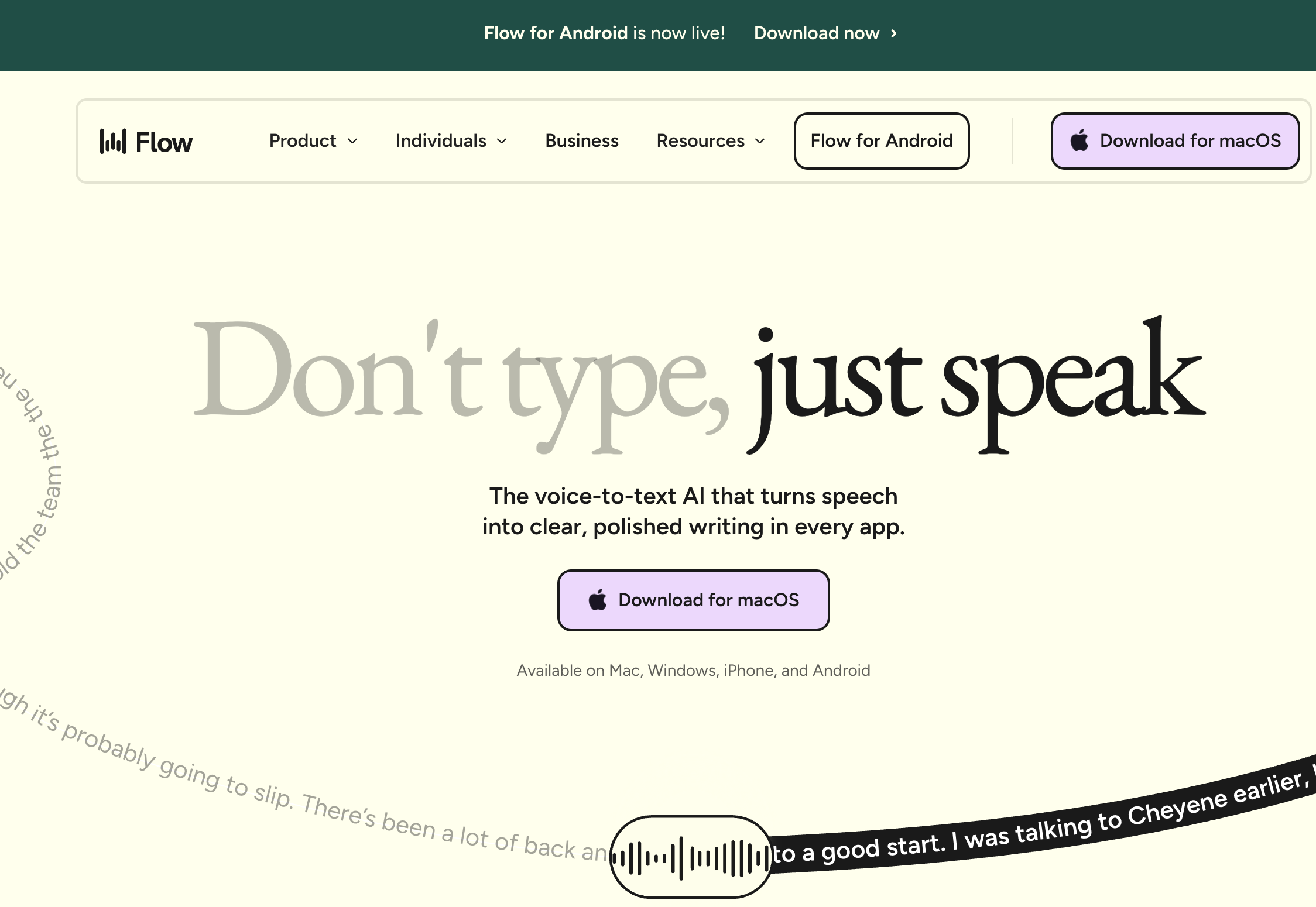
Wispr Flow is the polished subscription option: Mac, Windows, iPhone, and Android, with AI cleanup that produces tidy text with little effort.
Where it earns its keep
- Dictating on the phone as much as the computer — its cross-device reach is genuinely useful.
- Its iOS app rates 4.8/5 on the App Store with 8,500+ ratings.
Go in with eyes open
- $12-15 every month, card on file, no one-time option — $144-180/year, indefinitely.
- Cloud-based: your speech is processed on external servers.
- The data-handling record deserves a read before dictating anything sensitive: 2.7/5 on Trustpilot, documented in our Is Wispr Flow safe? page.
5. Dragon Professional — If You Learned on Dragon, Read This First

Many seniors dictated on Dragon NaturallySpeaking at work, and reaching for it again is natural. The 2026 reality check, in bullets:
- The $150 consumer version (Dragon Home) was discontinued in 2023.
- The Mac version has been gone since 2018.
- The mobile Dragon Anywhere app stopped taking subscriptions in July 2026.
- What remains: Dragon Professional v16 — $699, Windows only, with excellent accuracy and full hands-free voice control.
The verdict
- If you need genuine voice control of the computer, Dragon still earns its price as an accessibility tool.
- If you need dictation, $699 buys 4.7 copies of a modern Whisper-based tool — sentiment should not cost $550. Our Dragon migration guide shows what transfers.
The Subscription Math, on a Fixed Income
Subscriptions are designed to be forgettable, which is precisely the problem on a fixed budget. The three-year arithmetic for daily dictation:
- Voibe: $149 once = $149 total
- Wispr Flow: $12-15/month = $432-540 total, and still billing in year four
- Dragon Professional: $699 once = $699 total
- Built-ins: free, with the accuracy ceiling described above
Against Wispr Flow, Voibe's one-time price saves $283-391 over three years — 66-72% less — and the number you're really buying is zero: zero renewals to track, zero cancellation calls, zero price-increase emails. For the wider view of one-time options, see our dictation lifetime deals roundup.
How to Choose: Three Questions
1. Have you tried the free built-in yet?
- No → Do that first: Apple Dictation on Mac (setup guide) or Win+H on Windows (setup guide). A week of real use tells you whether voice suits you at zero cost.
- Yes, and the name misspellings / stops are wearing thin → You're a daily dictator; a paid tool pays for itself. Continue below.
2. What do you dictate most?
- Email, letters, memoir, everyday writing → Voibe — one key, your Dictionary, $149 once, Mac and Windows.
- Mostly on the phone → the phone's built-in mic button, or Wispr Flow if you want one paid tool across phone and computer.
- Full voice control of the computer (accessibility need) → Dragon Professional on Windows, or macOS Voice Control — see the accessibility guide.
3. Does anything you dictate involve health or money?
- Yes → Prefer on-device processing (Voibe on Apple Silicon) so medical and financial correspondence is never uploaded; on Windows, Voibe's zero-retention cloud is the careful choice.
- No → Any tool here works; decide on price and platform.
Best Tool for Your Situation: The Cheat Sheet
- Writing the family memoir → Voibe in Word or Pages — long-form is where speaking speed compounds.
- Daily emails to family → Voibe or the free built-in, straight into Mail/Gmail/Outlook.
- Arthritis making typing painful → dictation now (arthritis roundup) + an ergonomic keyboard for what's left.
- Essential tremor → hold-to-talk dictation; one large key beats many small ones.
- Medicare/insurance correspondence → Voibe on-device — health details stay on your computer.
- Facebook, WhatsApp Web, church newsletter → any system-wide tool; it types wherever the cursor is. (Volunteering on the newsletter? Our ministry dictation guide goes deeper.)
- iPad/iPhone only → the built-in mic key; see Voibe's mobile answer for the honest platform picture.
- Used Dragon at work in 2005 → read the Dragon section above before paying $699 out of loyalty.
- Grandkid set up the computer and lives far away → the fewer accounts and settings, the better: built-in first, Voibe second — neither needs a login to maintain.
Frequently Asked Questions
Getting started
Is dictation hard to learn?
No — the entire skill is holding a key while you talk. What takes a week is trusting it: dictate one real email a day and the self-consciousness fades. Speak in phrases, glance at the screen after each thought, and fix small things by keyboard.
Do I need a special microphone?
No. Built-in laptop microphones handle a quiet room fine. If you dictate in a noisy kitchen or your voice is soft, a $20-40 USB headset noticeably cuts errors — see our microphone guide.
Accuracy
It keeps misspelling my grandchildren's names. Fixable?
Only with a custom Dictionary. Add each name once in a tool like Voibe and it's right forever. The free built-ins offer no way to teach names — that's their real ceiling, not general accuracy.
Does it understand older voices?
Modern speech models handle a wide range of voices and accents well. Softer or slower speech benefits from a headset mic and speaking in phrases. Punctuation can be spoken ("comma," "period") or, in tools with Smart Formatting, added automatically without changing your words.
Privacy & safety
Could dictation software be a scam risk?
Apply the usual rules: download only from the official site, prefer tools with no account (nothing to phish), and prefer one-time payments (no card stored). On-device processing adds the strongest guarantee — your voice never travels. Our voice data privacy guide explains what cloud tools can do with recordings.
Pricing
What should I actually spend?
$0 to find out (built-ins), $149 once if it sticks (Voibe), and $699 only if you specifically need Dragon's voice-control features. Avoid open-ended subscriptions unless the cross-phone convenience is worth $144-180 every year to you.
The Bottom Line: Keep Telling the Stories
The words aren't the problem — the keyboard is. Try the dictation already on your machine this afternoon: one real email, spoken. If the week goes well and the misspelled names start to grate, Voibe is the $149-once upgrade built for exactly this: one key, your names spelled right, Mac and Windows, and on newer Macs a guarantee no policy can water down — your voice never leaves the house. Download the free 7-day trial — no account, nothing to cancel.
Related reading:
- Typing with arthritis — the complete hands-friendly setup
- Best dictation software for arthritis — the joint-sparing shortlist
- How to use dictation on a Mac — the free built-in, set up right
- How to use dictation on Windows — Win+H and beyond
- Dictation lifetime deals — every one-time-price option ranked
- All dictation alternatives compared — the full field, if you want to see everything
Best AI Dictation and Meeting Notes for Confidential Work
Draft letters, notes and emails 5x faster on Windows and Mac. Get meeting notes without a bot on Mac. Nothing used to train AI.
- Mac + Windows
- No bot in your calls
- Nothing used to train AI
- 7-day free trial
Want to compare plans first? View pricing →
Related Articles
Switching From Dragon to Voibe: Your Word List Comes With You
Dragon exports your custom words in four clicks. Here's the whole move to Voibe on Mac or Windows, what maps to what, and the three things that don't.
I Tested 8 Speech to Text Apps: When to Pay, When Free Is Enough
I tested eight speech to text apps across Mac, Windows, and phone. What the free built-ins handle, where they stop, and when paying is actually worth it.
Best Dictation Software for Pastors: Draft Sermons Out Loud
Preaching is oral — your first draft should be too. The best dictation software for pastors on Mac and Windows, from sermon manuscripts to pastoral notes.