
9 Best Krisp Alternatives in 2026, Now That the Free Plan Is Gone
Krisp's free plan is gone. The alternatives I'd use: 1. Granola 2. Voibe Work 3. Jamie 4. Otter 5. Fireflies 6. Quill 7. Circleback 8. Notta 9. Fathom.

TL;DR: The Best Krisp Alternatives
Krisp's free trial lasts 7 days. When it ends, its Terms say "all access to Krisp will immediately cease," and that includes the noise filter on your mic.
Users say the old free tier, 60 minutes of noise cancellation a day, went away around December 2025. I couldn't find any announcement from Krisp.
You're replacing two things, not one
- For noise, you probably don't need a new app. Zoom, Teams and Google Meet have suppression built in (see how).
- For meeting notes, I'd start with Granola. It's the most polished bot-free app I tested.
- For confidential calls, I'd pick Voibe Work, the meeting-notes plan of Voibe (the app we build). Its notes are saved on your computer (how it works).
Voibe Work costs $149 a year. That's $53 more than Krisp Core ($96) and $31 less than Krisp Advanced ($180).
Voibe reminds you to tell everyone you're taking notes when recording starts; following recording-consent rules is up to you.
All nine at a glance
| # | App | Pick it if | Bot in the call | Where notes live |
|---|---|---|---|---|
| 1 | Granola | You want the best all-rounder | No | Granola's US cloud |
| 2 | Voibe Work | Your calls are confidential | No | On your computer |
| 3 | Jamie | Your data should stay in the EU | No | Jamie's EU cloud |
| 4 | Otter | You want a big brand with phone apps | Bot or desktop app | Otter's cloud |
| 5 | Fireflies | You also want free dictation | Bot or Take Notes mode | Fireflies' cloud |
| 6 | Quill Meetings | You want free and local | No | On your computer |
| 7 | Circleback | Notes should flow into other tools | Your choice | Circleback's US cloud |
| 8 | Notta | You want Krisp Core's price | Bot or desktop app (beta) | Tokyo data center |
| 9 | Fathom | You want free, and a bot is fine | Bot by default | Fathom's US cloud |
Key Takeaway
Krisp bundles noise cancellation and a bot-free note taker, and both stop when its 7-day trial ends. Zoom, Teams and Meet already handle the noise. For notes, Granola is the best pick for most people, and Voibe Work is the one I'd use for confidential calls, with dictation included.
Why People Are Leaving Krisp
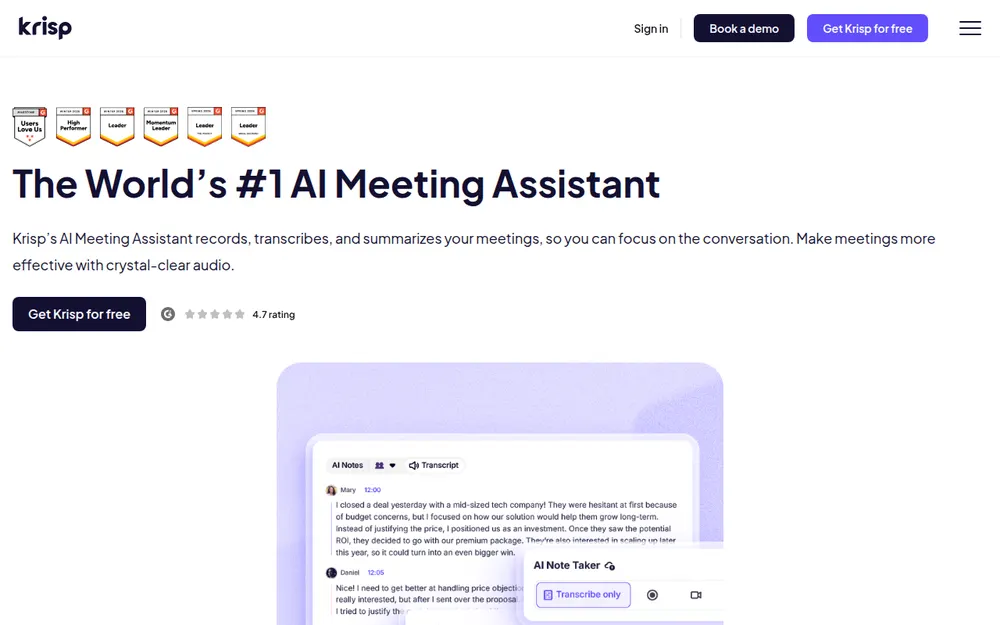
Krisp started as a noise-cancellation app. Today it also sells an AI Meeting Assistant for "bot-free note taking, transcription, and noise cancellation".
It works as a virtual microphone and speaker that sits between you and the call.
The free plan went away
New users get "Free for 7 days" with no credit card. After that, you keep 90 days "solely for the purpose of exporting" your content.
A Capterra reviewer called the change "a bait-and-switch" in March 2026.
You can't get your money back
Krisp's Terms say "All fees are non-refundable, except as expressly stated otherwise." That covers a renewal you forgot to cancel, and plan switches too.
One Trustpilot review from June 2026 is titled "Auto renew turned on by krisp team no refunds".
Its own pages disagree about where transcription happens
This one surprised me. I read four Krisp pages and got four different answers.
- The security page says "Meeting transcripts are generated on the user's machine."
- The help center says "your meetings are transcribed in the cloud".
- The FAQ says English runs on the device and 15 other languages run on servers.
- The pricing table makes on-device transcription an Enterprise feature.
Two things are consistent. Recordings and notes are kept "UNTIL YOU INSTRUCT US TO DELETE" them, and Krisp "uses Microsoft Azure services to generate meeting summaries".
Smaller complaints that add up
- A BAA is offered only on Enterprise, "for teams with 100+ seats".
- By default, signup "requires a Google or Outlook calendar connection".
- An App Store review from August 2026 says the Mac app "is super slow, unresponsive and repeatedly freezes".
What Krisp gets right
Krisp deserves credit on training. Its pricing FAQ says "Your meeting data is never used to train Krisp's AI models."
- It's bot-free by default, with an optional bot from Core up.
- iPhone users like it: 4.73/5 on the App Store from 270 ratings. Google Play (3.9 from 386) and Trustpilot (3.0 from 412) are cooler.
- I found no privacy lawsuit or breach. Sanas v. Krisp is a patent and trade-secret fight, and its claims are allegations.
If you rely on Accent Conversion, nothing on this list replaces it, and I'd stay on Krisp.
Krisp Is Two Products in One Plan
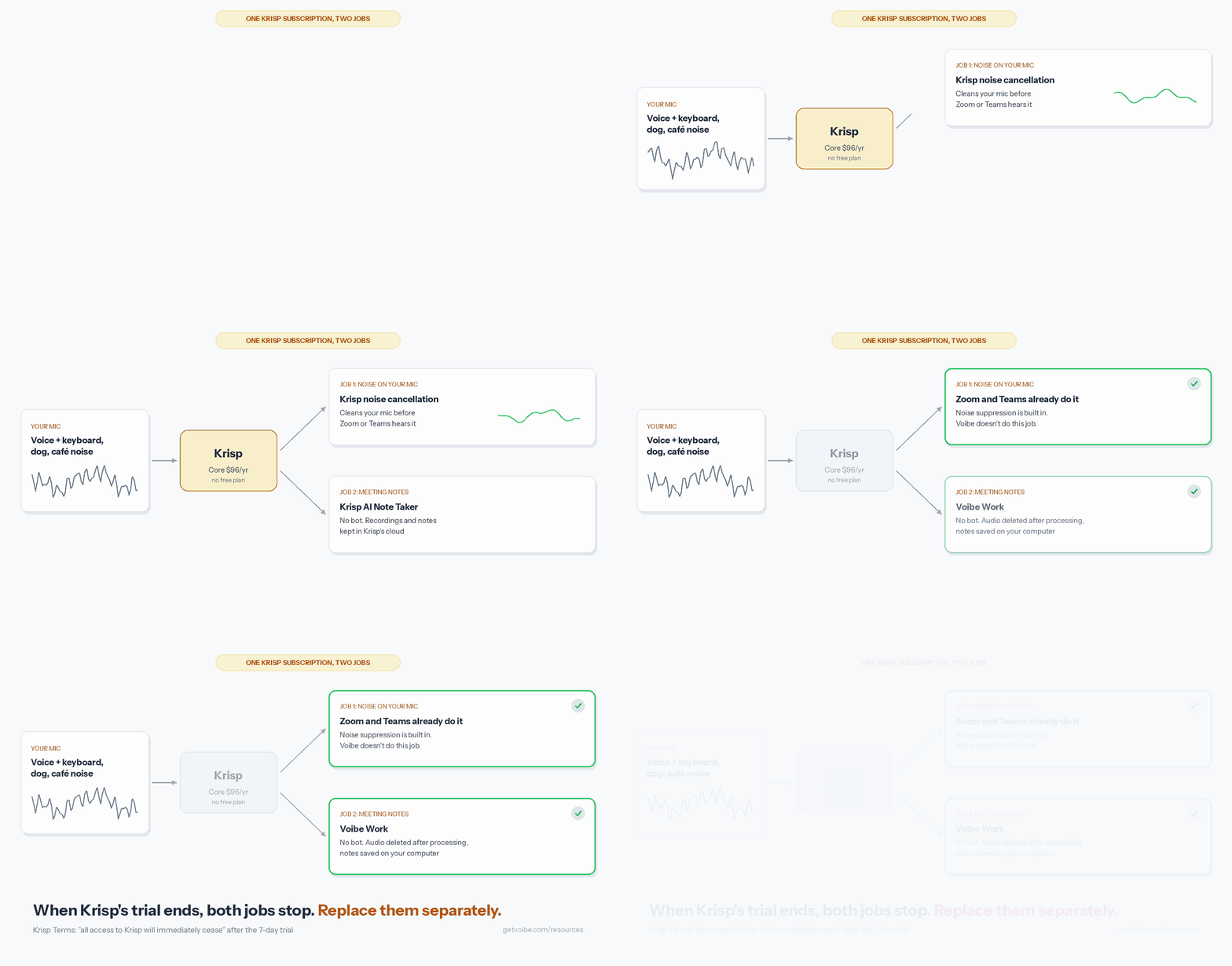
Most apps on this list do one job. Krisp bundles two, and its pricing FAQ says it has "No separate plan" for noise cancellation alone.
When the trial ends, both stop together. You lose the noise filter, which Krisp runs "locally on the device", and you lose transcription, summaries, AI chat and recordings.
- The one free leftover is Accent Conversion for YouTube in the Chrome extension.
- The easy fix is to split the job. Let your meeting app handle noise, and pick a note taker from the nine below.
Noise Cancellation Without Krisp: What Your Meeting App Already Does
Before you pay for a noise app, check the one you already meet in. I went through each vendor's support page on October 28, 2026.
Zoom, Teams and Google Meet
- Zoom's "Background noise suppression" has Auto, Low, Medium and High levels, under Settings, then Audio.
- Microsoft Teams says "Noise suppression is turned on by default" on desktop, iOS, Android and Teams Rooms on Windows.
- Google Meet removes "typing, closing a door, room echo, or construction sound," but "Voices from TV or people talking won't be canceled."
- Meet's cloud noise cancellation needs Workspace Business Standard or higher, or Google One 2TB and up.
On your Mac or PC
- Macs from 2018 on have Voice Isolation in Control Center, under Mic Mode. Apple only documents it for FaceTime.
- On Windows with an NVIDIA RTX card (RTX 2060 or newer), NVIDIA Broadcast does Noise Removal and Room Echo Removal. Its page lists no price.
- Discord's noise suppression is Krisp under the hood, according to Krisp.
Where Voibe fits
Voibe has no noise cancellation. Voibe Work takes notes, and it won't clean up your mic for the people on the other end.
Krisp can't help on your phone either. Its help center says "The mobile app doesn't support Noise Cancellation yet".
Krisp vs the Alternatives: Bots, Storage and Training
Every tool here can record without a bot. The real differences show up after the call: where the notes are stored, and whether anyone trains on them.
Krisp is in the first row for reference. Ratings are App Store scores unless noted.
| App | Bot? | Platforms | Notes stored | Trains on it? | Rating |
|---|---|---|---|---|---|
| Krisp | Off by default; optional bot | Mac, Windows, iPhone, Android, Chrome | Krisp's US cloud, until you delete | Never | 4.73/5 (270) |
| Granola | No | Mac, Windows, iPhone, Android | Granola's US cloud | Yes by default, opt-out | 4.96/5 (14,449) |
| Voibe Work | No | Mac, Windows | On your computer; audio deleted | Never | 4.8/5 Product Hunt (Voibe app, 6) |
| Jamie | No | Mac, Windows, iPhone | Jamie's EU cloud; audio deleted | Never | 4.89/5 (247) |
| Otter | Bot, or desktop app with none | Web, Mac, Windows, iPhone, Android | Otter's cloud | Yes, de-identified; no opt-out found | 4.79/5 (84,689) |
| Fireflies | Bot, or Take Notes with none | Web, Mac, Windows, iPhone, Android | Fireflies' cloud | No | 4.82/5 (5,365) |
| Quill Meetings | No | Mac (Apple Silicon), Windows, iPhone, Android | On your computer | No | 4.56/5 (9) |
| Circleback | Your choice per meeting | Mac, Windows, iPhone, Android | Circleback's US cloud | No | 4.81/5 (263) |
| Notta | Bot, or desktop app (beta) | Web, Mac, Windows, iPhone, Android | Tokyo data center | No-training promise on Enterprise only | 4.07/5 (1,467) |
| Fathom | Bot by default; bot-free beta on Mac | Mac, Windows, iPhone | Fathom's US cloud | Yes by default, opt-out | 4.9/5 Chrome Web Store (1.7K) |
What stood out to me
Krisp is already strong on training. Granola and Fathom make you opt out yourself, and I found no opt-out at Otter.
- Only Voibe Work and Quill keep notes on your computer. Of the two, only Voibe Work runs on Intel Macs and includes dictation.
- Voibe Work's meeting notes still need internet, because open-source models on zero-retention cloud providers process the audio. Our zero data retention explainer covers what that means.
How I Tested and Ranked These Krisp Alternatives
I tested every app on this list on real calls, then checked each claim against the vendor's own pages, on October 13 to 28, 2026.
I checked Krisp's own pages again on October 28, 2026.
The questions I asked of each app
- Does it record without a bot, at least on Mac and Windows?
- How good are the notes, speaker labels and store ratings day to day?
- Where are the notes stored, for how long, and do they train AI?
- What does a year cost next to Krisp Core and Advanced?
- Can you get a refund if it doesn't work out?
Why the top three land where they do
- Granola wins on capture, quality and cost, with no bot on four platforms and a free plan.
- Voibe Work wins outright on where the notes go. No phone app and no free meeting-notes plan keep it second.
- Jamie keeps Krisp's no-training promise and adds EU hosting, but costs the most.
Krisp Alternatives Pricing: What a Year Costs vs Krisp Core and Advanced
Krisp has only the 7-day trial now. Paying annually halves the monthly price, so the toggle's "Save 50%" is accurate.
What Krisp charges
- Core is $16 a month, or $8 a month billed annually ($96 a year). It includes unlimited notes, noise cancellation and 10 GB of storage.
- Advanced is $30 a month, or $15 a month billed annually ($180 a year). Enterprise is custom-priced.
What each alternative costs for a year
| Alternative and plan | Per year | vs Krisp Core ($96) | vs Krisp Advanced ($180) |
|---|---|---|---|
| Quill Meetings Lite | $83.88 | $12.12 (12.6%) less | $96.12 (53.4%) less |
| Notta Pro | $97.99 | $1.99 (2.1%) more | $82.01 (45.6%) less |
| Otter Pro | $99.96 | $3.96 (4.1%) more | $80.04 (44.5%) less |
| Fireflies Pro | $120 | $24 (25.0%) more | $60 (33.3%) less |
| Voibe Work, dictation included | $149 | $53 (55.2%) more | $31 (17.2%) less |
| Granola Business (billed monthly only) | $168 | $72 (75.0%) more | $12 (6.7%) less |
| Circleback Pro | $180 | $84 (87.5%) more | Same price |
| Fathom Premium | $192 | $96 (100.0%) more | $12 (6.7%) more |
| Jamie Plus | $288 | $192 (200.0%) more | $108 (60.0%) more |
Where Voibe Work isn't the cheapest
Krisp Core costs less than Voibe Work, and so do Quill Lite, Notta Pro, Otter Pro and Fireflies Pro.
If you only need notes and don't mind a vendor's cloud, those are better buys.
Other ways to pay for Voibe Work
- Month to month, Voibe Work is $19. That's $3 (18.8%) more than Core and $11 (36.7%) less than Advanced.
- Lifetime is $399 once. Against Core annual, it breaks even after about 4.2 years and saves $81 (16.9%) over five, at today's prices.
More prices live in our pricing hub, with plan-by-plan guides for Otter and Granola.
Krisp Has No Dictation, So Some People Pay for Two Apps
Krisp has no dictation at all, and its help center has no article on it. If you dictate too, you're paying for a second app.
One app or two
- Krisp Core plus Wispr Flow Pro costs $96 + $144 = $240 a year. Voibe Work covers both jobs for $91 (37.9%) less.
- Fireflies is the exception. Its Talk dictation is free on every plan, so Fireflies Pro covers both jobs for $29 (24.2%) less than Voibe Work.
What Voibe's dictation side includes
- You can hold Fn to talk, use Hands-Free Mode, or use Live Dictation on Mac.
- The Dictionary learns your names and jargon, so they come out right the first time.
- On Apple Silicon Macs, dictation can run on the device with no internet. Meeting notes always use the zero-retention cloud.
Wispr Flow's plans are in our Wispr Flow pricing guide.
1. Granola: The Best Krisp Alternative for Most People
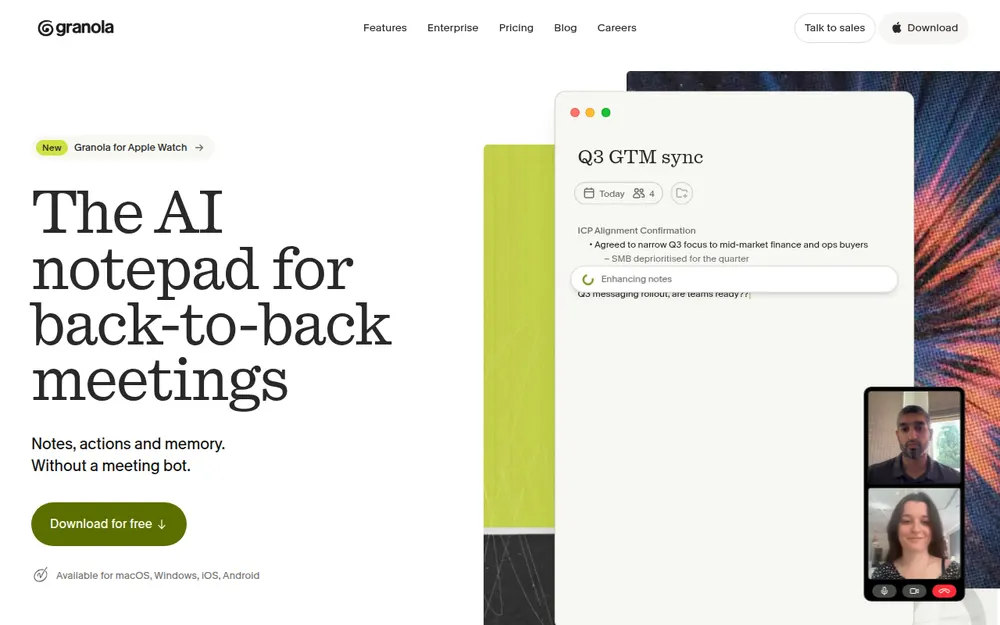
If you want something that feels like Krisp without the trial cliff, I'd start with Granola. It's the most polished bot-free note taker I tested.
Nothing joins your call on Mac, Windows, iPhone or Android.
Why Granola beats Krisp for most people
- You jot rough notes during the call, and Granola fills them in afterwards.
- Basic is free and shows your last 30 days of notes. Krisp has nothing like it.
- It has the best App Store score on this list, 4.96/5 from 14,449 ratings.
The training default
This is where Granola falls behind Krisp. On Free and Business, "anonymised data may be used for Granola's own model improvements" unless each user opts out.
- Notes sit in a US-hosted AWS cloud, kept indefinitely unless your team sets a retention policy.
- Chamberlain v. Granola (July 2026) alleges wiretapping. Nothing is proven, and our lawsuit explainer and Is Granola safe? cover it.
What Granola costs
Basic is free. Business is $14 per user per month, billed monthly only, which comes to $168 a year. Every plan is in our Granola pricing guide.
2. Voibe Work: For Calls You'd Never Forward
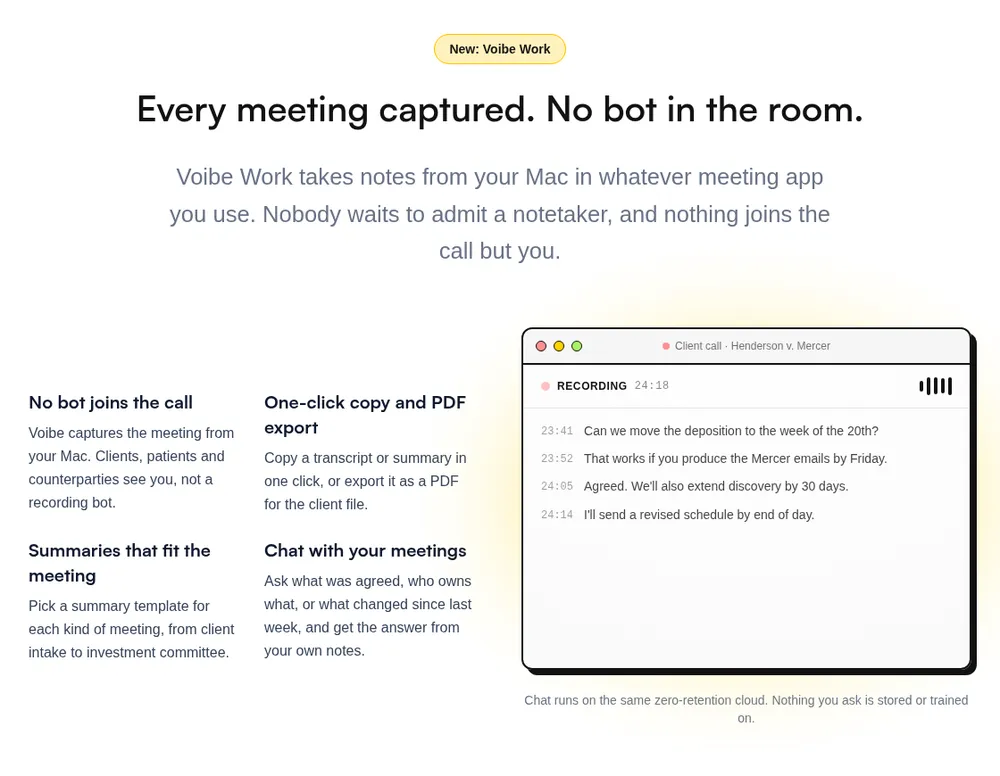
Voibe Work is the meeting-notes plan of Voibe, the app we build. It's my pick for client, patient, HR and deal calls, on Mac or Windows.
It costs more than Krisp Core. What the extra money buys is a different answer to where your meetings end up.
Where your meeting goes
- It captures from your Mac or Windows PC in Zoom, Teams, Google Meet, Webex, Slack huddles or any other meeting app. No bot joins.
- It also records in-person meetings through your Mac or PC's mic.
- Open-source models on zero-retention cloud providers process the audio. No OpenAI, Google, Anthropic or Microsoft model is in the audio path.
- The audio is deleted as soon as processing completes.
- The transcript and summary are saved on your computer, not on Voibe's servers, and they're never used to train AI.
Every provider is listed on Voibe's cloud privacy page. Because of that cloud step, meeting notes need an internet connection.
Voibe reminds you to tell everyone you're taking notes when recording starts; following recording-consent rules is up to you.
How it compares with Krisp
| Krisp | Voibe Work | |
|---|---|---|
| Bot in the call | Off by default; optional bot from Core | None |
| Noise cancellation | Yes | No |
| Recordings | Kept in Krisp's cloud until you delete them | Audio deleted after processing |
| Transcript and summary | Krisp's US cloud | Saved on your computer |
| Dictation | None | Included |
| BAA | Enterprise, 100+ seats | BAA available on request |
What else is in the plan
- You get summary templates for each type of meeting, such as client intake.
- You can chat with your meetings ("what was agreed, who owns what") on the same zero-retention cloud, and nothing you ask is stored.
- Each transcript has speaker labels, one-click copy and PDF export. A meeting can run up to 4 hours.
- Transcripts and summaries arrive 10 to 20 times faster than before, by Voibe's own measurements (October update).
- Meeting MCP lets you ask ChatGPT and Claude about all your meetings.
- Meeting MCP is optional. Whatever ChatGPT or Claude reads becomes part of that chat, under OpenAI's or Anthropic's terms.
Who should skip it
- Skip it if you want noise cancellation from the same app. Voibe doesn't do that job.
- Skip it if you need a phone app or calendar auto-join. Voibe offers to take notes when a call starts instead.
- Skip it if you want CRM or Notion sync, or a recording to replay later.
Price and trial
- Voibe Work is $19 per seat a month, $149 a year, or $399 once, and one seat covers Mac and Windows.
- Voibe Dictation alone is $9.90 a month or $99 a year. Voibe Free keeps dictation at $0 after the trial.
It's rated 4.8/5 on Product Hunt (Voibe app, 6 reviews). Every new account gets a 7-day trial of every Voibe Work feature, with no credit card and no automatic charge.
3. Jamie: If Your Meetings Should Stay in Europe
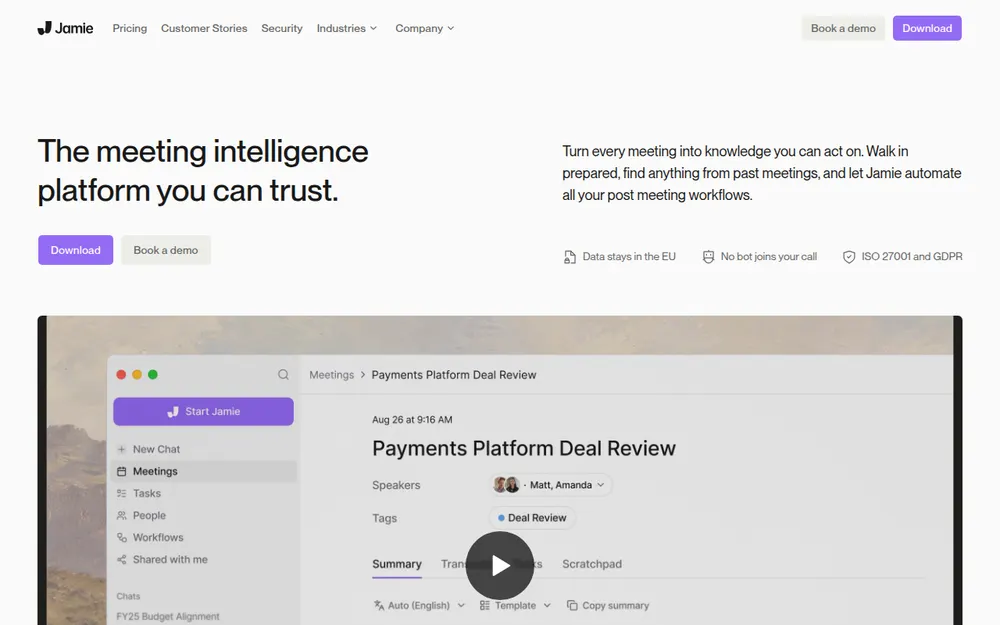
Jamie is Krisp's no-training promise with European hosting. If you're on an EU team, or you simply want the audio gone, look here.
- No bot joins. It captures on Mac and Windows and has an iPhone app.
- Your data stays in the EEA, Switzerland and the UK.
- Jamie says "Meeting audio is deleted after transcription".
- Meeting data "is never used to train AI models, not by Jamie and not by any of our model providers."
Why it isn't higher
It's the most expensive plan here. Plus is $24 a month billed annually ($288 a year), with 20 notes a month and 2-hour meetings.
- The free plan gives 10 AI notes a month, with a 30-minute cap.
- Notes still live in Jamie's cloud, and Jamie has no Android app.
- It holds ISO 27001, with SOC 2 Type II pending. It's rated 4.89/5 on the App Store from 247 ratings.
4. Otter: The Big Name at Krisp Core's Price
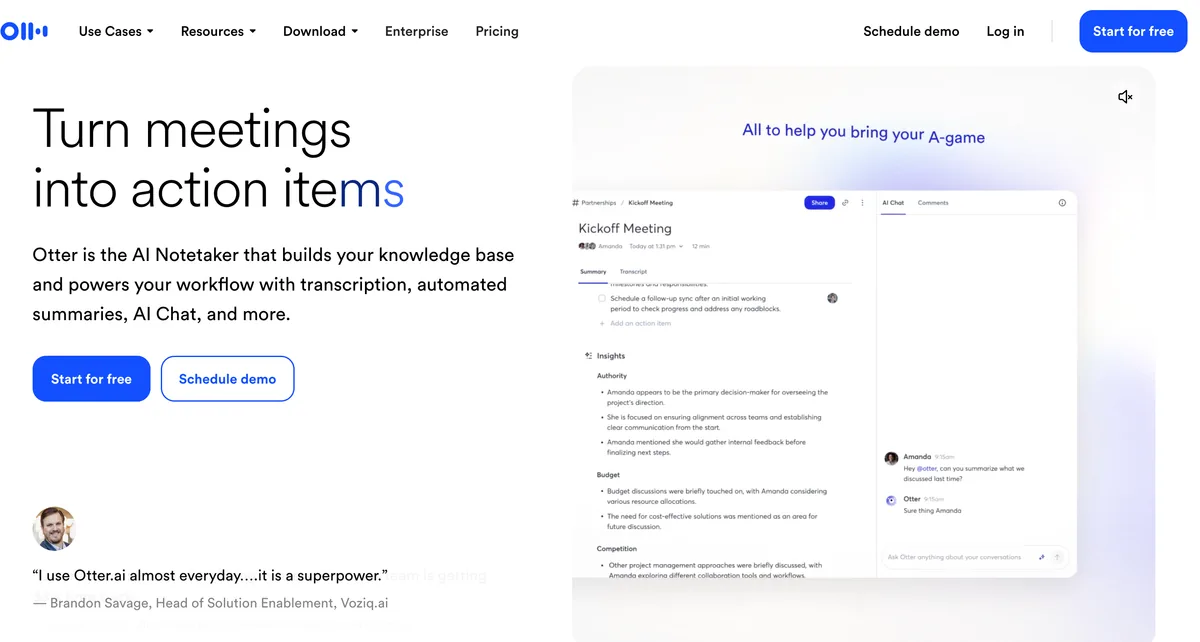
Otter costs about what Krisp Core does and runs on more devices. It also trains on your meetings, which Krisp doesn't.
Where Otter does more than Krisp
- You can send a bot to Zoom, Meet and Teams, or record with the Mac and Windows desktop app and no bot.
- Web, iPhone and Android apps let you record a meeting in the room on your phone.
- Basic is free, with 300 minutes a month.
- It also has the biggest rating sample here: 4.79/5 on the App Store from 84,689 ratings.
What Otter costs you in privacy
Otter trains "our proprietary AI technology on de-identified audio recordings and on transcriptions". I couldn't find an opt-out.
- In In re Otter.AI Privacy Litigation, wiretap, California privacy and BIPA claims survived an August 13, 2026 ruling. They're allegations, not findings.
- CUNY and Eastern Washington blocked Otter.AI. More in Is Otter safe?
Plans and caps
Pro is $16.99 a month, or $8.33 billed annually ($99.96 a year). It allows 1,200 minutes a month, while Krisp Core has no minute cap.
Business plans and caps are in our Otter pricing guide.
5. Fireflies: Meeting Notes Plus Free Dictation
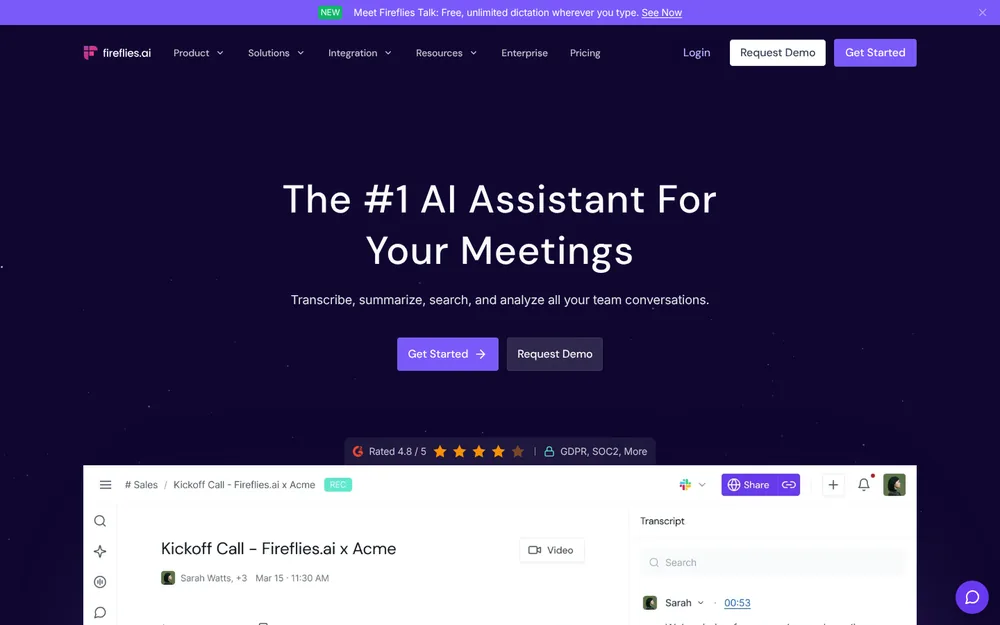
Fireflies is the only app here that gets you meeting notes and dictation for less than Voibe Work. Its Talk dictation is free and unlimited on every plan.
- Take Notes mode records from your desktop with no bot.
- Its policy says "We do not use personal information for AI model training."
- In no-bot mode, a spoken notice plays about 10 seconds in, so people know.
- The free plan has unlimited transcription and 400 minutes of storage.
Where it falls short
- No-bot notes come out as "Speaker 1 / Speaker 2", and no audio is saved.
- Meetings cap at 2 hours on Free and Pro. Krisp allows 4.
- Notes live in Fireflies' cloud, on servers in the US and other countries.
- Fricker v. Fireflies.AI Corp. is a BIPA class action. The CourtListener docket showed no ruling as of October 26, 2026.
Pro is $18 a month, or $10 billed annually ($120 a year). It's rated 4.82/5 on the App Store from 5,365 ratings.
More in our Fireflies pricing guide and Is Fireflies safe?
6. Quill Meetings: The Free Pick That Transcribes Locally
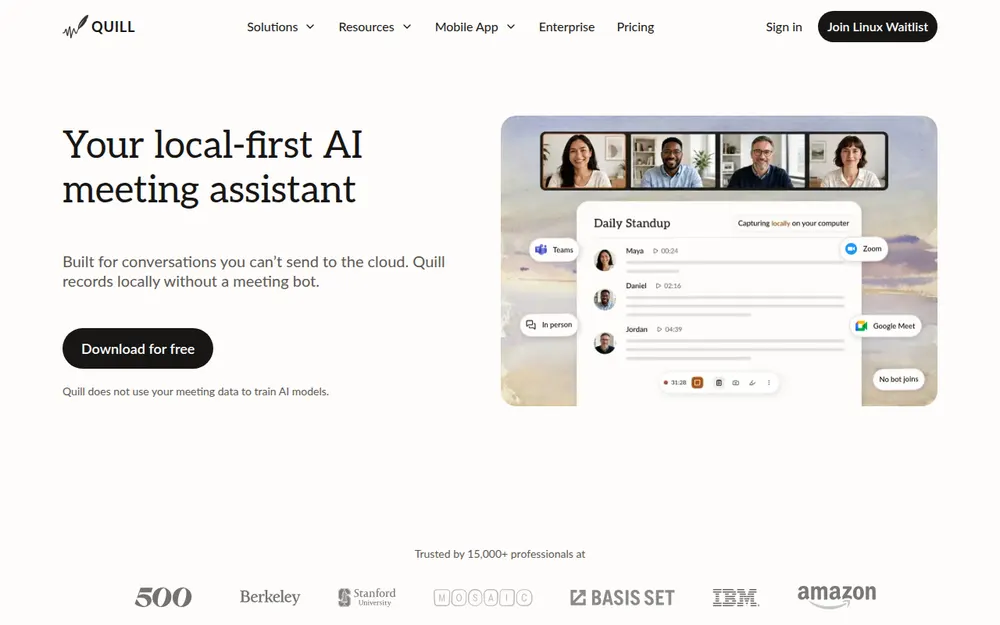
If you left Krisp over the price, start here. Quill Meetings is free, nothing joins your call, and the transcript is made on your own computer.
That last part is rare on this list. Quill also identifies speakers locally and says it doesn't train on meeting data.
Where Quill falls short
The summaries aren't local. By default Quill sends the transcript text, not the audio, to a cloud model unless you plug in your own key or a local model.
- The Mac app needs Apple Silicon.
- Lite caps AI notes at 16 hours of meetings a month.
- I couldn't find a refund policy.
What it costs
Free is $0. Lite is $7.99 a month, or $83.88 a year billed annually.
It's rated 4.56/5 on the App Store, though from only 9 ratings.
7. Circleback: For Notes That Need to Go Somewhere
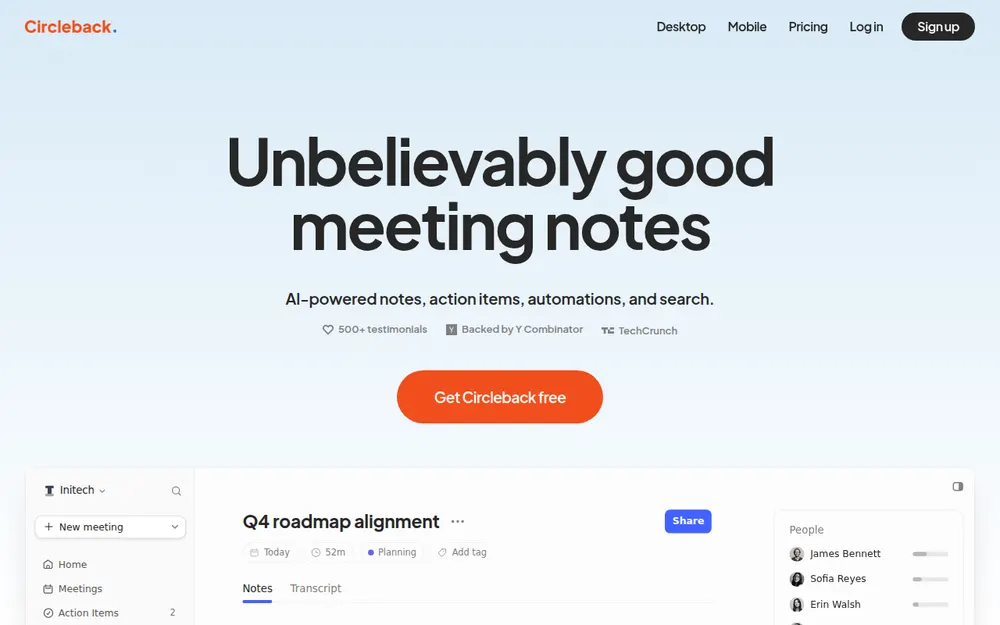
Circleback is for teams that want notes to land somewhere useful, like a CRM, Notion or an issue tracker.
- You can choose a bot or no bot on every plan, Free included.
- Automations cover Notion, HubSpot, Salesforce, Attio, Linear and webhooks.
- It says "We do not use customer data to train models", holds SOC 2 Type II, and hosts in the US.
Before you switch
When joining preferences are on, the bot joins first, and the desktop app records video by default. Its importer skips Krisp, and payments are non-refundable, like Krisp's.
Free keeps 30 days of history. Pro is $18 a month, or $15 billed annually ($180 a year). It's rated 4.81/5 on the App Store from 263 ratings.
8. Notta: The Closest Match to Krisp Core's Price
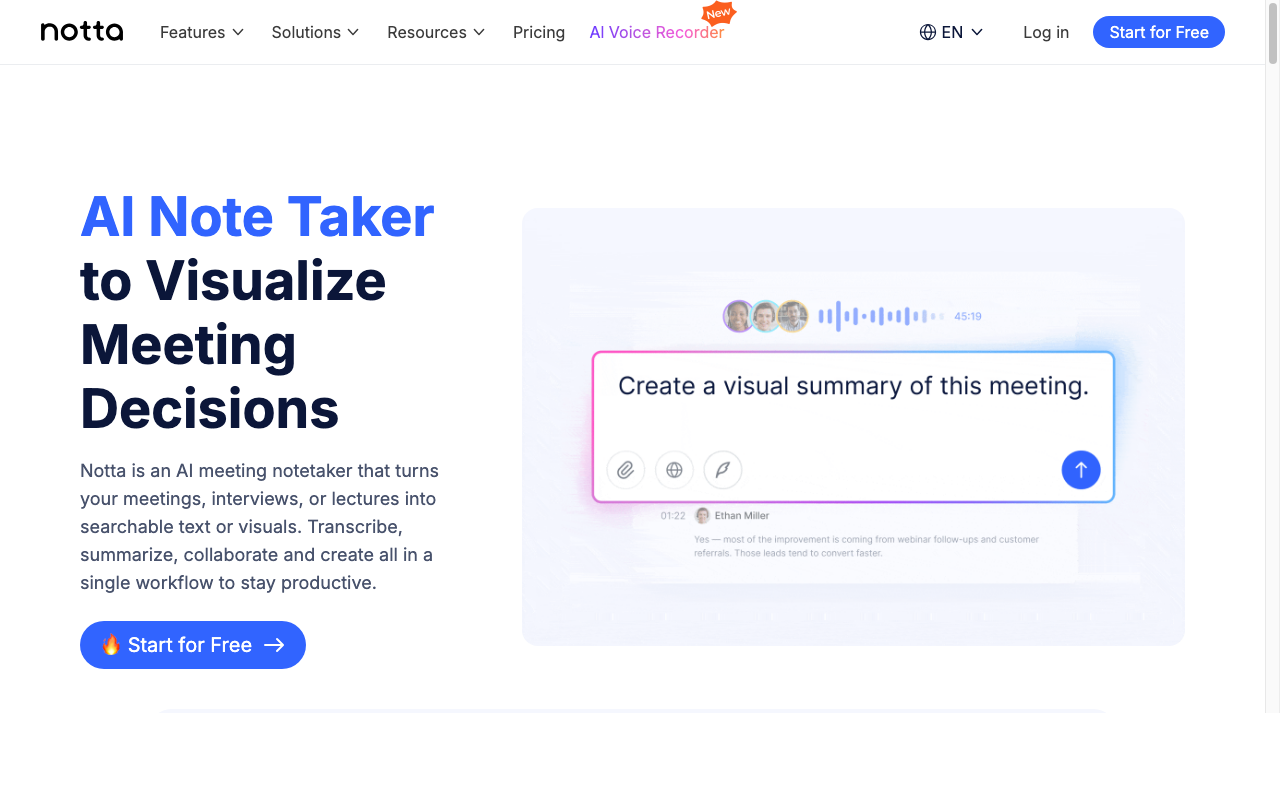
Notta costs almost exactly what Krisp Core does. Pro is $13.49 a month, or $97.99 a year, and records up to 5 hours at a time.
You get a bot when you want one, plus a bot-free desktop app (in beta) for Mac and Windows.
Why I ranked it eighth
- "Your data is stored in a data center located in Tokyo," and transcripts are kept until you delete them.
- "No data training" is listed as an Enterprise feature, with no such promise for Pro or Business.
- The free plan gives 120 minutes a month, but only 3 minutes per conversation.
- The web 3-day trial charges the annual fee when it ends, and web purchases are generally non-refundable.
Notta is rated 4.07/5 on the App Store from 1,467 ratings.
9. Fathom: The Best Free Plan, If You Don't Mind a Bot
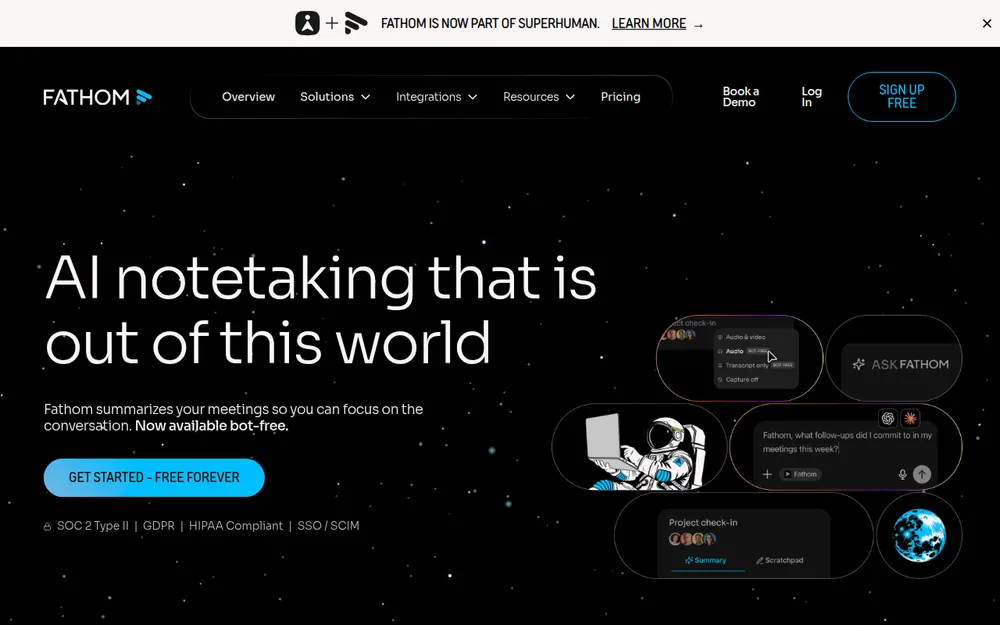
Fathom fills Krisp's biggest gap. Fathom Free gives you unlimited recordings, transcriptions and storage for nothing.
The AI is capped, though. You get "Advanced summaries for your first 5 calls each month", then a simpler template.
The trade-offs
- A bot joins by default. Bot-free capture is a beta that only works on Mac for now.
- Training is on by default (de-identified), with an opt-out in settings.
- Recordings stay until you delete them, and auto-delete is Enterprise-only. See Is Fathom safe?
- Fathom has been part of Superhuman since September 14, 2026.
Premium is $20 a month, or $16 billed annually ($192 a year), and paid plans list a "90 day guarantee".
It's rated 4.9/5 on the Chrome Web Store from 1.7K ratings. Every plan is in our Fathom pricing guide.
Other Krisp Alternatives I Looked At
Three more came close.
- Read AI uses a bot by default. Pro is $180 a year, and AI training is opt-in.
- Wispr Flow Notetaker is bot-free, but notes sit in Wispr's US cloud and training is on by default. I compared it in Wispr Flow Notetaker vs Voibe Work.
- Bluedot is bot-free by default. Basic is $14 a month billed annually ($168 a year), audio only, with a 1-hour cap.
More options are in our best no-bot meeting note takers, and every roundup is on our alternatives hub.
No Bot Doesn't Mean No Consent
Krisp records without a bot by default, so the other side may never see a note taker. That makes telling them your job.
How each tool handles it
- One Krisp App Store reviewer rolled back the desktop app "to avoid annoying recording warnings in chat".
- Notta's bot-free page says "No one knows but you," while its FAQ says you're "still responsible for informing participants".
- Voibe Work has no bot in the call. Voibe reminds you to tell everyone you're taking notes when recording starts; following recording-consent rules is up to you.
What the law asks
About a dozen US states generally require everyone in a private conversation to agree to a recording. California, Florida, Illinois, Maryland, Massachusetts, Pennsylvania and Washington are among them.
Justia keeps a 50-state survey. This is general information, not legal advice.
What I'd say at the start of a call
"I'm using an AI note taker so I can focus. It doesn't join as a bot. Is everyone okay with that?"
If anyone says no, turn it off. Lawyers can find the ethics rules in our guide to choosing a meeting note taker.
Warning
No app can get consent for you. Tell everyone on the call, every time, and check the rules where each participant is located.
Before You Cancel Krisp
I'd do these in order. The first four clean up what Krisp keeps and what it changed on your computer.
- Export what you want to keep. After a trial ends, the Terms give you 90 days for export only.
- Delete the rest in the app's Storage settings, or email Krisp's privacy team. Otherwise it's kept "UNTIL YOU INSTRUCT US TO DELETE" it.
- Switch your meeting app back to your real microphone and speakers, then turn on its noise suppression.
- Remove the calendar connection, and remove Krisp's MCP server from Claude, ChatGPT or Cursor if you added it.
- Cancel before the renewal date, because renewal charges "are non-refundable".
- Run your replacement for a week. Voibe Work's 7-day trial needs no credit card.
How to Choose the Right Krisp Alternative
Answer these in order, and stop at your first yes.
- Is background noise your only problem? Turn on suppression in Zoom, Teams or Meet, or try NVIDIA Broadcast on an RTX PC.
- Are your calls confidential? Pick Voibe Work, with no bot and notes saved on your computer.
- Do you need it free? Pick Fathom Free if a bot is fine, or Quill Meetings for local transcription.
- Do you want a bot on some calls? Pick Fireflies or Circleback, which pair a bot with a desktop app and don't train.
- Must your data stay in the EU? Pick Jamie, which stores it there and never trains.
If you said no to all five, get Granola. It's the best all-round bot-free app, on Mac, Windows, iPhone and Android.
Best Krisp Alternative for Your Situation
If you already know what you need, find your row.
| Your situation | Pick | Why |
|---|---|---|
| You only need noise cancellation | Zoom, Teams or Meet's built-in suppression | Teams has it on by default |
| Best all-round notes | Granola | Bot-free on four platforms |
| Confidential client calls | Voibe Work | Notes saved on your computer |
| Free, and a bot is fine | Fathom Free | Unlimited recordings |
| Free, and transcripts stay local | Quill Meetings | Local transcription |
| The same money as Krisp Core | Notta Pro or Otter Pro | Within $4 a year of Core |
| Cheapest notes plus dictation | Fireflies | Talk dictation is free |
| Notes into a CRM or Notion | Circleback | Automations and webhooks |
Frequently Asked Questions About Krisp Alternatives
Picking an alternative
What is the best Krisp alternative?
Granola is the best Krisp alternative for most people.
- It records with no bot on every major platform and has a free plan.
- It does train on anonymised data by default.
- For confidential calls, I'd pick Voibe Work.
Is there a Krisp alternative without a bot?
Yes, several Krisp alternatives never use a bot.
- Granola, Voibe Work, Jamie and Quill Meetings are bot-free.
- Otter, Fireflies, Circleback and Notta have desktop apps that record without one.
Does Krisp still have a free plan?
No, Krisp no longer has a free plan.
- It offers a 7-day trial, and when that ends, "all access to Krisp will immediately cease," noise cancellation included.
- Users say the old free tier ended around December 2025.
Noise cancellation
Is there a free alternative to Krisp's noise cancellation?
Yes, and you probably have it already.
- Microsoft Teams turns noise suppression on by default, and Zoom has four levels.
- Google Meet has it on certain Workspace and Google One plans.
- Voibe has no noise cancellation.
Does Voibe have noise cancellation?
No, Voibe has no noise cancellation.
- Voibe Work takes meeting notes and Voibe dictates in any app, but neither cleans up your microphone.
- Use your meeting app's built-in noise suppression alongside it.
Privacy and training
What is the most private Krisp alternative?
Voibe Work is the most private option here.
- No bot joins, the audio is deleted after processing, and the notes are saved on your computer, never trained on.
- Meeting notes need internet.
- Voibe reminds you to tell everyone you're taking notes when recording starts; following recording-consent rules is up to you.
Does Krisp train AI on my meetings?
Krisp says it doesn't.
- Its pricing FAQ says "Your meeting data is never used to train Krisp's AI models."
- Recordings and notes do stay in its US cloud until you delete them.
Does Krisp transcribe on my device or in the cloud?
Krisp's own pages disagree on this.
- The security page says your machine, and the help center says the cloud.
- The pricing page makes on-device transcription an Enterprise feature.
Price and refunds
Is Voibe Work cheaper than Krisp?
Voibe Work isn't cheaper than Krisp Core, but it is cheaper than Advanced.
- It costs $149 a year, $53 (55.2%) more than Core's $96 and $31 (17.2%) less than Advanced's $180.
- It also includes dictation, which Krisp lacks.
Which Krisp alternative costs the same as Krisp Core?
Notta Pro and Otter Pro cost almost exactly what Krisp Core does.
- Notta Pro is $97.99 a year and Otter Pro is $99.96, against Core's $96.
- Quill Lite is cheaper at $83.88.
Can I get a refund from Krisp?
Generally not, so cancel before your renewal date.
- Krisp's Terms say "All fees are non-refundable, except as expressly stated otherwise."
- Voibe's paid plans have a 30-day money-back guarantee.
My Verdict on Krisp Alternatives
Krisp gets real things right. It never trains on your meetings, it's bot-free by default, and its noise cancellation runs on your device.
If you use both halves every day and Core fits your budget, staying is a fair call.
My pick for confidential calls
I'd use Voibe Work. It fixes the one thing Krisp doesn't, which is the cloud archive of your meetings.
Voibe reminds you to tell everyone you're taking notes when recording starts; following recording-consent rules is up to you.
Where I'd go instead
- For notes, most people should start with Granola. It's bot-free on every device and has a free plan, but it trains by default.
- If money is tight, take Fathom Free when a bot is fine, or Quill when it isn't.
Try Voibe Work free for 7 days → You get every feature, with no credit card and no automatic charge.
Cancelled Krisp? Email the confirmation to hi@getvoibe.com. Voibe's switch offer gives you Voibe Work free for the rest of your Krisp plan, plus a bonus month, up to 12 months.
Key Takeaway
Split Krisp's two jobs. Your meeting app's built-in suppression handles the noise. For notes, Granola is the best Krisp alternative for most people, and Voibe Work is the pick for confidential work: no bot, notes saved on your computer, never trained on, and dictation included.
Meeting notes without a bot in your call
Voibe Work takes notes from Zoom, Teams and Meet on your Mac, with dictation included. Nothing used to train AI.
- Mac + Windows
- No bot in your calls
- Nothing used to train AI
- 7-day free trial
Want to compare plans first? View pricing →
Related Articles
Best No-Bot Meeting Note Takers
Every bot-free notetaker, ranked on where notes go.
Granola Alternatives
Bot-free notes without the default training.
Otter AI Alternatives
Meeting notes without training on your calls.
Voibe Work: Meeting Notes With No Bot
How Voibe Work captures, processes and saves a meeting.