
9 Best Notta Alternatives in 2026: Better Free Plans, Private Notes
The best Notta alternatives, ranked: 1. Otter 2. Voibe Work 3. Granola 4. Fireflies 5. Fathom 6. Quill 7. Jamie 8. Krisp 9. TurboScribe

TL;DR: Which Notta Alternative Should You Pick?
Notta's free plan transcribes the first 3 minutes of each conversation. Record a 45-minute call and 42 minutes of it never become text.
One Trustpilot reviewer uploaded a 70MB file, waited several minutes, and found that "you get the first 3 minutes transcribed only."
What I'd use instead
I tested nine Notta alternatives, and two stand out.
- If you liked Notta and just hated the free plan, move to Otter. It works the same way, with 30 free minutes per conversation, but trains on de-identified recordings.
- For confidential meetings, I'd pick Voibe Work, the meeting-notes plan of Voibe (the app we build). No bot joins, and notes are saved on your computer.
Voibe reminds you to tell everyone you're taking notes when recording starts; following recording-consent rules is up to you.
Where Voibe Work costs more
Voibe Work is $149 a year. That's $51.01 (52.1%) more than Notta Pro and $50.99 (25.5%) less than Notta Business.
More bot-free picks are in our no-bot note taker roundup.
The full ranking
- Otter is the closest like-for-like swap.
- Voibe Work is the one for confidential meetings.
- Granola is the best bot-free notepad, on every device.
- Fireflies gives you free transcription and free dictation.
- Fathom has the best free plan, if a bot is fine.
- Quill Meetings transcribes on your computer for free.
- Jamie keeps your data in the EU.
- Krisp adds noise cancellation at Notta Pro's price.
- TurboScribe is for files, not meetings.
Key takeaways
| Alternative | Pick it if | Bot in the call | Where notes live |
|---|---|---|---|
| Otter | You want Notta, with a usable free plan | Bot, or desktop app with no bot | Otter's cloud |
| Voibe Work | Your meetings are confidential | No | On your computer |
| Granola | You want bot-free notes everywhere | No | Granola's US cloud |
| Fireflies | You want it all free | Bot, or Take Notes with no bot | Fireflies' cloud |
| Fathom | You want unlimited free recordings | Bot by default; bot-free beta on Mac | Fathom's US cloud |
Key Takeaway
Otter is the closest Notta alternative: a bot or a bot-free desktop app, file imports, phone apps and 30 free minutes per conversation. For confidential meetings, I'd pick Voibe Work. No bot joins, the audio is deleted, and notes are saved on your computer. It costs more than Notta Pro and less than Notta Business.
Why People Are Leaving Notta
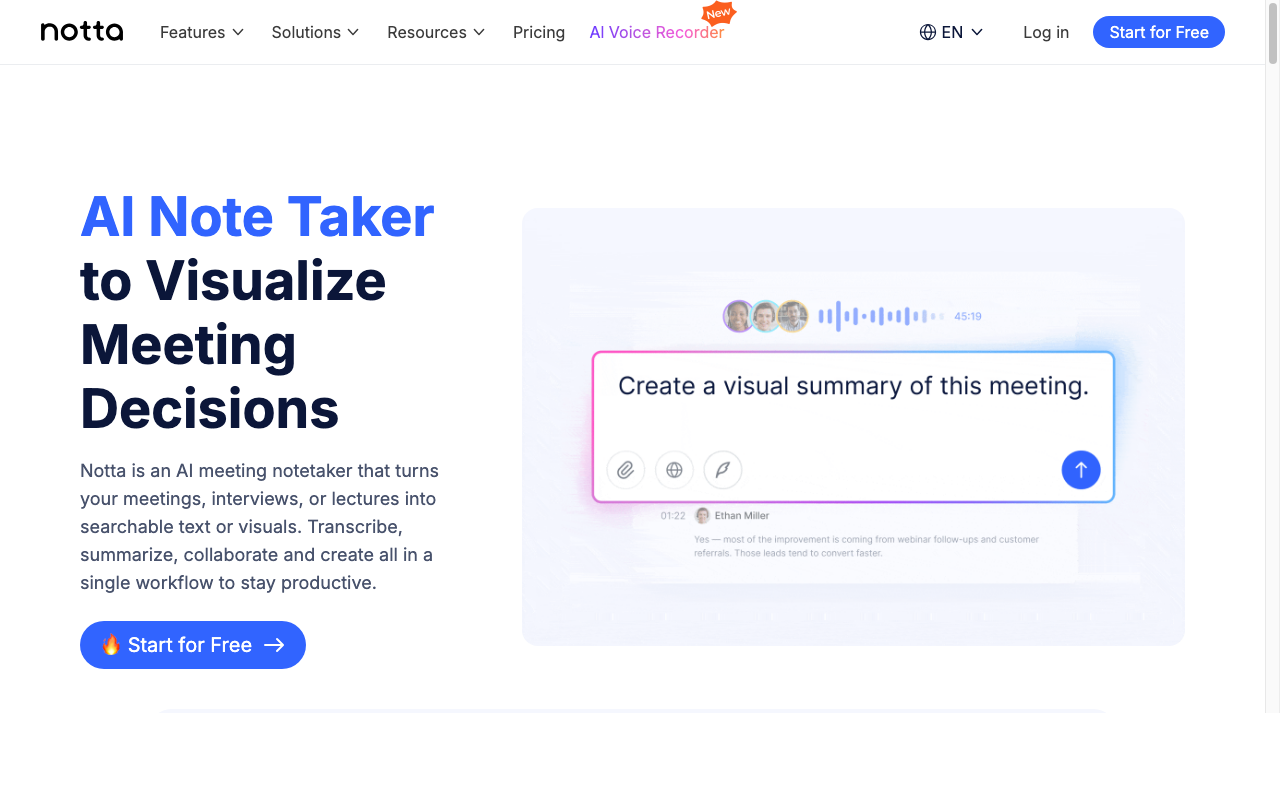
Notta records meetings with a bot or a bot-free desktop app, and transcribes uploaded files in 58 languages.
It's run from Singapore (Notta 株式会社 in Japan) and started as a service of Langogo, a Shenzhen company.
- The iPhone app is rated 4.07/5 on the App Store (1,467 ratings), and the Android app 4.1/5 on Google Play (21,519).
- The Chrome extension sits at 2.8/5 on the Chrome Web Store (44). I checked all three on October 28, 2026.
The free plan stops at minute 3
Free gives you 120 minutes a month, but only "up to 3 minutes per conversation". Minutes don't roll over, silence counts, and usage is "rounded up".
Downgrade and you "can only view the first 3 minutes of the transcript as a Free user".
Trials turn into paid plans
- The 3-day web trial needs a card. "The annual fee(97.99 USD) will be charged as soon as the 3-day trial ends."
- On mobile, the annual fee can land "at any time within 24 hours before your trial ends". Deleting the app doesn't cancel it.
- The 7-day Business trial needs a card too, and then renews as "Business Monthly".
Michael Young on Trustpilot, July 2025: "I signed up for a free trial with Notta and was charged $97.99 USD without any warning or reminder when the trial ended."
Refunds won't save you. Notta's help center says "refunds are generally not provided for paid plans purchased through the Web platform."
Trustpilot pulled its score
Notta on Trustpilot shows no score: "This company's rating is unavailable due to a breach of our guidelines." Of the 170 reviews left, 87% are 1-star.
Your meetings sit in Tokyo, indefinitely
- Notta's help center says "Your data is stored in a data center located in Tokyo." It runs on AWS.
- Transcripts are kept "indefinitely" unless you delete them. Auto-delete is "Available for Enterprise plan users only".
- "No data training" is an Enterprise feature. I found no such promise for Pro or Business.
Its security page says it follows "HIPAA guidelines", but I found no business associate agreement offered anywhere public.
What Notta still does well
- Pro is cheap per minute, with 1,800 minutes a month and 5-hour recordings.
- Privacy Mode, a paid beta in Notta Desktop, transcribes on your computer in 4 languages, or 11 with Apple's engine on macOS 26 or later.
- A new MCP server (October 2026) lets Claude Desktop, Cursor and Codex read your transcripts and summaries.
If Pro's limits fit and your calls aren't sensitive, staying put is reasonable.
What a 45-Minute Call Gets on Each Free Plan
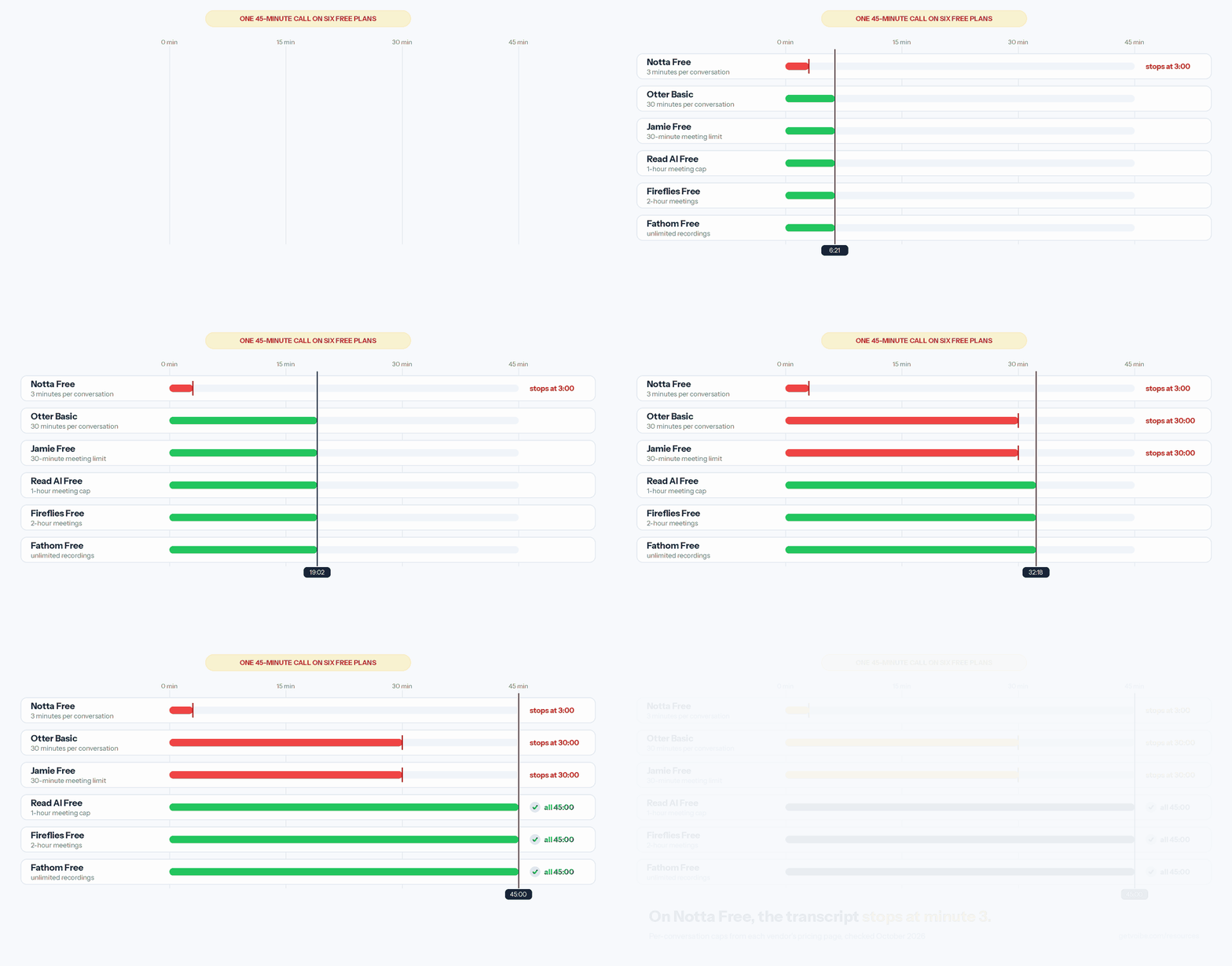
Free plans are where these apps differ most. This is what each does with one 45-minute call.
- Notta Free transcribes the first 3 minutes, and caps the month at 120.
- Otter Basic gets you 30 minutes, with 300 minutes a month.
- Jamie Free also stops at 30 minutes, and gives you 10 AI notes a month.
- Read AI Free covers all 45 minutes. Meetings cap at 1 hour, 5 a month.
- Fireflies Free covers the whole call, with meetings up to 2 hours and 400 minutes of storage.
- Fathom Free covers it too, with unlimited recordings.
Two free options skip the bot. Quill transcribes on your computer with unlimited recordings, and Granola Basic shows your last 30 days of notes.
Where Voibe fits
Voibe has no free meeting-notes plan. Every new account gets a 7-day trial of every Voibe Work feature, with no credit card and no automatic charge.
Afterwards, Voibe Free keeps dictation at $0, with limited words on one device.
Where Your Meetings Go: Notta vs the Alternatives
Leaving Notta fixes the 3-minute cap. Where your meetings end up afterwards is a separate decision.
Whose cloud holds your notes
- Notta keeps them in Tokyo until you delete them.
- Otter, Granola, Fathom and Krisp keep them in their own US clouds.
- Fireflies stores them in the US and other countries.
- Jamie keeps them in Europe and deletes the audio after transcription.
- Voibe Work and Quill save them on your computer.
Who trains on them
- Otter trains on de-identified recordings, and I found no opt-out.
- Granola and Fathom train by default, but you can opt out.
- Voibe Work, Fireflies, Jamie, Quill and Krisp say they don't train on your meetings.
One thing to know about Voibe Work: meeting notes need internet. Open-source models on zero-retention cloud providers process the audio and then delete it.
How I Tested and Ranked These Notta Alternatives
I tested every app on this list on real calls, then checked each claim against the vendor's own pages, between October 8 and October 28, 2026.
Notta's facts come from its own pricing page, help center, terms and security page.
The six questions I asked of each app
- How long can one meeting run? The per-conversation cap matters more than monthly minutes.
- Does a bot have to join? A bot-free app records from your computer, so only you can start it.
- Where do the notes live, and for how long?
- Does the no-training promise cover every plan?
- How does the trial end? A card-required trial that converts to annual is a commitment.
- Does it handle uploaded files as well as live meetings?
Why Otter is first and Voibe Work second
Otter matches Notta feature for feature, costs about the same and has a far roomier free plan.
Voibe Work wins on where your data goes. It has no phone app, no file import and no free meeting-notes plan, so it isn't first.
Notta Alternatives Compared Side by Side
Notta is the first row, for reference. Ratings are from the App Store unless noted, checked October 13 to 28, 2026.
| App | Bot? | Platforms | Notes stored | Trains on your data? | Rating |
|---|---|---|---|---|---|
| Notta (reference) | Bot, or bot-free desktop beta | Web, Mac, Windows, iOS, Android | Notta cloud, Tokyo | Only Enterprise promises no | 4.07/5 (1,467) |
| Otter | Bot, or no-bot desktop app | Web, Mac, Windows, iOS, Android | Otter cloud | Yes; no opt-out found | 4.79/5 (84,689) |
| Voibe Work | No bot | Mac, Windows | On your computer | Never | 4.8/5 Product Hunt (Voibe app, 6) |
| Granola | No bot | Mac, Windows, iOS, Android | Granola cloud, US | By default, opt-out | 4.96/5 (14,449) |
| Fireflies | Bot, or Take Notes with no bot | Web, Mac, Windows, iOS, Android | Fireflies cloud, US and other countries | No | 4.82/5 (5,365) |
| Fathom | Bot, or no-bot beta on Mac | Mac, Windows, iPhone | Fathom cloud, US | By default, opt-out | 4.9/5 Chrome Web Store (1.7K) |
| Quill Meetings | No bot | Mac (Apple Silicon), Windows, iOS, Android | On your computer | No | 4.56/5 (9) |
| Jamie | No bot | Mac, Windows, iPhone | Jamie cloud, EU | Never | 4.89/5 (247) |
| Krisp | No bot by default; optional bot | Mac, Windows, iOS, Android | Krisp cloud, US | No | 4.73/5 (270) |
| TurboScribe | Files only | Web | TurboScribe cloud | Not checked | 4.4/5 Trustpilot (500) |
Two apps keep notes on your computer
Only Voibe Work and Quill save your notes locally. Of the two, only Voibe Work runs on Intel Macs and includes a dictation app.
What a Year Costs Compared With Notta Pro and Business
What Notta charges
- Free is $0, with 120 minutes a month, 3 minutes per conversation and 50 file uploads.
- Pro is $97.99 a year ($8.17 a month), or $13.49 month to month. You get 1,800 minutes a month and 5-hour recordings.
- Business is $199.99 a year per seat ($16.67 a month), or $27.99 monthly, with unlimited transcription.
The toggle promises "40% OFF", but the real saving is 39.5% on Pro and 40.5% on Business. Buying in the iPhone app costs more: $114.99 for Annual Pro.
What each alternative costs per year
This is the cheapest plan for regular use, billed annually where offered, checked October 13 to 28, 2026.
| Alternative | Plan | Per year | vs Notta Pro ($97.99) | vs Notta Business ($199.99) |
|---|---|---|---|---|
| Quill Meetings | Lite, 16 hours of AI meetings a month | $83.88 | Save $14.11 (14.4%) | Save $116.11 (58.1%) |
| Krisp | Core | $96 | Save $1.99 (2.0%) | Save $103.99 (52.0%) |
| Otter | Pro, 1,200 min a month | $99.96 | $1.97 more (2.0%) | Save $100.03 (50.0%) |
| Fireflies | Pro, 2-hour meetings | $120 | $22.01 more (22.5%) | Save $79.99 (40.0%) |
| TurboScribe | Unlimited, files only | $120 | $22.01 more (22.5%) | Save $79.99 (40.0%) |
| Voibe Work | Annual, unlimited meetings | $149 | $51.01 more (52.1%) | Save $50.99 (25.5%) |
| Granola | Business, billed monthly only | $168 | $70.01 more (71.4%) | Save $31.99 (16.0%) |
| Fathom | Premium | $192 | $94.01 more (95.9%) | Save $7.99 (4.0%) |
| Otter | Business, 4-hour cap | $239.88 | $141.89 more (144.8%) | $39.89 more (19.9%) |
| Jamie | Plus, 20 notes a month | $288 | $190.01 more (193.9%) | $88.01 more (44.0%) |
Where Voibe Work is the more expensive choice
Notta Pro is cheaper than Voibe Work, with more minutes and 5-hour recordings. Quill, Krisp, Otter, Fireflies and TurboScribe all undercut it too.
If a vendor cloud doesn't bother you, those are better buys.
Voibe Work against Notta, by billing period
- Month to month, Voibe Work's $19 is $5.51 (40.8%) more than Pro's $13.49 and $8.99 (32.1%) less than Business's $27.99.
- Lifetime is $399 once. Five years of Notta Pro costs $489.95, so lifetime saves $90.95 (18.6%) at today's prices.
Every meeting and dictation price lives on our pricing hub. Otter goes plan by plan in our Otter pricing guide.
Notta Has No Dictation App, and That Changes the Math
Notta transcribes meetings and files. It has no system-wide dictation.
What two apps cost against one
- Notta Pro plus Wispr Flow Pro is $97.99 + $144 = $241.99 a year. Voibe Work covers both for $149, which is $92.99 (38.4%) less.
- Fireflies beats both. Fireflies Talk dictation is free on every plan, so Fireflies Pro covers both jobs for $29 (24.2%) less than Voibe Work.
What the Voibe side includes
You get dictation in any app, with push-to-talk (hold Fn) and a Dictionary for names and jargon. On Apple Silicon Macs it can run on-device with no internet.
Meeting notes always use the zero-retention cloud. Wispr Flow's plans are in our Wispr Flow pricing guide.
If you mostly transcribe files
Uploads are a big reason people use Notta. Voibe's desktop app doesn't import files, but the Voibe speech-to-text API does.
- You get 15 free minutes, then packs from $10 for 2,000 minutes to $100 for 24,000.
- Billing is per second, charged only when a job reaches DONE, on the same zero-retention pipeline as the apps.
No code? Our guide to transcribing a Zoom recording covers simpler routes.
1. Otter, the Closest Thing to Notta
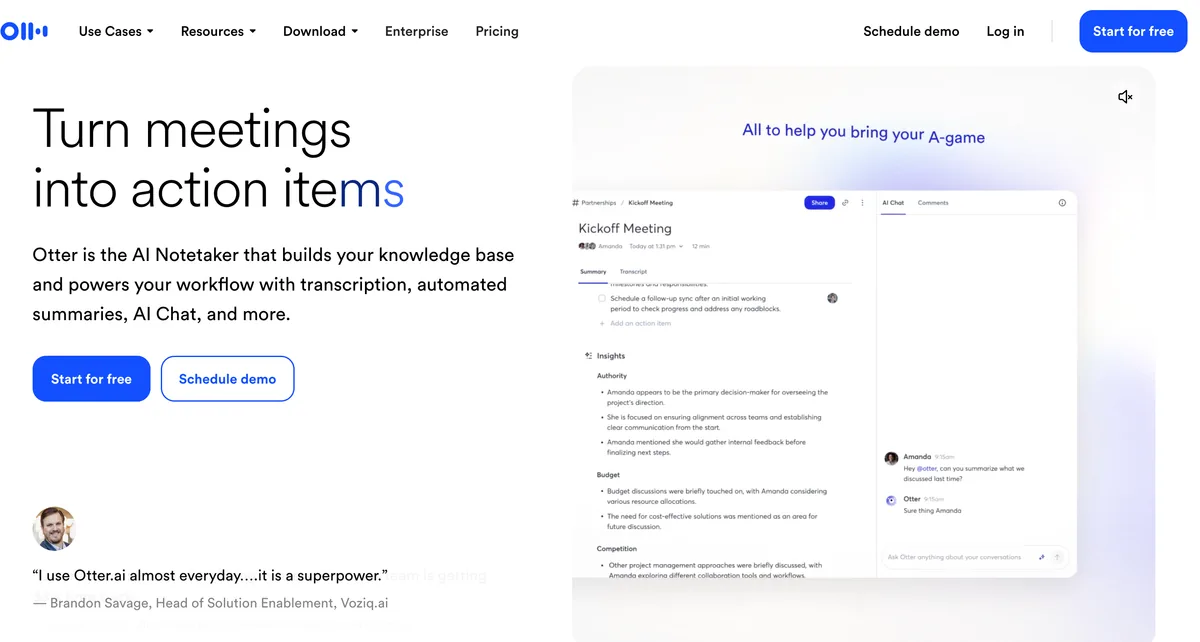
If you liked Notta and just hated the free plan, Otter is where I'd go. It's the same shape and price, with far more for free.
Why it feels familiar
- You can send a bot to Zoom, Teams and Meet, or use the desktop app with no bot on Mac and Windows.
- The desktop app can spot a call, Slack huddles included, and start recording.
- Basic, the free plan, gives you 300 minutes a month and 30 minutes per conversation.
- File imports and an MCP server come with every plan, and there are iPhone and Android apps.
What Otter does with your recordings
Otter's privacy policy covers "training our proprietary AI technology on de-identified audio recordings and on transcriptions". I couldn't find an opt-out.
- An August 13, 2026 order in In re Otter.AI Privacy Litigation let wiretap, California privacy and Illinois biometric claims proceed.
- Otter denies them, and they're allegations, not findings (CourtListener docket).
Where Notta Pro still gives you more
Otter Pro has 1,200 minutes a month and a 90-minute cap. Notta Pro gives you 1,800 minutes and 5 hours per recording.
The trial will feel familiar, too. The 7-day Business trial needs a card and converts to Business Monthly ($30), and subscriptions are non-refundable.
Otter's price and rating
Pro is $16.99 monthly, or $8.33 a month billed annually ($99.96 a year). That's $1.97 (2.0%) more than Notta Pro. Business is $19.99 a month annually ($239.88).
It's rated 4.79/5 on the App Store from 84,689 ratings. For more, see Otter pricing and Is Otter safe?
2. Voibe Work, for Meetings You'd Never Forward
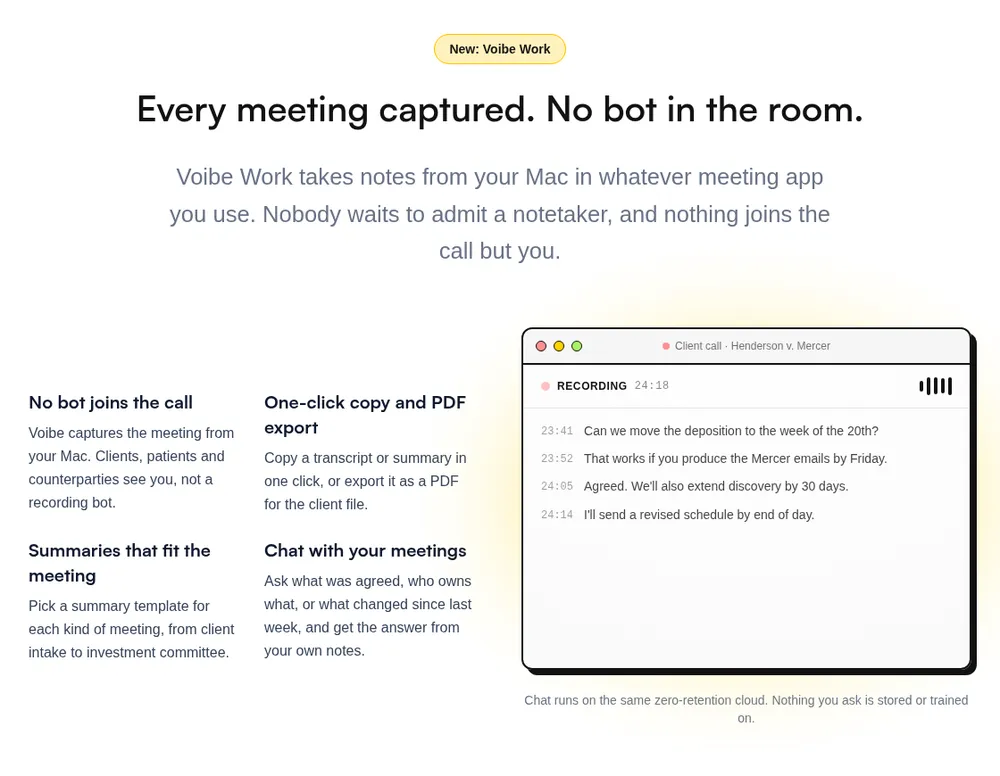
Voibe Work is Voibe's meeting-notes plan. I'd pick it over everything else here if your meetings are the kind you'd never forward.
That covers lawyers, advisors, clinicians, HR teams and anyone in deal talks.
How it keeps meetings off a vendor's cloud
- No bot joins. It captures from your Mac or Windows PC in Zoom, Microsoft Teams, Google Meet, Webex, Slack huddles or any other meeting app.
- It also records in-person meetings through your Mac or PC's mic.
- Open-source models on zero-retention cloud providers process the audio, and it's deleted as soon as processing completes.
- The transcript and summary are saved on your computer, not on Voibe's servers.
- Your meetings are never used to train AI, on any plan.
Every provider is listed on Voibe's cloud privacy page. Meeting notes need an internet connection, and our Voibe Work launch post explains why.
Voibe reminds you to tell everyone you're taking notes when recording starts; following recording-consent rules is up to you.
Notta and Voibe Work, side by side
| Notta | Voibe Work | |
|---|---|---|
| Bot in the call | Bot, or bot-free desktop beta | No, on Mac and Windows |
| Telling participants | Bot-free page: "No participant notification" | A reminder when recording starts |
| Where notes live | Tokyo, until you delete them | On your computer |
| Meeting audio | Kept in Notta's cloud | Deleted after processing |
| Training | "No data training" on Enterprise | Never |
| BAA | None found; "Follow HIPAA guidelines" | BAA available on request |
| Trial | Card required, converts to annual | 7 days, no card, no automatic charge |
| Refunds | "generally not provided" on web | 30-day money-back guarantee |
What you get in the notes
- Every line gets a speaker label and a time. Rename a speaker and the summary updates, though names aren't pulled from your calendar.
- There are templates for each type of meeting, such as client intake or investment committee.
- You can chat with your meetings ("what was agreed, who owns what") on the same zero-retention cloud. Nothing you ask is stored.
- Copying or exporting a PDF takes one click.
- Transcripts and summaries arrive 10 to 20 times faster than before, by Voibe's own measurements.
- Meeting MCP lets you ask ChatGPT and Claude about all your meetings. It's optional, and whatever they read becomes part of that chat, under OpenAI's or Anthropic's terms.
Where it falls short
- It costs $51.01 (52.1%) a year more than Notta Pro, and $49.04 (49.1%) more than Otter Pro.
- A meeting can run up to 4 hours. Notta Pro allows 5 hours per recording.
- It has no phone app, no file import in the app and no bot option.
- Voibe lists no calendar auto-join, so it can't cover a meeting you aren't in.
- You get a 7-day trial, but no free meeting-notes plan.
Voibe Work's price and rating
Voibe Work is $19 a month, $149 a year, or $399 once for lifetime access. Voibe Dictation alone is $9.90, $99 or $199.
The Voibe app is rated 4.8/5 on Product Hunt from 6 reviews. If you work in law, our guide for lawyers goes deeper.
3. Granola, the Best Bot-Free Notepad
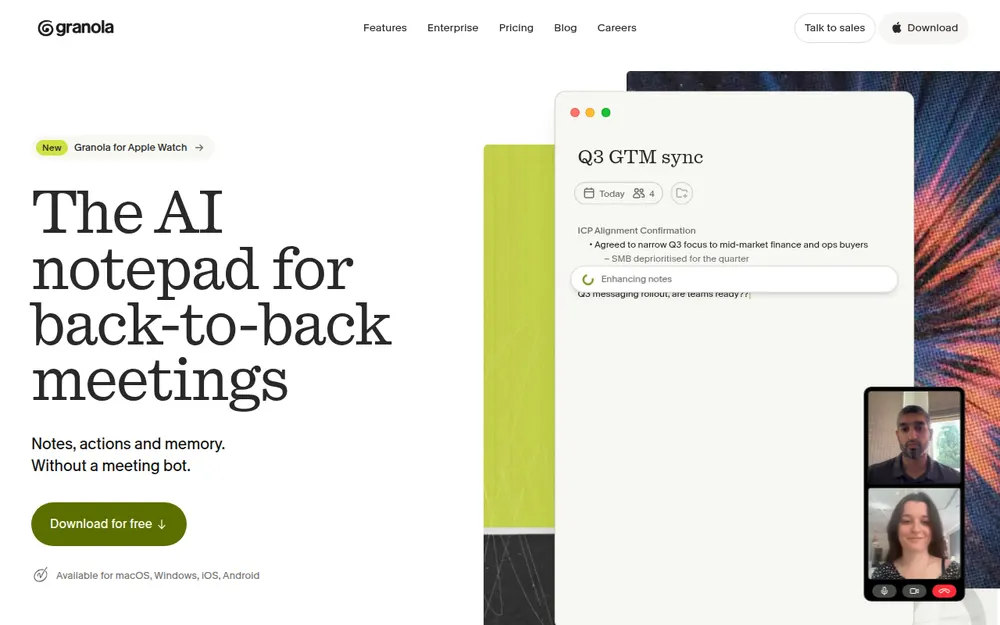
Granola is the bot-free notepad the others get measured against, and it's the most polished app here.
You jot rough notes during the call and Granola fills them in. It works with no bot on Mac, Windows, iPhone and Android.
- Transcription has "No daily limit" on any plan, so you never watch a minute meter.
- It names speakers with no bot on Meet, Zoom and Teams, and uses "Me" and "Them" elsewhere.
The training default
On Free and Business, "anonymised data may be used for Granola's own model improvements" unless each user opts out.
- Notes sit in a "US-hosted AWS Virtual Private Cloud", kept indefinitely unless you set a retention policy.
- There are no file uploads and no playback, because audio is deleted after transcription.
- Chamberlain v. Granola (July 2026) alleges wiretapping. Nothing is proven, and our Granola lawsuit explainer has the details.
Granola's price and rating
Basic is free but shows only your last 30 days. Business is $14 a month, billed monthly only ($168 a year), $70.01 (71.4%) more than Notta Pro.
It's rated 4.96/5 on the App Store from 14,449 ratings, the best here. See Granola pricing and Is Granola safe?
4. Fireflies, Free Transcription Plus Free Dictation
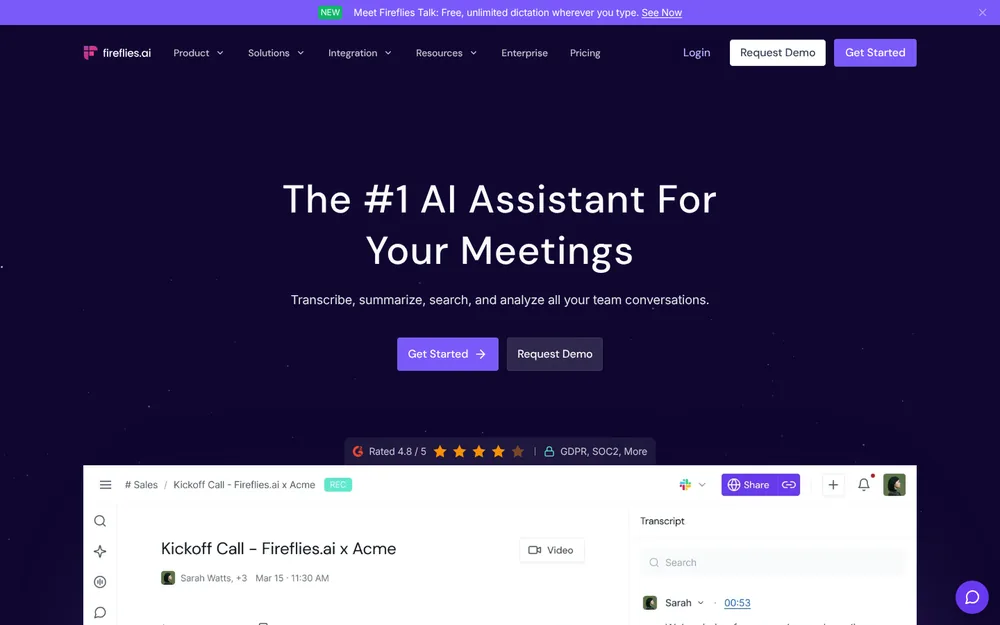
Fireflies fixes Notta's free-plan problem outright. Transcription on Free is unlimited, and meetings can run up to 2 hours.
Why it beats Notta Free
- Fireflies Talk gives you free, unlimited dictation on every plan, on Mac and Windows.
- Its privacy policy says "We do not use personal information for AI model training", and its vendors are barred too.
- You can use a bot, or the desktop "Take Notes" mode with no bot. Take Notes plays a spoken notice by default.
Where the free plan pinches
- The free cap is storage, not minutes: 400 minutes per seat. You delete old meetings to make room.
- Take Notes labels speakers "Speaker 1" and "Speaker 2" and saves no audio.
- Meetings top out at 2 hours on Free and Pro, against 5 hours on Notta Pro.
- Fricker v. Fireflies.AI Corp. is a biometric privacy (BIPA) class action. There has been no ruling as of October 26, 2026, so these are allegations only.
Pro is $18 monthly or $10 a month billed annually ($120 a year), $22.01 (22.5%) more than Notta Pro. Business is $19 a month annually ($228).
It's rated 4.82/5 on the App Store from 5,365 ratings. See Fireflies pricing and Is Fireflies safe?
5. Fathom, the Best Free Plan If a Bot Is Fine
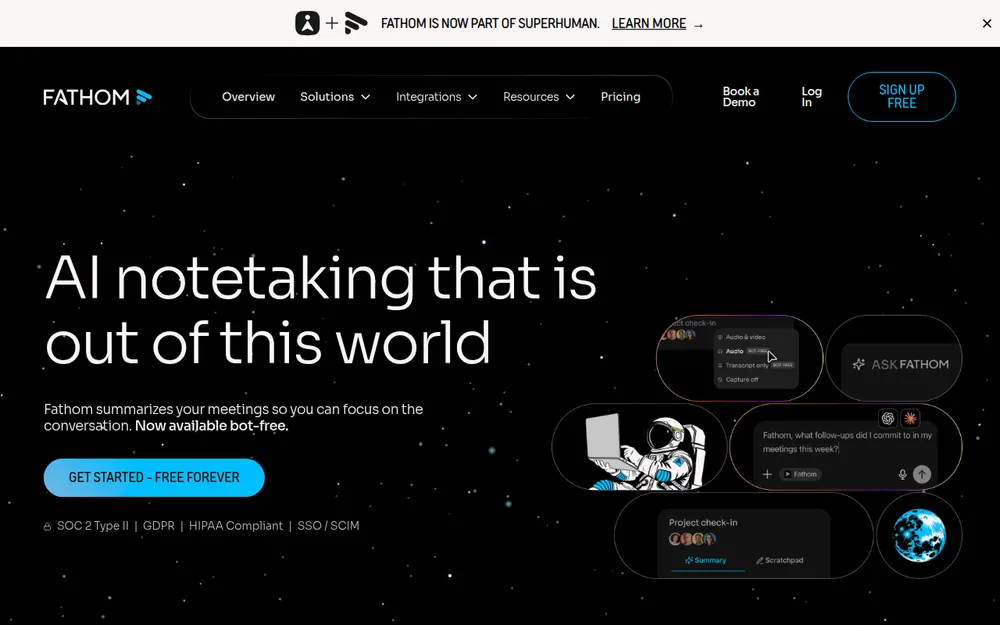
If Notta Free cut you off at minute 3 and you don't mind a bot, try Fathom. It has the most generous free plan here.
- Free gives you "Unlimited recordings & storage", with transcripts in 38 languages.
- A bot-free beta runs on Mac, on every plan including Free.
What you give up on Free
- Advanced summaries cover only your first 5 calls each month.
- Uploaded files aren't supported. Fathom says "we do not support uploaded calls".
- De-identified data trains Fathom's own models unless you opt out.
- Bot-free recording works only on Mac for now. Windows is "coming soon".
- Superhuman (formerly Grammarly) bought Fathom on September 14, 2026.
Premium is $20 monthly or $16 a month billed annually ($192 a year). That's $7.99 (4.0%) less than Notta Business.
It's rated 4.9/5 on the Chrome Web Store from 1.7K ratings. See Fathom pricing and Is Fathom safe?
6. Quill Meetings, Free Transcription on Your Computer
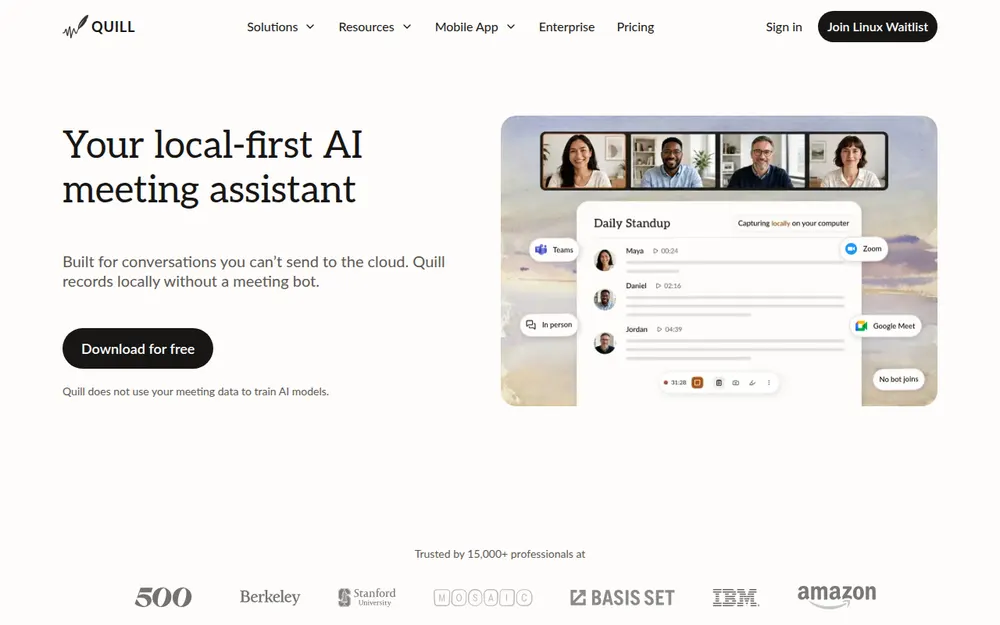
Quill Meetings does for free what Notta charges for in Privacy Mode. It transcribes on your computer, with no bot and unlimited recordings.
- It imports MP3 and M4A files, plus WAV on Windows.
- Its FAQ is blunt: "Does Quill use my meeting data to train AI models? No."
- Recording, transcription and speaker ID work offline after the first sign-in.
Where Quill falls short
- AI notes cost money, and by default they send transcript text to a cloud model. You can bring your own model instead.
- On a Mac, it needs Apple Silicon.
- Per Quill's FAQ, the phone apps need a paid plan and the desktop app.
Lite is $6.99 a month billed annually ($83.88 a year), with 16 hours of AI meetings a month. That's $14.11 (14.4%) less than Notta Pro.
It's rated 4.56/5 on the App Store, though from only 9 ratings.
7. Jamie, for Data That Has to Stay in Europe
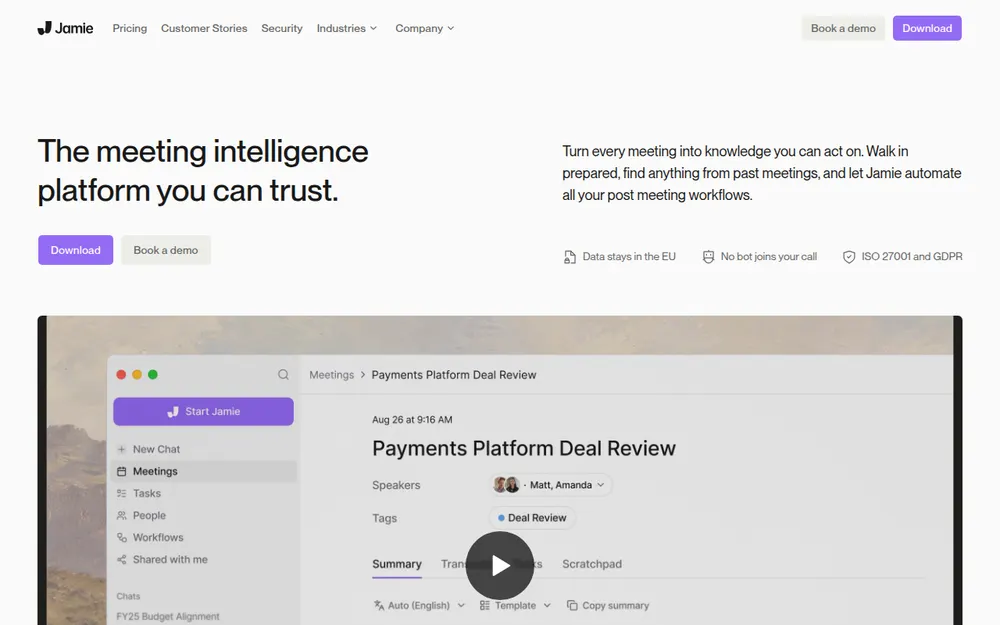
Jamie is the pick for teams whose data has to stay in Europe. It's hosted there, no bot joins, and audio is deleted after transcription.
Its training promise is the clearest I read: "Your meeting data is never used to train AI models, not by Jamie and not by any of our model providers."
- The free plan is tight, at 10 AI notes a month, 30 minutes each.
- Plus caps you at 20 notes a month and 2-hour meetings.
- It runs on Mac, Windows and iPhone, with no Android app.
Plus is $24 a month billed annually ($288 a year), $88.01 (44.0%) more than Notta Business. Pro is $46 a month annually, with unlimited notes.
It's rated 4.89/5 on the App Store from 247 ratings.
8. Krisp, Notta Pro's Price With Noise Cancellation
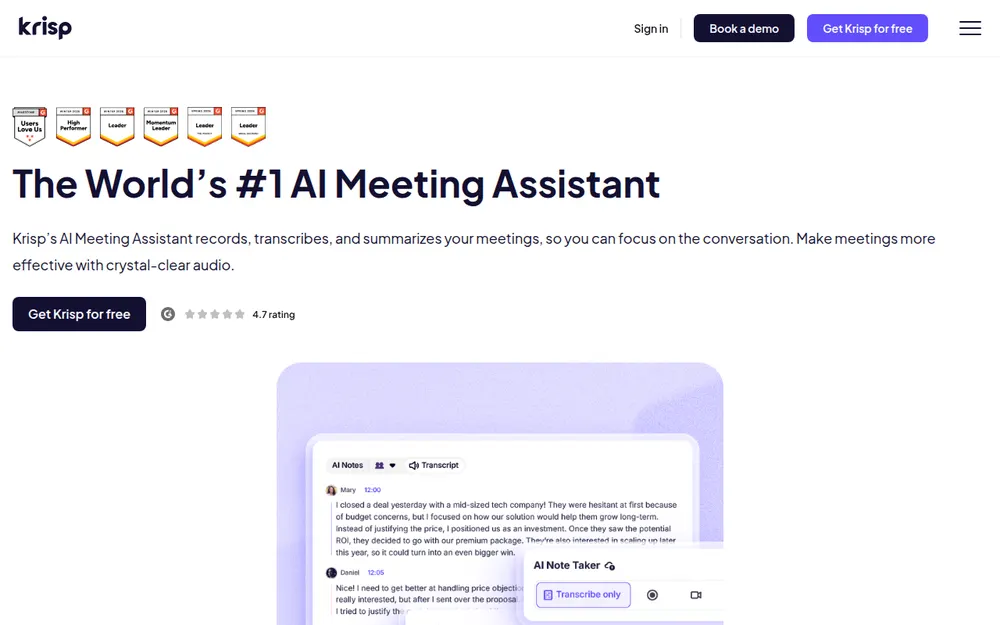
Krisp costs about what Notta Pro does and adds noise cancellation on every plan. No other app here has that.
- It works as a virtual mic and speaker in any call app, so no bot joins by default. A bot is optional from Core up.
- Its policy says "Your meeting data is never used to train Krisp's AI models."
Why I ranked it eighth
- It has no free plan. After the 7-day trial, "all access to Krisp will immediately cease", noise cancellation included.
- Recordings and notes stay in Krisp's US cloud until you delete them.
- Signup asks for a Google or Outlook calendar by default.
- Its terms say "All fees are non-refundable".
Core is $16 monthly or $8 a month billed annually ($96 a year), $1.99 (2.0%) less than Notta Pro. Advanced is $15 a month annually ($180).
It's rated 4.73/5 on the App Store from 270 ratings.
9. TurboScribe, for Files Rather Than Meetings
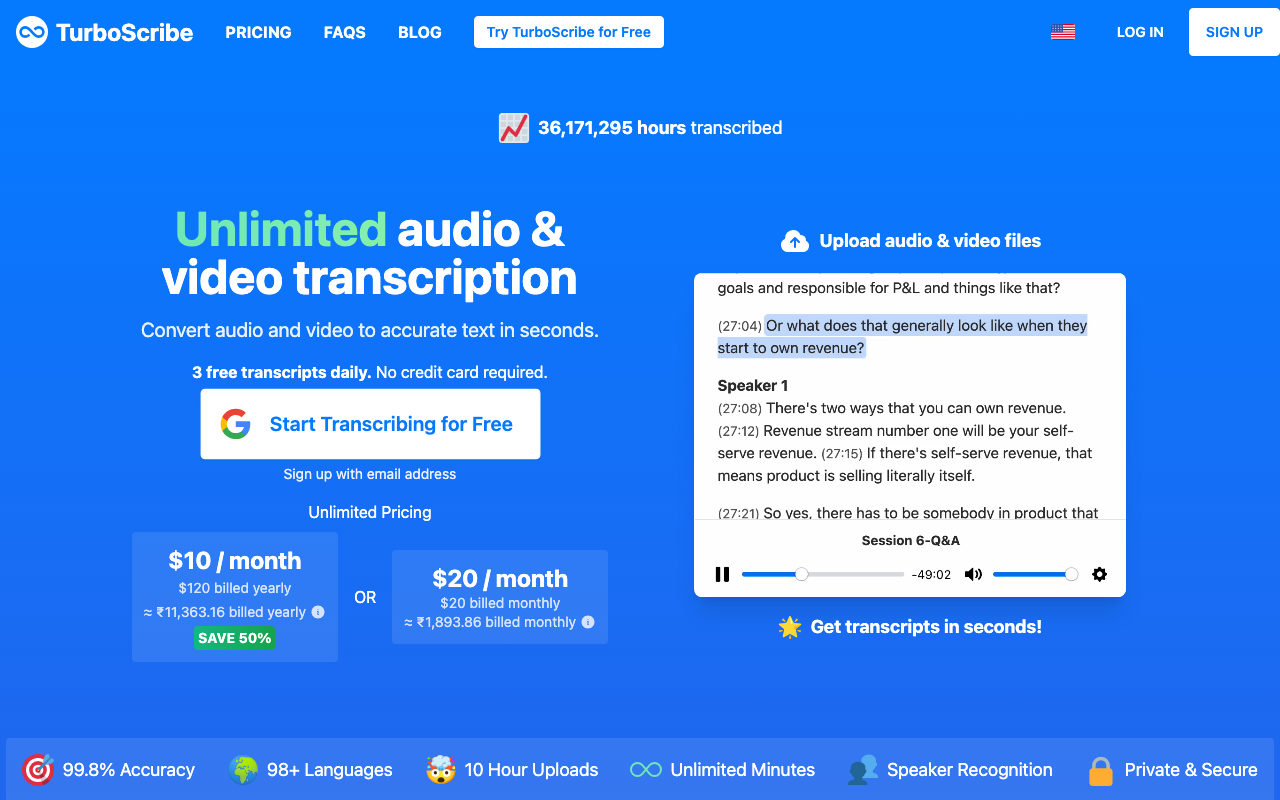
If you mostly used Notta for uploads, TurboScribe is the simplest swap. It transcribes files, not live meetings.
- The paid plan takes unlimited files, up to 10 hours or 5 GB each and 50 per upload.
- The free tier is usable: 3 files a day, up to 30 minutes each.
- It has no bot and no desktop recorder, and every file goes to its cloud.
Unlimited is $20 monthly or $10 a month billed annually ($120 a year), $22.01 (22.5%) more than Notta Pro.
It's rated 4.4/5 on Trustpilot from 500 reviews.
Other Notta Alternatives I Looked At
Four more came close.
- Read AI sends a bot by default and has a no-bot desktop app. Pro is $180 a year.
- Circleback offers a bot or a bot-free desktop app on every plan, with no training. Pro is $180 a year.
- Wispr Flow Notetaker adds bot-free notes to the dictation app. Notes sit in Wispr's US cloud, with training on by default on Free and Pro.
- Zoom and Google Meet have built-in AI summaries, with no extra vendor, but only for their own meetings.
Every roundup we've written is on our alternatives hub.
No Bot Doesn't Mean No Consent
Notta's bot-free page sells silence: "Bot-free recording. No participant notification. … No one knows but you."
Its own FAQ adds the other half: "You are still responsible for informing participants about recording".
How the other apps handle it
- Fireflies' no-bot mode plays a spoken notice and can show an "AI Taking Notes" camera watermark. Both are on by default.
- Granola can post a chat message or show a watermark, if you turn them on.
- Voibe Work has no bot in the call. Voibe reminds you to tell everyone you're taking notes when recording starts; following recording-consent rules is up to you.
What the law asks
About a dozen US states generally require everyone in a private conversation to agree to a recording. They include California, Florida, Illinois, Maryland, Massachusetts, Pennsylvania and Washington.
The Reporters Committee recording guide covers each state. This is general information, not legal advice.
What I'd say at the start of a call
"I'm using an AI note taker so I can focus. It doesn't join as a bot. Is everyone okay with that?"
If anyone says no, turn it off.
Warning
A bot-free recorder is still a recorder. Tell everyone on the call, every time, and check the recording rules where each person is.
Leaving Notta Without Paying for Another Year
Do these in order. The first three keep you from being charged again.
Before you cancel
- Check how you paid. Web plans cancel inside Notta, and app-store plans cancel with Apple or Google.
- Cancel a mobile trial at least a day early, because the fee can hit in its last 24 hours.
- Don't count on a web refund, and remember that deleting the app cancels nothing.
Before you delete
- Export what you need first. After a downgrade, Free shows only the first 3 minutes of each transcript.
- Then delete your data. Notta keeps transcripts indefinitely, and deleted items sit in the Trash for 30 days.
After you switch
- Run both apps side by side for a week, and tell people you're recording.
How to Choose the Right Notta Alternative
Answer these in order. The first yes is your pick.
- Do you only transcribe files? Use TurboScribe, or the Voibe API if you're building something.
- Are your meetings confidential? Pick Voibe Work, with no bot and notes on your computer.
- Must it be free? Take Fathom Free if a bot is fine, or Quill for local transcription.
- Do you want Notta's mix of bot, desktop app, phone apps and imports? That's Otter.
- Must your data stay in the EU? Go with Jamie.
If you said no to all five, get Granola. It's the best bot-free notepad, on Mac, Windows, iPhone and Android.
Best Notta Alternative for Your Situation
If you already know what you need, find your row.
| Your situation | Pick |
|---|---|
| Notta Free cut you off at 3 minutes | Fathom Free, unlimited recordings |
| You want Notta's setup with a bigger free plan | Otter |
| Confidential client or patient calls | Voibe Work, BAA available on request |
| No vendor cloud for your notes | Voibe Work or Quill |
| Data must stay in the EU | Jamie |
| Bot-free notes on your phone too | Granola |
| Cheapest paid meeting notes | Quill Lite |
| Meetings and dictation in one plan | Voibe Work |
| Free transcription and free dictation | Fireflies |
| Bulk audio and video files | TurboScribe |
| Files from your own app or agent | Voibe API |
| Noisy calls | Krisp |
| Recordings longer than 4 hours | Notta Pro or Jamie Pro |
Frequently Asked Questions About Notta Alternatives
Picking a replacement
- What is the best Notta alternative? Otter for most people, and Voibe Work for confidential meetings.
- Is there a free Notta alternative without the 3-minute limit? Yes. Fathom, Fireflies and Quill all have free plans that cover a whole meeting.
- What is the closest alternative to Notta? Otter, though Notta Pro gives you more minutes for the money.
Privacy and consent
- Where does Notta store my data? In a Tokyo data center, kept until you delete it.
- Does Notta use my recordings to train AI? Notta only promises it won't on Enterprise plans.
- Is Notta HIPAA compliant? Not that I could verify. Notta offers no public BAA.
- Can I use Notta's bot-free recorder without telling anyone? You shouldn't. Notta's own FAQ says telling people is still your job.
Pricing and billing
- Why did Notta charge me after a free trial? Because Notta's trials need a card and convert to paid plans.
- Can I get a refund from Notta? Usually not for web purchases. Apple and Google handle app-store refunds.
- Is Voibe Work cheaper than Notta? Not than Notta Pro. It is cheaper than Notta Business.
Files and switching
- What replaces Notta for transcribing audio files? TurboScribe, or the Voibe API if you're a developer.
- How do I cancel Notta and delete my data? Cancel where you paid, export what you need, then delete your transcripts.
Final Verdict: The Best Notta Alternative
For most people, I'd switch to Otter. It's the closest thing to Notta, and its free plan actually covers a meeting.
- If it has to be free, take Fathom with a bot or Quill without one.
- If you mostly transcribe files, use TurboScribe.
Why I'd move confidential calls to Voibe Work
If your meetings are confidential, pick Voibe Work instead. It fixes three things Notta doesn't.
- Notta keeps meetings in a Tokyo data center indefinitely.
- Its no-training promise is listed only for Enterprise.
- Notta offers no BAA, only "Follow HIPAA guidelines". Voibe Work has a BAA available on request.
Voibe reminds you to tell everyone you're taking notes when recording starts; following recording-consent rules is up to you.
Try Voibe Work free for 7 days → You get every feature, with no credit card and no automatic charge.
Switching from Notta
Leaving Notta? Cancel it and email the cancellation confirmation to hi@getvoibe.com.
Voibe's switch offer then gives you Voibe Work free for the time left on your Notta plan, plus a bonus month, up to 12 months in total.
Key Takeaway
Otter is the closest Notta alternative: the same bot-plus-desktop setup, with 30 free minutes per conversation. For confidential meetings, Voibe Work wins. No bot joins, notes are saved on your computer, and nothing is trained on them. It costs more than Notta Pro and less than Notta Business.
Meeting notes without a bot in your call
Voibe Work takes notes from Zoom, Teams and Meet on your Mac, with dictation included. Nothing used to train AI.
- Mac + Windows
- No bot in your calls
- Nothing used to train AI
- 7-day free trial
Want to compare plans first? View pricing →