

The Best AI Meeting Note Taker in 2026: The Short Answer
Every AI meeting note taker I tested this year writes a decent summary.
Decisions, action items, owners: they all get there. So you're really choosing four other things.
The four questions that decide it
- Does a bot join the call? A visible bot needs admitting, and many hosts now block it.
- Where do the recording and notes end up? The vendor's cloud, your company's tenant, or your own computer.
- Do your meetings train their AI? Several popular tools say yes by default, with an opt-out.
- What does a year cost? The cheapest paid plans run from $84 to $288 per user.
The ranking
We tested all ten on real calls, then checked every vendor's own pages on October 29, 2026.
- Voibe Work (ours): best overall. No bot, notes saved on your computer, never trains. $149 a year, dictation included.
- Granola: the most polished bot-free notepad. Notes live in its US cloud.
- Fathom: the best free AI note taker. Unlimited recordings, but a bot by default.
- Fireflies: best for integrations and CRM sync. Never trains on your meetings.
- Circleback: a bot or bot-free app on every plan, plus an MCP server.
- Jamie: bot-free with EU hosting. The priciest paid plan here.
- Otter: the cheapest big-name paid plan, $99.96 a year. Trains on de-identified data.
- Read AI: meeting analytics and coaching. Training is opt-in.
- Fellow: agendas, action items and minutes for whole teams.
- Krisp: noise cancellation plus bot-free notes. No free plan.
Whichever you pick, tell everyone you're taking notes. Voibe reminds you; the consent rules are yours.
Key takeaways
| Note taker | Best for | Bot in the call? | Where notes live | Cheapest paid year |
|---|---|---|---|---|
| Voibe Work | Private notes in any meeting app or in person, plus dictation | No | Your computer | $149 |
| Granola | A polished bot-free notepad with team folders | No | Granola's US cloud | $168 |
| Fathom | A free plan with unlimited recordings | Yes by default; Mac bot-free beta | Fathom's US cloud | $192 |
| Fireflies | Teams that want CRM sync and integrations | Yes by default; bot-free desktop mode | Fireflies' cloud | $120 |
| Otter | The lowest paid price from a big name | Bot or bot-free desktop app | Otter's cloud | $99.96 |
Key Takeaway
Voibe Work is the best AI meeting note taker for most people: no bot, notes saved on your computer, never used to train AI, $149 a year with dictation included. Fathom is the best free option. Otter Pro ($99.96) and Fireflies Pro ($120) cost less per year but keep notes in their cloud.
Why People Are Switching AI Meeting Note Takers
Summary quality isn't why people leave a note taker. These five problems are.
1. Bots join meetings nobody invited them to
A meeting bot joins from a calendar invite. That works until the invite outlives the person.
- An Ontario hospital, September 2024: a former physician's Otter bot joined hepatology rounds from an old invite. It emailed a summary to all 65 invitees (Teresa Scassa).
- The University of Memphis on Read AI: "Through this method, Read AI is able to quickly propagate throughout an organization" (University of Memphis ITS).
- Why it keeps joining: our Is Read AI safe? review explains it.
2. Hosts are blocking them
- Case Western Reserve: from September 12, 2025, it blocked third-party AI note takers on Zoom, Teams and Meet. It named Fireflies.ai, Read.ai and Fathom (CWRU UTech).
- UC Riverside: from October 10, 2025, Fireflies, Spinach and Read AI can't join meetings on UCR Zoom accounts (UCR tech bulletin).
- Morgan State: in June 2026 it blocked Fireflies, Otter, Read.ai and MeetGeek bots from university-hosted Zoom meetings (Morgan State IT).
3. Your meetings can train their AI
- Otter: its privacy policy (effective June 16, 2026) covers "training our proprietary AI technology on de-identified audio recordings and on transcriptions". I found no training opt-out.
- Granola: its pricing FAQ says "Granola trains on your anonymized data". Each user can opt out in Settings.
- Fathom: its privacy policy (August 16, 2026) allows training in-house models on de-identified meeting data, with an opt-out.
4. Two class actions test how note takers record
- Otter: an August 13, 2026 order let federal and California wiretap claims proceed. Details in Is Otter safe?.
- Granola: a proposed class action filed July 30, 2026 alleges it records participants without consent. Our Granola lawsuit explainer walks through the complaint.
- Status: both cases are allegations, not rulings.
5. Free plans stop where you need them
- Otter Basic: 300 minutes a month, 30 minutes per conversation.
- Granola Basic: you see only the last 30 days of notes.
- Fellow Free: 5 AI notes per user, lifetime.
- Krisp: no free plan, only a 7-day trial.
How the Better AI Note Takers Answer the Four Questions
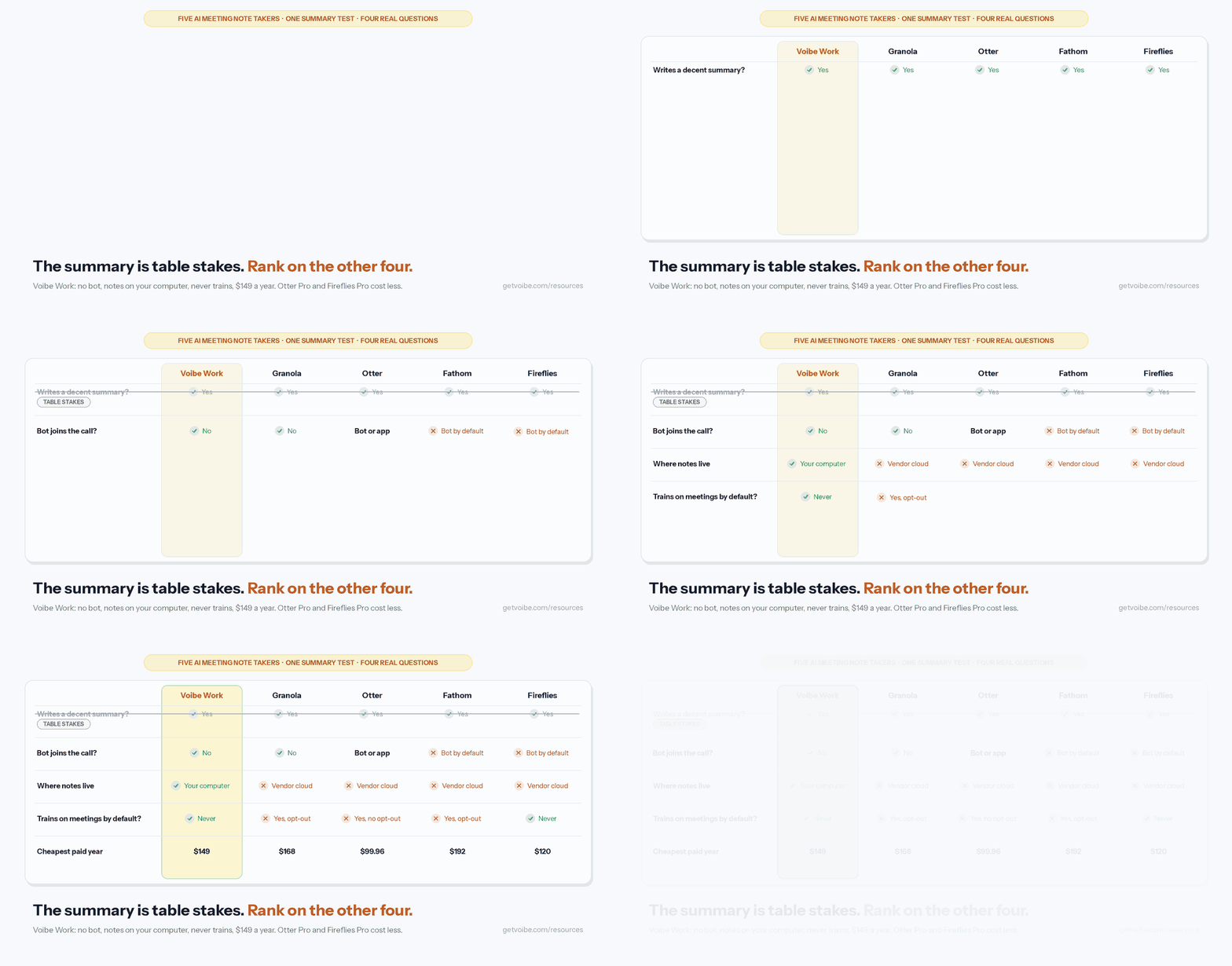
The better tools fix those five problems by design, not by policy page.
Four fixes worth paying for
- No bot in the call. Desktop capture records your computer's audio. Nothing joins, so nothing gets blocked. Voibe Work, Granola, Jamie and Krisp work this way by default.
- Fewer copies at the vendor. Voibe Work deletes meeting audio after processing and saves notes on your computer. Granola and Jamie delete audio but keep notes in their cloud.
- No training by default. Voibe Work, Fireflies, Circleback, Jamie, Fellow and Krisp say they never train on your meetings. Read AI makes training opt-in.
- A price that fits the job. Unlimited meetings cost $149 a year on Voibe Work. Otter needs Business ($239.88) to lift its per-meeting caps to 4 hours.
Every tool that skips the bot is in our best no-bot meeting note takers.
The job bot-free capture hands back to you
A bot announces itself. A desktop app doesn't, so telling people becomes your job.
Voibe reminds you to tell everyone you're taking notes when recording starts. Consent rules are your responsibility.
What to Look For in an AI Note Taker for Meetings
Six checks I'd run on any AI meeting assistant before paying for it.
- Capture method. Bot, desktop app, or both? A desktop app also catches calls a bot can't join, like Slack huddles and in-person meetings.
- Where the notes live. Ask about audio, transcript and summary separately. They're three copies with three retention rules.
- Training default. Read the privacy policy, not the homepage. "De-identified" training is still training.
- Speaker labels. Some bot-free modes label everyone "Speaker 1" and "Speaker 2". Fireflies' Take Notes mode does.
- Caps on the plan you'd buy. Minutes per month, minutes per meeting, AI notes per month, history length.
- Consent support. A reminder, a chat message, a spoken notice or an admin consent screen. Bot-free tools vary most here.
Comparing jobs rather than apps? See dictation vs note taker vs meeting assistant vs transcription.
How We Tested and Ranked These AI Note Takers
Every ranking here rests on two passes: real calls first, then the fine print.
- Hands-on: we used all ten apps on real calls.
- Checked against the vendor: pricing pages, privacy policies and help centers, all on October 29, 2026.
- App Store ratings: pulled from Apple's lookup API the same day.
- Other ratings: Fathom and Fellow use their Chrome Web Store listings; Voibe uses Product Hunt.
The criteria, in order
- Bot or no bot, and whether bot-free capture is the default.
- Where the recording, transcript and summary are kept.
- Training default.
- Cheapest paid year, and the caps that come with it.
- Free plan.
- Notes quality and extras: speaker labels, templates, chat, integrations.
Why Voibe Work is first, and where it loses
- It wins criteria 1 to 3. No bot, no vendor copy of the notes, never trains.
- It loses on price to four tools. Fellow Team, Krisp Core, Otter Pro and Fireflies Pro all cost less per year.
- It loses on extras. No calendar auto-join, no CRM sync, no phone app. Fireflies and Read AI do far more there.
AI Meeting Note Takers Compared
All ten side by side, on each tool's cheapest paid plan per user per year.
| Note taker | Bot or no bot | Where notes live | Trains on your meetings by default? | Free plan | Cheapest paid, per user per year | Platforms | Rating |
|---|---|---|---|---|---|---|---|
| Voibe Work | No bot | Your computer; audio deleted after processing | Never | Voibe Free is dictation only; 7-day trial of every Voibe Work feature | $149 ($19 monthly, $399 once) | Mac, Windows | Product Hunt 4.8/5 (6 reviews) |
| Granola | No bot | Granola's US cloud (AWS); audio deleted | Yes, de-identified; per-user opt-out | Basic: last 30 days of notes | $168 (Business, monthly billing only) | Mac, Windows, iOS, Android | App Store 4.96/5 (14,631) |
| Fathom | Bot by default; bot-free beta on Mac | Fathom's US cloud, until you delete | Yes, de-identified; opt-out | Unlimited recordings; advanced summaries for 5 calls a month | $192 (Premium) | Mac, Windows, iPhone | Chrome Web Store 4.9/5 (1.7K) |
| Fireflies | Bot by default; bot-free desktop mode | Fireflies' cloud while your account is active | Never | 400 minutes of storage per team | $120 (Pro) | Web, Mac, Windows, iOS, Android | App Store 4.82/5 (5,387) |
| Circleback | Bot or bot-free app, every plan | Circleback's US cloud | Never | 30-day meeting history | $180 (Pro) | Mac, Windows, iPhone, Apple Watch | App Store 4.8/5 (270) |
| Jamie | No bot | Jamie's EU cloud; audio deleted | Never | 10 AI notes a month, 30-minute cap | $288 (Plus) | Mac, Windows, iPhone | App Store 4.89/5 (258) |
| Otter | Bot or bot-free desktop app | Otter's cloud | Yes, de-identified; no opt-out found | 300 minutes a month, 30-minute cap | $99.96 (Pro) | Web, Mac, Windows, iOS, Android | App Store 4.79/5 (86,922) |
| Read AI | Bot by default; bot-free desktop app | Read AI's cloud (AWS US East) | No; opt-in | 5 meetings a month, 1-hour cap | $180 (Pro) | Web, Mac, Windows, iOS, Android | App Store 4.88/5 (1,040) |
| Fellow | Bot or botless recording | Fellow's cloud | Never | 5 AI notes per user, lifetime | $84 (Team, 10 AI notes a month) | Web, Mac, Windows | Chrome Web Store 4.8/5 (63) |
| Krisp | Bot-free by default; bot optional | Krisp's cloud, until you delete | Never | None; 7-day trial | $96 (Core) | Mac, Windows, iOS, Android | App Store 4.73/5 (270) |
What the ratings column measures
App Store ratings are for each vendor's iPhone app, so they reflect the mobile experience.
Granola's is the highest. Voibe has no phone app, so its score comes from Product Hunt.
AI Note Taker Pricing: What a Year Costs vs Voibe Work
Each tool's cheapest paid plan, per user, billed annually. The last column is the gap to Voibe Work's $149.
| Tool and plan | Per user per year | What the plan caps | Voibe Work ($149) vs this |
|---|---|---|---|
| Fellow Team | $84 | 10 AI notes per user a month | Voibe Work costs $65 more (77.4% more) |
| Krisp Core | $96 | 10 GB storage; no free plan | Voibe Work costs $53 more (55.2% more) |
| Otter Pro | $99.96 | 1,200 minutes a month, 90 minutes per meeting | Voibe Work costs $49.04 more (49.1% more) |
| Fireflies Pro | $120 | 8,000 minutes of storage, 2 hours per meeting | Voibe Work costs $29 more (24.2% more) |
| Voibe Work | $149 | Unlimited meetings, up to 4 hours each; dictation included | n/a |
| Granola Business | $168 (monthly only) | Unlimited notes and history | $19 less (11.3%) |
| Circleback Pro | $180 | 1 year of recording storage | $31 less (17.2%) |
| Read AI Pro | $180 | 4 hours per meeting | $31 less (17.2%) |
| Fathom Premium | $192 | Advanced summaries, Ask Fathom | $43 less (22.4%) |
| Jamie Plus | $288 | 20 AI notes a month, 2 hours per meeting | $139 less (48.3%) |
Where Voibe Work costs more
- Otter Pro is $49.04 a year cheaper. It caps you at 1,200 minutes a month and 90 minutes per meeting.
- Fireflies Pro is $29 cheaper. It stores 8,000 minutes and records up to 2 hours per meeting.
- Krisp Core is $53 cheaper.
- Fellow Team is $65 cheaper, and allows 10 AI notes a month.
- Fathom Free costs nothing, for unlimited recordings with a bot.
Like-for-like: unlimited meetings
- Otter Business ($239.88): Voibe Work is $90.88 less (37.9%).
- Fireflies Business ($228): $79 less (34.6%).
- Krisp Advanced or Fellow Business ($180): $31 less (17.2%).
- Jamie Pro ($552): $403 less (73.0%).
Dictation included, and a lifetime option
- Dictation: Voibe Work includes Voibe Dictation, which is $99 a year on its own.
- Vs a two-app stack: Wispr Flow Pro ($144) plus Granola Business ($168) is $312 a year. Voibe Work is $163 (52.2%) less.
- The caveat: Fireflies now includes free dictation, Fireflies Talk, on every plan. Against Fireflies, the bundle argument doesn't hold.
- Lifetime: currently offered at $399 once. That pays for itself in about 2.7 years of the annual plan.
Full breakdowns: Otter pricing, Fireflies pricing, Granola pricing, Fathom pricing, Read AI pricing.
Want every plan in one table, with free-plan caps, hidden costs and what a team of 5 pays over 3 years? See AI meeting note taker pricing.
1. Voibe Work: Best AI Meeting Note Taker Overall
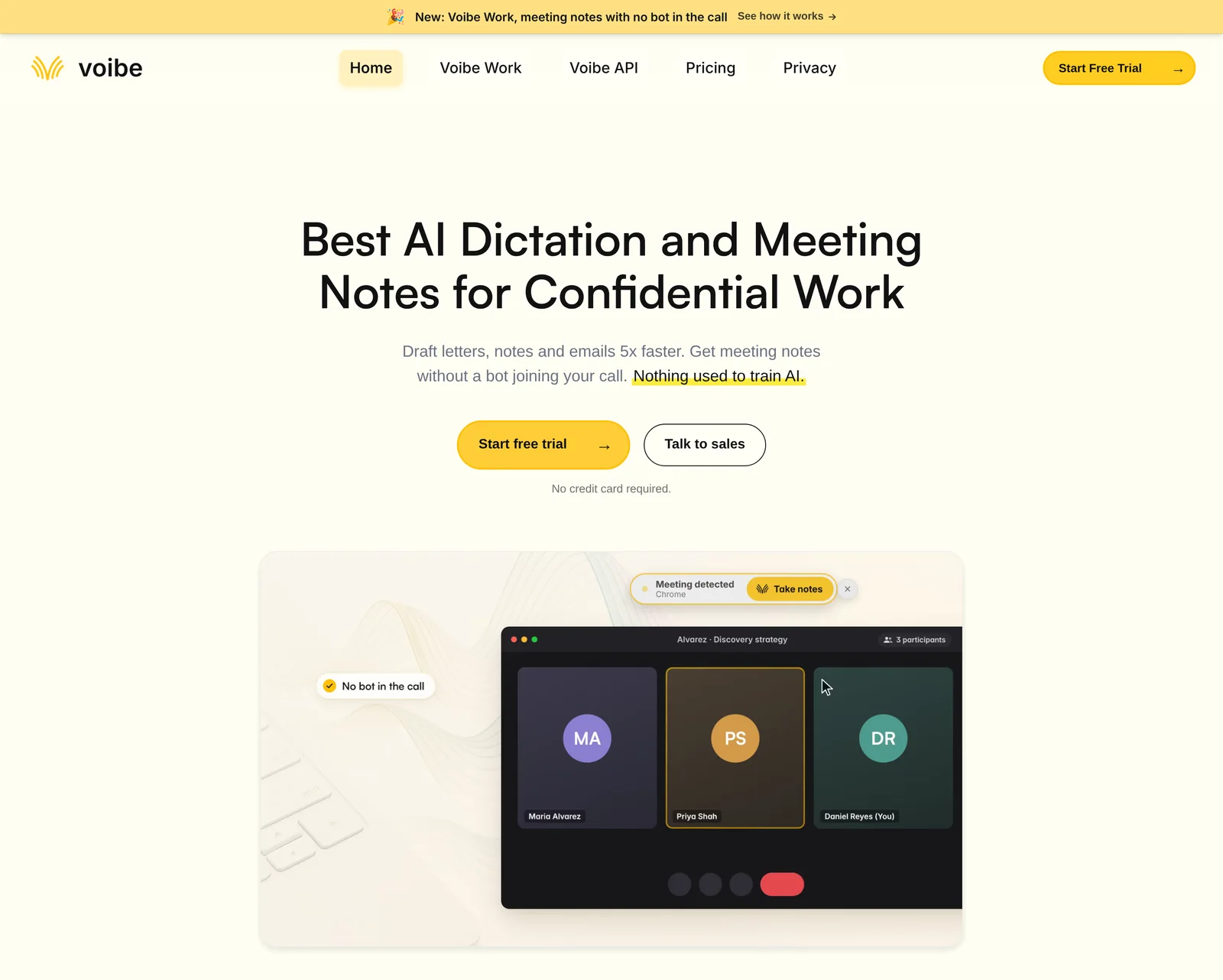
Voibe Work is our meeting-notes plan, and the only tool here that leaves no copy of your notes with the vendor.
Best for: notes from any meeting app or the room, with nothing kept on someone else's server.
Why it ranks first
- No bot: it captures Zoom, Microsoft Teams, Google Meet, Webex, Slack huddles or any meeting app from your Mac or Windows PC.
- In person too: it records a meeting in the room through your computer's mic.
- Audio deleted: open-source models on zero-retention cloud providers process the audio, then it's deleted.
- Notes on your computer: the transcript and summary are saved on your device, not on Voibe's servers.
- Never trains: your meetings are never used to train AI.
- Dictation included: every Voibe Dictation feature comes with it, on Mac and Windows.
What the notes look like
- Speaker labels: each line shows who spoke and when. Rename a speaker and the summary updates.
- Templates for each type of meeting: a client intake and an investment committee get different summaries.
- Custom templates: create your own for any format you repeat, such as board minutes or user interviews.
- Chat with your meetings: ask "what was agreed, and who owns what?" Nothing you ask is stored.
- One-click copy and PDF export of transcripts and summaries.
- Up to 4 hours per meeting, with unlimited meetings.
- Faster notes: transcripts and summaries arrive 10 to 20 times faster than before, by Voibe's own measurements (October update).
- Meeting MCP: optionally ask ChatGPT and Claude about all your meetings. Whatever they read becomes part of that chat, under OpenAI's or Anthropic's terms.
Watch out for
- Needs internet. Meeting notes are processed in the cloud, not on your computer.
- No calendar auto-join or CRM sync. Voibe offers to take notes when a call starts; you copy the summary where it goes.
- No recording to replay. The audio is deleted after processing.
- No phone app. Mac and Windows only.
- A reminder, not consent tracking. Voibe reminds you to tell everyone you're taking notes when recording starts. Consent rules are your responsibility.
- Others go further on consent. Fireflies and Read AI do more here.
Price, rating and trial
- Price: $19 per seat per month, $149 a year or $399 once.
- Guarantee: 30-day money-back guarantee. BAA available on request.
- Rating: Product Hunt 4.8/5 (6 reviews).
- Try it: every new account gets a 7-day free trial of every Voibe Work feature. No credit card, no automatic charge.
- See it end to end: the Voibe Work launch post walks a meeting from capture to saved notes.
Trusted by 4,000+ professionals, including people at Netflix, NVIDIA, Amazon, Twilio, and Intercom





See Voibe Work in action
Try Voibe Work free for 7 days
Start free on Mac or Windows. Every Voibe Work feature, no bot in your calls, no credit card required.
2. Granola: Best Bot-Free Notepad for Polished Notes
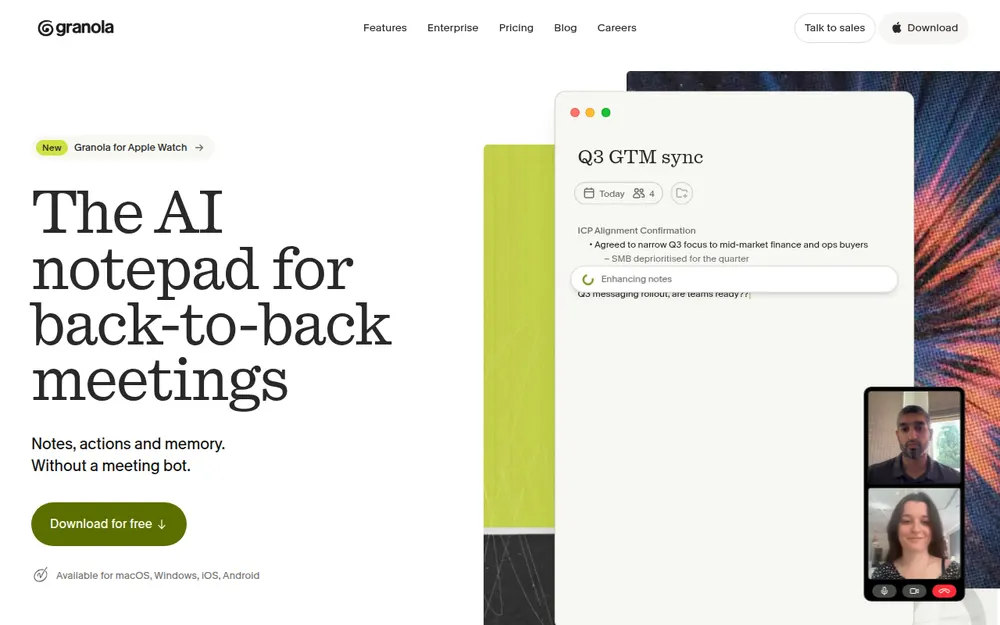
Granola is the note taker most people mean when they say "no bot". You type rough notes; it fills them in from the call.
Best for: back-to-back meeting schedules where you want polished notes and shared folders.
Why it ranks here
- No bot: it "uses your computer audio, so doesn't invite a bot", per its homepage.
- Audio deleted after transcription on every plan.
- Everywhere: Mac, Windows, iOS, Android and Apple Watch.
- Team features: shared folders, templates, chat across meetings and an MCP server.
Watch out for
- Notes in its cloud: transcripts and notes are stored on AWS in the US.
- Training on by default: "Granola trains on your anonymized data". Each user opts out; Enterprise is off by default.
- Free plan: Basic shows only the last 30 days of notes.
- Litigation: see our Granola lawsuit explainer and Is Granola safe?.
Price and rating
- Business: $14 per user per month, billed monthly only ($168 a year).
- Vs Voibe Work: Voibe Work is $19 (11.3%) less per year.
- Enterprise: $35 per user per month.
- Rating: App Store 4.96/5 (14,631).
3. Fathom: Best Free AI Meeting Note Taker
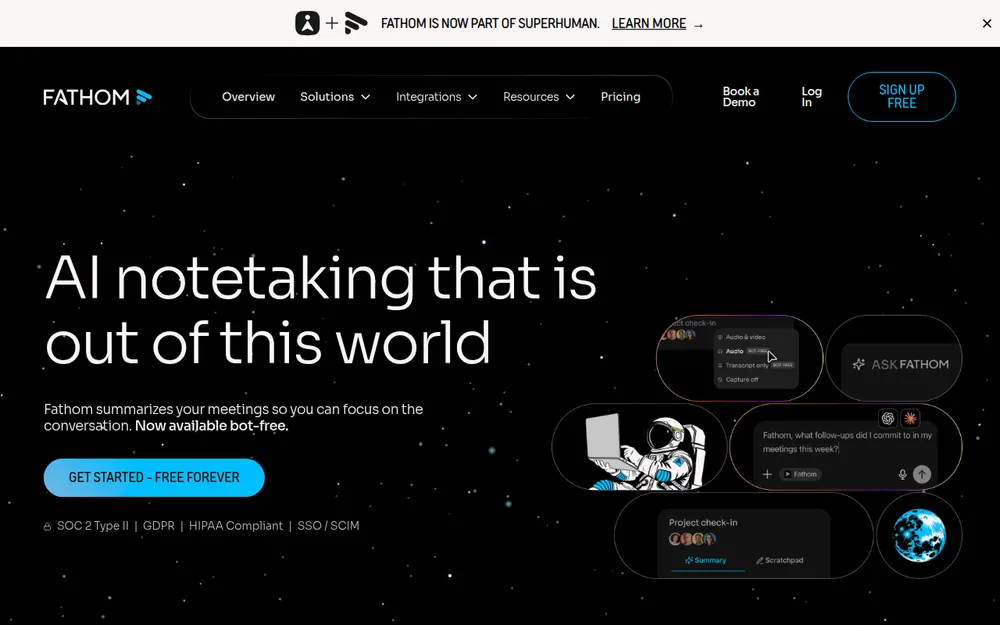
Fathom has the most generous free plan here.
Best for: people who want unlimited recorded calls for $0 and don't mind a bot.
Why it ranks here
- Free: unlimited recordings and transcripts. Advanced summaries cover your first 5 calls each month.
- Video: it keeps recordings, clips and playlists, which Voibe Work and Granola don't.
- Integrations: HubSpot, Salesforce, Slack, plus an API and MCP on all plans.
Watch out for
- Bot by default. Bot-free capture is a beta on Mac only; Fathom says Windows support is "coming soon".
- Training: Fathom trains in-house models on de-identified meeting data unless you opt out.
- Kept until you delete: recordings are stored in the US indefinitely.
- Safety detail: Is Fathom safe?.
Price and rating
- Premium: $20 monthly or $16 billed annually ($192 a year).
- Vs Voibe Work: Voibe Work is $43 (22.4%) less.
- Teams: team plans need 2 seats. More in our Fathom pricing breakdown.
- Rating: Chrome Web Store 4.9/5 (1.7K), 500,000 users.
- Owner: Fathom is now part of Superhuman, the company formerly called Grammarly.
4. Fireflies: Best for Integrations and CRM Sync
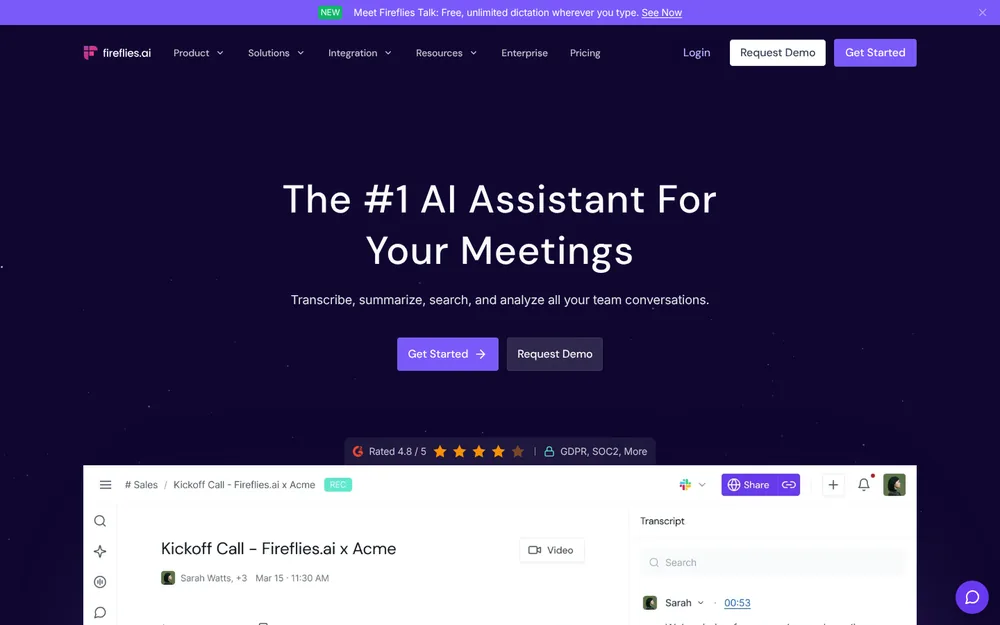
Fireflies is the most connected tool here, built to push meeting notes into other systems.
Best for: sales and customer teams that want CRM autofill, conversation intelligence and many integrations.
Why it ranks here
- Never trains: "We do not use personal information for AI model training", per its privacy policy.
- Three ways in: a bot, a Chrome extension and a bot-free desktop mode.
- Consent tooling: its bot-free mode plays a spoken notice, posts a chat message and adds a camera watermark. That beats Voibe Work's reminder.
- Free dictation: Fireflies Talk is included on every plan, Free too.
Watch out for
- Bot by default. The bot saves audio and video.
- Thinner bot-free mode: it labels people "Speaker 1" and "Speaker 2" and saves no audio.
- AI credits: extras like AI Skills consume credits; Pro comes with 20.
- Safety detail: Is Fireflies safe?.
Price and rating
- Pro: $18 monthly or $10 billed annually ($120 a year), $29 less than Voibe Work.
- Business: $228 a year, $79 (34.6%) more than Voibe Work. See Fireflies pricing.
- Rating: App Store 4.82/5 (5,387).
5. Circleback: Best for Teams That Want a Bot Sometimes
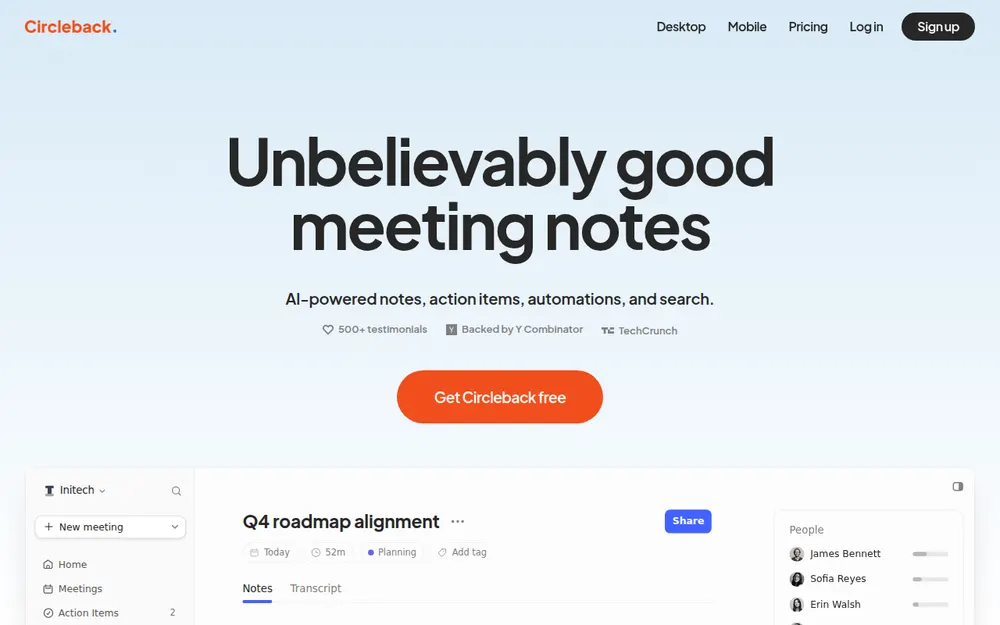
Circleback lets each person pick a bot or the bot-free desktop app, on every plan.
Best for: teams mixing bot and bot-free meetings that want an MCP server and API on day one.
- Never trains: "We do not use customer data to train models."
- Free includes API, MCP and CLI access, plus mobile and Apple Watch apps for in-person meetings.
- Watch out: notes live in Circleback's US cloud. Free keeps 30 days of meeting history.
Price and rating
- Pro: $15 per user per month billed annually ($180 a year).
- Vs Voibe Work: Voibe Work is $31 (17.2%) less.
- Rating: App Store 4.8/5 (270).
6. Jamie: Best Bot-Free Note Taker for EU Data Residency
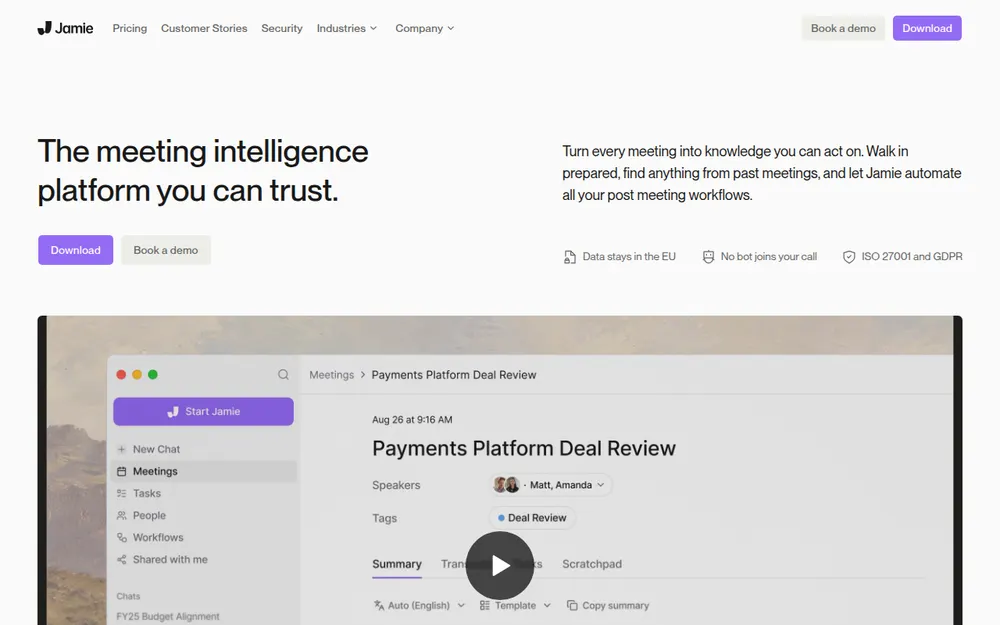
Jamie is a bot-free note taker hosted in Europe.
Best for: European companies and anyone who needs EU hosting with no bot.
- Privacy: "Meeting audio is deleted after transcription." Data is never used to train AI, by Jamie or its model providers.
- Free plan: 10 AI notes a month, 30 minutes per meeting.
- Watch out: notes still live in Jamie's EU cloud. Plus caps you at 20 AI notes a month and 2 hours per meeting.
Price and rating
- Plus: $24 a month billed annually ($288 a year).
- Vs Voibe Work: Voibe Work is $139 (48.3%) less.
- Pro: $46 a month billed annually, unlimited notes.
- Rating: App Store 4.89/5 (258).
7. Otter: Cheapest Paid Plan From a Big Name
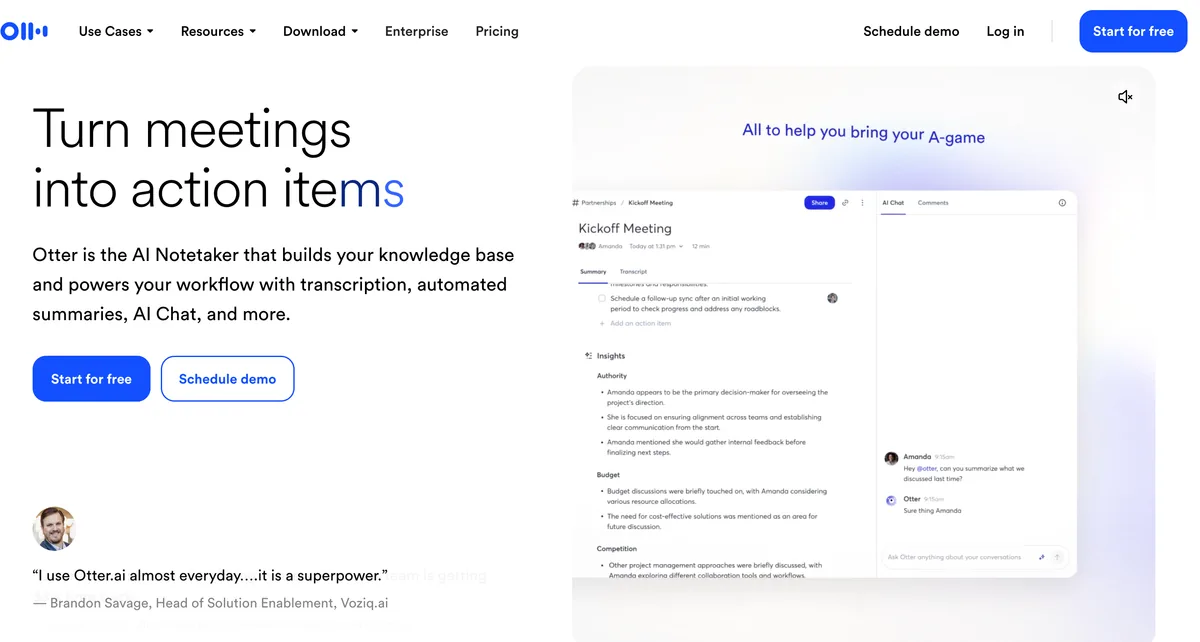
Otter is the AI note taker most people have met, often as a bot in someone else's call.
Best for: individuals who want a full-featured note taker for under $100 a year.
Why it ranks here
- Capable: we tested it on real calls, and it holds up.
- Price: Pro is the cheapest big-name paid plan at $99.96 a year.
- Bot-free option: its desktop app records without the Otter Notetaker bot, on Mac and Windows.
- Exports: Pro exports mp3, txt, pdf, docx and srt.
Why it isn't higher
- Training: it trains on de-identified recordings and transcripts. I found no opt-out.
- Caps: Pro allows 1,200 minutes a month and 90 minutes per meeting.
- Litigation: a wiretap class action is in discovery. See Is Otter safe?.
Price and rating
- Pro: $16.99 monthly or $8.33 billed annually ($99.96).
- Vs Voibe Work: Voibe Work costs $49.04 (49.1%) more than Pro.
- Business: $239.88 a year, $90.88 more than Voibe Work.
- Go deeper: Otter pricing for the plans, Otter alternatives for switching.
- Rating: App Store 4.79/5 (86,922).
8. Read AI: Best for Meeting Analytics and Coaching
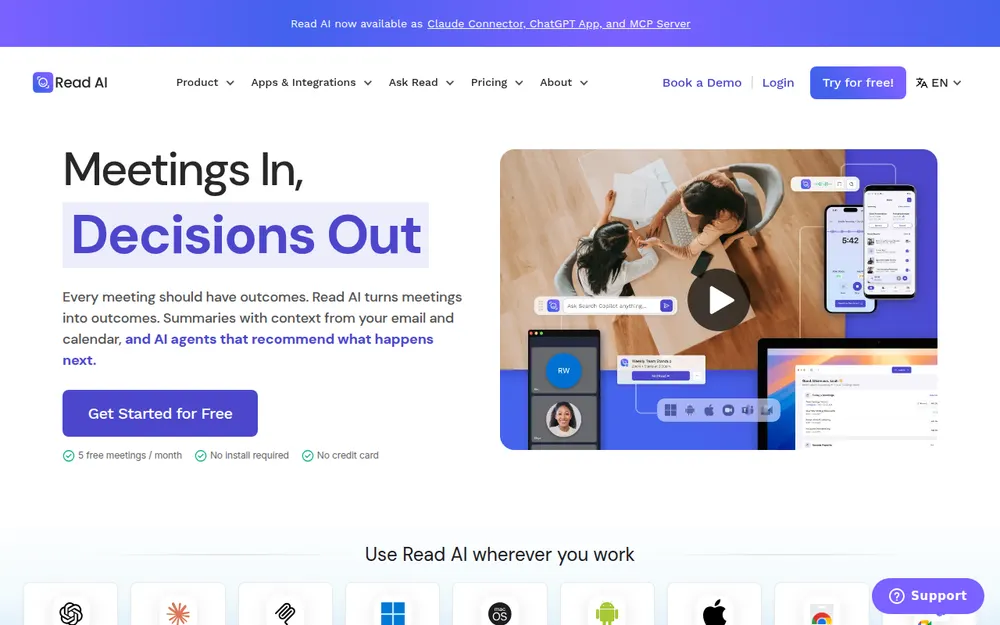
Read AI goes past notes. It scores engagement, coaches speakers and searches your email and messages.
Best for: managers who want meeting metrics and cross-app search.
- Training: "AI training is opt-in. Contributing to model improvement is off by default."
- Opt-out for guests: typing "opt out" in the meeting chat removes Read and deletes that meeting's data.
- Watch out: a bot by default, and reports spread through invites. Several universities block it. See Is Read AI safe?.
Price and rating
- Pro: $15 a month billed annually ($180 a year) or $19.75 monthly.
- Vs Voibe Work: Voibe Work is $31 (17.2%) less.
- Free: 5 meetings a month. See Read AI pricing.
- Rating: App Store 4.88/5 (1,040).
9. Fellow: Best for Team Agendas and Meeting Minutes
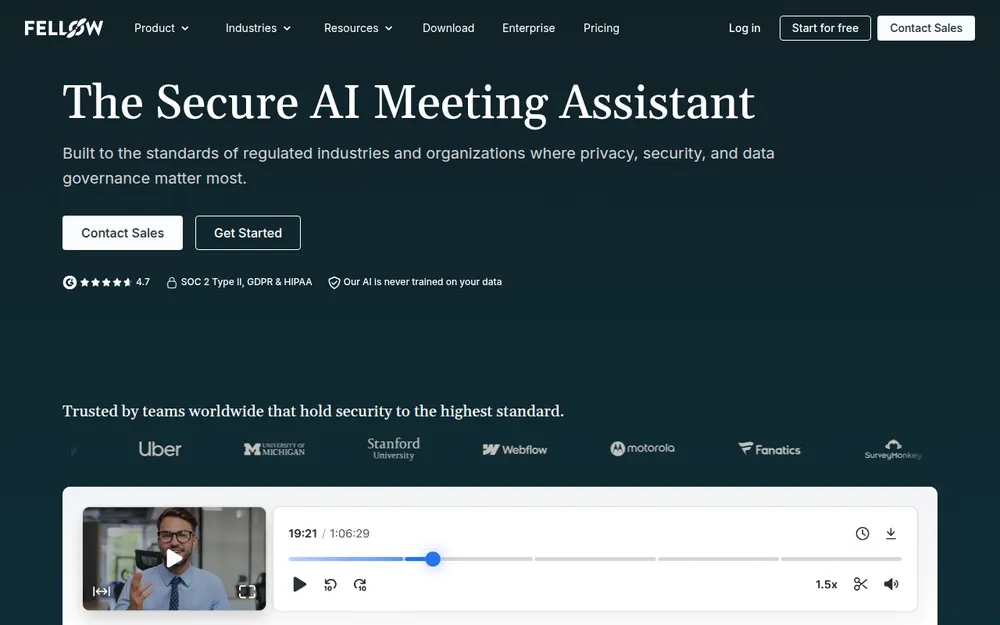
Fellow started as a meeting-agenda tool and calls itself an "AI meeting minutes app".
Best for: managers rolling one tool out across a department, with shared agendas and action items.
- Never trains: "Our AI is never trained on your data."
- Botless Recording works across Teams, Meet, Zoom, Slack huddles and in-person conversations.
- Watch out: Free gives 5 AI notes per user, lifetime. Team gives 10 a month.
Price and rating
- Team: $7 per user per month billed annually ($84 a year), $65 less than Voibe Work.
- Business: unlimited AI notes for $15 billed annually ($180).
- Vs Voibe Work: Voibe Work is $31 (17.2%) less than Business.
- Rating: Chrome Web Store 4.8/5 (63), 70,000 users.
10. Krisp: Best Noise Cancellation With Bot-Free Notes
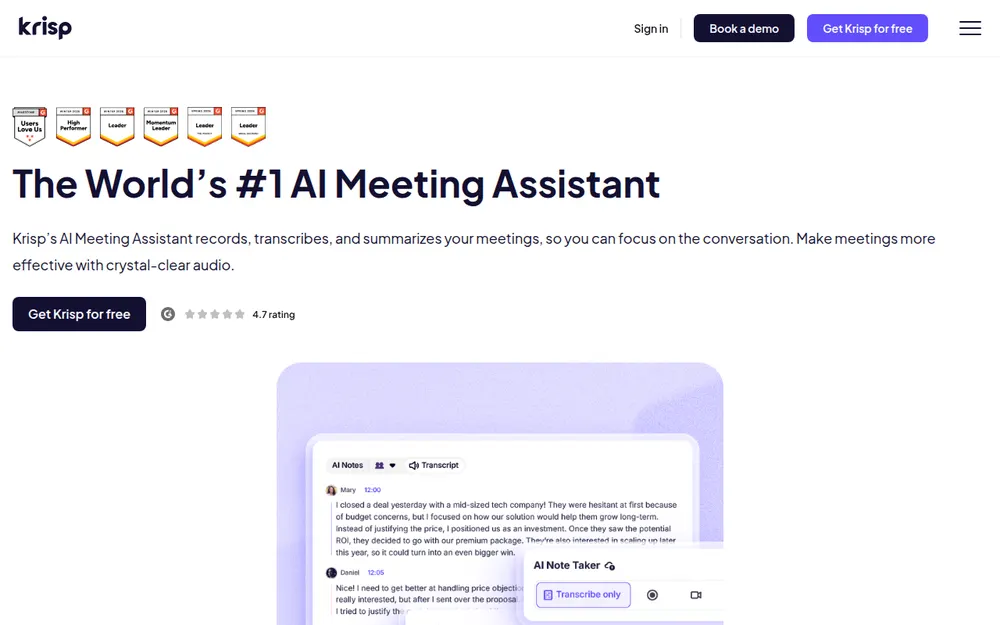
Krisp is two products in one: noise cancellation for your calls and a bot-free note taker.
Best for: people in noisy rooms who want cleaner audio and notes from one app.
- Never trains: "Your meeting data is never used to train Krisp's AI models."
- Bot-free by default, with an optional bot on every tier.
- Watch out: there's no free plan. After the 7-day trial, all access stops, noise cancellation included.
- Storage: recordings and notes sit in Krisp's cloud until you delete them.
Price and rating
- Core: $16 monthly or $8 billed annually ($96 a year), $53 less than Voibe Work.
- Advanced: $180 a year; Voibe Work is $31 (17.2%) less.
- Rating: App Store 4.73/5 (270).
Built Into Your Meeting App: Teams, Zoom and Google Meet
If every meeting happens on one platform you already pay for, its built-in AI may be enough.
The catch: each one covers only its own meetings.
Microsoft Teams: intelligent recap and Copilot
- Teams Premium adds "AI-generated notes and tasks from meetings" to intelligent recap (Microsoft Learn).
- Microsoft 365 Copilot adds Copilot in meetings.
- Where files go: recordings and transcripts land in the organizer's OneDrive or SharePoint.
- Full comparison: best AI note takers for Microsoft Teams.
Zoom: ZoomMate
- New name: Zoom's AI is now branded ZoomMate.
- Free plan: meeting summaries for 3 hosted meetings a month, and My Notes for third-party platforms 3 times a month.
- Paid plans: paid ZoomMate plans lift those limits (Zoom's ZoomMate page, checked October 29, 2026).
- Already recorded? See how to transcribe a Zoom recording.
Google Meet: Take notes for me
- Where notes go: "Take notes for me" saves notes to the organizer's Google Drive.
- Who gets it: it needs a work or school account or an eligible Google AI plan.
- Coverage: it works in eight languages and for in-person meetings.
- Consent: admins can require explicit consent, a setting that's off by default (Google Meet help).
Where the built-ins stop
None of the three reaches a call on someone else's platform.
A desktop note taker like Voibe Work fills that gap.
Best AI Note Taker for Meeting Minutes
Formal minutes aren't a summary. They're a set-format record of attendees, motions, votes, decisions and action items.
Any app here drafts them from a transcript. Four do it with less cleanup.
The tools that cut the cleanup
- Voibe Work templates: summary templates for each type of meeting. You can also create your own custom template in your minutes format.
- Voibe Work export: one-click PDF export for the minutes file. Notes stay on your computer, which suits board and committee meetings.
- Fellow: markets itself as an AI meeting minutes app, with collaborative agendas that give the minutes their structure.
- Otter and Fireflies: summary templates, plus docx and pdf export on paid plans.
- Teams, Zoom and Google Meet: fine for internal meetings held entirely on that platform.
A person still signs off
Board minutes are a legal record. The AI writes the draft; the secretary corrects it and the board approves it.
- Nonprofit boards: see our AI note takers for nonprofits, which ranks Boardable.
- Step by step: our guide to AI meeting minutes goes from transcript to approved minutes.
Other AI Note Takers Worth Knowing
- Quill Meetings: local-first, with free transcription on your computer. AI notes go to a cloud model by default.
- Bluedot: bot-free capture plus video recording, with an EU storage option.
- Notta: transcription-first. Its free plan caps conversations at 3 minutes.
- Laxis: meeting notes bundled with a voice keyboard.
- Tactiq: a free Chrome extension that transcribes Meet, Zoom and Teams in the browser.
- tl;dv: a bot, or an audio-only desktop recorder with no bot.
- Wispr Flow Notetaker: bot-free notes inside Wispr Flow, stored in Wispr's US cloud. Compared in Wispr Flow Notetaker vs Voibe Work.
- Anarlog and Meetily: open-source note takers that transcribe on your own computer. Both are in our no-bot note taker roundup.
Need verbatim transcripts more than summaries? See our best meeting transcription apps.
Already have the audio file? Our free audio-to-text tool converts it.
Best AI Note Taker by Industry and Job
The ranking shifts once a regulator, a client or a research participant is in the room.
Each guide below ranks for that job.
Regulated work: law, finance and health
| Your job | What decides it | Full guide |
|---|---|---|
| Lawyers and legal teams | Privilege, client consent and where transcripts sit | AI note takers for lawyers |
| Financial advisors | Books-and-records retention and CRM notes | AI note takers for financial advisors |
| Finance and investment teams | Where material nonpublic information goes | AI note takers for finance |
| Healthcare | A BAA on the plan you'd buy | AI note takers for healthcare |
| Therapists | State consent laws for recorded sessions | AI note takers for therapists |
Boards, research, Teams shops and verbatim needs
| Your job | What decides it | Full guide |
|---|---|---|
| Nonprofits and boards | Discounts and board minutes | AI note takers for nonprofits |
| UX researchers | Participant trust and no bot in interviews | AI note takers for user interviews |
| Microsoft Teams organizations | Copilot licences vs a desktop note taker | AI note takers for Teams |
| Anyone who needs verbatim text | Speaker labels, timestamps and export formats | meeting transcription apps |
| Secretaries and clerks | Turning a transcript into approved minutes | AI meeting minutes guide |
| Anyone whose hosts block bots | Capture from your own computer | no-bot meeting note takers |
Recording Consent: Tell Everyone Before the Note Taker Starts
A note taker records a conversation, so recording law applies.
Bot or no bot, the rule is the same: tell people.
State recording law
Per the Reporters Committee's recording guide:
- All-party consent: California, Florida, Maryland, Massachusetts, Montana, New Hampshire and Pennsylvania.
- Generally all-party: Illinois and Washington.
- One-party: most other states, including New York and Texas.
- Mixed calls: when people join from several states, follow the strictest law. Our AI notetaker consent laws by state guide covers all 50 states and late joiners.
What each tool does about it
- Bots announce themselves by joining. Read AI lets guests type "opt out".
- Fireflies' bot-free mode plays a spoken notice and adds a camera watermark.
- Google Meet admins can require explicit consent before notes start.
- Voibe Work reminds you to tell everyone when recording starts. Consent rules are your responsibility.
A line you can say
"Quick heads-up: I'm using an AI note taker so I can focus. It writes a summary for my notes. Is everyone OK with that?"
Warning
This is a summary for comparing tools, not legal advice. Check the recording law where each participant is, and your organization's policy, before recording any meeting.
How to Choose the Right AI Meeting Note Taker
Is every meeting on one platform you already license?
- Yes, all on Teams, Zoom or Meet → try the built-in AI first.
- No, or you join other people's calls → keep going.
Can a bot join your calls?
- Yes, and you want it free → Fathom.
- Yes, and you want CRM sync → Fireflies Business, or Read AI for analytics.
- Sometimes → Circleback, bot or bot-free per meeting.
- No → keep going.
Must the notes stay off the vendor's cloud?
- Yes → Voibe Work. Notes saved on your computer, $149 a year.
- No, but data must stay in the EU → Jamie.
- No → Granola for the most polished notepad.
Is price the deciding factor?
- Lowest paid year → Fellow Team ($84), Krisp Core ($96) or Otter Pro ($99.96). Check their caps.
- Unlimited meetings plus dictation → Voibe Work ($149).
Best AI Meeting Note Taker for Your Situation
When privacy or the bot decides it
| Your situation | Best choice | Why |
|---|---|---|
| Client calls where notes must stay private | Voibe Work | No bot; notes saved on your computer; never trains |
| Hosts who block meeting bots | Voibe Work or Granola | Both capture from your computer's audio |
| Mixed bot and bot-free meetings | Circleback | Choose per meeting, on every plan |
| Data must stay in the EU | Jamie | EU hosting; audio deleted; never trains |
| In-person meeting in the room | Voibe Work | Records through your computer's mic |
When price, team or features decide it
| Your situation | Best choice | Why |
|---|---|---|
| You want $0 | Fathom Free | Unlimited recordings and transcripts, with a bot |
| Sales team on HubSpot or Salesforce | Fireflies | CRM autofill and many integrations; never trains |
| Cheapest big-name paid plan | Otter Pro | $99.96 a year, with 90-minute meetings |
| Managers who want meeting metrics | Read AI | Engagement scores and coaching; training opt-in |
| Team agendas and formal minutes | Fellow | Shared agendas and action items; never trains |
| Noisy home office | Krisp | Noise cancellation plus bot-free notes |
| You also dictate emails and docs | Voibe Work | Dictation included on Mac and Windows |
Every Voibe Work row assumes you tell people you're taking notes.
Voibe reminds you to tell everyone you're taking notes when recording starts. Consent rules are your responsibility.
Frequently Asked Questions About AI Meeting Note Takers
Basics
What is an AI meeting note taker?
An AI meeting note taker records a meeting, transcribes it and summarizes decisions and action items. It captures audio one of three ways:
- A bot that joins the call.
- A desktop app on your computer. Voibe Work, Granola and Jamie skip the bot this way.
- The platform's built-in AI in Teams, Zoom or Google Meet.
What is the best AI meeting note taker?
Voibe Work is the best for most people.
- Voibe Work: no bot, notes saved on your computer, never used to train AI. $149 a year with dictation included.
- Best free: Fathom.
- Best for CRM sync: Fireflies.
- Cheapest big-name paid plan: Otter Pro, $99.96 a year.
Is an AI note taker the same as an AI meeting assistant?
Mostly. Meeting assistants are note takers with extras.
- Note takers: record, transcribe and summarize. Every tool here does that.
- Meeting assistants: Read AI and Fireflies add the most on top: analytics, CRM updates, search across email and agents.
Bots and privacy
Which AI note takers don't join the call as a bot?
Voibe Work, Granola, Jamie and Krisp capture from your computer by default.
- Bot or bot-free: Otter, Fireflies, Read AI, Fellow and Circleback offer a bot-free desktop mode alongside their bot.
- Beta only: Fathom's bot-free mode is a Mac-only beta.
Do AI note takers train on my meetings?
Some do by default.
- Yes, no opt-out found: Otter, on de-identified recordings and transcripts.
- Yes, with an opt-out: Granola and Fathom, on de-identified data.
- Never: Voibe Work, Fireflies, Circleback, Jamie, Fellow and Krisp say they never train on your meetings.
- Opt-in only: Read AI.
Where are my meeting notes stored?
Usually in the vendor's cloud.
- Mostly US servers: Granola, Otter, Fathom, Fireflies, Circleback and Read AI.
- EU servers: Jamie.
- Your computer: Voibe Work deletes meeting audio after processing and saves the transcript and summary on your device.
Pricing
What is the best free AI meeting note taker?
Fathom Free is the most generous.
- Fathom Free: unlimited recordings and transcripts, advanced summaries for 5 calls a month, and a bot by default.
- Otter Basic: 300 minutes a month.
- Granola Basic: only the last 30 days of notes.
- Voibe Free: dictation only. Meeting notes start with a 7-day Voibe Work trial.
How much does an AI meeting note taker cost?
On the cheapest paid plans, $84 to $288 per user per year.
- Under Voibe Work: Fellow Team $84, Krisp Core $96, Otter Pro $99.96, Fireflies Pro $120.
- Voibe Work: $149.
- Above it: Granola Business $168, Circleback Pro and Read AI Pro $180, Fathom Premium $192, Jamie Plus $288.
Is Voibe Work cheaper than Otter?
Not than Otter Pro.
- Vs Otter Pro ($99.96): Voibe Work ($149 a year) costs $49.04 more. Pro caps you at 1,200 minutes a month and 90 minutes per meeting.
- Vs Otter Business ($239.88): Voibe Work is $90.88 (37.9%) less, with unlimited meetings up to 4 hours each.
Minutes, consent and built-ins
Can an AI note taker write formal meeting minutes?
It can draft them. A person still makes them official.
- What AI drafts: attendees, motions, decisions and action items, from the transcript.
- What people do: the secretary corrects the draft and the group approves it.
- Less cleanup: Voibe Work's templates, including custom ones you create, plus PDF export. Fellow's agendas help too.
Do I need consent to use an AI note taker?
Often, yes.
- All-party consent: California, Florida, Maryland, Massachusetts, Montana, New Hampshire and Pennsylvania.
- Generally all-party: Illinois and Washington.
- Mixed calls: follow the strictest law on the call.
- Voibe Work: reminds you to tell everyone when recording starts. Consent rules are your responsibility.
Do Teams, Zoom and Google Meet have built-in AI note takers?
Yes, but each covers only meetings on its own platform.
- Teams: Teams Premium and Microsoft 365 Copilot add AI notes to intelligent recap.
- Zoom: the free plan summarizes 3 hosted meetings a month.
- Google Meet: "Take notes for me" saves notes to Drive.
Final Verdict: The Best AI Meeting Note Taker
Every note taker here writes a decent summary.
Pick on the bot, the storage, the training default and the price.
- Most people: Voibe Work. No bot, notes saved on your computer, never trains, dictation included. $149 a year or $399 once, Mac and Windows.
- $0 budget: Fathom Free, if a bot is acceptable.
- CRM-driven teams: Fireflies. Never trains, connects to everything.
- Polished bot-free notes in a shared cloud: Granola.
- Lowest paid price: Otter Pro, within its caps.
Try it, or bring your old plan
- Free trial: 7 days of every Voibe Work feature. No credit card, no automatic charge.
- Leaving a paid note taker? Switch to Voibe covers the time left on your old plan with Voibe Work, plus a bonus month.
- Consent: Voibe reminds you to tell everyone you're taking notes when recording starts. Consent rules are your responsibility.
Try Voibe Work free for 7 days →