

Granola vs Wispr Flow: Which One App Should Do Both Jobs?
A year ago nobody compared these two. Granola took meeting notes and Wispr Flow typed what you said. In 2026 Wispr shipped a bot-free Notetaker and Granola added free voice typing in any app. I read both companies' pricing, security and help pages on 12 November 2026, and every figure below dates from then.
The verdict: if you dictate most of the day, pick Wispr Flow. If meetings fill most of your calendar, pick Granola. Both keep meeting notes in their own US cloud. Both can train on your data by default on their cheaper plans.
A third option keeps the notes off any vendor cloud: Voibe Work, the meeting-notes plan we build. It may fit better if your calls carry client, patient or deal details. Its section below lists the gaps too.
Key takeaways
| Feature | Granola | Wispr Flow | Winner |
|---|---|---|---|
| Dictation | Free voice typing, Mac and Windows (beta) | Mac, Windows, iOS, Android; 100+ languages; snippets | Wispr Flow |
| Meeting notes | No bot; mature notetaker with integrations | No bot; Notetaker launched August 2026 | Granola |
| Free plan for both jobs | Unlimited voice typing; 30 days of meeting history | Weekly word limit; limited Notetaker | Granola |
| Paid price for both jobs | $14/mo, billed monthly only ($168/yr) | Pro $15/mo or $144/yr | Wispr Flow (yearly) |
| Where notes live | Granola's cloud on Amazon Web Services (AWS) in the US | Wispr's US cloud, no opt-out | Tie |
| AI training default | On (de-identified), opt out per user; off on Enterprise | On for Free and Pro; off on Growth and Enterprise | Tie |
| BAA (US healthcare contract) | Enterprise only | Growth and Enterprise | Wispr Flow |
| Telling participants | Chat message or video watermark on any plan | Chat notice on Wispr's Business plans only | Granola |
Key Takeaway
Granola and Wispr Flow now both offer dictation and no-bot meeting notes. Wispr Flow is the stronger dictation app; Granola is the stronger notetaker and has the more generous free plan. Both store meeting notes in their own US cloud and can train on your data by default on cheaper plans.
Granola
AI meeting notepad with no bot in the call, on Mac, Windows, iPhone and Android, now with free voice typing in any app on Mac and Windows (beta).
Basic $0 (unlimited voice typing, 30 days of meeting history); Business $14/user/mo, billed monthly only ($168/yr); Enterprise from $35/user/mo
Pros
- + Free plan includes unlimited voice typing and meeting notes
- + Mature notetaker with Attio, Notion, HubSpot, Affinity and Zapier integrations
- + Participant chat message or video watermark on every plan
- + Phone apps for in-person meetings
Cons
- - Voice typing is a desktop beta
- - Notes kept in Granola's US cloud until deleted
- - Trains on de-identified data unless each user opts out
- - BAA (US healthcare contract) and default-off training only on Enterprise (from $35/mo)
- - Business billed monthly only
Wispr Flow
Cloud dictation app for Mac, Windows, iOS and Android, now with a bot-free Notetaker on Mac and Windows.
Free (weekly limits); Pro $15/user/mo or $12/user/mo billed yearly ($144/yr); Growth + Notetaker $33/user/mo or $26 billed yearly ($312/yr); Enterprise custom
Pros
- + Full dictation app on four platforms
- + 100+ languages, snippets and per-app styles
- + Pro covers dictation and Notetaker for $144/yr
- + BAA (US healthcare contract) on Growth, cheaper than Granola Enterprise
Cons
- - Notetaker transcripts stored in Wispr's cloud with no opt-out
- - Training and dictation cloud storage on by default on Free and Pro
- - Chat consent notice needs a Business plan
- - Notetaker is new and desktop-only
Voibe Work
Dictation in any app plus meeting notes with no bot in the call, on Mac and Windows. Meeting audio is deleted after processing and the transcript and summary are saved on your computer.
Voibe Work: $19/mo, $149/yr, or $399 lifetime. Voibe Dictation: $9.90/mo, $99/yr, or $199 lifetime. Voibe Free: $0, 2,000 cloud words a week on one device
Pros
- + Meeting notes saved on your computer, never used to train AI
- + On-device dictation on Apple Silicon Macs
- + Developer Mode, Dictionary and Memory
- + $149/yr or $399 lifetime
- + BAA available on request
Cons
- - No phone app
- - No calendar-based speaker names
- - No CRM, Notion or Slack integrations
- - Meeting notes need an internet connection
What Is Granola, Now That It Types Too?
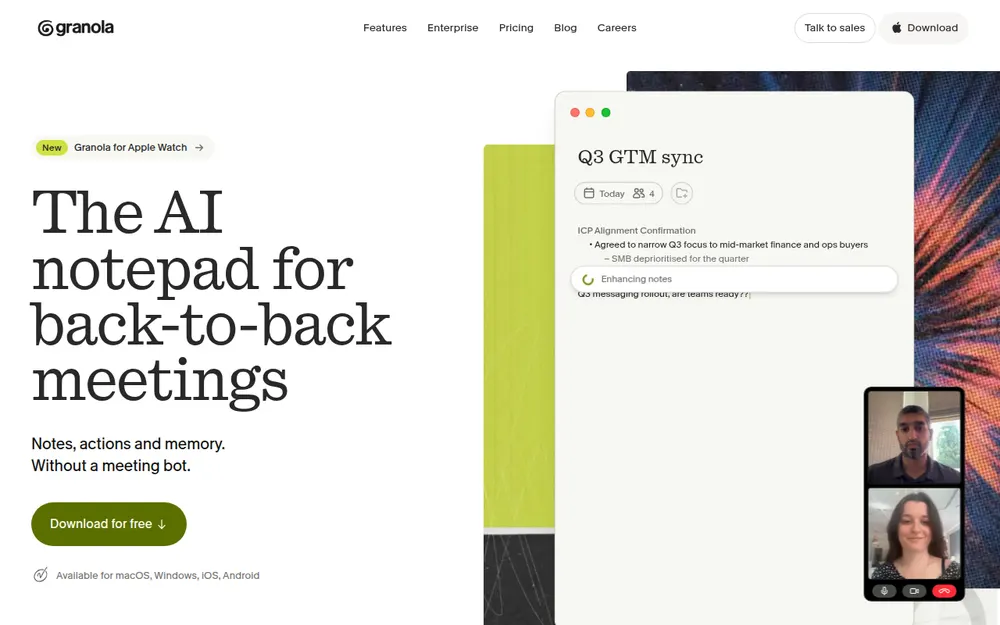
Granola is an AI notepad for meetings. You jot rough notes during a call, and it merges them with a transcript into a clean summary. Its security page says it "does not add a bot to your video call". You start it yourself for each meeting.
Granola runs on Mac, Windows, iPhone and Android, and the phone apps are built for in-person meetings.
The new part is voice typing: hold a key, speak, and Granola pastes cleaned-up text wherever your cursor is. It is free on every plan with unlimited words. The help center calls it a beta on the Mac and Windows desktop apps, with mobile coming soon.
Our Granola pricing breakdown covers every plan, and Is Granola safe? covers its privacy record.
What Is Wispr Flow, Now That It Takes Meeting Notes?
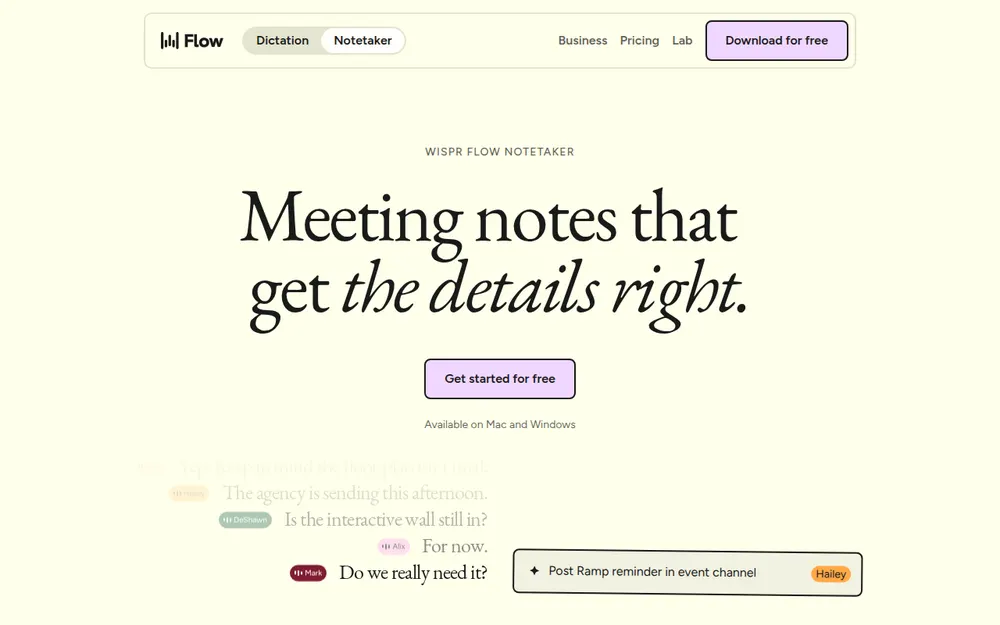
Wispr Flow is a cloud dictation app from Wispr AI in San Francisco. You hold a key, talk, and it types polished text into any app on Mac, Windows, iPhone or Android.
The new part is Notetaker, launched on Mac on 5 August 2026 and on Windows on 15 September. It records the microphone and system audio on your computer, so no bot joins the call. Its pricing page says it runs on Mac and Windows only for now.
Our Wispr Flow pricing breakdown covers the plans, and Wispr Flow Notetaker vs Voibe Work goes deep on the notetaker alone.
Dictation: Wispr Flow Is the Deeper Tool
On dictation alone, Wispr Flow wins clearly. It has been a dictation product since its Mac launch in October 2024. Granola's voice typing is a few weeks old and still marked beta.
Features, platforms and limits
| Granola voice typing | Wispr Flow | |
|---|---|---|
| Platforms | Mac and Windows desktop apps | Mac, Windows, iOS and Android; 100+ languages |
| Snippets (spoken shortcuts) | None listed in its docs | Yes: an address, a link or a bio |
| Names and jargon | Dictionary of terms up to six words long | Learned automatically, or added by you |
| Free plan | Unlimited words | Weekly word limit; Pro at $15/mo removes it |
Both clean up as you speak and let you set a style per kind of app. Granola's docs say it removes filler words, adds punctuation and turns spoken lists into bullets. One Granola dictation can run for up to 20 minutes.
What leaves your computer
Both apps send your audio to the cloud for every dictation, so both need an internet connection. Granola keeps dictation history on your device unless you turn on cloud storage, says its dictation privacy page.
Wispr's data-sharing help article describes a Dictation cloud storage switch. It keeps transcripts, audio and history on Wispr's servers. That switch and model training both default to on unless your plan restricts them.
Winner: Wispr Flow for features and platforms. Granola wins on free usage and on keeping dictation history local by default.
Meeting Notes: Granola Is the More Mature Notetaker
Granola was built for meetings, and Wispr's Notetaker is about three months old. Both capture audio on your computer, so no bot joins the call.
Capture, names and integrations
Granola works with Zoom, Meet, Teams and any other meeting app, and you start each meeting by hand. Wispr's Notetaker notices when a call starts, even one missing from your calendar. Both also handle in-person meetings, Granola through its phone apps.
Both sync Google and Outlook calendars. Wispr identifies speakers from your calendar invite, your dictionary and the conversation. Granola Business connects to Attio, Notion, HubSpot, Affinity and Zapier, and includes an API.
Both offer an MCP server, which lets Claude or ChatGPT read your notes. Granola's free plan limits it to your last 30 days. Wispr lists MCP on its free plan, and our Wispr Flow MCP guide shows the setup.
Telling the other people in the call
A meeting bot announces itself, and these apps don't. Any Granola user can switch on an automatic chat message or a video watermark. Enterprise adds Heads Up, a page participants open before joining, per Granola's help center.
Wispr's consent-notice article says its chat notice needs a Business plan plus an opt-in. It isn't available on Pro team plans.
Winner: Granola, for its integrations, its phone apps and participant notices on every plan.
Where Your Notes Live and Who Trains on Them
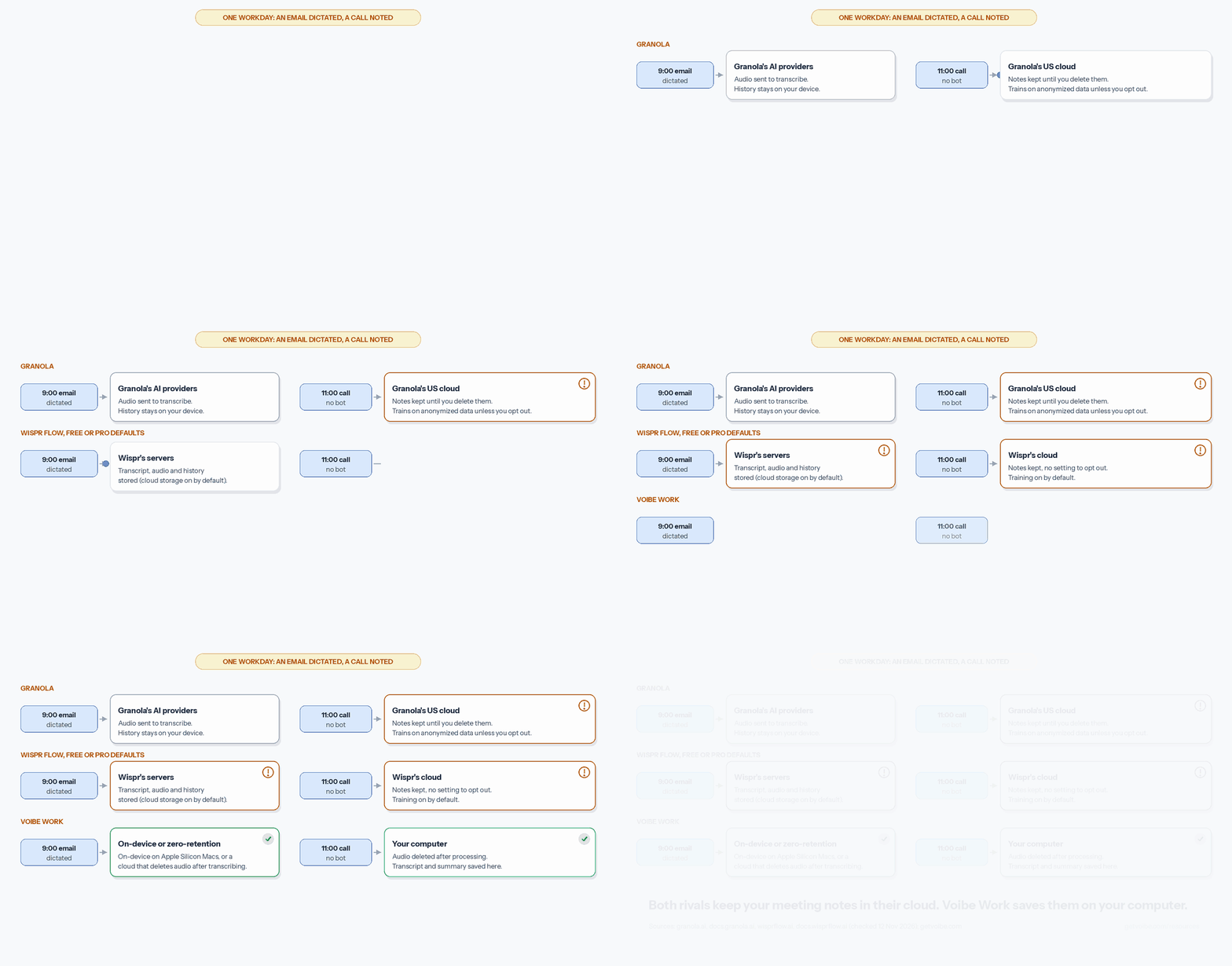
On privacy the two are closer than their marketing suggests. Both delete meeting audio and keep the written notes in their own US cloud. Both can also train on your content by default, unless you change a setting or pay for a top tier.
Storage, training and contracts
| Granola | Wispr Flow | |
|---|---|---|
| Meeting notes | AWS servers in the US; kept until you delete them | Wispr's cloud, "with no setting to opt out" |
| Meeting audio | Deleted once transcription completes | Scheduled for deletion seven days after upload |
| AI training | De-identified data, on until each user opts out; off on Enterprise | On for Free and Pro; off on Growth and Enterprise |
| BAA | Enterprise only | Growth and Enterprise |
| Audits | SOC 2 Type II | SOC 2 Type II and ISO 27001 |
Sources: Granola's security FAQ and pricing FAQ, and Wispr's healthcare help article. A BAA (business associate agreement) is the contract a US healthcare provider needs before a vendor handles patient data.
Granola also faces a proposed federal class action, explained in our Granola lawsuit explainer. For Wispr's record, read Is Wispr Flow safe?
Result: a tie. Both let individuals opt out of training on cheaper plans. To switch training off for a whole team, Wispr's Growth tier costs less than Granola Enterprise.
What Both Jobs Cost per Seat: Granola vs Wispr Flow Pricing
Granola is the cheapest way to do both jobs, because its free Basic plan includes unlimited voice typing and meeting notes. The limit is history: Basic shows only the last 30 days of meetings. On paid plans, Wispr Pro is cheaper billed yearly.
Every plan that covers dictation and meetings
| Plan | Monthly | Per year | 3 years | What you get |
|---|---|---|---|---|
| Granola Basic | $0 | $0 | $0 | Unlimited voice typing; 30 days of meeting history |
| Granola Business | $14 | $168 (monthly billing only) | $504 | Unlimited notes and history, integrations, API |
| Granola Enterprise | from $35 | from $420 | from $1,260 | Training off by default, BAA, single sign-on (SSO) for 50+ users |
| Wispr Flow Free | $0 | $0 | $0 | Weekly word limit; limited Notetaker |
| Wispr Flow Pro | $15 | $144 (billed yearly at $12/mo) | $432 | Unlimited dictation and Notetaker history |
| Wispr Growth + Notetaker | $33 | $312 (billed yearly) | $936 | Training off, BAA, SSO, unlimited Notetaker |
| Voibe Work | $19 | $149 | $399 (lifetime) | Dictation plus meeting notes saved on your computer |
Granola bills Business monthly only. Annual billing exists only on Enterprise contracts.
Granola vs Wispr Flow, paid plan against paid plan
Per month, Granola Business at $14 is $1 (6.7%) less than Wispr Pro at $15. Billed yearly, Wispr Pro at $144 is $24 (14.3%) less than Granola Business at $168. Over three years the gap grows to $72.
The privacy tiers flip the order. Wispr's Growth + Notetaker costs $312 a year with training off and a BAA available. Granola Enterprise starts at $35 a month, or $420 a year, for the same two promises.
The Third Option: Voibe Work Keeps the Notes on Your Computer
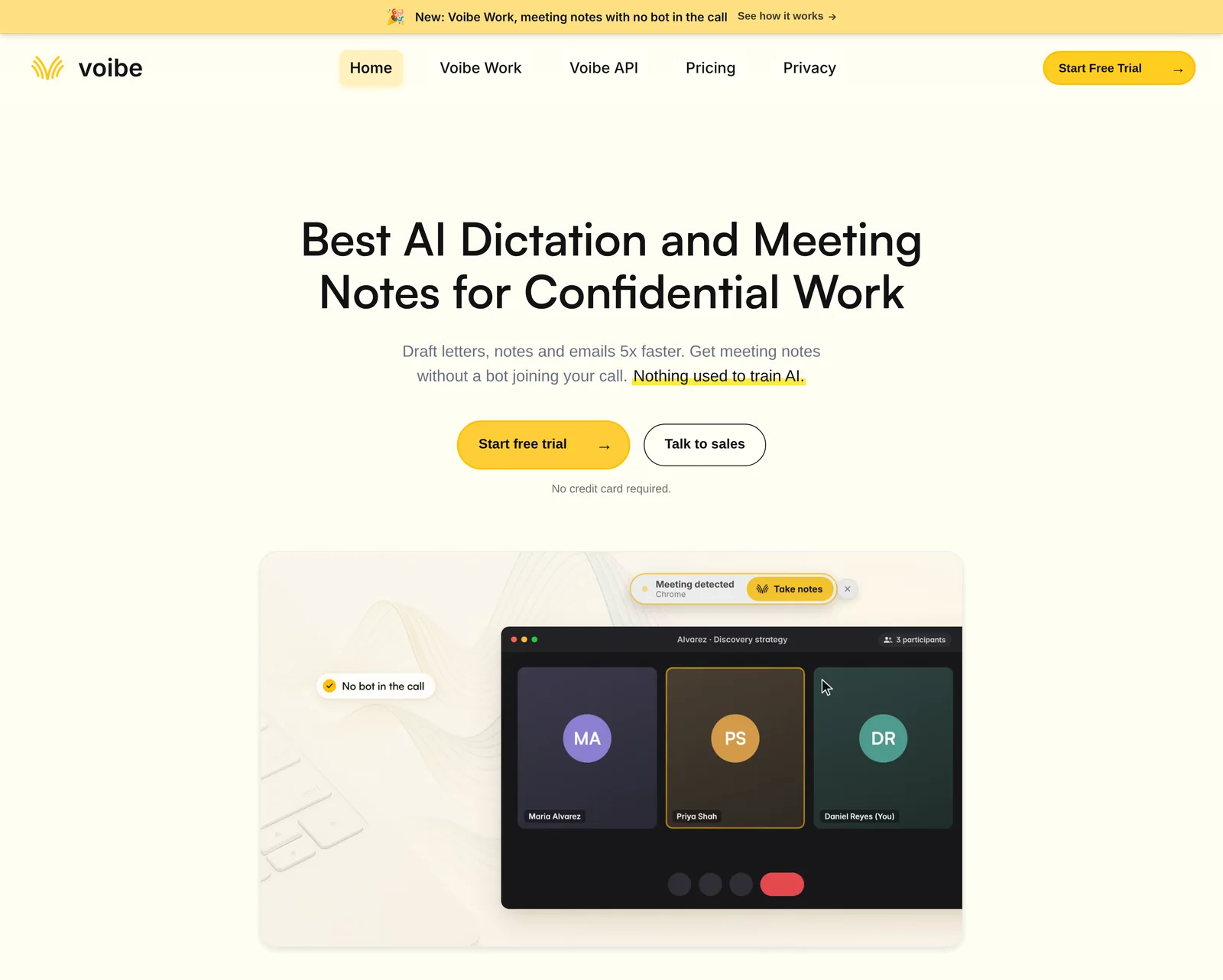
Both rivals end in the same place: your meeting notes sit in a vendor's US cloud. Voibe Work, the plan we build, does both jobs and saves the finished notes on your computer instead.
How Voibe Work handles meetings and dictation
It captures calls from your Mac or Windows PC in Zoom, Teams, Meet, Webex, Slack huddles or any other app, with no bot. It also records in-person meetings through your computer's microphone. Meeting audio goes to open-source models on zero-retention cloud providers and is deleted as soon as processing completes.
The transcript and summary are saved on your computer, not on Voibe's servers, and never train AI. Meeting notes need an internet connection. You get renamable speaker labels, a template for each type of meeting, chat with a meeting and one-click PDF export. One meeting can run for up to four hours.
Voibe reminds you to tell everyone you're taking notes. You're responsible for the recording-consent rules where you work.
Dictation works in any app on Mac and Windows. On Apple Silicon Macs it can run on-device, so nothing leaves the machine. On Windows and Intel Macs it uses the zero-retention cloud. Developer Mode, Dictionary and Memory cover coding, jargon and what Wispr calls snippets.
What it costs, and what it lacks
Voibe Work costs $19 a month, $149 a year or $399 once for lifetime. Against Granola Business, that is $5 (35.7%) more per month but $19 (11.3%) less per year. Lifetime is $105 (20.8%) less over three years.
Against Wispr Pro, Voibe Work is $4 (26.7%) more per month and $5 (3.5%) more per year. Lifetime comes in $33 (7.6%) under three years of Pro. It is $163 (52.2%) a year less than Wispr Growth + Notetaker and $271 (64.5%) less than Granola Enterprise's starting price.
The gaps are real: no phone app, no calendar-based speaker names, and no CRM, Notion or Slack integrations. Voibe Free covers dictation only, with 2,000 cloud words a week. Every new account gets a 7-day trial of every Voibe Work feature with no credit card. A BAA is available on request.
Trusted by 4,000+ professionals, including people at Netflix, NVIDIA, Amazon, Twilio, and Intercom




See Voibe Work in action
Dictation and meeting notes in one plan, with the notes on your computer
Start free on Mac or Windows. 7 days of every Voibe Work feature, no credit card required.
Which Should You Choose: Granola or Wispr Flow?
Over ten rounds, the two split 4 each with two ties, so your main job decides it. Wispr Flow takes dictation features, dictation platforms, the annual price for both jobs and BAA access. Granola takes the free plan, meeting notes, integrations and participant notices. Where notes live and training defaults are ties.
Choose Wispr Flow if:
- You dictate for hours a day and want the most complete dictation app of the two.
- You want dictation on your phone as well as your computer.
- You switch between languages often.
- Your team needs a BAA without paying for an Enterprise contract.
Choose Granola if:
- Meetings fill most of your day and dictation is occasional.
- You want notes flowing into Notion, HubSpot, Attio or Affinity.
- You want both jobs for $0 and can live with 30 days of meeting history.
- You record in-person meetings on your phone.
Choose Voibe Work if:
- Your calls carry client, patient or deal details you'd rather keep out of a vendor cloud.
- You want on-device dictation on an Apple Silicon Mac.
- You'd rather pay once, $399 for lifetime, than subscribe.
Still weighing it up? Granola alternatives ranks nine other notetakers, and privacy-focused Wispr Flow alternatives covers the dictation side.
What Users and Reviewers Say About Granola and Wispr Flow
Granola holds 4.96 out of 5 from 14,697 ratings on the App Store and 4.7 from 4.55K reviews on Google Play. Wispr Flow's keyboard app holds 4.85 from 19,494 ratings on the App Store. Its Trustpilot score was 2.7 out of 5 before Trustpilot removed the profile.
"No matter how hard I try, I cannot take and organize my notes as well as Granola," says a five-star App Store review. On Wispr Flow, a two-star review says the app often stalls waiting for an internet connection.
Voibe holds 4.8 out of 5 from 6 reviews on Product Hunt, written about the dictation app. Voibe Work has no independent reviews yet.
Frequently Asked Questions: Granola vs Wispr Flow
Basics
Does Granola do dictation now?
Yes. Its voice typing works in any app on Mac and Windows, free with unlimited words, though Granola still calls it a beta.
Does Wispr Flow take meeting notes?
Yes. Wispr Flow Notetaker launched in August 2026 and records meetings from your Mac or Windows computer with no bot.
Pricing
Which is cheaper for dictation plus meeting notes?
Granola's free Basic plan, if 30 days of meeting history is enough. On paid plans, Wispr Pro at $144 a year beats Granola Business at $168.
What does Voibe Work cost compared with Granola and Wispr Flow?
Voibe Work costs $149 a year, which is $19 less than Granola Business and $5 more than Wispr Pro.
Privacy and Security
Where do Granola and Wispr Flow store meeting notes?
Both keep them in their own US cloud. Granola keeps notes until you delete them, and Wispr offers no opt-out.
Do Granola and Wispr Flow offer a BAA?
Granola offers one on Enterprise only, and Wispr on Growth and Enterprise. Voibe Work offers a BAA on request.
Final Verdict: Granola or Wispr Flow?
Pick by the job you do most. Wispr Flow is the better dictation app with a capable new notetaker. Granola is the better notetaker with a free, still-young dictation feature.
If cost decides it, Granola's free plan does both jobs for $0, and Wispr Pro is the cheaper paid plan. If privacy decides it, neither keeps meeting notes off its own cloud.
That gap is why we built Voibe Work: dictation and no-bot meeting notes for $149 a year, with the notes saved on your computer. Try every Voibe Work feature free for 7 days with no credit card. Or read our Wispr Flow review and best no-bot meeting note takers roundup first.